wire SUZUKI JIMNY 2019 Owners Manual
[x] Cancel search | Manufacturer: SUZUKI, Model Year: 2019, Model line: JIMNY, Model: SUZUKI JIMNY 2019Pages: 421, PDF Size: 6.35 MB
Page 4 of 421
75F135
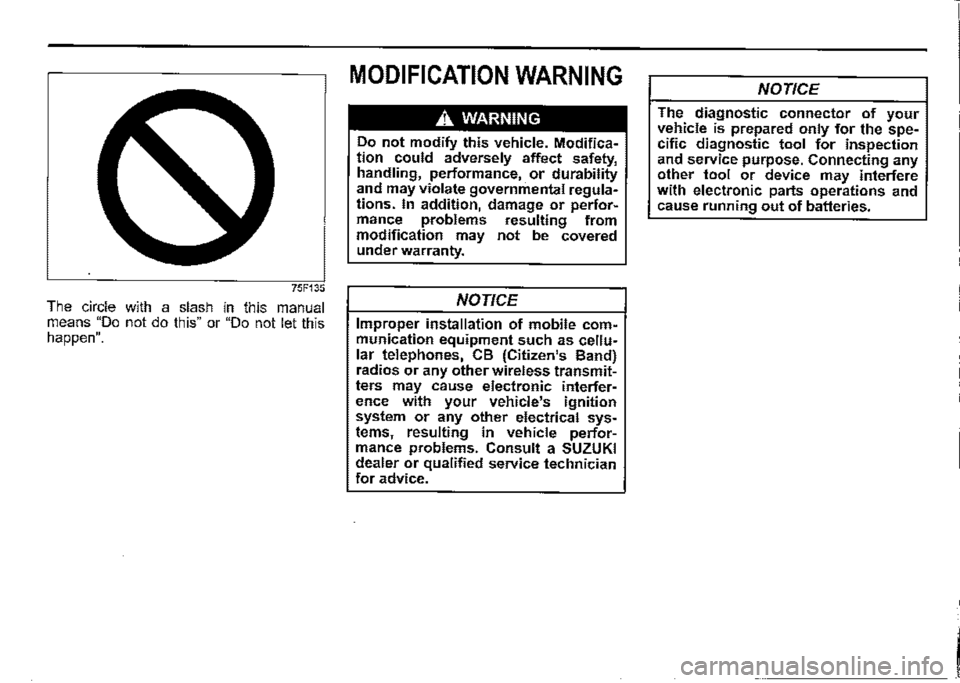
The circle with a slash in this manual means "Do not do this" or "Do not let this happen".
MODIFICATION WARNING
A WARNING
Do not modify this vehicle. Modification could adversely affect safety, handling, performance, or durability and may violate governmental regulations. In addition, damage or performance problems resulting from modification may not be covered under warranty.
NOTICE
Improper installation of mobile communication equipment such as cellular telephones, CB (Citizen's Band) radios or any other wireless transmitters may cause electronic interference with your vehicle's ignition system or any other electrical systems, resulting in vehicle performance problems. Consult a SUZUKI dealer or qualified service technician for advice.
NOTICE
The diagnostic connector of your vehicle is prepared only for the specific diagnostic tool for inspection and service purpose. Connecting any other tool or device may interfere with electronic parts operations and cause running out of batteries.
I
Page 55 of 421
The pretensioner is located in each front seat belt retractor and each rear seat belt retractor in outboard seating position. The pretensioner tightens the seat belt so the belt fits the occupant's body more snugly in the event of a frontal or side collision. The retractors will remain locked after the pretensioners are activated. Upon activation, some noise will occur and some smoke may be released. These conditions are not harmful and do not indicate a fire in the vehicle.
The driver and all passengers must be properly restrained by fastening seat belts at all times, whether or not a pretensioner is equipped at their seating position, to minimize the risk of severe injury or death in the event of a collision.
Sit fully back in the seat; sit up straight; do not lean forward or sideways. Adjust the belt so the lap portion of the belt is worn low across the pelvis, not across the waist. Please refer to "Seat adjustment" section and the instructions and precautions about the seat belts in this "Seat belts and child restraint systems" section for details on proper seat and seat belt adjustments.
Please note that the pretensioners along with the airbags will activate in severe frontal or side collisions. They are not designed to activate in rear impacts, rollovers, or minor frontal side collisions. The pretensioners can be activated only once. If the pretensioners are activated (that is, if the airbags are activated), have the pretensioner system serviced by a SUZUKI dealer as soon as possible.
FOR SAFE DRIVING
If AIRBAG light on the instrument cluster does not blink or come on briefiy when the ignition switch is turned to "ON" position, stays on for more than 1 O seconds, or comes on while driving, the pretensioner system or the airbag system may not work properly. Have both systems inspected by a SUZUKI dealer as soon as possible.
Service on or around the pretensioner system components or wiring must be performed only by a SUZUKI dealer who is specially trained. Improper service could result in unintended activation of pretensioners or could render the pretensioner inoperative. Either of these two conditions may result in personal injury.
To prevent damage or unintended activation of the pretensioners, check that the lead-acid battery is disconnected and the ignition switch has been in "LOCK" position for at least 90 seconds before performing any electrical service work on your SUZUKI vehicle.
Do not touch pretensioner system components or wiring. The wires are wrapped with yellow tape or yellow tubing, and the couplers are yellow. When scrapping your SUZUKI vehicle, ask a SUZUKI dealer, body repair shop, or scrap yard for assistance.
1-34
Page 67 of 421
A WARNING
(Continued) For vehicles with side airbags, do not use non-genuine seat covers on the front seats, because nongenuine seat covers may obstruct the inflation of side airbags. Suzuki highly recommends Suzuki-genuine seat covers to be used when covering the front seats of such vehicles with side airbags. Also, near the door, do not place cup holders, hangers or any other objects and do not lean an umbrella, as these objects could be propelled by the airbag in the event of a collision. Either of these conditions may cause severe injury. Do not strike or apply significant levels of impact to the airbag component areas. It can cause the airbags to malfunction.
Even though your vehicle is moderately damaged by a collision, it may not be severe enough to trigger front, side or side curtain airbags to inflate. If your vehicle sustains any front-end or side damage, have the airbag system inspected by a SUZUKI dealer to ensure that ii works properly.
Your vehicle is equipped with a diagnostic module which records information about the airbag system if the airbags deploy in a collision. The module records information about overall system status, and which sensors activated the deployment, and for a certain vehicle only, whether the driver's seat belt was in use.
Servicing the airbag system If the airbags inflate, have the airbags and related components replaced by a SUZUKI dealer as soon as possible.
If your vehicle ever gets in deep water and the driver's floor is submerged, the airbag controller could be damaged. If this happens, ask a SUZUKI dealer to check the airbag system as soon as possible.
FOR SAFE DRIVING
Special procedures are required for servicing or replacing an airbag. For that reason, only a SUZUKI dealer should be allowed to service or replace your airbags. Remind anyone who services your SUZUKI vehicle that it has airbags.
Service on or around airbag components or wiring must be performed only by a SUZUKI dealer. Improper service could result in unintended airbag deployment or could render the airbag inoperative. Either of these two conditions may result in severe injury.
To prevent damage or unintended inflation of the airbag system, check that the leadacid battery is disconnected and the ignition switch has been in "LOCK" position for at least 90 seconds before performing any electrical service work on your SUZUKI vehicle. Do not touch airbag system components or wires. The wires are wrapped with yellow tape or yellow tubing, and the couplers are yellow for easy identification.
Scrapping a vehicle that has an uninflated airbag can be hazardous. Ask a SUZUKI dealer, body repair shop or scrap yard for help with disposal.
1-46
Page 232 of 421
DRIVING TIPS
Catalytic converter
78RB04003
The purpose of the catalytic converter is to minimize the amount of harmful pollutants in your vehicle's exhaust. Use of lead".d fuel in vehicles equipped with catalytic converters is prohibited, because lead deactivates the pollutant-reducing components of the catalyst system.
The converter is designed to last the life of the vehicle under normal usage and when unleaded fuel is used. No special maintenance is required on the converter. However, it is very important to keep the engine properly tuned. Engine misfiring, which can result from an improperly tuned engine, may cause overheating of the catalytic converter. This may result in permanent
4-9
heat damage to the catalytic converter and other vehicle components.
NOTICE
To mm,m,ze the possibility of catalytic converter or other vehicle damage: • Maintain the engine in the proper operating condition. In the event of an engine malfunction, particularly one involving engine misfire or other apparent loss of performance, have the vehicle serviced promptly. • Do not turn off the engine or inter
rupt the ignition when the t(ans~i~sion is in gear and the vehicle 1s m motion. Do not try to start the engine by pushing or towing the vehicle, or coasting down a hill. Do not idle the engine with any spark plug wires disconnected or removed, such as during diagnostic testing. • Do not idle the vehicle for prolonged periods if idling seems rough or there are other malfunctions. Do not allow the fuel tank to get near the empty level.
A. WARNING
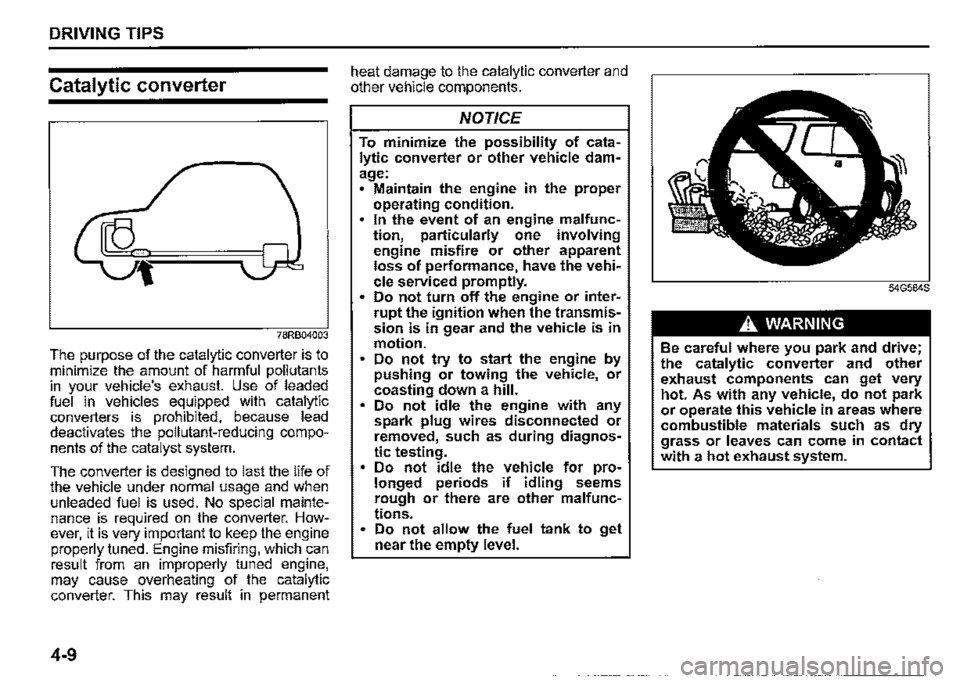
Be careful where you park and drive; the catalytic converter and other exhaust components can get very hot. As with any vehicle, do not park or operate this vehicle in areas where combustible materials such as dry grass or leaves can come in contact with a hot exhaust system.
Page 265 of 421

Radio antenna
Type A
63J055
Type B
61MMOA113
OTHER CONTROLS AND EQUIPMENT
The radio antenna on the roof is removable. To remove the antenna, turn it counterclockwise. To reinstall the antenna, turn it clockwise firmly by hand.
NOTICE
To avoid damage to the radio antenna: Remove the antenna when using an automatic car wash. • Remove the antenna when the antenna hits anything such as a low ceiling in a parking garage or putting a car cover over your vehicle.
Installation of radio frequency
transmitters
NOTE: When you intend to use Radio Frequency (RF) transmitting equipment in your vehicle, refer to "Installation of Radio Frequency (RF) Transmitting Equipment" in the end of this book.
NOTICE
Improper installation of mobile communication equipment such as cellular telephones, CB (Citizen's Band) radios or any other wireless transmitters may cause electronic interference with your vehicle's ignition system or any other electrical systems resulting in vehicle performance problems. Consult a SUZUKI dealer or qualified service technician for advice.
5-30
Page 270 of 421
OTHER CONTROLS AND EQUIPMENT
0 Bluetooth"
The Bluetooth® word mark and logo are
registered trademarks and are owned by
the Bluetooth SIG, Ink.
Stop using this unit and a Bluetooth®
ready device whenever requested.
This unit shares the communication fre
quency with other private or public wireless
communication equipment such as a wire
less LAN and other wireless communica
tion radios.
You should stop using this unit whenever
you are notified that your unit disturbs
other wireless communication immediately.
5-35
CE:
Access to http://www.ptc.panasonic.eu/,
enter the below
Model No. into the keyword search box,
you can download the latest "DECLARA
TION of CONFORMITY" (DoC).
Set No. AZ1601
Page 273 of 421
Stop using this unit and a Bluetooth®
ready device whenever requested.
This unit shares the communication fre
quency with other private or public wireless
communication equipment such as a wire
less LAN and other wireless communica
tion radios.
You should stop using this unit whenever
you are notified that your unit disturbs
other wireless communication immediately.
OTHER CONTROLS AND EQUIPMENT
NOTE:
These limits are designed to provide rea
sonable protection against harmful interfer
ence in a residential installation. This
equipment generates, uses and can radi
ate radio frequency energy and, if not
installed and used in accordance with the
instructions, may cause harmful interfer
ence to radio communications. However,
there is no guarantee that interference will
not occur in a particular installation. If this
equipment does cause harmful interfer
ence to radio or television reception, which
can be determined by turning the equip
ment off and on, the user is encouraged to
try to correct the interference by one or
more of the following measures:
Reorient or relocate the receiving anten
na.
Increase the separation between the
equipment and receiver.
Connect the equipment into an outlet on
a circuit different from that to which the
receiver is connected.
Consult the dealer or an experienced
radio/TV technician for help.
This transmitter must not be co-located
or operated in conjunction with any other
antenna or transmitter.
5-38
Page 277 of 421
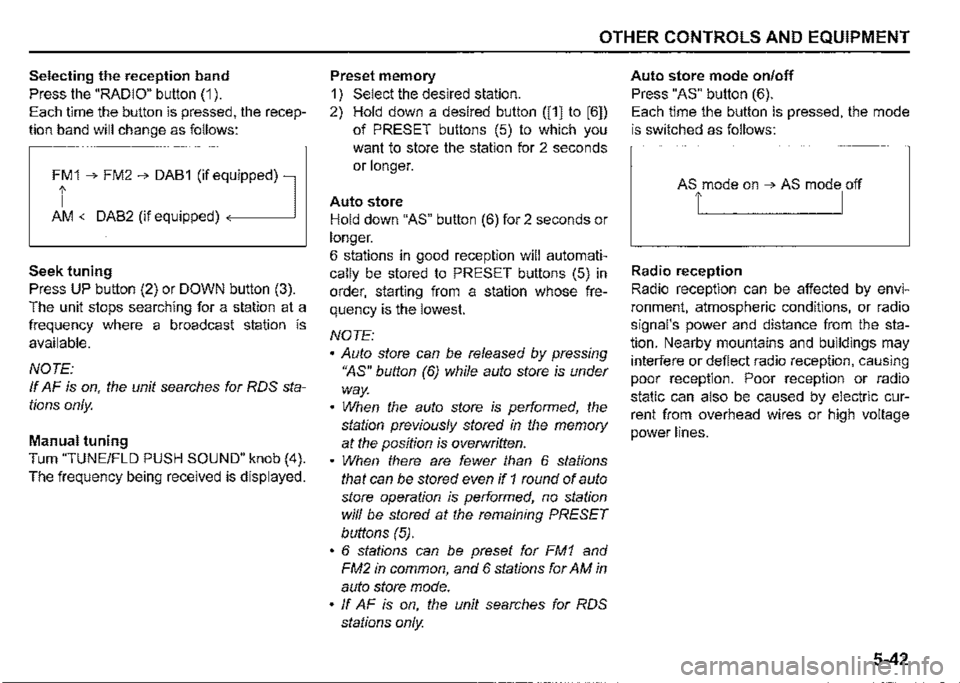
Selecting the reception band
Press the "RADIO" button (1 ).
Each time the button is pressed, the recep
tion band will change as follows:
Ff 1 ➔ FM2 ➔ DAB1 (if eq,uipped) l
AM <-DAB2 (if equipped)
Seek tuning
Press UP button (2) or DOWN button (3).
The unit stops searching for a station at a
frequency where a broadcast station is
available.
NOTE:
If AF is on, the unit searches for RDS sta
tions only.
Manual tuning
Turn "TUNE/FLO PUSH SOUND" knob (4).
The frequency being received is displayed.
OTHER CONTROLS AND EQUIPMENT
Preset memory
1) Select the desired station.
2) Hold down a desired button ([1] to [6])
of PRESET buttons (5) to which you
want to store the station for 2 seconds
or longer.
Auto store
Hold down "AS" button (6) for 2 seconds or
longer.
6 stations in good reception will automati
cally be stored to PRESET buttons (5) in
order, starting from a station whose fre
quency is the lowest.
NOTE:
• Auto store can be released by pressing
"AS" button (6) while auto store is under
way.
• When the auto store is performed, the
station previously stored in the memory
at the position is overwritten.
• When there are fewer than 6 stations
that can be stored even if 1 round of auto
store operation is performed, no station
will be stored at the remaining PRESET
buttons (5).
• 6 stations can be preset for FM1 and
FM2 in common, and 6 stations for AM in
auto store mode.
• ff AF is on, the unit searches for RDS
stations only.
Auto store mode on/off
Press "AS" button (6).
Each time the button is pressed, the mode
is switched as follows:
Radio reception
Radio reception can be affected by envi
ronment, atmospheric conditions, or radio
signal's power and distance from the sta
tion. Nearby mountains and buildings may
interfere or deflect radio reception, causing
poor reception. Poor reception or radio
static can also be caused by electric cur
rent from overhead wires or high voltage
power lines.
5-42
Page 279 of 421
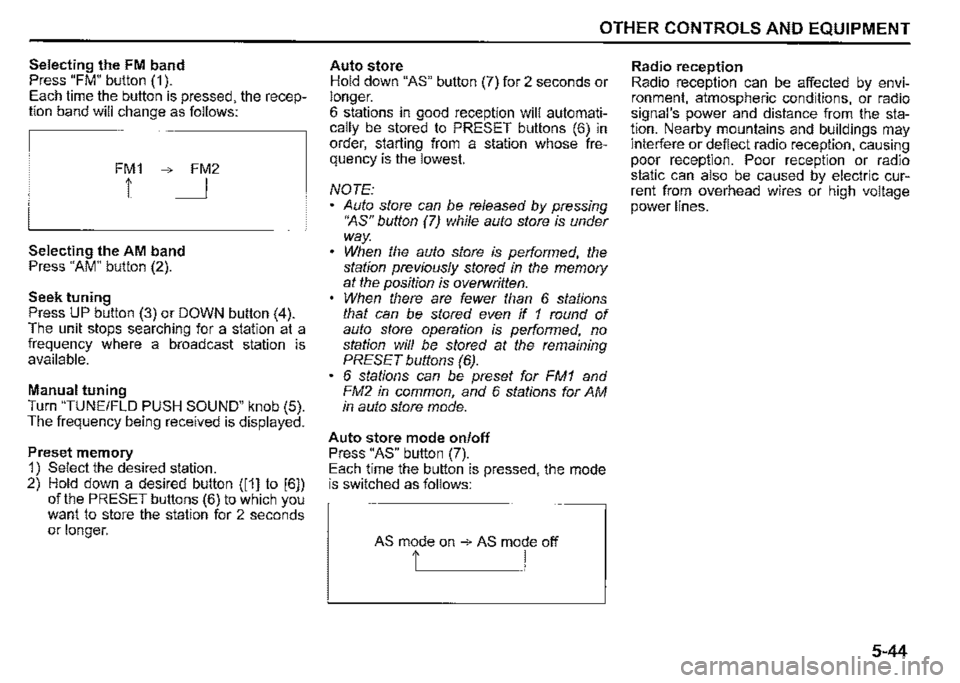
Selecting the FM band Press "FM" button (1 ). Each time the button is pressed, the reception band will change as follows:
FM1 ➔ FM2
1 I
Selecting the AM band Press "AM" button (2).
Seek tuning Press UP button (3) or DOWN button (4). The unit stops searching for a station at a frequency where a broadcast station is available.
Manual tuning Turn "TUNE/FLO PUSH SOUND" knob (5). The frequency being received is displayed.
Preset memory 1) Select the desired station. 2) Hold down a desired button ([1] to [6]) of the PRESET buttons (6) to which you want to store the station for 2 seconds or longer.
OTHER CONTROLS AND EQUIPMENT
Auto store Hold down "AS" button (7) for 2 seconds or longer. 6 stations in good reception will automatically be stored to PRESET buttons (6) in order, starting from a station whose frequency is the lowest.
NOTE: Auto store can be released by pressing •~s" button (7) while auto store is under way. When the auto store is performed, the station previously stored in the memory at the position is overwritten. When there are fewer than 6 stations that can be stored even if 1 round of auto store operation is performed, no station will be stored at the remaining PRESET buttons (6). 6 stations can be preset for FM1 and FM2 in common, and 6 stations for AM in auto store mode.
Auto store mode on/off Press "AS" button (7). Each time the button is pressed, the mode is switched as follows:
AS mode on ➔ AS mode off
t I
Radio reception Radio reception can be affected by environment, atmospheric conditions, or radio signal's power and distance from the station. Nearby mountains and buildings may interfere or deflect radio reception, causing poor reception. Poor reception or radio static can also be caused by electric current from overhead wires or high voltage power lines.
5-44
Page 295 of 421
![SUZUKI JIMNY 2019 Owners Manual Playing mode selection 1) Press the button numbered [6] of PRESET buttons (8) for 1 second or longer. 2) Turn TUNE/FLD PUSH SOUND" knob (2). Each time the knob is turned, the mode will change as fo](/img/20/43483/w960_43483-294.png "SUZUKI JIMNY 2019 Owners Manual Playing mode selection 1) Press the button numbered [6] of PRESET buttons (8) for 1 second or longer. 2) Turn TUNE/FLD PUSH SOUND\" knob (2). Each time the knob is turned, the mode will change as fo")
Playing mode selection 1) Press the button numbered [6] of PRESET buttons (8) for 1 second or longer. 2) Turn 'TUNE/FLD PUSH SOUND" knob (2). Each time the knob is turned, the mode will change as follows:
PLAYLIST<--·-~
,J, ARTIST ,J, ALBUM
,I, SONGS
,I, PODCAST ,I, GENRE ,I, AUDIOBOOK
3) Press "TUNE/FLD PUSH SOUND" knob (2) to select the desired mode.
NOTE: When the button numbered [6] of PRESET buttons /8) is pressed, the previous mode will be displayed.
OTHER CONTROLS AND EQUIPMENT
Notes on iPod
Made for iPod iPod touch (6th generation) iPod touch (5th generation) iPod touch (4th generation) iPod touch (3rd generation) iPod touch (2nd generation) iPod touch (1 st generation) iPod classic iPod nano (7th generation) iPod nano (6th generation) iPod nano (5th generation) iPod nano (4th generation) iPod nano (3rd generation) iPod nano (2nd generation) iPod nano (1st generation) iPod (5th generation) iPhone 6S Plus iPhone 6S iPhone 6 Plus iPhone 6 iPhone 5S iPhone 5C iPhone 5 iPhone 4S iPhone 4 iPhone 3GS iPhone 3G • iPhone • Some functions may not be available depending on the model of iPod.
iPod
Made for
• iPhone I iPod
53S610504
Use of the Made for Apple badge means that an accessory has been designed to connect specifically to the Apple product(s) identified in the badge, and has been certified by the developer to meet Apple performance standards. Apple is not responsible for the operation of this device or its compliance with safety and regulatory standards. Please note that the use of this accessory with an Apple product may affect wireless performance. Apple, iPod touch, iPod classic, iPod nano, iPhone, and Lightning are trademarks of Apple Inc., registered in the U.S. and other countries.
5-60