lights TESLA MODEL 3 2020 s User Guide
[x] Cancel search | Manufacturer: TESLA, Model Year: 2020, Model line: MODEL 3, Model: TESLA MODEL 3 2020Pages: 220, PDF Size: 9.65 MB
Page 69 of 220
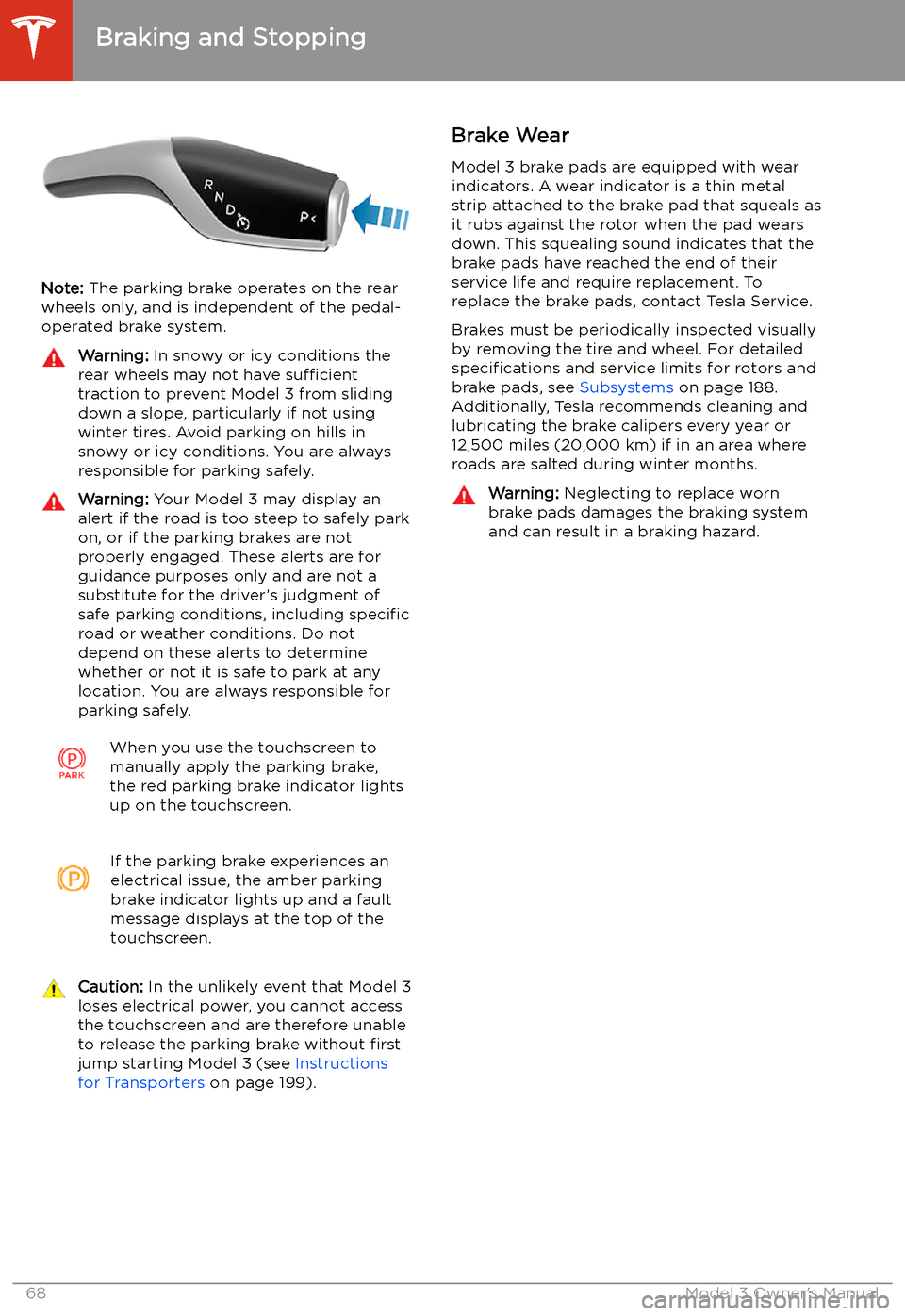
Note: The parking brake operates on the rear
wheels only, and is independent of the pedal-
operated brake system.
Warning: In snowy or icy conditions the
rear wheels may not have sufficient
traction to prevent Model 3 from sliding
down a slope, particularly if not using winter tires. Avoid parking on hills in
snowy or icy conditions. You are always responsible for parking safely.Warning: Your Model 3 may display an
alert if the road is too steep to safely park
on, or if the parking brakes are not
properly engaged. These alerts are for
guidance purposes only and are not a
substitute for the driver’s judgment of safe parking conditions, including specific
road or weather conditions. Do not
depend on these alerts to determine
whether or not it is safe to park at any location. You are always responsible for
parking safely.When you use the touchscreen to
manually apply the parking brake,
the red parking brake indicator lights
up on the touchscreen.If the parking brake experiences an
electrical issue, the amber parking brake indicator lights up and a fault
message displays at the top of the
touchscreen.Caution: In the unlikely event that Model 3
loses electrical power, you cannot access
the touchscreen and are therefore unable to release the parking brake without first
jump starting Model 3 (see Instructions
for Transporters on page 199).Brake Wear
Model 3 brake pads are equipped with wear indicators. A wear indicator is a thin metal
strip attached to the brake pad that squeals as
it rubs against the rotor when the pad wears
down. This squealing sound indicates that the
brake pads have reached the end of their service life and require replacement. To
replace the brake pads, contact Tesla Service.
Brakes must be periodically inspected visually by removing the tire and wheel. For detailed
specifications and service limits for rotors and
brake pads, see Subsystems on page 188.
Additionally, Tesla recommends cleaning and
lubricating the brake calipers every year or
12,500 miles (20,000 km) if in an area where
roads are salted during winter months.Warning: Neglecting to replace worn
brake pads damages the braking system
and can result in a braking hazard.
Braking and Stopping
68Model 3 Owner
Page 105 of 220
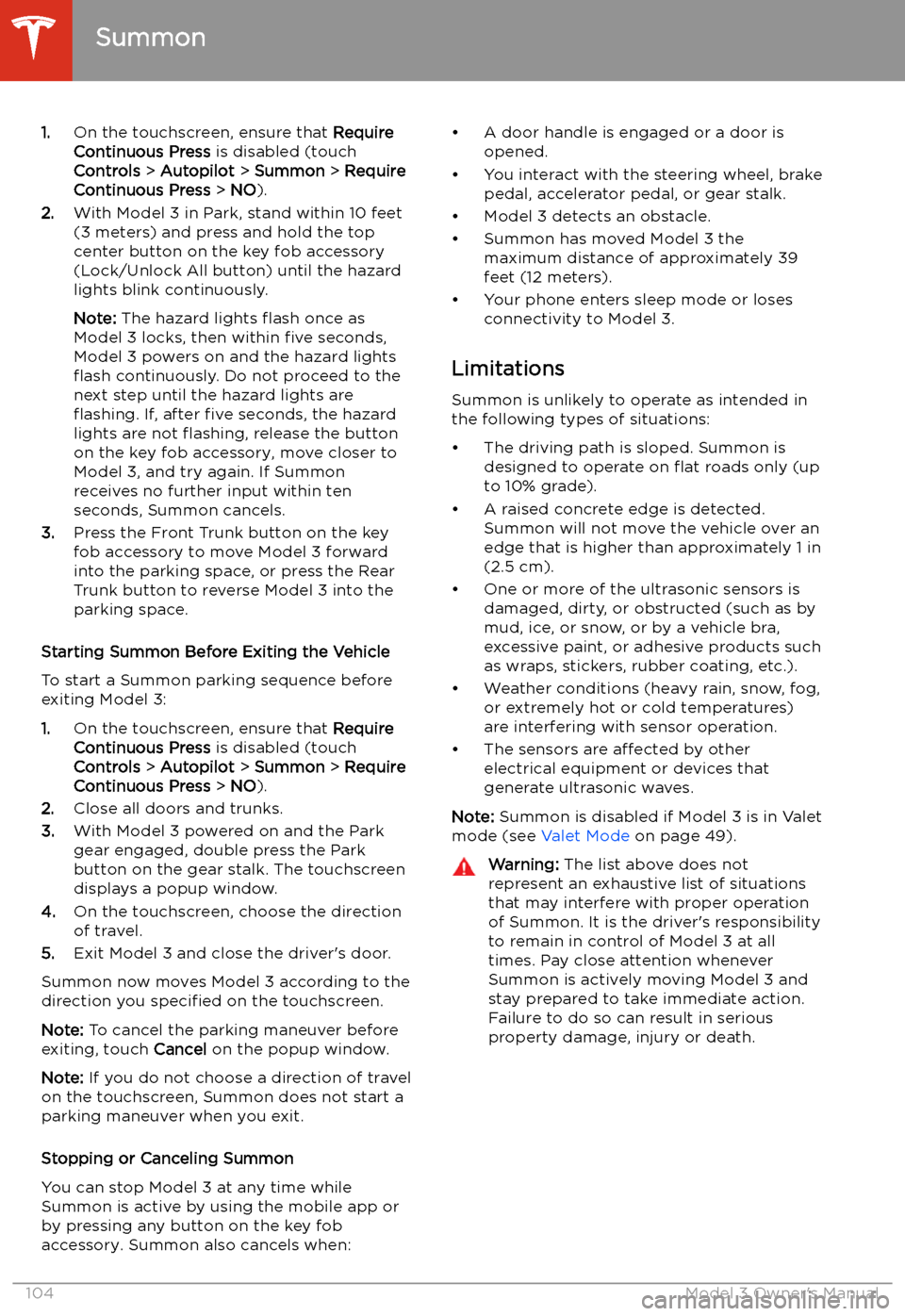
1.On the touchscreen, ensure that Require
Continuous Press is disabled (touch
Controls > Autopilot > Summon > Require
Continuous Press > NO ).
2. With Model 3 in Park, stand within 10 feet
(3 meters) and press and hold the top
center button on the key fob accessory
(Lock/Unlock All button) until the hazard
lights blink continuously.
Note: The hazard lights
Page 110 of 220
Warning: Keep your hands on the steering
wheel at all times. If the vehicle senses your hands are not on the steering wheel,Model 3 sounds a chime and the hazard
warning lights
Page 144 of 220
Security Settings
About the Security System
If Model 3 does not detect an authenticated
phone, key fob, or key card and a locked door
or trunk is opened, an alarm sounds and the
headlights and turn signals
Page 214 of 220
Index
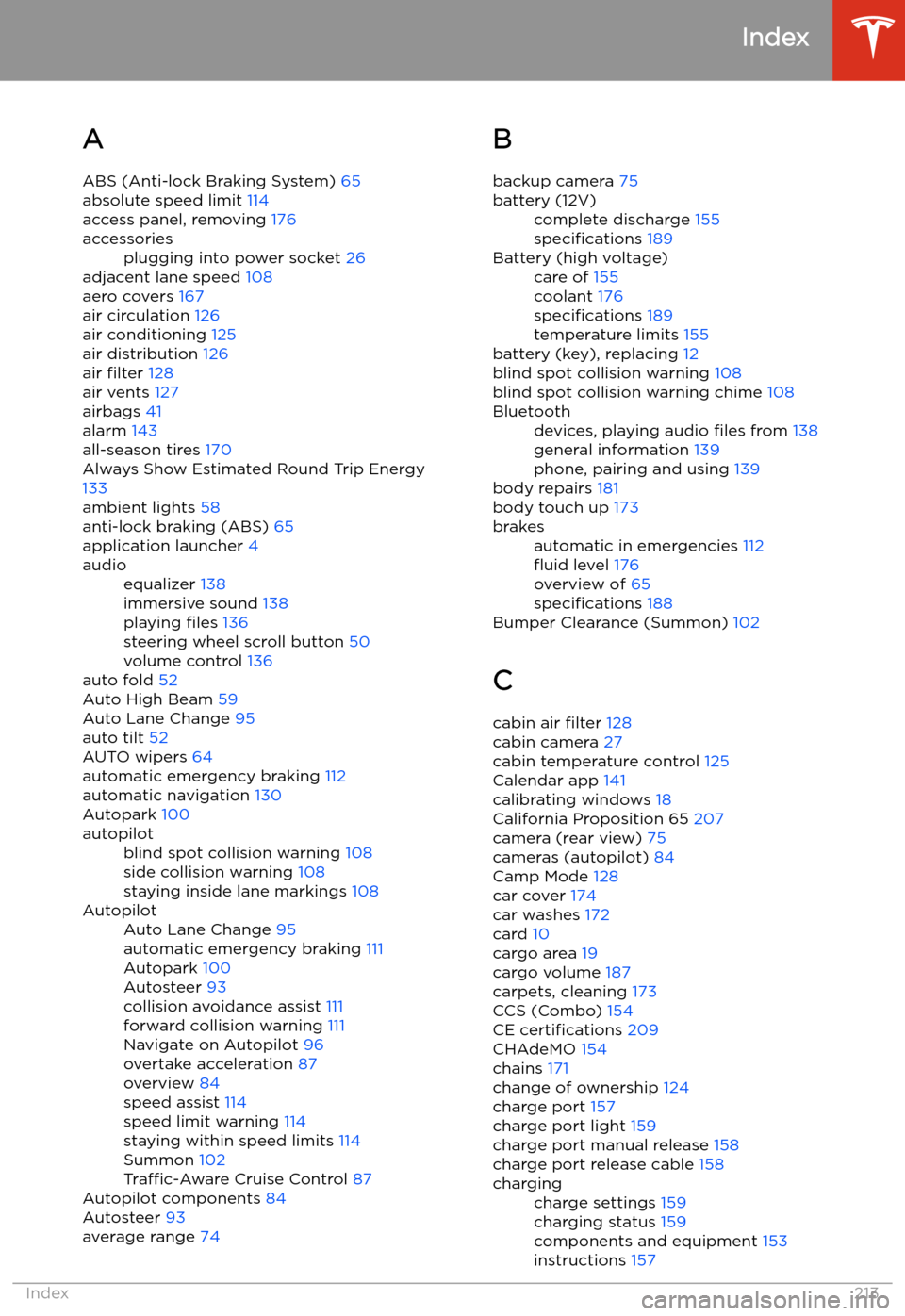
A ABS (Anti-lock Braking System) 65
absolute speed limit 114
access panel, removing 176
accessoriesplugging into power socket 26
adjacent lane speed 108
aero covers 167
air circulation 126
air conditioning 125
air distribution 126
air filter 128
air vents 127
airbags 41
alarm 143
all-season tires 170
Always Show Estimated Round Trip Energy
133
ambient lights 58
anti-lock braking (ABS) 65
application launcher 4
audioequalizer 138
immersive sound 138
playing files 136
steering wheel scroll button 50
volume control 136
auto fold
52
Auto High Beam 59
Auto Lane Change 95
auto tilt 52
AUTO wipers 64
automatic emergency braking 112
automatic navigation 130
Autopark 100
autopilotblind spot collision warning 108
side collision warning 108
staying inside lane markings 108AutopilotAuto Lane Change 95
automatic emergency braking 111
Autopark 100
Autosteer 93
collision avoidance assist 111
forward collision warning 111
Navigate on Autopilot 96
overtake acceleration 87
overview 84
speed assist 114
speed limit warning 114
staying within speed limits 114
Summon 102
Traffic-Aware Cruise Control 87
Autopilot components 84
Autosteer 93
average range 74
B
backup camera 75battery (12V)complete discharge 155
specifications 189Battery (high voltage)care of 155
coolant 176
specifications 189
temperature limits 155
battery (key), replacing 12
blind spot collision warning 108
blind spot collision warning chime 108
Bluetoothdevices, playing audio files from 138
general information 139
phone, pairing and using 139
body repairs 181
body touch up 173
brakesautomatic in emergencies 112
Page 215 of 220
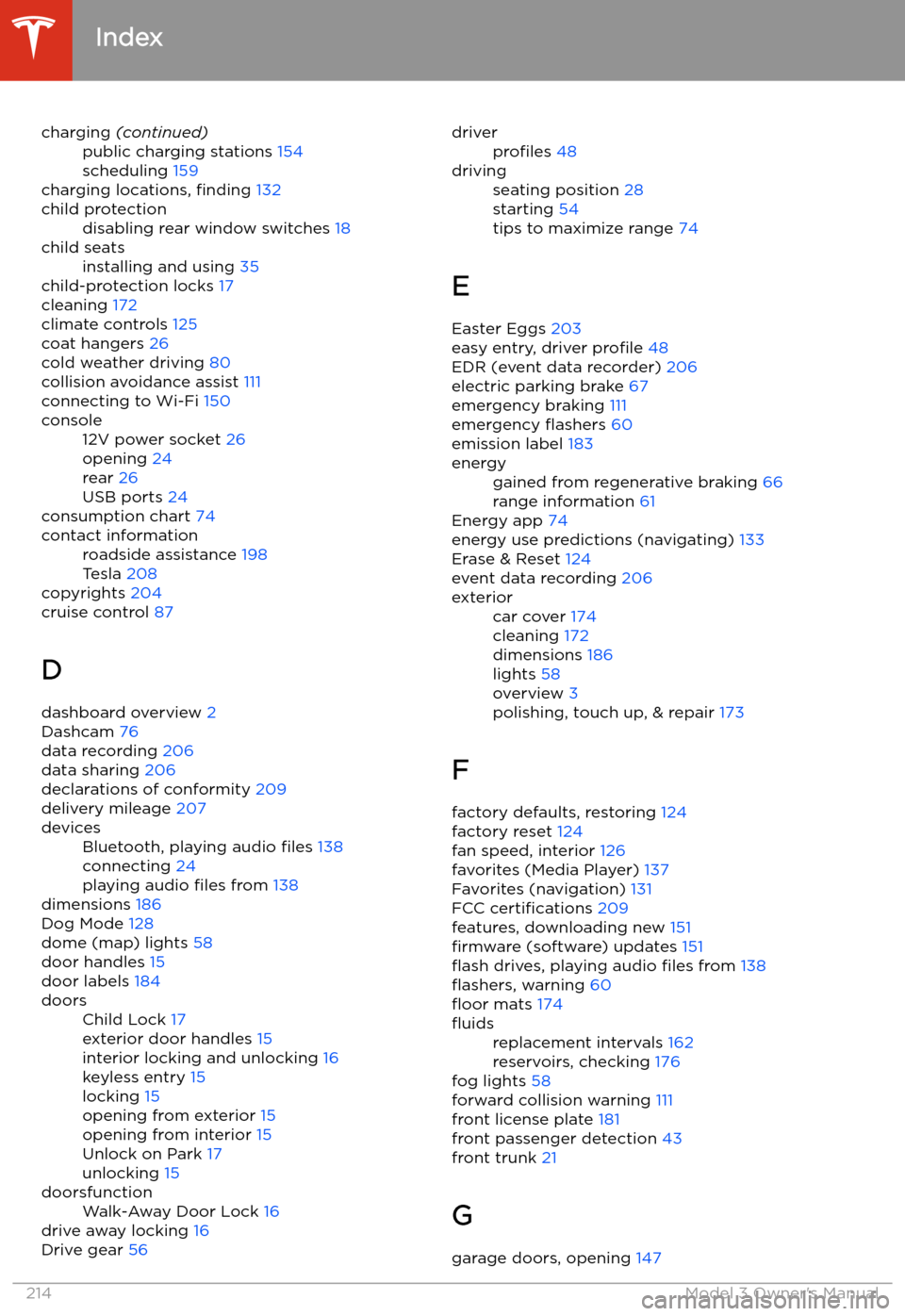
charging (continued)public charging stations 154
scheduling 159
charging locations, finding 132
child protectiondisabling rear window switches 18child seatsinstalling and using 35
child-protection locks 17
cleaning 172
climate controls 125
coat hangers 26
cold weather driving 80
collision avoidance assist 111
connecting to Wi-Fi 150
console12V power socket 26
opening 24
rear 26
USB ports 24
consumption chart 74
contact informationroadside assistance 198
Tesla 208
copyrights 204
cruise control 87
D dashboard overview 2
Dashcam 76
data recording 206
data sharing 206
declarations of conformity 209
delivery mileage 207
devicesBluetooth, playing audio files 138
connecting 24
playing audio files from 138
dimensions 186
Dog Mode 128
dome (map) lights 58
door handles 15
door labels 184
doorsChild Lock 17
exterior door handles 15
interior locking and unlocking 16
keyless entry 15
locking 15
opening from exterior 15
opening from interior 15
Unlock on Park 17
unlocking 15doorsfunctionWalk-Away Door Lock 16
drive away locking 16
Drive gear 56
driverprofiles 48drivingseating position 28
starting 54
tips to maximize range 74
E
Easter Eggs 203
easy entry, driver profile 48
EDR (event data recorder) 206
electric parking brake 67
emergency braking 111
emergency
Page 218 of 220
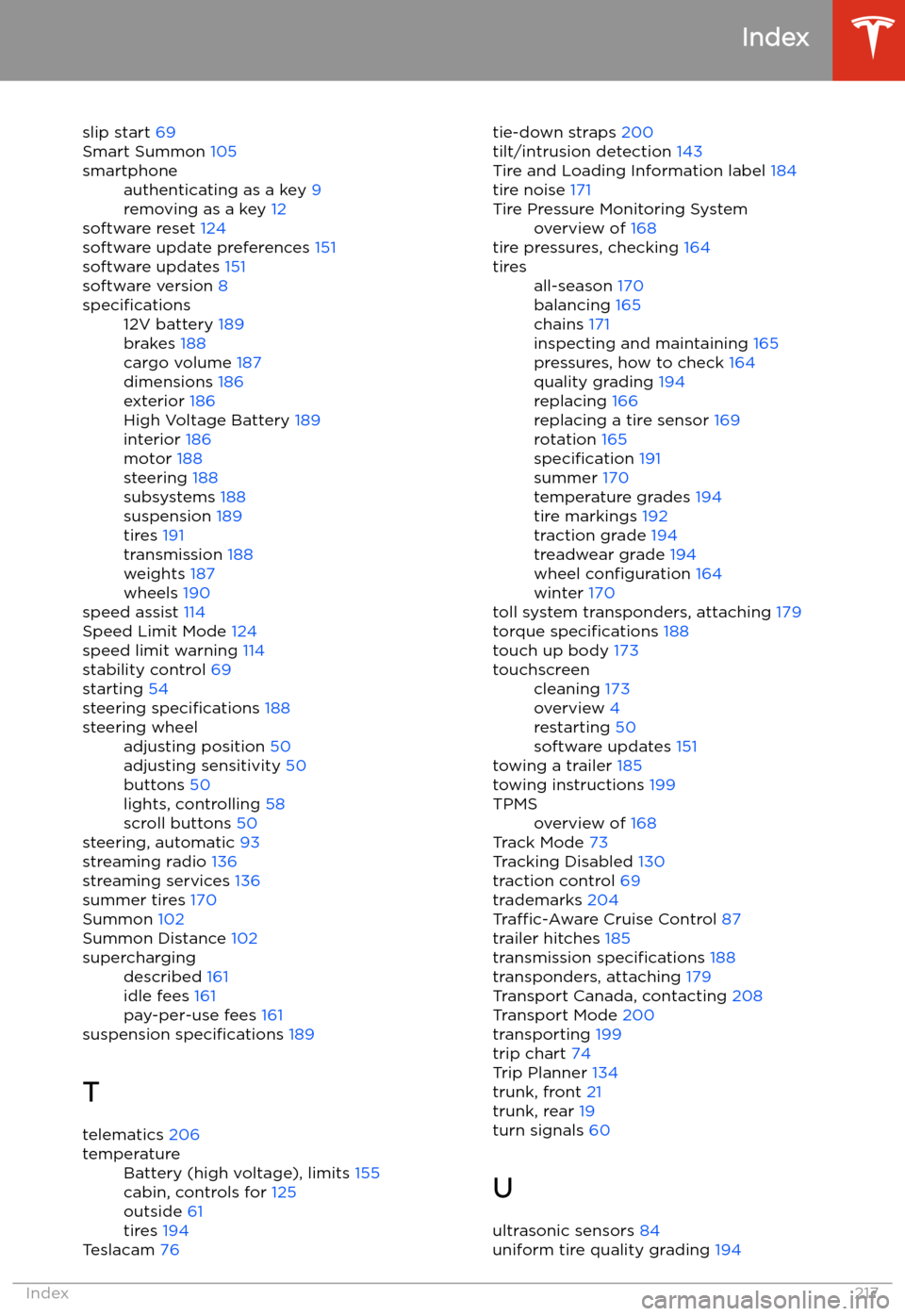
slip start 69
Smart Summon 105smartphoneauthenticating as a key 9
removing as a key 12
software reset 124
software update preferences 151
software updates 151
software version 8
specifications12V battery 189
brakes 188
cargo volume 187
dimensions 186
exterior 186
High Voltage Battery 189
interior 186
motor 188
steering 188
subsystems 188
suspension 189
tires 191
transmission 188
weights 187
wheels 190
speed assist 114
Speed Limit Mode 124
speed limit warning 114
stability control 69
starting 54
steering specifications 188
steering wheeladjusting position 50
adjusting sensitivity 50
buttons 50
lights, controlling 58
scroll buttons 50
steering, automatic 93
streaming radio 136
streaming services 136
summer tires 170
Summon 102
Summon Distance 102
superchargingdescribed 161
idle fees 161
pay-per-use fees 161
suspension specifications 189
T telematics 206
temperatureBattery (high voltage), limits 155
cabin, controls for 125
outside 61
tires 194
Teslacam 76
tie-down straps
200
tilt/intrusion detection 143
Tire and Loading Information label 184
tire noise 171Tire Pressure Monitoring Systemoverview of 168
tire pressures, checking 164
tiresall-season 170
balancing 165
chains 171
inspecting and maintaining 165
pressures, how to check 164
quality grading 194
replacing 166
replacing a tire sensor 169
rotation 165
specification 191
summer 170
temperature grades 194
tire markings 192
traction grade 194
treadwear grade 194
wheel configuration 164
winter 170
toll system transponders, attaching 179
torque specifications 188
touch up body 173
touchscreencleaning 173
overview 4
restarting 50
software updates 151
towing a trailer 185
towing instructions 199
TPMSoverview of 168
Track Mode 73
Tracking Disabled 130
traction control 69
trademarks 204
Traffic-Aware Cruise Control 87
trailer hitches 185
transmission specifications 188
transponders, attaching 179
Transport Canada, contacting 208
Transport Mode 200
transporting 199
trip chart 74
Trip Planner 134
trunk, front 21
trunk, rear 19
turn signals 60
U
ultrasonic sensors 84
uniform tire quality grading 194
Index
Index217