TESLA MODEL 3 2020 s User Guide
MODEL 3 2020
TESLA
TESLA
https://www.carmanualsonline.info/img/26/9292/w960_9292-0.png
TESLA MODEL 3 2020 s User Guide
Page 27 of 220
7.Reinstall the cover to the base of the
phone dock by sliding it to the right.
8. Lower the phone dock and reinstall the
rubber mat.
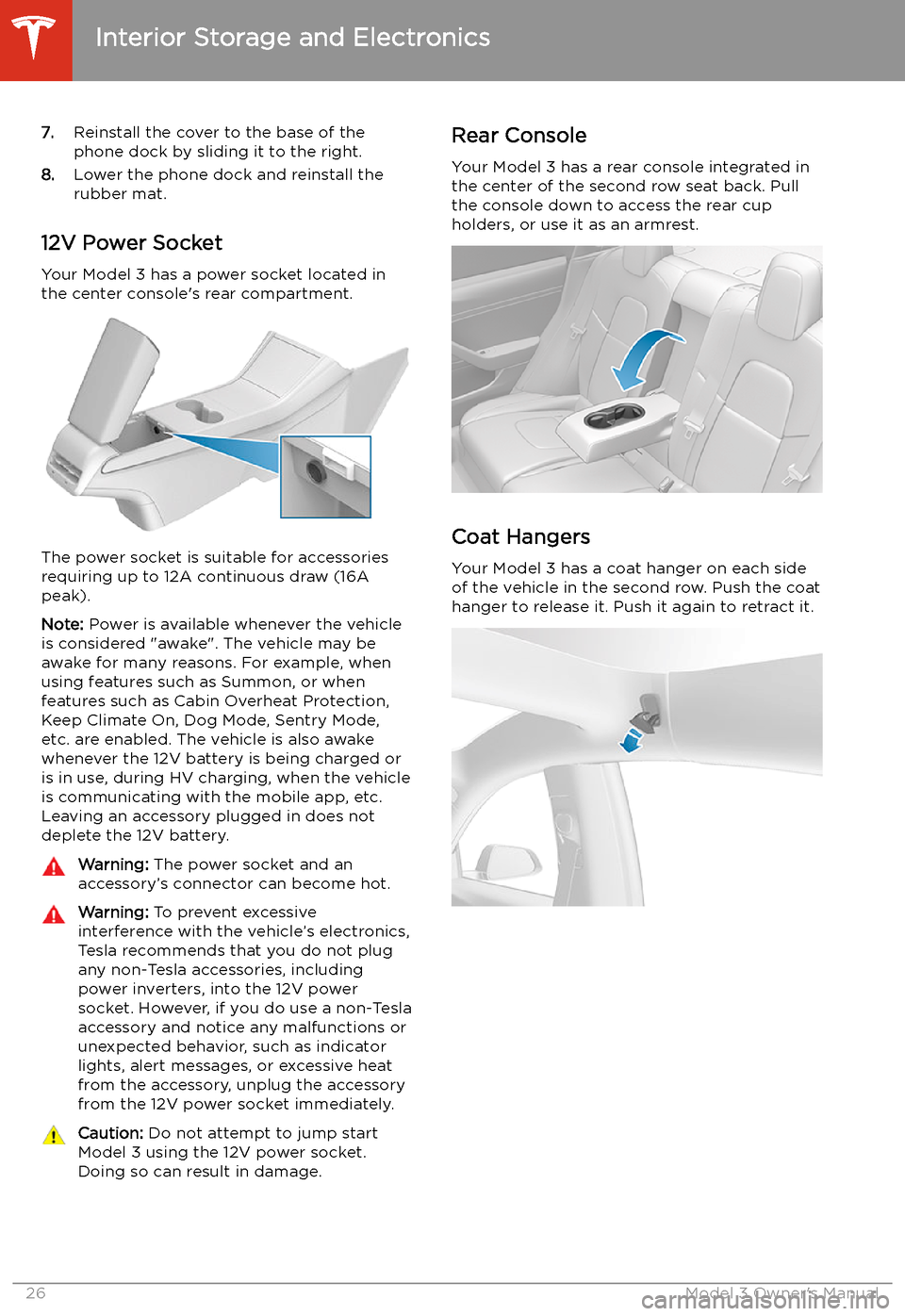
12V Power Socket Your Model 3 has a power socket located in
the center console
Page 55 of 220
Starting and Powering
Off
Starting When you open a door, Model 3 powers on the
touchscreen and you can operate all controls.
To drive Model 3:
1. PRESS THE BRAKE PEDAL - Model 3
powers on and is ready to drive.
2. SELECT A GEAR - Move the gear lever all
the way down for Drive and all the way up
for Reverse. See Shifting Gears on page
56.
Note: If the PIN to Drive feature is enabled
(see PIN to Drive on page 143), you must also
enter a valid PIN on the touchscreen before
you can drive Model 3.
Note: If Passive Entry is off and you do not
press the brake pedal to start Model 3 within
approximately five minutes, a message
displays on the touchscreen and you must use
the key to lock then unlock Model 3 again before starting the vehicle.
Everything you need to know when driving
Model 3 displays on the touchscreen.
Drive Disabled - Requires Authentication
If Model 3 does not detect a key when you
press the brake (an authenticated phone is not
detected, or 30 seconds has passed since you
used the key card), the touchscreen displays a
message telling you that driving requires
authentication.
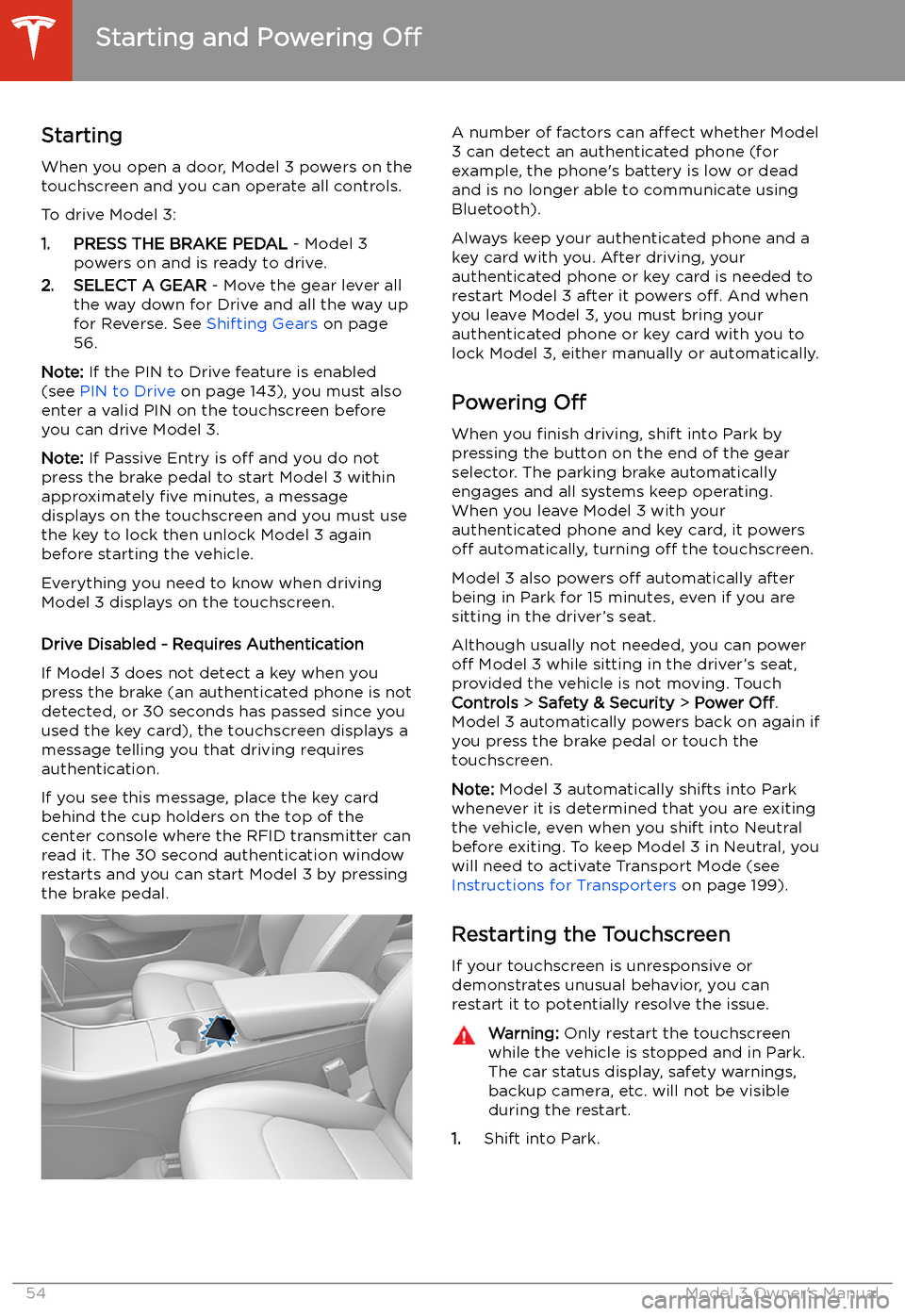
If you see this message, place the key card
behind the cup holders on the top of the center console where the RFID transmitter canread it. The 30 second authentication window
restarts and you can start Model 3 by pressing
the brake pedal.
A number of factors can affect whether Model
3 can detect an authenticated phone (for
example, the phone
Page 103 of 220
Summon
Summon (if equipped) allows you to
automatically park and retrieve Model 3 while
you are standing outside the vehicle. Summon
uses data from the ultrasonic sensors to move
Model 3 forward and reverse up to 39 feet (12
meters) in, or out of, a parking space.
To move Model 3 a longer distance while steering around objects, you can use Smart
Summon (if equipped) and your mobile phone. Smart Summon allows your vehicle to
find you (or you can send your vehicle to a
chosen location). See Smart Summon on page
105.
Warning: Summon is designed and
intended for use only on parking lots and
driveways on private property where the
surrounding area is familiar and
predictable.Warning: Summon is a BETA feature. You
must continually monitor the vehicle and
its surroundings and stay prepared to
take immediate action at any time. It is
the driver
Page 106 of 220
Smart Summon
Smart Summon (if equipped) is designed to
allow you to move Model 3 to your location (using your phone
Page 139 of 220
Playing Media from DevicesYou can play audio files from a
Bluetooth-connected device (like a
phone) or a USB-connected
Page 140 of 220
Page 141 of 220
Note: Unpairing the phone has no effect on
using the phone as a key. To forget an
authenticated phone, see Keys on page 9.
Connecting to a Paired Phone
Model 3 automatically connects with the last
phone to which it was connected, provided it
is within operating range and has Bluetooth turned on. If the last phone is not within range,
it attempts to connect with the next phone
that it has been paired with.
To connect to a different phone, touch the
Bluetooth icon on the top of the touchscreen.
The Bluetooth window displays a list of paired
phones. Choose the phone you want to connect to, then touch Connect. If the phone
you want to connect to is not listed, you must
pair the phone. See Pairing a Bluetooth Phone
on page 139.
When connected, the Model 3 touchscreen displays the Bluetooth symbol next to thephone name to show that the connection is
active.
Using the Phone App
When your phone is connected to Model 3
using Bluetooth, and you have allowed access to your phone
Page 142 of 220
Calendar
Overview
The Calendar app allows you to view
scheduled events from your phone’s (iPhone
Page 144 of 220
Security Settings
About the Security System
If Model 3 does not detect an authenticated
phone, key fob, or key card and a locked door
or trunk is opened, an alarm sounds and the
headlights and turn signals
Page 158 of 220
Charging Instructions
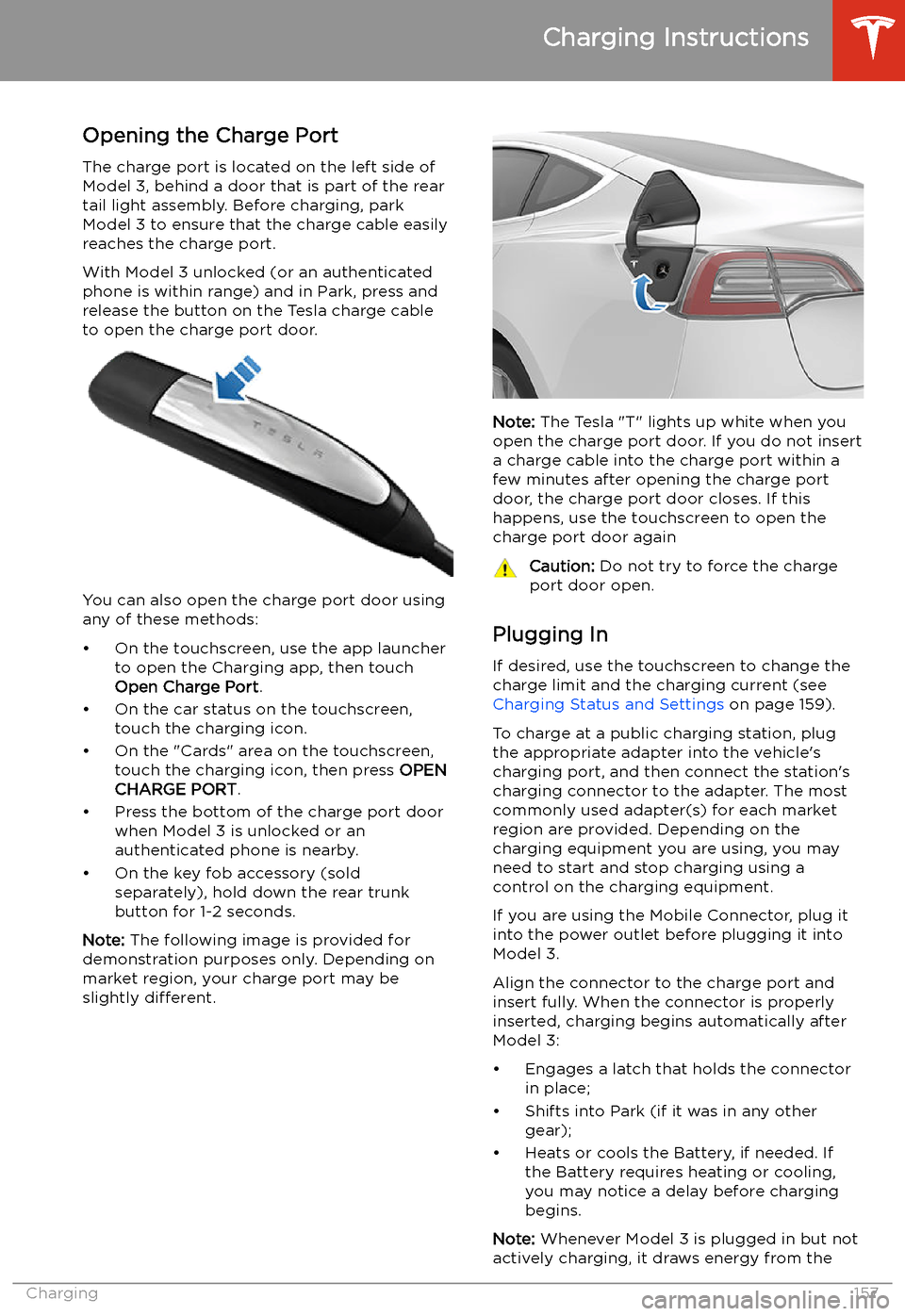
Opening the Charge Port The charge port is located on the left side of
Model 3, behind a door that is part of the rear
tail light assembly. Before charging, park
Model 3 to ensure that the charge cable easily reaches the charge port.
With Model 3 unlocked (or an authenticated
phone is within range) and in Park, press and
release the button on the Tesla charge cable
to open the charge port door.
You can also open the charge port door using
any of these methods: