door lock TESLA MODEL S 2016 Owner's Manual
[x] Cancel search | Manufacturer: TESLA, Model Year: 2016, Model line: MODEL S, Model: TESLA MODEL S 2016Pages: 190, PDF Size: 4.85 MB
Page 1 of 190

Overview............................................................. 2
Interior Overview.........................................................................2
Exterior Overview....................................................................... 3
Opening and Closing..................................... 4 Doors............................................................................................... 4
Keyless Locking and Unlocking 4Using the Key 4Using Exterior Door Handles 6Opening Doors from the Interior 6Interior Locking and Unlocking 6Door Unlock Mode 7Child-protection Lock 7Drive-away Locking 7Walk-away Locking 7Unlocking When the Key Doesn
Page 4 of 190
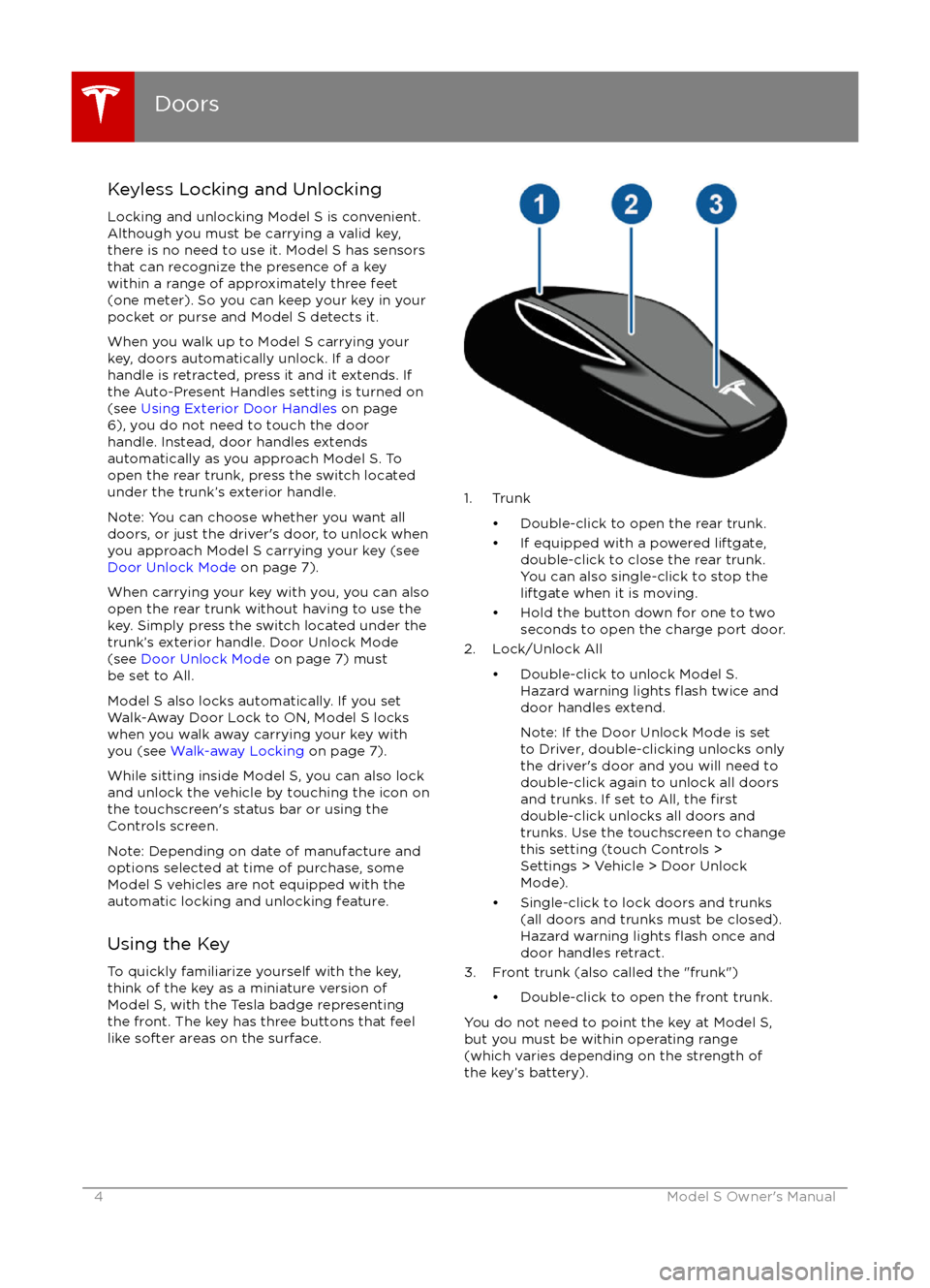
Keyless Locking and UnlockingLocking and unlocking Model S is convenient.
Although you must be carrying a valid key,
there is no need to use it. Model S has sensors that can recognize the presence of a key
within a range of approximately three feet
(one meter). So you can keep your key in your
pocket or purse and Model S detects it.
When you walk up to Model S carrying your
key, doors automatically unlock. If a door
handle is retracted, press it and it extends. If
the Auto-Present Handles setting is turned on
(see Using Exterior Door Handles on page
6), you do not need to touch the door
handle. Instead, door handles extends
automatically as you approach Model S. To
open the rear trunk, press the switch located
under the trunk
Page 7 of 190
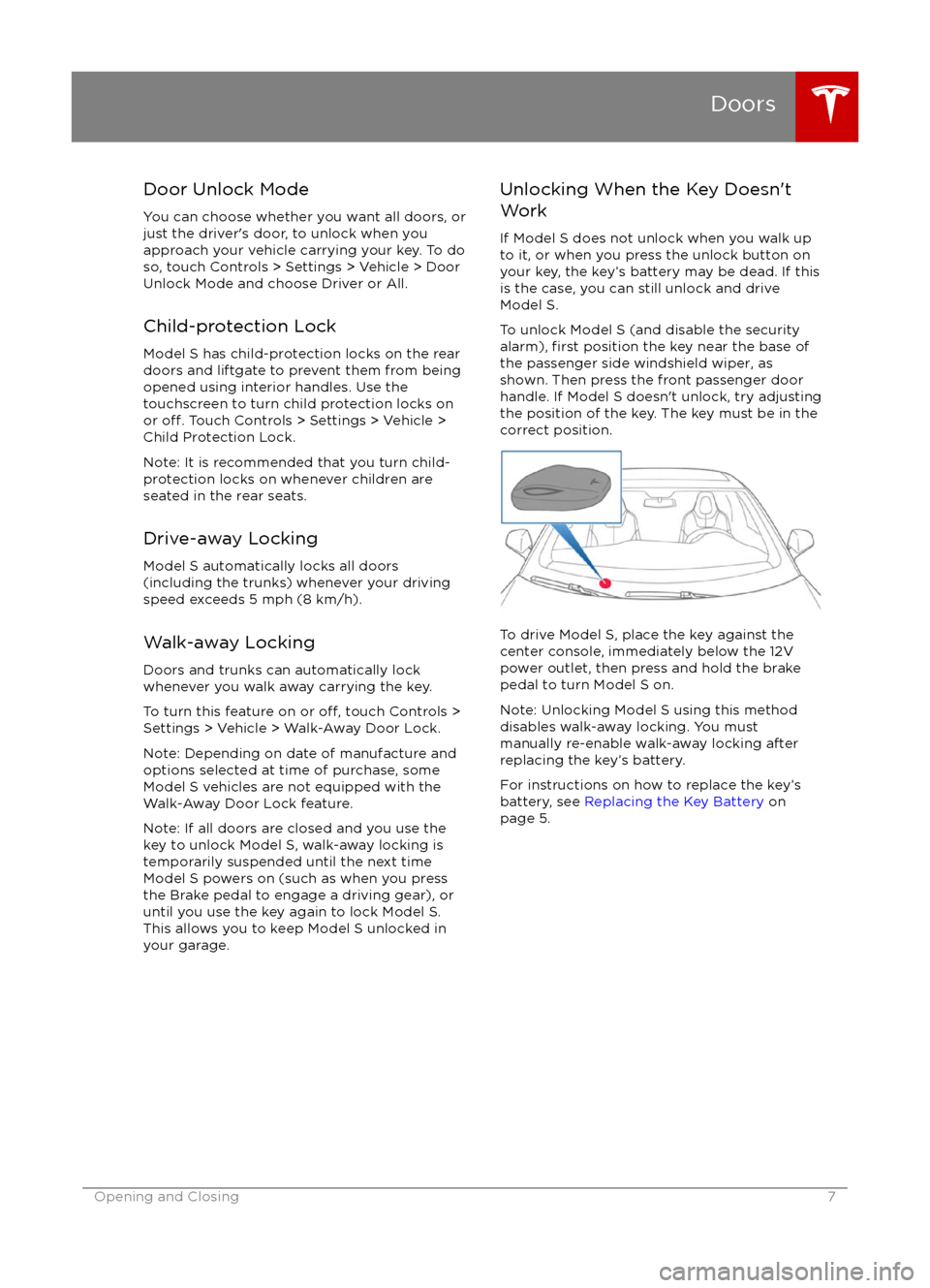
Door Unlock ModeYou can choose whether you want all doors, or
just the driver
Page 12 of 190

Opening
To open the front trunk: Touch ControlsFront Trunk on the
touchscreen, or double-click the front
trunk button on the key.
Pull the hood up.The door open indicator displays on
the instrument panel when the front
trunk is open. The image of the
Model S on the touchscreen Controls window also displays the open trunk.
The front trunk locks whenever Model S is
locked using the touchscreen, externally using
the key or walk-away locking, or when Valet
mode is active (see Valet Mode).
To open the front trunk in the unlikely
situation in which Model S has no electrical
power, see Opening with No Power .
Closing
The Model S body is made of lightweight aluminum. Therefore, the hood is not heavy
enough to latch under its own weight and
applying pressure on the front edge or center of the hood can cause damage. To close the
hood:
Page 48 of 190
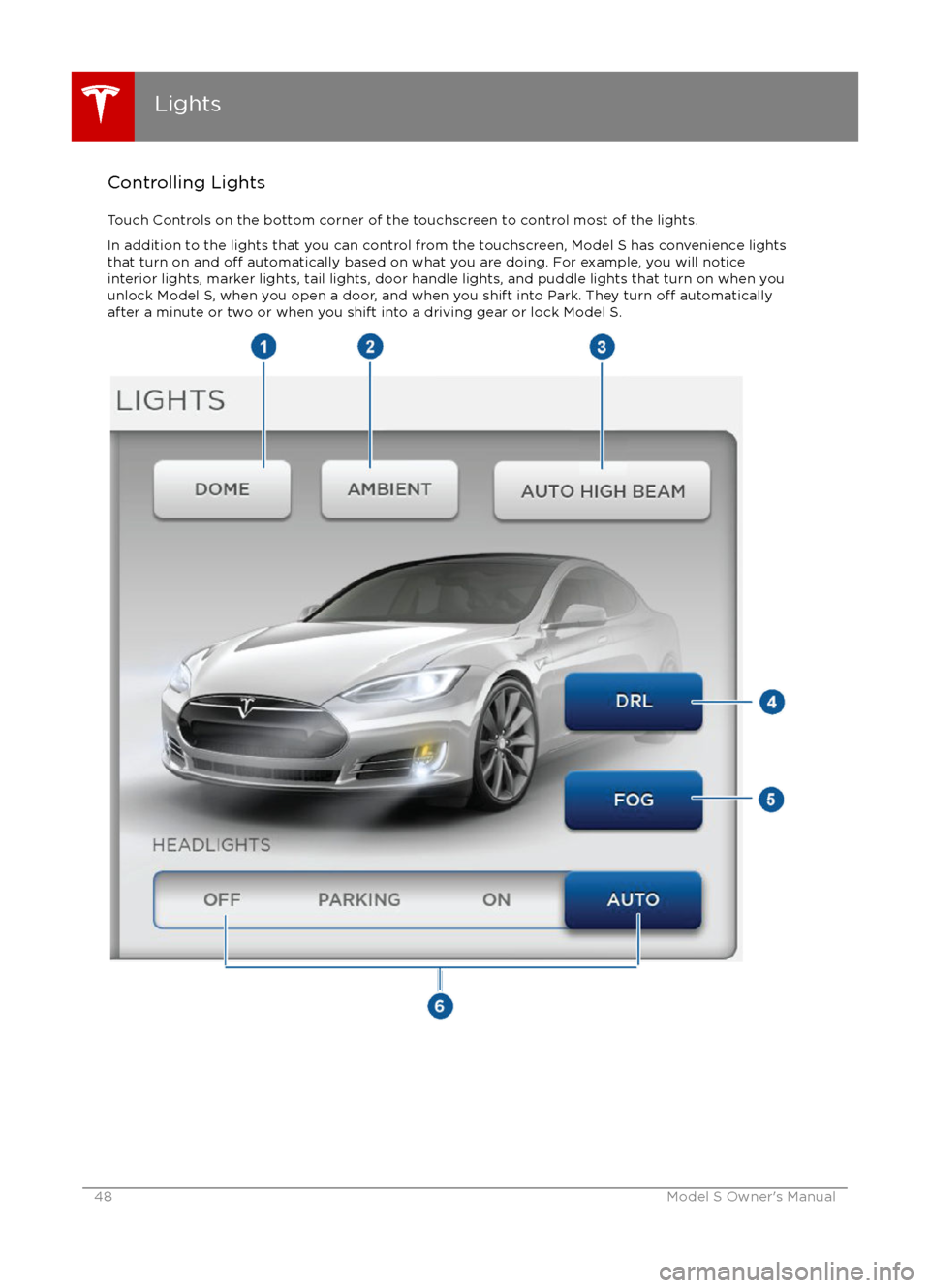
Controlling LightsTouch Controls on the bottom corner of the touchscreen to control most of the lights.In addition to the lights that you can control from the touchscreen, Model S has convenience lightsthat turn on and
off automatically based on what you are doing. For example, you will notice
interior lights, marker lights, tail lights, door handle lights, and puddle lights that turn on when you
unlock Model S, when you open a door, and when you shift into Park. They turn
off automatically
after a minute or two or when you shift into a driving gear or lock Model S.
Lights
48Model S Owner
Page 49 of 190

1. If you turn on DOME lights, all interior dome (map) lights turn on when you unlock Model S,open a door upon exiting, or shift into P (Park). They turn off after 60 seconds, when you lock
Model S, or when you shift into a driving gear. If set to AUTO, dome lights turn on only when
little or no light is detected.
You can also manually turn an individual dome light on or
off by pressing its lens. If you
manually turn a dome light on, it turns off when Model S powers off. If Model S was already
powered off when you manually turned the light on, it turns off after 60 minutes.
2. If you turn on AMBIENT lights, the lights on the door armrests turn on whenever the headlights are on.
3. If you turn on AUTO HIGH BEAM, high beam headlights turn on and
off automatically based
on whether or not light is detected in front of Model S (see High Beam Headlights on page
51). This feature is available only if Model S is equipped with the optional Autopilot Tech Package.
4. DRL (Daytime Running Lights) operate only when driving with the headlights
off. In
jurisdictions where required by law (Canada), daytime running lights can not be turned off.5. If Model S is equipped with optional front fog lights, touch to turn them on or off.
The Front Fog indicator displays on the instrument panel whenever the
optional front fog lights are on.
The fog lights operate only when low beam headlights are on. Whenever headlights are
turned off, fog lights also turn off.
Lights
Driving49
Page 93 of 190
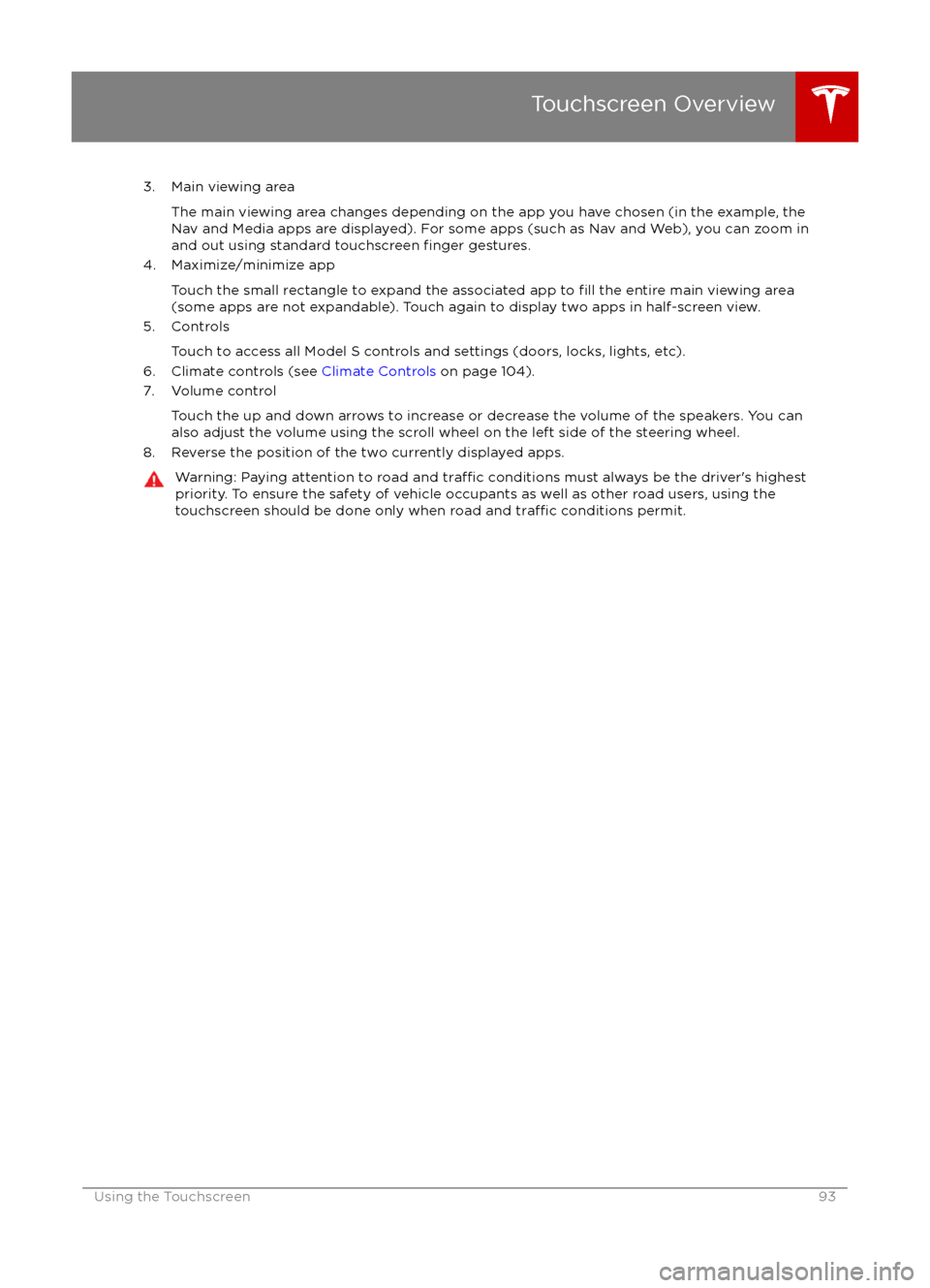
3. Main viewing areaThe main viewing area changes depending on the app you have chosen (in the example, the
Nav and Media apps are displayed). For some apps (such as Nav and Web), you can zoom in and out using standard touchscreen
finger gestures.
4. Maximize/minimize app
Touch the small rectangle to expand the associated app to
fill the entire main viewing area
(some apps are not expandable). Touch again to display two apps in half-screen view.
5. Controls
Touch to access all Model S controls and settings (doors, locks, lights, etc).
6. Climate controls (see Climate Controls on page 104).
7. Volume control
Touch the up and down arrows to increase or decrease the volume of the speakers. You can
also adjust the volume using the scroll wheel on the left side of the steering wheel.
8. Reverse the position of the two currently displayed apps.
Warning: Paying attention to road and traffic conditions must always be the driver
Page 121 of 190

About the Security System
If Model S does not detect a key nearby and a
locked door or trunk is opened, an alarm sounds and headlights and turn signals
flash.To deactivate the alarm, press any button on the key.
To manually enable or disable the alarm
system, touch Controls > Settings > Safety &
Security > Alarm. When set to on, Model S
activates its alarm one minute after the doors
lock and a recognized key is no longer
detected nearby.
Security Settings
Using the Touchscreen121
Page 185 of 190
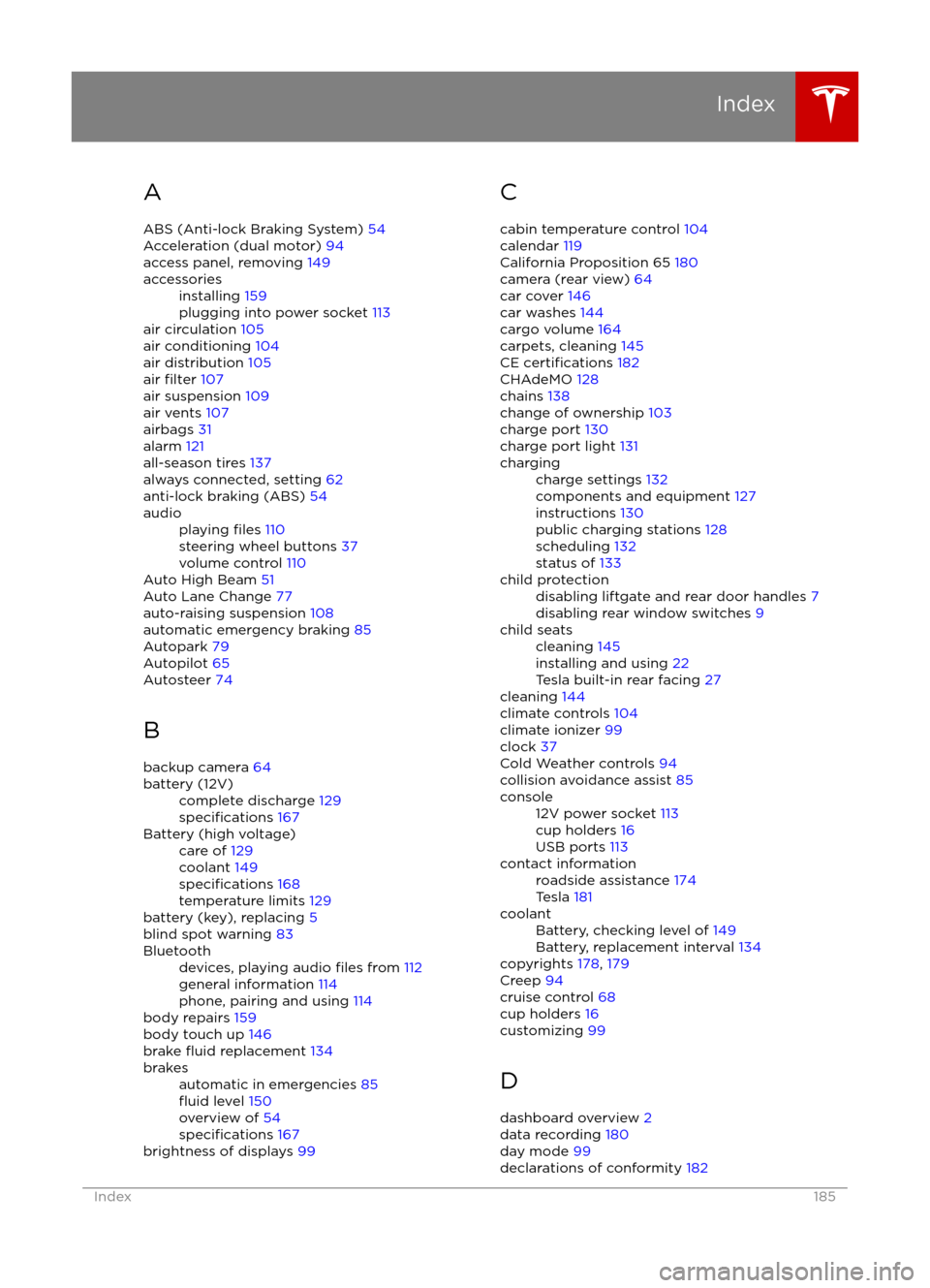
AABS (Anti-lock Braking System) 54
Acceleration (dual motor) 94
access panel, removing 149accessoriesinstalling 159
plugging into power socket 113
air circulation 105
air conditioning 104
air distribution 105
air
filter 107
air suspension 109
air vents 107
airbags 31
alarm 121
all-season tires 137
always connected, setting 62
anti-lock braking (ABS) 54
audioplaying files 110
steering wheel buttons 37
volume control 110
Auto High Beam 51
Auto Lane Change 77
auto-raising suspension 108
automatic emergency braking 85
Autopark 79
Autopilot 65
Autosteer 74
B backup camera 64
battery (12V)complete discharge 129specifications 167Battery (high voltage)care of 129
coolant 149
specifications 168
temperature limits 129
battery (key), replacing 5
blind spot warning 83
Bluetoothdevices, playing audio files from 112
general information 114
phone, pairing and using 114
body repairs 159
body touch up 146
brake
fluid replacement 134
brakesautomatic in emergencies 85fluid level 150
overview of 54
specifications 167
brightness of displays 99
C
cabin temperature control 104
calendar 119
California Proposition 65 180
camera (rear view) 64
car cover 146
car washes 144
cargo volume 164
carpets, cleaning 145
CE
certifications 182
CHAdeMO 128
chains 138
change of ownership 103
charge port 130
charge port light 131
chargingcharge settings 132
components and equipment 127
instructions 130
public charging stations 128
scheduling 132
status of 133child protectiondisabling liftgate and rear door handles 7
disabling rear window switches 9child seatscleaning 145
installing and using 22
Tesla built-in rear facing 27
cleaning 144
climate controls 104
climate ionizer 99
clock 37
Cold Weather controls 94
collision avoidance assist 85
console12V power socket 113
cup holders 16
USB ports 113contact informationroadside assistance 174
Tesla 181coolantBattery, checking level of 149
Battery, replacement interval 134
copyrights 178, 179
Creep 94
cruise control 68
cup holders 16
customizing 99
D
dashboard overview 2
data recording 180
day mode 99
declarations of conformity 182
Index
Index185
Page 186 of 190
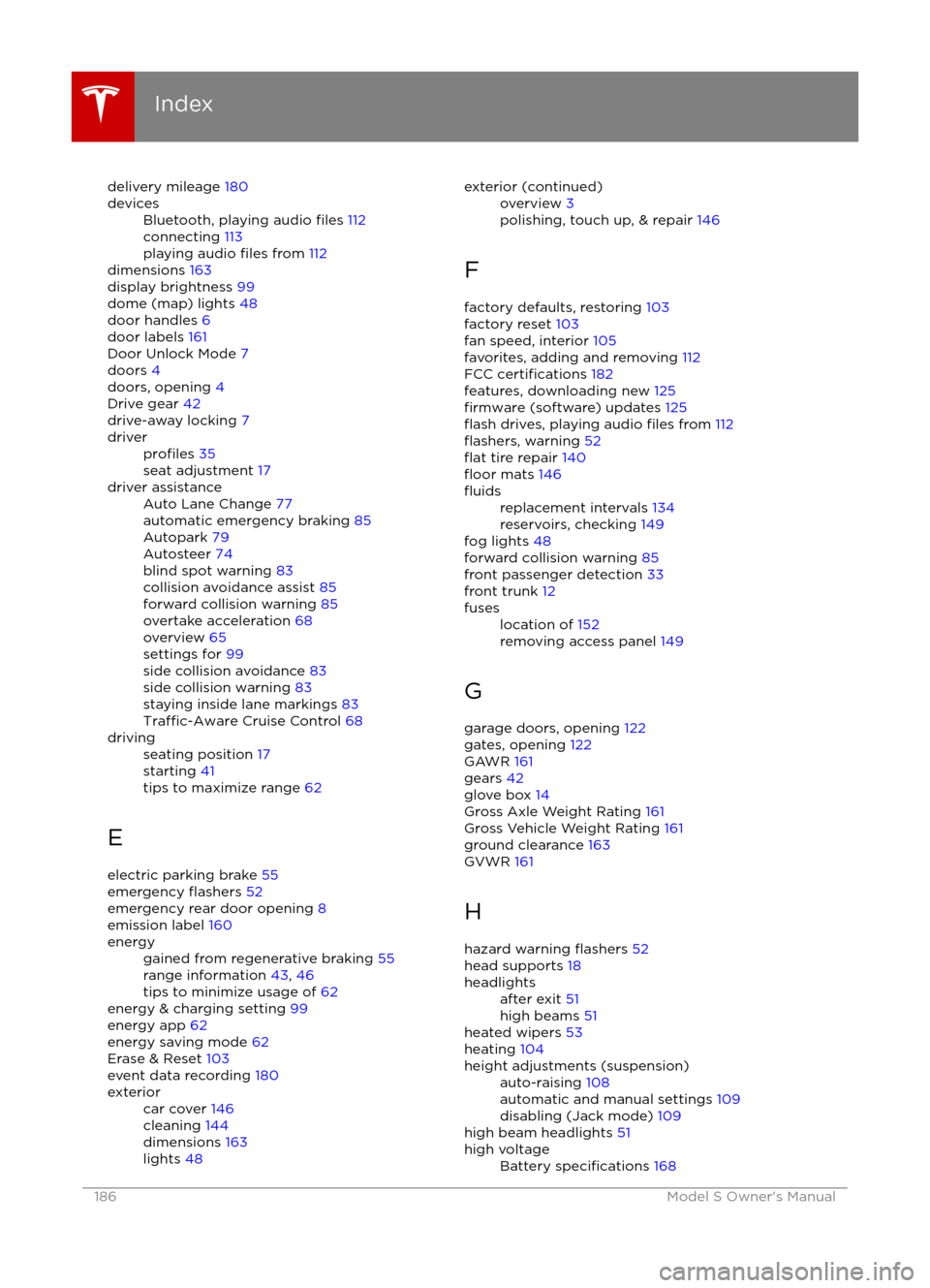
delivery mileage 180devicesBluetooth, playing audio files 112
connecting 113
playing audio
files from 112
dimensions 163
display brightness 99
dome (map) lights 48
door handles 6
door labels 161
Door Unlock Mode 7
doors 4
doors, opening 4
Drive gear 42
drive-away locking 7
driverprofiles 35
seat adjustment 17driver assistanceAuto Lane Change 77
automatic emergency braking 85
Autopark 79
Autosteer 74
blind spot warning 83
collision avoidance assist 85
forward collision warning 85
overtake acceleration 68
overview 65
settings for 99
side collision avoidance 83
side collision warning 83
staying inside lane markings 83
Traffic-Aware Cruise Control 68
drivingseating position 17
starting 41
tips to maximize range 62
E
electric parking brake 55
emergency
flashers 52
emergency rear door opening 8
emission label 160
energygained from regenerative braking 55
range information 43, 46
tips to minimize usage of 62
energy & charging setting 99
energy app 62
energy saving mode 62
Erase & Reset 103
event data recording 180
exteriorcar cover 146
cleaning 144
dimensions 163
lights 48exterior (continued)overview 3
polishing, touch up, & repair 146
F
factory defaults, restoring 103
factory reset 103
fan speed, interior 105
favorites, adding and removing 112
FCC
certifications 182
features, downloading new 125
firmware (software) updates 125flash drives, playing audio files from 112flashers, warning 52flat tire repair 140floor mats 146
fluidsreplacement intervals 134
reservoirs, checking 149
fog lights 48
forward collision warning 85
front passenger detection 33
front trunk 12
fuseslocation of 152
removing access panel 149
G
garage doors, opening 122
gates, opening 122
GAWR 161
gears 42
glove box 14
Gross Axle Weight Rating 161
Gross Vehicle Weight Rating 161
ground clearance 163
GVWR 161
H
hazard warning
flashers 52
head supports 18
headlightsafter exit 51
high beams 51
heated wipers 53
heating 104
height adjustments (suspension)auto-raising 108
automatic and manual settings 109
disabling (Jack mode) 109
high beam headlights 51
high voltageBattery specifications 168
Index
186Model S Owner