charging TESLA MODEL Y 2021 Owner´s Manual
[x] Cancel search | Manufacturer: TESLA, Model Year: 2021, Model line: MODEL Y, Model: TESLA MODEL Y 2021Pages: 250, PDF Size: 8.4 MB
Page 228 of 250

(CP_a054)
Charge port latch not engaged
Fully insert charge cable or check for obstruction
The charge port latch is unable to latch the charge cable in the charge port inlet. If the latch is not engaged, AC charging (for example, charging with a Tesla Mobile Connector or Wall Connector) will be limited to 16A and DC Fast
Charging / Supercharging will be unavailable.
The charge port light will pulse amber if this alert appears during AC charging and will be solid amber if this alert appears when attempting to DC Fast Charge / Supercharge.
If your vehicle begins charging and the charge port light pulses green, the charge cable may not have been fully
inserted before. The latch may not have engaged during previous attempts because the cable was not fully inserted.
AC charging should no longer be limited, and DC Fast Charging / Supercharging should be available.
If charging is still limited or the vehicle will not charge at all, inspect the charge port inlet and the charge cable
connector for any obstructions (use a
flashlight as needed). Debris and/or foreign objects in the charge port inlet or
the charge cable connector can prevent you from fully inserting the charge cable. If the cable is not fully inserted,
the charge port latch will not engage.
It is recommended that any debris / foreign objects be removed. Afterward, try re-inserting the cable into the charge port inlet. AC charging should no longer be limited, and DC Fast Charging / Supercharging should be available.
As this alert is usually specific to external charging equipment and power sources, and it does not typically indicate
an issue with your vehicle that can be resolved by scheduling service, it is recommended that you:
Page 229 of 250

As this alert is usually specific to external charging equipment and power sources, and it does not typically indicate
an issue with your vehicle that can be resolved by scheduling service, it is recommended that you:
Page 230 of 250

(CP_a058)
Unable to AC charge - Unplug and retry
Or try DC Fast Charging / Supercharging
Your vehicle is unable to AC charge because it has detected one of the following conditions and has tried to charge too many times without success:
Page 232 of 250

If you have checked for and cleared any debris or foreign objects, but charging is still limited or your vehicle will not charge at all, the charge port latch may be frozen. Use your Tesla Mobile App to precondition your vehicle on HI for approximately 30 - 45 minutes. This should help thaw any ice on the charge port latch so the charge cable can be
properly inserted.
NOTE: Be sure to use your Mobile App to precondition the vehicle. Setting your climate control for the cabin to HI
using the touchscreen is not
effective.
As this alert usually indicates a temporary condition due to cold ambient temperature or a charge port inlet obstruction, and it does not typically indicate an issue with your vehicle that can be resolved by scheduling service, it is recommended that you:
Page 236 of 250
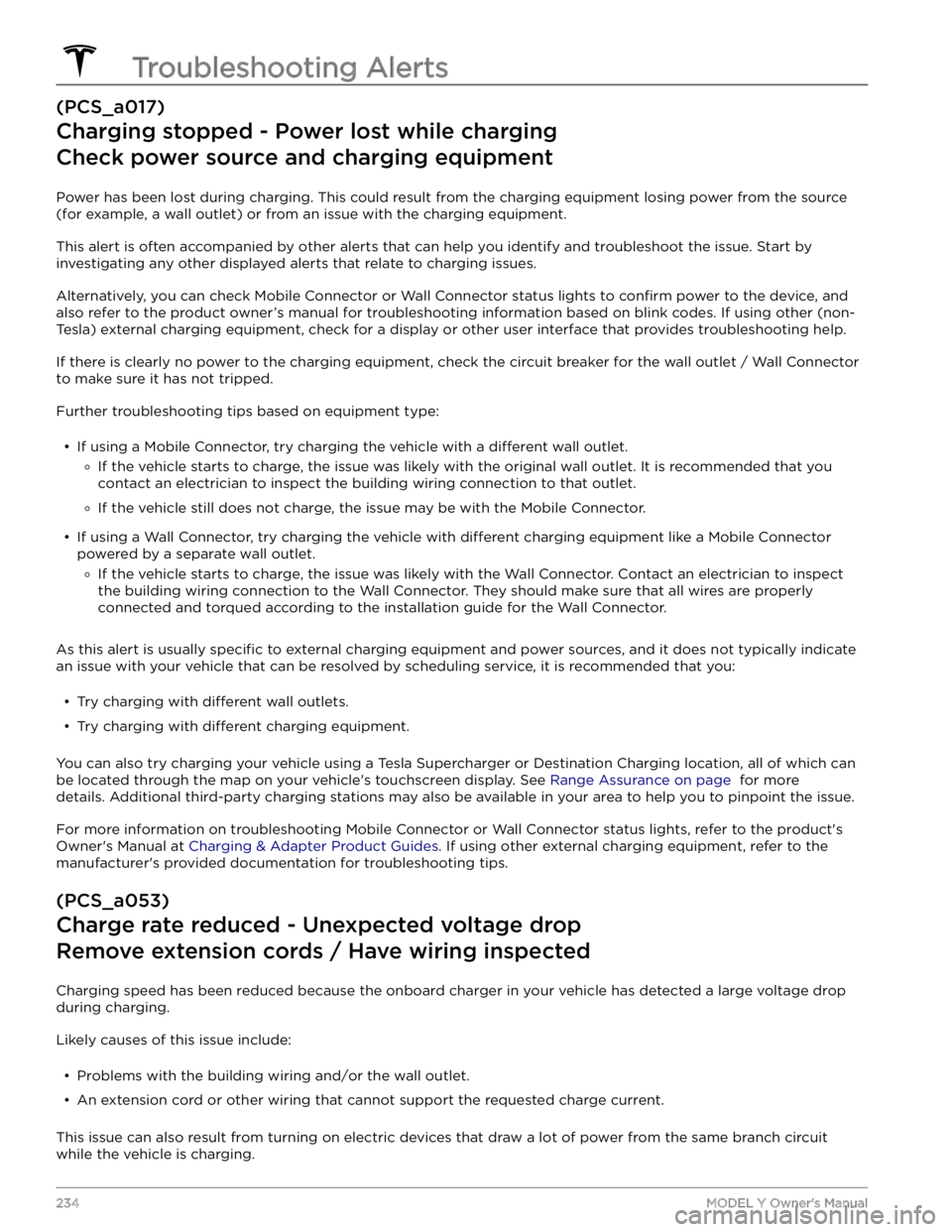
(PCS_a017)
Charging stopped - Power lost while charging
Check power source and charging equipment
Power has been lost during charging. This could result from the charging equipment losing power from the source
(for example, a wall outlet) or from an issue with the charging equipment.
This alert is often accompanied by other alerts that can help you identify and troubleshoot the issue. Start by
investigating any other displayed alerts that relate to charging issues.
Alternatively, you can check Mobile Connector or Wall Connector status lights to confirm power to the device, and
also refer to the product owner
Page 237 of 250

If this issue has occurred multiple times at your normal charging location, contact an electrician to inspect the
electrical installation. They should check the following:
Page 239 of 250

As this alert is usually specific to external charging equipment and power sources, and it does not typically indicate
an issue with your vehicle that can be resolved by scheduling service, it is recommended that you:
Page 240 of 250

If the outlet is worn, it should be replaced with a high-quality outlet. Consider upgrading to a Tesla Wall Connector
for greater convenience and highest charging speed.
(UMC_a017)
Charge rate reduced - Wall plug temperature high
Wall outlet and wiring inspection recommended
High temperature detected by Mobile Connector alerts indicate the outlet used to charge is becoming too warm, so
charging has been slowed to protect the outlet.
This is not typically an issue with your vehicle or your Mobile Connector, but rather an issue with the outlet. A warm outlet may be caused by a plug that is not fully inserted, a loose building wiring connection to the outlet, or an outlet that is beginning to wear out.
To regain normal charge speed, make sure your adapter is fully plugged into the outlet. If charging speed does not
return to normal, contact an electrician to inspect the outlet and building wiring connections to the outlet and
complete any repairs needed.
If the outlet is worn, it should be replaced with a high-quality outlet. Consider upgrading to a Tesla Wall Connector
for greater convenience and highest charging speed.
(VCFRONT_a180)
Electrical system power reduced
Vehicle may shut down unexpectedly
The electrical system cannot maintain the voltage required to support all vehicle features.
If this alert is present while you are driving, it is possible your vehicle will shut down unexpectedly.
It is also possible that your vehicle will not restart after the current drive.
It is recommended that you eliminate or reduce your use of any non-essential features. This can help your vehicle maintain adequate electrical power for essential functions. It may also prevent your vehicle from shutting down
before you reach your immediate destination, although this is not guaranteed.
If this alert remains active, schedule service immediately. Without service, your vehicle may shut down unexpectedly
or may not restart.
(VCFRONT_a182)
12V battery must be replaced - Schedule service
Software will not update until battery is replaced
The 12V battery is showing degraded performance and needs to be replaced. Until the 12V battery is replaced,
vehicle software updates will not complete.
It is recommended that you have the 12V battery replaced at your earliest convenient opportunity.
You can schedule service via the Tesla Mobile App, or with an independent service provider that offers 12V battery
replacement for your vehicle. Please note that independent service provider options may vary, based on your vehicle
configuration and your location.
Your vehicle is OK to drive with this alert present. However, if you delay the 12V battery replacement, your vehicle
may eventually not have enough power to start or to restart after a recent drive.
If the 12V battery is too low to turn on the vehicle or open the doors, follow the instructions in Jump Starting the 12V
Battery on page 199.
For more information on the battery system, see Battery Information on page 158.
Troubleshooting Alerts
238MODEL Y Owner
Page 244 of 250

carpets, cleaning: 173
CCS (Combo): 157
CE certifications: 207
CHAdeMO: 157
chains: 170
change of ownership: 127
charge port: 159
charge port light: 160
charge port manual release: 161
charge port release cable: 161
charging: 156, 157, 159, 161
charge settings: 161
charging status: 161
components and equipment: 156
instructions: 159
public charging stations: 157
scheduling: 161
charging locations, finding: 135
child protection: 13
disabling rear window switches: 13
child seats: 32
installing and using: 32
child-protection locks: 12
cleaning: 172
climate controls: 128
coat hangers: 22
cold weather best practices: 80
collision avoidance assist: 117
connecting to Wi-Fi: 152
console: 19, 20, 21
12V power socket: 21
opening: 19
rear: 19
USB ports: 20
consumption chart: 68
contact information: 197, 207
roadside assistance: 197
Tesla: 207
copyrights: 203
cruise control: 86
D
dashboard overview: 4
Dashcam: 70
data recording: 204
data sharing: 204
declarations of conformity: 207
delivery mileage: 205
devices: 139
Bluetooth, playing audio files: 139
playing audio files from: 139
dimensions: 184
Dog Mode: 130
dome (map) lights: 53
door handles: 11
door labels: 182
doors: 11, 12
Child Lock: 12
exterior door handles: 11
interior locking and unlocking: 12
locking: 11
opening from exterior: 11
opening from interior: 11
Unlock on Park: 12
unlocking: 11
doors function: 12
Walk-Away Door Lock: 12
drive away locking: 12
Drive gear: 52
driver: 45
profiles: 45
driving: 23, 50, 67
seating position: 23
starting: 50
tips to maximize range: 67
E
Easter Eggs: 201
easy entry, driver profile: 45
EDR (event data recorder): 204
electric parking brake: 62
emergency braking: 117
emergency flashers: 55
Emergency Lane Departure Avoidance: 114
emission label: 181
energy: 56, 61
gained from regenerative braking: 61
range information: 56
Energy app: 68
energy use predictions (navigating): 136
Entertainment: 201
Erase & Reset: 127
event data recording: 204
exterior: 2, 53, 172, 174, 184
car cover: 174
cleaning: 172
dimensions: 184
lights: 53
overview: 2
polishing, touch up, & repair: 174
Index
Page 246 of 250
lights: 53, 54, 55
hazard warning: 55
headlights after exit: 54
turn signals: 55
load limits: 182
location tracking: 133
locking: 11
lug nut covers: 168
lumbar adjustment: 23
M
maintenance: 164, 166, 172, 175, 176
brake fluid, checking: 176
cleaning: 172
daily checks: 164
fluid replacement intervals: 164
monthly checks: 164
panel, removing: 176
replacing wiper blades: 175
service intervals: 164
tires: 166
washer fluid, topping up: 176
washer jets, cleaning: 175
map orientation: 133
map updates: 137
mats: 174
media: 138
mileage upon delivery: 205
mirrors: 49
mobile app: 154
mobile app access: 154
Mobile Connector: 157, 159
description: 157
using: 159
modifications: 179
motor specifications: 187
my car does what?: 201
N
naming: 126
Navigate on Autopilot: 96
navigating: 133, 134
NCC certifications: 207
Neutral gear: 52
NHTSA, contacting: 207
O
Obstacle-Aware Acceleration: 117
occupancy sensor: 40
occupant classification: 42
Off-Peak Charging: 162
off-road assist: 63
offset from speed limit: 120
Online Routing: 136
opening hood without power: 199
overhang dimensions: 184
overtake acceleration: 86
Owner Information, about: 203
P
Park Assist: 64
Park gear: 52
parking brake: 62
parking, using Autopark: 106
parking, using Summon: 108
parts replacement: 179
passenger detection: 40
passenger front airbag: 40
pedestrian warning: 73
personal data, erasing: 127
phone: 6, 141
authenticating as a key: 6
using: 141
phone app: 142
phone key: 6, 9
adding as a key: 9
removing as a key: 9
PIN: 45
PIN to Drive: 145
power cycling: 50
power socket: 21
power windows: 13
powering on and off: 50
Preconditioning: 162
Proposition 65: 205
public charging stations: 157
R
radio: 138
Radio Frequency information: 207
range: 61, 67
driving tips to maximize: 67
regenerative braking: 61
range assurance: 68
Re-route: 136
reading light: 22
reading lights: 53
rear seats, adjusting and folding: 24
rear view camera: 69
rear window switches, disabling: 13
Index