phone TESLA MODEL Y 2022 Owner´s Manual
[x] Cancel search | Manufacturer: TESLA, Model Year: 2022, Model line: MODEL Y, Model: TESLA MODEL Y 2022Pages: 250, PDF Size: 8.4 MB
Page 133 of 250
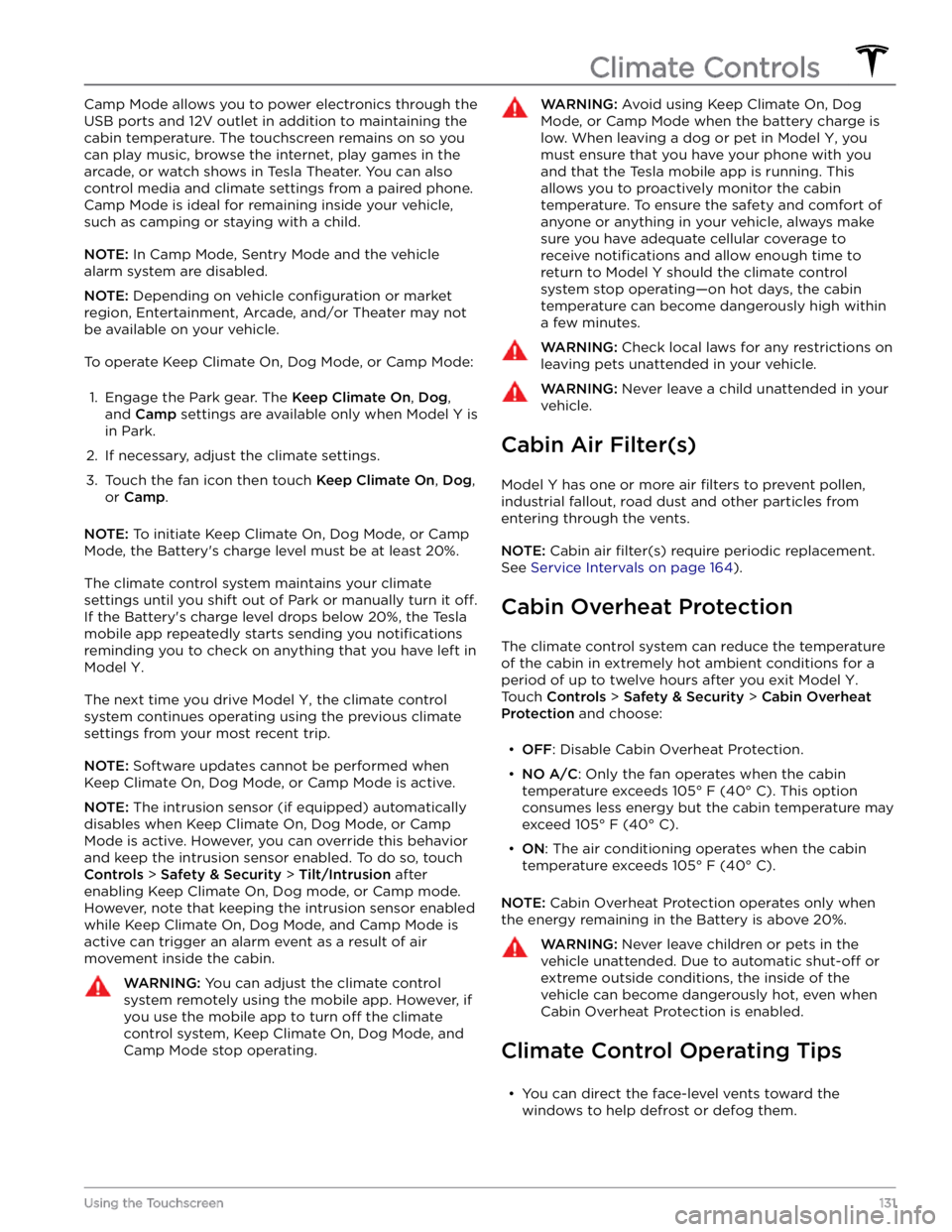
Camp Mode allows you to power electronics through the
USB ports and 12V outlet in addition to maintaining the cabin temperature. The touchscreen remains on so you
can play music, browse the internet, play games in the arcade, or watch shows in Tesla Theater. You can also
control media and climate settings from a paired phone. Camp Mode is ideal for remaining inside your vehicle,
such as camping or staying with a child.
NOTE: In Camp Mode, Sentry Mode and the vehicle
alarm system are disabled.
NOTE: Depending on vehicle configuration or market
region, Entertainment, Arcade, and/or Theater may not be available on your vehicle.
To operate Keep Climate On, Dog Mode, or Camp Mode:
1.
Engage the Park gear. The Keep Climate On, Dog,
and
Camp settings are available only when Model Y is
in Park.
2.
If necessary, adjust the climate settings.
3.
Touch the fan icon then touch Keep Climate On, Dog,
or
Camp.
NOTE: To initiate Keep Climate On, Dog Mode, or Camp
Mode, the Battery
Page 137 of 250
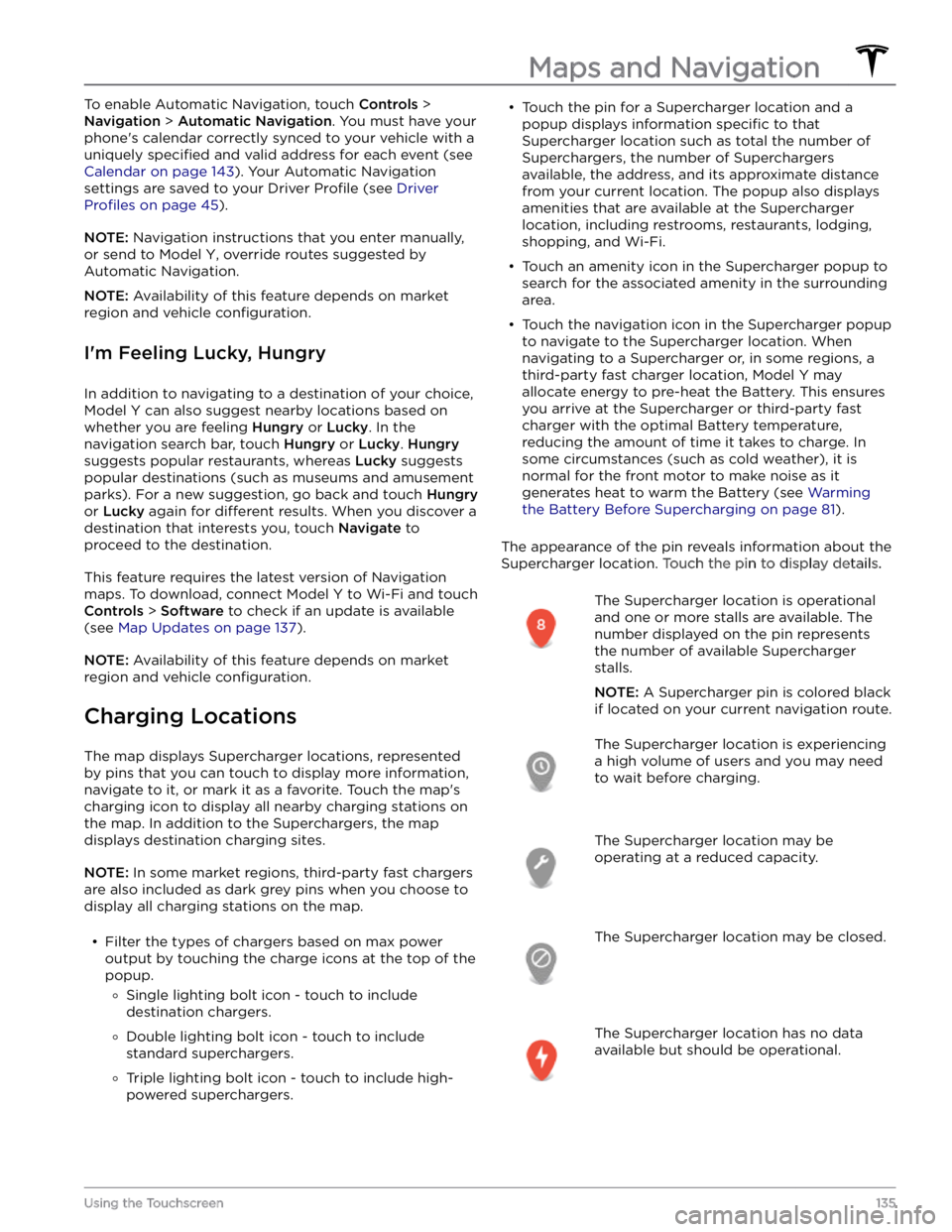
To enable Automatic Navigation, touch Controls >
Navigation > Automatic Navigation. You must have your
phone
Page 144 of 250
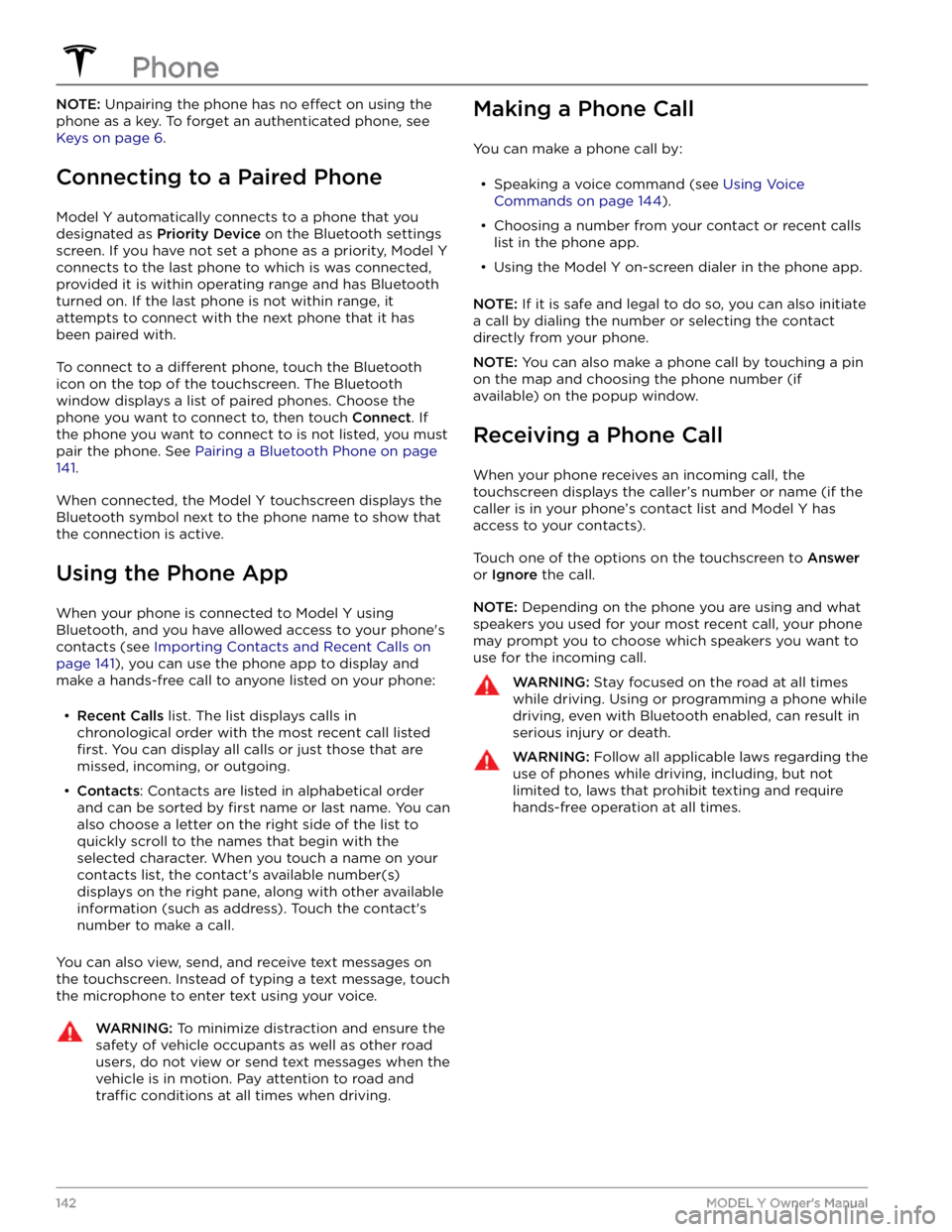
NOTE: Unpairing the phone has no effect on using the
phone as a key. To forget an authenticated phone, see
Keys on page 6.
Connecting to a Paired Phone
Model Y automatically connects to a phone that you
designated as
Priority Device on the Bluetooth settings
screen. If you have not set a phone as a priority,
Model Y
connects to the last phone to which is was connected, provided it is within operating range and has Bluetooth
turned on. If the last phone is not within range, it attempts to connect with the next phone that it has
been paired with.
To connect to a different phone, touch the Bluetooth
icon on the top of the touchscreen. The Bluetooth window displays a list of paired phones. Choose the phone you want to connect to, then touch
Connect. If
the phone you want to connect to is not listed, you must
pair the phone. See
Pairing a Bluetooth Phone on page
141.
When connected, the Model Y touchscreen displays the
Bluetooth symbol next to the phone name to show that the connection is active.
Using the Phone App
When your phone is connected to Model Y using
Bluetooth, and you have allowed access to your phone
Page 145 of 250

Overview
The Calendar app allows you to view scheduled events
from your phone
Page 147 of 250
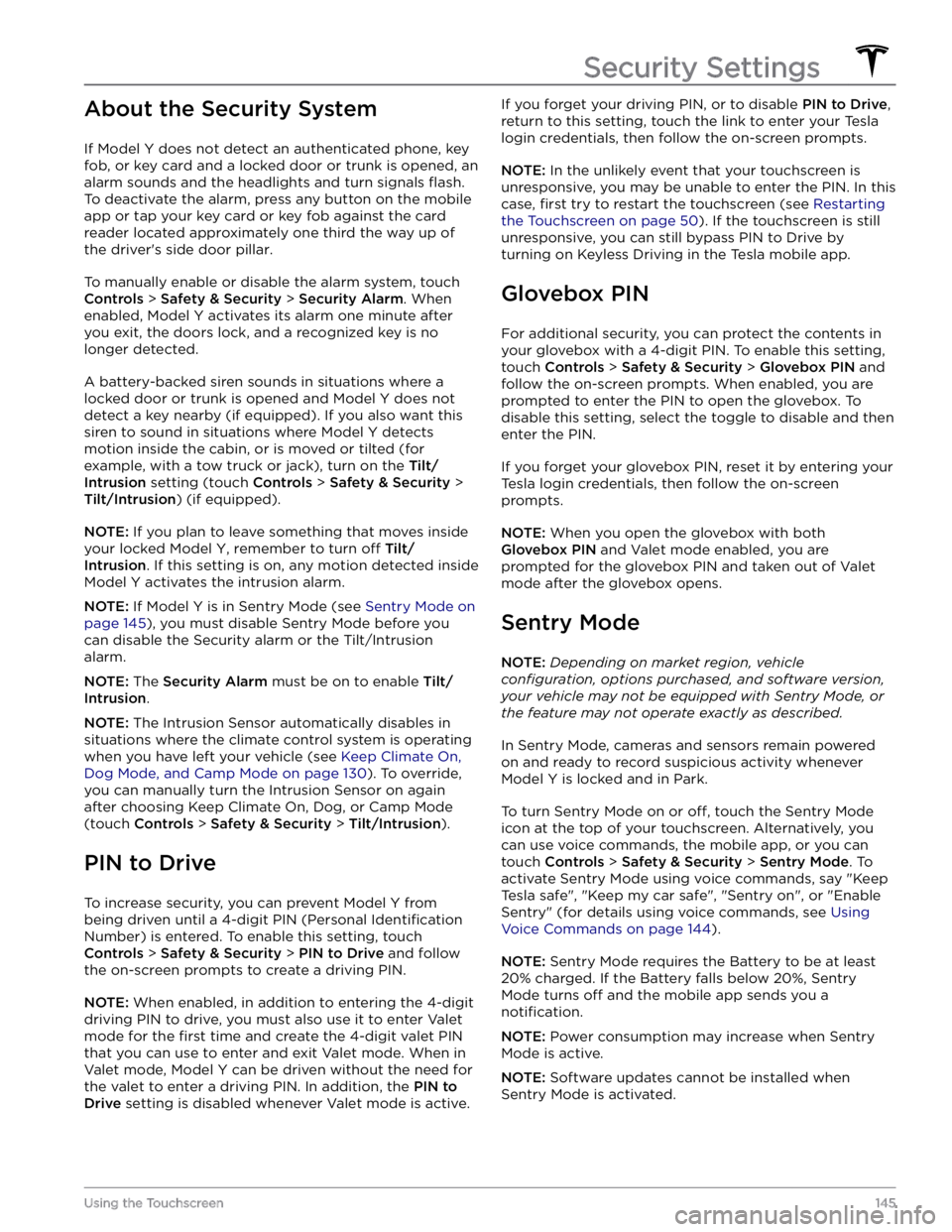
About the Security System
If Model Y does not detect an authenticated phone, key
fob, or key card and a locked door or trunk is opened, an alarm sounds and the headlights and turn signals
flash.
To deactivate the alarm, press any button on the mobile
app or tap your key card or key fob against the card reader located
approximately one third the way up of
the driver
Page 156 of 250

The Tesla mobile app allows you to communicate with
Model Y remotely using your iPhone
Page 161 of 250

Opening the Charge Port
The charge port is located on the left side of Model Y,
behind a door that is part of the rear tail light assembly.
Park
Model Y to ensure that the charge cable easily
reaches the charge port.
With Model Y unlocked (or an authenticated phone is
within range) and in Park, press and release the button on the Tesla charge cable to open the charge port door.
NOTE: The following image is provided for
demonstration purposes only. Depending on market
region, your charge port may be slightly different.
You can also open the charge port door using any of these methods:
Page 243 of 250

A
ABS (Anti-lock Braking System): 60
absolute speed limit: 120
access panel, removing: 176
accessories: 21
plugging into power socket: 21
accessories, towing: 74
adjacent lane speed: 114
aero covers: 168
air circulation: 128
air conditioning: 128
air distribution: 128
air filter: 131
air vents: 130
airbags: 38
alarm: 145
all-season tires: 170
Always Show Estimated Round Trip Energy: 136
ambient lights: 53
anti-lock braking (ABS): 60
application launcher: 4
Arcade: 201
audio: 47, 138, 140
equalizer: 140
immersive sound: 140
playing files: 138
steering wheel scroll button: 47
volume control: 138
auto fold: 49
auto high beam: 54
Auto Lane Change: 93
auto tilt: 49
AUTO wipers: 59
automatic emergency braking: 118
automatic navigation: 133
Autopark: 106
autopilot: 114
blind spot collision warning: 114
side collision warning: 114
Autopilot: 83, 86, 91, 93, 106, 108, 117, 120
Auto Lane Change: 93
automatic emergency braking: 117
Autopark: 106
Autosteer: 91
collision avoidance assist: 117
forward collision warning: 117
overtake acceleration: 86
overview: 83
speed assist: 120
speed limit warning: 120
staying within speed limits: 120
Summon: 108
Traffic-Aware Cruise Control: 86
Autopilot components: 83
Autosteer: 91
average range: 68
B
backup camera: 69
battery (12V): 158, 189
complete discharge: 158
specifications: 189
Battery (high voltage): 158, 176, 189
care of: 158
coolant: 176
specifications: 189
temperature limits: 158
battery (key), replacing: 8
blind spot collision warning: 114
Bluetooth: 139, 141
devices, playing audio files from: 139
general information: 141
phone, pairing and using: 141
body repairs: 179
body touch up: 174
Boombox: 203
brakes: 60, 118, 176, 187
automatic in emergencies: 118
fluid level: 176
overview of: 60
specifications: 187
Bumper Clearance (Summon): 108
C
cabin air filter: 131
cabin camera: 22
cabin temperature control: 128
Calendar app: 143
calibrating windows: 13
California Proposition 65: 205
camera (rear view): 69
cameras (autopilot): 83
Camp Mode: 130
car cover: 174
car wash mode: 172
car washes: 172
card: 7
cargo area: 15
cargo volume: 185
Index
Page 246 of 250

lights: 53, 54, 55
hazard warning: 55
headlights after exit: 54
turn signals: 55
load limits: 182
location tracking: 133
locking: 11
lug nut covers: 168
lumbar adjustment: 23
M
maintenance: 164, 166, 172, 175, 176
brake fluid, checking: 176
cleaning: 172
daily checks: 164
fluid replacement intervals: 164
monthly checks: 164
panel, removing: 176
replacing wiper blades: 175
service intervals: 164
tires: 166
washer fluid, topping up: 176
washer jets, cleaning: 175
map orientation: 133
map updates: 137
mats: 174
media: 138
mileage upon delivery: 205
mirrors: 49
mobile app: 154
mobile app access: 154
Mobile Connector: 157, 159
description: 157
using: 159
modifications: 179
motor specifications: 187
my car does what?: 201
N
naming: 126
Navigate on Autopilot: 96
navigating: 133, 134
NCC certifications: 207
Neutral gear: 52
NHTSA, contacting: 207
O
Obstacle-Aware Acceleration: 117
occupancy sensor: 40
occupant classification: 42
Off-Peak Charging: 162
off-road assist: 63
offset from speed limit: 120
Online Routing: 136
opening hood without power: 199
overhang dimensions: 184
overtake acceleration: 86
Owner Information, about: 203
P
Park Assist: 64
Park gear: 52
parking brake: 62
parking, using Autopark: 106
parking, using Summon: 108
parts replacement: 179
passenger detection: 40
passenger front airbag: 40
pedestrian warning: 73
personal data, erasing: 127
phone: 6, 141
authenticating as a key: 6
using: 141
phone app: 142
phone key: 6, 9
adding as a key: 9
removing as a key: 9
PIN: 45
PIN to Drive: 145
power cycling: 50
power socket: 21
power windows: 13
powering on and off: 50
Preconditioning: 162
Proposition 65: 205
public charging stations: 157
R
radio: 138
Radio Frequency information: 207
range: 61, 67
driving tips to maximize: 67
regenerative braking: 61
range assurance: 68
Re-route: 136
reading light: 22
reading lights: 53
rear seats, adjusting and folding: 24
rear view camera: 69
rear window switches, disabling: 13
Index
Page 247 of 250

recent (Media Player): 139
Recents (navigation): 134
recording videos: 70, 147
regenerative braking: 61
relative speed limit: 120
release notes: 153
restarting the touchscreen: 50
Reverse gear: 52
RFID transponders: 179
roadside assistance: 197
roof racks: 184
rotating tires: 167
Round Trip Energy (navigating): 136
S
safety defects, reporting: 207
safety information: 31, 37, 44
airbags: 44
child seats: 37
seat belts: 31
Schedule: 162
schedule service: 154
scheduled charging: 162
scheduled departure: 162
using: 162
seat belts: 29, 30, 173
cleaning: 173
in a collision: 30
overview of: 29
pre-tensioners: 30
wearing when pregnant: 30
seat covers: 28
seat heaters: 128, 130
seating capacity: 182
seats: 23, 128
heaters: 128
second row seats, adjusting and folding: 24
security settings: 145
sensors: 83
Sentry Mode: 145
service data recording: 204
service intervals: 164
Settings, erasing: 127
shifting gears: 52
Show Calendar Upon Entry: 143
Side Clearance (Summon): 108
side collision warning: 114
slip start: 63
Smart Summon: 111
smartphone: 6
authenticating as a key: 6
Software Reinstall: 153
software reset: 127
software update preferences: 153
software updates: 153
specifications: 184, 185, 187, 189
12V battery: 189
brakes: 187
cargo volume: 185
dimensions: 184
exterior: 184
High Voltage Battery: 189
interior: 184
motor: 187
steering: 187
subsystems: 187
suspension: 189
tires: 189
transmission: 187
weights: 187
wheels: 189
speed assist: 120
Speed Limit Mode: 126
speed limit warning: 120
stability control: 63
starting: 50
steering specifications: 187
steering wheel: 53
lights, controlling: 53
steering, automatic: 91
streaming radio: 138
streaming services: 138
summer tires: 170
Summon: 108
Summon Distance: 108
supercharging: 163
described: 163
idle fees: 163
pay-per-use fees: 163
suspension specifications: 189
T
telematics: 204
temperature: 47, 56, 128, 158, 192
Battery (high voltage), limits: 158
cabin, controls for: 128
heated steering wheel: 47
outside: 56
tires: 192
Teslacam: 70
Index