radio antenna TOYOTA 4RUNNER 1999 Owners Manual
[x] Cancel search | Manufacturer: TOYOTA, Model Year: 1999, Model line: 4RUNNER, Model: TOYOTA 4RUNNER 1999Pages: 268, PDF Size: 2.63 MB
Page 19 of 268
4RUNNER ()19
ÐReorient or relocate the receiving
antenna.
ÐIncrease the separation between the
equipment and receiver.
ÐConnect the equipment into an out-
let on a circuit different from that to
which the receiver is connected.
ÐConsult the dealer or an experi-
enced radio / TV technician for help.
CAUTION
Changes or modifications not ex-
pressly approved by the party respon-
sible for compliance could void the
user's authority to operate the equip-
ment.
For vehicles sold in Canada
This device complies with RSS- 210 of
Industry Canada. Operation is subject to
the following two conditions:
(1) This device may not cause interfer-
ence, and (2) this device must accept
any interference, including interference
that may cause undesired operation of
the device.
REPLACING THE BATTERY
For replacement, use a lithium battery
CR2016 and a special screwdriver.
CAUTION
Special care should be taken that
small children do not swallow the re-
moved battery or components.
NOTICE
When replacing the battery, be carefulnot to lose the components.
Replace the battery by the following pro-
cedures:
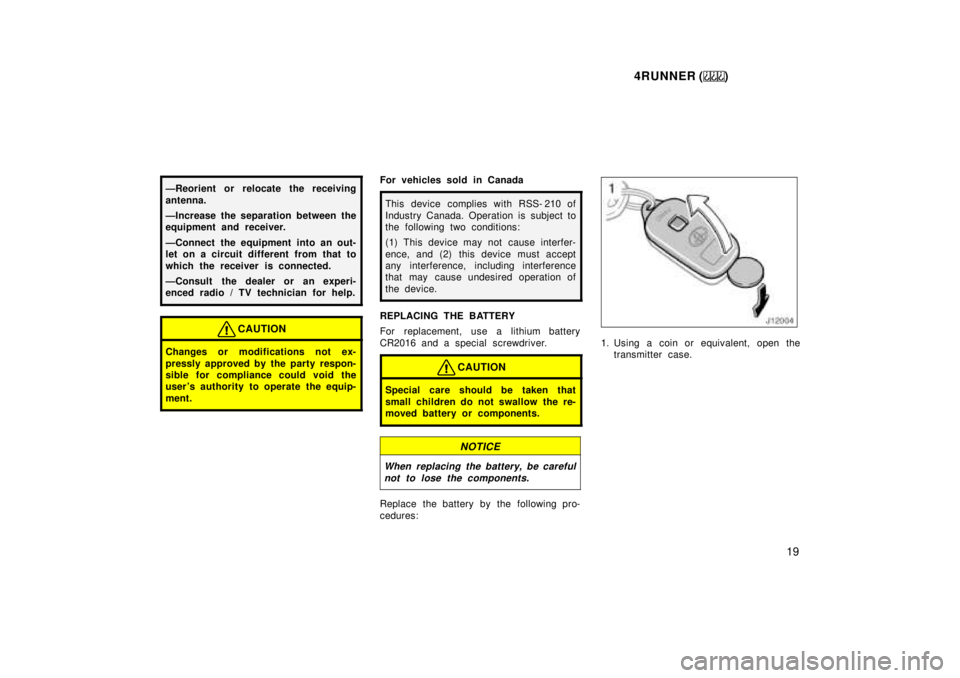
1. Using a coin or equivalent, open the transmitter case.
Page 119 of 268
4RUNNER ()11 9
YOUR RADIO ANTENNA
To lower a power antenna, turn off the
audio system by pushing ºPWR´VOLº,
ºPWR/VOLº or ºVOL/PWRº, or turn the
ignition key to ºLOCKº.
On some models, the power antenna auto-
matically retracts when the radio mode is
switched off to turn on the cassette tape
player.
NOTICE
To prevent damage to the antenna,
make sure it is retracted before driv-ing your Toyota through an automaticcar wash. On vehicles with detachable
antenna, remove the antenna beforeusing an automatic car wash.
YOUR CASSETTE PLAYER
When you insert a cassette, the exposed
tape should be to the right.
NOTICE
Do not oil any part of the player and
do not insert anything other than cas-sette tapes into the slot, or the tape player may be damaged.
YOUR COMPACT DISC PLAYER
When you insert a disc, gently push it in
with the label side up. (The player will
automatically eject a disc if the label side
is down.) The compact disc player will
play from track 1 through the end of the
disc. Then it will play from track 1 again.
NOTICE
Never try to disassemble or oil any
part of the compact disc player. Donot insert anything except a compact disc into the slot.
8 cm (3 in.) compact disc singles
Your compact disc player does not need
an adaptor to play compact disc singles.
Compact disc singles are about 8 cm (3
in.) in diameter- smaller than standard
discs.
After you eject a compact disc single, do
not insert a standard 12 cm (5 in.) disc
until ºDISCº disappears from the display.
NOTICE
Do not use an adaptor for compact
disc singlesÐit could cause trackingerrors or interfere with the ejection of compact discs.
Page 144 of 268

4RUNNER ()
144
TA P E
Push ºTAPEº to switch from radio or com-
pact disc operation to cassette operation.
If the audio system is off, you can turn
on the cassette player by pushing ºTAPEº.
In both cases, a cassette must already be
loaded in the player.
TRACK (Track up/down button):
Compact disc player
By using this button, you can skip up or
down to a different track.
Push either side of the track button until
the number of the track you want to listen
to appears on the display. If you want to
return to the beginning of the current
track, push the down side of the button
one time, quickly.
TUNE (Tuning)
Your Toyota has an electronic tuning radio
(ETR). Push and release the º
º (up) or
º º (down) side of ºTUNEº to step up or
down the station band. (If you hear a
beep, you held the button too long and
the radio will go into the seek mode.)
NOTICE
To ensure the correct audio system
operation:
Be careful not to spill beveragesover the audio system.
Do not put anything other than acassette tape or Compact Disc into
the slot.
RADIO RECEPTION
Usually, a problem with radio reception
does not mean there is a problem with
your radioÐit is just the normal result of
conditions outside the vehicle.
For example, nearby buildings and terrain
can interfere with FM reception. Power
lines or telephone wires can interfere with
AM signals. And of course, radio signals
have a limited range, and the farther you
are from a station, the weaker its signal
will be. In addition, reception conditions
change constantly as your vehicle moves. Here are some common reception prob-
lems that probably do not indicate a prob-
lem with your radio: FM
Fading and drifting stationsÐGenerally, the
effective range of FM is about 40 km (25
miles). Once outside this range, you may
notice fading and drifting, which increase
with the distance from the radio transmit-
ter. They are often accompanied by distor-
tion.
Multi- pathÐFM signals are reflective,
making it possible for two signals to reach
your antenna at the same time. If this
happens, the signals will cancel each oth-
er out, causing a momentary flutter or
loss of reception.
Static and flutteringÐThese occur when
signals are blocked by buildings, trees, or
other large objects. Increasing the bass
level may reduce static and fluttering.
Station swappingÐIf the FM signal you
are listening to is interrupted or weak-
ened, and there is another strong station
nearby on the FM band, your radio may
tune in the second station until the origi-
nal signal can be picked up again.
ÐCar audio system operating
hints