bluetooth TOYOTA 4RUNNER 2011 N280 / 5.G Owner's Manual
[x] Cancel search | Manufacturer: TOYOTA, Model Year: 2011, Model line: 4RUNNER, Model: TOYOTA 4RUNNER 2011 N280 / 5.GPages: 680, PDF Size: 12.58 MB
Page 379 of 680
379
3-3. Using the Bluetooth® audio system
3
Interior features
4RUNNER_U
Bluetooth® audio system setup
■System setup items and operation procedures
P. 401
Page 380 of 680
380
4RUNNER_U
3-4. Using the hands-free phone system (for cellular phone)
Hands-free phone system (for cellular phone) features
This system supports Bluetooth®, which allows you to make or
receive calls without using cables to connect a cellular phone and
the system, and without oper ating the cellular phone.
Owners of models equipped with a navigation system should refer to
the “Navigation System Owner's Manual”.
■ Hands-free system quick guide
Setting a cellular phone. ( P. 384)
Adding an entry to the phonebook (Up to 20 names can be
stored). ( P. 405)
Dialing by inputting a name. ( P. 393)
STEP 1
STEP 2
STEP 3
: If equipped
Page 382 of 680
382 3-4. Using the hands-free phone system (for cellular phone)
4RUNNER_U
■Conditions under which th e system will not operate
● If using a cellular phone that does not support Bluetooth
®
●If the cellular phone is switched off
● If you are outside service range
● If the cellular phone is not connected
● If the cellular phone's battery is low
● If the cellular phone is behind the seat or in the glove box or console box
● If metal is covering or touching the cellular phone
■ When transferring ownership of the vehicle
Be sure to initialize the system to prevent personal data from being improp-
erly accessed.
■ Required profiles for the cellular phone
● HFP (Hands Free Profile) Ver. 1.0
● OPP (Object Push Profile) Ver. 1.1
■ About Bluetooth
®
■Certification for the hands-free phone system
FCC ID: AJDK025
IC ID: 775E-K025
MADE IN JAPAN
This device complies with Part 15 of the FCC Rules and RSS-Gen of IC
Rules. Operation is subject to the following two conditions: (1) this device
may not cause harmful interference, and (2) this device must accept an\
y
interference received, including interference that may cause undesired oper-
ation.
Bluetooth is a registered trademark of
Bluetooth SIG. Inc.
Page 383 of 680
383
3-4. Using the hand
s-free phone system (for cellular phone)
3
Interior features
4RUNNER_U
CAUTION
■FCC WARNING
Changes or modifications not expressly approved by the party responsible
for compliance could void the user's authority to operate the equipment.
Radio Frequency Radiation Exposure. This equipment complies with FCC/
IC radiation exposure limits set forth for uncontrolled equipment and meets
the FCC radio frequency (RF) Exposure Guidelines in Supplement C to
OET65 and RSS-102 of the IC radio frequency (RF) Exposure rules. This
equipment has very low levels of RF energy that it deemed to comply with-
out maximum permissive exposure evaluation (MPE). But it is desirable that
it should be installed and operated with at least 7.9 in. (20 cm) and more
between the radiator and person’s body (excluding extremities: hands,
wrists, feet and ankles).
This transmitter must not be co-located or operated in conjunction with any
other antenna or transmitter.
■ Caution while driving
Do not use a cellular phone, or connect the Bluetooth
® phone.
NOTICE
■To prevent damage to a cellular phone
Do not leave a cellular phone in the vehicle. The temperature inside may
become high resulting in damage to the phone.
Page 384 of 680
384
3-4. Using the hands-free phone system (for cellular phone)
4RUNNER_U
Using the hands-free phone system (for cellular phone)
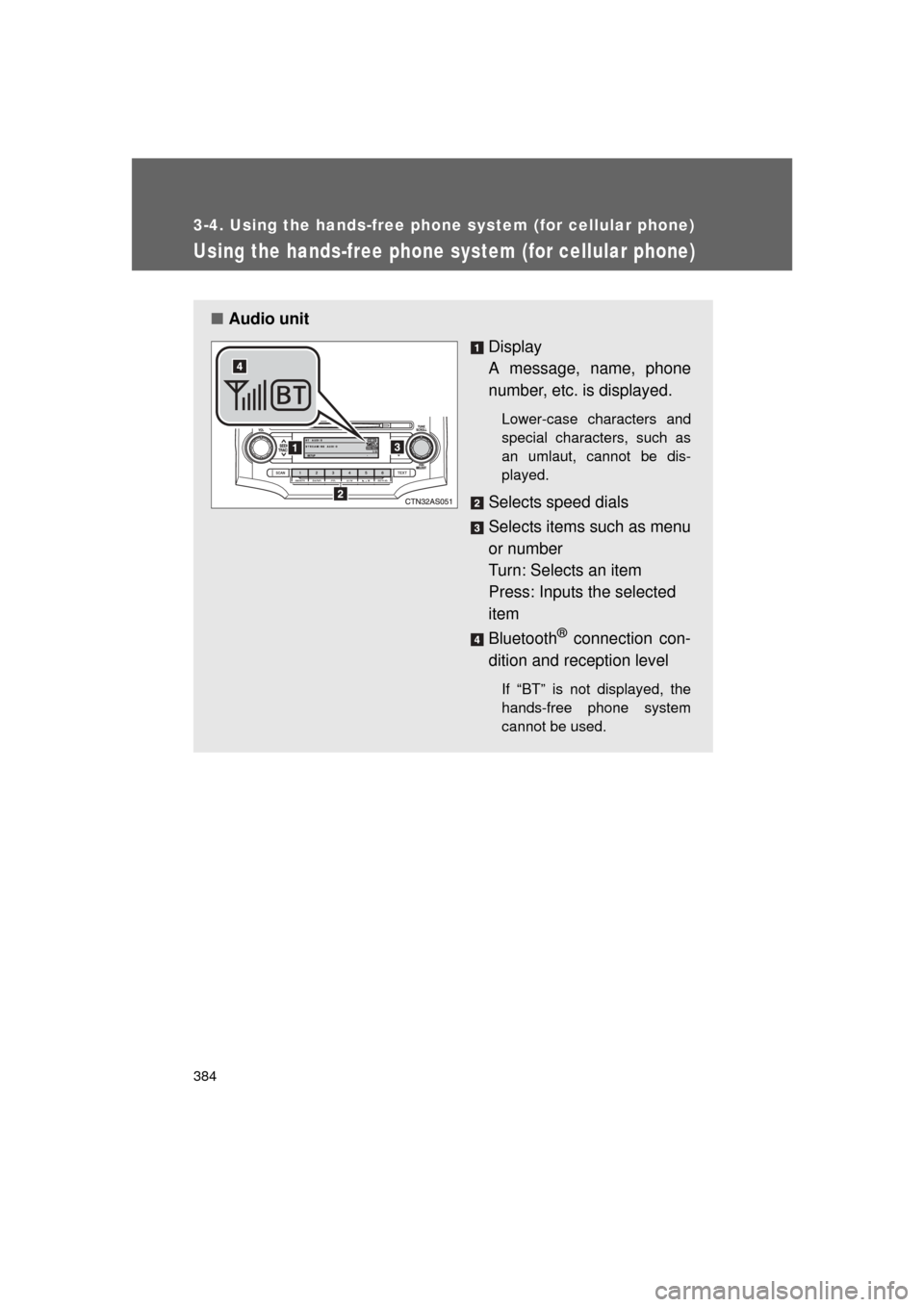
■Audio unit
Display
A message, name, phone
number, etc. is displayed.
Lower-case characters and
special characters, such as
an umlaut, cannot be dis-
played.
Selects speed dials
Selects items such as menu
or number
Turn: Selects an item
Press: Inputs the selected
item
Bluetooth
® connection con-
dition and reception level
If “BT” is not displayed, the
hands-free phone system
cannot be used.
Page 387 of 680
387
3-4. Using the hand
s-free phone system (for cellular phone)
3
Interior features
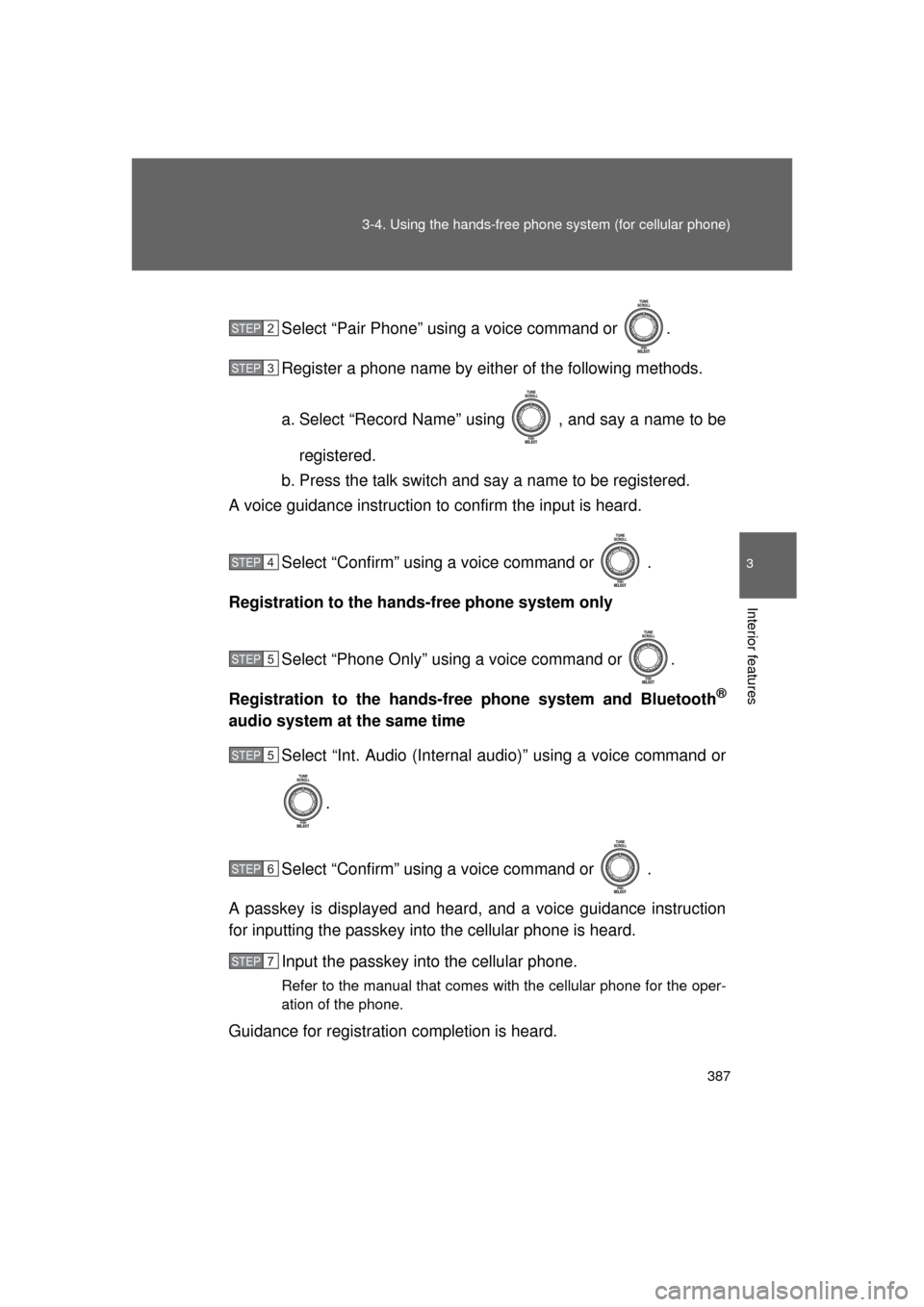
4RUNNER_USelect “Pair Phone” using a voice command or .
Register a phone name by either of the following methods.
a. Select “Record Name” using , and say a name to be
registered.
b. Press the talk switch and say a name to be registered.
A voice guidance instruction to confirm the input is heard.
Select “Confirm” using a voice command or .
Registration to the hands -free phone system only
Select “Phone Only” using a voice command or .
Registration to the hands-free phone system and Bluetooth
®
audio system at the same time Select “Int. Audio (Internal audio)” using a voice command or
.
Select “Confirm” using a voice command or .
A passkey is displayed and heard, and a voice guidance instruction
for inputting the passkey into the cellular phone is heard. Input the passkey into the cellular phone.
Refer to the manual that comes with the cellular phone for the oper-
ation of the phone.
Guidance for registration completion is heard.
STEP 2
STEP 3
STEP 4
STEP 5
STEP 5
STEP 6
STEP 7
Page 471 of 680
471
3-7. Other interior features
3
Interior features
4RUNNER_U
■
Safety Connect Services Information
● Phone calls using the vehicles Bluetooth
® technology will not be possible
during Safety Connect.
● Safety Connect is available beginning Fall 2009 on select Toyota models.
Contact with the Safety Connect response center is dependent upon the
telematics device being in operative condition, cellular connection avail-
ability, and GPS satellite signal reception, which can limit the ability to
reach the response center or receive emergency service support. Enroll-
ment and Telematics Subscription Service Agreement required. A variety
of subscription terms is available; charges vary by subscription term
selected.
● Safety Connect services will function in the United States, including
Hawaii and Alaska, and in Canada. The services will not function outside
of the United States in countries other than Canada. For details about the
service, contact your Toyota dealer.
● Safety Connect services are not subject to section 255 of the Telecom-
munications Act and the device is not TTY compatible.
■ Languages
The Safety Connect response center will offer support in multiple languages.
The Safety Connect system will offer voice prompts in English and Spanish.
Please indicate your language of choice when enrolling.
■ When contacting the response center
You may be unable to contact the response center if the network is busy.
Page 667 of 680

667
Alphabetical index
4RUNNER_U
Back door
Back door ............................... 56
Back window .......................... 94
Smart key system ... ................ 33
Wireless remote control.......... 47
Back-up lights
Replacing light bulbs ............ 542
Wattage ................................ 624
Back window ............................. 94
Battery
Checking .............................. 509
If the vehicle has a discharged battery ............ 599
Preparing and checking before winter ...................... 275
Bluetooth
® audio..................... 364
Bluetooth® phone ................... 380
Bottle holder ............................ 427
Brake
Fluid...................................... 505
Parking brake ....................... 180
Brake assist ............................. 253
Break-in tips ............................ 155
Brightness control Instrument light control ......... 187 Care
Exterior ..................................478
Interior ...................................481
Seat belts ..............................482
Cargo capacity .........................267
Cargo hooks .............................456
Cargo net hooks.......................457
CD player/changer ...................324
Center differential lock ............226
Chains .......................................277
Child-protectors .........................53
Child restraint system Booster seats, definition ........136
Booster seats, installation .....140
Convertible seats, definition .............................136
Convertible seats, installation ...........................140
Front passenger occupant classification system ...........130
Infant seats, definition ...........136
Infant seats, installation.........140
Installing CRS with LATCH system........ ............142
Installing CRS with
seat belts ............................145
Installing CRS with top straps ..................................148
BC