audio TOYOTA 4RUNNER 2012 N280 / 5.G Owner's Guide
[x] Cancel search | Manufacturer: TOYOTA, Model Year: 2012, Model line: 4RUNNER, Model: TOYOTA 4RUNNER 2012 N280 / 5.GPages: 700, PDF Size: 10.76 MB
Page 344 of 700
344 3-2. Using the audio system
4RUNNER_U
Contact the XM® Listener Care Center at 1-800-967-2346 (U.S.A.) or 1-877-
209-0079 (Canada)
■ Certifications for the radio tuner
This equipment has been tested and found to comply with the limits for a
Class B digital device, pursuant to Part 15 of the FCC Rules. These limits
are designed to provide reasonable protection against harmful interference
in a residential installation. This equipment generates, uses and can radiate
radio frequency energy and, if not installed and used in accordance with the
instructions, may cause harmful interference to radio communications. How-
ever, there is no guarantee that interference will not occur in a particular
installation. If this equipment does cause harmful interference to radio or
television reception, which can be determined by turning the equipment off
and on, the user is encouraged to try to correct the interference by one or
more of the following measures:
● Reorient or relocate the receiving antenna.
● Increase the separation between the equipment and receiver.
● Connect the equipment into an outlet on a circuit different from that to
which the receiver is connected.
● Consult the dealer or an experienc ed radio/TV technician for help.
NOTICE
■To prevent damage, remove the antenna in the following cases.
● The antenna will touch the ceiling of a garage.
● A cover will be put on the vehicle.
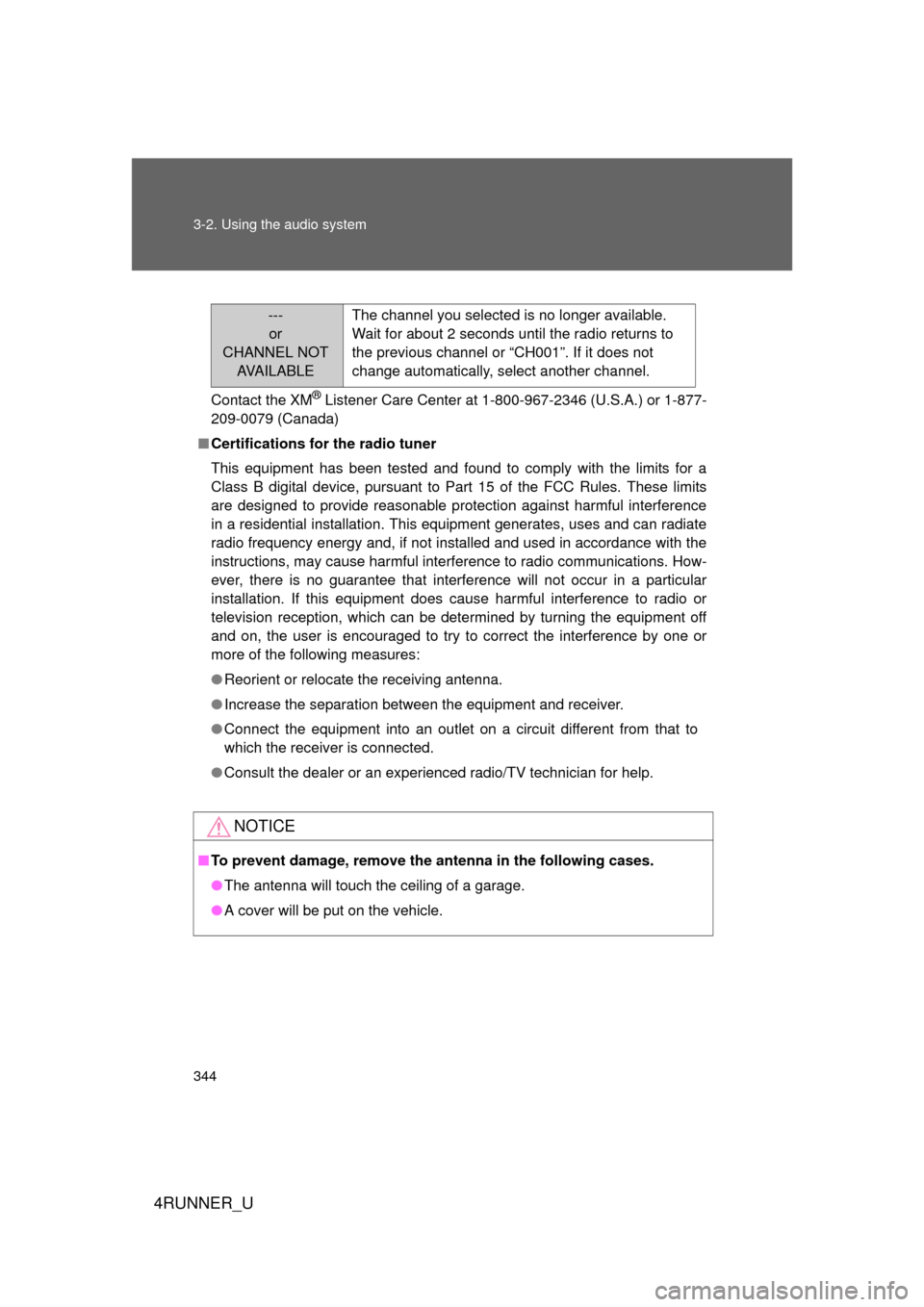
---
or
CHANNEL NOT AVA I L A B L E The channel you selected is no longer available.
Wait for about 2 seconds until the radio returns to
the previous channel or “CH001”. If it does not
change automatically, select another channel.
Page 345 of 700
345
3-2. Using the audio system
3
Interior features
4RUNNER_U
Using the CD player
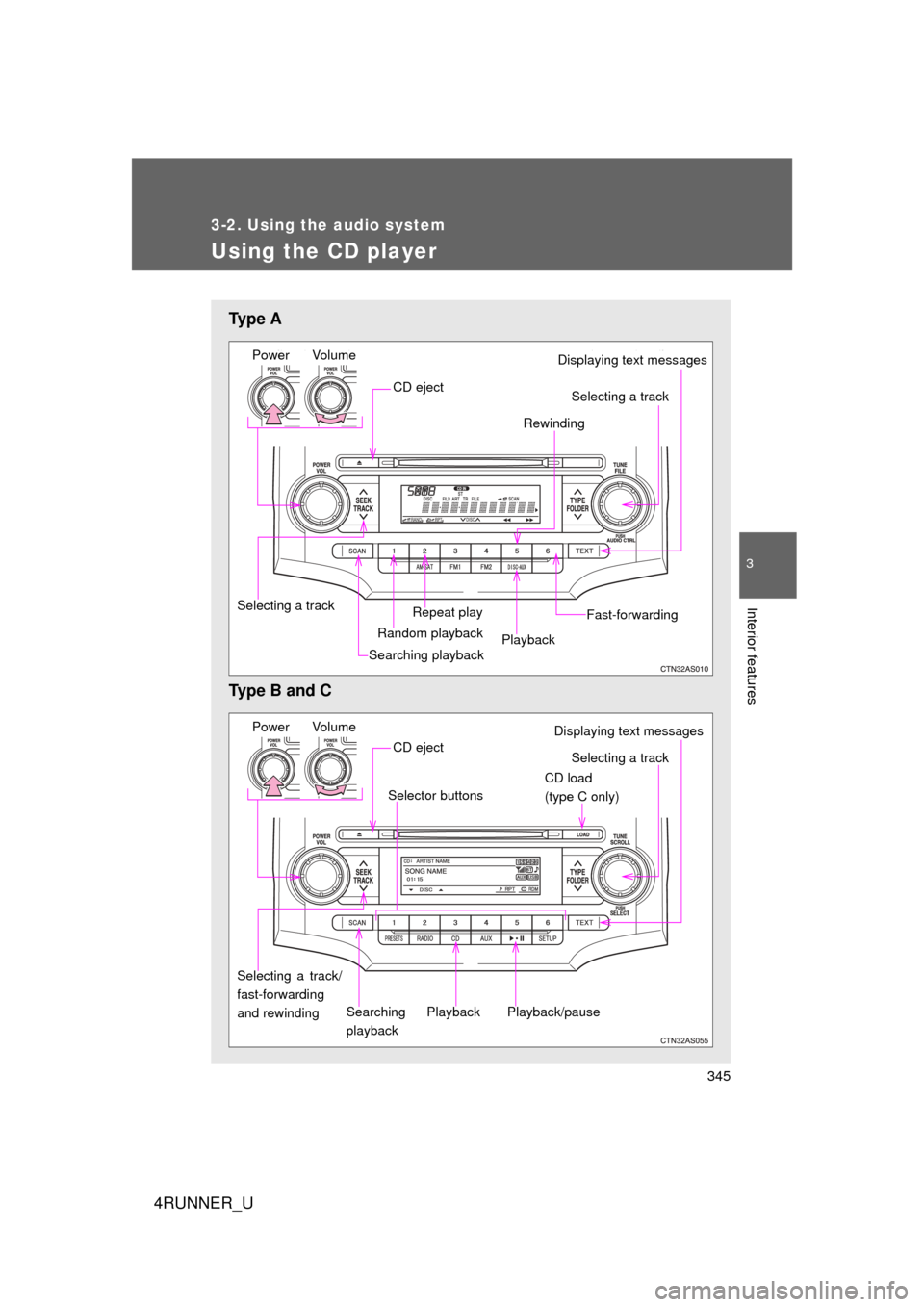
Ty p e A
Type B and C
Power VolumeDisplaying text messages
CD eject
Repeat play
Selecting a track Rewinding
Random playback
Searching playbackPlayback Fast-forwarding
Selecting a track
Power Volume
CD load
(type C only)
Searching
playback
CD eject
Selecting a track/
fast-forwarding
and rewinding
Displaying text messages
Selector buttons
Playback
Playback/pause
Selecting a track
Page 346 of 700
346 3-2. Using the audio system
4RUNNER_U
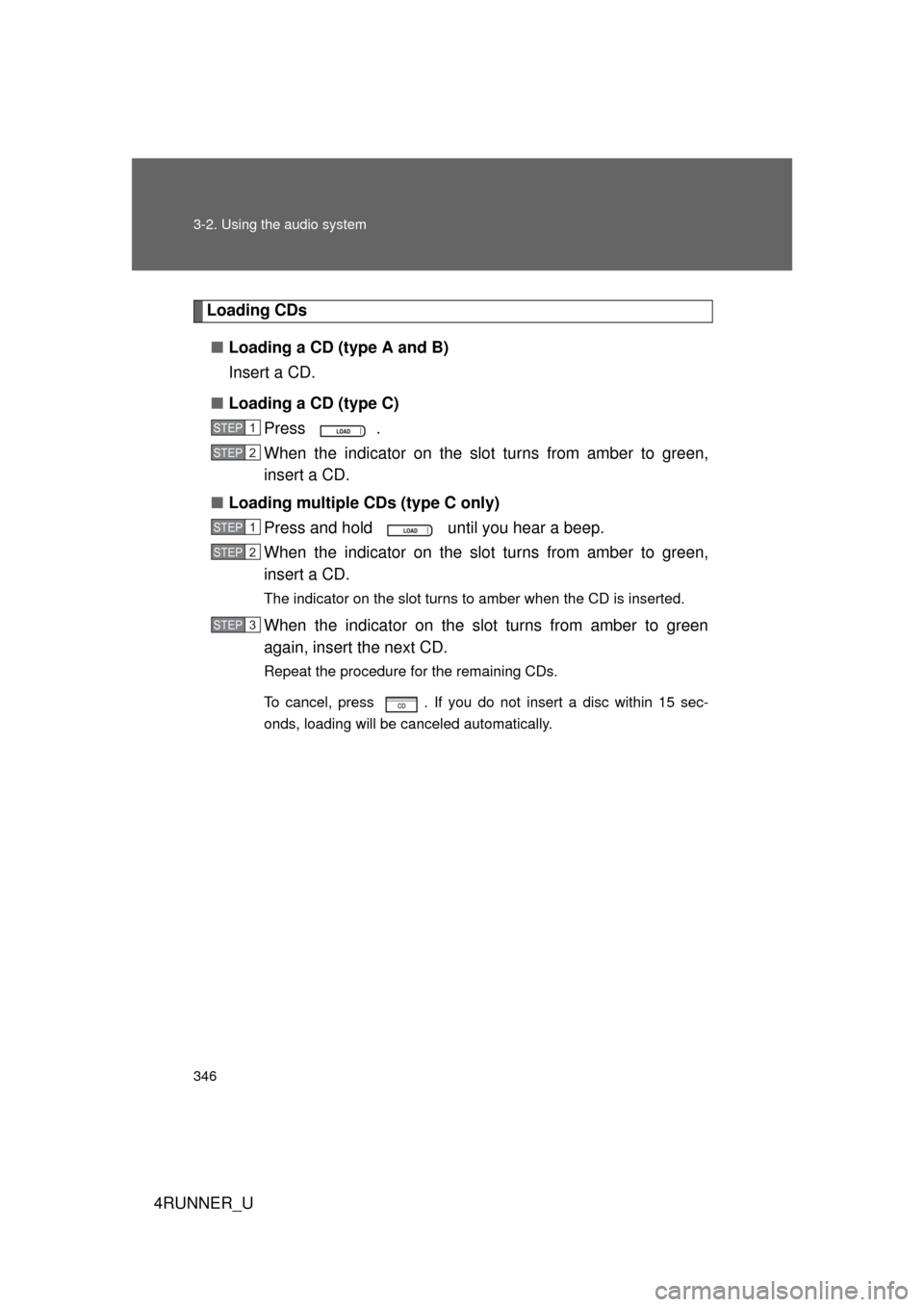
Loading CDs■ Loading a CD (type A and B)
Insert a CD.
■ Loading a CD (type C)
Press .
When the indicator on the slot turns from amber to green,
insert a CD.
■ Loading multiple CDs (type C only)
Press and hold until you hear a beep.
When the indicator on the slot turns from amber to green,
insert a CD.
The indicator on the slot turns to amber when the CD is inserted.
When the indicator on the slot turns from amber to green
again, insert the next CD.
Repeat the procedure for the remaining CDs.
To cancel, press . If you do not insert a disc within 15 sec-
onds, loading will be canceled automatically.
STEP 1
STEP 2
STEP 1
STEP 2
STEP 3
Page 347 of 700
347
3-2. Using the audio system
3
Interior features
4RUNNER_U
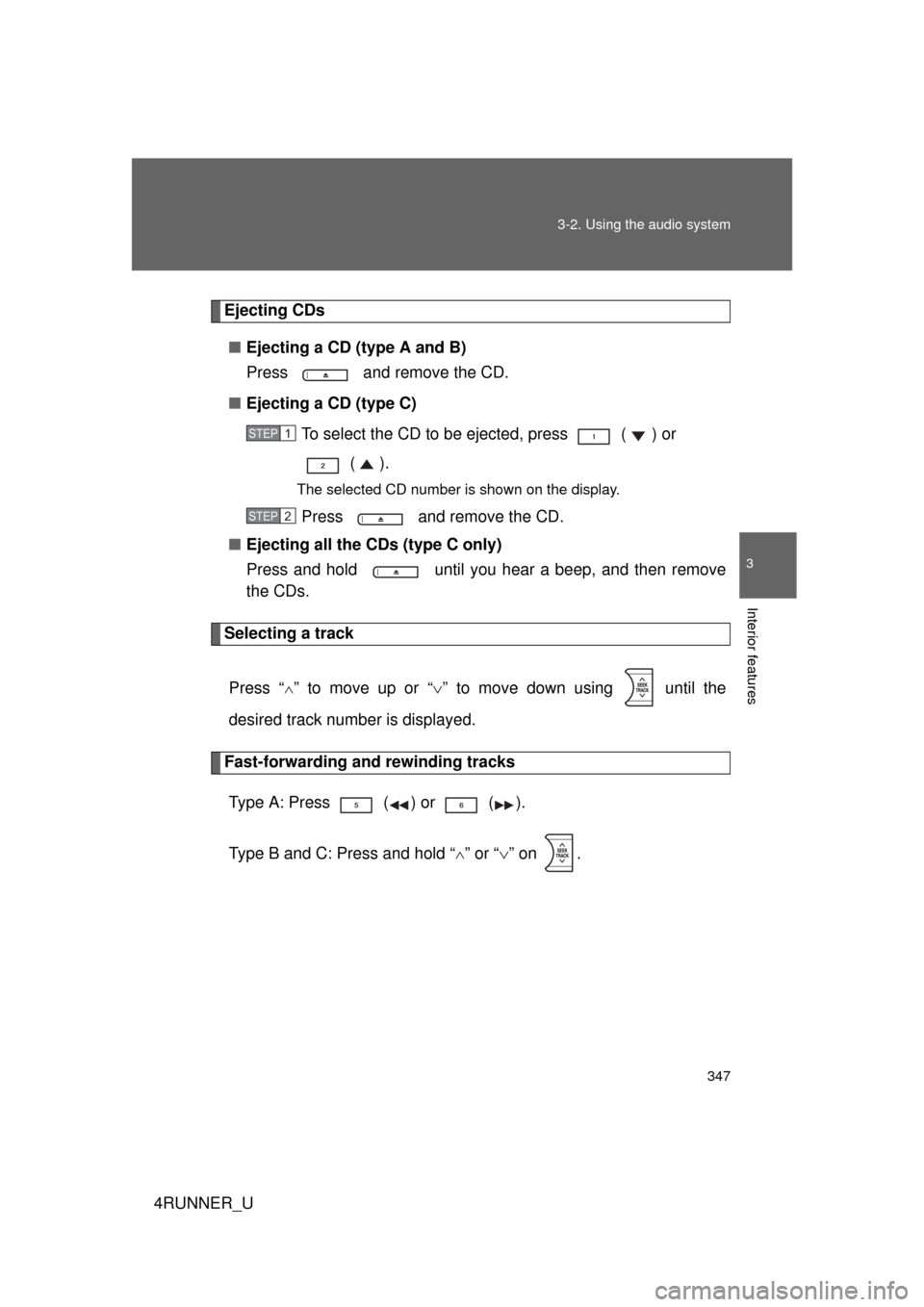
Ejecting CDs
■ Ejecting a CD (type A and B)
Press and remove the CD.
■ Ejecting a CD (type C)
To select the CD to be ejected, press ( ) or ().
The selected CD number is shown on the display.
Press and remove the CD.
■ Ejecting all the CDs (type C only)
Press and hold until you hear a beep, and then remove
the CDs.
Selecting a track
Press “
” to move up or “ ” to move down using until the
desired track number is displayed.
Fast-forwarding and rewinding tracks
Type A: Press ( ) or ( ).
Type B and C: Press and hold “
” or “ ” on .
STEP 1
STEP 2
Page 348 of 700
348 3-2. Using the audio system
4RUNNER_U
Scanning tracksPress .
The first ten seconds of each track will be played.
To cancel, press again.
Press again when the desired track is reached.
Selecting a CD (type C only)■ Selecting a CD to play
Press ( ) or ( ).
■ Scanning loaded CDs
Press and hold until you hear a beep.
The first ten seconds of the first track on each CD will be played.
To cancel, press again.
Press again when the desired CD is reached.
Playing and pausing tracks (type B and C)
Press .
STEP 1
STEP 2
STEP 1
STEP 2
Page 349 of 700
349
3-2. Using the audio system
3
Interior features
4RUNNER_U
Random playback
■ Current CD
Press (RAND) or (RDM).
Songs are played in random order.
To cancel, press the button once more (type A and B), or twice more
(type C).
■All CDs (type C only)
Press (RDM) twice.
Tracks on all loaded CDs are played in random order.
To cancel, press the button again.
Repeat play
■ Repeating a track
Press (RPT) or (RPT).
To cancel, press the button once more (type A and B), or twice more
(type C).
■Repeating all of the tracks on a CD (type C only)
Press (RPT) twice.
To cancel, press the button again.
Page 350 of 700
350 3-2. Using the audio system
4RUNNER_U
Switching the displayPress .
Each time is pressed, the display changes in the following
order:
Type A: Track no./Elapsed time CD title Track name.
Type B and C: Track title Track name/Artist name Track name/
Elapsed time.
■ Display (type A only)
Up to 12 characters can be displayed at a time.
If there are 13 characters or more, pressing and holding for 1 sec-
ond or more will display the remaining characters.
A maximum of 24 characters can be displayed.
If is pressed for 1 second or more again or has not been pressed
for 6 seconds or more, the display will return to the first 12 characters.
Depending on the contents recorded, the characters may not be displayed
properly or may not be displayed at all.
Page 351 of 700
351
3-2. Using the audio system
3
Interior features
4RUNNER_U
■
Error messages
“CD CHECK”: This indicates a problem either with the CD or inside the
player. The CD may be dirty, damaged or inserted up-side
down.
“WAIT” or “PLEASE WAIT”: Operation has stopped due to a high tempera- ture inside the player. Wait for a while and then
press or . Contact your Toyota
dealer if the CD still cannot be played back.
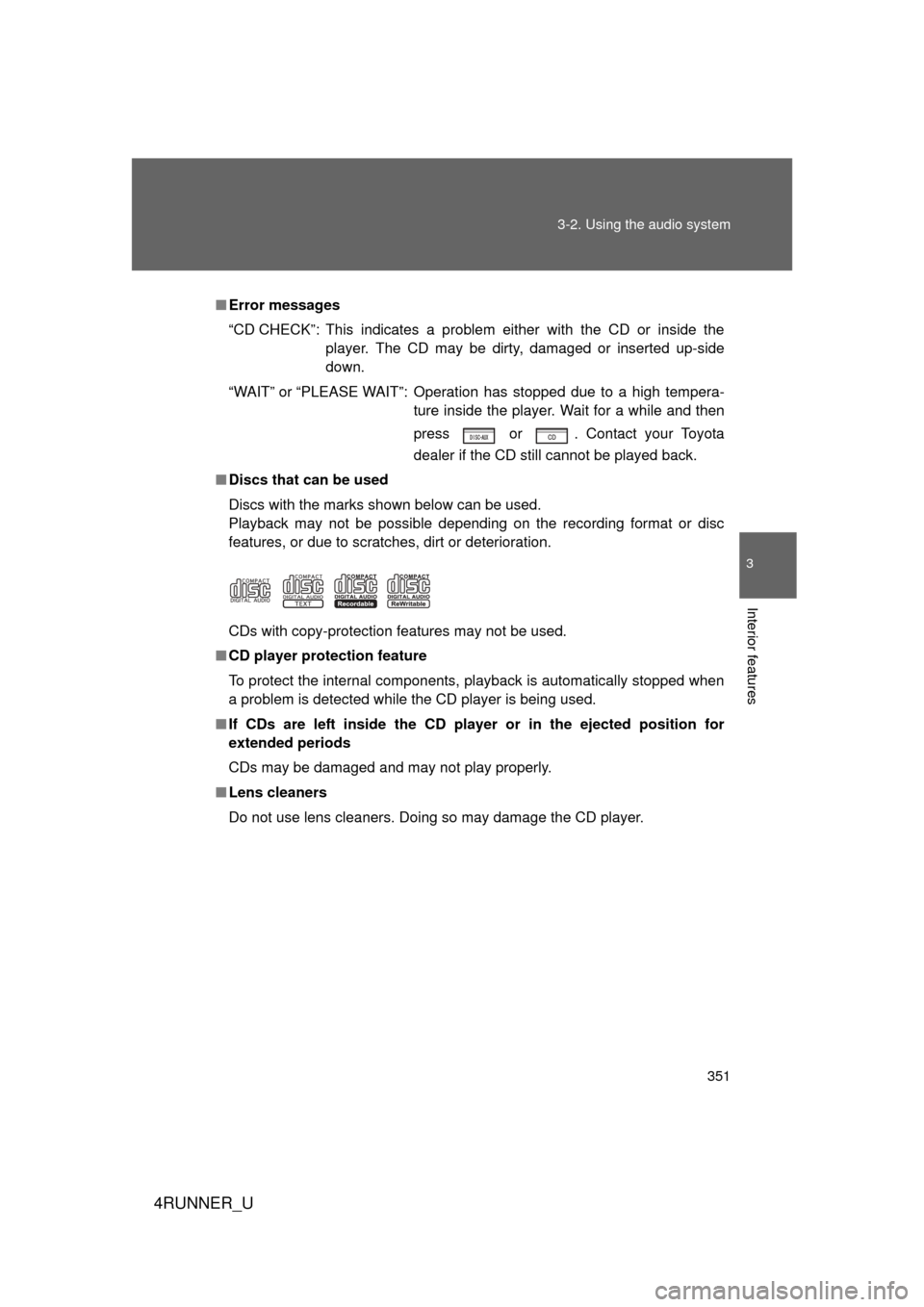
■ Discs that can be used
Discs with the marks shown below can be used.
Playback may not be possible depending on the recording format or disc
features, or due to scratches, dirt or deterioration.
CDs with copy-protection features may not be used.
■ CD player protection feature
To protect the internal components, playback is automatically stopped when
a problem is detected while the CD player is being used.
■ If CDs are left inside the CD pla yer or in the ejected position for
extended periods
CDs may be damaged and may not play properly.
■ Lens cleaners
Do not use lens cleaners. Doing so may damage the CD player.
Page 352 of 700
352 3-2. Using the audio system
4RUNNER_U
NOTICE
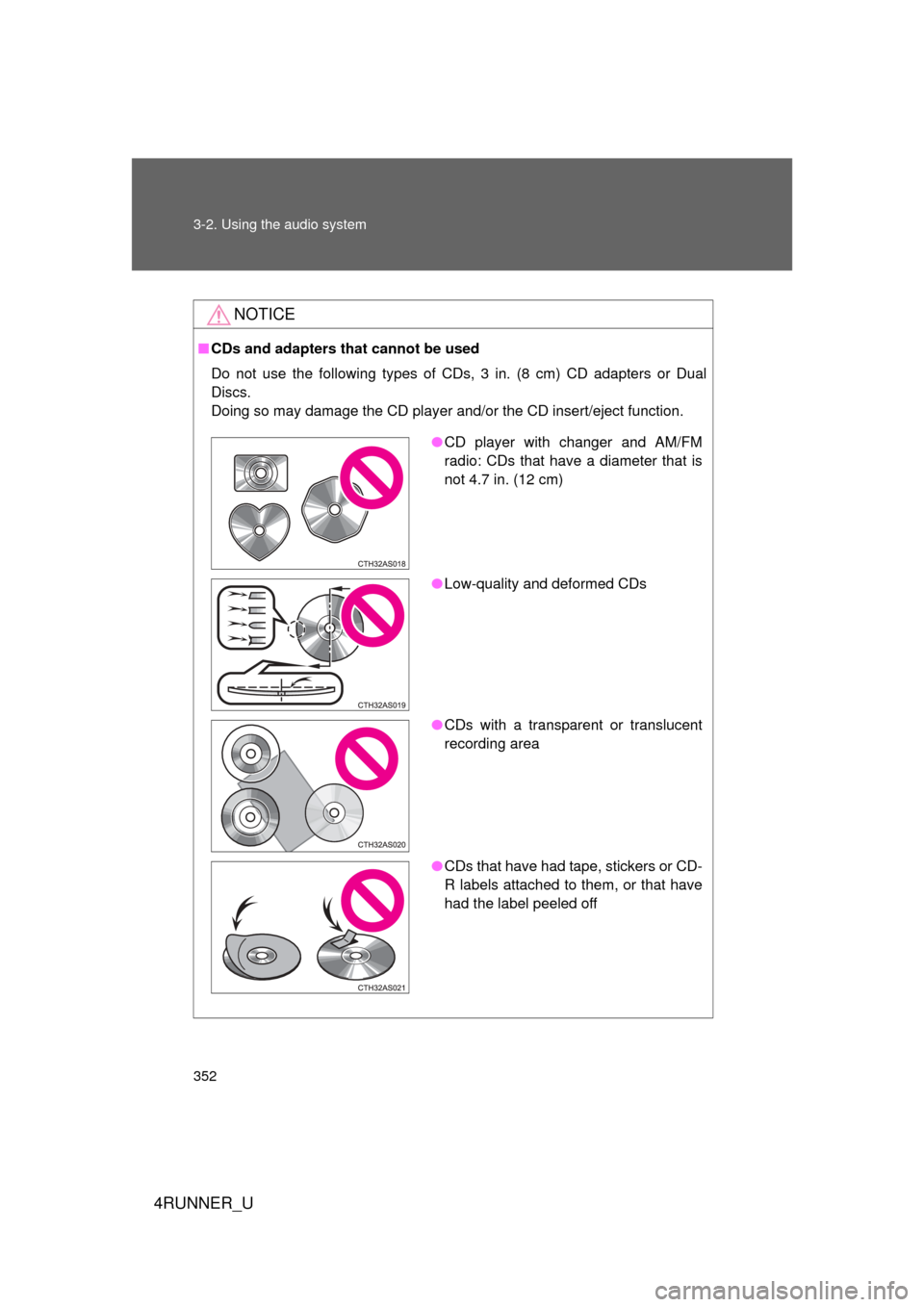
■CDs and adapters that cannot be used
Do not use the following types of CDs, 3 in. (8 cm) CD adapters or Dual
Discs.
Doing so may damage the CD player and/or the CD insert/eject function.
● CD player with changer and AM/FM
radio: CDs that have a diameter that is
not 4.7 in. (12 cm)
● Low-quality and deformed CDs
● CDs with a transparent or translucent
recording area
● CDs that have had tape, stickers or CD-
R labels attached to them, or that have
had the label peeled off
Page 353 of 700
353
3-2. Using the audio system
3
Interior features
4RUNNER_U
NOTICE
■
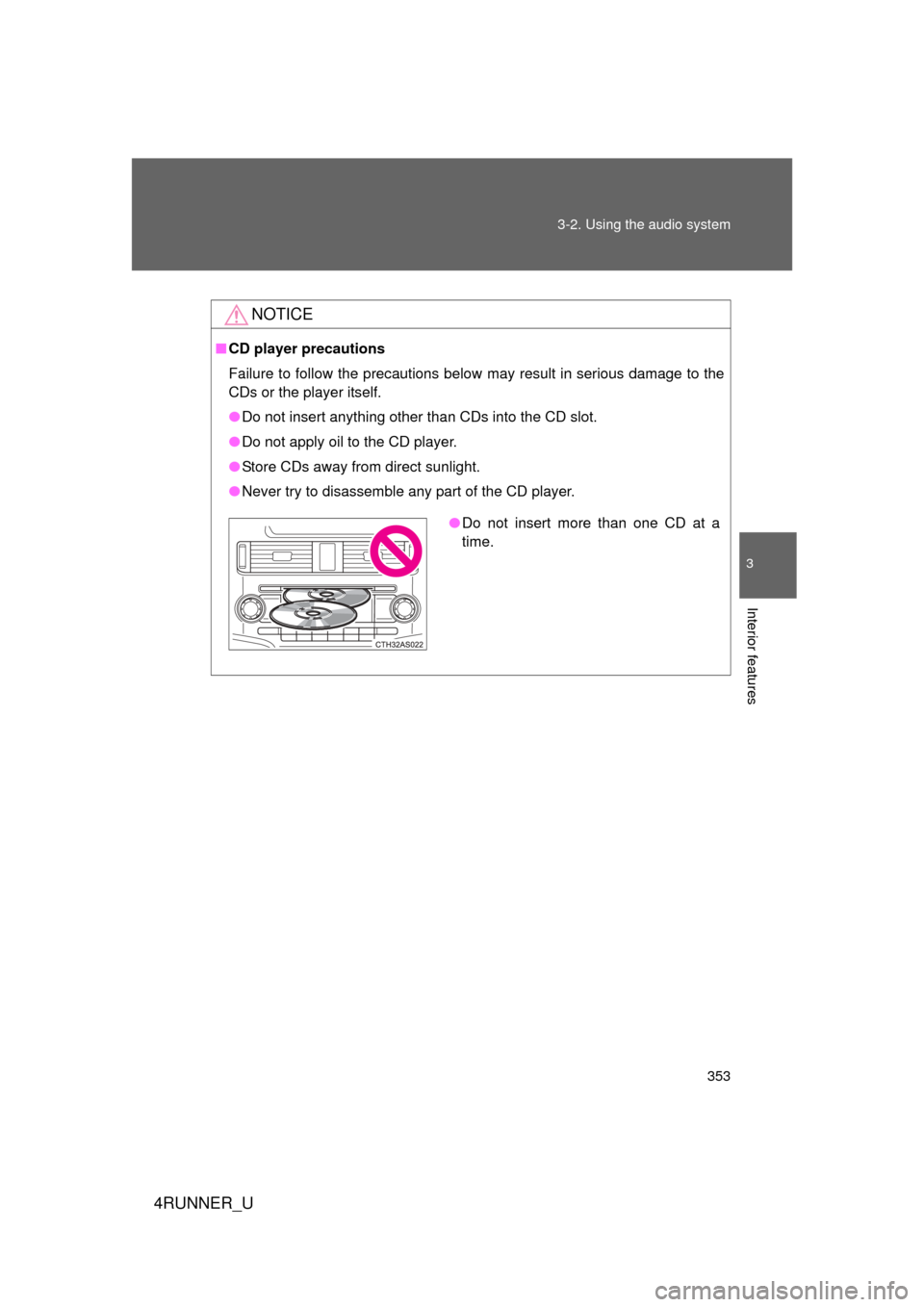
CD player precautions
Failure to follow the precautions below may result in serious damage to the
CDs or the player itself.
● Do not insert anything other than CDs into the CD slot.
● Do not apply oil to the CD player.
● Store CDs away from direct sunlight.
● Never try to disassemble any part of the CD player.
●Do not insert more than one CD at a
time.