alarm TOYOTA 4RUNNER 2022 User Guide
[x] Cancel search | Manufacturer: TOYOTA, Model Year: 2022, Model line: 4RUNNER, Model: TOYOTA 4RUNNER 2022Pages: 616, PDF Size: 12.01 MB
Page 124 of 616

1243-2. Opening, closing and locking the doors
4RUNNER (U)■
Note for the entry function
●Even when the electronic key is within the effective range (det ection areas),
the system may not operate properly in the following cases:
• The electronic key is too close to the window or outside door handle, near
the ground, or in a high place when the doors are locked or unl ocked.
• The electronic key is on the instrument panel or floor, in the glove box, or
in the auxiliary box of the instrument panel.
● Do not leave the electronic key on top of the instrument panel or near the
door pockets when exiting the vehicle. Depending on the radio w ave recep-
tion conditions, it may be detected by the antenna outside the cabin and the
door will become lockable from the outside, possibly trapping the electronic
key inside the vehicle.
● As long as the electronic key is within the effective range, th e doors may be
locked or unlocked by anyone. However, only the doors detecting the elec-
tronic key can be used to unlock the vehicle.
● The doors may lock or unlock if the electronic key is within th e effective
range and a large amount of water splashes on the door handle, such as in
the rain or in a car wash. The doors will automatically be lock ed after
approximately 60 seconds if a door is not opened and closed.
● If the wireless remote control is used to lock the doors when t he electronic
key is near the vehicle, there is a possibility that the door m ay not be
unlocked by the entry function. (Use the wireless remote contro l to unlock
the doors.)
● Whether or not the electronic key is inside the vehicle, the engine could be
started if the electronic key is near the window.
■ Note for locking the doors
●Touching the door lock sensor while wearing gloves may delay or prevent
lock operation. Remove the gloves and touch the lock sensor aga in.
● When the lock operation is performed using the lock sensor, rec ognition sig-
nals will be shown up to two consecutive times. After this, no recognition
signals will be given.
● If the door handle becomes wet while the electronic key is with in the effec-
tive range, the door may lock and unlock repeatedly. Place the electronic
key in a location 6 ft. (2 m) or more away from the vehicle while the vehicle
is being washed. (Take care to ensure that the key is not stolen.)
● If the electronic key is inside the vehicle and a door handle b ecomes wet
during a car wash, a buzzer will sound outside the vehicle. To turn off the
alarm, lock all the doors.
● The lock sensor may not work properly if it comes into contact with ice,
snow, mud, etc. Clean the lock sensor and attempt to operate it again, or
use the lock sensor on the lower part of the door handle.
● Fingernails may scrape against the door during operation of the door han-
dle. Be careful not to injure fingernails or damage the surface of the door.
Page 125 of 616
1253-2. Opening, closing and locking the doors
3
Operation of each component
4RUNNER (U)■
Note for the unlocking function
●Gripping the door handle when wearing a glove may not unlock th e door.
● A sudden approach to the effective range or door handle may prevent the
doors from being unlocked. In this case, return the door handle to the origi-
nal position and check that the doors unlock before pulling the door handle
again.
● If there is another electronic key in the detection area, it ma y take slightly
longer to unlock the doors after the door handle is gripped.
■ When the vehicle is not driven for extended periods
●To prevent theft of the vehicle, do not leave the electronic ke y within 6 ft. (2
m) of the vehicle.
● The smart key system can be deactivated in advance. Ask your To yota
dealer for details.
● Setting the electronic key to battery- saving mode helps to reduce key bat-
tery depletion. ( P. 122)
■ To operate the system properly
●Make sure to carry the electronic key when operating the system. Do not get
the electronic key too close to the vehicle when operating the system from
the outside of the vehicle.
● Depending on the position and holding condition of the electronic key, the
key may not be detected correctly and the system may not operat e properly.
(The alarm may go off accidentally, or the door lock prevention function may
not operate.)
■ If the smart key system does not operate properly
●Locking and unlocking the doors: Use the mechanical key. ( P. 520)
● Starting the engine: P. 521
■ Customization
Settings (e. g. operation signal) can be changed.
(Customizable features: P. 557)
■ If the smart key system has been d eactivated in a customized setting
● Locking and unlocking the doors: P. 520
● Starting the engine and changing engine switch modes: P. 521
● Stopping the engine: P. 2 1 1
Page 171 of 616
1713-5. Opening, closing the windows and moon roof
3
Operation of each component
4RUNNER (U)■
When the moon roof does not close normally
Perform the following procedure:
●If the moon roof closes but then re-opens slightly
Stop the vehicle.
Press and hold the “SLIDE (open/close)” switch in the close position.
*1
The moon roof will close, reopen and pause for approximately 10 sec-
onds.
*2 Then it will close again, tilt up and pause for approximately 1 sec-
ond. Finally, it will tilt down, open and close.
Check to make sure that the moon roof is completely closed and then
release the switch.
● If the moon roof tilts down but then tilts back up
Stop the vehicle.
Press and hold the “UP” switch
*1 until the moon roof moves into the tilt
up position and stops.
Release the “UP” switch once and then press and hold the “UP” s witch
again.
*1
The moon roof will pause for approximately 10 seconds in the tilt up posi-
tion.
*2 Then it will adjust slightly and pause for approximately 1 second.
Finally, it will tilt down, open and close.
Check to make sure that the moon roof is completely closed and then
release the switch.
*1: If the switch is released at the incorrect time, the procedure will have to
be performed again from the beginning.
*2: If the switch is released after the above mentioned 10 second pause, automatic operation will be disabled. In that case, press and h old the
“UP” or “DOWN” switch, and the moon roof will tilt up and pause for
approximately 1 second. Then it will tilt down, open and close. Check to
make sure that the moon roof is completely closed and then release the
switch.
If the moon roof does not fully close even after performing the above proce-
dure correctly, have the vehicle inspected by your Toyota deale r.
■ Moon roof open reminder function
An alarm will sound when the driver’s door is opened with the m oon roof not
fully closed and the engine switch off.
■ Door lock linked moon roof operation
●The moon roof can be opened and closed using the key or mechani cal key.
*
(P. 111, 520)
● The moon roof can be opened using the wireless remote control.
*
( P. 110)
*: These settings must be customized at your Toyota dealer.
1
2
3
1
2
3
4
Page 523 of 616
5237-2. Steps to take in an emergency
7
When trouble arises
4RUNNER (U)
If you have a set of jumper (or booster) cables and a second vehicle
with a 12-volt battery, you can jump start your vehicle by foll owing the
steps below.
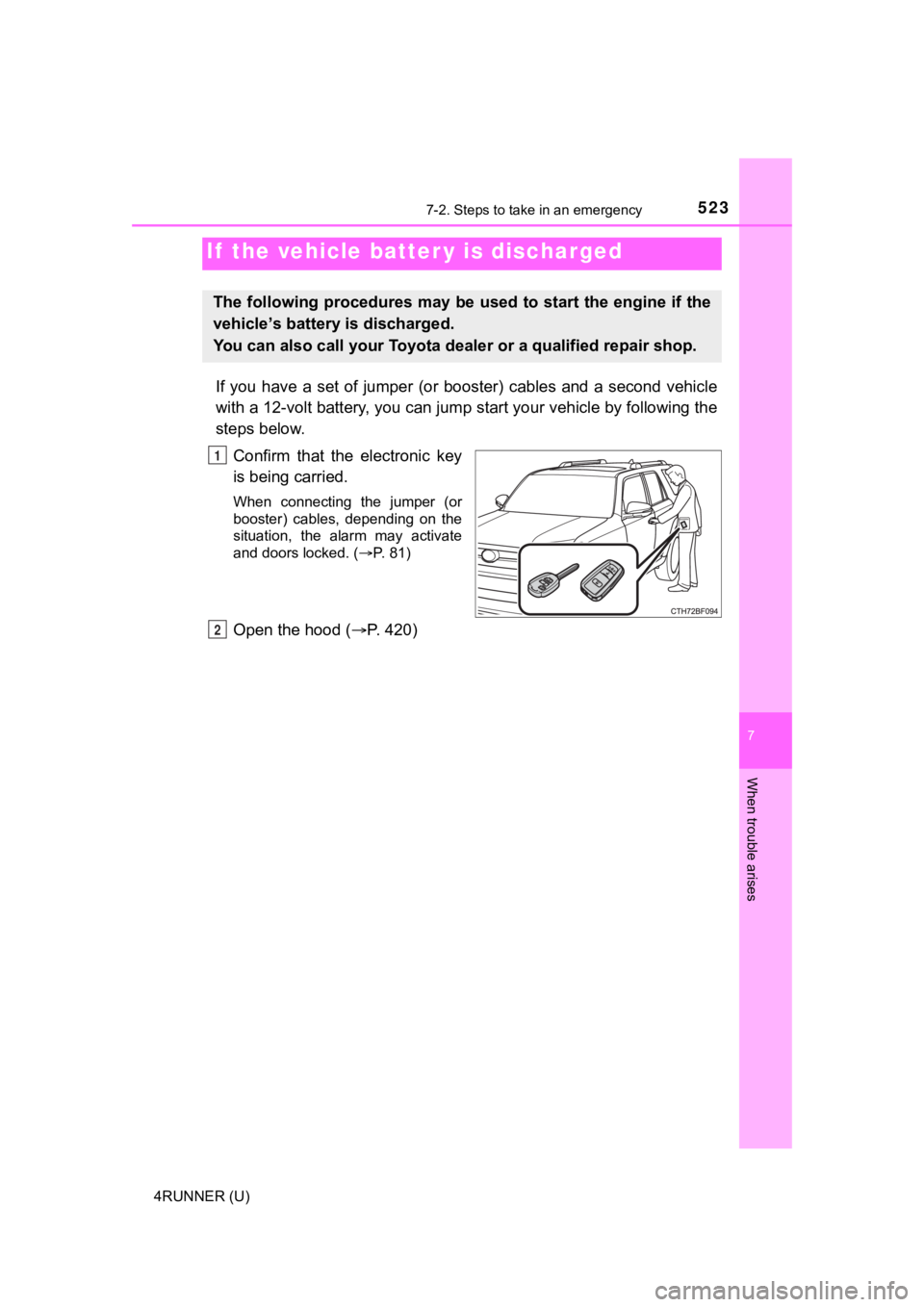
Confirm that the electronic key
is being carried.
When connecting the jumper (or
booster) cables, depending on the
situation, the alarm may activate
and doors locked. ( P. 81)
Open the hood ( P. 420)
If the vehicle batt er y is discharged
The following procedures may be used to start the engine if the
vehicle’s battery is discharged.
You can also call your Toyota de aler or a qualified repair shop.
1
2
Page 589 of 616
589What to do if... (Troubleshooting)
4RUNNER (U)
●The seat belt reminder light is flashing
Are the driver and the front passenger wearing the seat belts?
(P. 489)
●The brake system warning light is on
Is the parking brake released? ( P. 222)
●The open door warning indicator is on
Are all the doors closed? (P. 110, 130)
Depending on the situation, other types of warning buzzer may a lso sound.
( P. 486, 497)
●Did anyone inside the vehicle open a door during setting the al arm?
The sensor detects it and the alarm sounds. ( P. 80)
To stop the alarm, turn the engine switch to IGNITION ON mode ( vehicles
with a smart key system) or start the engine.
●Is the electronic key left inside the vehicle?
Check the message on the multi-information display.
●When a warning light turns on, refer to P. 486.
●When a warning light turns on or a warning message or indicator is dis-
played, refer to P. 486, 497.
A warning buzzer sounds during driving
An alarm is activated and the horn sounds
A warning buzzer sounds w hen leaving the vehicle
(vehicles with a smart key system)
A warning light turns on or a warning message is displayed
Page 591 of 616
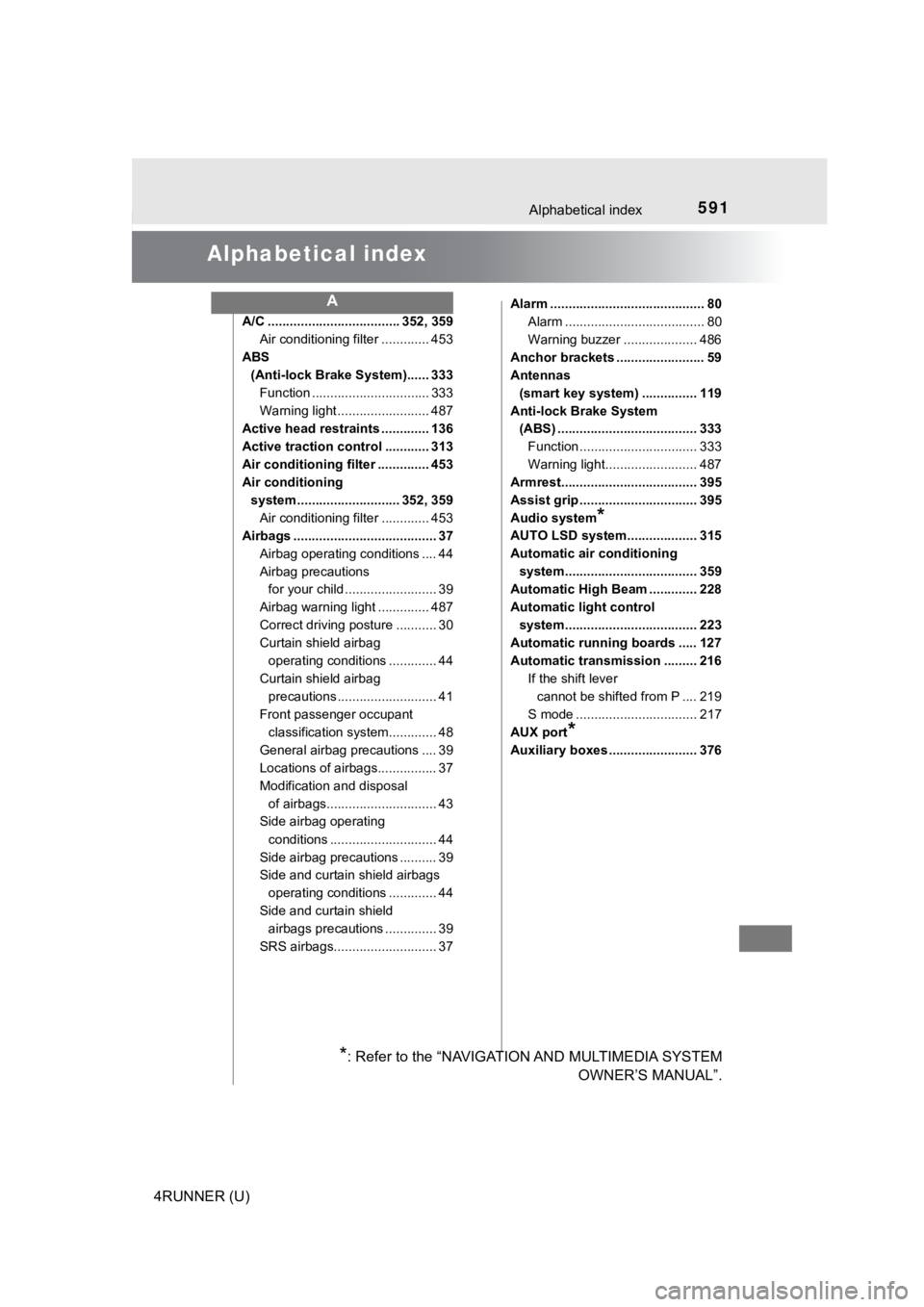
591
4RUNNER (U)
Alphabetical index
Alphabetical index
A/C .................................... 352, 359Air conditioning filter ............. 453
ABS (Anti-lock Brake System)...... 333
Function ................................ 333
Warning light ......................... 487
Active head restraints ............. 136
Active traction control ............ 313
Air conditioning filter .............. 453
Air conditioning
system ............................ 352, 359 Air conditioning filter ............. 453
Airbags ....................................... 37
Airbag operating conditions .... 44
Airbag precautions for your child ......................... 39
Airbag warning light .............. 487
Correct driving posture ........... 30
Curtain shield airbag operating conditions ............. 44
Curtain shield airbag precautions ........................... 41
Front passenger occupant classification syst em............. 48
General airbag precautions .... 39
Locations of airbags................ 37
Modification and disposal of airbags.............................. 43
Side airbag operating
conditions ............................. 44
Side airbag precautions .......... 39
Side and curtain shield airbags operating conditions ............. 44
Side and curtain shield airbags precautions .............. 39
SRS airbags............................ 37 Alarm .......................................... 80
Alarm ...................................... 80
Warning buzzer .................... 486
Anchor brackets ........................ 59
Antennas (smart key system) ............... 119
Anti-lock Brake System (ABS) ...................................... 333
Function ................................ 333
Warning light......................... 487
Armrest..................................... 395
Assist grip ................................ 395
Audio system
*
AUTO LSD system................... 315
Automatic air conditioning
system.................................... 359
Automatic High Beam ............. 228
Automatic light control
system.................................... 223
Automatic running boards ..... 127
Automatic transmission ......... 216
If the shift lever cannot be shifted from P .... 219
S mode ................................. 217
AUX port
*
Auxiliary boxes ........................ 376
A
*: Refer to the “NAVIGATION AND MULTIMEDIA SYSTEM OWNER’S MANUAL”.
Page 601 of 616
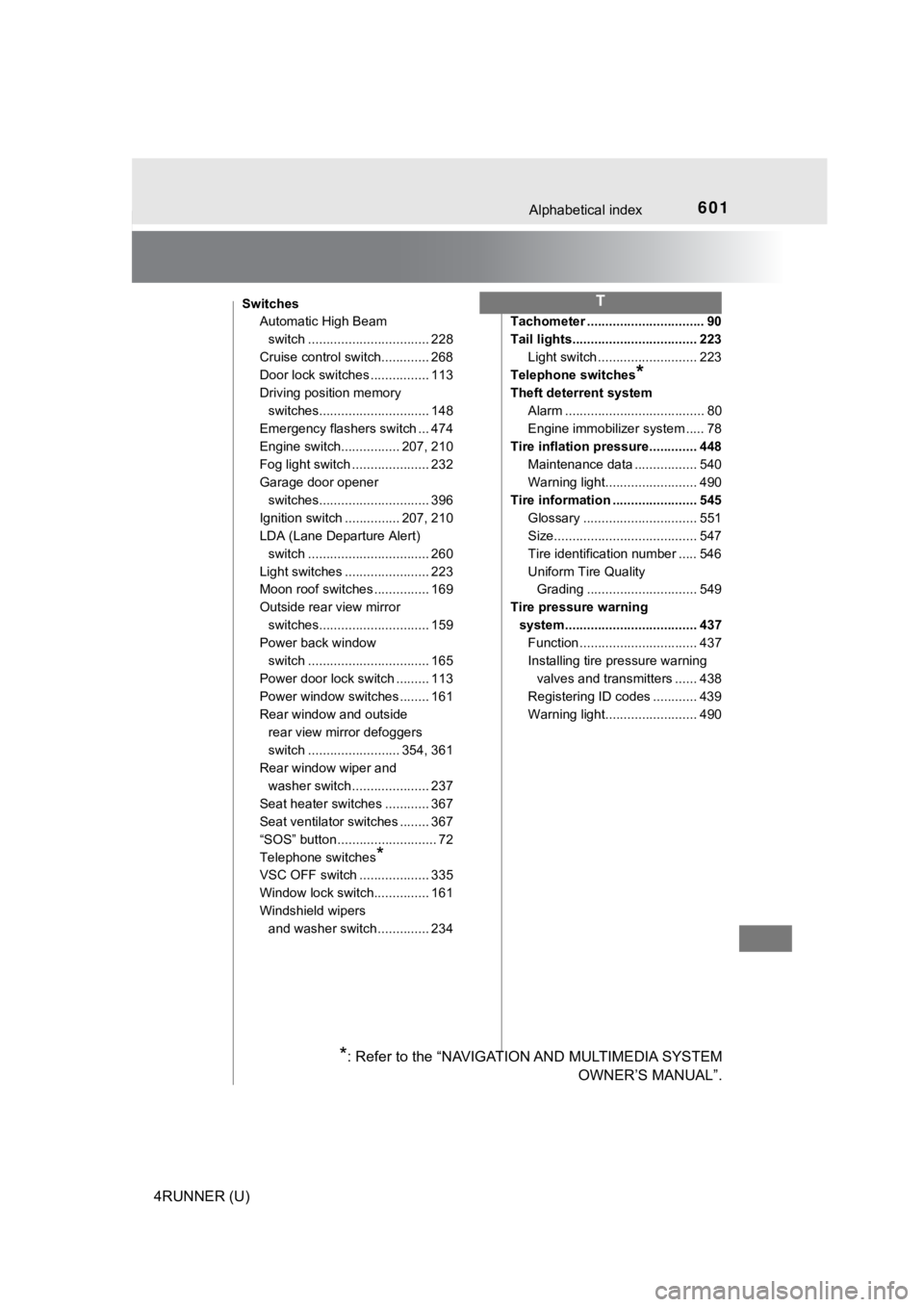
601Alphabetical index
4RUNNER (U)
SwitchesAutomatic High Beam
switch ................................. 228
Cruise control switch............. 268
Door lock switches ................ 113
Driving position memory switches.............................. 148
Emergency flashers switch ... 474
Engine switch................ 207, 210
Fog light switch ..................... 232
Garage door opener
switches.............................. 396
Ignition switch ............... 207, 210
LDA (Lane Departure Alert) switch ................................. 260
Light switches ....................... 223
Moon roof switches ............... 169
Outside rear view mirror switches.............................. 159
Power back window
switch ................................. 165
Power door lock switch ......... 113
Power window switches ........ 161
Rear window and outside rear view mirror defoggers
switch ......................... 354, 361
Rear window wiper and
washer switch ..................... 237
Seat heater switches ............ 367
Seat ventilator switches ........ 367
“SOS” button ........................... 72
Telephone switches
*
VSC OFF switch ................... 335
Window lock switch............... 161
Windshield wipers and washer switch .............. 234 Tachometer ................................ 90
Tail lights.................................. 223
Light switch ........................... 223
Telephone switches
*
Theft deterrent system
Alarm ...................................... 80
Engine immobilizer system ..... 78
Tire inflation pressure............. 448 Maintenance data ................. 540
Warning light......................... 490
Tire information ....................... 545 Glossary ............................... 551
Size....................................... 547
Tire identification number ..... 546
Uniform Tire Quality Grading .............................. 549
Tire pressure warning system.................................... 437 Function ................................ 437
Installing tire pressure warning
valves and transmitters ...... 438
Registering ID codes ............ 439
Warning light......................... 490
T
*: Refer to the “NAVIGATION AND MULTIMEDIA SYSTEM OWNER’S MANUAL”.