power steering TOYOTA 4RUNNER 2023 Owners Manual
[x] Cancel search | Manufacturer: TOYOTA, Model Year: 2023, Model line: 4RUNNER, Model: TOYOTA 4RUNNER 2023Pages: 608, PDF Size: 11.8 MB
Page 2 of 608
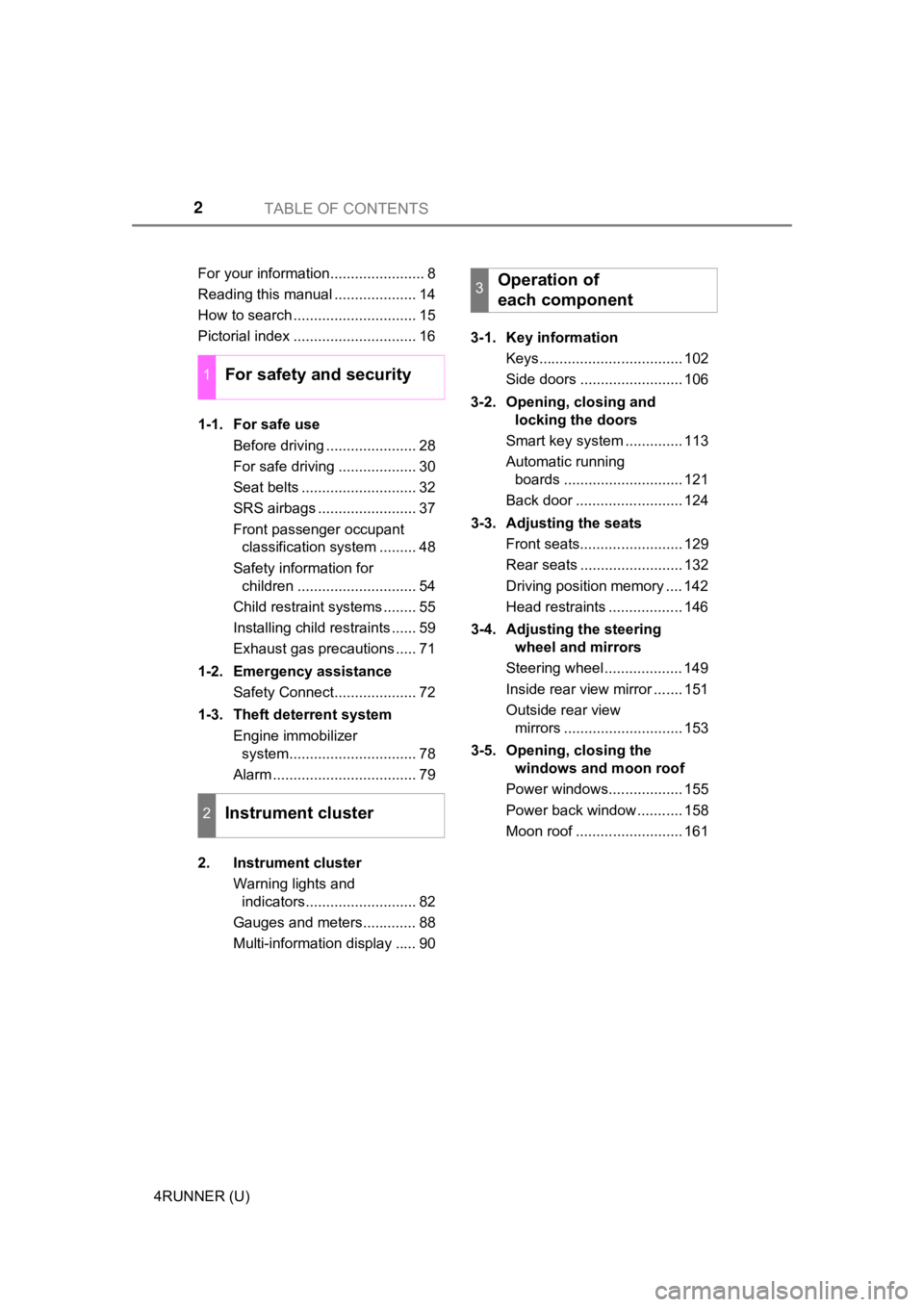
TABLE OF CONTENTS2
4RUNNER (U)For your information....................... 8
Reading this manual .................... 14
How to search .............................. 15
Pictorial index .............................. 16
1-1. For safe use
Before driving ...................... 28
For safe driving ................... 30
Seat belts ............................ 32
SRS airbags ........................ 37
Front passenger occupant classification system ......... 48
Safety information for children ............................. 54
Child restraint systems ........ 55
Installing child restraints ...... 59
Exhaust gas precautions ..... 71
1-2. Emergency assistance Safety Connect.................... 72
1-3. Theft deterrent system Engine immobilizer system............................... 78
Alarm ................................... 79
2. Instrument cluster Warning lights and indicators........................... 82
Gauges and meters............. 88
Multi-information display ..... 90 3-1. Key information
Keys................................... 102
Side doors ......................... 106
3-2. Opening, closing and locking the doors
Smart key system .............. 113
Automatic running boards ............................. 121
Back door .......................... 124
3-3. Adjusting the seats Front seats......................... 129
Rear seats ......................... 132
Driving position memory .... 142
Head restraints .................. 146
3-4. Adjusting the steering wheel and mirrors
Steering wheel ................... 149
Inside rear view mirror ....... 151
Outside rear view mirrors ............................. 153
3-5. Opening, closing the windows and moon roof
Power windows.................. 155
Power back window ........... 158
Moon roof .......................... 161
1For safety and security
2Instrument cluster
3Operation of
each component
Page 4 of 608

TABLE OF CONTENTS4
4RUNNER (U)5-1. Using the air conditioning
system and defogger
Manual air conditioning system............................. 342
Automatic air conditioning system............................. 349
Heated steering wheel/ Seat heaters/
seat ventilators ................ 357
5-2. Using the interior lights Interior lights list ................ 360
• Interior lights ................. 361
• Personal lights .............. 361
5-3. Using the storage features
List of storage features...... 363
• Glove box...................... 364
• Console box .................. 364
• Cup holders .................. 365
• Auxiliary box ................. 367
• Coin holder/tissue pocket/
pen holder ..................... 368
• Bottle holders ................ 369
Luggage compartment features ........................... 370 5-4. Other interior features
Other interior features........ 375
• Sun visors ..................... 375
• Vanity mirrors ................ 375
• Clock ............................. 376
• Power outlets (120 V AC) .................... 377
• Power outlets ................ 381
• USB charging ports ....... 384
• Armrest.......................... 386
• Assist grips .................... 386
Garage door opener .......... 387
5Interior features
Page 20 of 608
20Pictorial index
4RUNNER (U)
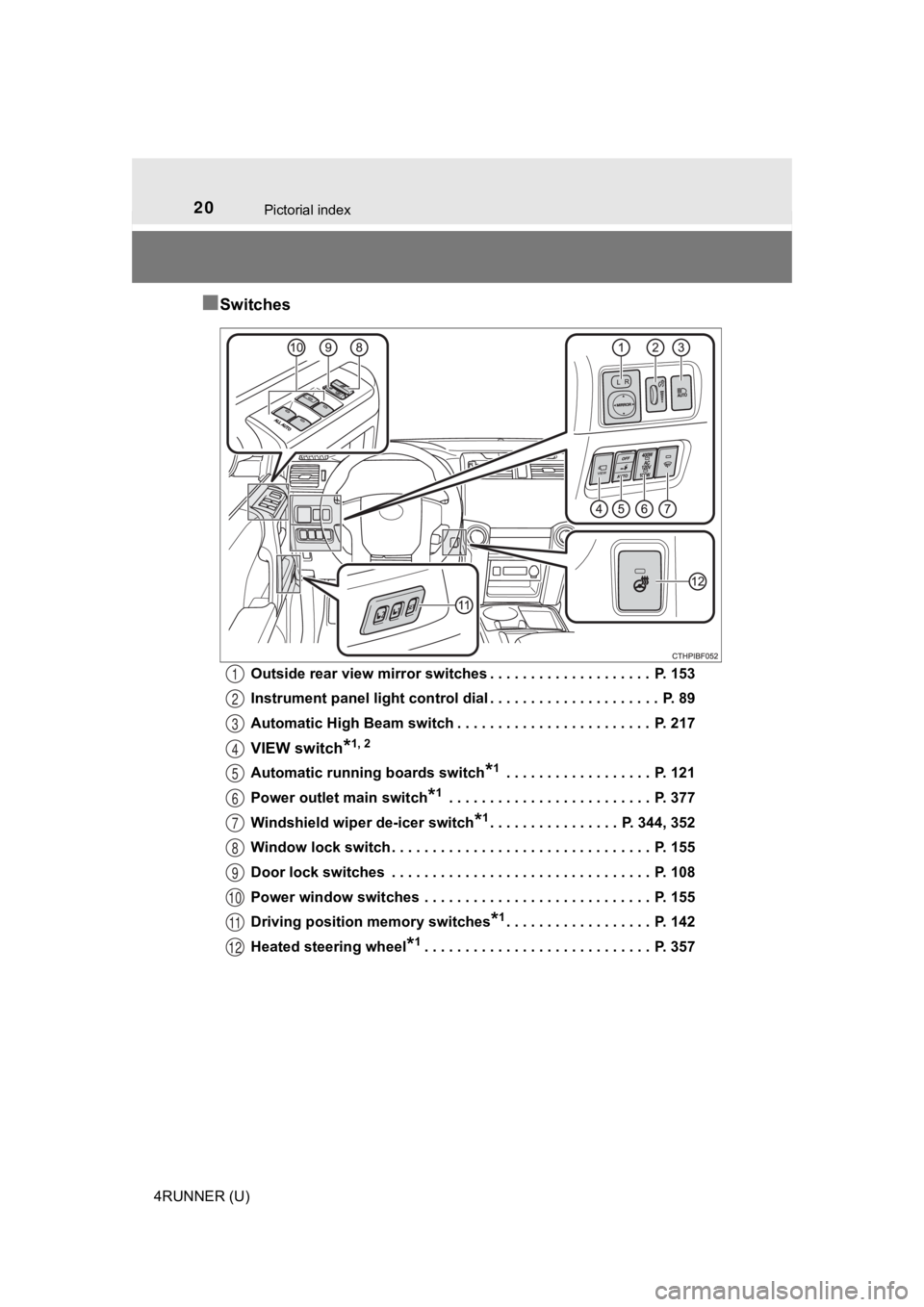
■Switches
Outside rear view mirror switches . . . . . . . . . . . . . . . . . . . . P. 153
Instrument panel light control dial . . . . . . . . . . . . . . . . . . . . . P. 89
Automatic High Beam switch . . . . . . . . . . . . . . . . . . . . . . . . P. 217
VIEW switch*1, 2
Automatic running boards switch*1 . . . . . . . . . . . . . . . . . . P. 121
Power outlet main switch
*1 . . . . . . . . . . . . . . . . . . . . . . . . . P. 377
Windshield wiper de-icer switch
*1. . . . . . . . . . . . . . . . P. 344, 352
Window lock switch . . . . . . . . . . . . . . . . . . . . . . . . . . . . . . . . P. 155
Door lock switches . . . . . . . . . . . . . . . . . . . . . . . . . . . . . . . . P. 108
Power window switches . . . . . . . . . . . . . . . . . . . . . . . . . . . . P. 155
Driving position memory switches
*1. . . . . . . . . . . . . . . . . . P. 142
Heated steering wheel
*1. . . . . . . . . . . . . . . . . . . . . . . . . . . . P. 357
1
2
3
4
5
6
7
8
9
10
11
12
Page 84 of 608
842. Instrument cluster
4RUNNER (U)
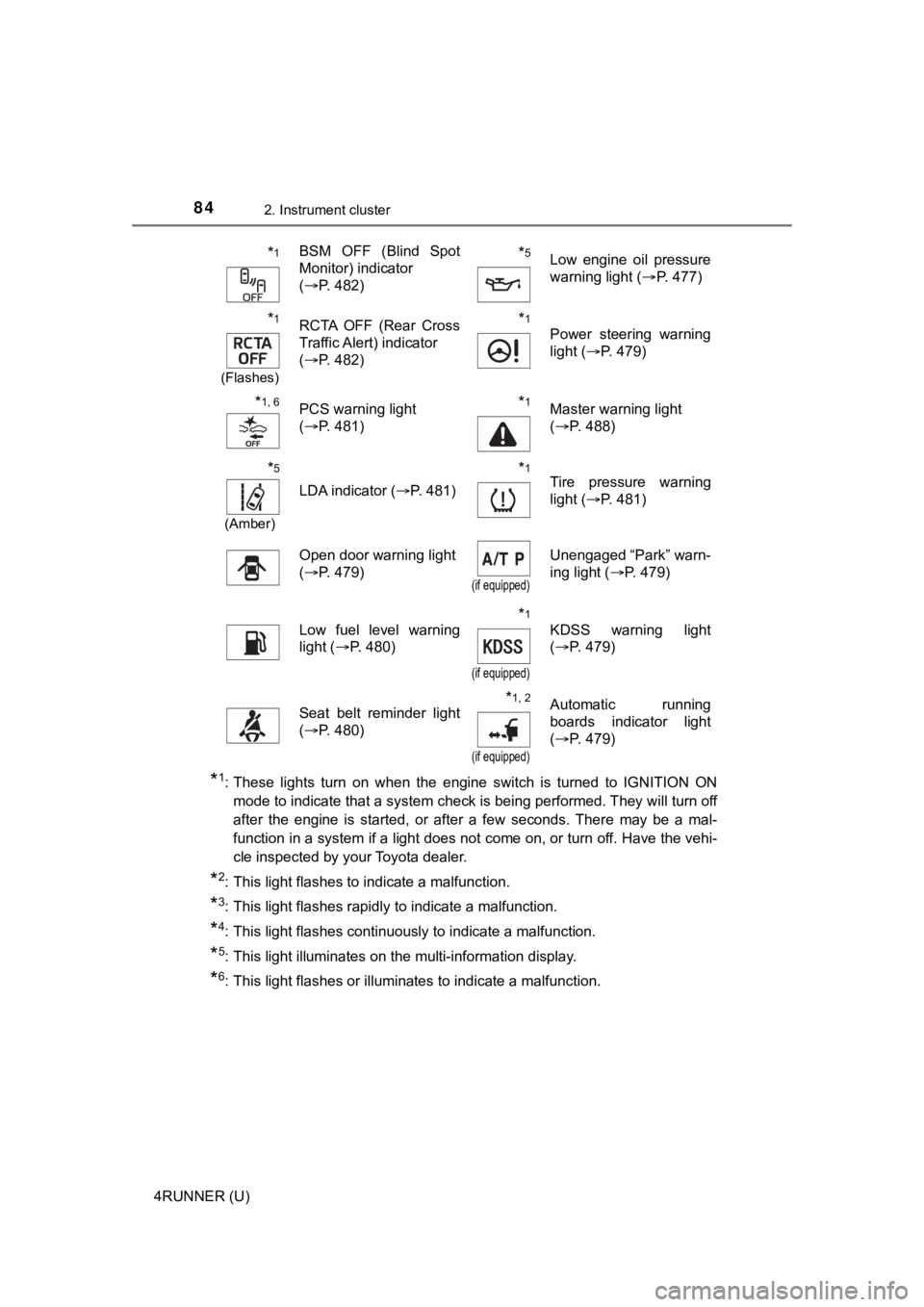
*1: These lights turn on when the engine switch is turned to IGNITION ON
mode to indicate that a system check is being performed. They w ill turn off
after the engine is started, or after a few seconds. There may be a mal-
function in a system if a light does not come on, or turn off. Have the vehi-
cle inspected by your Toyota dealer.
*2: This light flashes to indicate a malfunction.
*3: This light flashes rapidly to indicate a malfunction.
*4: This light flashes continuously to indicate a malfunction.
*5: This light illuminates on the multi-information display.
*6: This light flashes or illuminates to indicate a malfunction.
*1BSM OFF (Blind Spot
Monitor) indicator
( P. 482)*5Low engine oil pressure
warning light ( P. 477)
*1
(Flashes)
RCTA OFF (Rear Cross
Traffic Alert) indicator
(P. 482)*1
Power steering warning
light ( P. 479)
*1, 6PCS warning light
(P. 481)*1Master warning light
(P. 488)
*5
(Amber)
LDA indicator ( P. 481)
*1Tire pressure warning
light (P. 481)
Open door warning light
(P. 479)
(if equipped)
Unengaged “Park” warn-
ing light ( P. 479)
Low fuel level warning
light (P. 480)*1
(if equipped)
KDSS warning light
(P. 479)
Seat belt reminder light
(P. 480)*1, 2
(if equipped)
Automatic running
boards indicator light
(P. 479)
Page 101 of 608
101
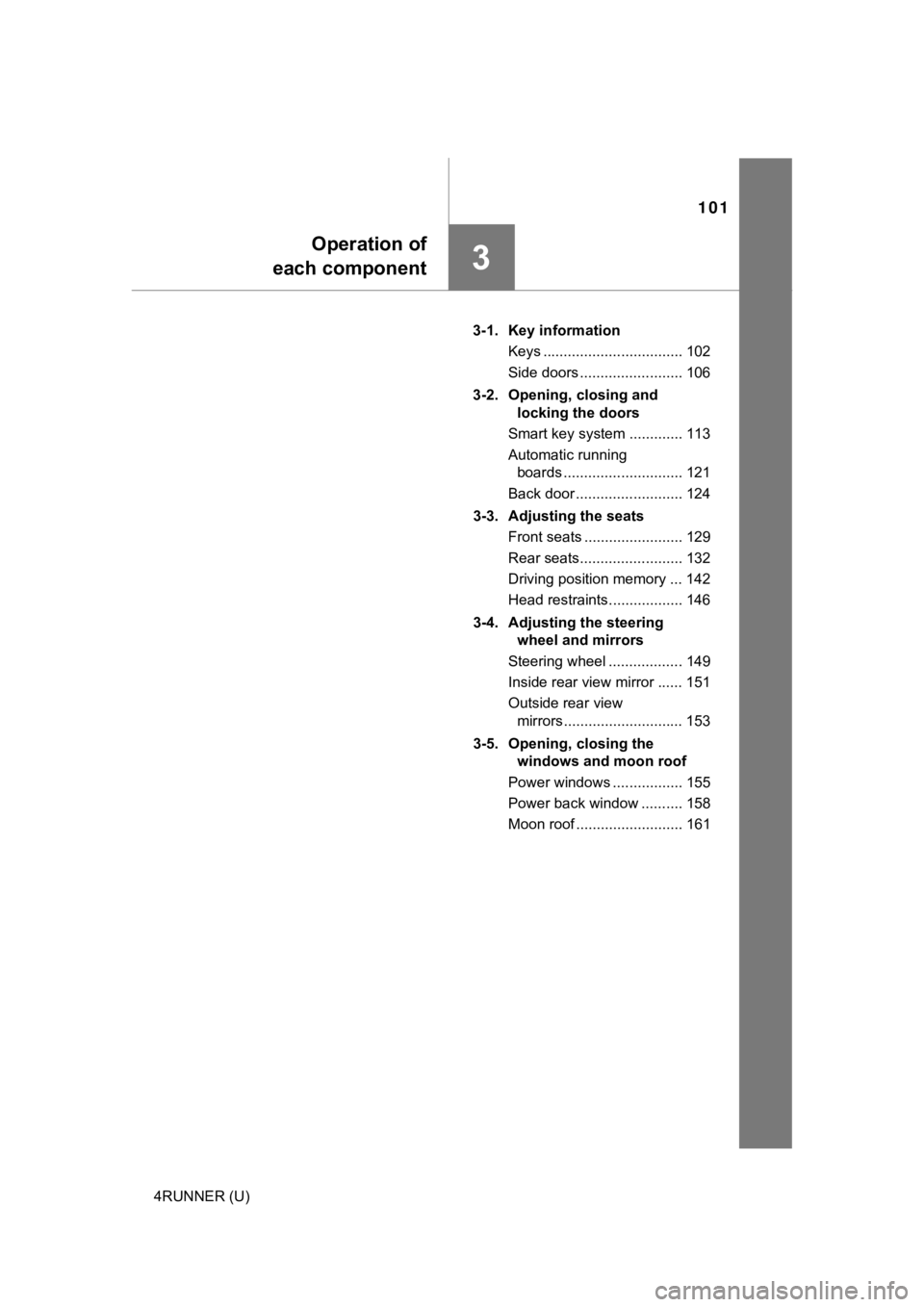
Operation of
each component
3
4RUNNER (U) 3-1. Key information
Keys .................................. 102
Side doors ......................... 106
3-2. Opening, closing and locking the doors
Smart key system ............. 113
Automatic running boards ............................. 121
Back door .......................... 124
3-3. Adjusting the seats Front seats ........................ 129
Rear seats......................... 132
Driving position memory ... 142
Head restraints.................. 146
3-4. Adjusting the steering wheel and mirrors
Steering wheel .................. 149
Inside rear view mirror ...... 151
Outside rear view mirrors ............................. 153
3-5. Opening, closing the windows and moon roof
Power windows ................. 155
Power back window .......... 158
Moon roof .......................... 161
Page 169 of 608
1694-1. Before driving
4
Driving
4RUNNER (U)
WARNING
Observe the following precautions.
Failure to do so may result in death or serious injury.
■When driving the vehicle
● Do not drive if you are unfamiliar with the location of the brake and accel-
erator pedals to avoid depressing the wrong pedal.
• Accidentally depressing the accelerator pedal instead of the b rake
pedal will result in sudden acceleration that may lead to an accident.
• When backing up, you may twist your body around, leading to a diffi- culty in operating the pedals. Make sure to operate the pedals properly.
• Make sure to keep a correct driving posture even when moving t he
vehicle only slightly. This allows you to depress the brake and accelera-
tor pedals properly.
• Depress the brake pedal using your right foot. Depressing the brake
pedal using your left foot may delay response in an emergency, result-
ing in an accident.
● Do not drive the vehicle over or stop the vehicle near flammable materials.
The exhaust system and exhaust gases can be extremely hot. Thes e hot
parts may cause a fire if there is any flammable material nearby.
■ When driving the vehicle
● During normal driving, do not turn off the engine. Turning the engine off
while driving will not cause loss of steering or braking control, but the
power assist to these systems will be lost. This will make it more difficult to
steer and brake, so you should pull over and stop the vehicle as soon as it
is safe to do so.
However, in the event of an emergency, such as if it becomes im possible
to stop the vehicle in the normal way: P. 467
● Use engine braking (downshift) to maintain a safe speed when driving
down a steep hill.
Using the brakes continuously may cause the brakes to overheat and lose
effectiveness. ( P. 205)
● Do not adjust the positions of the steering wheel, the seat, or the inside or
outside rear view mirrors while driving.
Doing so may result in a loss of vehicle control.
● Always check that all passengers’ arms, heads or other parts of their body
are not outside the vehicle.
● Do not drive in excess of the speed limit. Even if the legal sp eed limit per-
mits it, do not drive over 85 mph (140 km/h) unless your vehicl e has high-
speed capability tires. Driving over 85 mph (140 km/h) may resu lt in tire
failure, loss of control and possible injury. Be sure to consult a tire dealer
to determine whether the tires on your vehicle are high-speed capability
tires or not before driving at such speeds.
Page 174 of 608
1744-1. Before driving
4RUNNER (U)
NOTICE
■When driving the vehicle
● Do not depress the accelerator and brake pedals at the same tim e during
driving, as this may restrain the engine output.
● Do not use the accelerator pedal or depress the accelerator and brake
pedals at the same time to hold the vehicle on a hill.
■ When parking the vehicle
Always set the parking brake, and shift the shift lever to P. Failure to do so
may cause the vehicle to move or the vehicle may accelerate sud denly if
the accelerator pedal is accidentally depressed.
■ Avoiding damage to vehicle parts
● Do not turn the steering wheel fully in either direction and ho ld it there for
an extended period of time.
Doing so may damage the power steering pump.
● When driving over bumps in the road, drive as slowly as possible to avoid
damaging the wheels, underside of the vehicle, etc.
■ If you get a flat tire while driving
A flat or damaged tire may cause the following situations. Hold the steering
wheel firmly and gradually depress the brake pedal to slow down the vehi-
cle.
● It may be difficult to control your vehicle.
● The vehicle will make abnormal sounds or vibrations.
● The vehicle will behave abnormally.
Information on what to do in case of a flat tire ( P. 493)
Page 203 of 608
2034-2. Driving procedures
4
Driving
4RUNNER (U)
WARNING
■When starting the engine
Always start the engine while sitting in the driver’s seat. Do not depress the
accelerator pedal while starting the engine under any circumsta nces.
Doing so may cause an accident resulting in death or serious in jury.
■ Caution while driving
If engine failure occurs while the vehicle is moving, do not lock or open the
doors until the vehicle reaches a safe and complete stop.
■ Stopping the engine in an emergency
● If you want to stop the engine in an emergency while driving the vehicle,
press and hold the engine switch for more than 2 seconds, or press it
briefly 3 times or more in succession. ( P. 467)
However, do not touch the engine switch while driving except in an emer-
gency. Turning the engine off while driving will not cause loss of steering or
braking control, but the power assist to these systems will be lost. This will
make it more difficult to steer and brake, so you should pull over and stop
the vehicle as soon as it is safe to do so.
● If the engine switch is operated while the vehicle is running, a warning
message will be shown on the multi-information display and a buzzer
sounds.
■ When parking
Exhaust gases include harmful carbon monoxide (CO), which is co lorless
and odorless. Observe the following precautions.
Failure to do so may cause exhaust gases to enter the vehicle a nd may
lead to an accident caused by light-headedness, or may lead to death or a
serious health hazard.
● If the vehicle is in a poorly ventilated area or a closed area, such as a
garage, stop the engine.
● Do not leave the vehicle with the engine running for a long time. If such a
situation cannot be avoided, park the vehicle in an open space and ensure
that exhaust fumes do not enter the vehicle interior.
● Do not leave the engine running in an area with snow build-up, or where it
is snowing. If snowbanks build up around the vehicle while the engine is
running, exhaust gases may collect and enter the vehicle.
Page 303 of 608
3034-5. Using the driving support systems
4
Driving
4RUNNER (U)
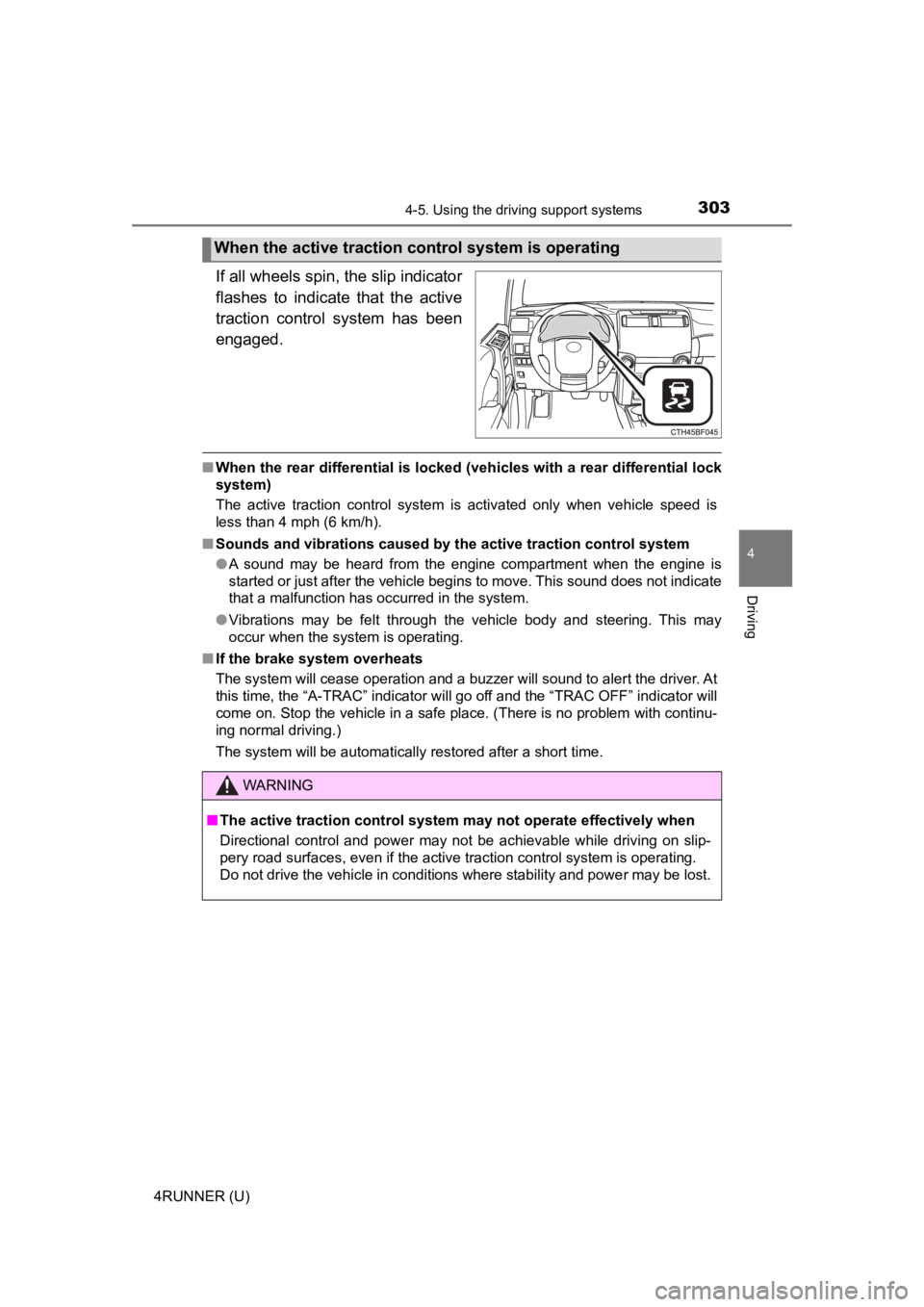
If all wheels spin, the slip indicator
flashes to indicate that the active
traction control system has been
engaged.
■When the rear differential is locked (vehicles with a rear differential lock
system)
The active traction control system is activated only when vehicle speed is
less than 4 mph (6 km/h).
■ Sounds and vibrations caused by the active traction control sys tem
● A sound may be heard from the engine compartment when the engine is
started or just after the vehicle begins to move. This sound do es not indicate
that a malfunction has occurred in the system.
● Vibrations may be felt through the vehicle body and steering. T his may
occur when the system is operating.
■ If the brake system overheats
The system will cease operation and a buzzer will sound to alert the driver. At
this time, the “A-TRAC” indicator will go off and the “TRAC OFF ” indicator will
come on. Stop the vehicle in a safe place. (There is no problem with continu-
ing normal driving.)
The system will be automatically restored after a short time.
When the active traction co ntrol system is operating
WARNING
■The active traction control system may not operate effectively when
Directional control and power may not be achievable while driving on slip-
pery road surfaces, even if the active traction control system is operating.
Do not drive the vehicle in conditions where stability and powe r may be lost.
Page 341 of 608
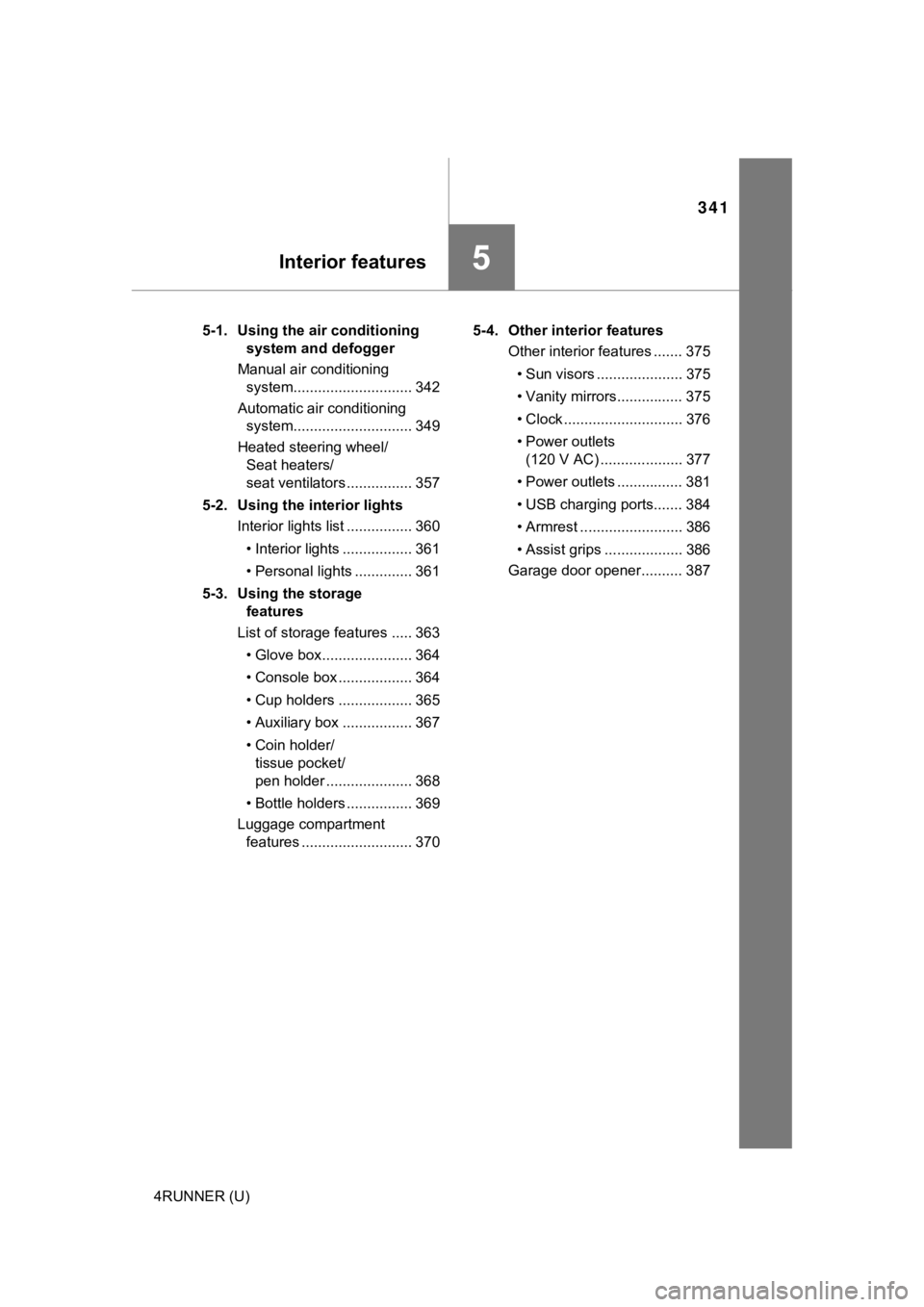
341
Interior features5
4RUNNER (U)5-1. Using the air conditioning
system and defogger
Manual air conditioning system............................. 342
Automatic air conditioning system............................. 349
Heated steering wheel/ Seat heaters/
seat ventilators ................ 357
5-2. Using the interior lights Interior lights list ................ 360
• Interior lights ................. 361
• Personal lights .............. 361
5-3. Using the storage features
List of storage features ..... 363
• Glove box...................... 364
• Console box .................. 364
• Cup holders .................. 365
• Auxiliary box ................. 367
• Coin holder/tissue pocket/
pen holder ..................... 368
• Bottle holders ................ 369
Luggage compartment features ........................... 370 5-4. Other interior features
Other interior features ....... 375
• Sun visors ..................... 375
• Vanity mirrors................ 375
• Clock ............................. 376
• Power outlets (120 V AC) .................... 377
• Power outlets ................ 381
• USB charging ports....... 384
• Armrest ......................... 386
• Assist grips ................... 386
Garage door opener.......... 387