change time TOYOTA AURIS 2015 (in English) User Guide
[x] Cancel search | Manufacturer: TOYOTA, Model Year: 2015, Model line: AURIS, Model: TOYOTA AURIS 2015Pages: 632, PDF Size: 17.65 MB
Page 291 of 632
2915-1. Using the air conditioning system and defogger
Auris Touring Sports_EE (OM12G98E)
5
Interior features
To adjust the fan speed, turn the fan speed control dial clockwise
(increase) or counterclockwise (decrease).
Press to turn fan off.
To adjust the temperature setting, turn the temperature control dial
clockwise (high) or counterclockwise (low).
To change the air outlets, press “” or “” on .
The air outlets used are switched each time either side of the button is
pressed.
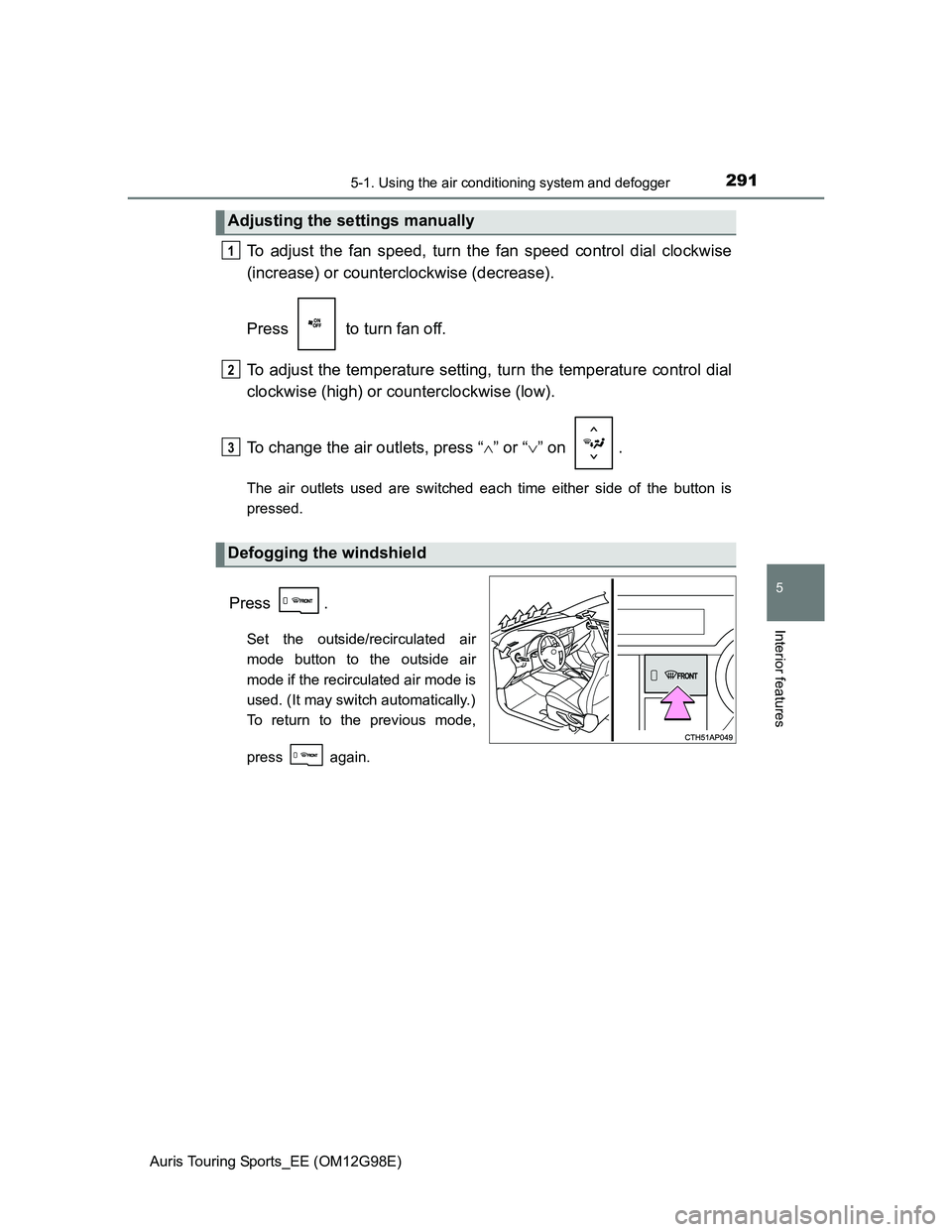
Press .
Set the outside/recirculated air
mode button to the outside air
mode if the recirculated air mode is
used. (It may switch automatically.)
To return to the previous mode,
press again.
Adjusting the settings manually
Defogging the windshield
1
2
3
Page 296 of 632
2965-1. Using the air conditioning system and defogger
Auris Touring Sports_EE (OM12G98E)
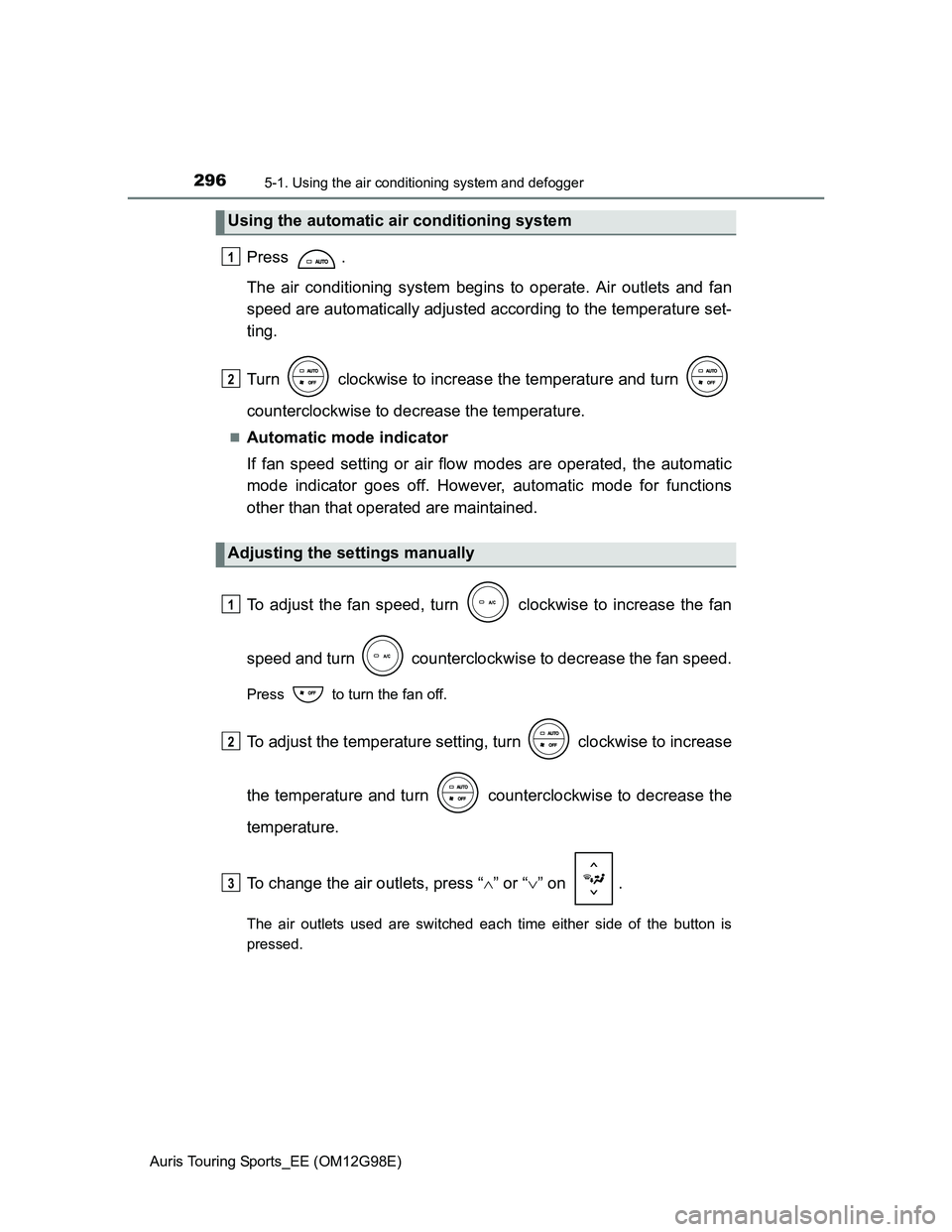
Press .
The air conditioning system begins to operate. Air outlets and fan
speed are automatically adjusted according to the temperature set-
ting.
Turn clockwise to increase the temperature and turn
counterclockwise to decrease the temperature.
Automatic mode indicator
If fan speed setting or air flow modes are operated, the automatic
mode indicator goes off. However, automatic mode for functions
other than that operated are maintained.
To adjust the fan speed, turn clockwise to increase the fan
speed and turn counterclockwise to decrease the fan speed.
Press to turn the fan off.
To adjust the temperature setting, turn clockwise to increase
the temperature and turn counterclockwise to decrease the
temperature.
To change the air outlets, press “” or “” on .
The air outlets used are switched each time either side of the button is
pressed.
Using the automatic air conditioning system
Adjusting the settings manually
1
2
1
2
3
Page 299 of 632
2995-1. Using the air conditioning system and defogger
Auris Touring Sports_EE (OM12G98E)
5
Interior features
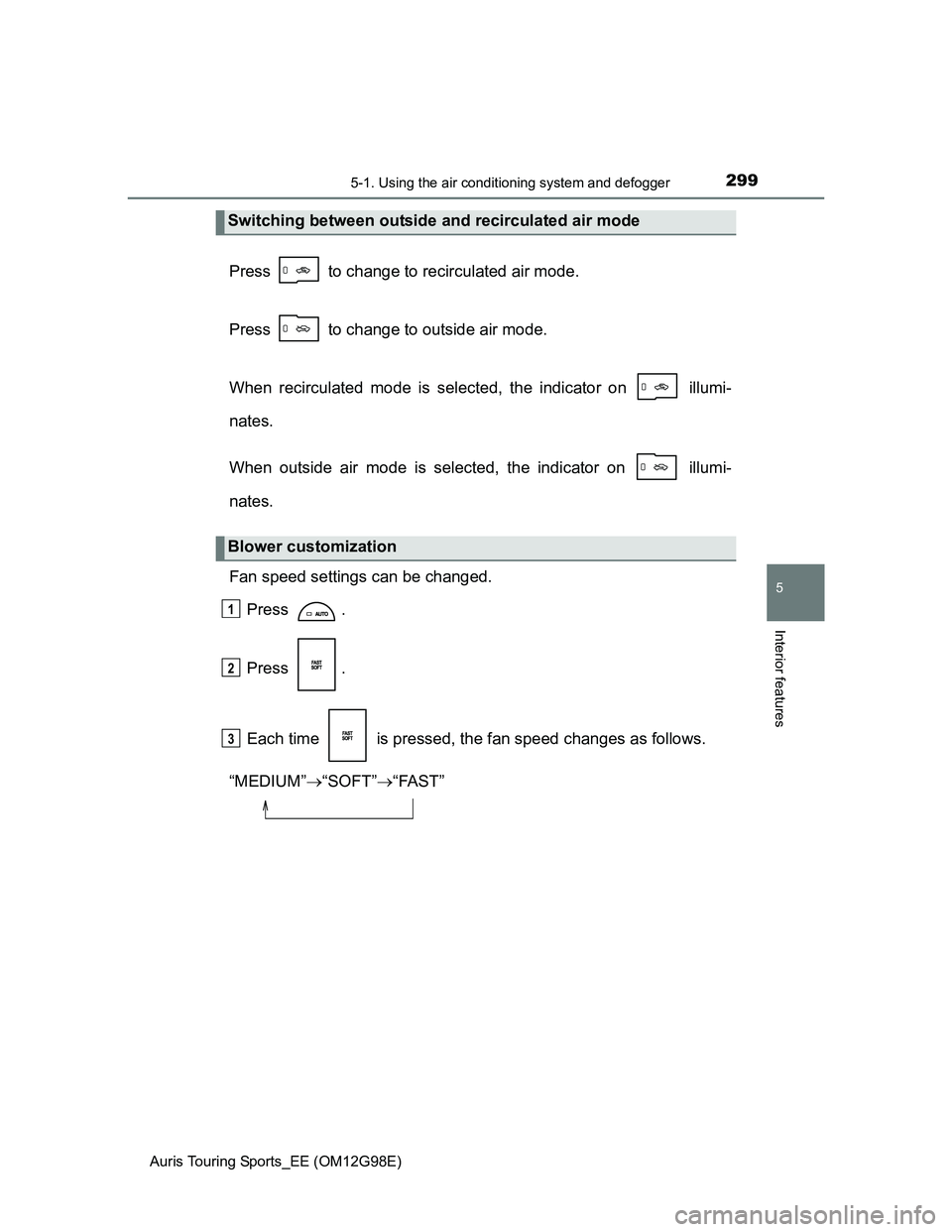
Press to change to recirculated air mode.
Press to change to outside air mode.
When recirculated mode is selected, the indicator on illumi-
nates.
When outside air mode is selected, the indicator on illumi-
nates.
Fan speed settings can be changed.
Press .
Press .
Each time is pressed, the fan speed changes as follows.
“MEDIUM”“SOFT”“FAST”
Switching between outside and recirculated air mode
Blower customization
1
2
3
Page 306 of 632
3065-1. Using the air conditioning system and defogger
Auris Touring Sports_EE (OM12G98E)
To change the air outlets, press “” or “” on .
The air outlets used are switched each time either side of the button is
pressed.
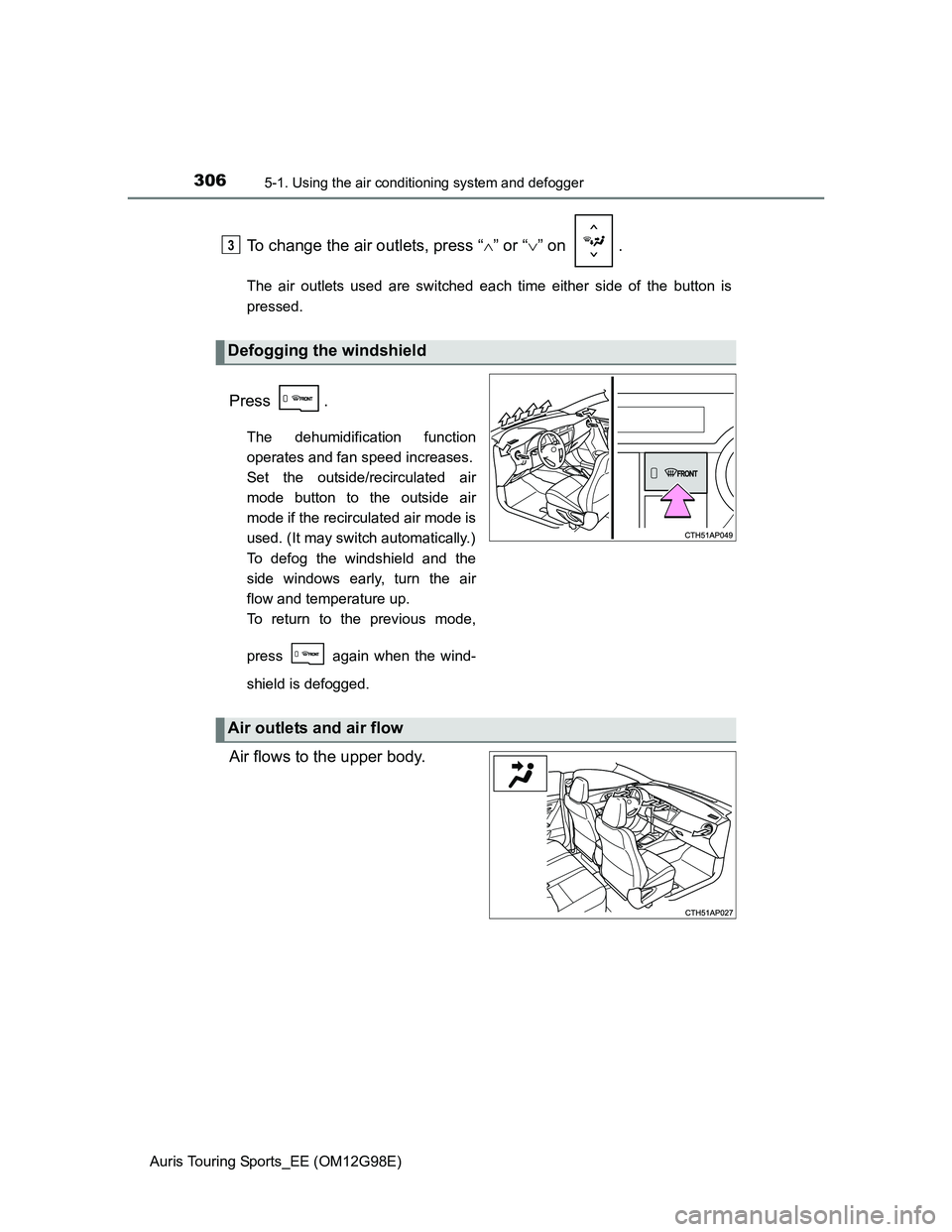
Press .
The dehumidification function
operates and fan speed increases.
Set the outside/recirculated air
mode button to the outside air
mode if the recirculated air mode is
used. (It may switch automatically.)
To defog the windshield and the
side windows early, turn the air
flow and temperature up.
To return to the previous mode,
press again when the wind-
shield is defogged.
Air flows to the upper body.
Defogging the windshield
3
Air outlets and air flow
Page 308 of 632
3085-1. Using the air conditioning system and defogger
Auris Touring Sports_EE (OM12G98E)
Fan speed settings can be changed.
Press .
Press .
Each time is pressed, the fan speed changes as follows.
“MEDIUM”“SOFT”“FAST”
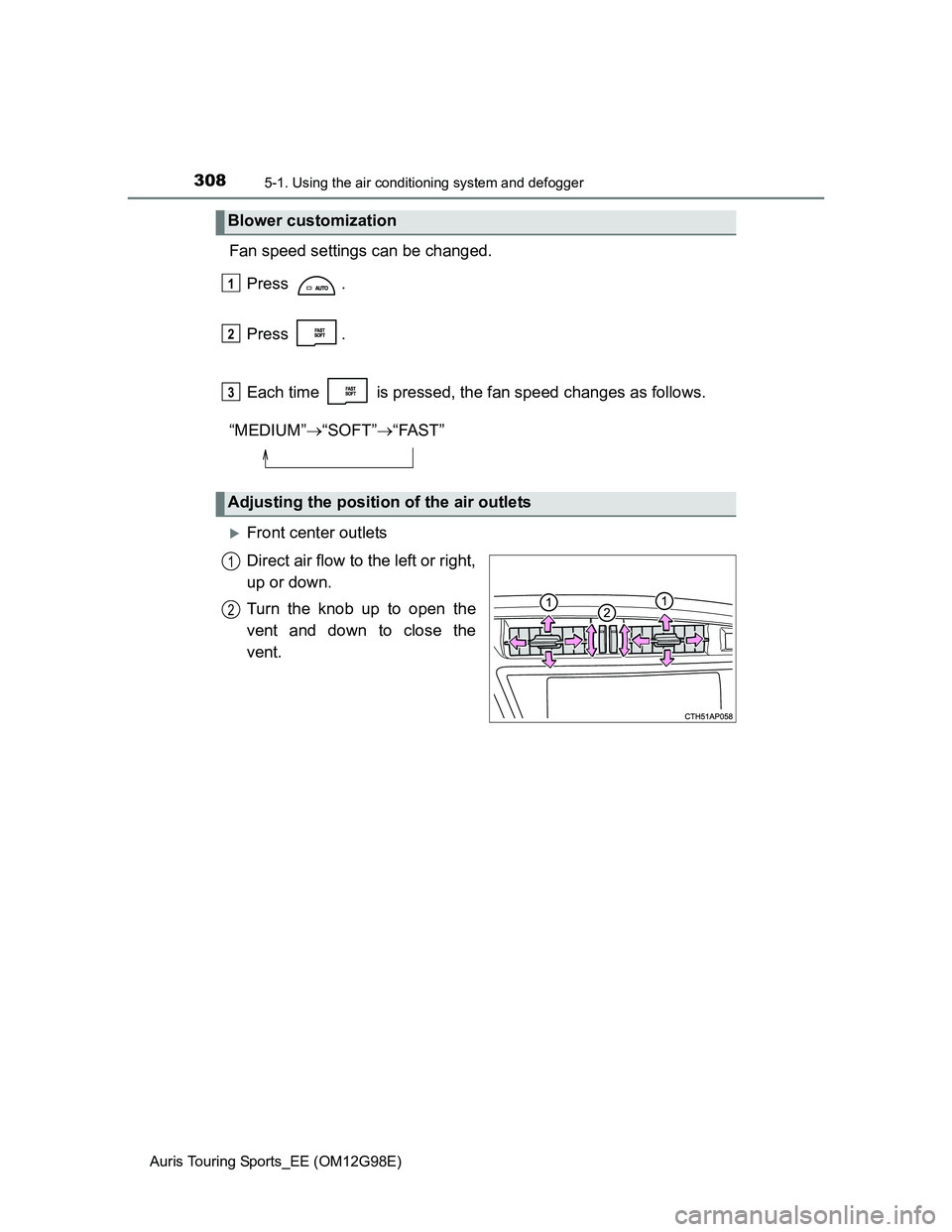
Front center outlets
Direct air flow to the left or right,
up or down.
Turn the knob up to open the
vent and down to close the
vent.
Blower customization
Adjusting the position of the air outlets
1
2
3
1
2
Page 344 of 632
3445-2. Using the audio system
Auris Touring Sports_EE (OM12G98E)
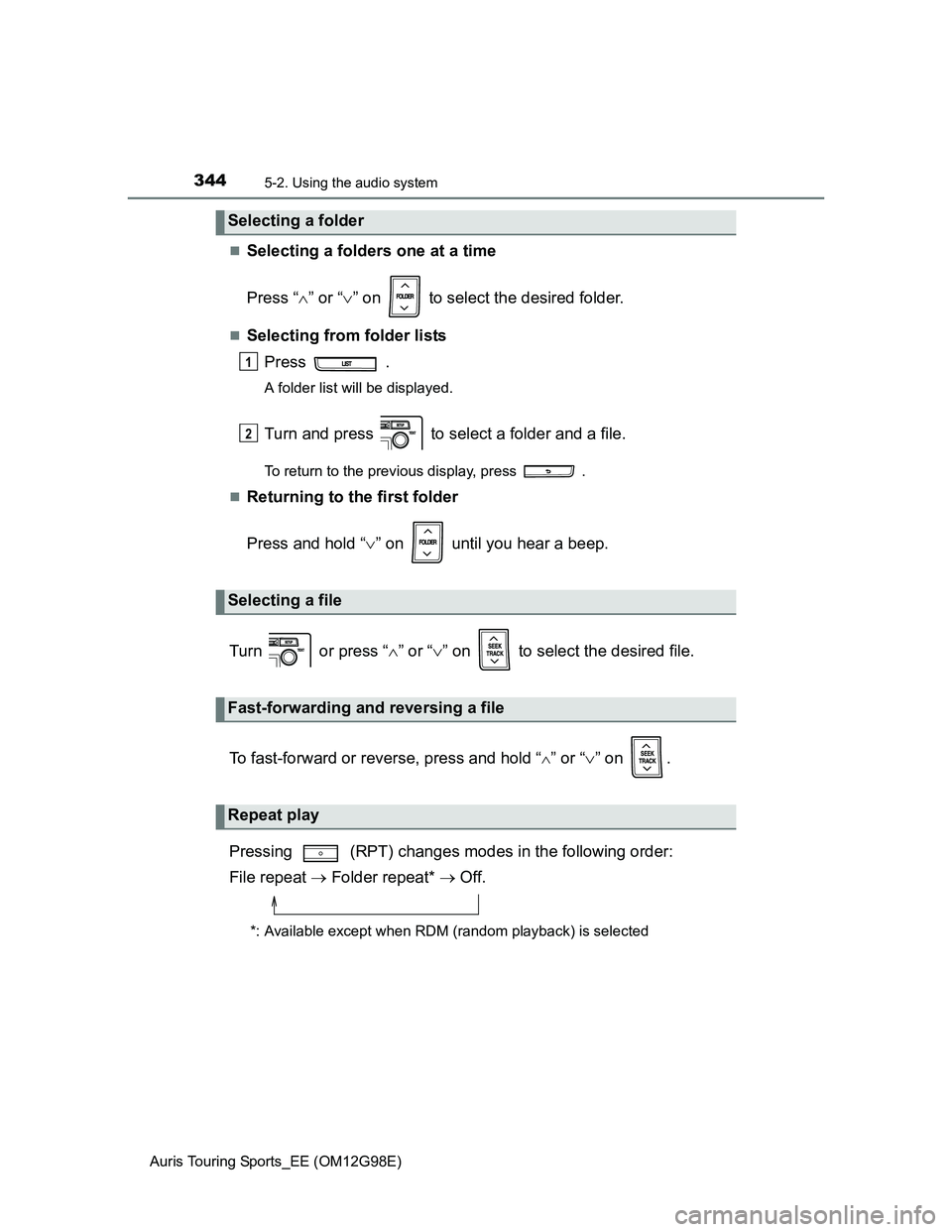
Selecting a folders one at a time
Press “” or “” on to select the desired folder.
Selecting from folder lists
Press .
A folder list will be displayed.
Turn and press to select a folder and a file.
To return to the previous display, press .
Returning to the first folder
Press and hold “” on until you hear a beep.
Turn or press “” or “” on to select the desired file.
To fast-forward or reverse, press and hold “
” or “” on .
Pressing (RPT) changes modes in the following order:
File repeat Folder repeat* Off.
*: Available except when RDM (random playback) is selected
Selecting a folder
Selecting a file
Fast-forwarding and reversing a file
Repeat play
1
2
Page 352 of 632
3525-2. Using the audio system
Auris Touring Sports_EE (OM12G98E)
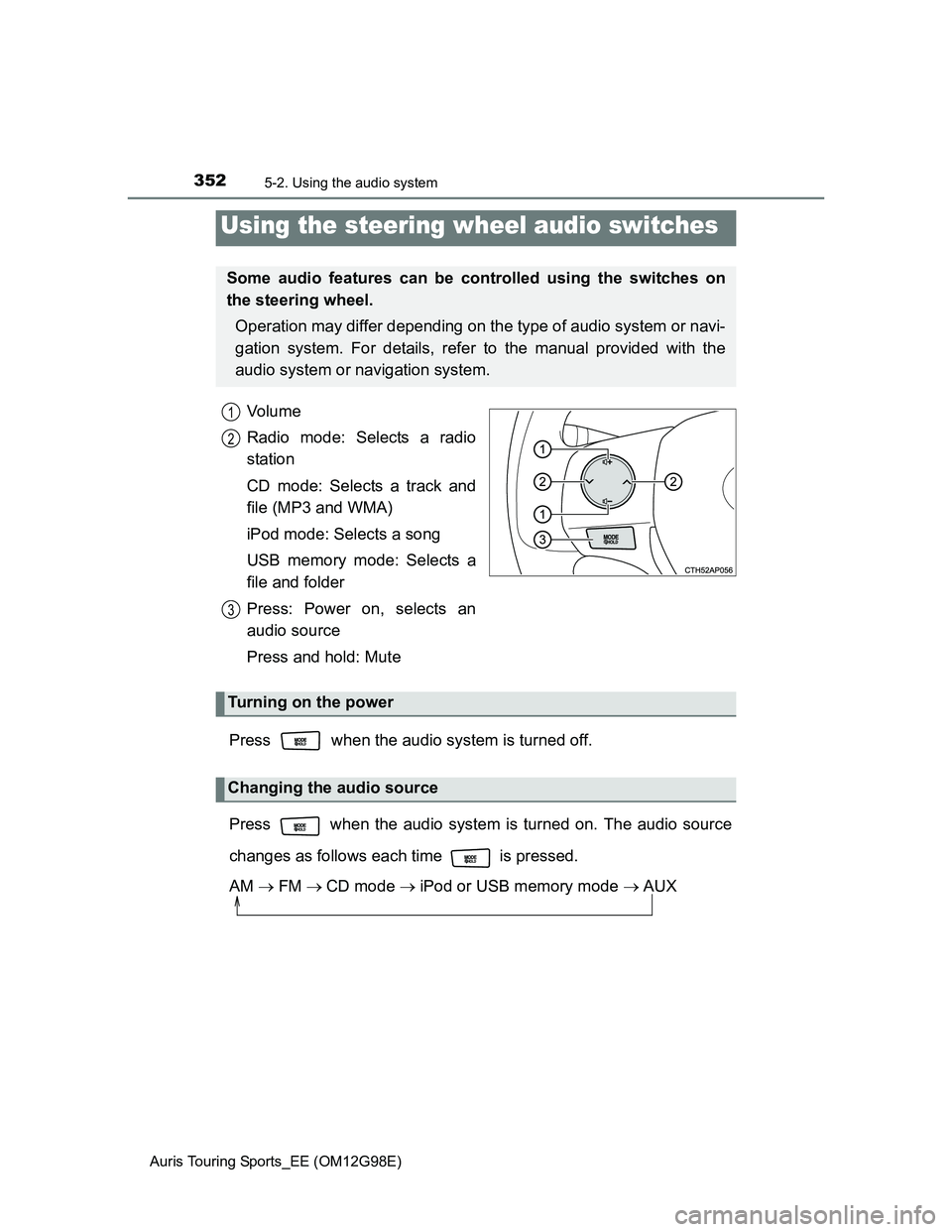
Vo l u m e
Radio mode: Selects a radio
station
CD mode: Selects a track and
file (MP3 and WMA)
iPod mode: Selects a song
USB memory mode: Selects a
file and folder
Press: Power on, selects an
audio source
Press and hold: Mute
Press when the audio system is turned off.
Press when the audio system is turned on. The audio source
changes as follows each time is pressed.
AM FMCD mode iPod or USB memory mode AUX
Using the steering wheel audio switches
Some audio features can be controlled using the switches on
the steering wheel.
Operation may differ depending on the type of audio system or navi-
gation system. For details, refer to the manual provided with the
audio system or navigation system.
1
2
3
Turning on the power
Changing the audio source
Page 358 of 632
3585-3. Using the interior lights
Auris Touring Sports_EE (OM12G98E)
Illuminated entry system
Vehicles without a smart entry & start system
When the interior light switch is in the “DOOR” position, the interior light auto-
matically turns on/off according to the engine switch position, whether the
doors are locked/unlocked and whether the doors are open/closed.
Vehicles with a smart entry & start system
When the interior light switch is in the “DOOR” position, the interior light and
engine switch light automatically turn on/off according to engine switch mode,
the presence of the electronic key, whether the doors are locked/unlocked
and whether the doors are open/closed.
To prevent the battery from being discharged
If the following lights remain on when the engine switch is turned off, the lights
will go off automatically after 20 minutes:
Personal/interior lights
Luggage compartment light
Vanity lights (if equipped)
Customization that can be configured at any authorized Toyota dealer or
repairer, or another duly qualified and equipped professional
Setting (e.g. the time elapsed before lights turn off) can be changed.
(Customizable features: P. 604)
Page 380 of 632
3805-5. Other interior features
Auris Touring Sports_EE (OM12G98E)
The outside temperature is displayed when
Vehicles without a smart entry & start system
The engine switch is in the “ON” position.
Vehicles with a smart entry & start system
The engine switch is in IGNITION ON mode.
Display
In the following situations, the correct outside temperature may not be dis-
played, or the display may take longer than normal to change.
When the vehicle is stopped, or moving at low speeds (less than 15 km/h [9
mph]).
When the outside temperature has changed suddenly (at the entrance/exit
of a garage, tunnel, etc.)
When the outside temperature display flashes
Vehicles without a multi-information display: If the outside temperature is
3°C (37°F) or less, the temperature display flashes 10 times, and then illu-
minates.
Vehicles with a multi-information display: If the outside temperature is 3°C
(37F) or less, the ice warning indicator flashes 10 times, and then
illuminates.
When “--C” is displayed
The system may be malfunctioning. Take your vehicle to any authorized
Toyota dealer or repairer, or another duly qualified and equipped professional.
Page 416 of 632
4166-3. Do-it-yourself maintenance
Auris Touring Sports_EE (OM12G98E)
When adding engine oil (1ND-TV engine only)
Do not overfill the engine. Use the dipstick to ensure that the oil level does not
exceed the full mark. If exceeded, the oil level will have to be adjusted to
below the full mark.
Engine oil consumption
A certain amount of engine oil will be consumed while driving. In the following
situations, oil consumption may increase, and engine oil may need to be
refilled in between oil maintenance intervals.
When the engine is new, for example directly after purchasing the vehicle or
after replacing the engine
If low quality oil or oil of an inappropriate viscosity is used
When driving at high engine speeds or with a heavy load, when towing, or
when driving while accelerating or decelerating frequently
When leaving the engine idling for a long time, or when driving frequently
through heavy traffic
After changing the engine oil (diesel engine only)
The engine oil maintenance data should be reset. Perform the following pro-
cedures:
Switch the display to the trip meter “A” when the engine is running.
(P. 90, 95)
Turn the engine switch off.
Vehicles without a smart entry & start system:
While pressing the display change button (P. 90, 95), turn the engine
switch to the “ON” position (do not start the engine because reset mode will
be canceled). Continue to press and hold the button until the trip meter dis-
plays “000000”.
Vehicles with a smart entry & start system:
While pressing the display change button (P. 90, 95), turn the engine
switch to the IGNITION ON mode (do not start the engine because other-
wise the reset mode will be canceled). Continue to press and hold the but-
ton until the trip meter displays “000000”.
1
2
3