USB TOYOTA AURIS HYBRID 2012 User Guide
[x] Cancel search | Manufacturer: TOYOTA, Model Year: 2012, Model line: AURIS HYBRID, Model: TOYOTA AURIS HYBRID 2012Pages: 524, PDF Size: 26.34 MB
Page 287 of 524
287 3-2. Using the audio system
3
Interior features
UK_AURIS_HV_EE
NOTICE
If the auxiliary box lid cannot be fully closed
Depending on the size and shape of the USB memory that is connected to
the system, the auxiliary box lid may not close fully. In this case, do not forc-
ibly close the lid as this may damage the USB memory or the terminal, etc.
To prevent damage to USB memory
Do not leave USB memory in the vehicle. The temperature inside the vehi-
cle may become high, resulting in damage to the player.
Do not push down on or apply unnecessary pressure to the USB memory
while it is connected as this may damage the USB memory or its terminal.
Do not insert foreign objects into the port as this may damage the USB
memory or its terminal.
Page 292 of 524
292
3-2. Using the audio system
UK_AURIS_HV_EE
Using the steering wheel audio switches
Turning on the power
Press when the audio system is turned off.
The audio system can be turned off by holding down until you
hear a beep.
: If equipped
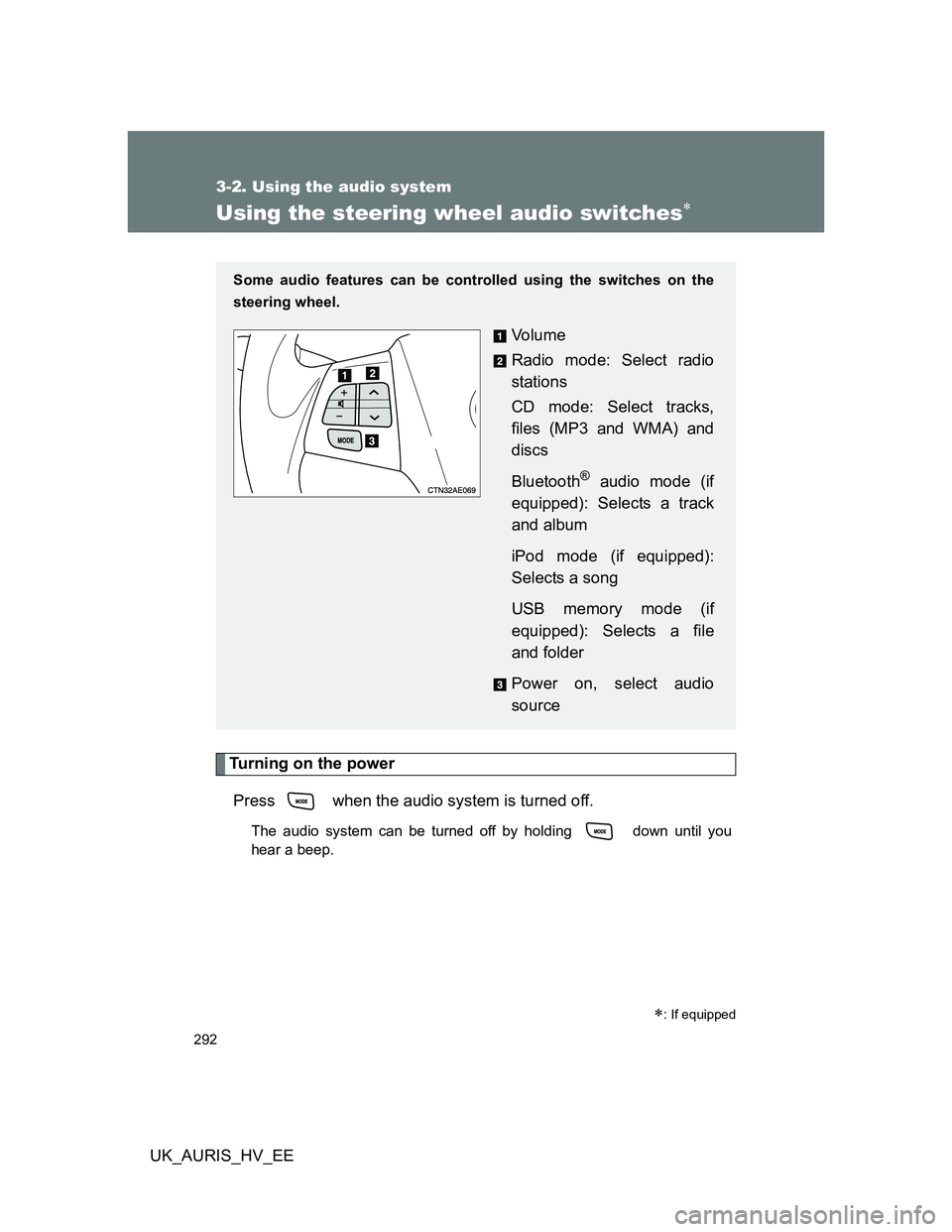
Some audio features can be controlled using the switches on the
steering wheel.
Vo l u m e
Radio mode: Select radio
stations
CD mode: Select tracks,
files (MP3 and WMA) and
discs
Bluetooth
® audio mode (if
equipped): Selects a track
and album
iPod mode (if equipped):
Selects a song
USB memory mode (if
equipped): Selects a file
and folder
Power on, select audio
source
Page 293 of 524
293 3-2. Using the audio system
3
Interior features
UK_AURIS_HV_EE
Changing the audio source
Press when the audio system is turned on. The audio source
changes as follows each time is pressed.
AMFM1FM2FM3CD modeCD changer mode*
1
Bluetooth® audio mode*2 AUXiPod or USB memory mode*2
AM
*1: If installed with a CD changer
*
2: If equipped
Adjusting the volume
Press “+” on to increase the volume and “-” to decrease the
volume.
Hold down “+” or “-” on to continue increasing or decreasing the
volume.
Selecting a radio station
Press to select the radio mode.
Press “” or “” on to select a preset station.
To scan for receivable stations, press and hold “” or “” on
until you hear a beep.
Selecting a track/file or song
Press to select CD, Bluetooth
® audio, iPod or USB
memory mode.
Press “” or “” on to select the desired track/file or
song.
STEP1
STEP2
STEP1
STEP2
Page 294 of 524
294 3-2. Using the audio system
UK_AURIS_HV_EE
Selecting an album
Press to select Bluetooth
® audio mode.
Press and hold “” or “” on until you hear a beep.
Selecting a folder (CD player without changer)
Press to select CD or USB memory mode.
Press and hold “” or “” on until you hear a beep.
Selecting a disc in the CD player (CD player with changer only)
Press to select the CD mode.
Press and hold “” or “” on until you hear a beep.
CAUTION
To reduce the risk of an accident
Exercise care when operating the audio switches on the steering wheel.
STEP1
STEP2
STEP1
STEP2
STEP1
STEP2
Page 511 of 524
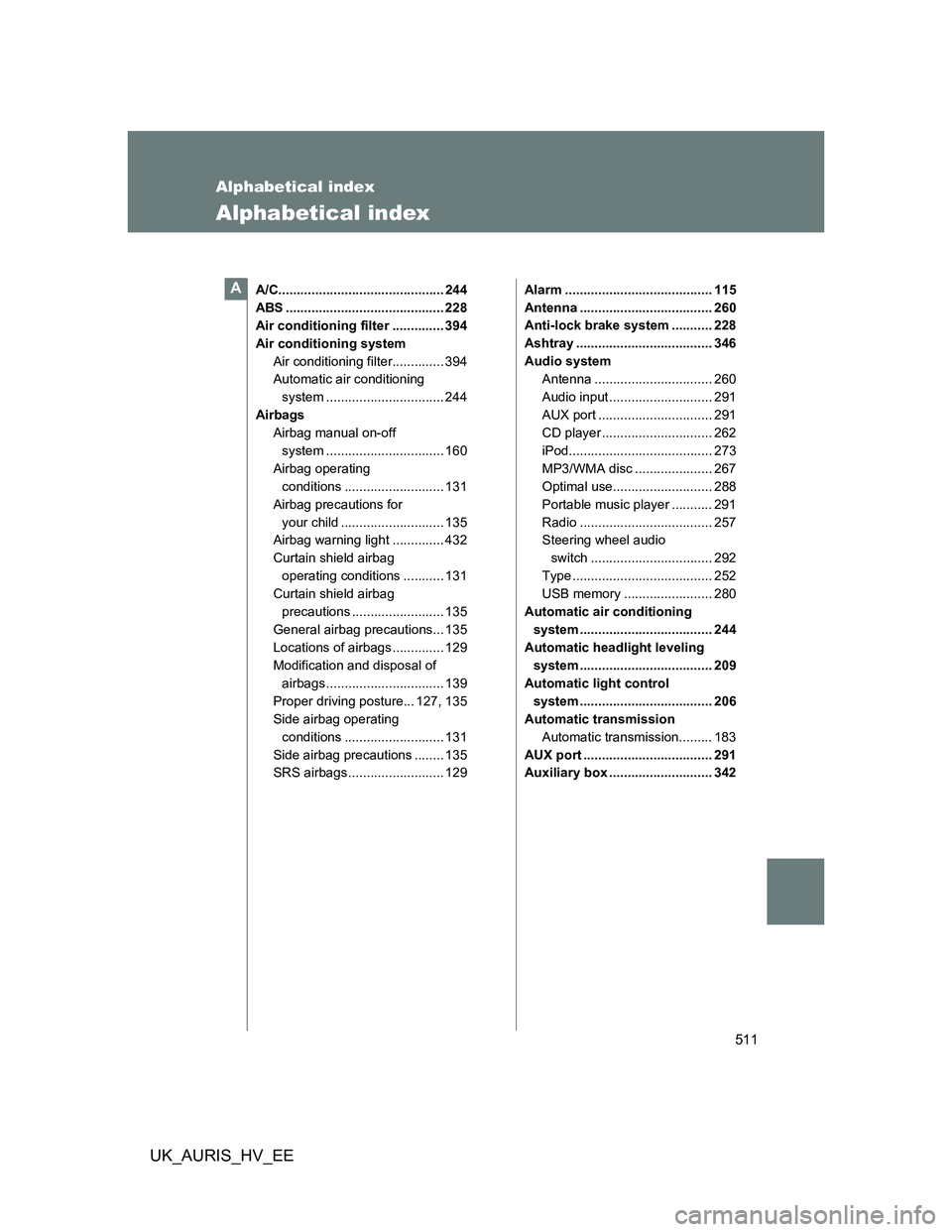
511
UK_AURIS_HV_EE
Alphabetical index
Alphabetical index
A/C............................................. 244
ABS ........................................... 228
Air conditioning filter .............. 394
Air conditioning system
Air conditioning filter.............. 394
Automatic air conditioning
system ................................ 244
Airbags
Airbag manual on-off
system ................................ 160
Airbag operating
conditions ........................... 131
Airbag precautions for
your child ............................ 135
Airbag warning light .............. 432
Curtain shield airbag
operating conditions ........... 131
Curtain shield airbag
precautions ......................... 135
General airbag precautions... 135
Locations of airbags .............. 129
Modification and disposal of
airbags ................................ 139
Proper driving posture... 127, 135
Side airbag operating
conditions ........................... 131
Side airbag precautions ........ 135
SRS airbags .......................... 129Alarm ........................................ 115
Antenna .................................... 260
Anti-lock brake system ........... 228
Ashtray ..................................... 346
Audio system
Antenna ................................ 260
Audio input ............................ 291
AUX port ............................... 291
CD player .............................. 262
iPod....................................... 273
MP3/WMA disc ..................... 267
Optimal use........................... 288
Portable music player ........... 291
Radio .................................... 257
Steering wheel audio
switch ................................. 292
Type ...................................... 252
USB memory ........................ 280
Automatic air conditioning
system .................................... 244
Automatic headlight leveling
system .................................... 209
Automatic light control
system .................................... 206
Automatic transmission
Automatic transmission......... 183
AUX port ................................... 291
Auxiliary box ............................ 342A