bluetooth TOYOTA AURIS HYBRID 2012 Owner's Manual
[x] Cancel search | Manufacturer: TOYOTA, Model Year: 2012, Model line: AURIS HYBRID, Model: TOYOTA AURIS HYBRID 2012Pages: 524, PDF Size: 26.34 MB
Page 310 of 524
310 3-4. Using the hands-free phone system (for cellular phone)
UK_AURIS_HV_EE
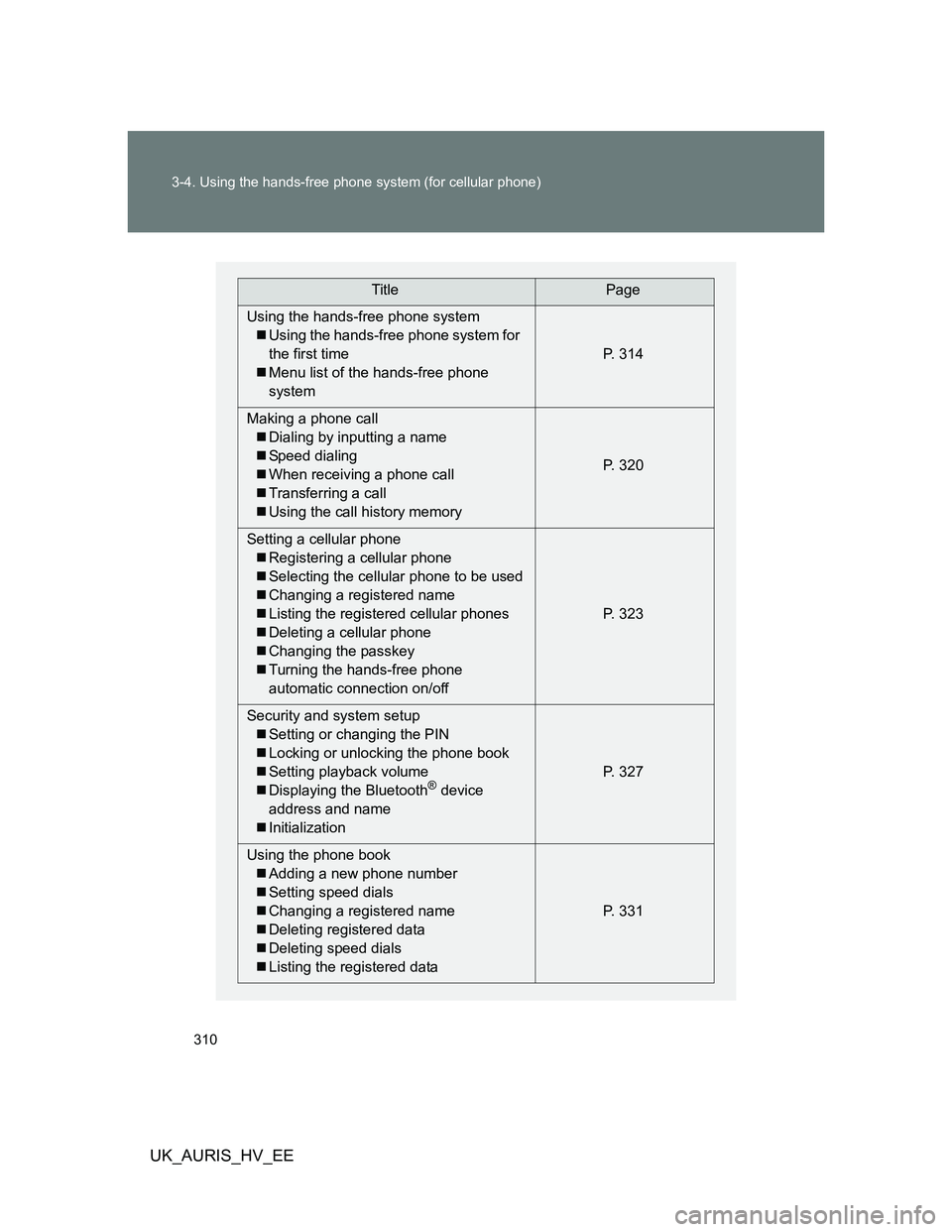
TitlePage
Using the hands-free phone system
Using the hands-free phone system for
the first time
Menu list of the hands-free phone
systemP. 314
Making a phone call
Dialing by inputting a name
Speed dialing
When receiving a phone call
Transferring a call
Using the call history memoryP. 320
Setting a cellular phone
Registering a cellular phone
Selecting the cellular phone to be used
Changing a registered name
Listing the registered cellular phones
Deleting a cellular phone
Changing the passkey
Turning the hands-free phone
automatic connection on/offP. 323
Security and system setup
Setting or changing the PIN
Locking or unlocking the phone book
Setting playback volume
Displaying the Bluetooth
® device
address and name
InitializationP. 327
Using the phone book
Adding a new phone number
Setting speed dials
Changing a registered name
Deleting registered data
Deleting speed dials
Listing the registered dataP. 331
Page 311 of 524
311 3-4. Using the hands-free phone system (for cellular phone)
3
Interior features
UK_AURIS_HV_EE
Conditions affecting operation
The hands-free phone system may not operate normally in the following situ-
ations:
The cellular phone is turned off, or located outside the service area.
The cellular phone has a low battery.
The cellular phone is not connected to the system.
The cellular phone is behind the seat or in the glove box, or metal mate-
rial covers or touches the phone.
When transferring ownership of the vehicle
Be sure to initialize the system to prevent personal data from being improp-
erly accessed.
Required profiles for the cellular phone
HFP (Hands Free Profile) Ver. 1.0 or higher (Conformed: Ver. 1.5)
OPP (Object Push Profile) Ver. 1.1
About Bluetooth
®
Bluetooth is a registered trademark of
Bluetooth SIG. Inc.
Page 313 of 524
313 3-4. Using the hands-free phone system (for cellular phone)
3
Interior features
UK_AURIS_HV_EE
CAUTION
Caution while driving
Do not use a cellular phone, or connect the Bluetooth
® phone.
NOTICE
To prevent damage to a cellular phone
Do not leave a cellular phone in the vehicle. The temperature inside may
become high resulting in damage to the phone.
Page 314 of 524
314
3-4. Using the hands-free phone system (for cellular phone)
UK_AURIS_HV_EE
Using the hands-free phone system (for cellular phone)
: If equipped
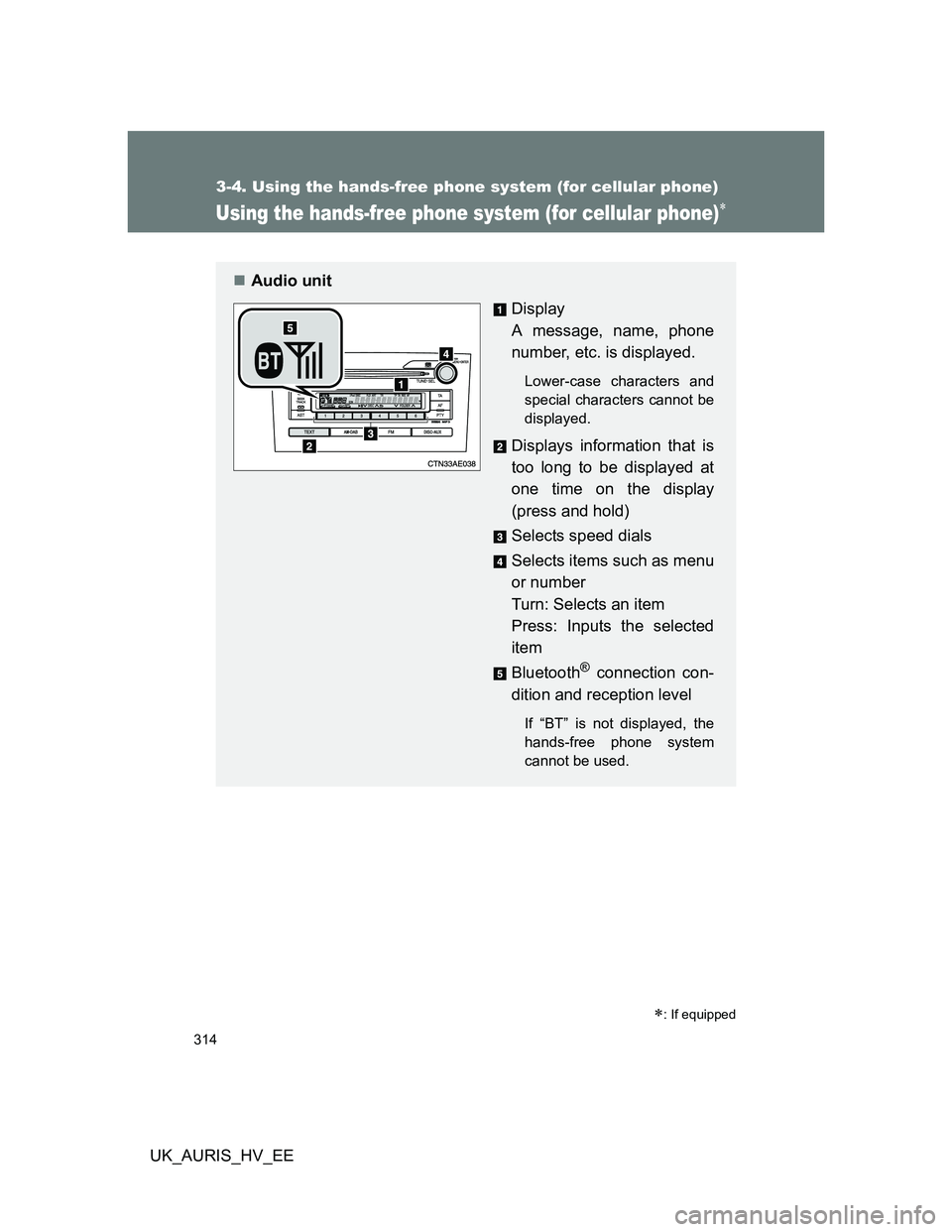
Audio unit
Display
A message, name, phone
number, etc. is displayed.
Lower-case characters and
special characters cannot be
displayed.
Displays information that is
too long to be displayed at
one time on the display
(press and hold)
Selects speed dials
Selects items such as menu
or number
Turn: Selects an item
Press: Inputs the selected
item
Bluetooth
® connection con-
dition and reception level
If “BT” is not displayed, the
hands-free phone system
cannot be used.
Page 316 of 524
316 3-4. Using the hands-free phone system (for cellular phone)
UK_AURIS_HV_EE
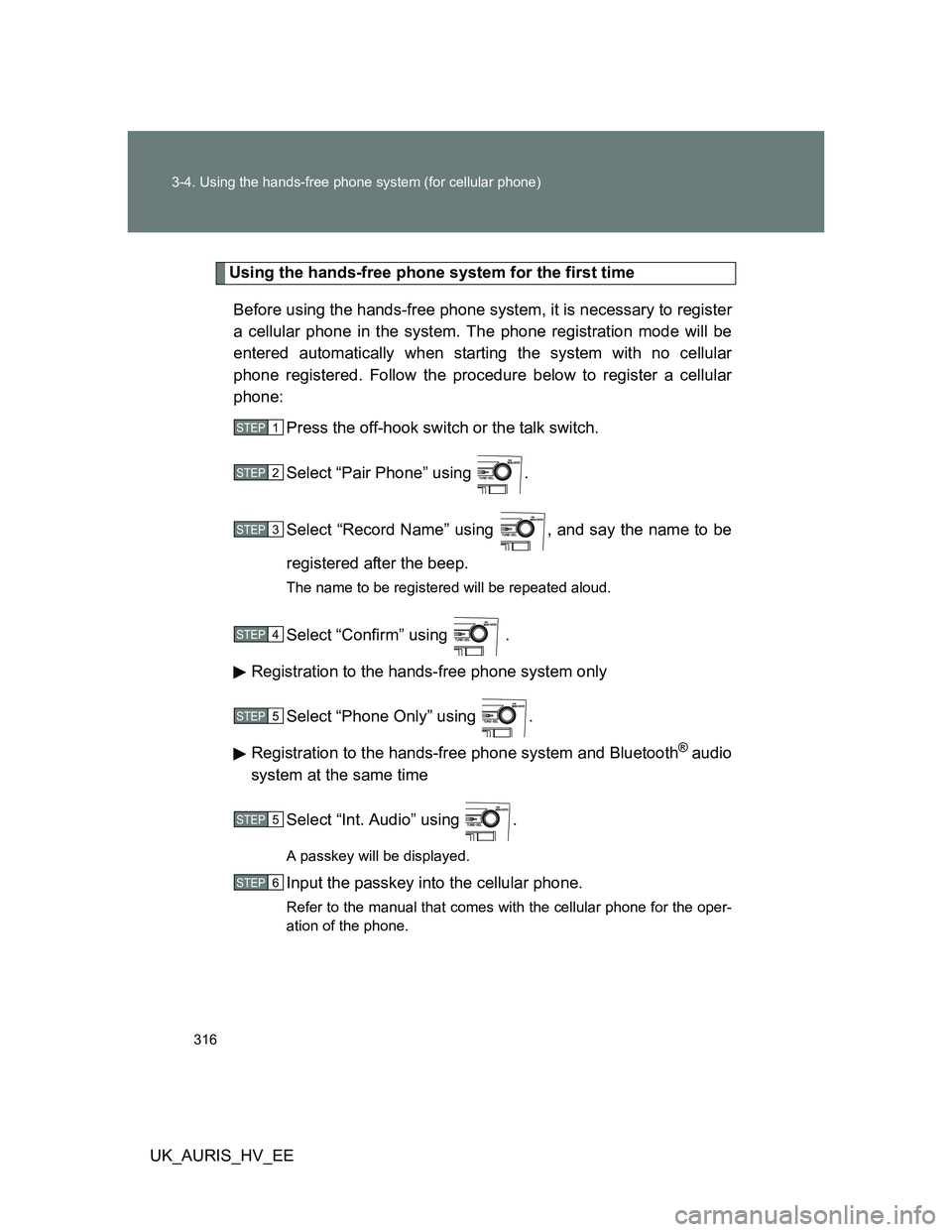
Using the hands-free phone system for the first time
Before using the hands-free phone system, it is necessary to register
a cellular phone in the system. The phone registration mode will be
entered automatically when starting the system with no cellular
phone registered. Follow the procedure below to register a cellular
phone:
Press the off-hook switch or the talk switch.
Select “Pair Phone” using .
Select “Record Name” using , and say the name to be
registered after the beep.
The name to be registered will be repeated aloud.
Select “Confirm” using .
Registration to the hands-free phone system only
Select “Phone Only” using .
Registration to the hands-free phone system and Bluetooth
® audio
system at the same time
Select “Int. Audio” using .
A passkey will be displayed.
Input the passkey into the cellular phone.
Refer to the manual that comes with the cellular phone for the oper-
ation of the phone.
STEP1
STEP2
STEP3
STEP4
STEP5
STEP5
STEP6
Page 327 of 524
327
3-4. Using the hands-free phone system (for cellular phone)
3
Interior features
UK_AURIS_HV_EE
Security and system setup
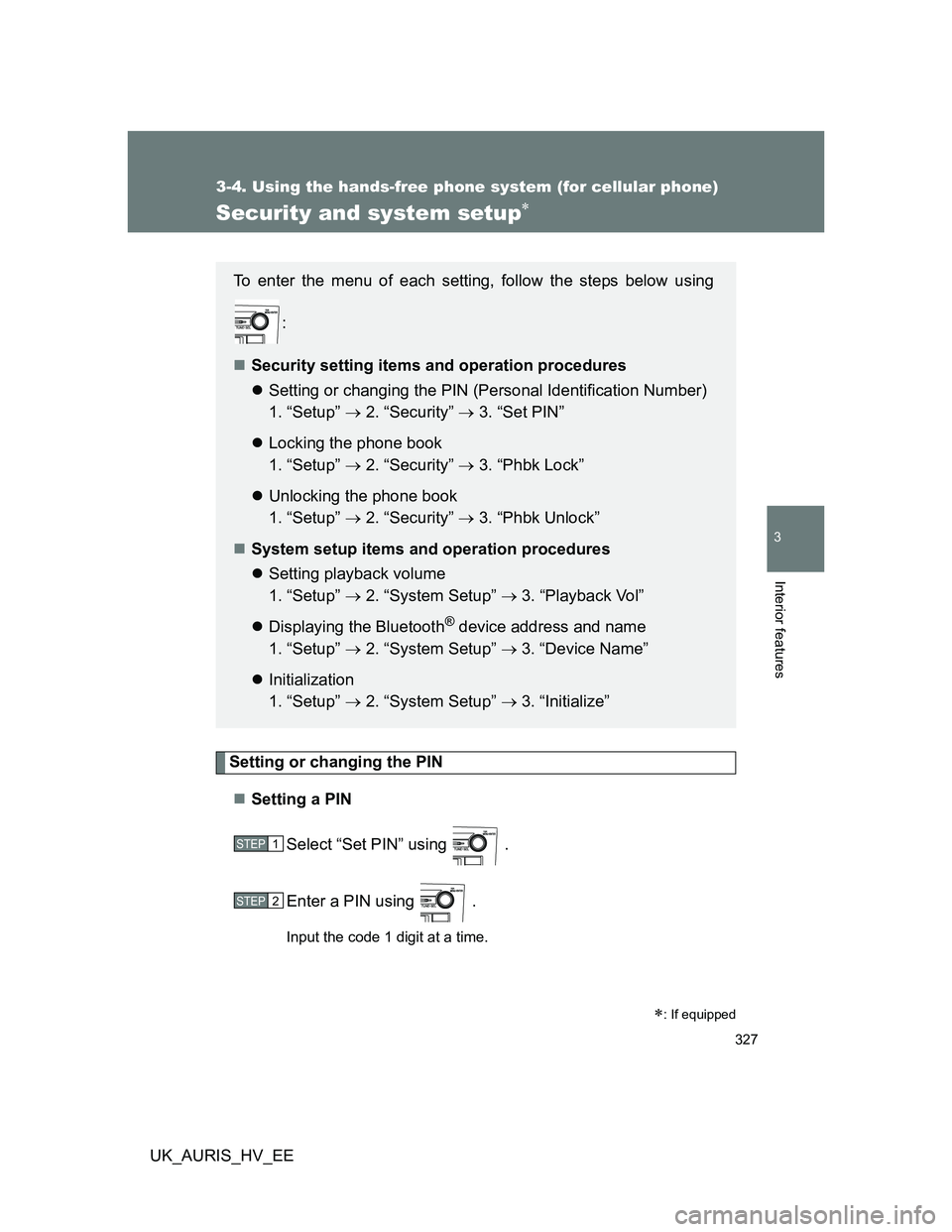
Setting or changing the PIN
Setting a PIN
Select “Set PIN” using .
Enter a PIN using .
Input the code 1 digit at a time.
: If equipped
To enter the menu of each setting, follow the steps below using
:
Security setting items and operation procedures
Setting or changing the PIN (Personal Identification Number)
1. “Setup” 2. “Security” 3. “Set PIN”
Locking the phone book
1. “Setup” 2. “Security” 3. “Phbk Lock”
Unlocking the phone book
1. “Setup” 2. “Security” 3. “Phbk Unlock”
System setup items and operation procedures
Setting playback volume
1. “Setup” 2. “System Setup” 3. “Playback Vol”
Displaying the Bluetooth
® device address and name
1. “Setup” 2. “System Setup” 3. “Device Name”
Initialization
1. “Setup” 2. “System Setup” 3. “Initialize”
STEP1
STEP2
Page 329 of 524
329 3-4. Using the hands-free phone system (for cellular phone)
3
Interior features
UK_AURIS_HV_EE
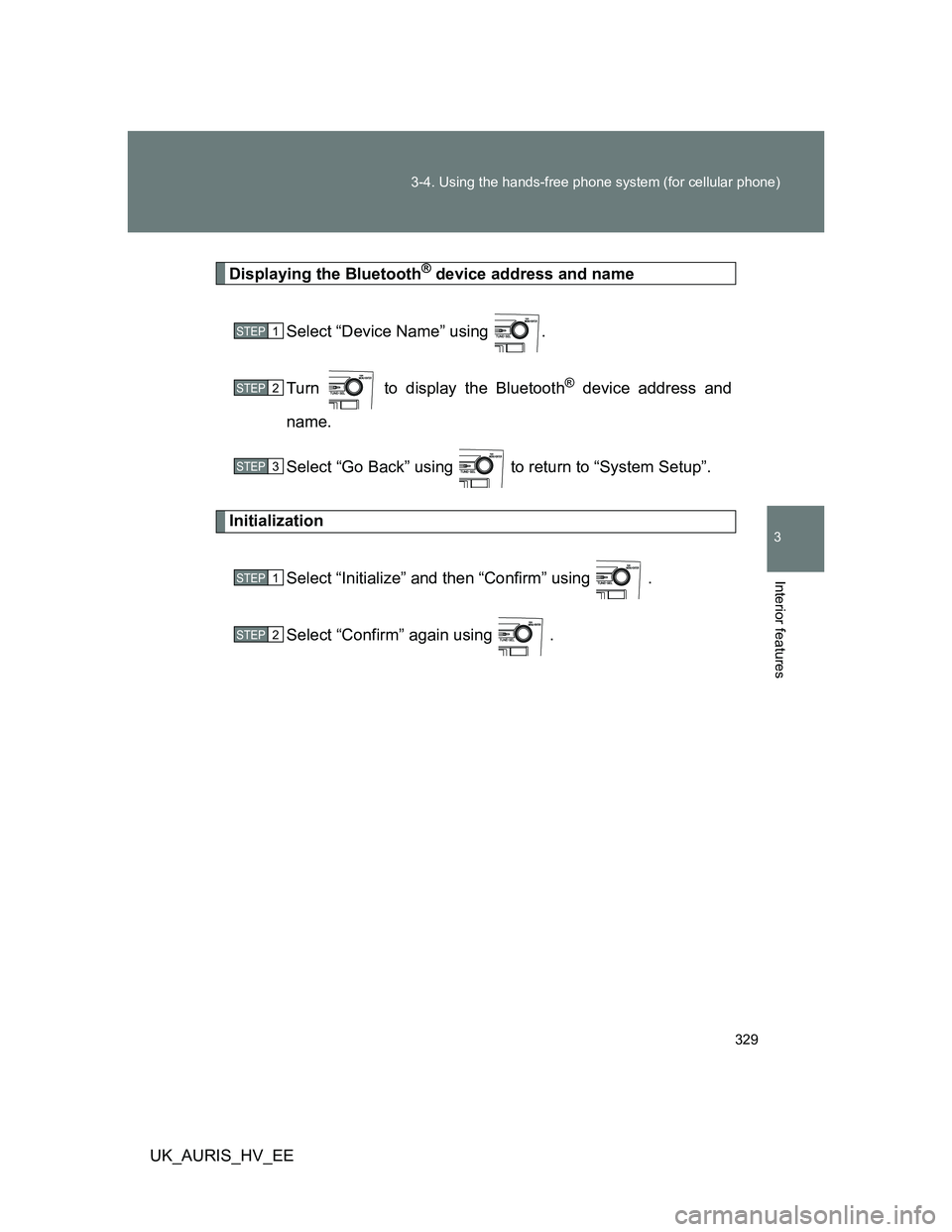
Displaying the Bluetooth® device address and name
Select “Device Name” using .
Turn to display the Bluetooth
® device address and
name.
Select “Go Back” using to return to “System Setup”.
Initialization
Select “Initialize” and then “Confirm” using .
Select “Confirm” again using .
STEP1
STEP2
STEP3
STEP1
STEP2
Page 330 of 524
330 3-4. Using the hands-free phone system (for cellular phone)
UK_AURIS_HV_EE
Initialization
The following data in the system can be initialized:
• Phone book
• Outgoing and incoming call history
• Speed dials
• Registered cellular phone data
• Security code
• Registered Bluetooth
® enabled portable player data
• Passkeys for the cellular phones
• Passkey for the Bluetooth
® audio players
• Playback volume
• Receiver volume
• Ring tone volume
Once the initialization has been completed, the data cannot be restored
to its original state.
When the phone book is locked
The following functions cannot be used:
Dialing by inputting a name
Speed dialing
Dialing a number stored in the call history memory
Using the phone book
Page 512 of 524
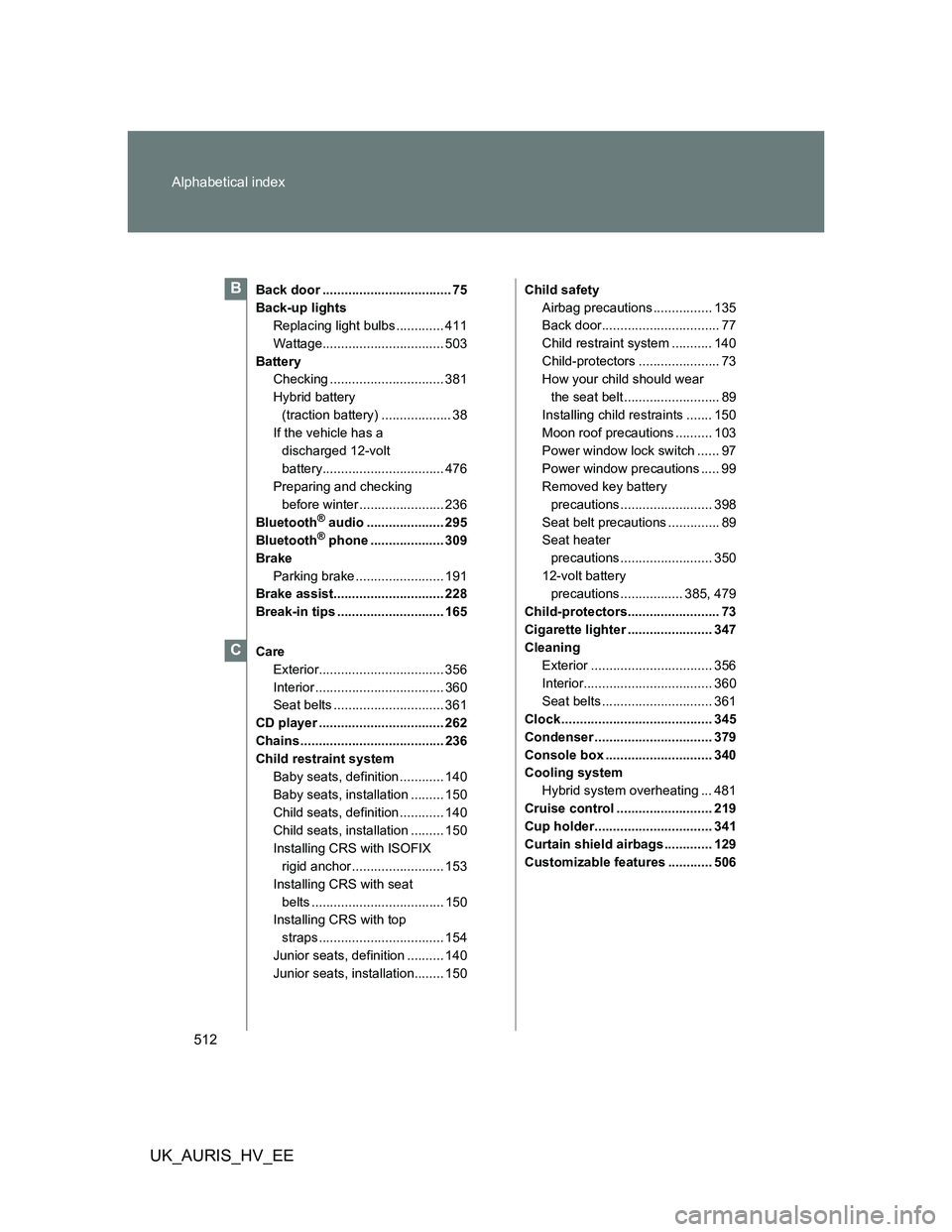
512 Alphabetical index
UK_AURIS_HV_EE
Back door ................................... 75
Back-up lights
Replacing light bulbs ............. 411
Wattage................................. 503
Battery
Checking ............................... 381
Hybrid battery
(traction battery) ................... 38
If the vehicle has a
discharged 12-volt
battery................................. 476
Preparing and checking
before winter ....................... 236
Bluetooth
® audio ..................... 295
Bluetooth® phone .................... 309
Brake
Parking brake ........................ 191
Brake assist.............................. 228
Break-in tips ............................. 165
Care
Exterior.................................. 356
Interior ................................... 360
Seat belts .............................. 361
CD player .................................. 262
Chains ....................................... 236
Child restraint system
Baby seats, definition ............ 140
Baby seats, installation ......... 150
Child seats, definition ............ 140
Child seats, installation ......... 150
Installing CRS with ISOFIX
rigid anchor ......................... 153
Installing CRS with seat
belts .................................... 150
Installing CRS with top
straps .................................. 154
Junior seats, definition .......... 140
Junior seats, installation........ 150Child safety
Airbag precautions ................ 135
Back door................................ 77
Child restraint system ........... 140
Child-protectors ...................... 73
How your child should wear
the seat belt .......................... 89
Installing child restraints ....... 150
Moon roof precautions .......... 103
Power window lock switch ...... 97
Power window precautions ..... 99
Removed key battery
precautions ......................... 398
Seat belt precautions .............. 89
Seat heater
precautions ......................... 350
12-volt battery
precautions ................. 385, 479
Child-protectors......................... 73
Cigarette lighter ....................... 347
Cleaning
Exterior ................................. 356
Interior................................... 360
Seat belts .............................. 361
Clock ......................................... 345
Condenser ................................ 379
Console box ............................. 340
Cooling system
Hybrid system overheating ... 481
Cruise control .......................... 219
Cup holder................................ 341
Curtain shield airbags ............. 129
Customizable features ............ 506
B
C