tow TOYOTA AURIS HYBRID 2012 Owners Manual
[x] Cancel search | Manufacturer: TOYOTA, Model Year: 2012, Model line: AURIS HYBRID, Model: TOYOTA AURIS HYBRID 2012Pages: 524, PDF Size: 26.34 MB
Page 1 of 524
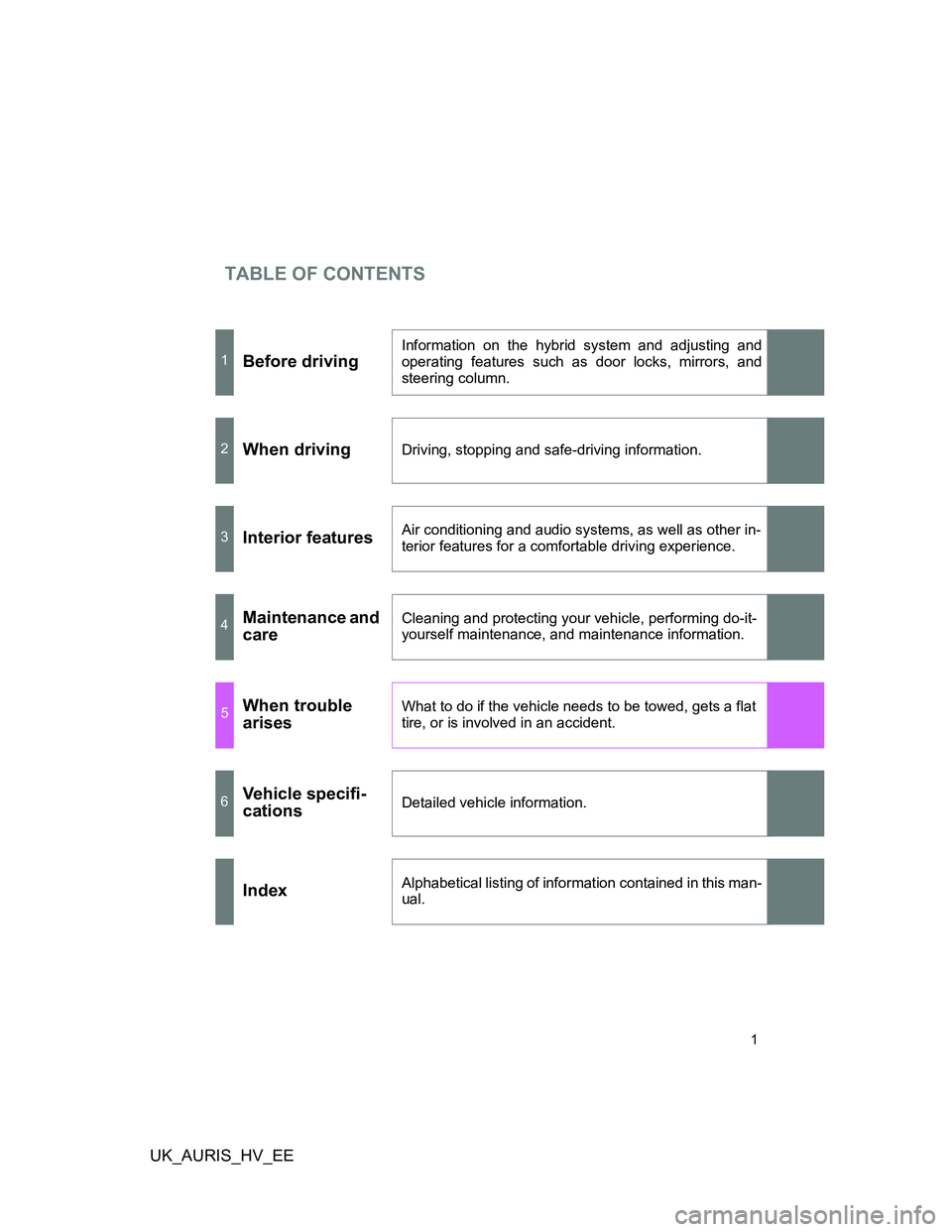
TABLE OF CONTENTS
UK_AURIS_HV_EE
1
1Before driving
Information on the hybrid system and adjusting and
operating features such as door locks, mirrors, and
steering column.
2When drivingDriving, stopping and safe-driving information.
3Interior featuresAir conditioning and audio systems, as well as other in-
terior features for a comfortable driving experience.
4Maintenance and
careCleaning and protecting your vehicle, performing do-it-
yourself maintenance, and maintenance information.
5When trouble
arisesWhat to do if the vehicle needs to be towed, gets a flat
tire, or is involved in an accident.
6Vehicle specifi-
cationsDetailed vehicle information.
IndexAlphabetical listing of information contained in this man-
ual.
Page 3 of 524
1
2
3
4
5
6
UK_AURIS_HV_EE
3
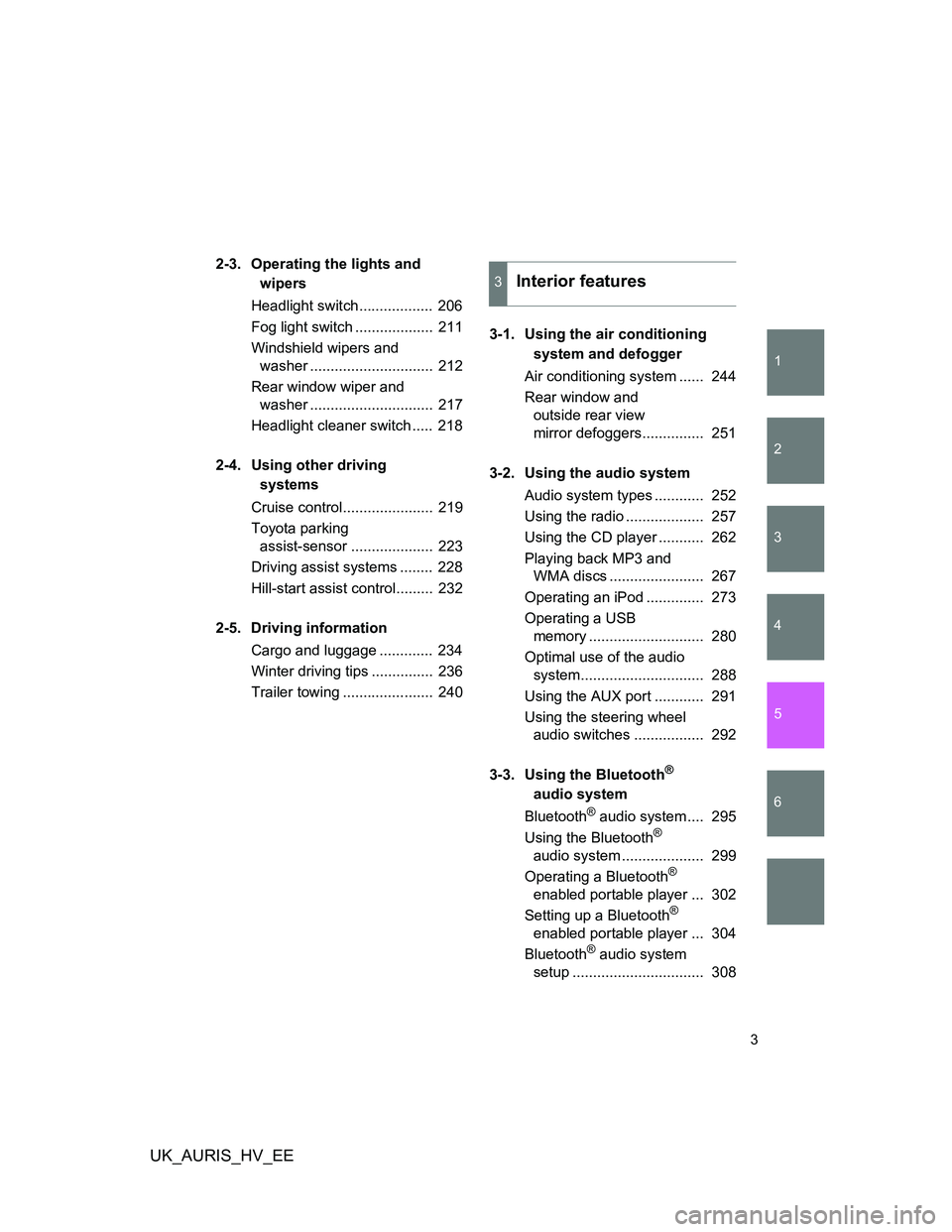
2-3. Operating the lights and
wipers
Headlight switch.................. 206
Fog light switch ................... 211
Windshield wipers and
washer .............................. 212
Rear window wiper and
washer .............................. 217
Headlight cleaner switch ..... 218
2-4. Using other driving
systems
Cruise control...................... 219
Toyota parking
assist-sensor .................... 223
Driving assist systems ........ 228
Hill-start assist control......... 232
2-5. Driving information
Cargo and luggage ............. 234
Winter driving tips ............... 236
Trailer towing ...................... 2403-1. Using the air conditioning
system and defogger
Air conditioning system ...... 244
Rear window and
outside rear view
mirror defoggers............... 251
3-2. Using the audio system
Audio system types ............ 252
Using the radio ................... 257
Using the CD player ........... 262
Playing back MP3 and
WMA discs ....................... 267
Operating an iPod .............. 273
Operating a USB
memory ............................ 280
Optimal use of the audio
system.............................. 288
Using the AUX port ............ 291
Using the steering wheel
audio switches ................. 292
3-3. Using the Bluetooth
®
audio system
Bluetooth
® audio system .... 295
Using the Bluetooth®
audio system .................... 299
Operating a Bluetooth
®
enabled portable player ... 302
Setting up a Bluetooth
®
enabled portable player ... 304
Bluetooth
® audio system
setup ................................ 308
3Interior features
Page 5 of 524
1
2
3
4
5
6
UK_AURIS_HV_EE
5
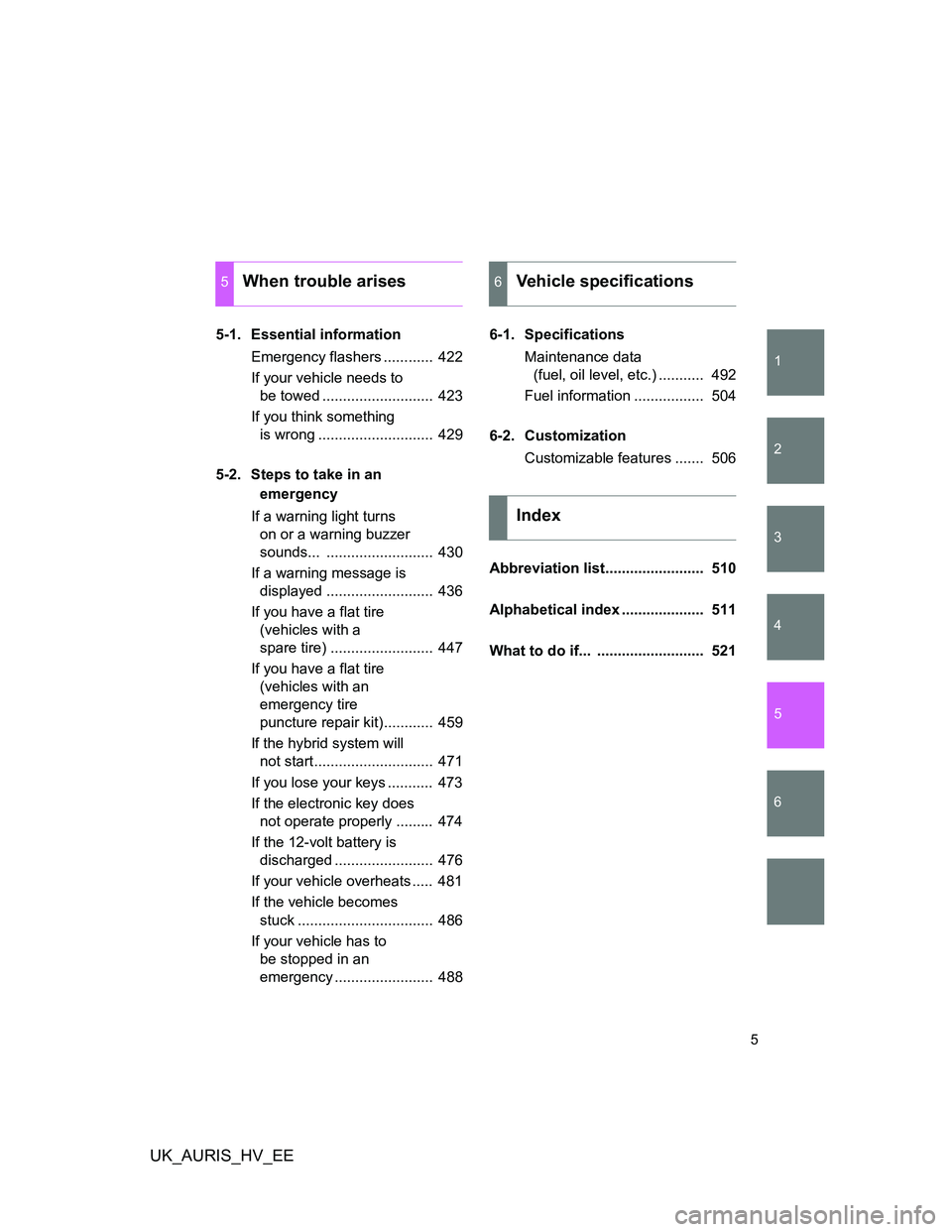
5-1. Essential information
Emergency flashers ............ 422
If your vehicle needs to
be towed ........................... 423
If you think something
is wrong ............................ 429
5-2. Steps to take in an
emergency
If a warning light turns
on or a warning buzzer
sounds... .......................... 430
If a warning message is
displayed .......................... 436
If you have a flat tire
(vehicles with a
spare tire) ......................... 447
If you have a flat tire
(vehicles with an
emergency tire
puncture repair kit)............ 459
If the hybrid system will
not start............................. 471
If you lose your keys ........... 473
If the electronic key does
not operate properly ......... 474
If the 12-volt battery is
discharged ........................ 476
If your vehicle overheats ..... 481
If the vehicle becomes
stuck ................................. 486
If your vehicle has to
be stopped in an
emergency ........................ 4886-1. Specifications
Maintenance data
(fuel, oil level, etc.) ........... 492
Fuel information ................. 504
6-2. Customization
Customizable features ....... 506
Abbreviation list........................ 510
Alphabetical index .................... 511
What to do if... .......................... 521
5When trouble arises6Vehicle specifications
Index
Page 40 of 524
40 1-1. Hybrid system
UK_AURIS_HV_EE
CAUTION
Emergency shut off system
Carefully check to see if there are exposed high voltage parts or cables.
Never touch the parts or cables. (P. 34)
Carefully inspect the ground under the vehicle. If you find that liquid has
leaked onto the ground, the fuel system may have been damaged. Leave
the vehicle as soon as possible.
Road accident cautions
If your vehicle is involved in an accident, observe the following precautions
to reduce the risk of injury.
Stop the vehicle in a safe place to prevent subsequent accidents. While
depressing the brake pedal, apply the parking brake and push the P posi-
tion switch to stop the hybrid system. Then, slowly release the brake
pedal.
Do not touch the high voltage parts, cables and connectors.
If electric wires are exposed inside or outside your vehicle, an electric
shock may occur. Never touch exposed electric wires.
If a fluid leak occurs, do not touch it as it may be strong alkaline electrolyte
from the hybrid battery (traction battery). If it comes into contact with your
skin or eyes, wash it off immediately with a large amount of water or if pos-
sible, boric acid solution. Seek immediate medical attention.
If a fire occurs in the hybrid vehicle, leave the vehicle as soon as possible.
Never use a fire extinguisher that is not meant for electric fires. Using even
a small amount of water may be dangerous.
If your vehicle needs to be towed, do so with the front wheels raised. If the
wheels with the electric motor (traction motor) are on the ground when
towing, the motor may continue to generate electricity. This may cause an
electricity leakage leading to a fire. (P. 423)
Nickel-metal hydride battery
Your vehicle contains a sealed nickel-metal hydride battery. If disposed of
improperly, it is hazardous to the environment and there is a risk of severe
burns and electrical shock that may result in death or serious injury.
Page 48 of 524
48 1-3. Opening, closing and locking the doors
UK_AURIS_HV_EE
Operation signals
The emergency flashers flash to indicate that the doors have been locked/
unlocked. (Locked: Once; Unlocked: Twice)
Conditions affecting operation
The smart entry & start system uses weak radio waves. In the following situ-
ations, the communication between the electronic key and the vehicle may
be affected, preventing the smart entry & start system and wireless remote
control from operating properly: (Ways of coping: P. 474)
When the electronic key battery is depleted
Near a TV tower, electric power plant, gas station, radio station, large dis-
play, airport or other facility that generates strong radio waves or electri-
cal noise
When carrying a portable radio, cellular phone, cordless phone or other
wireless communication devices
When the electronic key has come into contact with, or is covered by a
metallic object
When multiple electronic keys are in the vicinity
When carrying or using the electronic key together with the following
devices that emit radio waves
• Another vehicle's electronic key
• A wireless key that emits radio waves
• Personal computers
If window tint with a metallic content or metallic objects are attached to
the rear window
Page 61 of 524
61 1-3. Opening, closing and locking the doors
1
Before driving
UK_AURIS_HV_EE
Conditions affecting operation
The push button start uses weak radio waves. In the following situations, the
communication between the electronic key and the vehicle may be affected,
preventing the push button start and wireless remote control from operating
properly: (Ways of coping: P. 474)
When the electronic key battery is depleted
Near a TV tower, electric power plant, gas station, radio station, large dis-
play, airport or other facility that generates strong radio waves or electri-
cal noise
When carrying a portable radio, cellular phone, cordless phone or other
wireless communication devices
When the electronic key has come into contact with, or is covered by a
metallic object
When multiple electronic keys are in the vicinity
When carrying or using the electronic key together with the following
devices that emit radio waves
• Another vehicle's electronic key
• A wireless key that emits radio waves
• Personal computers
If window tint with a metallic content or metallic objects are attached to
the rear window
Page 81 of 524
81
1
1-4. Adjustable components (seats, mirrors, steering wheel)
Before driving
UK_AURIS_HV_EE
Rear seats
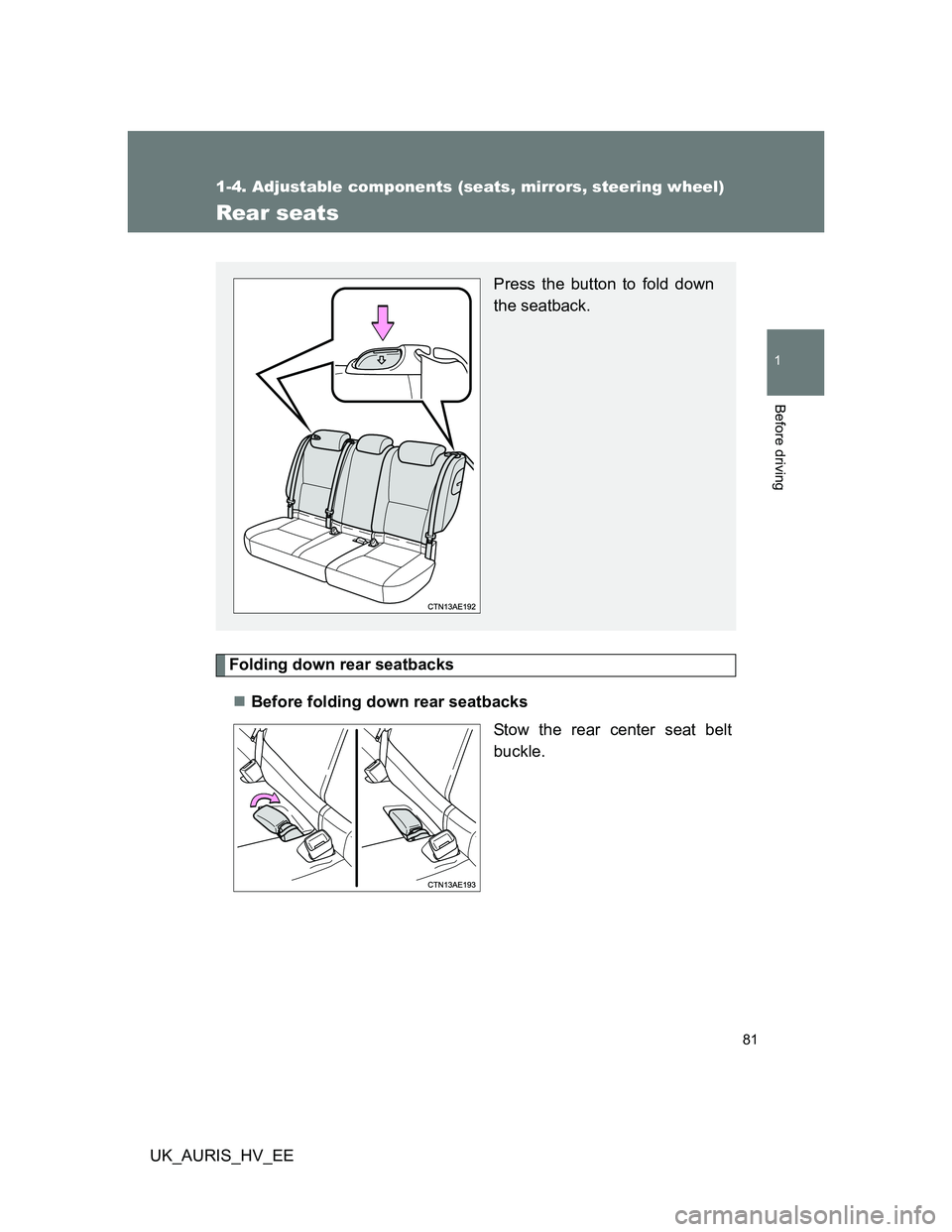
Folding down rear seatbacks
Before folding down rear seatbacks
Stow the rear center seat belt
buckle.
Press the button to fold down
the seatback.
Page 84 of 524
84
1-4. Adjustable components (seats, mirrors, steering wheel)
UK_AURIS_HV_EE
Head restraints
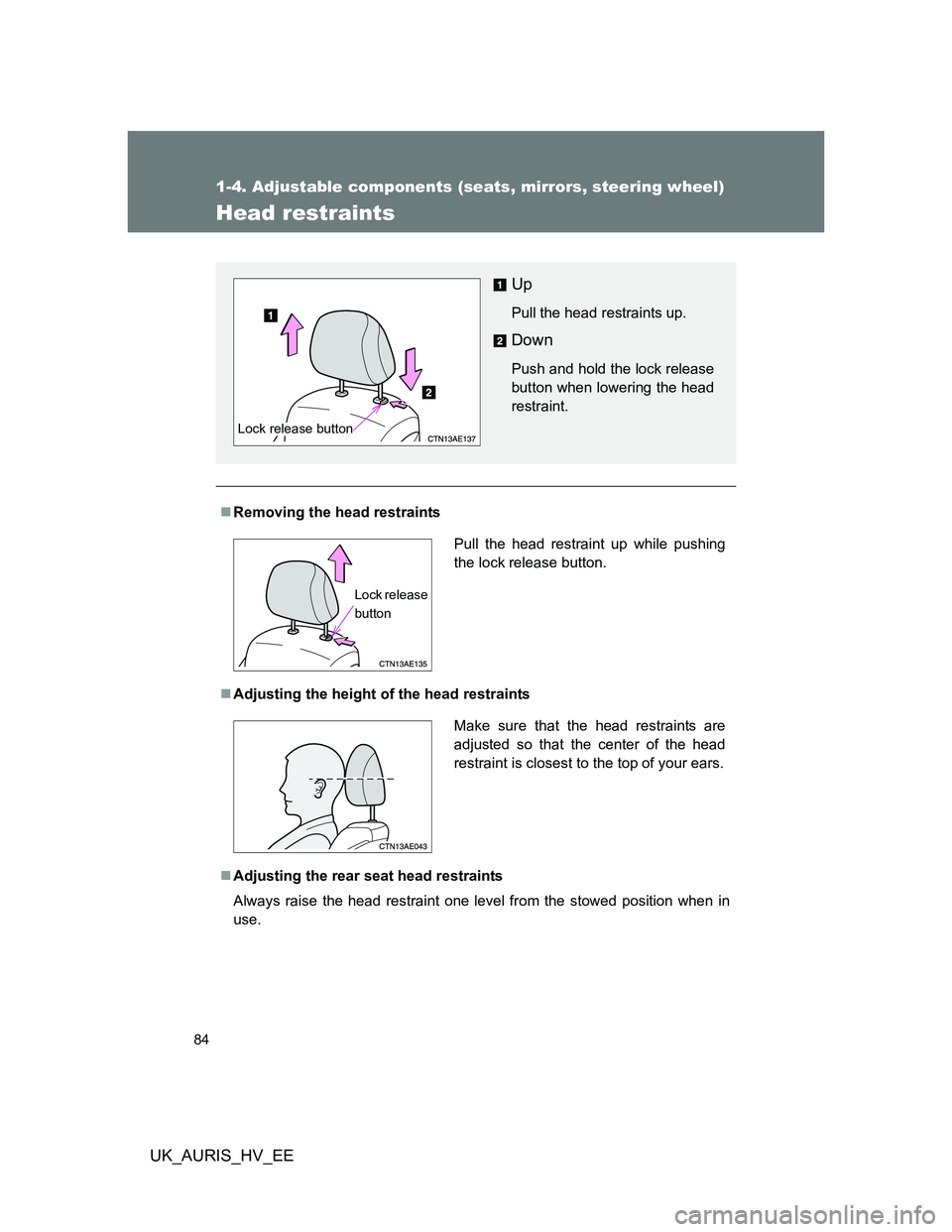
Removing the head restraints
Adjusting the height of the head restraints
Adjusting the rear seat head restraints
Always raise the head restraint one level from the stowed position when in
use.
Up
Pull the head restraints up.
Down
Push and hold the lock release
button when lowering the head
restraint.
Lock release button
Pull the head restraint up while pushing
the lock release button.
Lock release
button
Make sure that the head restraints are
adjusted so that the center of the head
restraint is closest to the top of your ears.
Page 135 of 524
135 1-8. Safety information
1
Before driving
UK_AURIS_HV_EE
CAUTION
SRS airbag precautions
Observe the following precautions regarding the airbags.
Failure to do so may cause death or serious injury.
The driver and all passengers in the vehicle must wear their seat belts
properly.
The SRS airbags are supplemental devices to be used with the seat belts.
The SRS driver airbag deploys with considerable force, and can cause
death or serious injury especially if the driver is very close to the airbag.
Since the risk zone for the driver’s airbag is the first 50 - 75 mm (2 - 3 in.) of
inflation, placing yourself 250 mm (10 in.) from your driver airbag provides
you with a clear margin of safety. This distance is measured from the center
of the steering wheel to your breastbone. If you sit less than 250 mm (10 in.)
away now, you can change your driving position in several ways:
• Move your seat to the rear as far as you can while still reaching the
pedals comfortably.
• Slightly recline the back of the seat.
Although vehicle designs vary, many drivers can achieve the 250 mm
(10 in.) distance, even with the driver seat all the way forward, simply
by reclining the back of the seat somewhat. If reclining the back of your
seat makes it hard to see the road, raise yourself by using a firm, non-
slippery cushion, or raise the seat if your vehicle has that feature.
• If your steering wheel is adjustable, tilt it downward. This points the air-
bag toward your chest instead of your head and neck.
The seat should be adjusted as recommended above, while still maintaining
control of the foot pedals, steering wheel, and your view of the instrument
panel controls.
Page 137 of 524
137 1-8. Safety information
1
Before driving
UK_AURIS_HV_EE
CAUTION
SRS airbag precautions
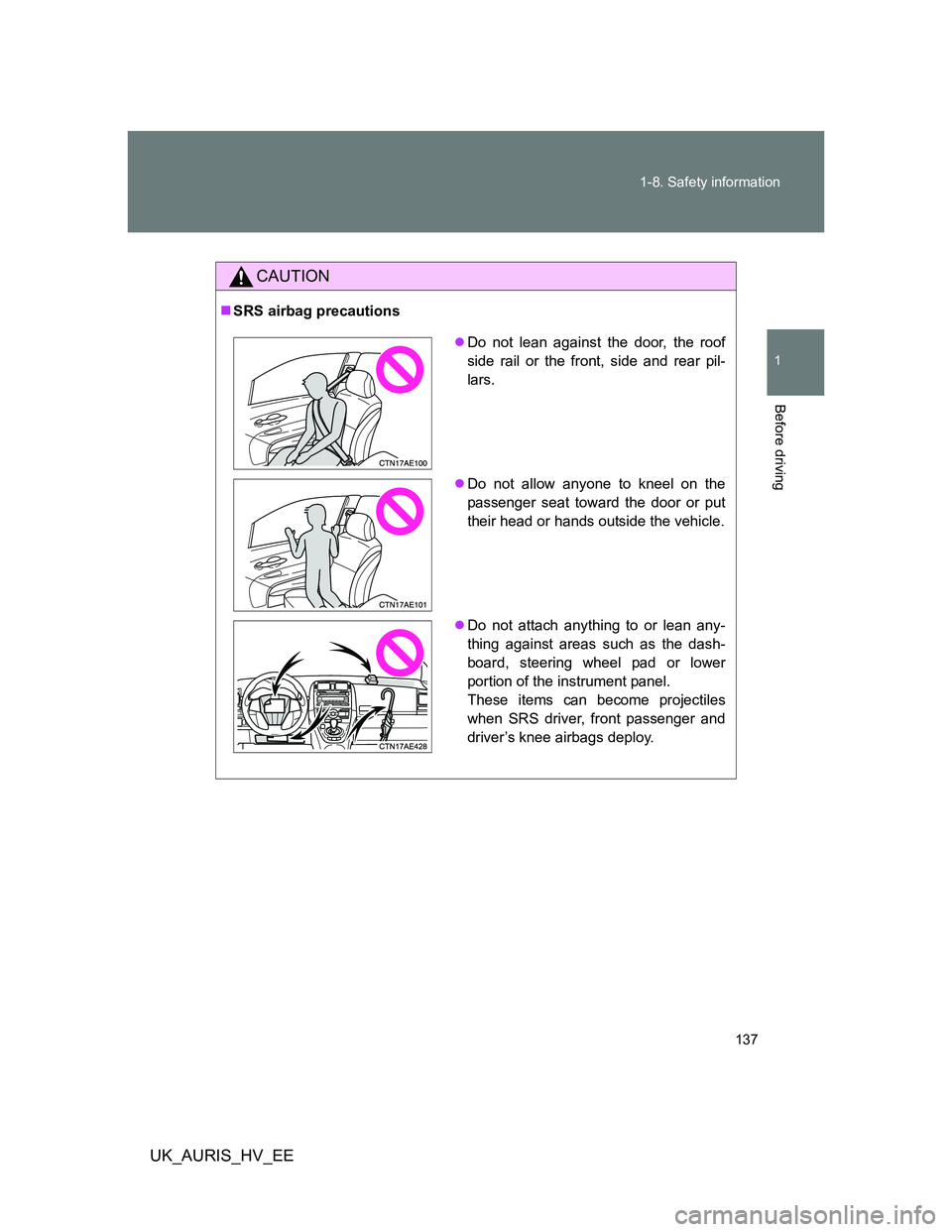
Do not lean against the door, the roof
side rail or the front, side and rear pil-
lars.
Do not allow anyone to kneel on the
passenger seat toward the door or put
their head or hands outside the vehicle.
Do not attach anything to or lean any-
thing against areas such as the dash-
board, steering wheel pad or lower
portion of the instrument panel.
These items can become projectiles
when SRS driver, front passenger and
driver’s knee airbags deploy.