reset TOYOTA AURIS HYBRID 2013 User Guide
[x] Cancel search | Manufacturer: TOYOTA, Model Year: 2013, Model line: AURIS HYBRID, Model: TOYOTA AURIS HYBRID 2013Pages: 768, PDF Size: 21.22 MB
Page 437 of 768
4375-2. Using the audio system
UK_AURIS/AURIS_HV_EE (OM12F76E)
5
Interior features
iPod functions
When an iPod is connected and the audio source is changed to iPod mode,
the iPod will resume play from the same point in which it was last used.
Depending on the iPod that is connected to the system, certain functions
may not be available. If a function is unavailable due to a malfunction (as
opposed to a system specification), disconnecting the device and recon-
necting it once again may resolve the problem.
While connected to the system, the iPod cannot be operated with its own
controls. It is necessary to use the controls of the vehicle’s audio system
instead.
When the battery level of an iPod is very low, the iPod may not operate. If
so, charge the iPod before use.
Supported models (P. 438)
iPod problems
To resolve most problems encountered when using your iPod, disconnect
your iPod from the vehicle iPod connection and reset it.
For instructions on how to reset your iPod, refer to your iPod Owner’s Man-
ual.
Display
P. 422
Error messages
“iPod ERROR”: This indicates that the data in the iPod cannot be read.
“ERROR 3”: This indicates that the iPod may be malfunctioning.
“ERROR 4”: This indicates that an over current error has occurred.
“ERROR 5”: This indicates that an iPod communication error has
occurred.
“ERROR 6”: This indicates that an authentication error has occurred.
“NO SONGS”: This indicates that there is no music data in the iPod.
“NO PLAYLIST”: This indicates that some available songs are not found in a
selected playlist.
“UPDATE YOUR iPod”: This indicates that the version of the iPod is not com-
patible. Upgrade your iPod software to the latest ver-
sion.
Page 451 of 768
4515-2. Using the audio system
UK_AURIS/AURIS_HV_EE (OM12F76E)
5
Interior features
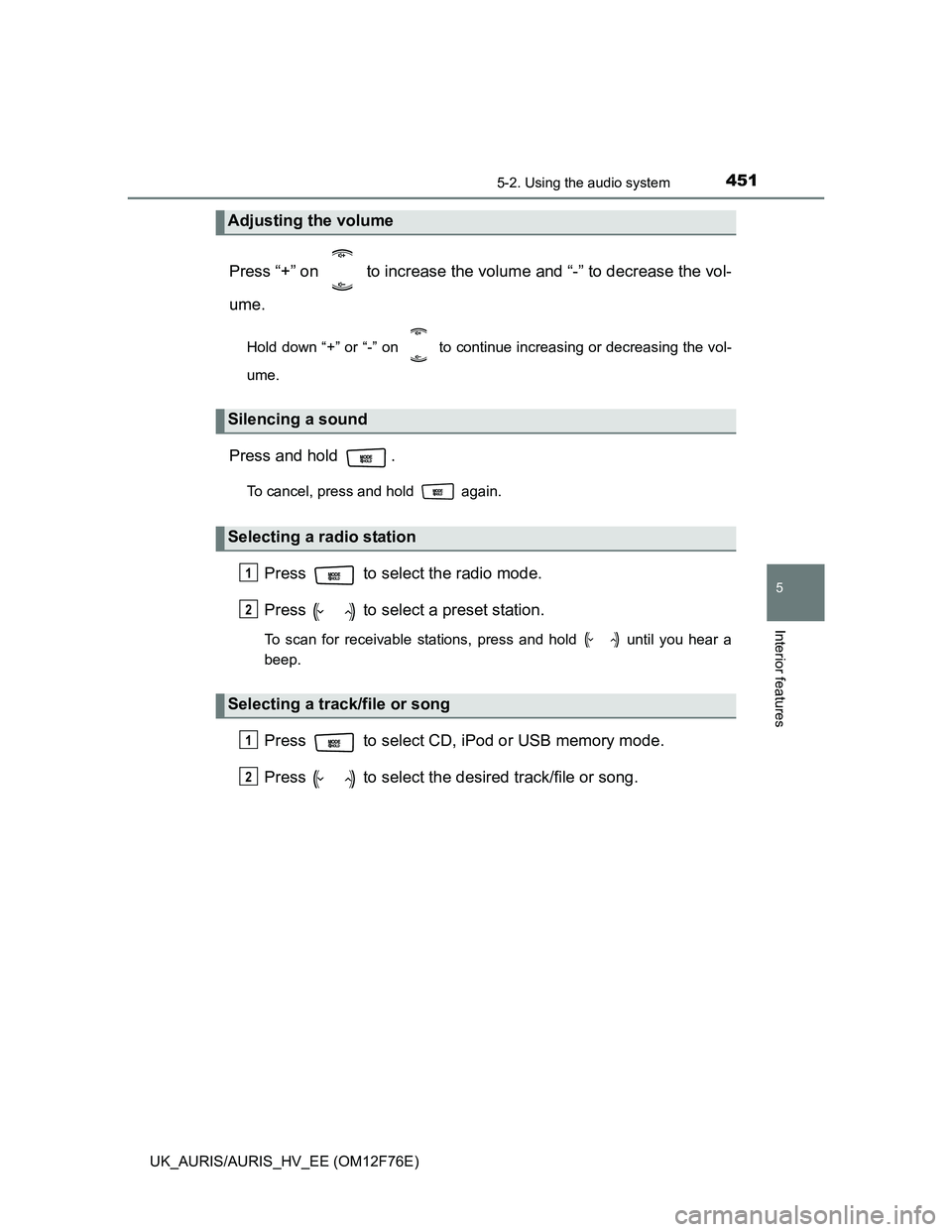
Press “+” on to increase the volume and “-” to decrease the vol-
ume.
Hold down “+” or “-” on to continue increasing or decreasing the vol-
ume.
Press and hold .
To cancel, press and hold again.
Press to select the radio mode.
Press to select a preset station.
To scan for receivable stations, press and hold until you hear a
beep.
Press to select CD, iPod or USB memory mode.
Press to select the desired track/file or song.
Adjusting the volume
Silencing a sound
Selecting a radio station
Selecting a track/file or song
1
2
1
2
Page 515 of 768
5156-3. Do-it-yourself maintenance
UK_AURIS/AURIS_HV_EE (OM12F76E)
6
Maintenance and care
Engine oil consumption
A certain amount of engine oil will be consumed while driving. In the following
situations, oil consumption may increase, and engine oil may need to be
refilled in between oil maintenance intervals.
When the engine is new, for example directly after purchasing the vehicle or
after replacing the engine
If low quality oil or oil of an inappropriate viscosity is used
When driving at high engine speeds or with a heavy load, when towing, or
when driving while accelerating or decelerating frequently
When leaving the engine idling for a long time, or when driving frequently
through heavy traffic
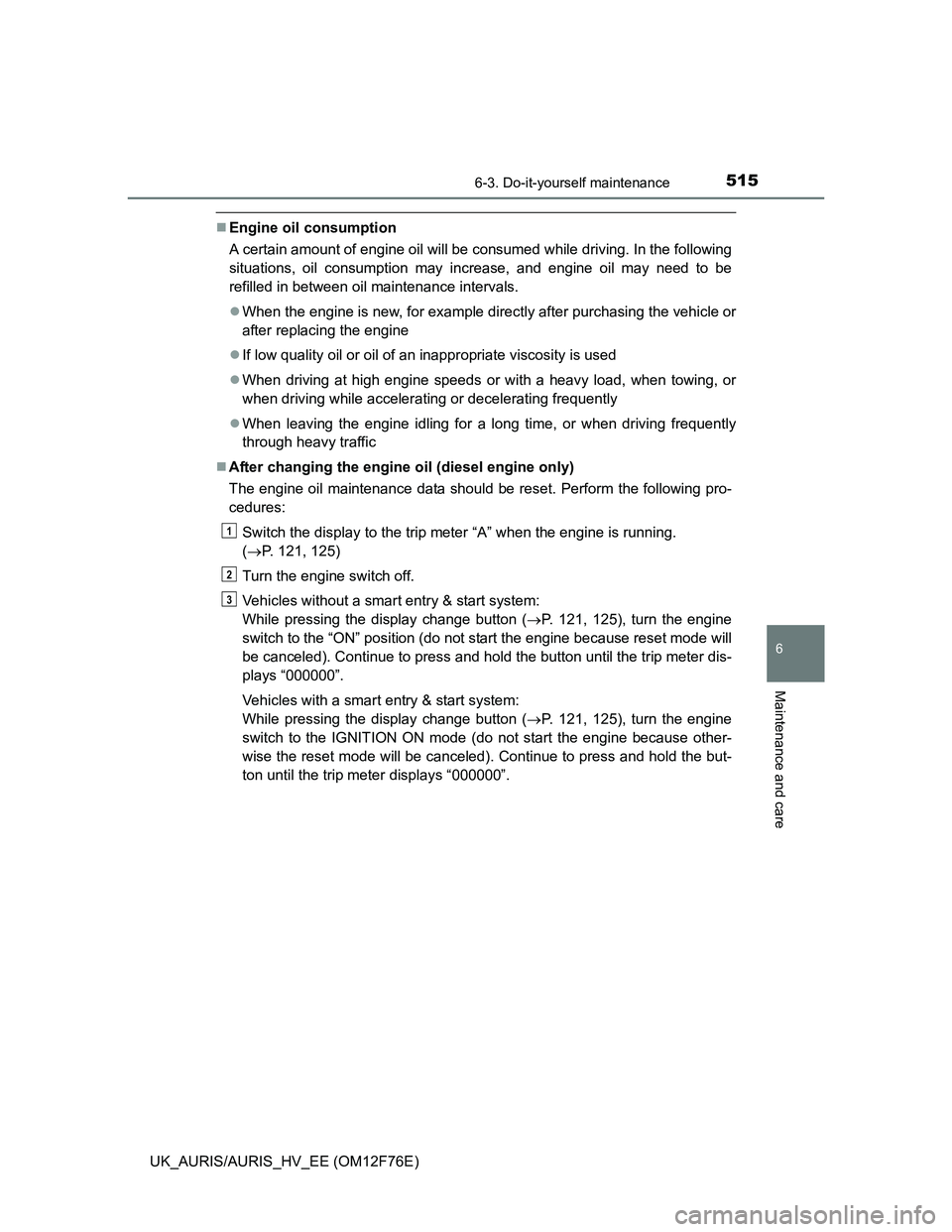
After changing the engine oil (diesel engine only)
The engine oil maintenance data should be reset. Perform the following pro-
cedures:
Switch the display to the trip meter “A” when the engine is running.
(P. 121, 125)
Turn the engine switch off.
Vehicles without a smart entry & start system:
While pressing the display change button (P. 121, 125), turn the engine
switch to the “ON” position (do not start the engine because reset mode will
be canceled). Continue to press and hold the button until the trip meter dis-
plays “000000”.
Vehicles with a smart entry & start system:
While pressing the display change button (P. 121, 125), turn the engine
switch to the IGNITION ON mode (do not start the engine because other-
wise the reset mode will be canceled). Continue to press and hold the but-
ton until the trip meter displays “000000”.
1
2
3
Page 604 of 768
6047-2. Steps to take in an emergency
UK_AURIS/AURIS_HV_EE (OM12F76E)
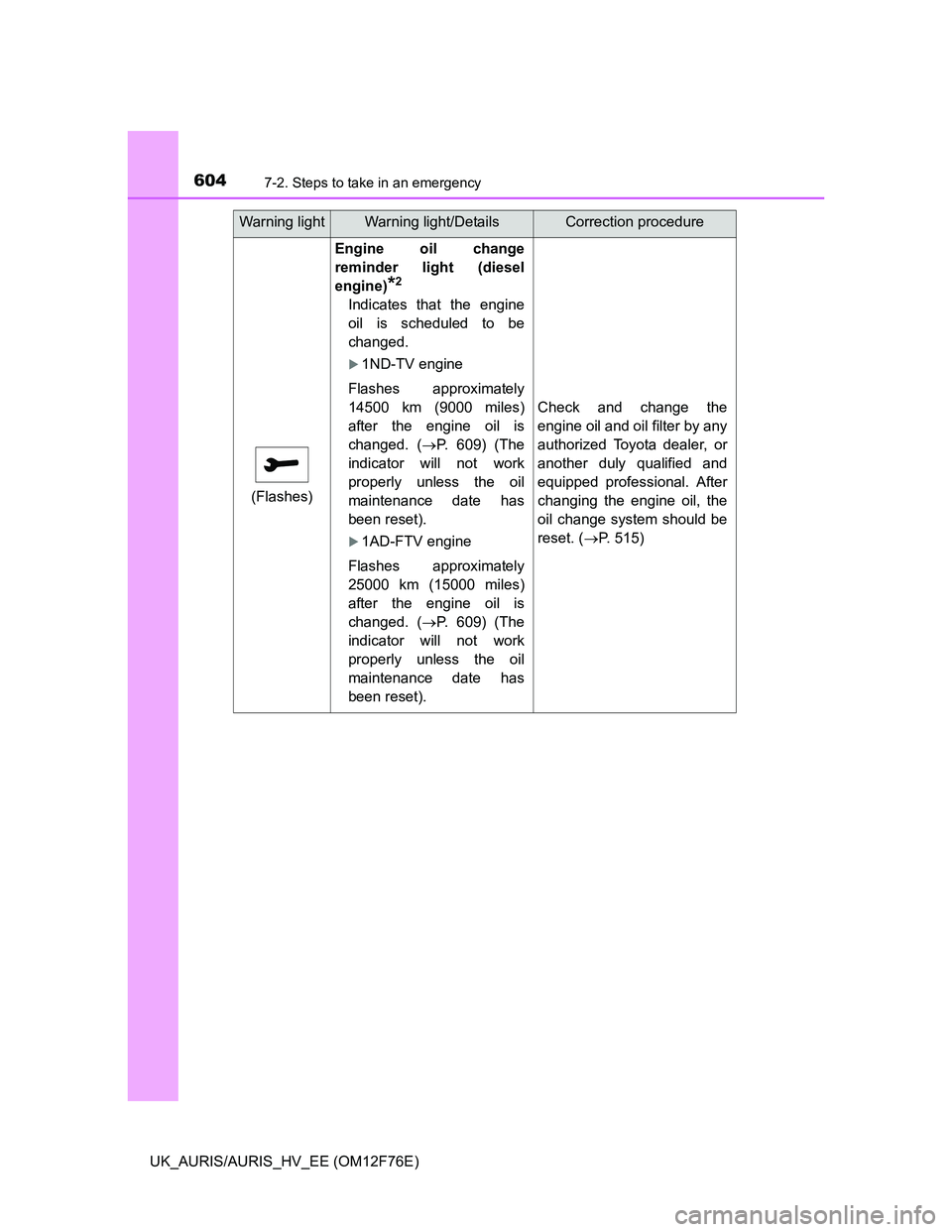
(Flashes)
Engine oil change
reminder light (diesel
engine)
*2
Indicates that the engine
oil is scheduled to be
changed.
1ND-TV engine
Flashes approximately
14500 km (9000 miles)
after the engine oil is
changed. (P. 609) (The
indicator will not work
properly unless the oil
maintenance date has
been reset).
1AD-FTV engine
Flashes approximately
25000 km (15000 miles)
after the engine oil is
changed. (P. 609) (The
indicator will not work
properly unless the oil
maintenance date has
been reset).
Check and change the
engine oil and oil filter by any
authorized Toyota dealer, or
another duly qualified and
equipped professional. After
changing the engine oil, the
oil change system should be
reset. (P. 515)
Warning lightWarning light/DetailsCorrection procedure
Page 605 of 768
6057-2. Steps to take in an emergency
UK_AURIS/AURIS_HV_EE (OM12F76E)
7
When trouble arises
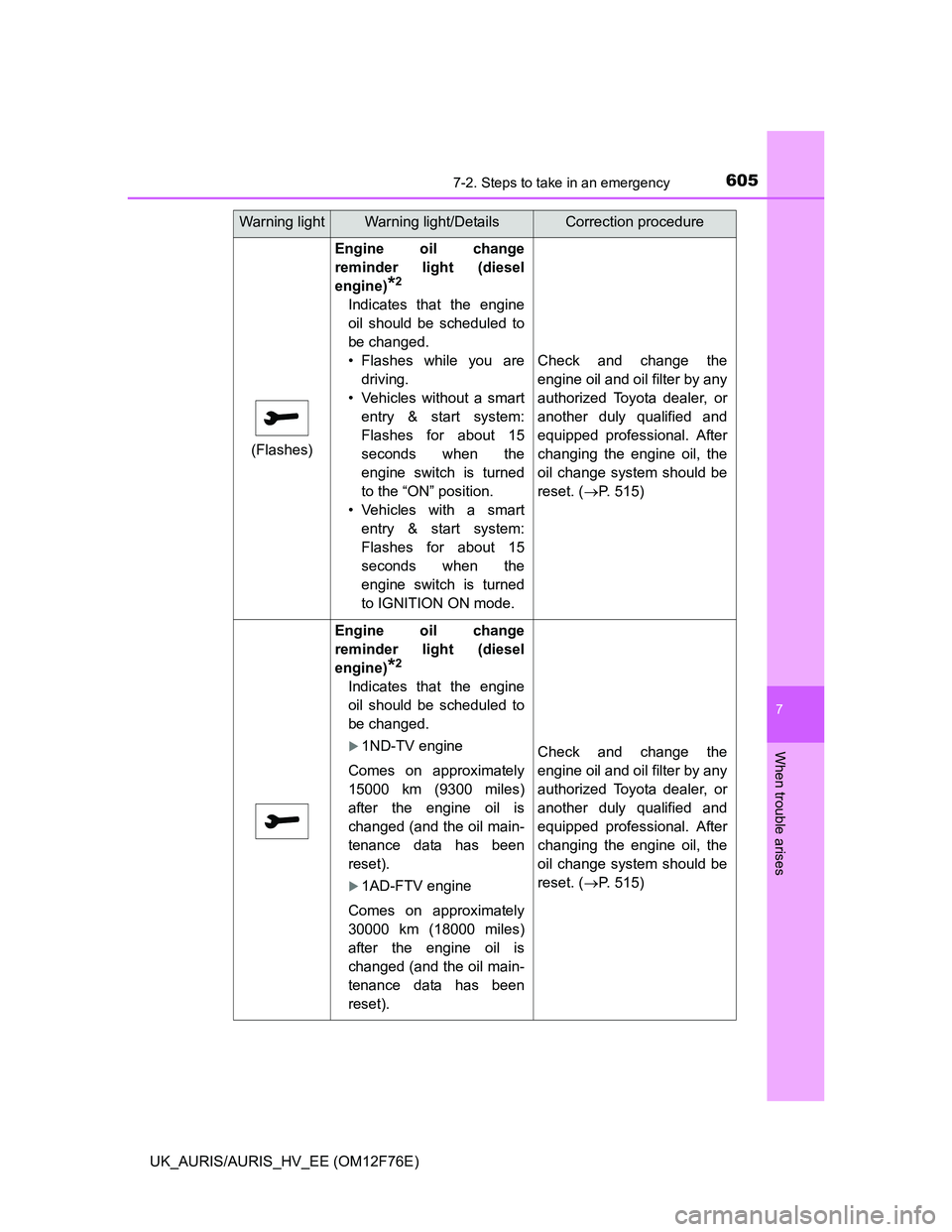
(Flashes)
Engine oil change
reminder light (diesel
engine)
*2
Indicates that the engine
oil should be scheduled to
be changed.
• Flashes while you are
driving.
• Vehicles without a smart
entry & start system:
Flashes for about 15
seconds when the
engine switch is turned
to the “ON” position.
• Vehicles with a smart
entry & start system:
Flashes for about 15
seconds when the
engine switch is turned
to IGNITION ON mode.
Check and change the
engine oil and oil filter by any
authorized Toyota dealer, or
another duly qualified and
equipped professional. After
changing the engine oil, the
oil change system should be
reset. (P. 515)
Engine oil change
reminder light (diesel
engine)
*2
Indicates that the engine
oil should be scheduled to
be changed.
1ND-TV engine
Comes on approximately
15000 km (9300 miles)
after the engine oil is
changed (and the oil main-
tenance data has been
reset).
1AD-FTV engine
Comes on approximately
30000 km (18000 miles)
after the engine oil is
changed (and the oil main-
tenance data has been
reset).
Check and change the
engine oil and oil filter by any
authorized Toyota dealer, or
another duly qualified and
equipped professional. After
changing the engine oil, the
oil change system should be
reset. (P. 515)
Warning lightWarning light/DetailsCorrection procedure
Page 618 of 768
6187-2. Steps to take in an emergency
UK_AURIS/AURIS_HV_EE (OM12F76E)
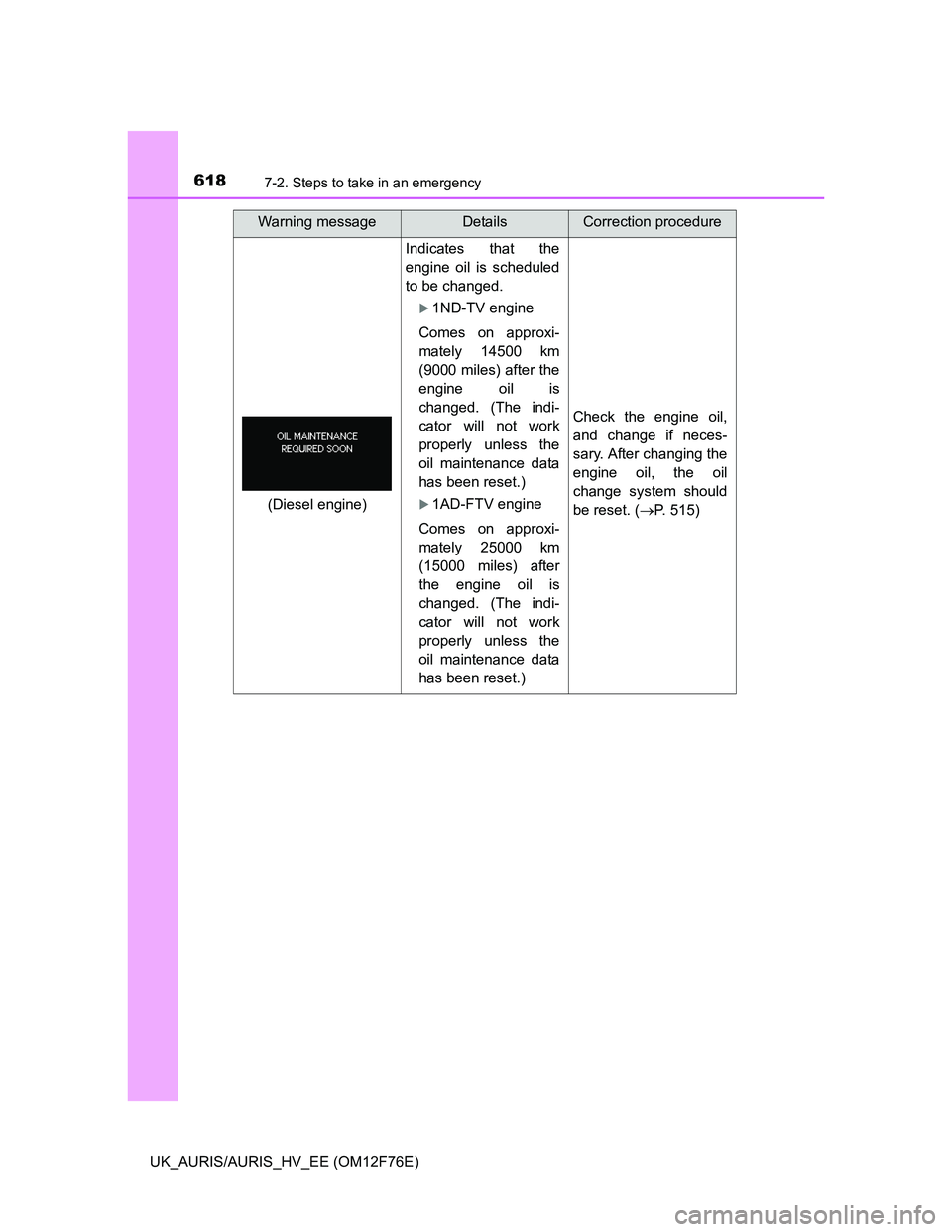
Indicates that the
engine oil is scheduled
to be changed.
1ND-TV engine
Comes on approxi-
mately 14500 km
(9000 miles) after the
engine oil is
changed. (The indi-
cator will not work
properly unless the
oil maintenance data
has been reset.)
1AD-FTV engine
Comes on approxi-
mately 25000 km
(15000 miles) after
the engine oil is
changed. (The indi-
cator will not work
properly unless the
oil maintenance data
has been reset.)
Check the engine oil,
and change if neces-
sary. After changing the
engine oil, the oil
change system should
be reset. (P. 515)
Warning messageDetailsCorrection procedure
(Diesel engine)
Page 619 of 768
6197-2. Steps to take in an emergency
UK_AURIS/AURIS_HV_EE (OM12F76E)
7
When trouble arises
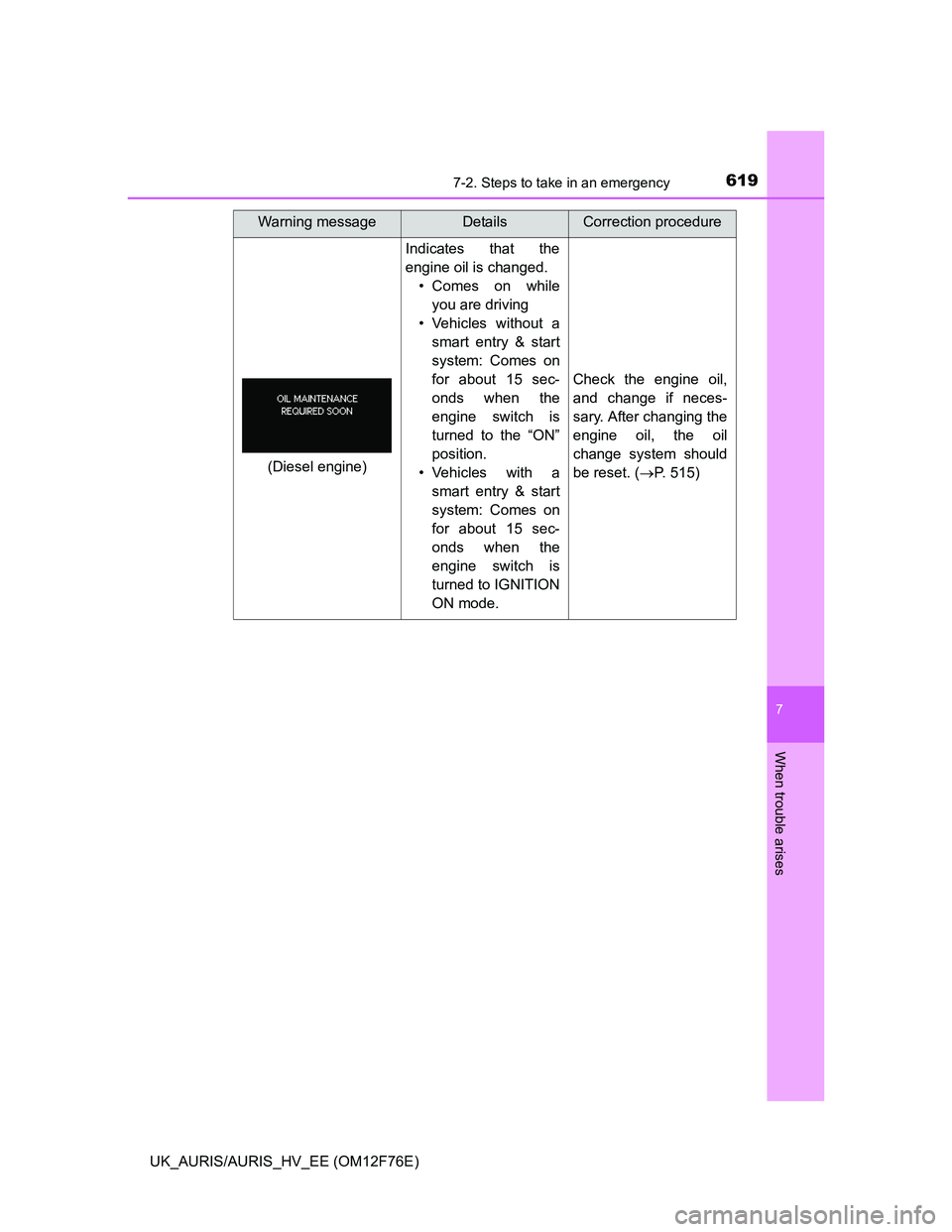
Indicates that the
engine oil is changed.
• Comes on while
you are driving
• Vehicles without a
smart entry & start
system: Comes on
for about 15 sec-
onds when the
engine switch is
turned to the “ON”
position.
• Vehicles with a
smart entry & start
system: Comes on
for about 15 sec-
onds when the
engine switch is
turned to IGNITION
ON mode.
Check the engine oil,
and change if neces-
sary. After changing the
engine oil, the oil
change system should
be reset. (P. 515)
Warning messageDetailsCorrection procedure
(Diesel engine)
Page 620 of 768
6207-2. Steps to take in an emergency
UK_AURIS/AURIS_HV_EE (OM12F76E)
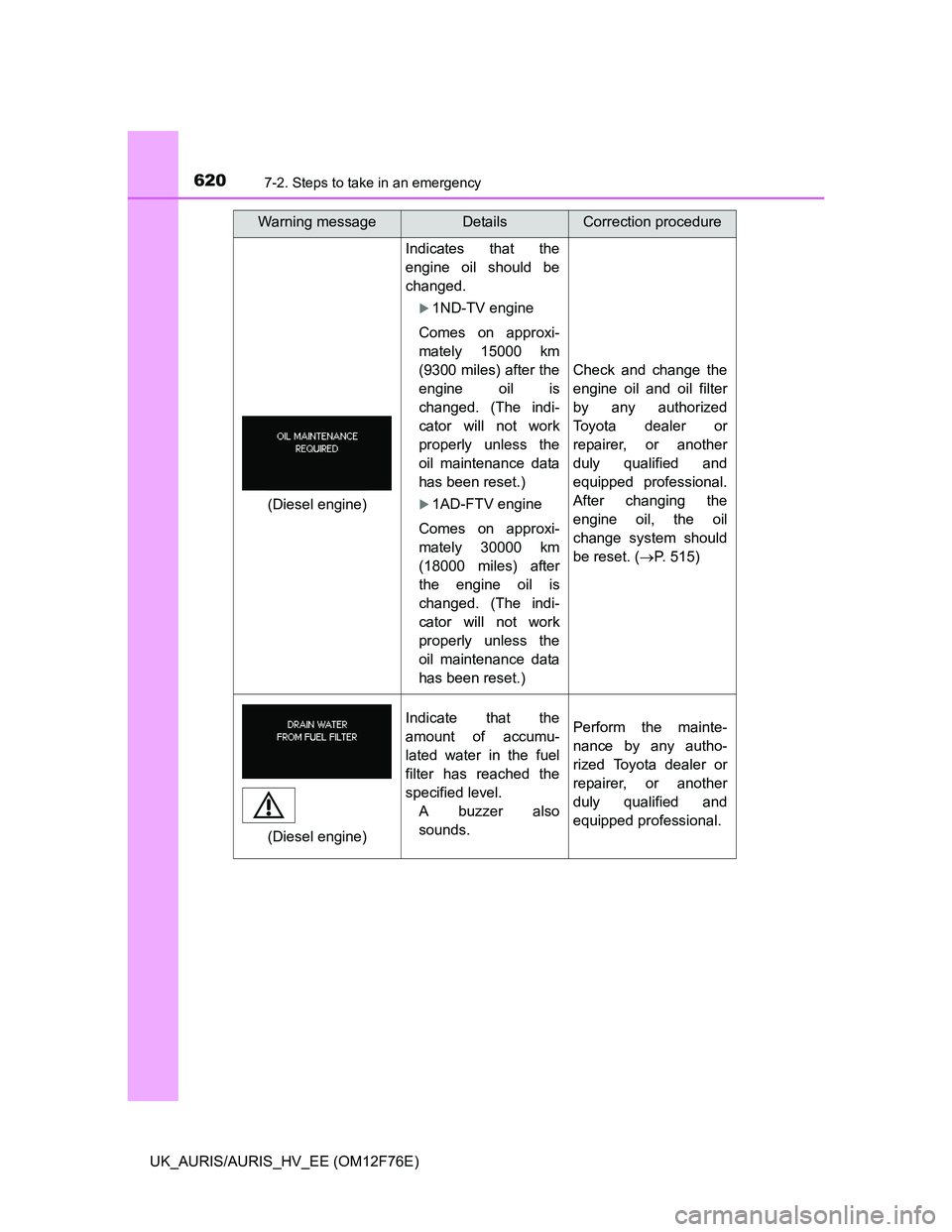
Indicates that the
engine oil should be
changed.
1ND-TV engine
Comes on approxi-
mately 15000 km
(9300 miles) after the
engine oil is
changed. (The indi-
cator will not work
properly unless the
oil maintenance data
has been reset.)
1AD-FTV engine
Comes on approxi-
mately 30000 km
(18000 miles) after
the engine oil is
changed. (The indi-
cator will not work
properly unless the
oil maintenance data
has been reset.)
Check and change the
engine oil and oil filter
by any authorized
Toyota dealer or
repairer, or another
duly qualified and
equipped professional.
After changing the
engine oil, the oil
change system should
be reset. (P. 515)
Indicate that the
amount of accumu-
lated water in the fuel
filter has reached the
specified level.
A buzzer also
sounds.Perform the mainte-
nance by any autho-
rized Toyota dealer or
repairer, or another
duly qualified and
equipped professional.
Warning messageDetailsCorrection procedure
(Diesel engine)
(Diesel engine)
Page 761 of 768
761Alphabetical index
UK_AURIS/AURIS_HV_EE (OM12F76E)
Radiator .................................... 519
Radio ......................................... 416
Rear fog light............................ 320
Replacing light bulb............... 567
Switch ................................... 320
Wattage................................. 734
Rear personal lights ................ 455
Rear seat
Folding down......................... 208
Rear turn signal lights ............. 305
Replacing light bulbs ............. 567
Turn signal lever ................... 305
Wattage................................. 734
Rear view mirror
Inside rear view mirror .......... 214
Outside rear view mirrors ...... 216
Rear view monitor system*
Rear window defogger ............ 410
Rear window wiper .................. 326
Refueling .................................. 328
Capacity ................................ 719
Fuel types ............................. 719
Opening the fuel tank cap ..... 330
Replacing
Electronic key battery............ 540
Fuses .................................... 543
Light bulbs............................. 567
Tires ...................................... 640
Wireless remote control
battery................................. 540
Reset the maintenance data ... 524
Road accident cautions ............ 88Seat belt reminder light........... 602
Seat belts.................................... 42
Adjusting the seat belt ............ 43
Child restraint system
installation ............................ 69
Cleaning and maintaining
the seat belt ........................ 491
Emergency Locking Retractor
(ELR) .................................... 43
How to wear your seat belt ..... 40
How your child should wear
the seat belt .......................... 43
Pregnant women, proper
seat belt use ......................... 44
Reminder light and buzzer .... 602
Seat belt pretensioners ........... 43
SRS warning light ................. 600
Seat heaters ............................. 477
Seats ......................................... 206
Adjustment ............................ 206
Adjustment precautions ........ 207
Child seats/child restraint
system installation ................ 68
Cleaning................................ 490
Head restraints ..................... 211
Properly sitting in the seat ...... 40
Seat heaters ......................... 477
RS
*: Refer to ““touch screen” Owner’s manual”