buttons TOYOTA AURIS HYBRID 2017 User Guide
[x] Cancel search | Manufacturer: TOYOTA, Model Year: 2017, Model line: AURIS HYBRID, Model: TOYOTA AURIS HYBRID 2017Pages: 664, PDF Size: 27.42 MB
Page 384 of 664
3845-7. “SET UP” menu
AURIS Touring Sports_EE (12L13E)
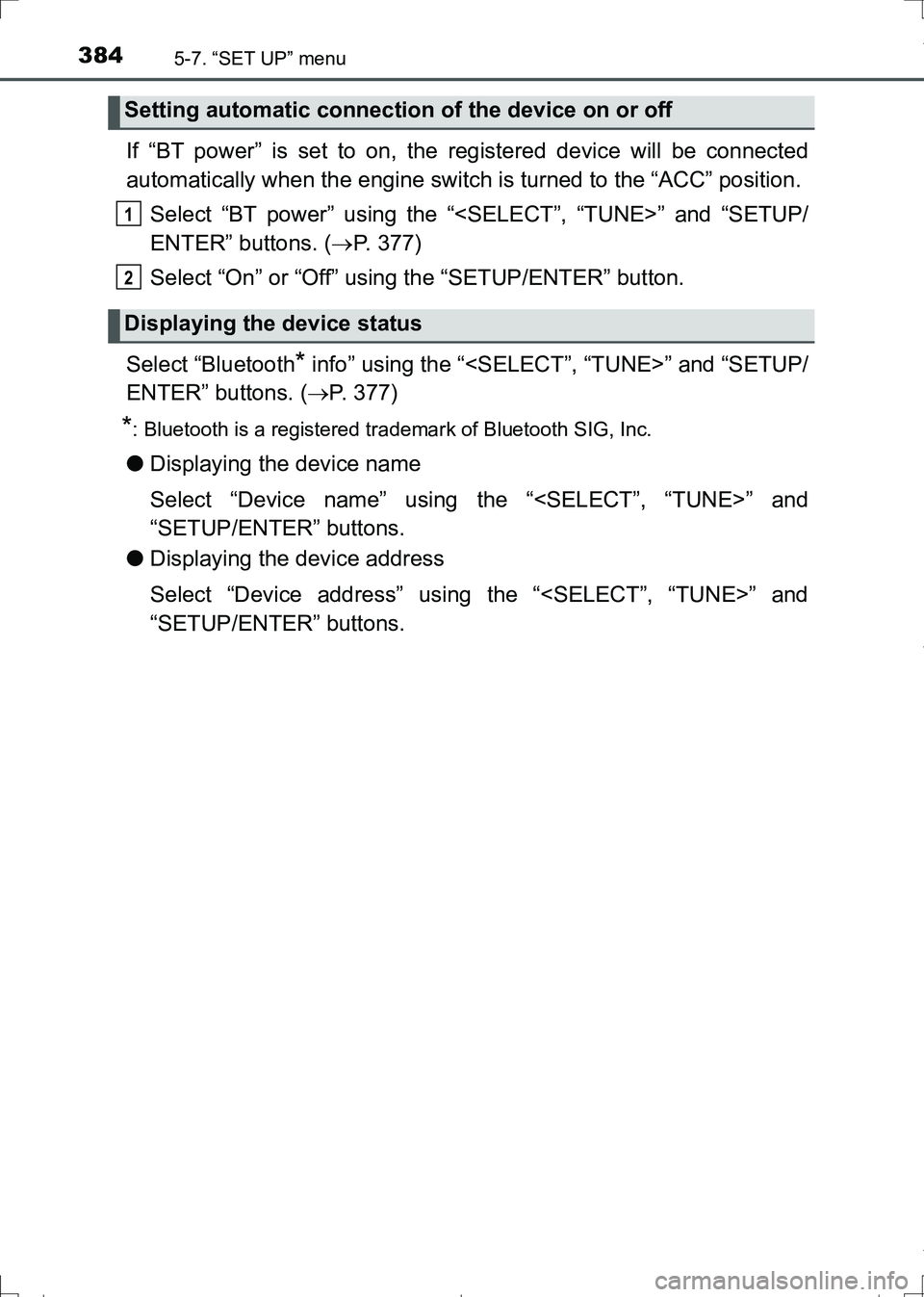
If “BT power” is set to on, the registered device will be connected
automatically when the engine switch is turned to the “ACC” position.
Select “BT power” using the “
ENTER” buttons. (P. 377)
Select “On” or “Off” using the “SETUP/ENTER” button.
Select “Bluetooth
* info” using the “
ENTER” buttons. (P. 377)
*: Bluetooth is a registered trademark of Bluetooth SIG, Inc.
●Displaying the device name
Select “Device name” using the “
“SETUP/ENTER” buttons.
●Displaying the device address
Select “Device address” using the “
“SETUP/ENTER” buttons.
Setting automatic connection of the device on or off
Displaying the device status
1
2
AURIS Touring Sports_OM_Europe_OM12L13E.book 384 ページ 2016年6月27日 月曜日 午後5時21分
Page 385 of 664
3855-7. “SET UP” menu
AURIS Touring Sports_EE (12L13E)
5
Audio system
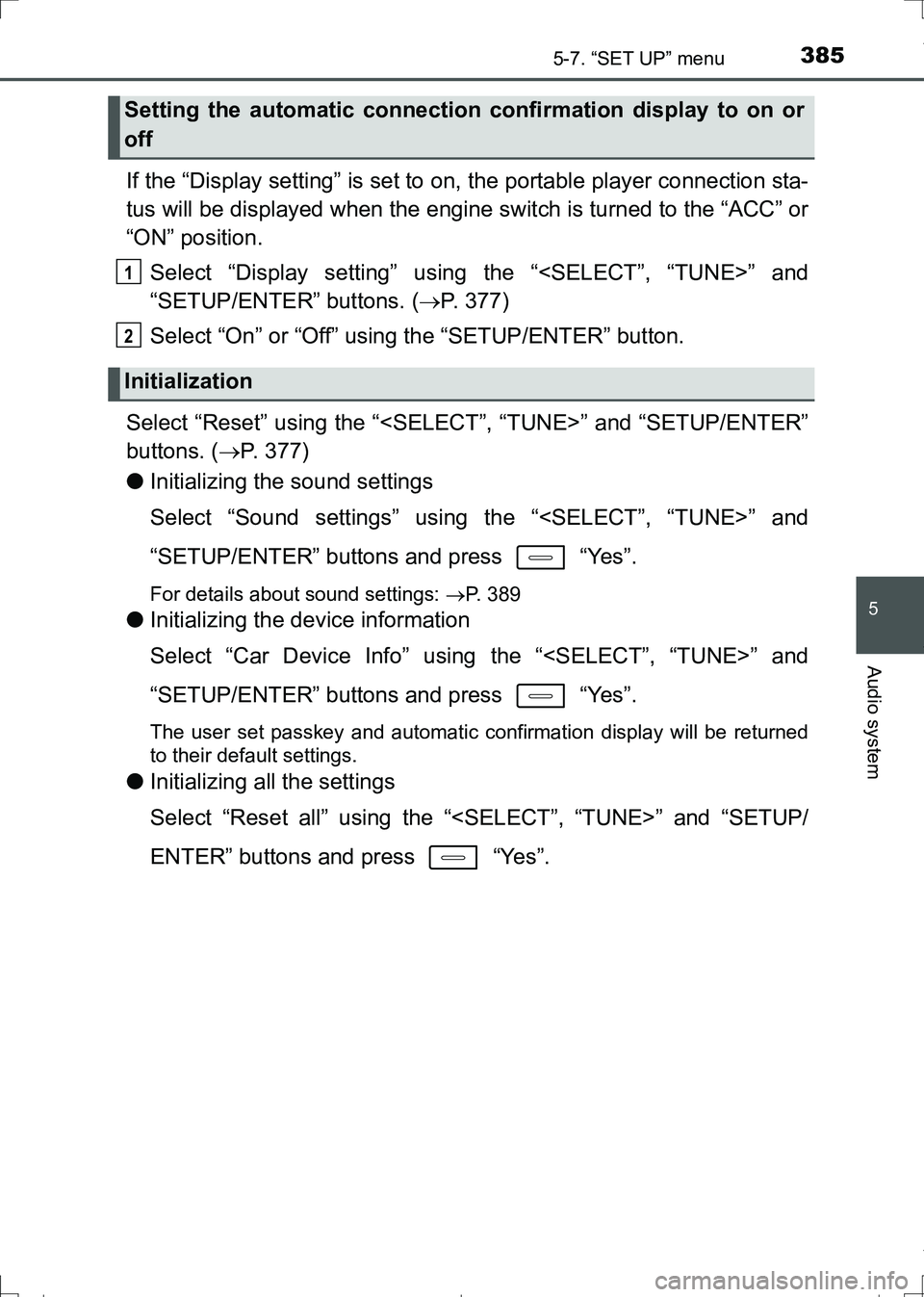
If the “Display setting” is set to on, the portable player connection sta-
tus will be displayed when the engine switch is turned to the “ACC” or
“ON” position.
Select “Display setting” using the “
“SETUP/ENTER” buttons. (P. 377)
Select “On” or “Off” using the “SETUP/ENTER” button.
Select “Reset” using the “
buttons. (P. 377)
●Initializing the sound settings
Select “Sound settings” using the “
“SETUP/ENTER” buttons and press “Yes”.
For details about sound settings: P. 389
●Initializing the device information
Select “Car Device Info” using the “
“SETUP/ENTER” buttons and press “Yes”.
The user set passkey and automatic confirmation display will be returned
to their default settings.
●Initializing all the settings
Select “Reset all” using the “
ENTER” buttons and press “Yes”.
Setting the automatic connection confirmation display to on or
off
Initialization
1
2
AURIS Touring Sports_OM_Europe_OM12L13E.book 385 ページ 2016年6月27日 月曜日 午後5時21分
Page 386 of 664
3865-7. “SET UP” menu
AURIS Touring Sports_EE (12L13E)
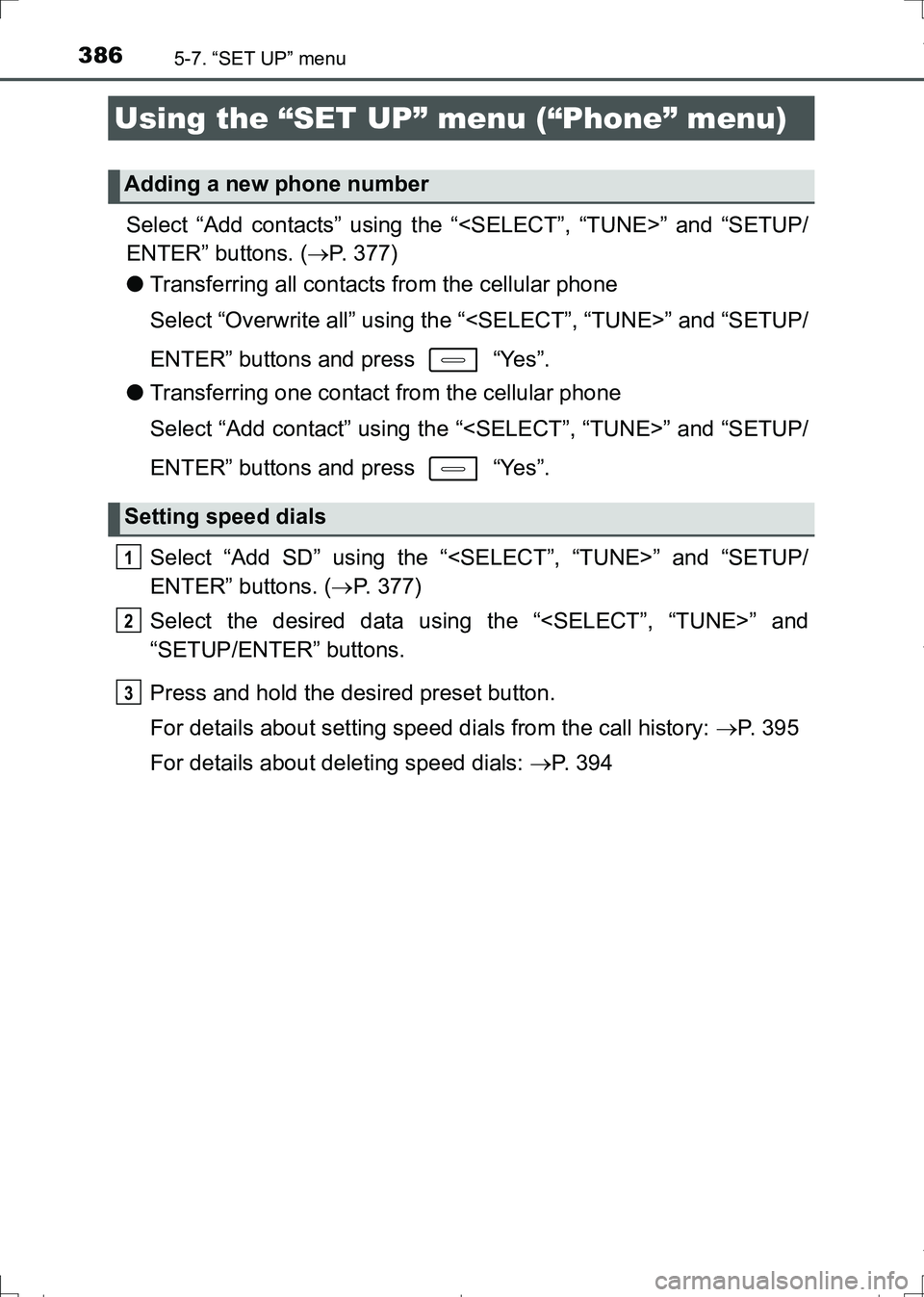
Select “Add contacts” using the “
ENTER” buttons. (P. 377)
●Transferring all contacts from the cellular phone
Select “Overwrite all” using the “
ENTER” buttons and press “Yes”.
●Transferring one contact from the cellular phone
Select “Add contact” using the “
ENTER” buttons and press “Yes”.
Select “Add SD” using the “
ENTER” buttons. (P. 377)
Select the desired data using the “
“SETUP/ENTER” buttons.
Press and hold the desired preset button.
For details about setting speed dials from the call history: P. 3 9 5
For details about deleting speed dials: P. 394
Using the “SET UP” menu (“Phone” menu)
Adding a new phone number
Setting speed dials
1
2
3
AURIS Touring Sports_OM_Europe_OM12L13E.book 386 ページ 2016年6月27日 月曜日 午後5時21分
Page 387 of 664
3875-7. “SET UP” menu
AURIS Touring Sports_EE (12L13E)
5
Audio system
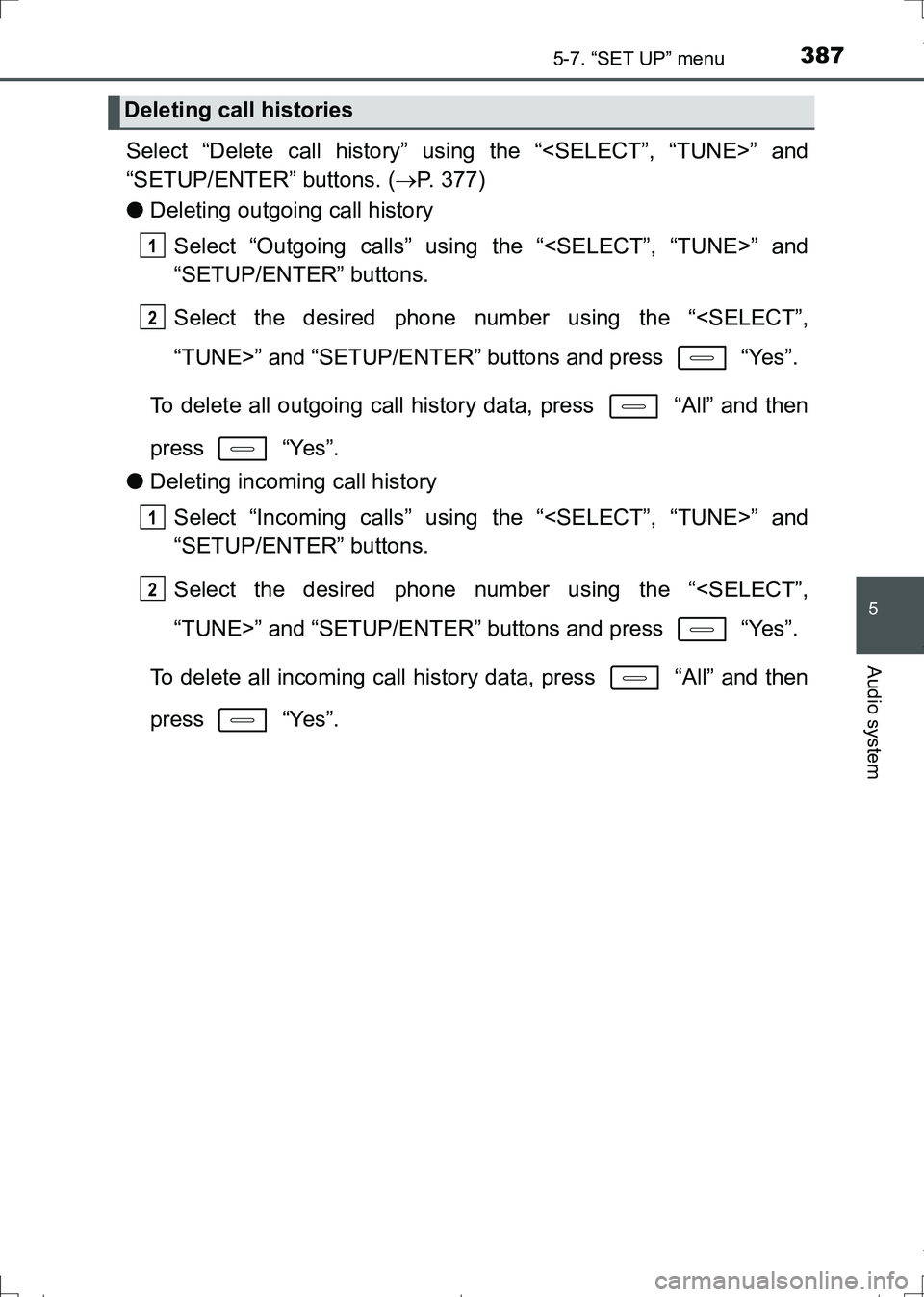
Select “Delete call history” using the “
“SETUP/ENTER” buttons. (P. 377)
●Deleting outgoing call history
Select “Outgoing calls” using the “
“SETUP/ENTER” buttons.
Select the desired phone number using the “
To delete all outgoing call history data, press “All” and then
press “Yes”.
●Deleting incoming call history
Select “Incoming calls” using the “
“SETUP/ENTER” buttons.
Select the desired phone number using the “
To delete all incoming call history data, press “All” and then
press “Yes”.
Deleting call histories
1
2
1
2
AURIS Touring Sports_OM_Europe_OM12L13E.book 387 ページ 2016年6月27日 月曜日 午後5時21分
Page 388 of 664
3885-7. “SET UP” menu
AURIS Touring Sports_EE (12L13E)
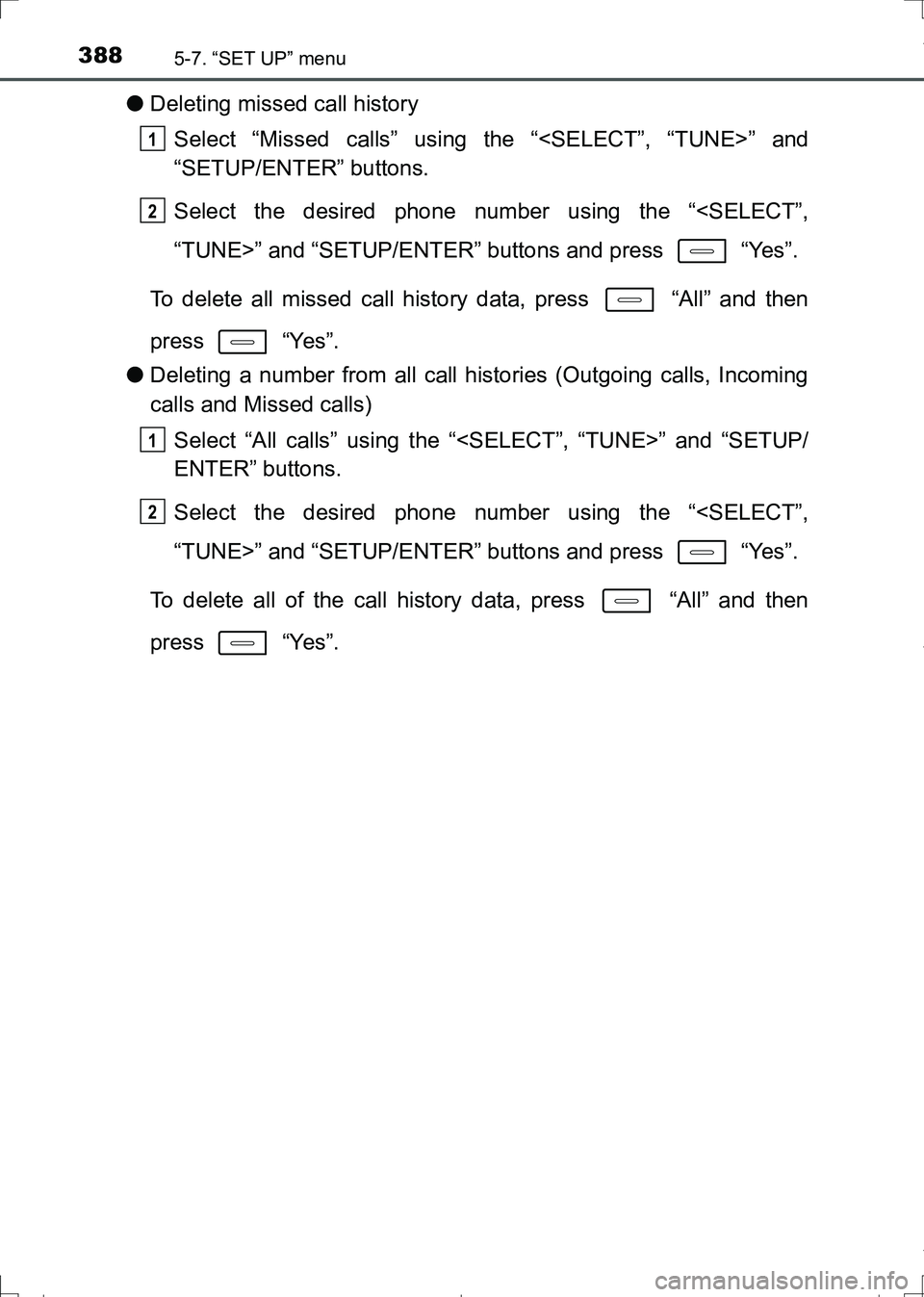
●Deleting missed call history
Select “Missed calls” using the “
“SETUP/ENTER” buttons.
Select the desired phone number using the “
To delete all missed call history data, press “All” and then
press “Yes”.
●Deleting a number from all call histories (Outgoing calls, Incoming
calls and Missed calls)
Select “All calls” using the “
ENTER” buttons.
Select the desired phone number using the “
To delete all of the call history data, press “All” and then
press “Yes”.
1
2
1
2
AURIS Touring Sports_OM_Europe_OM12L13E.book 388 ページ 2016年6月27日 月曜日 午後5時21分
Page 389 of 664
3895-7. “SET UP” menu
AURIS Touring Sports_EE (12L13E)
5
Audio system
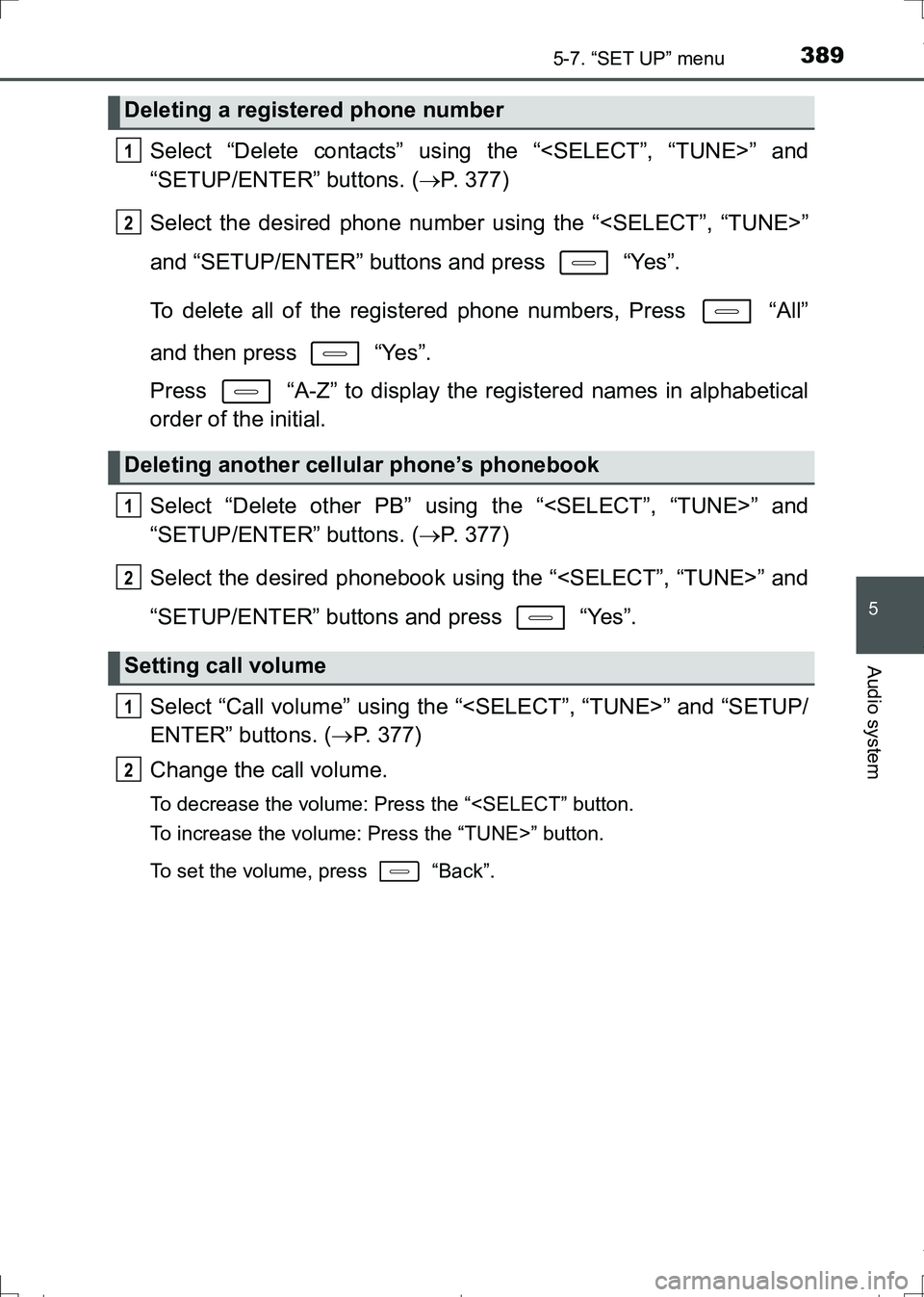
Select “Delete contacts” using the “
“SETUP/ENTER” buttons. (P. 377)
Select the desired phone number using the “
and “SETUP/ENTER” buttons and press “Yes”.
To delete all of the registered phone numbers, Press “All”
and then press “Yes”.
Press “A-Z” to display the registered names in alphabetical
order of the initial.
Select “Delete other PB” using the “
“SETUP/ENTER” buttons. (P. 377)
Select the desired phonebook using the “
“SETUP/ENTER” buttons and press “Yes”.
Select “Call volume” using the “
ENTER” buttons. (P. 377)
Change the call volume.
To decrease the volume: Press the “
To set the volume, press “Back”.
Deleting a registered phone number
Deleting another cellular phone’s phonebook
Setting call volume
1
2
1
2
1
2
AURIS Touring Sports_OM_Europe_OM12L13E.book 389 ページ 2016年6月27日 月曜日 午後5時21分
Page 390 of 664
3905-7. “SET UP” menu
AURIS Touring Sports_EE (12L13E)
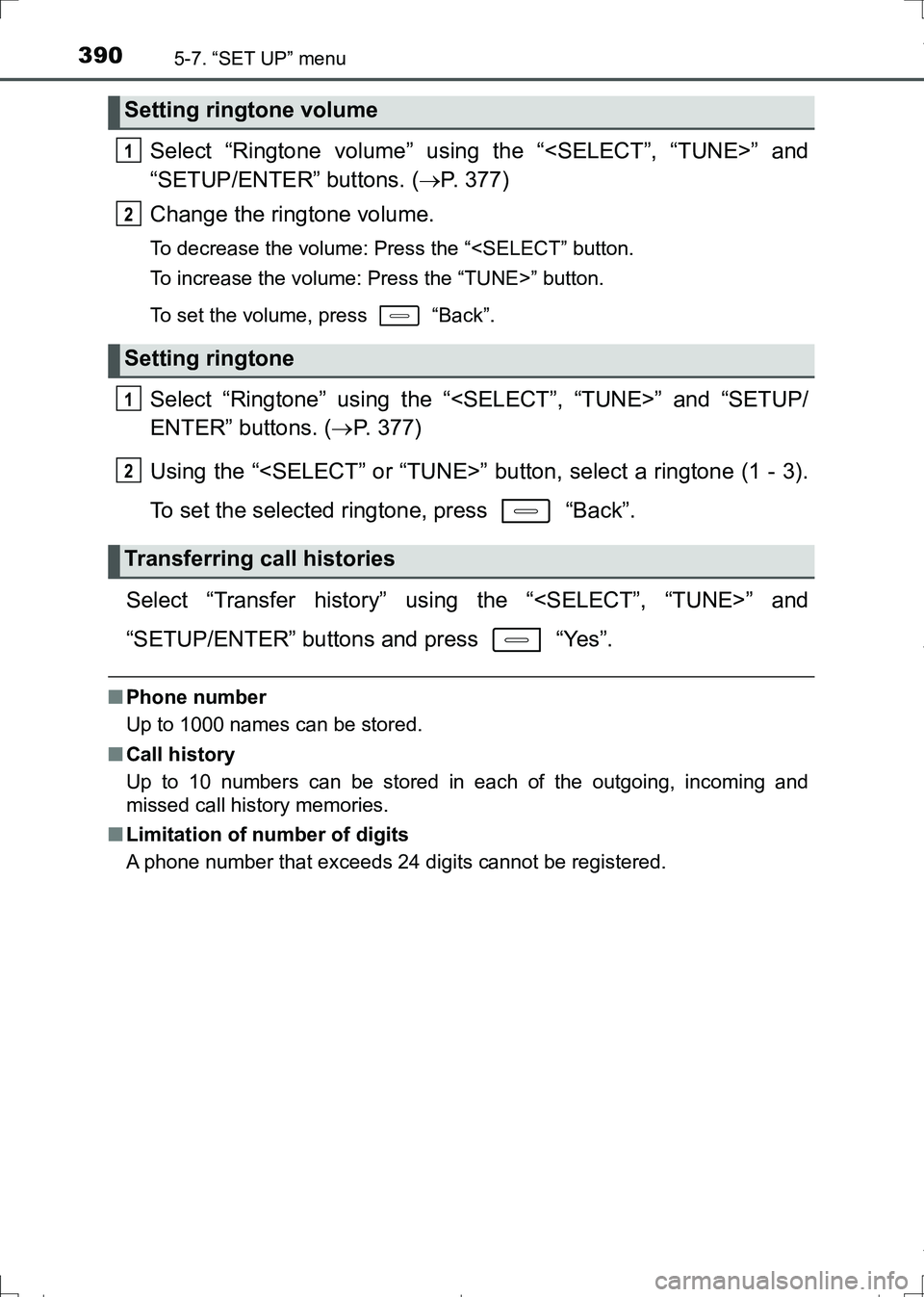
Select “Ringtone volume” using the “
“SETUP/ENTER” buttons. (P. 377)
Change the ringtone volume.
To decrease the volume: Press the “
To set the volume, press “Back”.
Select “Ringtone” using the “
ENTER” buttons. (P. 377)
Using the “
To set the selected ringtone, press “Back”.
Select “Transfer history” using the “
“SETUP/ENTER” buttons and press “Yes”.
■Phone number
Up to 1000 names can be stored.
■Call history
Up to 10 numbers can be stored in each of the outgoing, incoming and
missed call history memories.
■Limitation of number of digits
A phone number that exceeds 24 digits cannot be registered.
Setting ringtone volume
Setting ringtone
Transferring call histories
1
2
1
2
AURIS Touring Sports_OM_Europe_OM12L13E.book 390 ページ 2016年6月27日 月曜日 午後5時21分
Page 394 of 664
394
AURIS Touring Sports_EE (12L13E)
5-9. Bluetooth® Phone
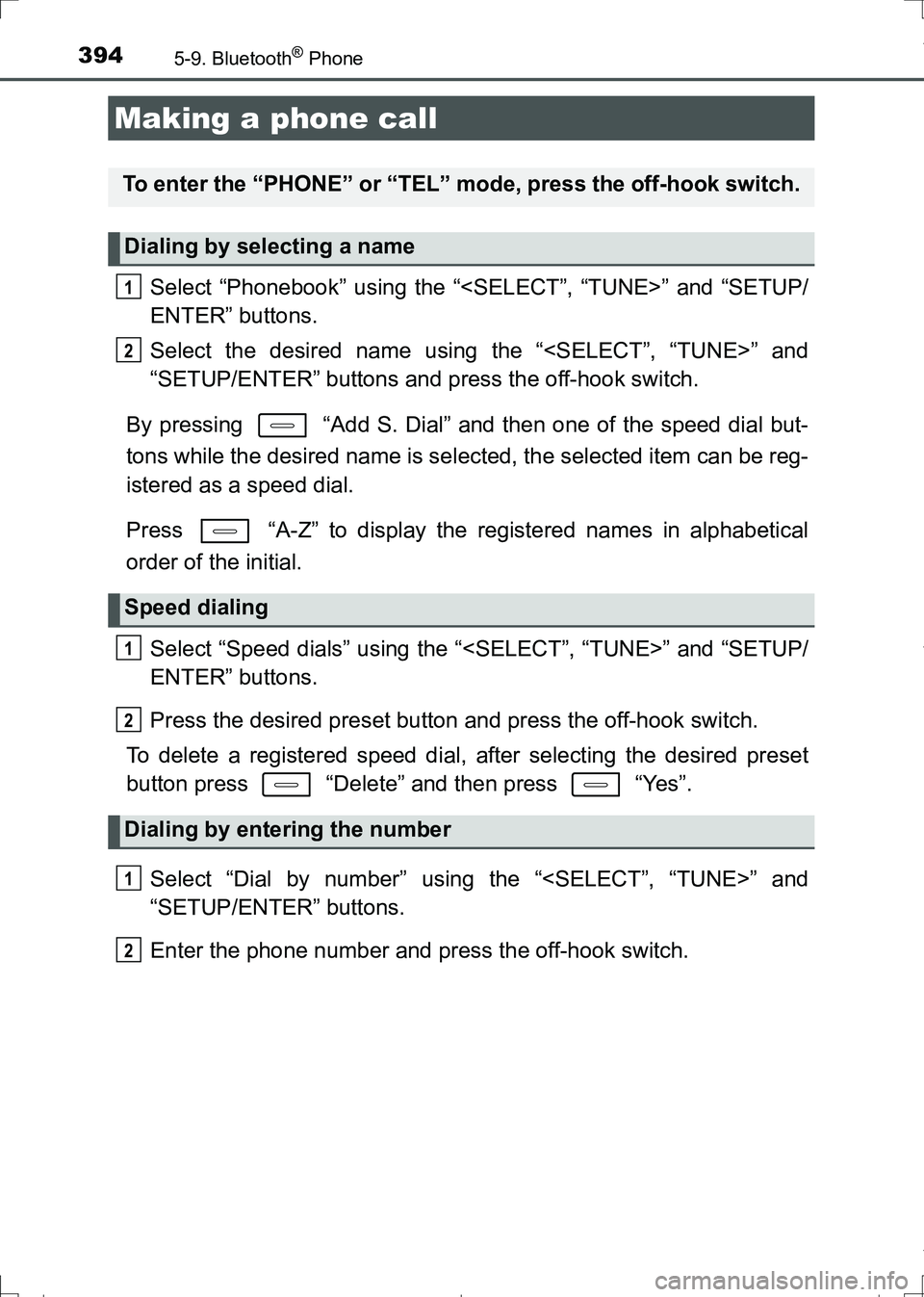
Select “Phonebook” using the “
ENTER” buttons.
Select the desired name using the “
“SETUP/ENTER” buttons and press the off-hook switch.
By pressing “Add S. Dial” and then one of the speed dial but-
tons while the desired name is selected, the selected item can be reg-
istered as a speed dial.
Press “A-Z” to display the registered names in alphabetical
order of the initial.
Select “Speed dials” using the “
ENTER” buttons.
Press the desired preset button and press the off-hook switch.
To delete a registered speed dial, after selecting the desired preset
button press “Delete” and then press “Yes”.
Select “Dial by number” using the “
“SETUP/ENTER” buttons.
Enter the phone number and press the off-hook switch.
Making a phone call
To enter the “PHONE” or “TEL” mode, press the off-hook switch.
Dialing by selecting a name
Speed dialing
Dialing by entering the number
1
2
1
2
1
2
AURIS Touring Sports_OM_Europe_OM12L13E.book 394 ページ 2016年6月27日 月曜日 午後5時21分
Page 395 of 664
3955-9. Bluetooth® Phone
AURIS Touring Sports_EE (12L13E)
5
Audio system
Select “All calls”, “Missed calls”, “Incoming calls” or “Outgoing calls”
using the “
Select the desired number using the “
“SETUP/ENTER” buttons and press the off-hook switch.
The following operations can be performed:
●Registering a number as a speed dial
Press “Add S. Dial” and then press the desired preset but-
ton.
●Deleting the selected number
Press “Delete” and press “Yes”.
Dialing from call histories
1
2
AURIS Touring Sports_OM_Europe_OM12L13E.book 395 ページ 2016年6月27日 月曜日 午後5時21分
Page 397 of 664
3975-9. Bluetooth® Phone
AURIS Touring Sports_EE (12L13E)
5
Audio system
A call can be transferred between the cellular phone and system while
dialing, receiving a call, or during a call. Use one of the following
methods:
a. Operate the cellular phone.
Refer to the manual that comes with the cellular phone for the operation of
the phone.
b. Press * “Phone”.
*: This operation can be performed only when transferring a call from the cel-
lular phone to the system during a call.
Press “Mute”.
Press “0 - 9” and use the “
ENTER” buttons to input the desired digits.
• To send the input digits, press “Send”.
• When finished, press “Wait” to return to the previous screen.
Change the call volume using the “VOL-” or “VOL+” button.
To decrease the volume: Press the “VOL-” button.
To increase the volume: Press the “VOL+” button.
Speaking on the phone
Transferring a call
Muting your voice
Inputting digits
Setting call volume
AURIS Touring Sports_OM_Europe_OM12L13E.book 397 ページ 2016年6月27日 月曜日 午後5時21分