ECO mode TOYOTA AVALON 2008 XX30 / 3.G User Guide
[x] Cancel search | Manufacturer: TOYOTA, Model Year: 2008, Model line: AVALON, Model: TOYOTA AVALON 2008 XX30 / 3.GPages: 452, PDF Size: 7.59 MB
Page 144 of 452
144 2-3. Operating the lights and windshield wipers
AVALON_U_(L/O_0802)
■Daytime running light system (if equipped)
To make your vehicle more visible to other drivers, the headlights turn on
automatically (at a reduced intensity) whenever the engine is started and the
parking brake is released. Daytime r unning lights are not designed for use at
night.
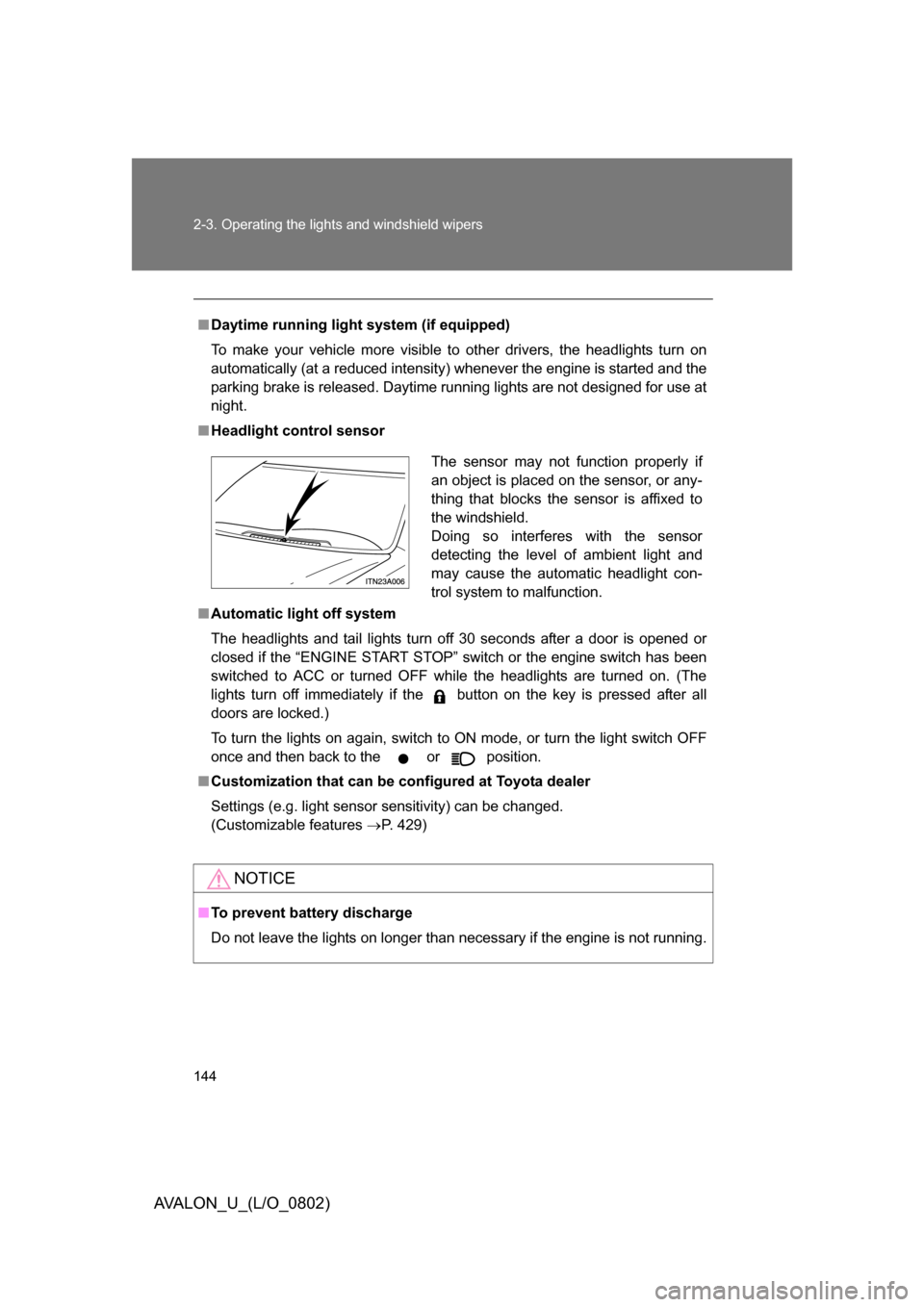
■ Headlight control sensor
■ Automatic light off system
The headlights and tail lights turn off 30 seconds after a door is opened or
closed if the “ENGINE START STOP” switch or the engine switch has been
switched to ACC or turned OFF while the headlights are turned on. (The
lights turn off immediately if the button on the key is pressed after all
doors are locked.)
To turn the lights on again, switch to ON mode, or turn the light switch OFF
once and then back to the
or position.
■ Customization that can be co nfigured at Toyota dealer
Settings (e.g. light sensor sensitivity) can be changed.
(Customizable features P. 429)
NOTICE
■To prevent battery discharge
Do not leave the lights on longer than necessary if the engine is not running.
The sensor may not function properly if
an object is placed on the sensor, or any-
thing that blocks the sensor is affixed to
the windshield.
Doing so interferes with the sensor
detecting the level of ambient light and
may cause the automatic headlight con-
trol system to malfunction.
Page 148 of 452
![TOYOTA AVALON 2008 XX30 / 3.G User Guide 148 2-3. Operating the lights and windshield wipers
AVALON_U_(L/O_0802)
■In extremely hot or cold weather
The system will turn off if the windshield gets extremely hot (at more than
176°F [80°C])](/img/14/6155/w960_6155-147.png "TOYOTA AVALON 2008 XX30 / 3.G User Guide 148 2-3. Operating the lights and windshield wipers
AVALON_U_(L/O_0802)
■In extremely hot or cold weather
The system will turn off if the windshield gets extremely hot (at more than
176°F [80°C])")
148 2-3. Operating the lights and windshield wipers
AVALON_U_(L/O_0802)
■In extremely hot or cold weather
The system will turn off if the windshield gets extremely hot (at more than
176°F [80°C]) or cold (at less than 14°F [-10°C]).
■ Customization that can be co nfigured at Toyota dealer
Settings (e.g. drip prevention function) can be changed.
(Customizable features P. 432)
CAUTION
■Caution regarding the use of windshield wipers in “AUTO” mode
The windshield wipers may operate unexpect edly if the sensor is touched or
the windshield is subject to vibration in “AUTO” mode. Take care that your
fingers or anything else do not become caught in the windshield wipers.
NOTICE
■ When the windshield is dry
Do not use the wipers, as they may damage the windshield.
■ When there is no washer fluid spray from the nozzle
Damage to the washer fluid pump may be caused if the lever is pulled
toward you and held continually.
Page 153 of 452
153
2-4. Using other
driving systems
2
When driving
AVALON_U_(L/O_0802)
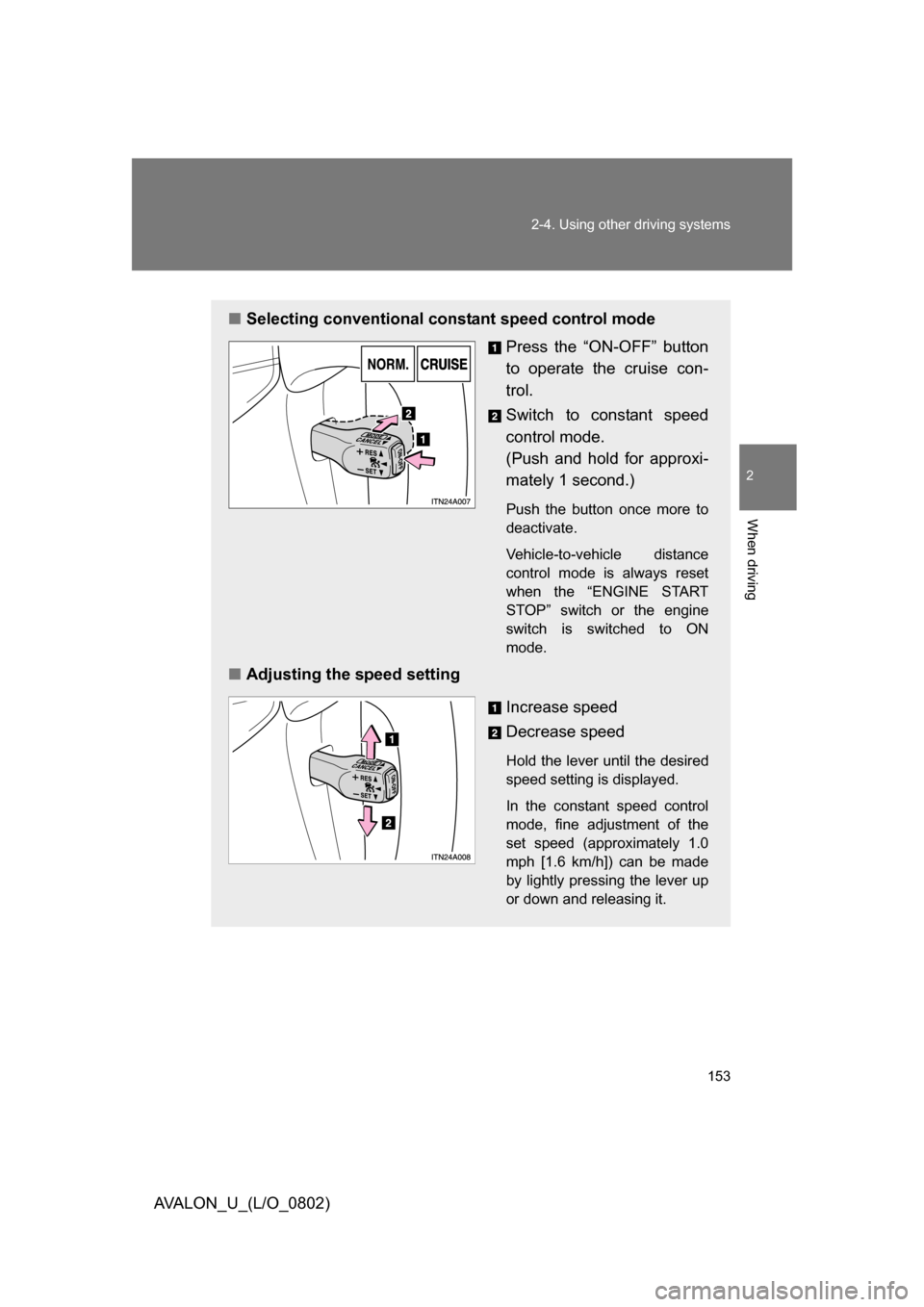
■Selecting conventional constant speed control mode
Press the “ON-OFF” button
to operate the cruise con-
trol.
Switch to constant speed
control mode.
(Push and hold for approxi-
mately 1 second.)
Push the button once more to
deactivate.
Vehicle-to-vehicle distance
control mode is always reset
when the “ENGINE START
STOP” switch or the engine
switch is switched to ON
mode.
■ Adjusting the speed setting
Increase speed
Decrease speed
Hold the lever until the desired
speed setting is displayed.
In the constant speed control
mode, fine adjustment of the
set speed (approximately 1.0
mph [1.6 km/h]) can be made
by lightly pressing the lever up
or down and releasing it.
Page 157 of 452
157
2-4. Using other
driving systems
2
When driving
AVALON_U_(L/O_0802)
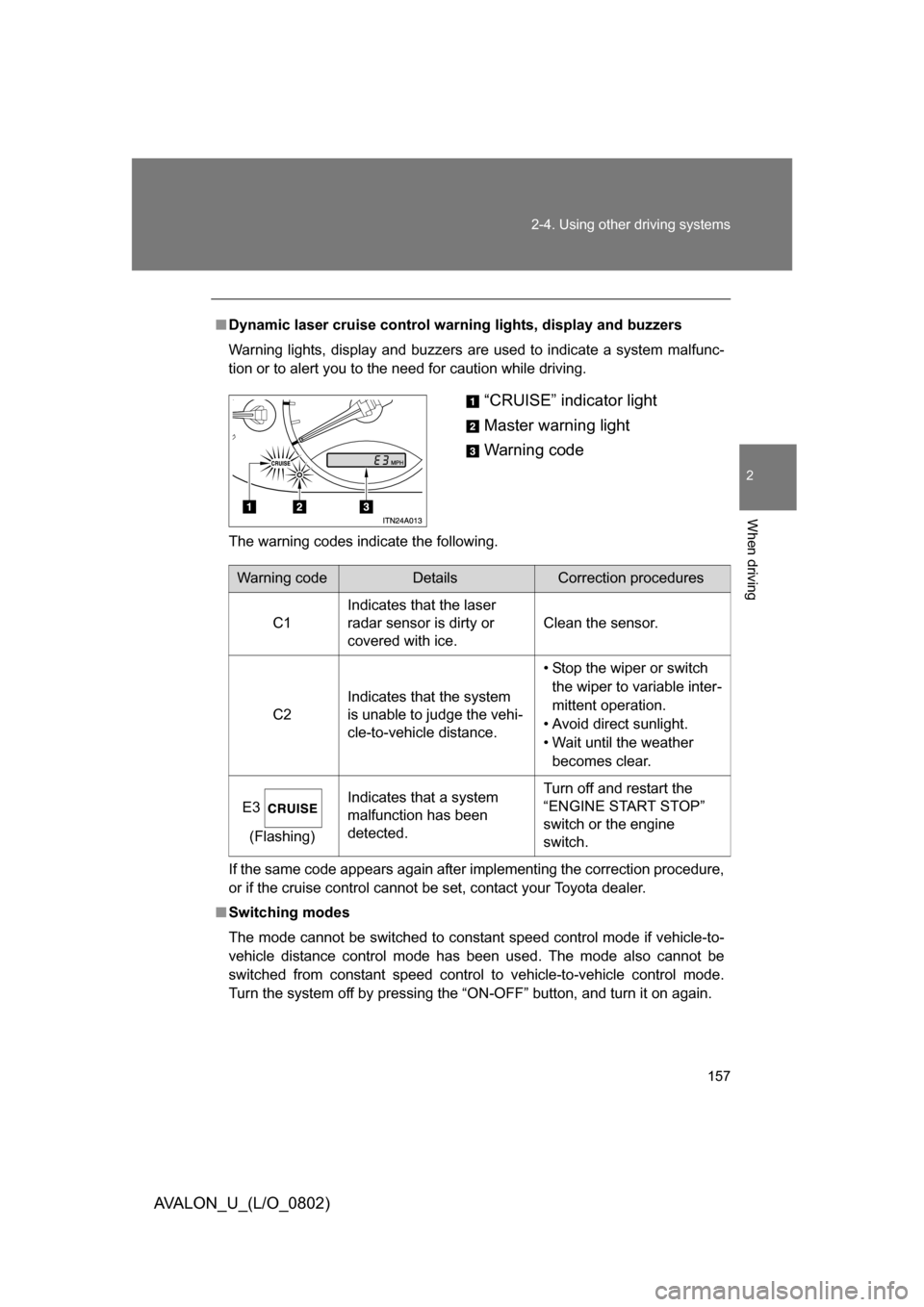
■Dynamic laser cruise control warning lights, display and buzzers
Warning lights, display and buzzers are used to indicate a system malfunc-
tion or to alert you to the need for caution while driving.
The warning codes indicate the following.
If the same code appears again after implementing the correction procedure,
or if the cruise control cannot be set, contact your Toyota dealer.
■ Switching modes
The mode cannot be switched to constant speed control mode if vehicle-to-
vehicle distance control mode has been used. The mode also cannot be
switched from constant speed control to vehicle-to-vehicle control mode.
Turn the system off by pressing the “ON-OFF” button, and turn it on again.
“CRUISE” indicator light
Master warning light
Warning code
Warning codeDetailsCorrection procedures
C1 Indicates that the laser
radar sensor is dirty or
covered with ice. Clean the sensor.
C2 Indicates that the system
is unable to judge the vehi-
cle-to-vehicle distance. • Stop the wiper or switch
the wiper to variable inter-
mittent operation.
• Avoid direct sunlight.
• Wait until the weather becomes clear.
E3 (Flashing) Indicates that a system
malfunction has been
detected. Turn off and restart the
“ENGINE START STOP”
switch or the engine
switch.
Page 187 of 452
187
3-1. Using the air conditioning system and defogger
3
Interior features
AVALON_U_(L/O_0802)
Rear window and outside rear view mirror defoggers
■Operating conditions
The “ENGINE START STOP” switch or the engine switch must be in the ON
mode.
CAUTION
■When the outside rear view mirr or defoggers are on (if equipped)
Do not touch the rear view mirror surfaces, as they can become very hot and
burn you.
NOTICE
■ To prevent battery discharge
Turn the defoggers off when the engine is not running.
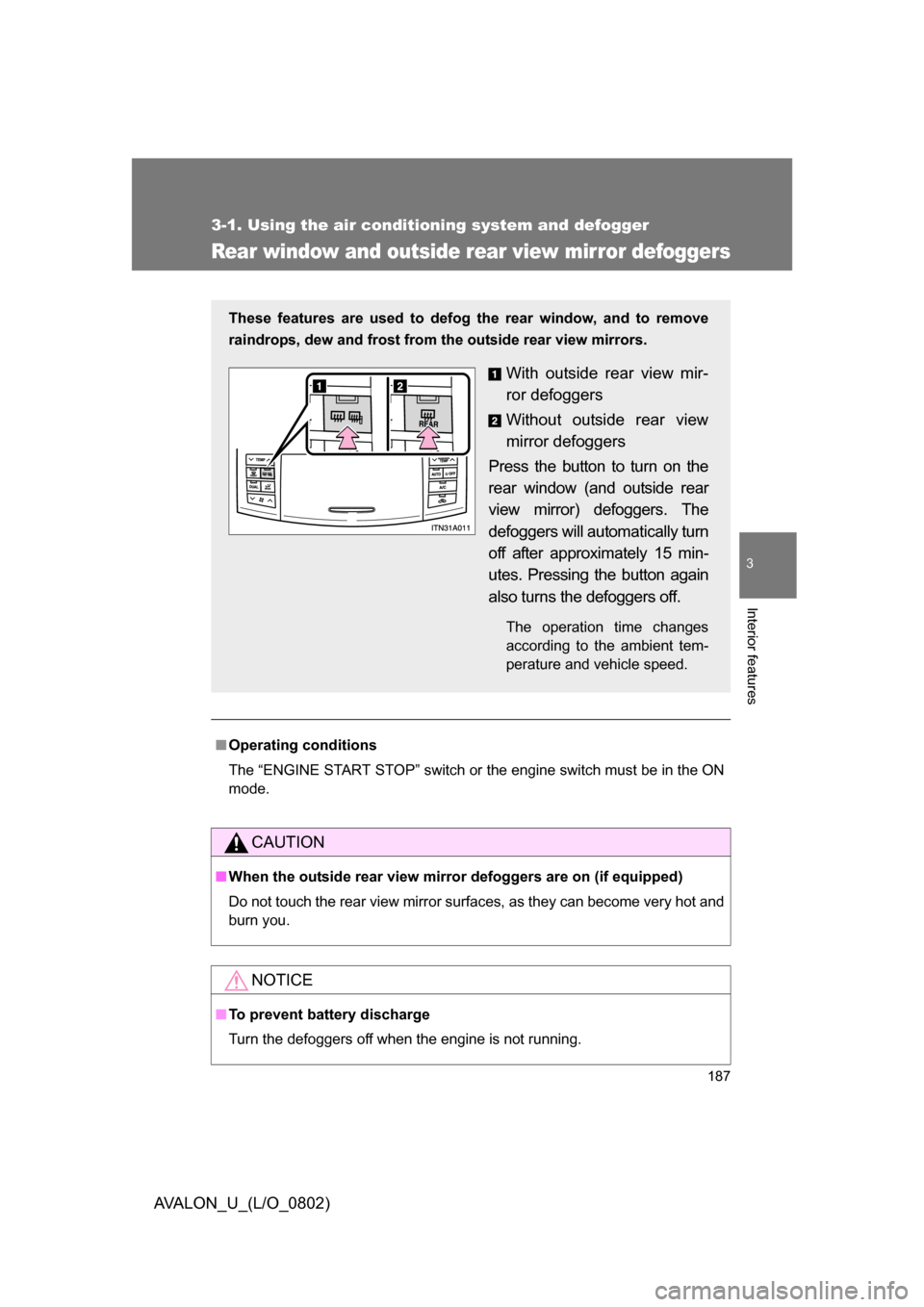
These features are used to defog the rear window, and to remove
raindrops, dew and frost from the outside rear view mirrors.
With outside rear view mir-
ror defoggers
Without outside rear view
mirror defoggers
Press the button to turn on the
rear window (and outside rear
view mirror) defoggers. The
defoggers will automatically turn
off after approximately 15 min-
utes. Pressing the button again
also turns the defoggers off.
The operation time changes
according to the ambient tem-
perature and vehicle speed.
Page 210 of 452
210 3-2. Using the audio system
AVALON_U_(L/O_0802)
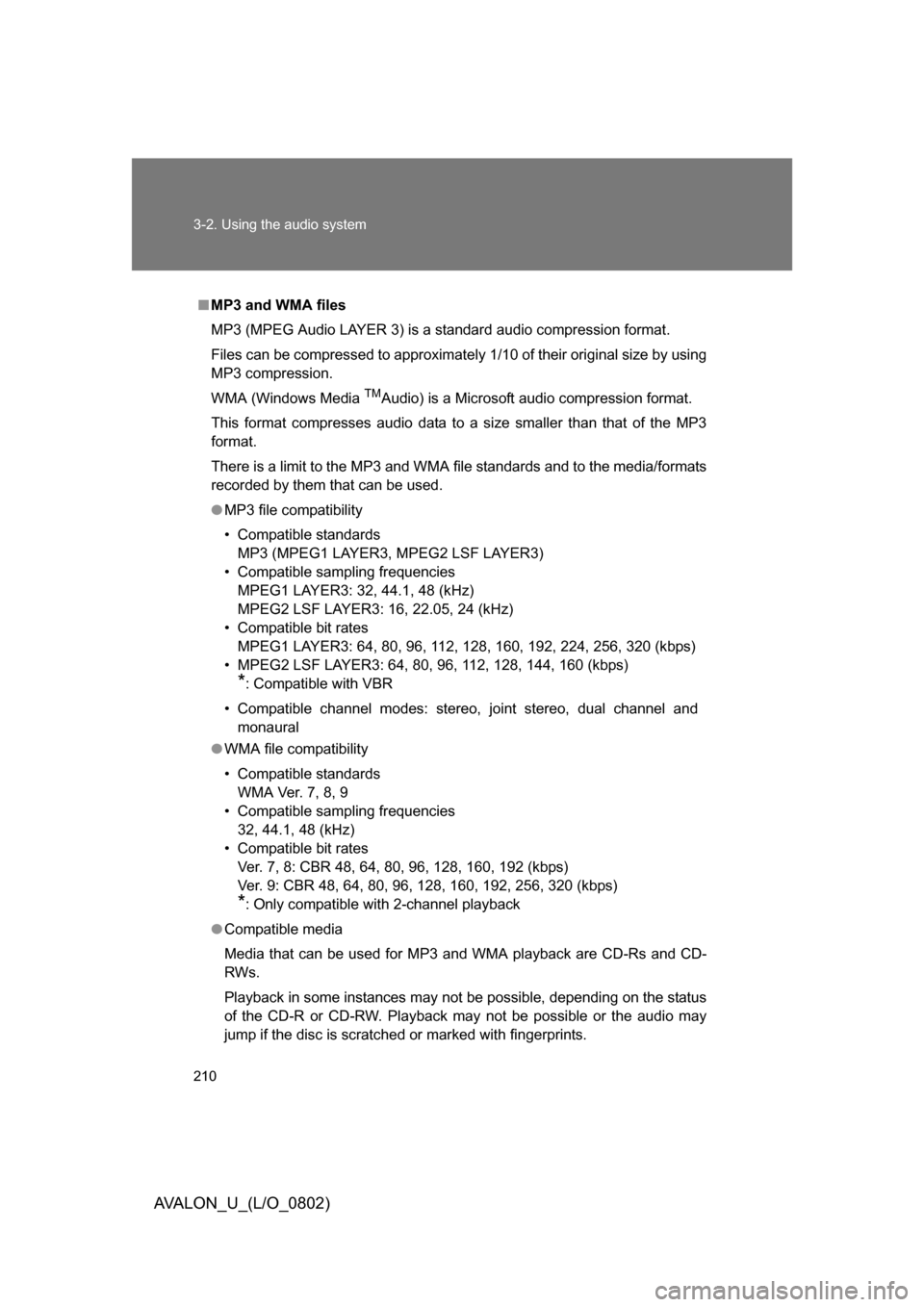
■MP3 and WMA files
MP3 (MPEG Audio LAYER 3) is a standard audio compression format.
Files can be compressed to approximately 1/10 of their original size by using
MP3 compression.
WMA (Windows Media
TMAudio) is a Microsoft audio compression format.
This format compresses audio data to a size smaller than that of the MP3
format.
There is a limit to the MP3 and WMA file standards and to the media/formats
recorded by them that can be used.
● MP3 file compatibility
• Compatible standards
MP3 (MPEG1 LAYER3, MPEG2 LSF LAYER3)
• Compatible sampling frequencies
MPEG1 LAYER3: 32, 44.1, 48 (kHz)
MPEG2 LSF LAYER3: 16, 22.05, 24 (kHz)
• Compatible bit rates
MPEG1 LAYER3: 64, 80, 96, 112, 128, 160, 192, 224, 256, 320 (kbps)
• MPEG2 LSF LAYER3: 64, 80, 96, 112, 128, 144, 160 (kbps)
*: Compatible with VBR
• Compatible channel modes: stereo, joint stereo, dual channel and monaural
● WMA file compatibility
• Compatible standards
WMA Ver. 7, 8, 9
• Compatible sampling frequencies
32, 44.1, 48 (kHz)
• Compatible bit rates
Ver. 7, 8: CBR 48, 64, 80, 96, 128, 160, 192 (kbps)
Ver. 9: CBR 48, 64, 80, 96, 128, 160, 192, 256, 320 (kbps)
*: Only compatible with 2-channel playback
● Compatible media
Media that can be used for MP3 and WMA playback are CD-Rs and CD-
RWs.
Playback in some instances may not be possible, depending on the status
of the CD-R or CD-RW. Playback may not be possible or the audio may
jump if the disc is scratched or marked with fingerprints.
Page 211 of 452
211
3-2. Using the audio system
3
Interior features
AVALON_U_(L/O_0802)
●
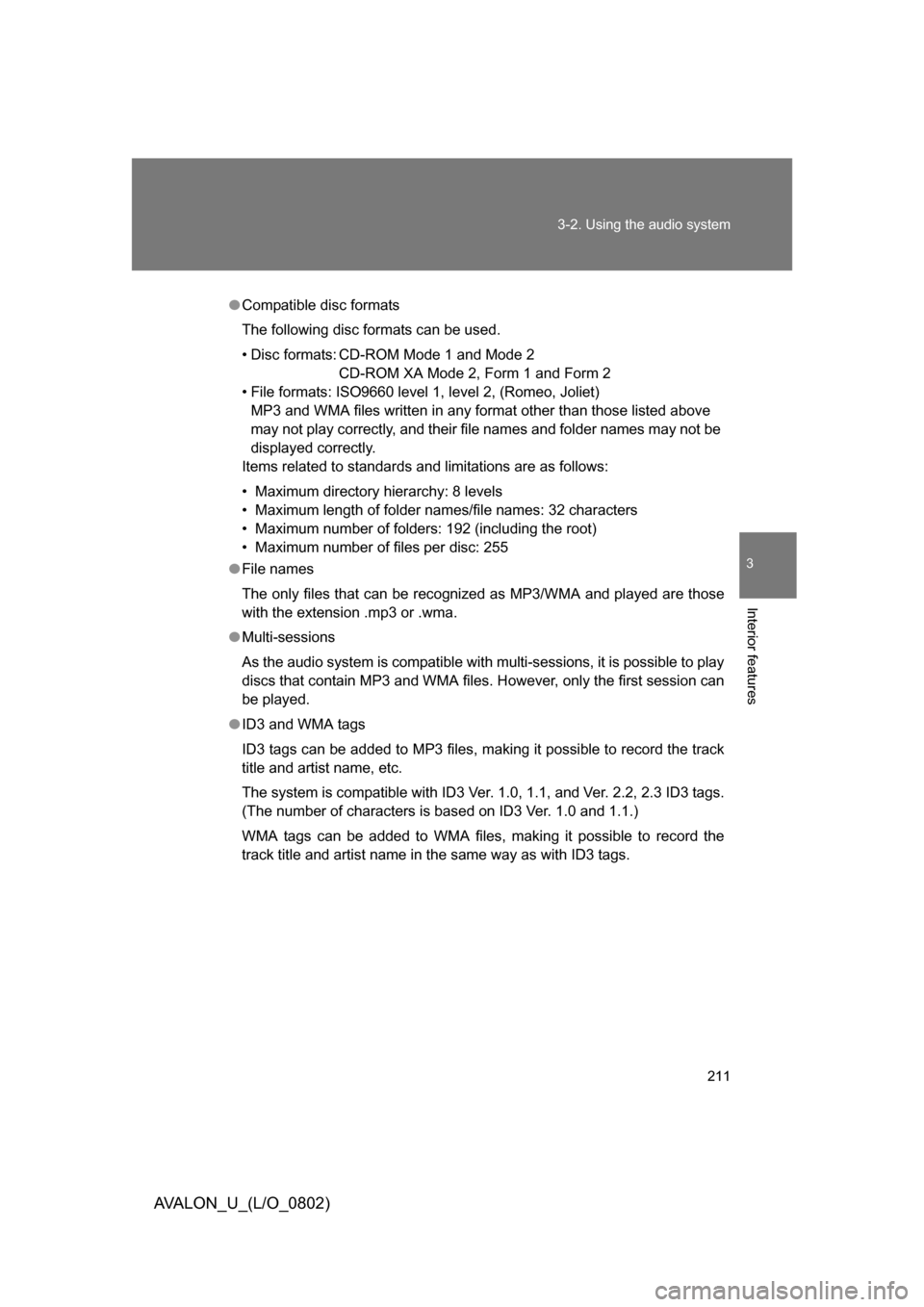
Compatible disc formats
The following disc formats can be used.
• Disc formats: CD-ROM Mode 1 and Mode 2
CD-ROM XA Mode 2, Form 1 and Form 2
• File formats: ISO9660 level 1, level 2, (Romeo, Joliet)
MP3 and WMA files written in any format other than those listed above
may not play correctly, and their file names and folder names may not be
displayed correctly.
Items related to standards and limitations are as follows:
• Maximum directory hierarchy: 8 levels
• Maximum length of folder names/file names: 32 characters
• Maximum number of folders: 192 (including the root)
• Maximum number of files per disc: 255
● File names
The only files that can be recogniz ed as MP3/WMA and played are those
with the extension .mp3 or .wma.
● Multi-sessions
As the audio system is compatible with multi-sessions, it is possible to play
discs that contain MP3 and WMA files. However, only the first session can
be played.
● ID3 and WMA tags
ID3 tags can be added to MP3 files, making it possible to record the track
title and artist name, etc.
The system is compatible with ID3 Ver. 1.0, 1.1, and Ver. 2.2, 2.3 ID3 tags.
(The number of characters is based on ID3 Ver. 1.0 and 1.1.)
WMA tags can be added to WMA files, making it possible to record the
track title and artist name in the same way as with ID3 tags.
Page 226 of 452
226 3-3. Using the hands-free system (for cellular phone)
AVALON_U_(L/O_0802)
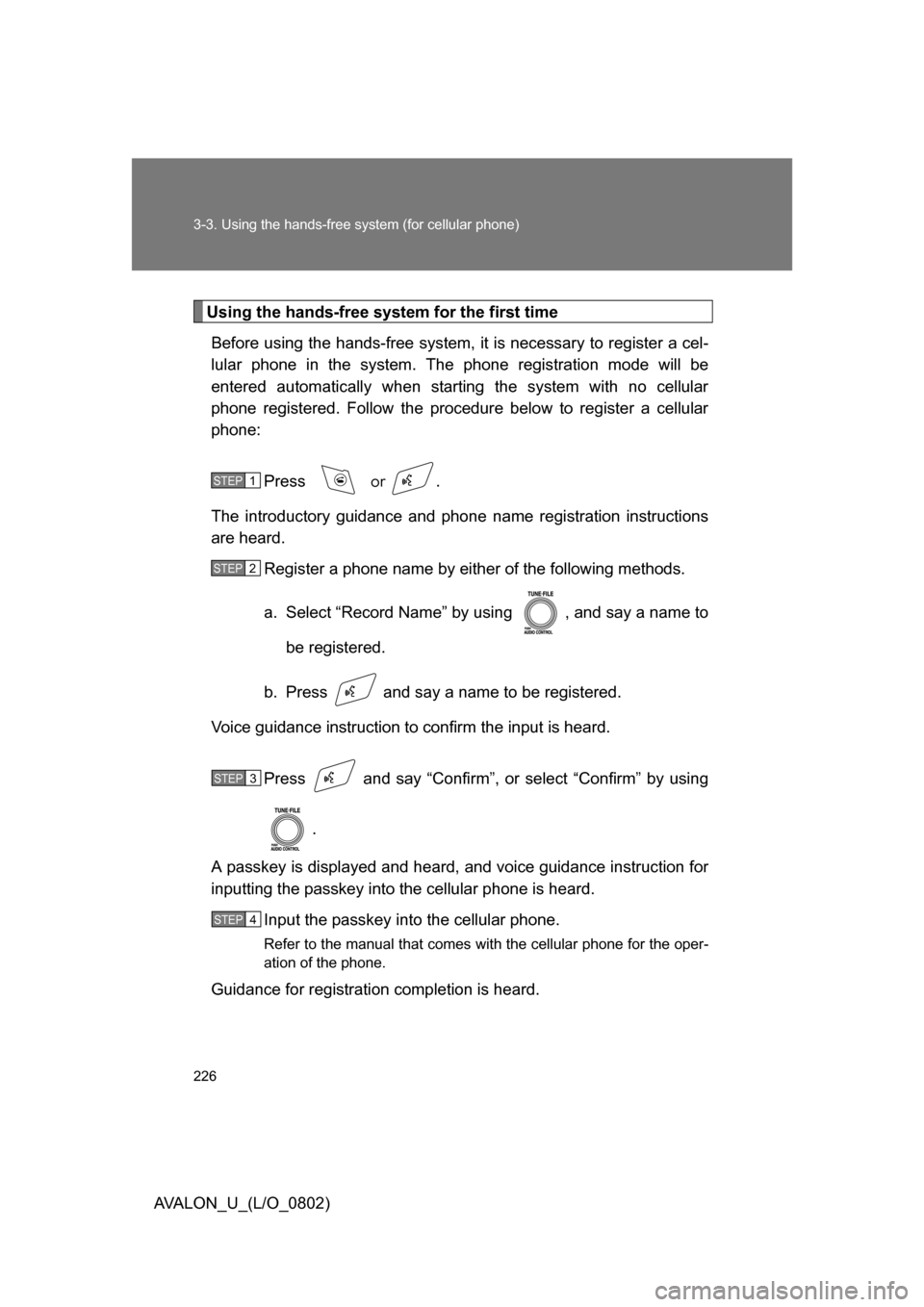
Using the hands-free system for the first timeBefore using the hands-free system, it is necessary to register a cel-
lular phone in the system. The phone registration mode will be
entered automatically when starting the system with no cellular
phone registered. Follow the procedure below to register a cellular
phone:
Press
or .
The introductory guidance and phone name registration instructions
are heard.
Register a phone name by either of the following methods.
a. Select “Record Name” by using , and say a name to
be registered.
b. Press and say a name to be registered.
Voice guidance instruction to confirm the input is heard.
Press and say “Confirm”, or select “Confirm” by using .
A passkey is displayed and heard, and voice guidance instruction for
inputting the passkey into the cellular phone is heard.
Input the passkey into the cellular phone.
Refer to the manual that comes with the cellular phone for the oper-
ation of the phone.
Guidance for registration completion is heard.
STEP1
STEP2
STEP3
STEP4
Page 329 of 452
4
Maintenance and care
329
4-3. Do-it-yourself maintenance
AVALON_U_(L/O_0802)
CAUTION
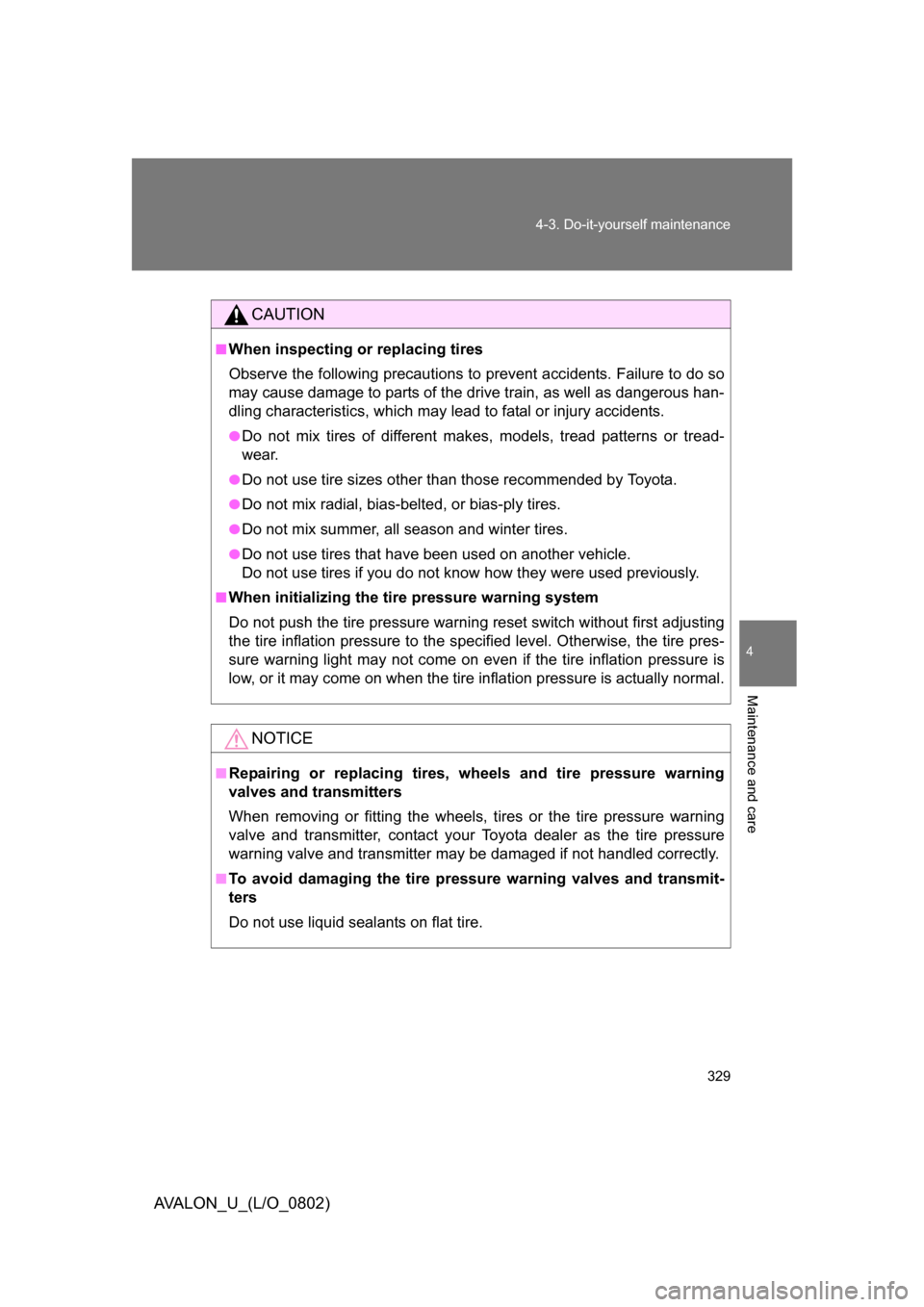
■When inspecting or replacing tires
Observe the following precautions to
prevent accidents. Failure to do so
may cause damage to parts of the drive train, as well as dangerous han-
dling characteristics, which may le ad to fatal or injury accidents.
●Do not mix tires of different makes, models, tread patterns or tread-
wear.
●Do not use tire sizes other than those recommended by Toyota.
●Do not mix radial, bias-belted, or bias-ply tires.
●Do not mix summer, all season and winter tires.
●Do not use tires that have been used on another vehicle.
Do not use tires if you do not know how they were used previously.
■When initializing the tire pressure warning system
Do not push the tire pressure warnin g reset switch without first adjusting
the tire inflation pressure to the spec ified level. Otherwise, the tire pres-
sure warning light may not come on even if the tire inflation pressure is
low, or it may come on when the tire inflation pressure is actually normal.
NOTICE
■Repairing or replacing tires, wheels and tire pressure warning
valves and transmitters
When removing or fitting the wheels, tires or the tire pressure warning
valve and transmitter, contact your To yota dealer as the tire pressure
warning valve and transmitter may be damaged if not handled correctly.
■To avoid damaging the tire pressure warning valves and transmit-
ters
Do not use liquid sealants on flat tire.
Page 392 of 452
392 5-2. Steps to take in an emergency
AVALON_U_(L/O_0802)
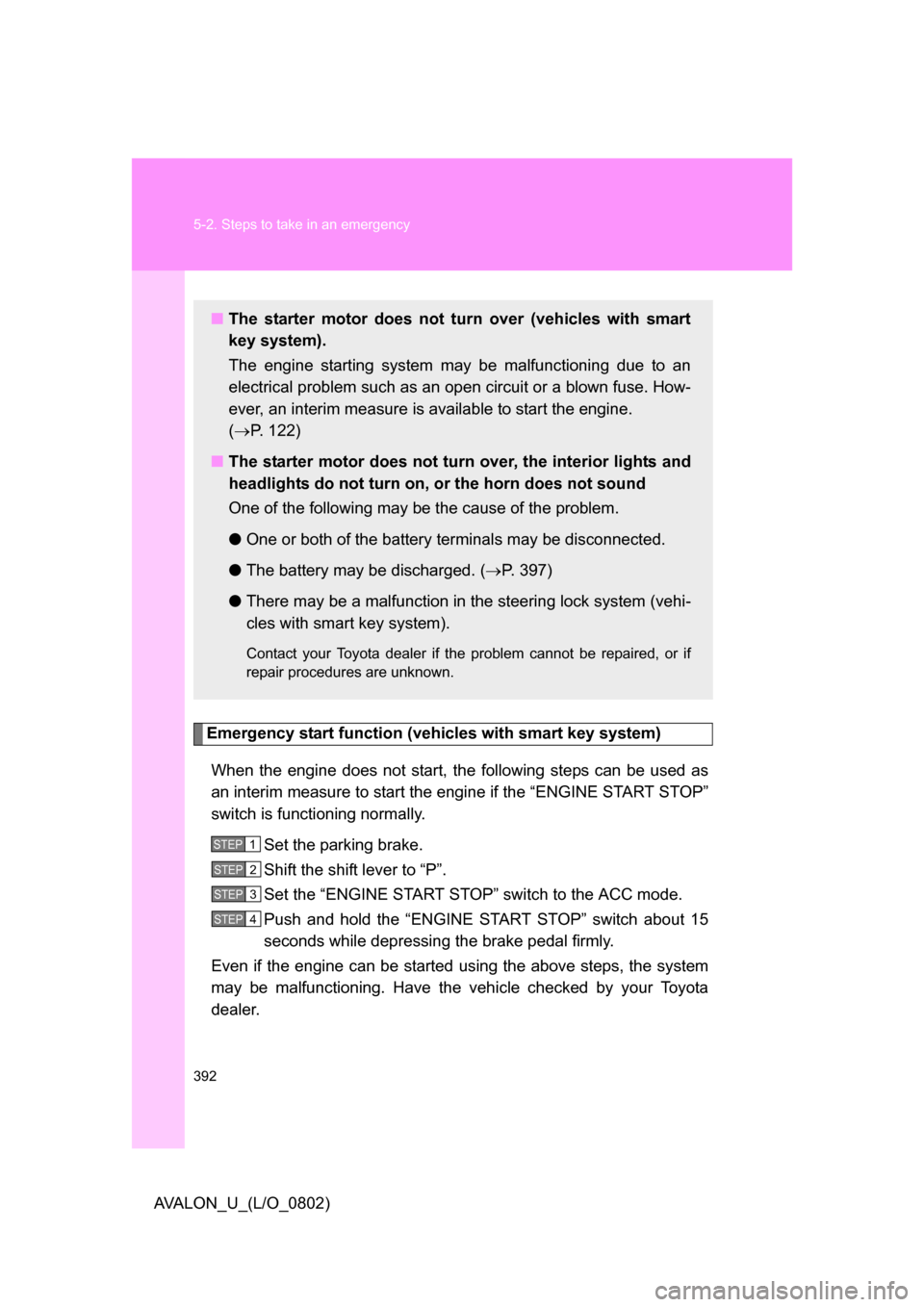
Emergency start function (vehicles with smart key system)When the engine does not start, th e following steps can be used as
an interim measure to start the engine if the “ENGINE START STOP”
switch is functioning normally.
Set the parking brake.
Shift the shift lever to “P”.
Set the “ENGINE START STOP” switch to the ACC mode.
Push and hold the “ENGINE START STOP” switch about 15
seconds while depressing the brake pedal firmly.
Even if the engine can be started using the above steps, the system
may be malfunctioning. Have the vehicle checked by your Toyota
dealer.
■ The starter motor does not turn over (vehicles with smart
key system).
The engine starting system may be malfunctioning due to an
electrical problem such as an open circuit or a blown fuse. How-
ever, an interim measure is available to start the engine.
( P. 122)
■ The starter motor does not turn over, the interior lights and
headlights do not turn on, or the horn does not sound
One of the following may be the cause of the problem.
● One or both of the battery terminals may be disconnected.
● The battery may be discharged. ( P. 397)
● There may be a malfunction in the steering lock system (vehi-
cles with smart key system).
Contact your Toyota dealer if the problem cannot be repaired, or if
repair procedures are unknown.
STEP1
STEP2
STEP3
STEP4