clock setting TOYOTA AVALON 2010 XX30 / 3.G Owners Manual
[x] Cancel search | Manufacturer: TOYOTA, Model Year: 2010, Model line: AVALON, Model: TOYOTA AVALON 2010 XX30 / 3.GPages: 476, PDF Size: 6.77 MB
Page 197 of 476
Interior features3
197
AVALON_U (OM41437U)
3-1. Using the air conditioning system and defogger
Automatic air conditioning system ........................... 198
Using the steering wheel climate control
switches ......................... 206
Rear window and outside rear view mirror
defoggers ....................... 208
3-2. Using the audio system Audio system type............ 210
Audio cover ...................... 212
Using the radio ................. 213
Using the CD player ......... 220
Playing MP3 and WMA discs ..................... 228
Optimal use of the audio system ........................... 236
Using the AUX adapter........................... 238
Using the steering wheel audio switches ............... 239
3-3. Using the hands-free system (for cellular phone)
Hands-free system (for cellular phone) ......... 242
Using the hands-free system ........................... 246 Making a phone call ......... 254
Setting a cellular
phone ............................. 259
Security and system setup .............................. 264
Using the phone book ...... 267
3-4. Using the interior lights Interior lights list ............... 275
3-5. Using the storage features List of storage features .......................... 278
3-6. Other interior features Sun visors ........................ 286
Vanity mirrors ................... 287
Clock ................................ 288
Outside temperature display............................ 289
Ashtrays ........................... 290
Power outlets ................... 291
Seat heaters/ventilators ......... 293
Armrest ............................ 295
Rear sunshade................. 296
Floor mats ........................ 298
Trunk features .................. 299
Garage door opener......... 301
Compass .......................... 306
Page 266 of 476
266 3-3. Using the hands-free system (for cellular phone)
AVALON_U (OM41437U)
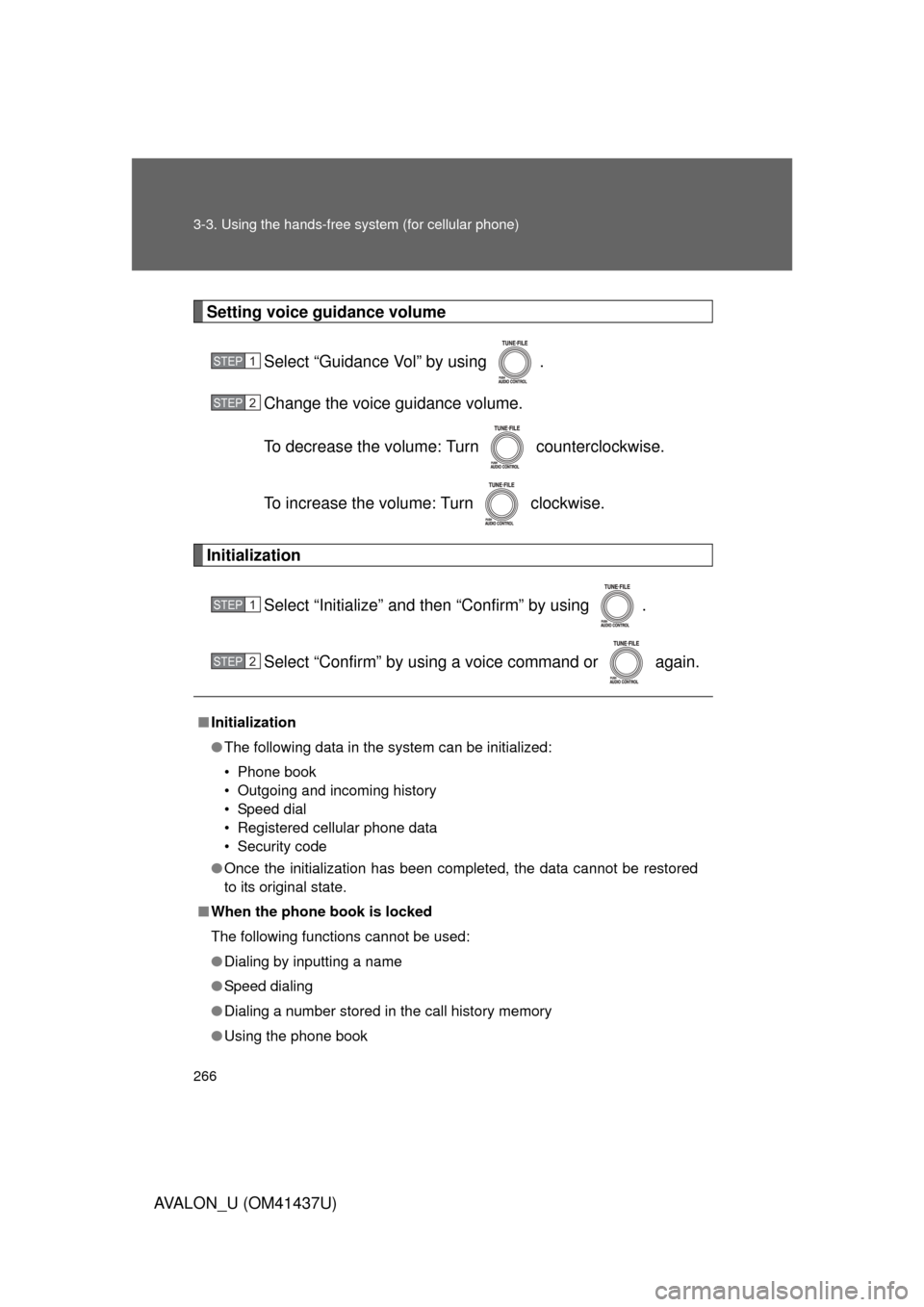
Setting voice guidance volumeSelect “Guidance Vol” by using .
Change the voice guidance volume.
To decrease the volume: Turn counterclockwise.
To increase the volume: Turn clockwise.
Initialization
Select “Initialize” and then “Confirm” by using .
Select “Confirm” by using a voice command or again.
■Initialization
● The following data in the system can be initialized:
• Phone book
• Outgoing and incoming history
• Speed dial
• Registered cellular phone data
• Security code
● Once the initialization has been completed, the data cannot be restored
to its original state.
■ When the phone book is locked
The following functions cannot be used:
● Dialing by inputting a name
● Speed dialing
● Dialing a number stored in the call history memory
● Using the phone book
STEP1
STEP2
STEP1
STEP2
Page 293 of 476
293
3-6. Other interior features
3
Interior features
AVALON_U (OM41437U)
Seat heaters/ventilators
: If equipped
The seat heaters and ventilators heat the seats and maintain good
airflow by blowing air from the seats.
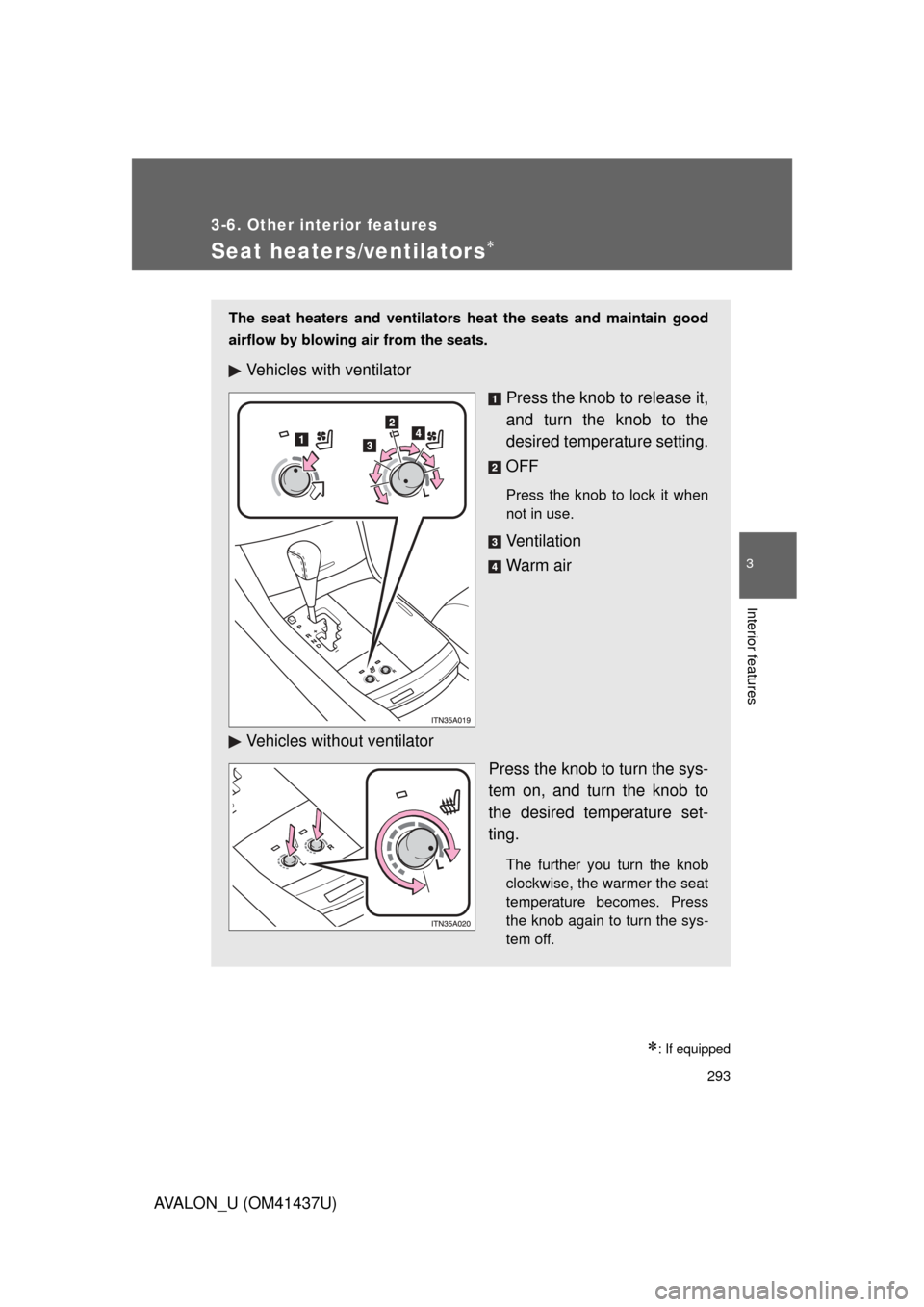
Vehicles with ventilatorPress the knob to release it,
and turn the knob to the
desired temperature setting.
OFF
Press the knob to lock it when
not in use.
Ve n t i l a t i o n
Warm air
Vehicles without ventilator Press the knob to turn the sys-
tem on, and turn the knob to
the desired temperature set-
ting.
The further you turn the knob
clockwise, the warmer the seat
temperature becomes. Press
the knob again to turn the sys-
tem off.