AUX TOYOTA AVALON 2016 XX40 / 4.G Navigation Manual
[x] Cancel search | Manufacturer: TOYOTA, Model Year: 2016, Model line: AVALON, Model: TOYOTA AVALON 2016 XX40 / 4.GPages: 304, PDF Size: 4.19 MB
Page 114 of 304
114
3. MEDIA OPERATION
AVA L O N _ N a v i _ U
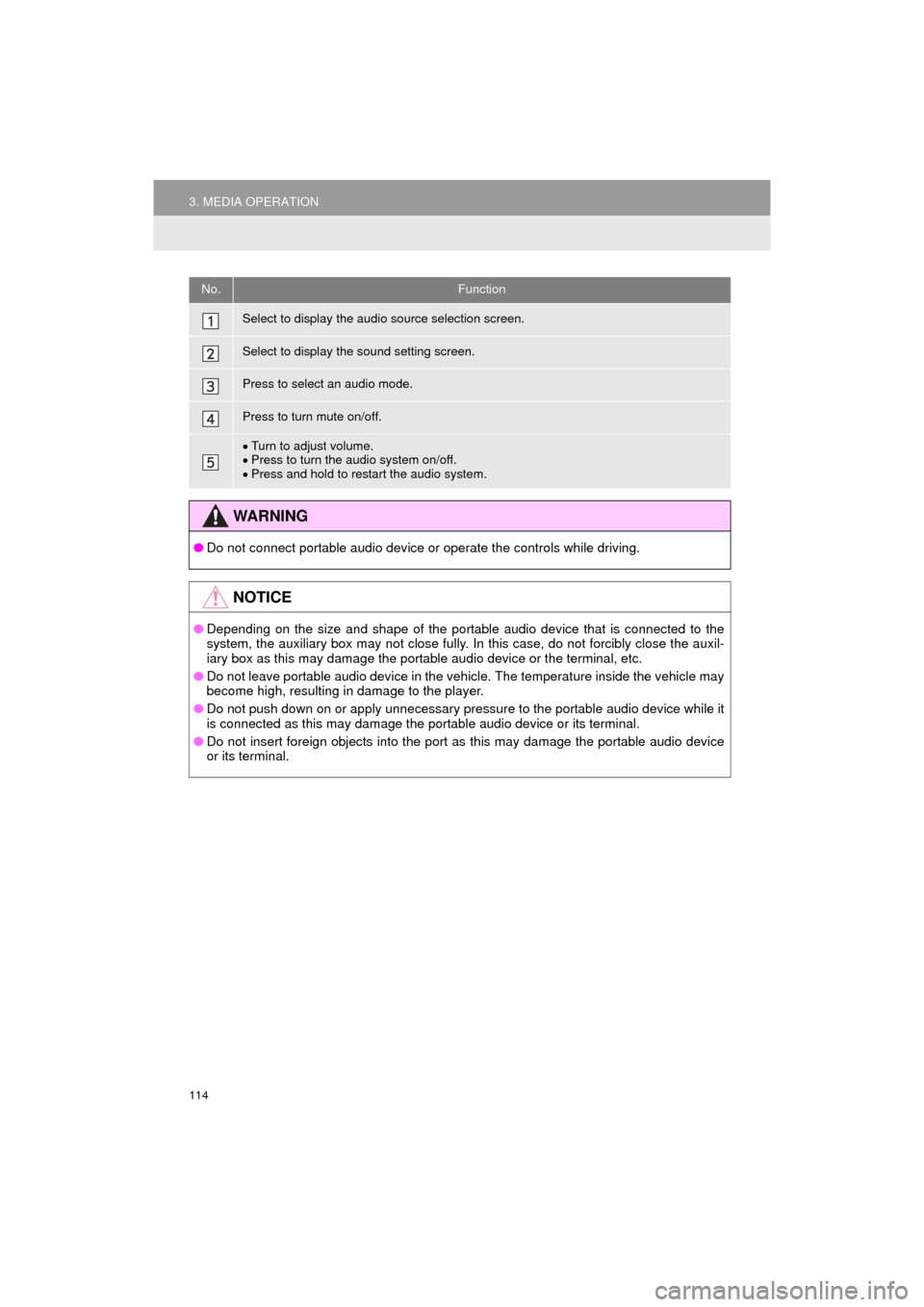
No.Function
Select to display the audio source selection screen.
Select to display the sound setting screen.
Press to select an audio mode.
Press to turn mute on/off.
Turn to adjust volume.
Press to turn the audio system on/off.
Press and hold to restart the audio system.
WA R N I N G
● Do not connect portable audio device or operate the controls while driving.
NOTICE
●Depending on the size and shape of the portable audio device that is connected to the
system, the auxiliary box may not close fully. In this case, do not forcibly close the auxil-
iary box as this may damage the portable audio device or the terminal, etc.
● Do not leave portable audio device in the vehicle. The temperature inside the vehicle may
become high, resulting in damage to the player.
● Do not push down on or apply unnecessary pressure to the portable audio device while it
is connected as this may damage the portable audio device or its terminal.
● Do not insert foreign objects into the port as this may damage the portable audio device
or its terminal.
Page 117 of 304
117
4. AUDIO REMOTE CONTROLS
AVA L O N _ N a v i _ U
AUDIO SYSTEM
3
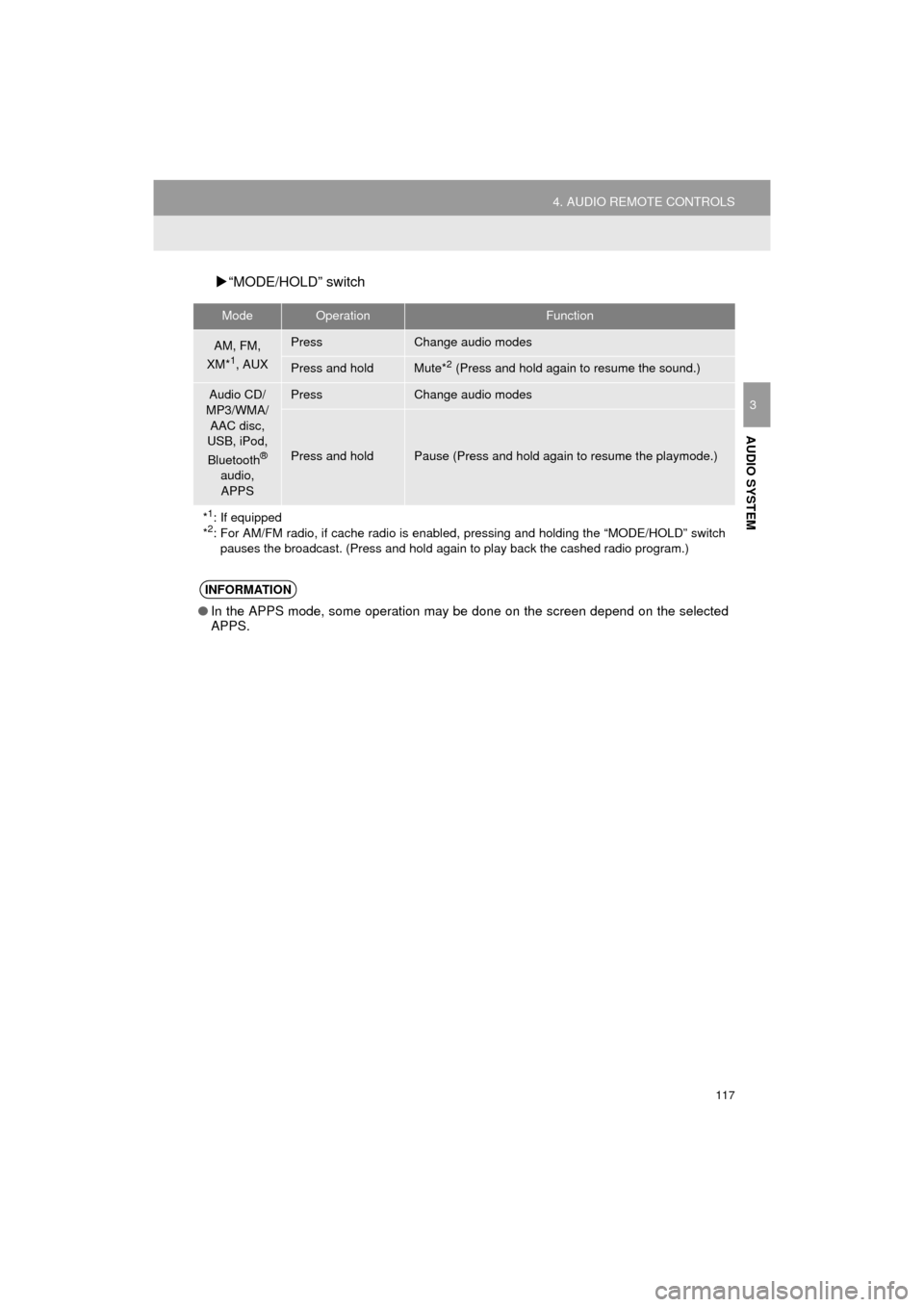
“MODE/HOLD” switch
ModeOperationFunction
AM, FM,
XM*1, AUX
PressChange audio modes
Press and holdMute*2 (Press and hold again to resume the sound.)
Audio CD/
MP3/WMA/
AAC disc,
USB, iPod,
Bluetooth
®
audio,
APPS
PressChange audio modes
Press and holdPause (Press and hold again to resume the playmode.)
*
1: If equipped
*2: For AM/FM radio, if cache radio is enabl ed, pressing and holding the “MODE/HOLD” switch
pauses the broadcast. (Press and hold again to play back the cashed radio program.)
INFORMATION
●In the APPS mode, some operation may be done on the screen depend on the selected
APPS.
Page 294 of 304

294
ALPHABETICAL INDEX
AVA L O N _ N a v i _ U
A
AAC.......................................................... 96
AM............................................................ 79
APPS button ............................................ 12
“Apps” screen........................................... 14
AUDIO button........................................... 12
Audio settings ........................................ 118
AUX........................................................ 113
B
Bluetooth®................................................ 44
Profiles ................................................. 46
Registering a Bluetooth
® audio
player ................................................ 45
Registering a Bluetooth
® phone ........... 44
Bluetooth® audio .................................... 107
Connecting a Bluetooth® device ........ 112
Listening to Bluetooth® audio ............. 112
Bluetooth® phone................................... 174
Bluetooth® phone message function ..... 189
Buttons overview...................................... 12
C
Calling on the Bluetooth® phone............ 179
Casual speech recognization ................. 136
CD ............................................................ 96
Playing an audio CD............................. 98
Playing an MP3/WMA/AAC disc........... 98
Command list ......................................... 137
D
Data services settings ............................ 145
Setting download methods ................. 145
Destination search screen...................... 229
Driver settings .......................................... 65
E
Editing route ........................................... 251
Adding destinations ............................ 252
Deleting destinations .......................... 252
Detour setting ..................................... 254
Reordering destinations...................... 252
Selecting route type ............................ 253
Setting route preferences ................... 253
Emergency ............................................. 238
Entering letters and numbers/ list screen operation ............................. 38
Entering letters and numbers ............... 38
Entune App Suite ................................... 285
Entering keyword operation ................ 290
Linking Entune App Suite and navigation function .......................... 289
Page 298 of 304

298
ALPHABETICAL INDEX
AVA L O N _ N a v i _ U
U
USB/AUX port .......................................... 76
USB memory............................................ 99Playing a USB audio .......................... 102
V
Voice command system ......................... 130
Voice settings........................................... 63
W
WMA ........................................................ 96
X
XM Satellite Radio ................................... 89Displaying the radio ID ......................... 93
How to subscribe to an XM Satellite Radio ....................... 91
If the satellite radio tuner malfunctions...................................... 94
Presetting a channel............................. 93
Selecting a channel from the list .......... 93