engine TOYOTA AVENSIS 2011 User Guide
[x] Cancel search | Manufacturer: TOYOTA, Model Year: 2011, Model line: AVENSIS, Model: TOYOTA AVENSIS 2011Pages: 772, PDF Size: 34.43 MB
Page 47 of 772
47 1-2. Opening, closing and locking the doors
1
Before driving
AVENSIS_EE (OM20B44E)
Note for the smart entry & start system
Even when the electronic key is within the effective range (detection
areas), the system may not operate properly in the following cases.
• The electronic key is too close to the window or outside door handle,
near the ground, or in a high place when the doors are locked or
unlocked.
• The electronic key is near the ground or in a high place, or too close to
the rear bumper center when the trunk or back door is locked/
unlocked.
• The electronic key is on the instrument panel, package tray (sedan),
luggage cover (wagon), floor or in the glove box when the engine is
started or “ENGINE START STOP” switch modes are changed.
Do not leave the electronic key on top of the instrument panel or near the
door pockets when exiting the vehicle. Depending on the radio wave
reception conditions, it may be detected by the antenna outside the cabin
and the door will become lockable from the outside, possibly trapping the
electronic key inside the vehicle.
As long as the electronic key is within the effective range, the doors may
be locked or unlocked by anyone.
Even if the electronic key is not inside the vehicle, it may be possible to
start the engine if the electronic key is near the window.
The doors may unlock or lock if a large amount of water splashes on the
door handle, such as in the rain or in a car wash when the electronic key
is within the effective range. (The doors will automatically be locked after
approximately 30 seconds if the doors are not opened and closed.)
If the key is kept near the vehicle while it is being washed, water applied
to a door handle may cause the door to lock and unlock repeatedly. In
this event, place the key in a location 2 m (6 ft.) or more from the vehicle,
taking care not to lose the key.
If the key is inside the vehicle while it is being washed, water applied to a
door handle may cause a buzzer to sound and a message to be dis-
played. In this event, locking all doors will cause the message to extin-
guish and the buzzer to stop sounding.
Page 49 of 772
49 1-2. Opening, closing and locking the doors
1
Before driving
AVENSIS_EE (OM20B44E)
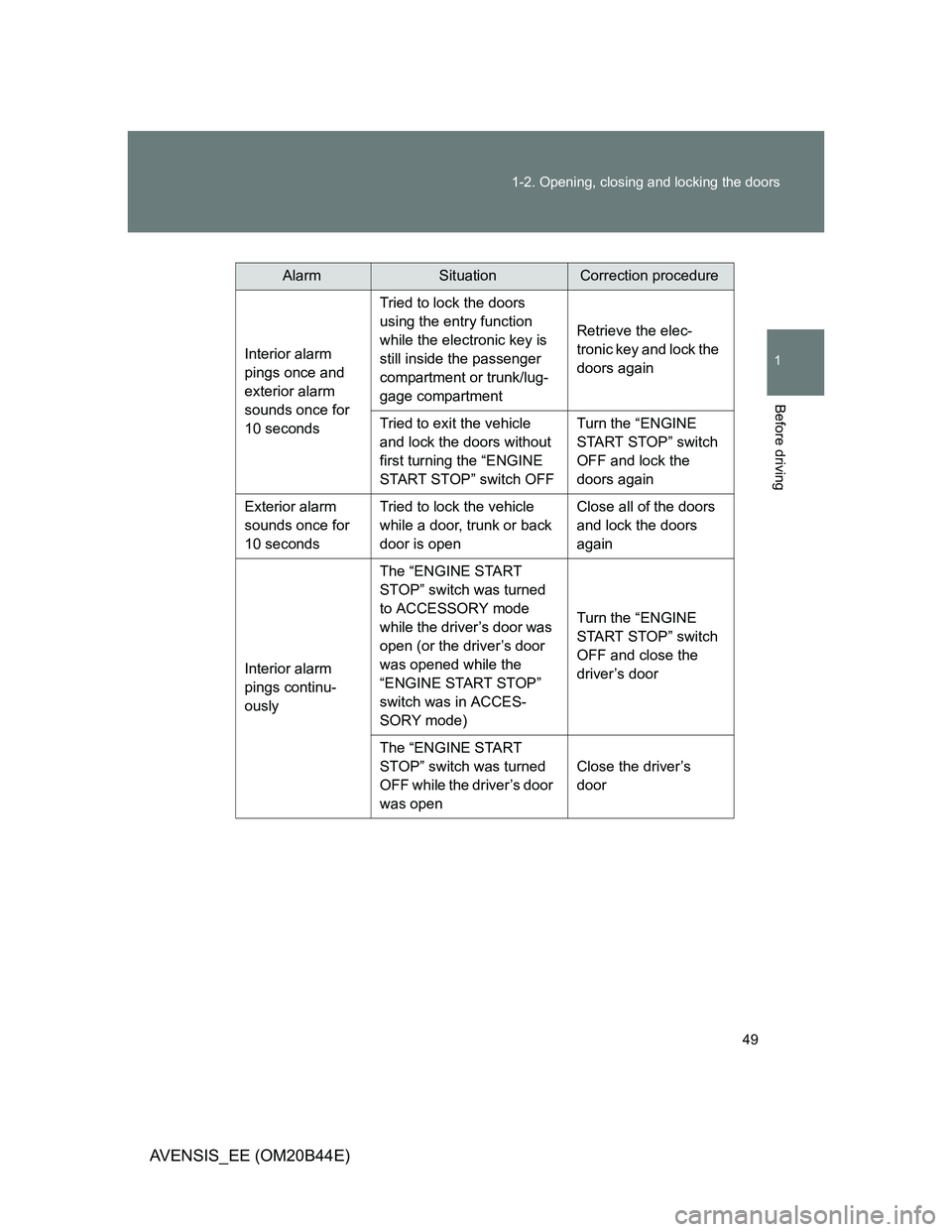
AlarmSituationCorrection procedure
Interior alarm
pings once and
exterior alarm
sounds once for
10 secondsTried to lock the doors
using the entry function
while the electronic key is
still inside the passenger
compartment or trunk/lug-
gage compartmentRetrieve the elec-
tronic key and lock the
doors again
Tried to exit the vehicle
and lock the doors without
first turning the “ENGINE
START STOP” switch OFFTurn the “ENGINE
START STOP” switch
OFF and lock the
doors again
Exterior alarm
sounds once for
10 secondsTried to lock the vehicle
while a door, trunk or back
door is openClose all of the doors
and lock the doors
again
Interior alarm
pings continu-
ouslyThe “ENGINE START
STOP” switch was turned
to ACCESSORY mode
while the driver’s door was
open (or the driver’s door
was opened while the
“ENGINE START STOP”
switch was in ACCES-
SORY mode)Turn the “ENGINE
START STOP” switch
OFF and close the
driver’s door
The “ENGINE START
STOP” switch was turned
OFF while the driver’s door
was openClose the driver’s
door
Page 50 of 772
50 1-2. Opening, closing and locking the doors
AVENSIS_EE (OM20B44E)
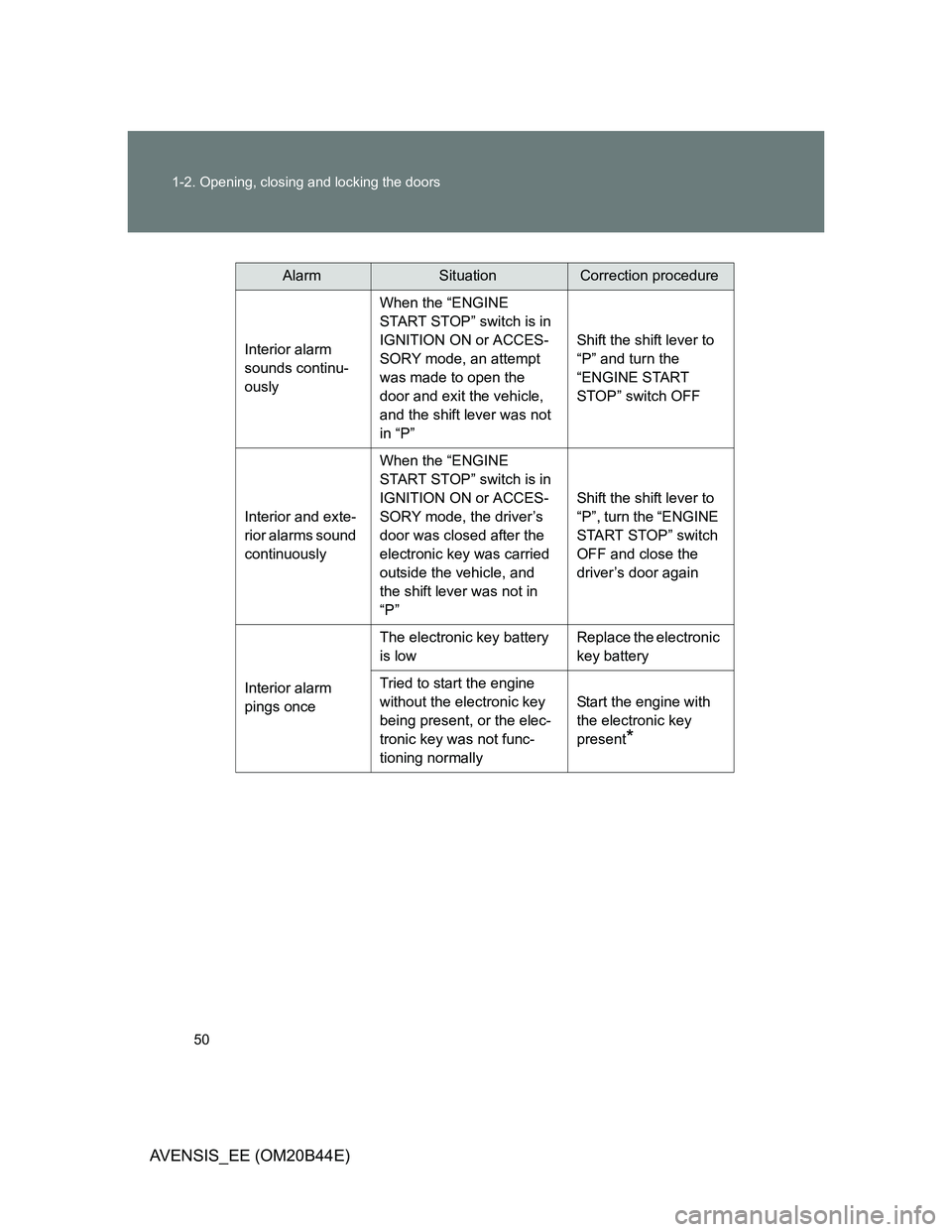
AlarmSituationCorrection procedure
Interior alarm
sounds continu-
ouslyWhen the “ENGINE
START STOP” switch is in
IGNITION ON or ACCES-
SORY mode, an attempt
was made to open the
door and exit the vehicle,
and the shift lever was not
in “P”Shift the shift lever to
“P” and turn the
“ENGINE START
STOP” switch OFF
Interior and exte-
rior alarms sound
continuouslyWhen the “ENGINE
START STOP” switch is in
IGNITION ON or ACCES-
SORY mode, the driver’s
door was closed after the
electronic key was carried
outside the vehicle, and
the shift lever was not in
“P”Shift the shift lever to
“P”, turn the “ENGINE
START STOP” switch
OFF and close the
driver’s door again
Interior alarm
pings onceThe electronic key battery
is lowReplace the electronic
key battery
Tried to start the engine
without the electronic key
being present, or the elec-
tronic key was not func-
tioning normallyStart the engine with
the electronic key
present
*
Page 51 of 772
51 1-2. Opening, closing and locking the doors
1
Before driving
AVENSIS_EE (OM20B44E)
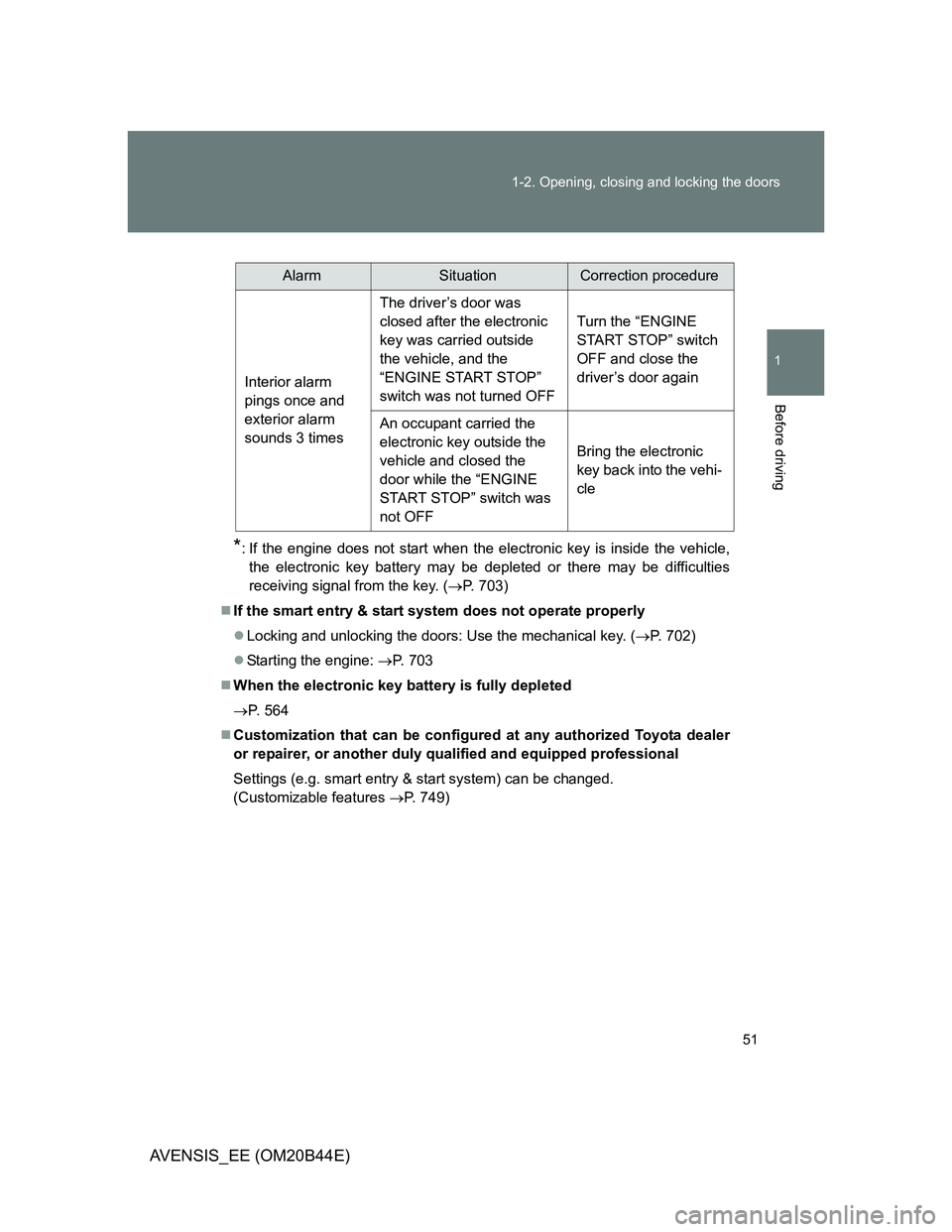
*: If the engine does not start when the electronic key is inside the vehicle,
the electronic key battery may be depleted or there may be difficulties
receiving signal from the key. (P. 703)
If the smart entry & start system does not operate properly
Locking and unlocking the doors: Use the mechanical key. (P. 702)
Starting the engine: P. 703
When the electronic key battery is fully depleted
P. 564
Customization that can be configured at any authorized Toyota dealer
or repairer, or another duly qualified and equipped professional
Settings (e.g. smart entry & start system) can be changed.
(Customizable features P. 749)
AlarmSituationCorrection procedure
Interior alarm
pings once and
exterior alarm
sounds 3 timesThe driver’s door was
closed after the electronic
key was carried outside
the vehicle, and the
“ENGINE START STOP”
switch was not turned OFFTurn the “ENGINE
START STOP” switch
OFF and close the
driver’s door again
An occupant carried the
electronic key outside the
vehicle and closed the
door while the “ENGINE
START STOP” switch was
not OFFBring the electronic
key back into the vehi-
cle
Page 64 of 772
64 1-2. Opening, closing and locking the doors
AVENSIS_EE (OM20B44E)
Operation signals
The emergency flashers flash to indicate that the doors and trunk/back door
have been locked/unlocked. (Locked: Once; Unlocked: Twice)
Door lock buzzer (vehicles with smart entry & start system)
If the door, trunk or back door is not fully closed, a buzzer sounds continu-
ously for 10 seconds if an attempt to lock the door is made. Fully close the
door to stop the buzzer, and lock the vehicle once more.
Alarm
Using the wireless remote control to lock the doors will set the alarm system.
Key battery depletion
Vehicles with smart entry & start system
P. 4 6
Vehicles without smart entry & start system
If the wireless remote control function does not operate, the battery may
be depleted. Replace the battery when necessary. (P. 565)
Security feature
If a door is not opened within approximately 30 seconds after the vehicle is
unlocked, the security feature automatically locks the vehicle again.
If the wireless remote control does not operate properly
Vehicles with smart entry & start system
Locking and unlocking the doors: Use the key. (P. 702)
Starting the engine: P. 703
Vehicles without smart entry & start system
Locking and unlocking the doors: Use the key. (P. 78)
When the electronic key battery is fully depleted
P. 564
Page 80 of 772
80 1-2. Opening, closing and locking the doors
AVENSIS_EE (OM20B44E)
Locking the front doors from the outside without a key
Move the inside lock button to the lock position.
Close the door while pulling the door handle.
Vehicles with smart entry & start system
The door cannot be locked if the “ENGINE START STOP” switch is
in ACCESSORY or IGNITION ON mode, or the electronic key is
left inside the vehicle.
Depending on the position of the electronic key, the key may not be
detected correctly and the door may be locked.
Vehicles without smart entry & start system
The door cannot be locked if the key is in the engine switch.
STEP1
STEP2
Page 82 of 772
82 1-2. Opening, closing and locking the doors
AVENSIS_EE (OM20B44E)
Automatic door locking and unlocking systems
The following functions are available.
*1: Default setting
*2: Vehicles with a Multidrive or automatic transmission
Ty p eFunction
Auto locking
functionAll doors are locked when the vehicle speed is
approximately 20 km/h (12 mph) or higher
*1
Shifting the shift lever out of “P” locks all doors*2
Auto unlocking
functionShifting the shift lever to “P” unlocks all doors
*2
Vehicles with smart entry & start system
All doors are unlocked when the driver’s door is
opened within 45 seconds after turning the
“ENGINE START STOP” switch OFF
*1
Vehicles without smart entry & start system
All doors are unlocked when the driver’s door is
opened within 45 seconds after turning the
engine switch to the “LOCK” position
*1
Page 83 of 772
83 1-2. Opening, closing and locking the doors
1
Before driving
AVENSIS_EE (OM20B44E)Setting and canceling the function (vehicles without a “touch
screen”)
Perform the operations of each function within 10 seconds.
To set that all doors are locked when the vehicle speed is approxi-
mately 20 km/h (12 mph) or higher
Vehicles with smart entry & start system: Close all doors and
turn the “ENGINE START STOP” switch to IGNITION ON
mode.
Vehicles without smart entry & start system: Close all doors
and turn the engine switch to “ON” position.
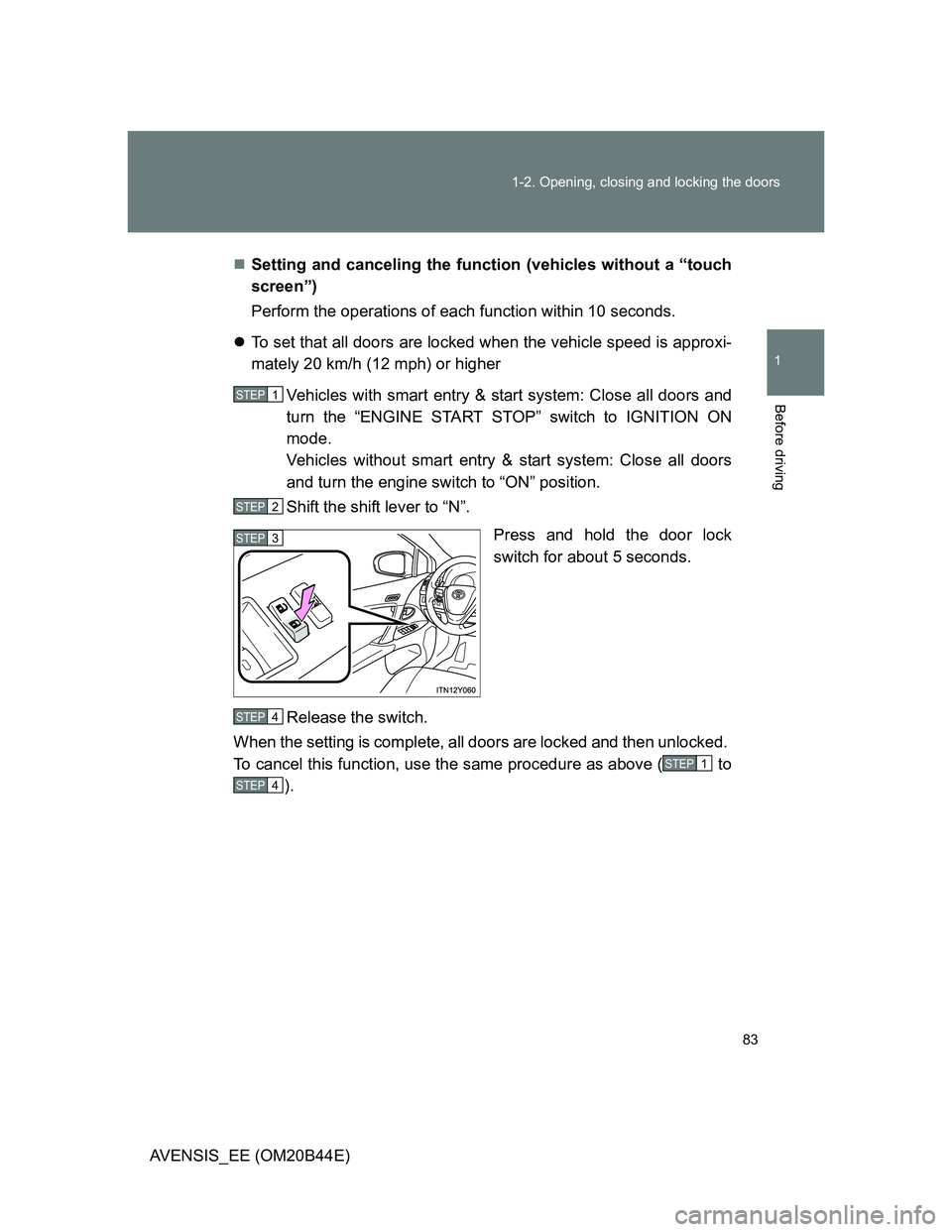
Shift the shift lever to “N”.
Press and hold the door lock
switch for about 5 seconds.
Release the switch.
When the setting is complete, all doors are locked and then unlocked.
To cancel this function, use the same procedure as above ( to
).
STEP1
STEP2
STEP3
STEP4
STEP1
STEP4
Page 84 of 772
84 1-2. Opening, closing and locking the doors
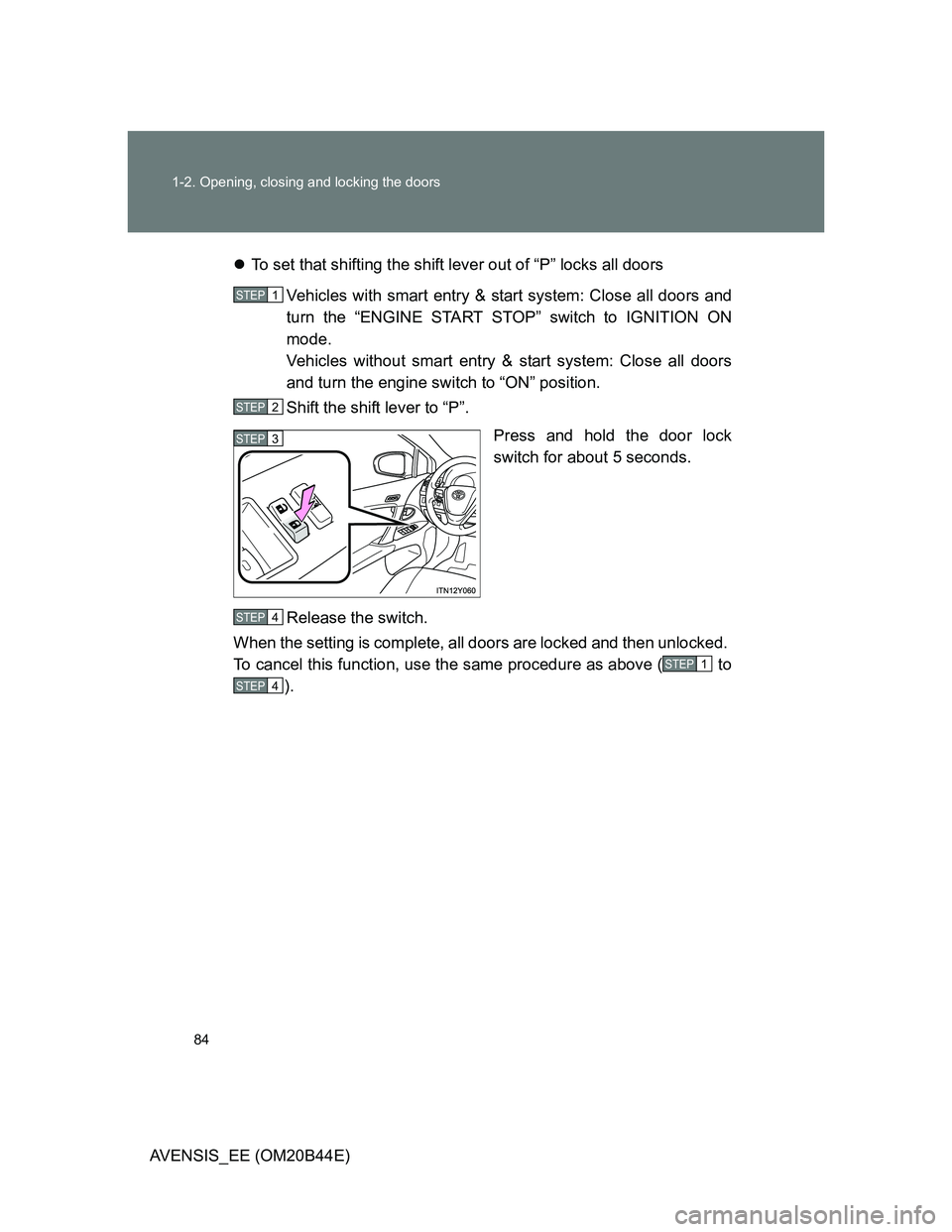
AVENSIS_EE (OM20B44E)To set that shifting the shift lever out of “P” locks all doors
Vehicles with smart entry & start system: Close all doors and
turn the “ENGINE START STOP” switch to IGNITION ON
mode.
Vehicles without smart entry & start system: Close all doors
and turn the engine switch to “ON” position.
Shift the shift lever to “P”.
Press and hold the door lock
switch for about 5 seconds.
Release the switch.
When the setting is complete, all doors are locked and then unlocked.
To cancel this function, use the same procedure as above ( to
).
STEP1
STEP2
STEP3
STEP4
STEP1
STEP4
Page 85 of 772
85 1-2. Opening, closing and locking the doors
1
Before driving
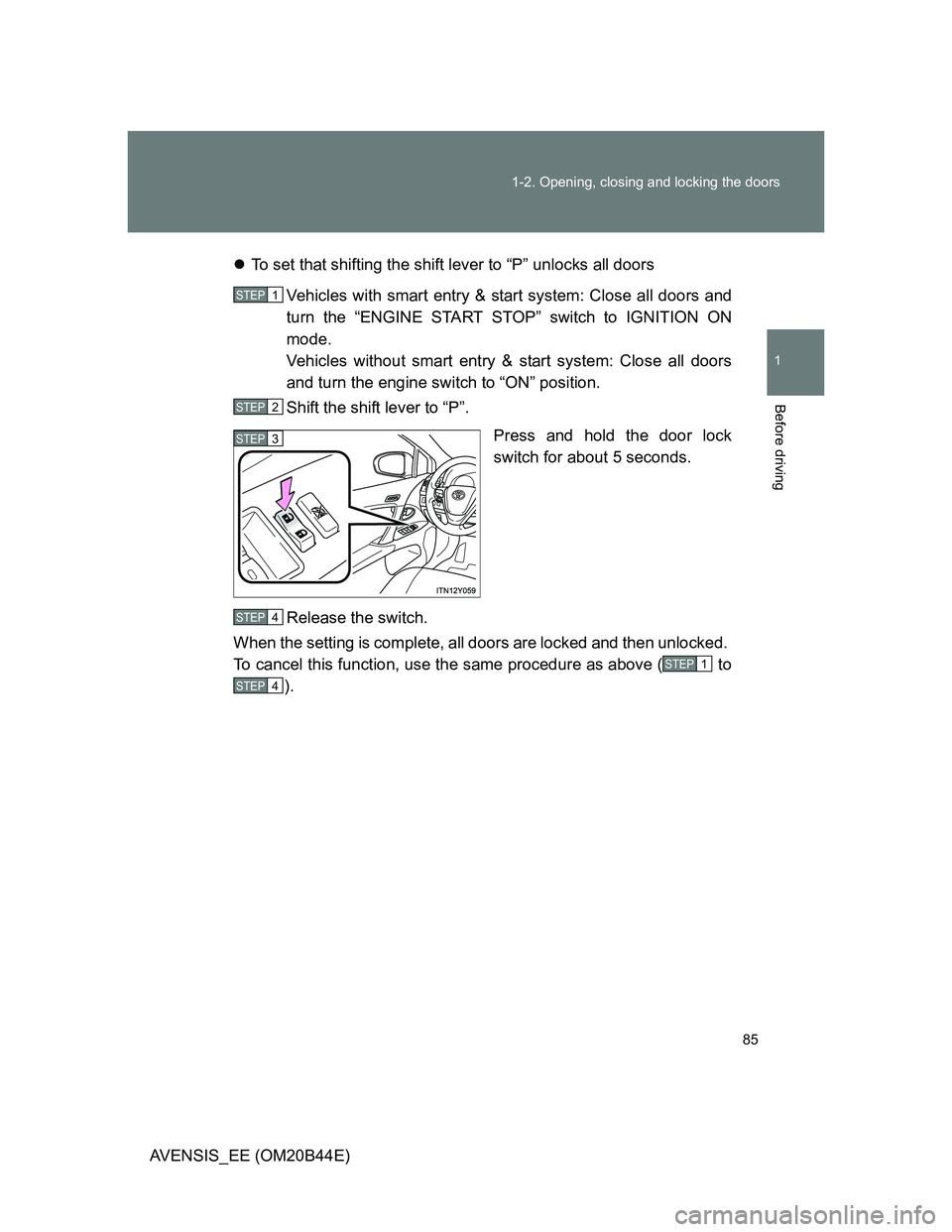
AVENSIS_EE (OM20B44E)To set that shifting the shift lever to “P” unlocks all doors
Vehicles with smart entry & start system: Close all doors and
turn the “ENGINE START STOP” switch to IGNITION ON
mode.
Vehicles without smart entry & start system: Close all doors
and turn the engine switch to “ON” position.
Shift the shift lever to “P”.
Press and hold the door lock
switch for about 5 seconds.
Release the switch.
When the setting is complete, all doors are locked and then unlocked.
To cancel this function, use the same procedure as above ( to
).
STEP1
STEP2
STEP3
STEP4
STEP1
STEP4