engine TOYOTA AVENSIS 2018 Owners Manual
[x] Cancel search | Manufacturer: TOYOTA, Model Year: 2018, Model line: AVENSIS, Model: TOYOTA AVENSIS 2018Pages: 660, PDF Size: 63.16 MB
Page 307 of 660
3074-6. Using the driving support systems
4
Driving
AVENSIS_OM_OM20C79E_(EE)
◆PCS (Pre-Crash Safety system) (if equipped)
P. 2 5 9
◆Emergency brake signal
When the brakes are applied suddenly, the emergency flashers
automatically flash to alert the vehicle behind.
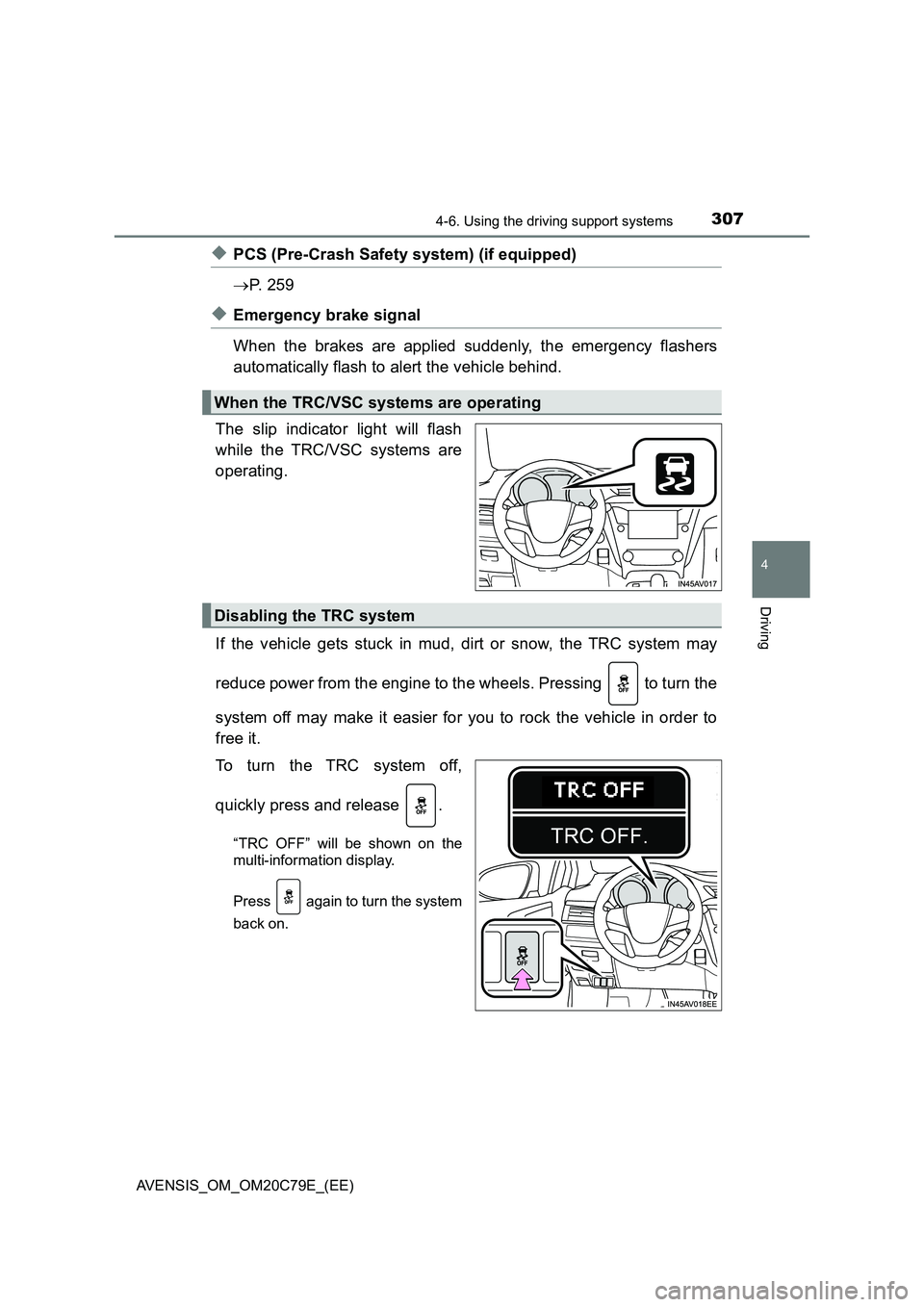
The slip indicator light will flash
while the TRC/VSC systems are
operating.
If the vehicle gets stuck in mud, dirt or snow, the TRC system may
reduce power from the engine to the wheels. Pressing to turn the
system off may make it easier for you to rock the vehicle in order to
free it.
To turn the TRC system off,
quickly press and release .
“TRC OFF” will be shown on the
multi-information display.
Press again to turn the system
back on.
When the TRC/VSC systems are operating
Disabling the TRC system
Page 308 of 660
3084-6. Using the driving support systems
AVENSIS_OM_OM20C79E_(EE)
■Turning off both TRC and VSC systems
To turn the TRC and VSC systems off, press and hold for more than 3
seconds while the vehicle is stopped.
The VSC OFF indicator light will come on and the “TRC OFF” will be shown
on the multi-information display.
*
Press again to turn the systems back on.
*: On vehicles with a PCS (Pre-Crash Safety system), the pre-crash brake
assist and pre-crash braking functions will also be disabled. (P. 271)
■When the message is displayed on the multi-information display show-
ing that TRC has been disabled even if the VSC OFF switch has not been
pressed
TRC and hill-start assist control cannot be operated. Contact any authorized
Toyota retailer or Toyota authorized repairer, or any reliable repairer.
■Sounds and vibrations caused by the ABS, brake assist, TRC, VSC and
hill-start assist control systems
●A sound may be heard from the engine compartment when the brake pedal
is depressed repeatedly, when the engine is started or just after the vehicle
begins to move. This sound does not indicate that a malfunction has
occurred in any of these systems.
●Any of the following conditions may occur when the above systems are
operating. None of these indicates that a malfunction has occurred.
• Vibrations may be felt through the vehicle body and steering.
• A motor sound may be heard after the vehicle comes to a stop.
• The brake pedal may pulsate slightly after the ABS is activated.
• The brake pedal may move down slightly after the ABS is activated.
■EPS operation sound
When the steering wheel is operated, a motor sound (whirring sound) may be
heard. This does not indicate a malfunction.
■Automatic reactivation of TRC and VSC systems
After turning the TRC and VSC systems off, the systems will be automatically
re-enabled in the following situations:
●When the engine switch is turned to the “LOCK” position (vehicles without a
smart entry & start system) or off (vehicles with a smart entry & start sys-
tem).
●If only the TRC system is turned off, the TRC will turn on when vehicle
speed increases
If both the TRC and VSC systems are turned off, automatic re-enabling will
not occur when vehicle speed increases.
Page 309 of 660
3094-6. Using the driving support systems
4
Driving
AVENSIS_OM_OM20C79E_(EE)■Reduced effectiveness of the EPS system
The effectiveness of the EPS system is reduced to prevent the system from
overheating when there is frequent steering input over an extended period of
time. The steering wheel may feel heavy as a result. Should this occur, refrain
from excessive steering input or stop the vehicle and turn the engine off. The
EPS system should return to normal within 10 minutes.
■Operating conditions of hill-start assist control
When the following four conditions are met, the hill-start assist control will
operate;
●Multidrive: The shift lever is in a position other than N or P (when starting off
forward/backward on an upward incline).
●Manual transmission: The shift lever is in a position other than R when start-
ing off forward on an upward incline or in R when starting off backward on
an upward incline.
●The vehicle is stopped.
●The accelerator pedal is not depressed.
●The parking brake is not engaged.
■Automatic system cancelation of hill-start assist control
The hill-start assist control will be canceled in any of the following situations;
●Multidrive: The shift lever is shifted to N or P.
●Manual transmission: The shift lever is shifted to R when starting off forward
on an upward incline or from R when starting off backward on an upward
incline.
●The accelerator pedal is depressed.
●The parking brake is engaged.
●Approximately 2 seconds elapse after the brake pedal is released.
■Operating conditions of emergency brake signal
When the following three conditions are met, the emergency brake signal will
operate:
●The emergency flashers are off.
●Actual vehicle speed is over 55 km/h (35 mph).
●The brake pedal is depressed in a manner that cause the system to judge
from the vehicle deceleration that this is a sudden braking operation.
■Automatic system cancelation of emergency brake signal
The emergency brake signal will turn off in any of the following situations:
●The emergency flashers are turned on.
●The brake pedal is released.
●The system judges from the vehicle deceleration that is not a sudden brak-
ing operation.
Page 312 of 660
3124-7. Driving tips
AVENSIS_OM_OM20C79E_(EE)
Winter driving tips
●Use fluids that are appropriate to the prevailing outside tempera-
tures.
• Engine oil
• Engine coolant
• Washer fluid
●Have a service technician inspect the condition of the battery.
●Have the vehicle fitted with four snow tires or purchase a set of tire
chains for the front tires.
Ensure that all tires are the same size and brand, and that chains match
the size of the tires.
Perform the following according to the driving conditions.
●Do not try to forcibly open a window or move a wiper that is frozen.
Pour warm water over the frozen area to melt the ice. Wipe away
the water immediately to prevent it from freezing.
●To ensure proper operation of the climate control system fan,
remove any snow that has accumulated on the air inlet vents in
front of the windshield.
●Check for and remove any excess ice or snow that may have accu-
mulated on the exterior lights, vehicle’s roof, chassis, around the
tires or on the brakes.
●Remove any snow or mud from the bottom of your shoes before
getting in the vehicle.
Carry out the necessary preparations and inspections before
driving the vehicle in winter. Always drive the vehicle in a man-
ner appropriate to the prevailing weather conditions.
Preparation for winter
Before driving the vehicle
Page 314 of 660
3144-7. Driving tips
AVENSIS_OM_OM20C79E_(EE)
●Regulations regarding the use of tire chains vary according to loca-
tion and type of road. Always check local regulations before install-
ing chains.
● Install the chains on the front tires.
● Retighten the chains after driving 0.5 - 1.0 km (1/4 - 1/2 mile).
■Tire chains
Observe the following precautions when installing and removing chains.
● Install and remove tire chains in a safe location.
● Install tire chains on the front tires only. Do not install the chains on the rear
tires.
● Install tire chains following the instructions provided in the accompanying
manual.
Regulations on the use of tire chains
WARNING
■ Driving with snow tires
Observe the following precautions to reduce the risk of accidents.
Failing to do so may result in a loss of vehicle control and cause death or
serious injury.
● Use tires of the size specified for your vehicle.
● Maintain the recommended level of tire inflation pressure.
● Do not drive at speeds in excess of the speed limit or the speed limit spec-
ified for the snow tires being used.
● Snow tires should be installed on all wheels.
■ Driving with tire chains
Observe the following precautions to reduce the risk of accidents.
Failing to do so may result in the vehicle being unable to be driven safely,
and may cause death or serious injury.
● Do not drive in excess of the speed limit specified for the tire chains being
used or 50 km/h (30 mph), whichever is lower.
● Avoid driving on bumpy road surfaces or over potholes.
● Avoid sudden acceleration, abrupt steering, sudden braking and shifting
operations that cause sudden engine braking.
● Slow down sufficiently before entering a curve to ensure that vehicle con-
trol is maintained.
Page 320 of 660
3205-1. Basic Operations
AVENSIS_OM_OM20C79E_(EE)
■Using cellular phones
Interference may be heard through the audio system’s speakers if a cellular
phone is being used inside or close to the vehicle while the audio system is
operating.
WARNING
■ Certification for the CD player
This product is a class I laser product.
● Do not open the cover of the player or attempt to repair the unit by your-
self.
Refer servicing to qualified personnel.
● Laser power: No hazardous
NOTICE
■To prevent battery discharge
Do not leave the audio system on longer than necessary when the engine is
stopped.
■ To avoid damaging the audio system
Take care not to spill drinks or other fluids over the audio system.
Page 369 of 660
3695-7. “SETUP” menu
5
Audio system
AVENSIS_OM_OM20C79E_(EE)
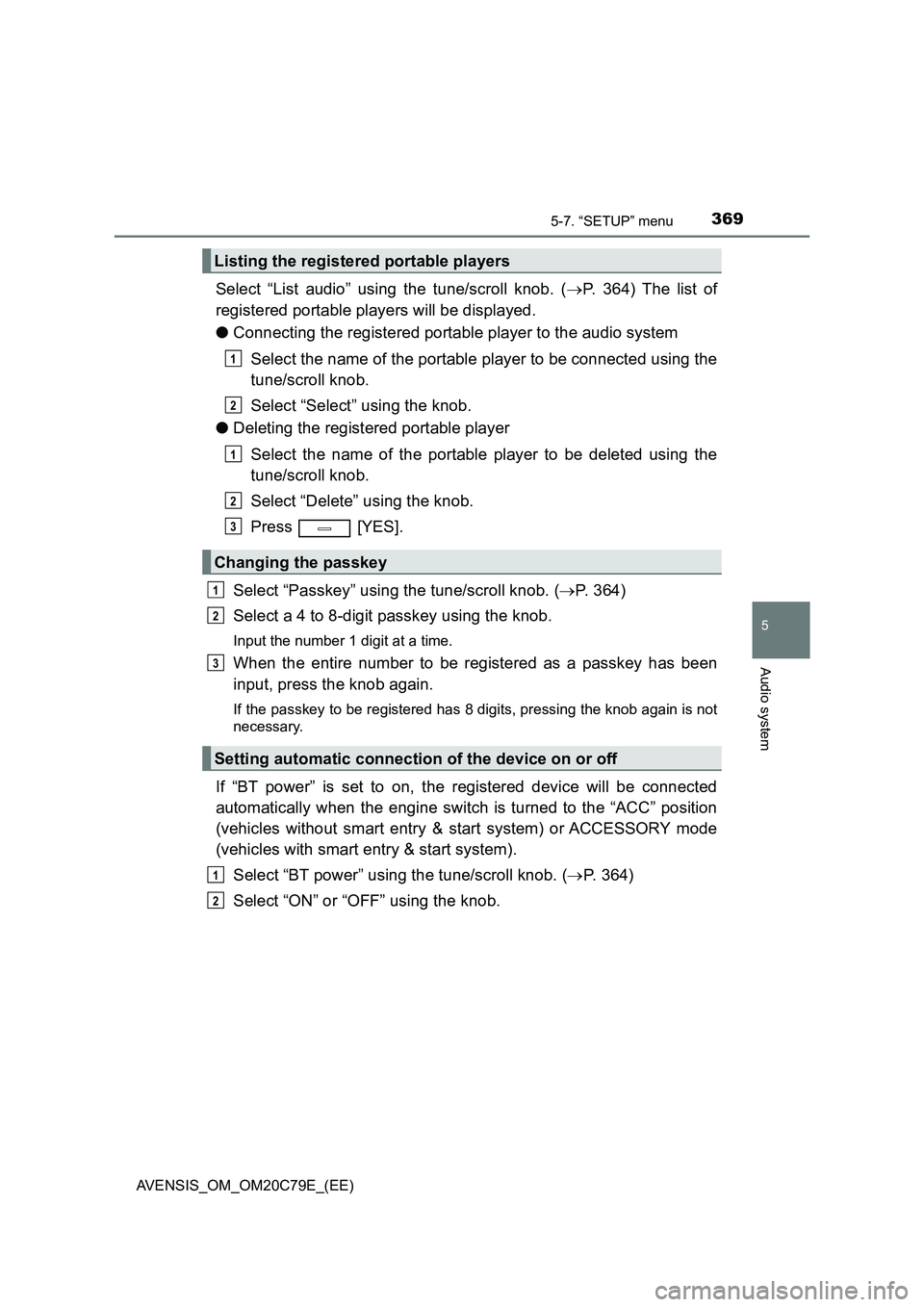
Select “List audio” using the tune/scroll knob. (P. 364) The list of
registered portable players will be displayed.
●Connecting the registered portable player to the audio system
Select the name of the portable player to be connected using the
tune/scroll knob.
Select “Select” using the knob.
●Deleting the registered portable player
Select the name of the portable player to be deleted using the
tune/scroll knob.
Select “Delete” using the knob.
Press [YES].
Select “Passkey” using the tune/scroll knob. (P. 364)
Select a 4 to 8-digit passkey using the knob.
Input the number 1 digit at a time.
When the entire number to be registered as a passkey has been
input, press the knob again.
If the passkey to be registered has 8 digits, pressing the knob again is not
necessary.
If “BT power” is set to on, the registered device will be connected
automatically when the engine switch is turned to the “ACC” position
(vehicles without smart entry & start system) or ACCESSORY mode
(vehicles with smart entry & start system).
Select “BT power” using the tune/scroll knob. (P. 364)
Select “ON” or “OFF” using the knob.
Listing the registered portable players
Changing the passkey
Setting automatic connection of the device on or off
1
2
1
2
3
1
2
3
1
2
Page 370 of 660
3705-7. “SETUP” menu
AVENSIS_OM_OM20C79E_(EE)
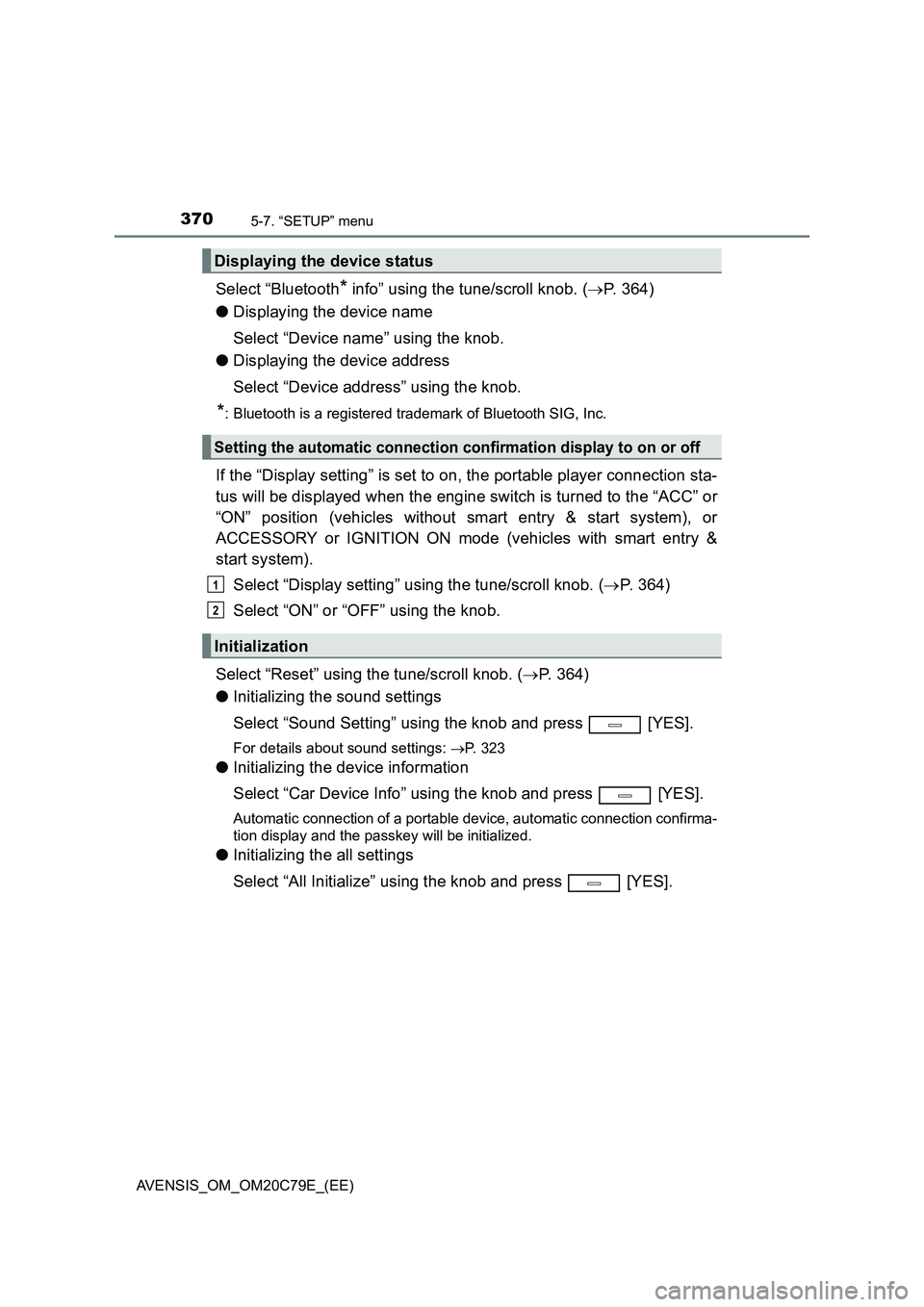
Select “Bluetooth* info” using the tune/scroll knob. (P. 364)
●Displaying the device name
Select “Device name” using the knob.
●Displaying the device address
Select “Device address” using the knob.
*: Bluetooth is a registered trademark of Bluetooth SIG, Inc.
If the “Display setting” is set to on, the portable player connection sta-
tus will be displayed when the engine switch is turned to the “ACC” or
“ON” position (vehicles without smart entry & start system), or
ACCESSORY or IGNITION ON mode (vehicles with smart entry &
start system).
Select “Display setting” using the tune/scroll knob. (P. 364)
Select “ON” or “OFF” using the knob.
Select “Reset” using the tune/scroll knob. (P. 364)
●Initializing the sound settings
Select “Sound Setting” using the knob and press [YES].
For details about sound settings: P. 323
●Initializing the device information
Select “Car Device Info” using the knob and press [YES].
Automatic connection of a portable device, automatic connection confirma-
tion display and the passkey will be initialized.
●Initializing the all settings
Select “All Initialize” using the knob and press [YES].
Displaying the device status
Setting the automatic connection confirmation display to on or off
Initialization
1
2
Page 396 of 660
3966-1. Using the air conditioning system and defogger
AVENSIS_OM_OM20C79E_(EE)
■Fogging up of the windows
● The windows will easily fog up when the humidity in the vehicle is high.
Turning on will dehumidify the air from the outlets and defog the
windshield effectively.
● If you turn off, the windows may fog up more easily.
● The windows may fog up if the recirculated air mode is used.
■ Outside/recirculated air mode
● When driving on dusty roads such as tunnels or in heavy traffic, set the out-
side/recirculated air mode button to the recirculated air mode. This is effec-
tive in preventing outside air from entering the vehicle interior.
● Vehicles with air conditioning system: During cooling operation, setting the
recirculated air mode will also cool the vehicle interior effectively.
■ When the outside temperature falls to nearly 0°C (32°F) (vehicles with air
conditioning system)
The dehumidification function may not operate even when is
pressed.
■ Ventilation and air conditioning odors
● To let fresh air in, set the air conditioning system to the outside air mode.
● During use, various odors from inside and outside the vehicle may enter into
and accumulate in the air conditioning system. This may then cause odor to
be emitted from the vents.
● To reduce potential odors from occurring:
It is recommended that the air conditi oning system be set to outside air
mode prior to turning the vehicle off.
■ Air conditioning system operations when the engine is stopped due to
the Stop & Start system (vehicles with Stop & Start system)
When the engine is stopped due to the Stop & Start system operations, the air
conditioning cooling, heating and dehumidif ication functions turn off and only
ambient temperature air is blown, and there is a possibility that the blowing of
ambient temperature air will stop. To prevent the air conditioning system from
turning off, press the Stop & Start cancel switch to deactivate the system.
■ When the windshield is fogged up and the engine is stopped due to the
Stop & Start system (vehicl es with Stop & Start system)
Press the Stop & Start cancel switch to restart the engine and turn
on to defog the windshield. Simply pressing will restart the engine
and defog the windshield.
If the windshield continuously fogs up, press the Stop & Start cancel switch
and refrain from using the Stop & Start system.
Page 397 of 660
3976-1. Using the air conditioning system and defogger
AVENSIS_OM_OM20C79E_(EE)
6
Interior features
■When an odor comes from the air conditioning system while the engine
is stopped due to the Stop & Start system (vehicles with Stop & Start
system)
Press the Stop & Start cancel switch to restart the engine.
■ Air conditioning filter
P. 491
WARNING
■To prevent the windshield from fogging up
● Do not use during cool air operation in extremely humid
weather. The difference between the temperature of the outside air and
that of the windshield can cause the outer surface of the windshield to fog
up, blocking your vision.
■ To prevent burns
● Do not touch the rear view mirror surfaces when the outside rear view mir-
ror defoggers are on.
● Do not touch the glass at the lower part of the windshield or to the side of
the front pillars when the windshield wiper de-icer is on. (vehicles with
windshield wiper de-icer)
NOTICE
■ To prevent battery discharge
Do not leave the air conditioning syst em on longer than necessary when the
engine is stopped.
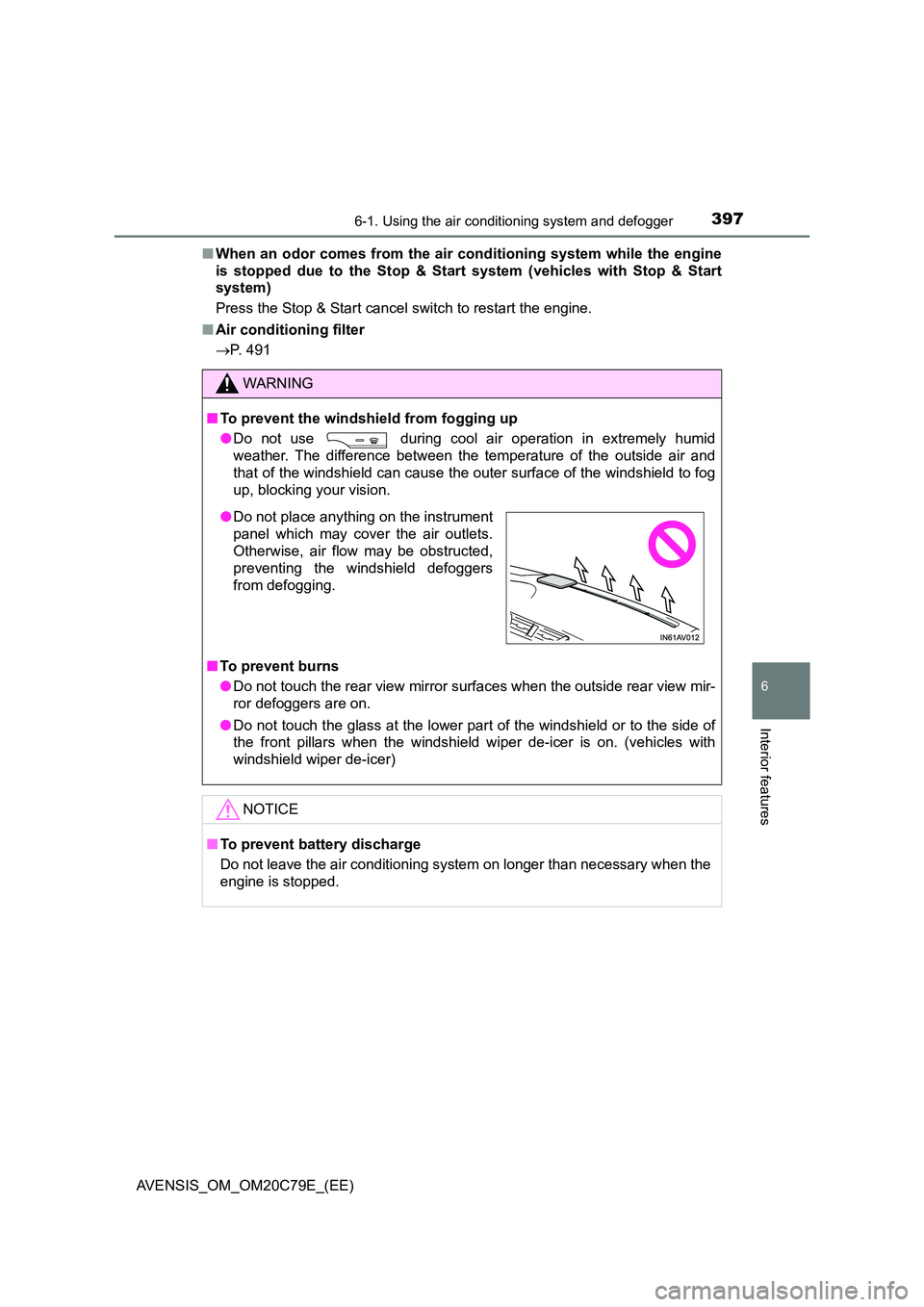
● Do not place anything on the instrument
panel which may cover the air outlets.
Otherwise, air flow may be obstructed,
preventing the windshield defoggers
from defogging.