lane assist TOYOTA AVENSIS 2018 Owners Manual
[x] Cancel search | Manufacturer: TOYOTA, Model Year: 2018, Model line: AVENSIS, Model: TOYOTA AVENSIS 2018Pages: 660, PDF Size: 63.16 MB
Page 3 of 660
3
1
8
6
5
4
3
2
AVENSIS_OM_OM20C79E_(EE)
9
7
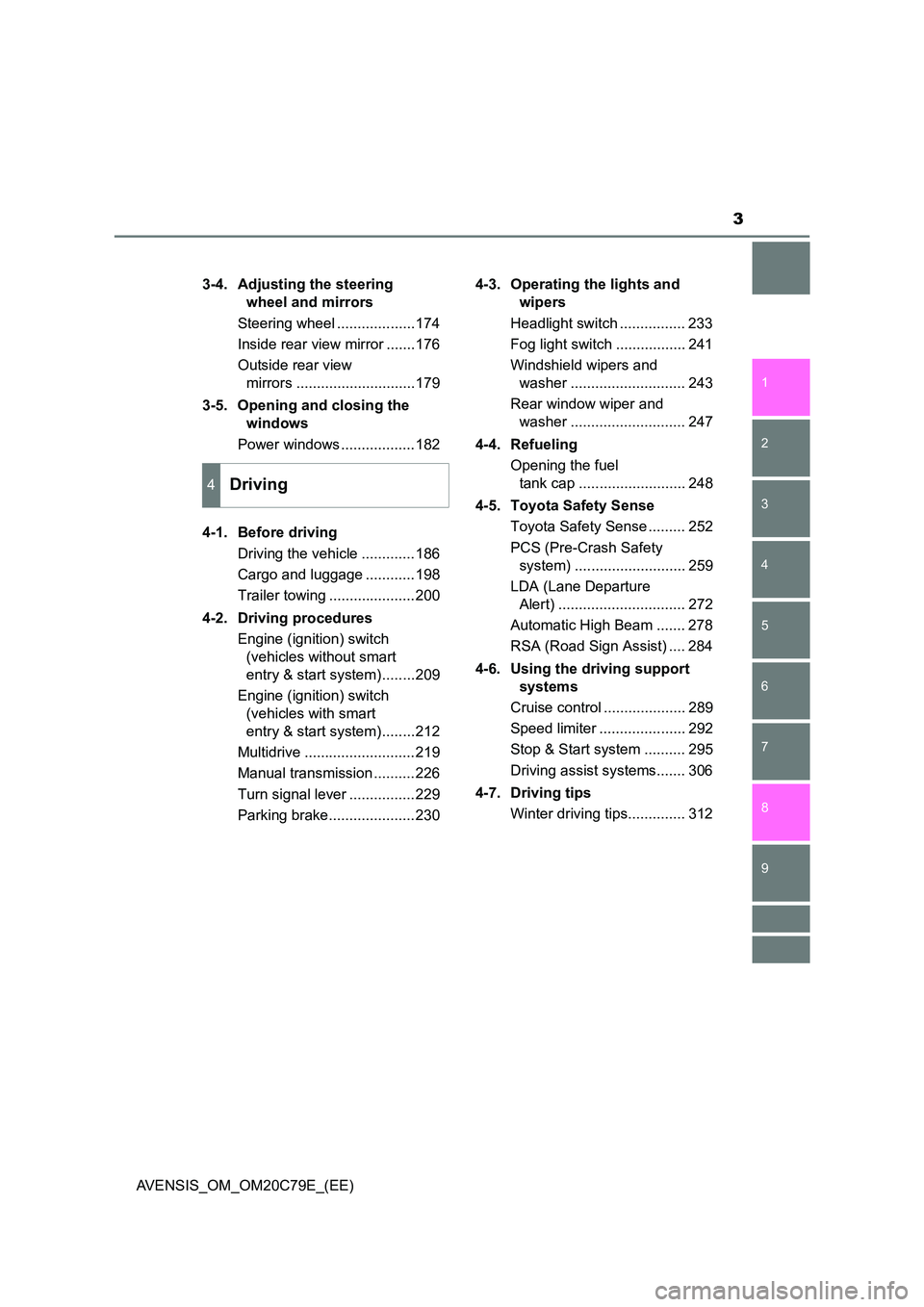
3-4. Adjusting the steering
wheel and mirrors
Steering wheel ...................174
Inside rear view mirror .......176
Outside rear view
mirrors .............................179
3-5. Opening and closing the
windows
Power windows ..................182
4-1. Before driving
Driving the vehicle .............186
Cargo and luggage ............198
Trailer towing .....................200
4-2. Driving procedures
Engine (ignition) switch
(vehicles without smart
entry & start system)........209
Engine (ignition) switch
(vehicles with smart
entry & start system)........212
Multidrive ...........................219
Manual transmission ..........226
Turn signal lever ................229
Parking brake.....................230
4-3. Operating the lights and
wipers
Headlight switch ................ 233
Fog light switch ................. 241
Windshield wipers and
washer ............................ 243
Rear window wiper and
washer ............................ 247
4-4. Refueling
Opening the fuel
tank cap .......................... 248
4-5. Toyota Safety Sense
Toyota Safety Sense ......... 252
PCS (Pre-Crash Safety
system) ........................... 259
LDA (Lane Departure
Alert) ............................... 272
Automatic High Beam ....... 278
RSA (Road Sign Assist) .... 284
4-6. Using the driving support
systems
Cruise control .................... 289
Speed limiter ..................... 292
Stop & Start system .......... 295
Driving assist systems....... 306
4-7. Driving tips
Winter driving tips.............. 312
4Driving
Page 111 of 660
111
2
2. Instrument cluster
Instrument cluster
AVENSIS_OM_OM20C79E_(EE)
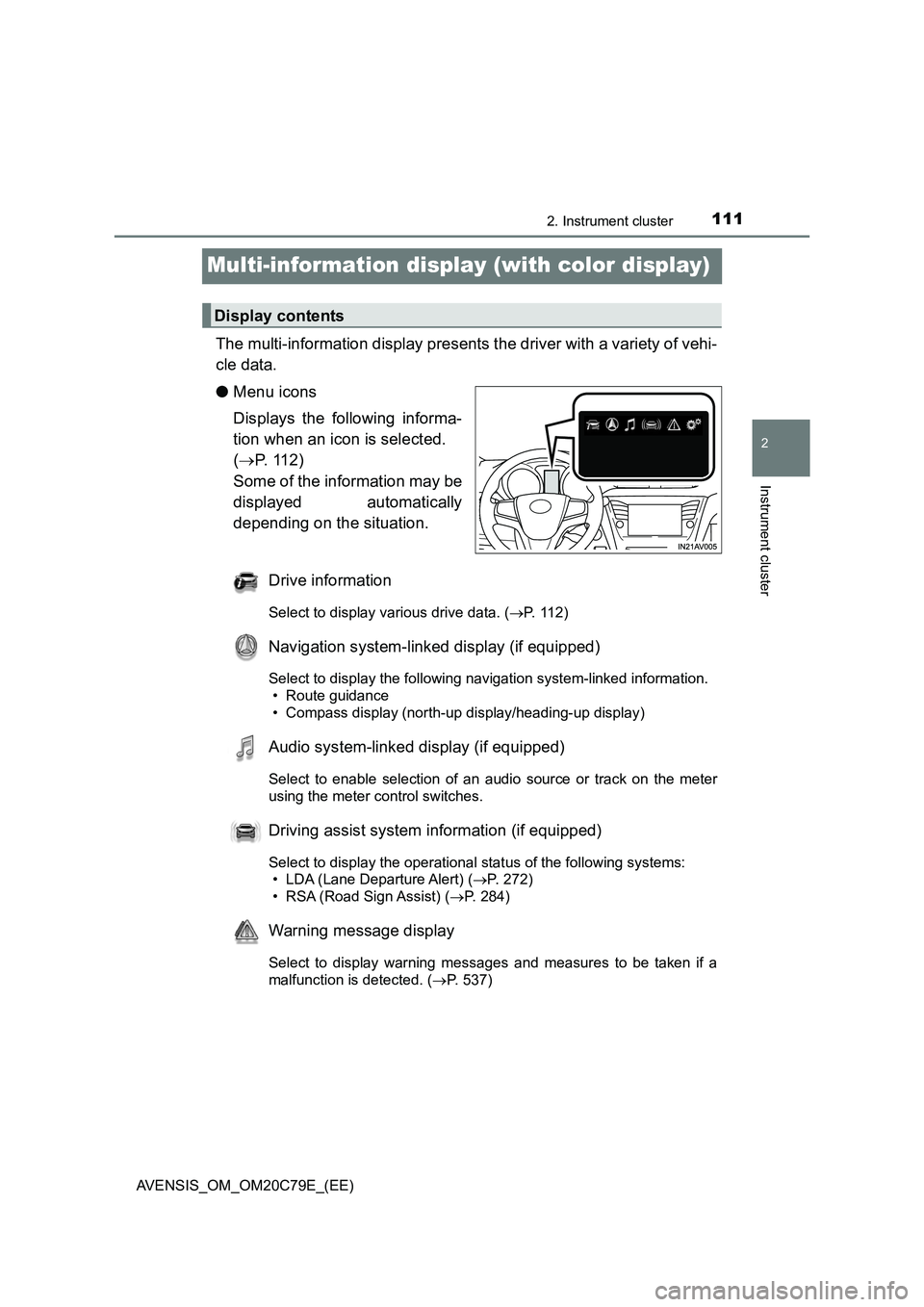
Multi-information display (with color display)
The multi-information display presents the driver with a variety of vehi-
cle data.
●Menu icons
Displays the following informa-
tion when an icon is selected.
(P. 1 1 2 )
Some of the information may be
displayed automatically
depending on the situation.
Drive information
Select to display various drive data. (P. 112)
Navigation system-linked display (if equipped)
Select to display the following navigation system-linked information.
• Route guidance
• Compass display (north-up display/heading-up display)
Audio system-linked display (if equipped)
Select to enable selection of an audio source or track on the meter
using the meter control switches.
Driving assist system information (if equipped)
Select to display the operational status of the following systems:
• LDA (Lane Departure Alert) (P. 272)
• RSA (Road Sign Assist) (P. 284)
Warning message display
Select to display warning messages and measures to be taken if a
malfunction is detected. (P. 537)
Display contents
Page 114 of 660
1142. Instrument cluster
AVENSIS_OM_OM20C79E_(EE)
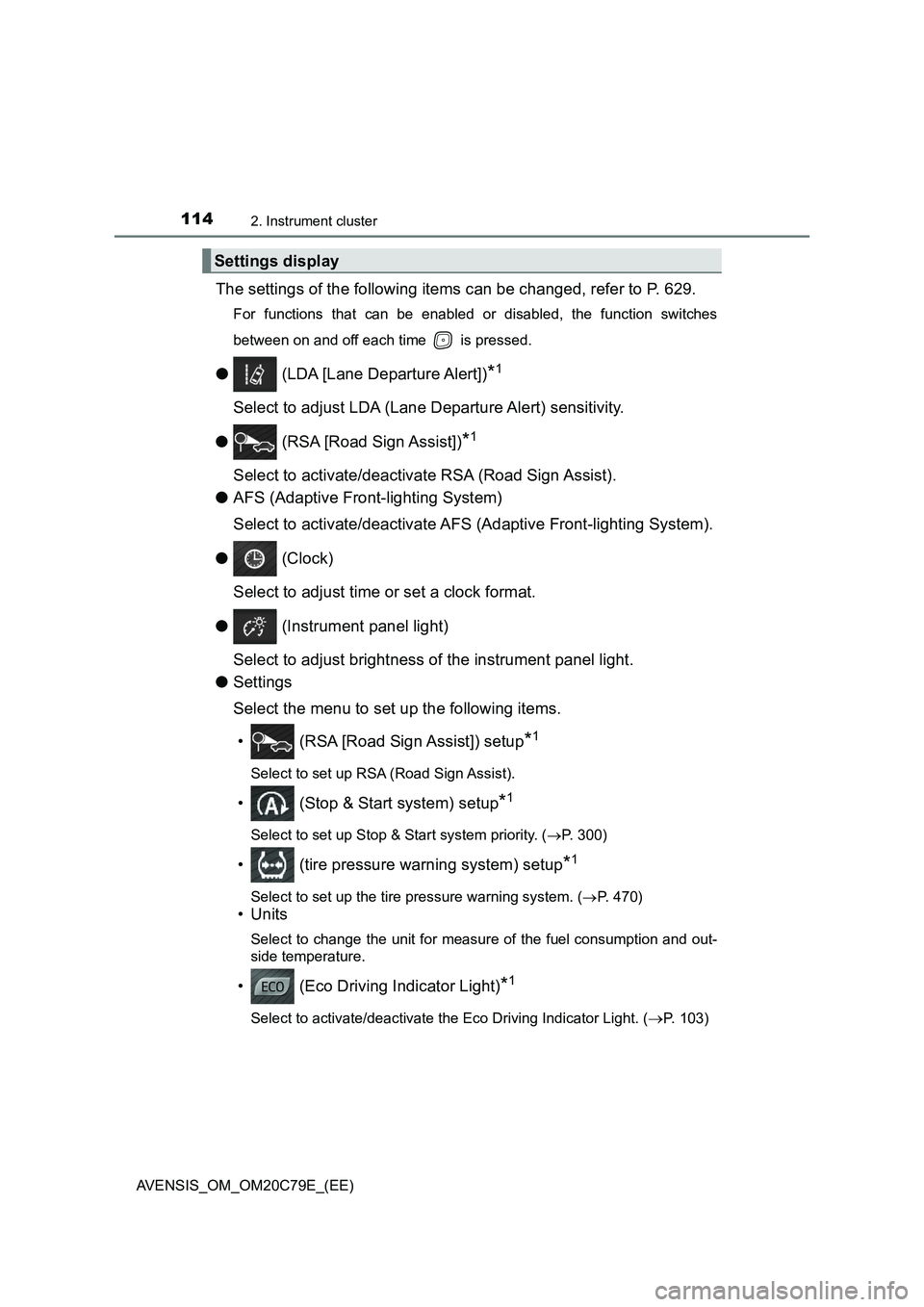
The settings of the following items can be changed, refer to P. 629.
For functions that can be enabled or disabled, the function switches
between on and off each time is pressed.
● (LDA [Lane Departure Alert])*1
Select to adjust LDA (Lane Departure Alert) sensitivity.
● (RSA [Road Sign Assist])
*1
Select to activate/deactivate RSA (Road Sign Assist).
●AFS (Adaptive Front-lighting System)
Select to activate/deactivate AFS (Adaptive Front-lighting System).
● (Clock)
Select to adjust time or set a clock format.
● (Instrument panel light)
Select to adjust brightness of the instrument panel light.
●Settings
Select the menu to set up the following items.
• (RSA [Road Sign Assist]) setup
*1
Select to set up RSA (Road Sign Assist).
• (Stop & Start system) setup*1
Select to set up Stop & Start system priority. (P. 300)
• (tire pressure warning system) setup*1
Select to set up the tire pressure warning system. (P. 470)
•Units
Select to change the unit for measure of the fuel consumption and out-
side temperature.
• (Eco Driving Indicator Light)*1
Select to activate/deactivate the Eco Driving Indicator Light. (P. 103)
Settings display
Page 185 of 660
185
4Driving
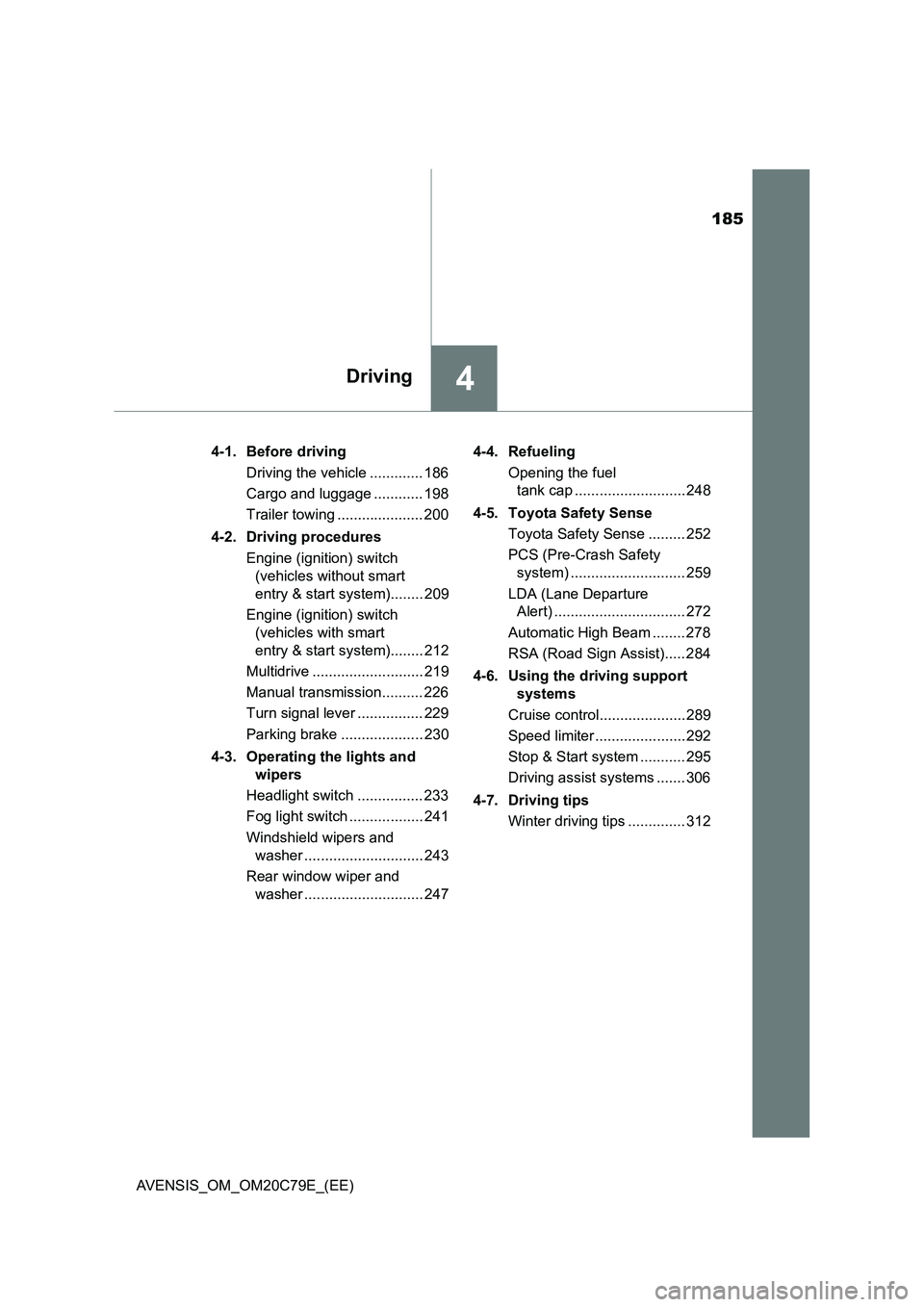
AVENSIS_OM_OM20C79E_(EE)4-1. Before driving
Driving the vehicle ............. 186
Cargo and luggage ............ 198
Trailer towing ..................... 200
4-2. Driving procedures
Engine (ignition) switch
(vehicles without smart
entry & start system)........ 209
Engine (ignition) switch
(vehicles with smart
entry & start system)........ 212
Multidrive ........................... 219
Manual transmission.......... 226
Turn signal lever ................ 229
Parking brake .................... 230
4-3. Operating the lights and
wipers
Headlight switch ................ 233
Fog light switch .................. 241
Windshield wipers and
washer ............................. 243
Rear window wiper and
washer ............................. 2474-4. Refueling
Opening the fuel
tank cap ........................... 248
4-5. Toyota Safety Sense
Toyota Safety Sense ......... 252
PCS (Pre-Crash Safety
system) ............................ 259
LDA (Lane Departure
Alert) ................................ 272
Automatic High Beam ........ 278
RSA (Road Sign Assist)..... 284
4-6. Using the driving support
systems
Cruise control..................... 289
Speed limiter ...................... 292
Stop & Start system ........... 295
Driving assist systems ....... 306
4-7. Driving tips
Winter driving tips .............. 312
Page 252 of 660
2524-5. Toyota Safety Sense
AVENSIS_OM_OM20C79E_(EE)
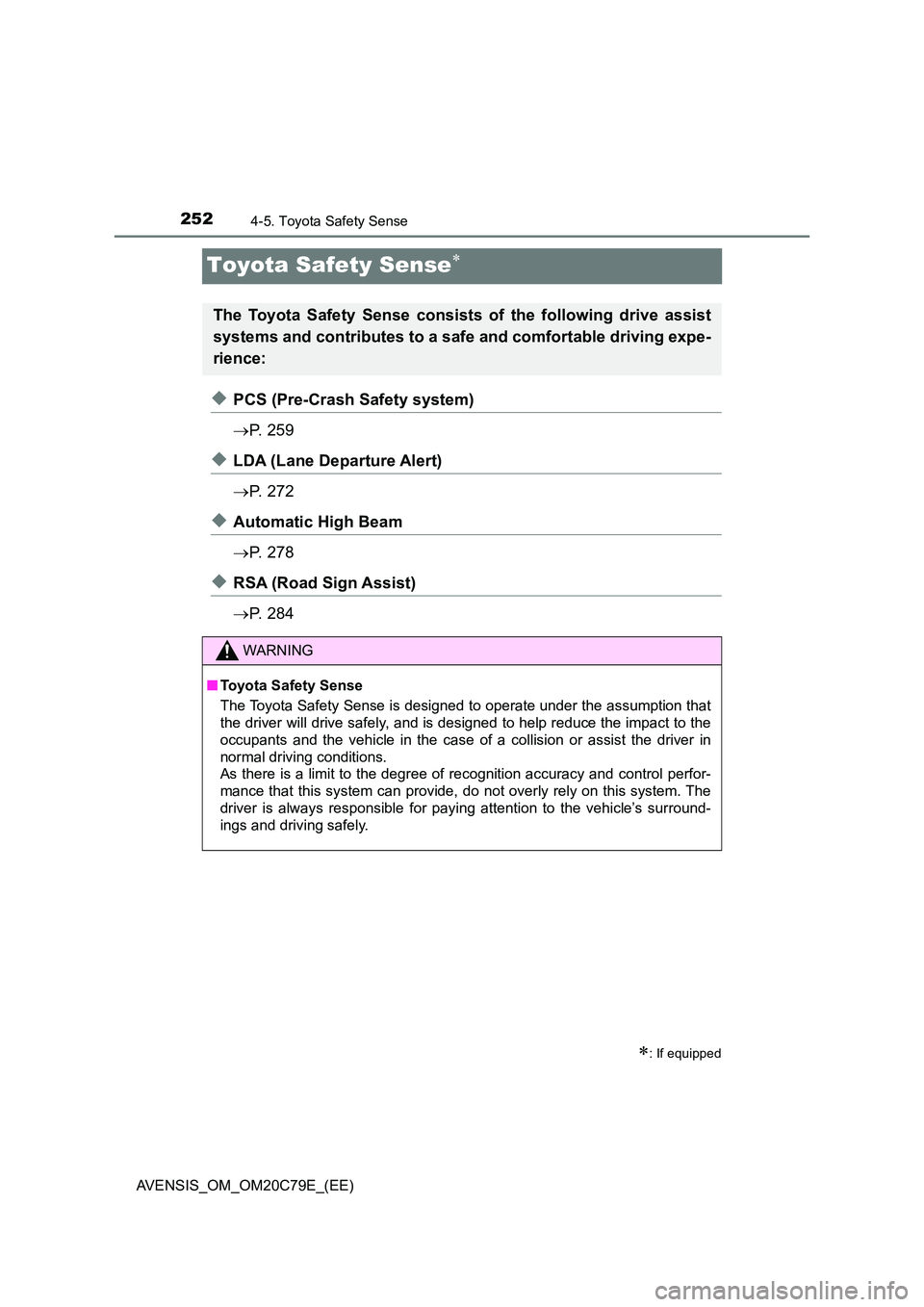
Toyota Safety Sense
◆PCS (Pre-Crash Safety system)
P. 2 5 9
◆LDA (Lane Departure Alert)
P. 2 7 2
◆Automatic High Beam
P. 2 7 8
◆RSA (Road Sign Assist)
P. 2 8 4
: If equipped
The Toyota Safety Sense consists of the following drive assist
systems and contributes to a safe and comfortable driving expe-
rience:
WARNING
■ Toyota Safety Sense
The Toyota Safety Sense is designed to operate under the assumption that
the driver will drive safely, and is designed to help reduce the impact to the
occupants and the vehicle in the case of a collision or assist the driver in
normal driving conditions.
As there is a limit to the degree of recognition accuracy and control perfor-
mance that this system can provide, do not overly rely on this system. The
driver is always responsible for paying attention to the vehicle’s surround-
ings and driving safely.
Page 310 of 660
3104-6. Using the driving support systems
AVENSIS_OM_OM20C79E_(EE)
WARNING
Any of the following conditions may result in an accident which could cause
death or serious injury:
■ The ABS does not operate effectively when
● The limits of tire gripping performance have been exceeded (such as
excessively worn tires on a snow covered road).
● The vehicle hydroplanes while driving at high speed on wet or slick roads.
■ Stopping distance when the ABS is operating may exceed that of nor-
mal conditions
The ABS is not designed to shorten t he vehicle’s stopping distance. Always
maintain a safe distance from the vehicle in front of you, especially in the
following situations:
● When driving on dirt, gravel or snow-covered roads
● When driving with tire chains
● When driving over bumps in the road
● When driving over roads with potholes or uneven surfaces
■ TRC may not operate effectively when
Directional control and power may not be achievable while driving on slip-
pery road surfaces, even if the TRC system is operating.
Drive the vehicle carefully in conditions where stability and power may be
lost.
■ Hill- start assist control does not operate effectively when
● Do not overly rely on the hill-start assist control. The hill-start assist control
may not operate effectively on steep inclines and roads covered with ice.
● Unlike the parking brake, hill-start assist control is not intended to hold the
vehicle stationary for an extended period of time. Do not attempt to use
hill-start assist control to hold the vehicle on an incline, as doing so may
lead to an accident.
■ When the VSC is activated
The slip indicator light flashes. Always drive carefully.
Reckless driving may cause an accident. Exercise particular care when the
indicator light flashes.
■ When the TRC/VSC systems are turned off
Be especially careful and drive at a speed appropriate to the road condi-
tions. As these are systems to help ensure vehicle stability and driving
force, do not turn the TRC/VSC systems off unless necessary.
Page 540 of 660

5408-2. Steps to take in an emergency
AVENSIS_OM_OM20C79E_(EE)
(If equipped)
Indicates a malfunction in the LDA (Lane Depar-
ture Alert)
A buzzer also sounds.
Stop the vehicle in a safe place. Turn the
engine switch off and then turn it to the
“ON” position (vehicles without smart
entry & start system) or IGNITION ON mode
(vehicles with smart entry & start system)
again to reset the LDA system. Or restart
the LDA system by pressing LDA switch. If
the LDA system becomes normal, the sys-
tem can be activated.
(If equipped)
Indicates a malfunction in the RSA (Road Sign
Assist)
A buzzer also sounds.
Have the vehicle inspected by any autho-
rized Toyota retailer or Toyota authorized
repairer, or any reliable repairer.
(Manual transmission)
Indicates a malfunction in the clutch switch
A buzzer also sounds.
Have the vehicle inspected by any autho-
rized Toyota retailer or Toyota authorized
repairer, or any reliable repairer.
Indicates that the electric parking brake system
cannot perform a request
A buzzer also sounds.
Have the vehicle inspected by any autho-
rized Toyota retailer or Toyota authorized
repairer, or any reliable repairer.
Vehicles with Stop & Start system: indicates that
the electric parking brake system cannot perform
a release request when the Stop & Start system
is operating (engine stopped or starting).
A buzzer also sounds.
If the parking brake is not released once
the engine has restarted and the warning
message has disappeared, pull the parking
brake switch again to release the parking
brake.
Warning messageDetails/Actions
(Flashes)
Page 544 of 660
5448-2. Steps to take in an emergency
AVENSIS_OM_OM20C79E_(EE)
(If equipped)
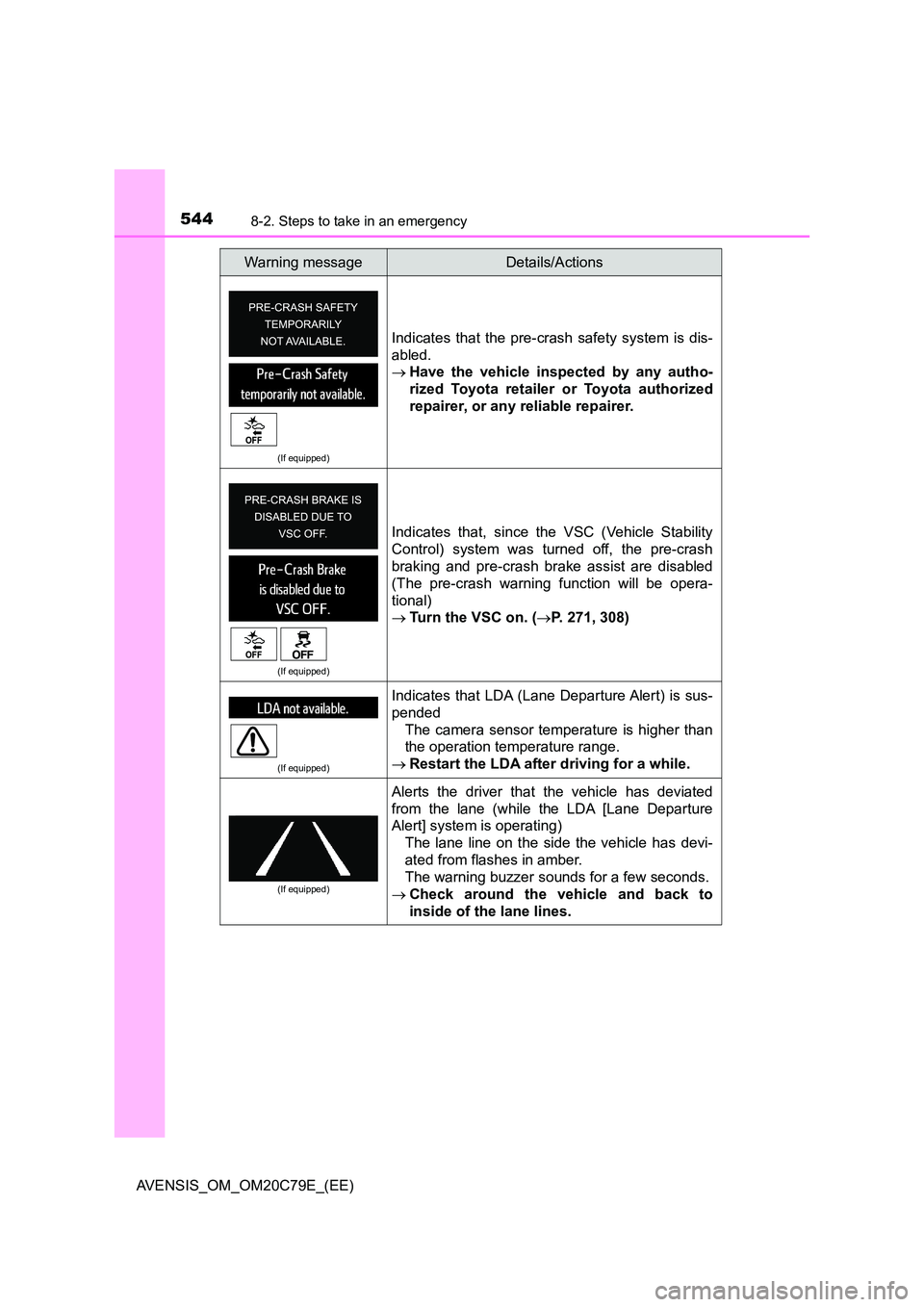
Indicates that the pre-crash safety system is dis-
abled.
Have the vehicle inspected by any autho-
rized Toyota retailer or Toyota authorized
repairer, or any reliable repairer.
(If equipped)
Indicates that, since the VSC (Vehicle Stability
Control) system was turned off, the pre-crash
braking and pre-crash brake assist are disabled
(The pre-crash warning function will be opera-
tional)
Tu r n t h e V S C o n . (P. 271, 308)
(If equipped)
Indicates that LDA (Lane Departure Alert) is sus-
pended
The camera sensor temperature is higher than
the operation temperature range.
Restart the LDA after driving for a while.
(If equipped)
Alerts the driver that the vehicle has deviated
from the lane (while the LDA [Lane Departure
Alert] system is operating)
The lane line on the side the vehicle has devi-
ated from flashes in amber.
The warning buzzer sounds for a few seconds.
Check around the vehicle and back to
inside of the lane lines.
Warning messageDetails/Actions
Page 546 of 660
5468-2. Steps to take in an emergency
AVENSIS_OM_OM20C79E_(EE)
(If equipped)
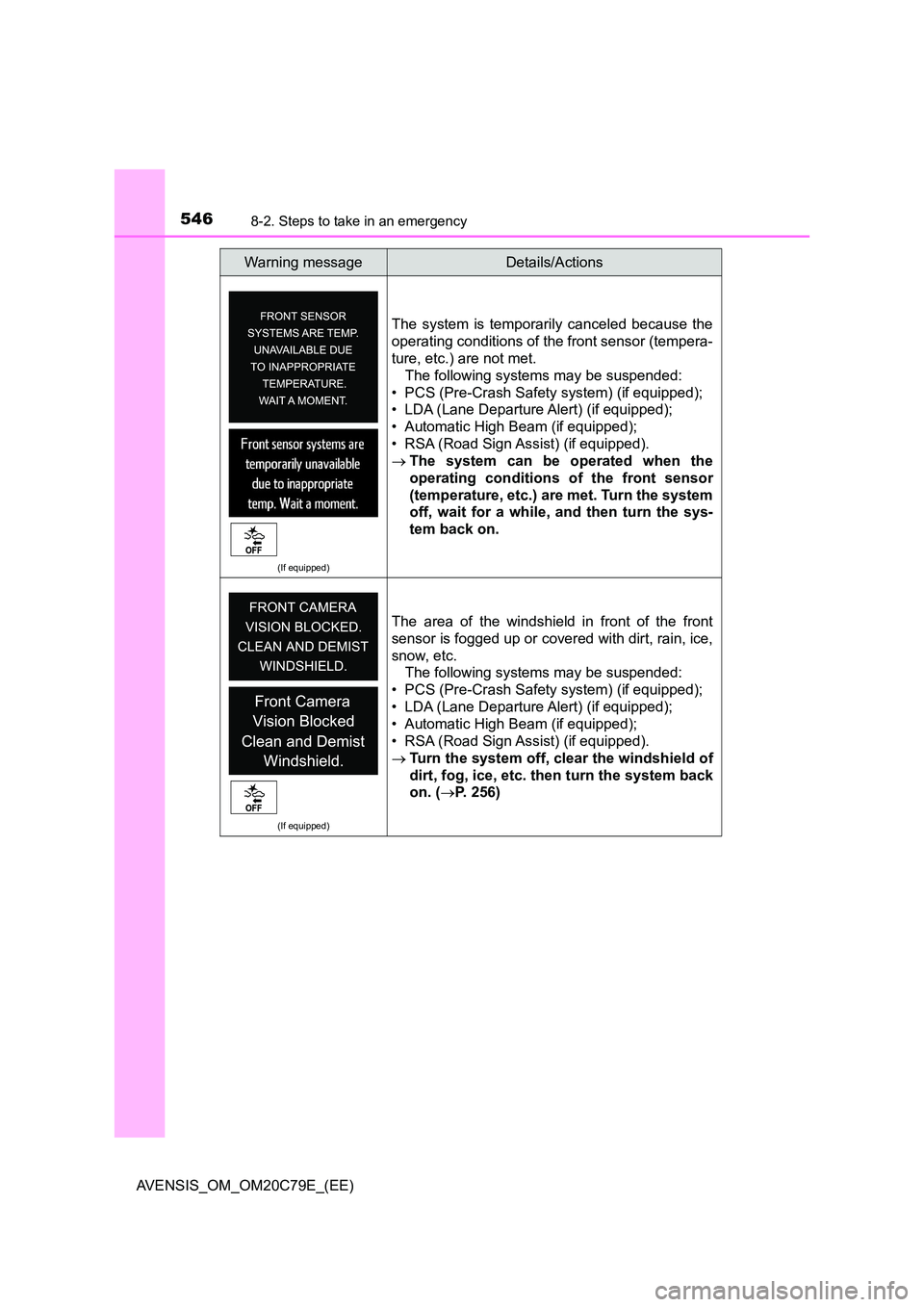
The system is temporarily canceled because the
operating conditions of the front sensor (tempera-
ture, etc.) are not met.
The following systems may be suspended:
• PCS (Pre-Crash Safety system) (if equipped);
• LDA (Lane Departure Alert) (if equipped);
• Automatic High Beam (if equipped);
• RSA (Road Sign Assist) (if equipped).
The system can be operated when the
operating conditions of the front sensor
(temperature, etc.) are met. Turn the system
off, wait for a while, and then turn the sys-
tem back on.
(If equipped)
The area of the windshield in front of the front
sensor is fogged up or covered with dirt, rain, ice,
snow, etc.
The following systems may be suspended:
• PCS (Pre-Crash Safety system) (if equipped);
• LDA (Lane Departure Alert) (if equipped);
• Automatic High Beam (if equipped);
• RSA (Road Sign Assist) (if equipped).
Turn the system off, clear the windshield of
dirt, fog, ice, etc. then turn the system back
on. ( P. 256)
Warning messageDetails/Actions
Page 584 of 660
5848-2. Steps to take in an emergency
AVENSIS_OM_OM20C79E_(EE)
WARNING
■When using the compact spare tire
● Remember that your compact spare tire is specifically designed for use
with your vehicle. Do not use your compact spare tire on another vehicle.
● Do not use more than one compact spare tire simultaneously.
● Replace the compact spare tire with a standard tire as soon as possible.
● Avoid sudden acceleration, abrupt steering, sudden braking and shifting
operations that cause sudden engine braking.
■ Speed limit when using the compact spare tire
Do not drive at speeds in excess of 80 km/h (50 mph) when a compact
spare tire is installed on the vehicle.
The compact spare tire is not designed for driving at high speeds. Failing to
observe this precaution may lead to an accident causing death or serious
injury.
■ When the compact spare tire is installed
The vehicle speed may not be correctly detected, and the following systems
may not operate correctly:
● ABS & brake assist
● VSC
● TRC
● Navigation system (if equipped)
● Cruise control (if equipped)
● PCS (Pre-Crash Safety system) (if equipped)
● LDA (Lane Departure Alert) (if equipped)
● AFS (Adaptive Front-lighting System) (if equipped)
● EPS (Electric Power Steering)