display TOYOTA AYGO 2014 (in English) User Guide
[x] Cancel search | Manufacturer: TOYOTA, Model Year: 2014, Model line: AYGO, Model: TOYOTA AYGO 2014Pages: 372, PDF Size: 14.28 MB
Page 187 of 372
187
3-2. Using the audio system (Type A)
3
Interior features
AYGO_WE_99G80E
Optimal use of the audio system
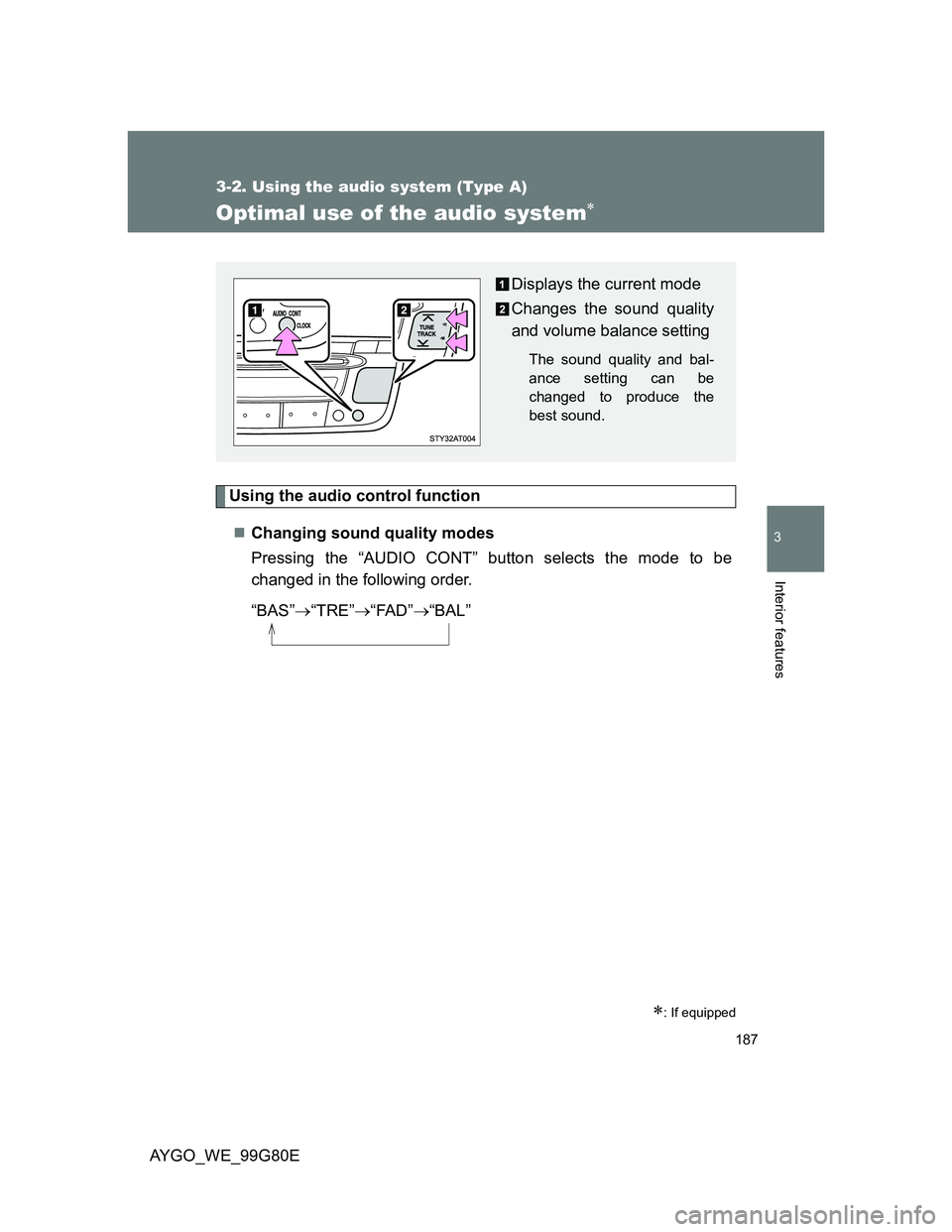
Using the audio control function
Changing sound quality modes
Pressing the “AUDIO CONT” button selects the mode to be
changed in the following order.
“BAS”“TRE”“FAD”“BAL”
: If equipped
Displays the current mode
Changes the sound quality
and volume balance setting
The sound quality and bal-
ance setting can be
changed to produce the
best sound.
Page 188 of 372
188 3-2. Using the audio system (Type A)
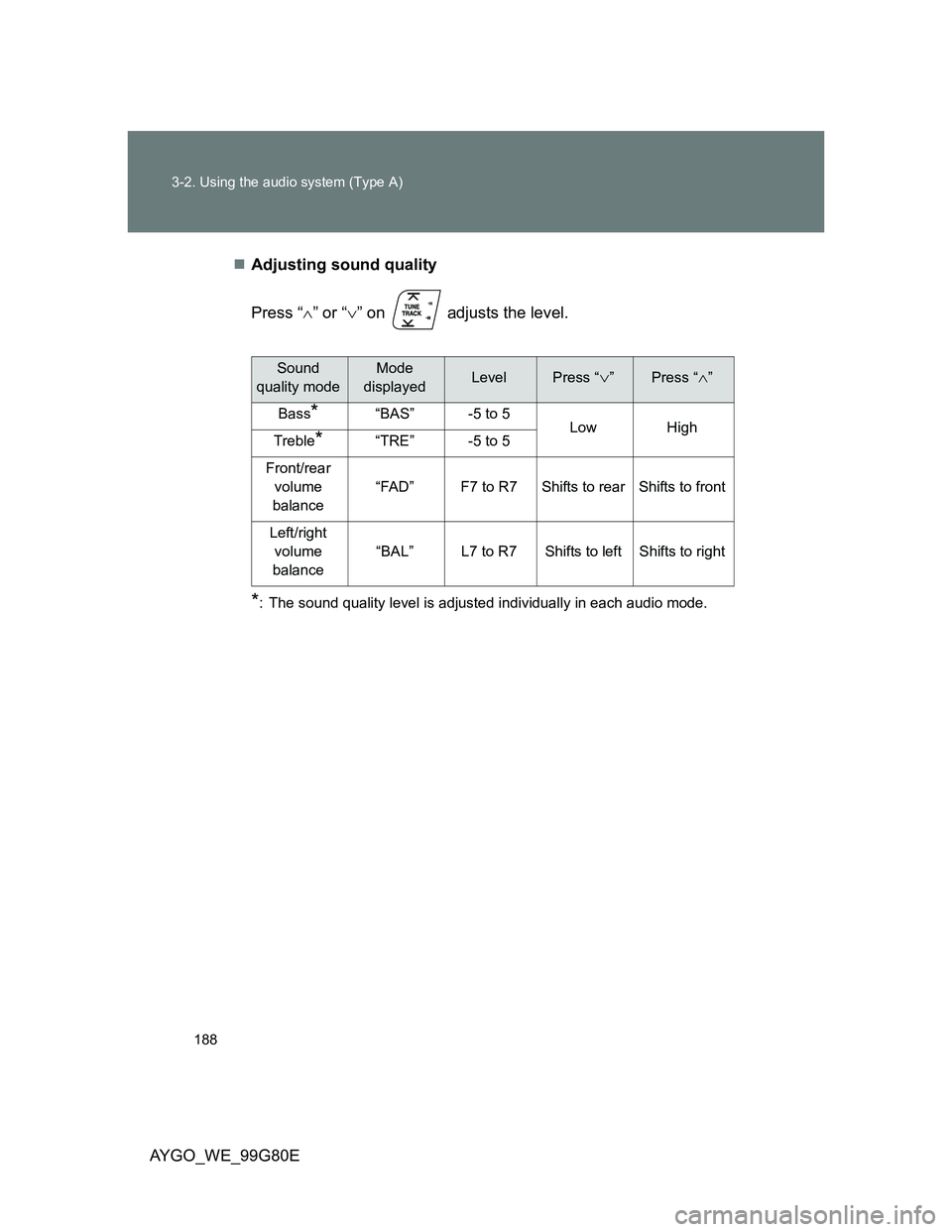
AYGO_WE_99G80EAdjusting sound quality
Press “” or “” on adjusts the level.
*: The sound quality level is adjusted individually in each audio mode.
Sound
quality modeMode
displayedLevelPress “”Press “”
Bass*“BAS”-5 to 5LowHighTreble*“TRE”-5 to 5
Front/rear
volume
balance
“FAD”F7 to R7Shifts to rearShifts to front
Left/right
volume
balance
“BAL”L7 to R7Shifts to leftShifts to right
Page 192 of 372
192
3-3. Using the audio system (Type B)
AYGO_WE_99G80E
Using the radio
Presetting a station
Tune in the desired station.
Press and hold one of to preset to the current station.
The name of the station is displayed accompanied by an audible
signal to confirm the preset.
Press the button to listen to the corresponding preset station.
: If equipped
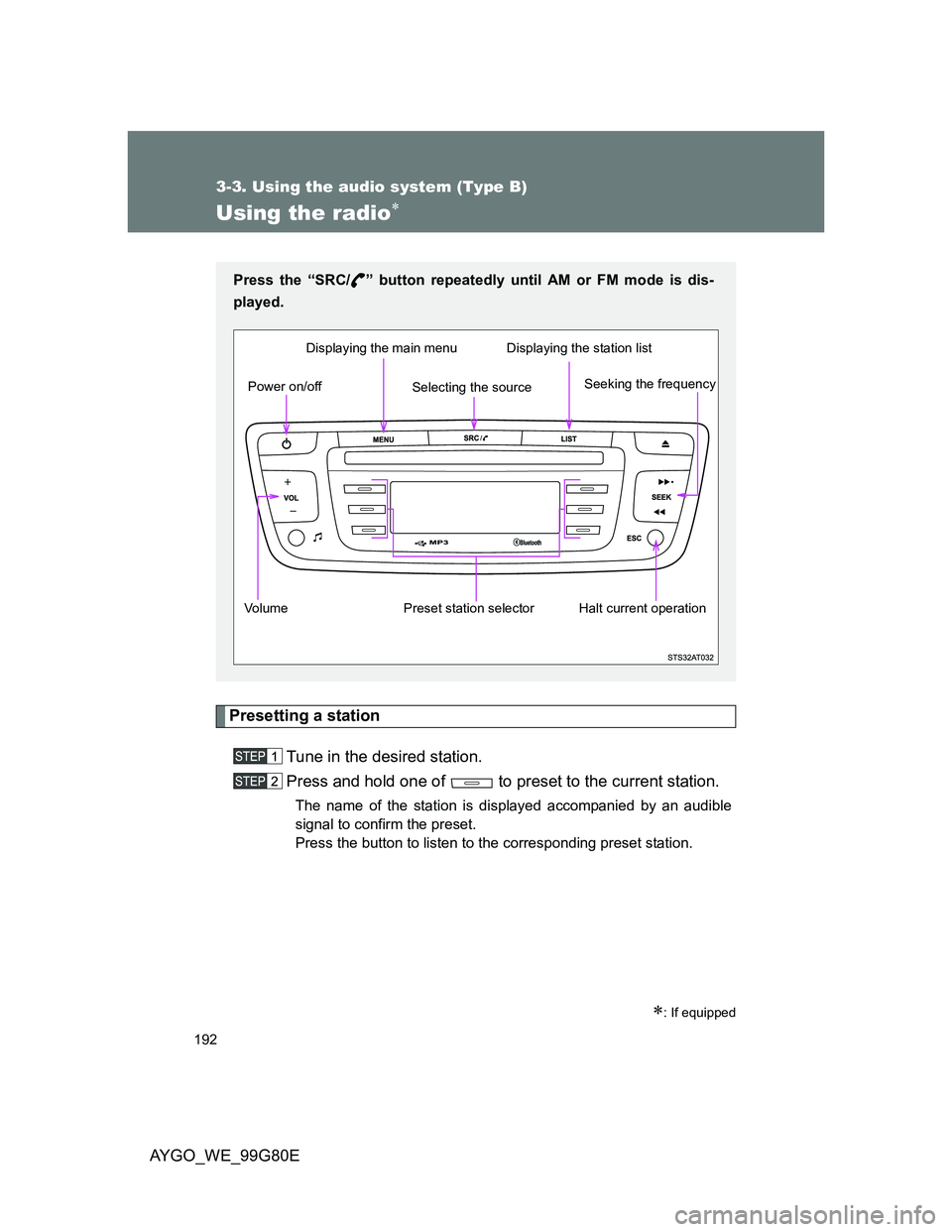
Press the “SRC/ ” button repeatedly until AM or FM mode is dis-
played.
Volume Preset station selectorSeeking the frequency Displaying the main menu
Power on/offDisplaying the station list
Halt current operation
Selecting the source
Page 193 of 372
193 3-3. Using the audio system (Type B)
3
Interior features
AYGO_WE_99G80E
Using the station list
Updating the station list
Press and hold the “LIST” button to builds or updates the list of sta-
tions.
Available stations will be listed on the display.
Selecting a station from the station list
Press the “LIST” button to display the list of stations received
in alphabetical order.
Press ( or ) to select the desired radio station and
then press (OK).
Pressing “ ” or “ ” on the “SEEK” button changes to the next or
previous letter (e.g. A, B, D, F, G, J, K, ...).
Page 194 of 372
194 3-3. Using the audio system (Type B)
AYGO_WE_99G80E
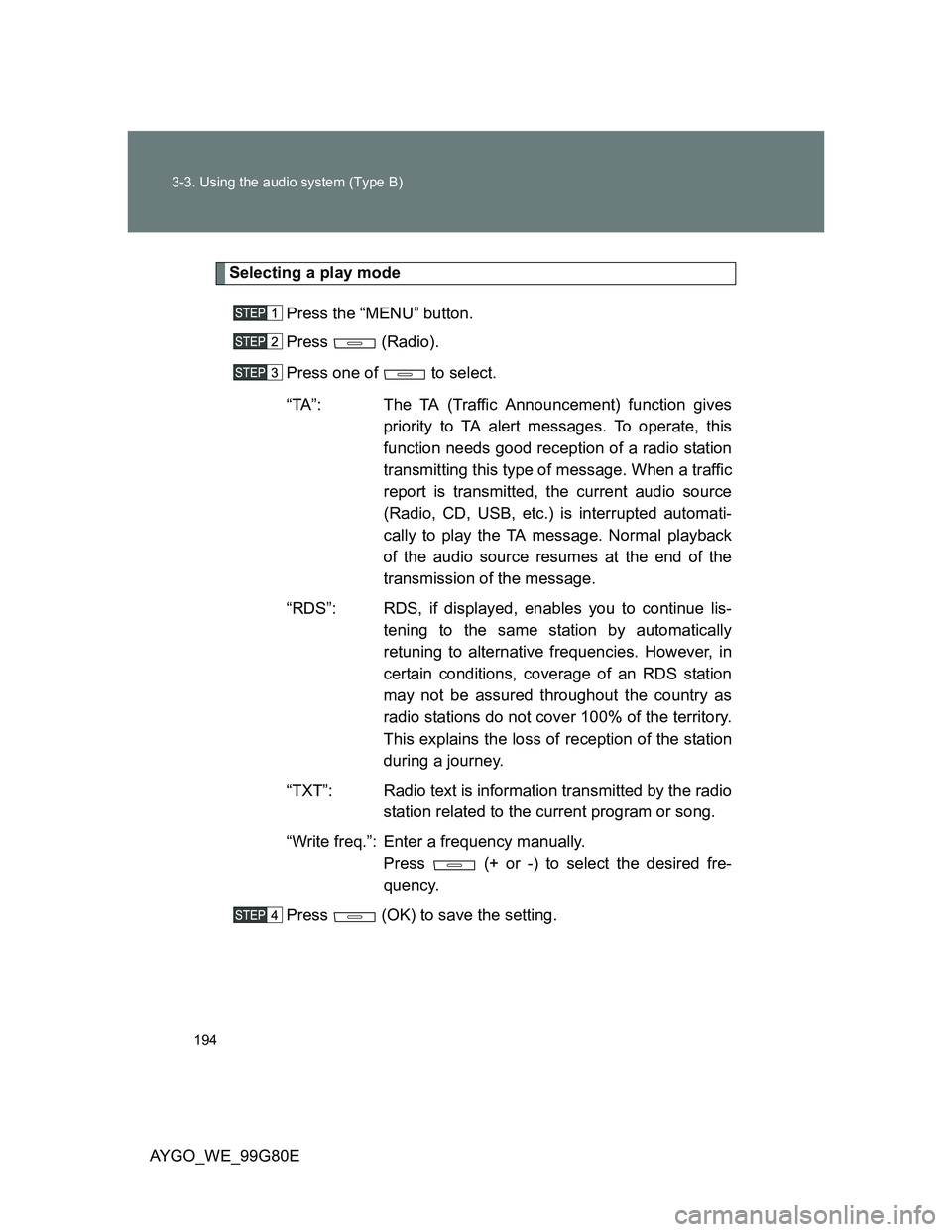
Selecting a play mode
Press the “MENU” button.
Press (Radio).
Press one of to select.
“TA”: The TA (Traffic Announcement) function gives
priority to TA alert messages. To operate, this
function needs good reception of a radio station
transmitting this type of message. When a traffic
report is transmitted, the current audio source
(Radio, CD, USB, etc.) is interrupted automati-
cally to play the TA message. Normal playback
of the audio source resumes at the end of the
transmission of the message.
“RDS”: RDS, if displayed, enables you to continue lis-
tening to the same station by automatically
retuning to alternative frequencies. However, in
certain conditions, coverage of an RDS station
may not be assured throughout the country as
radio stations do not cover 100% of the territory.
This explains the loss of reception of the station
during a journey.
“TXT”: Radio text is information transmitted by the radio
station related to the current program or song.
“Write freq.”: Enter a frequency manually.
Press (+ or -) to select the desired fre-
quency.
Press (OK) to save the setting.
Page 196 of 372
196
3-3. Using the audio system (Type B)
AYGO_WE_99G80E
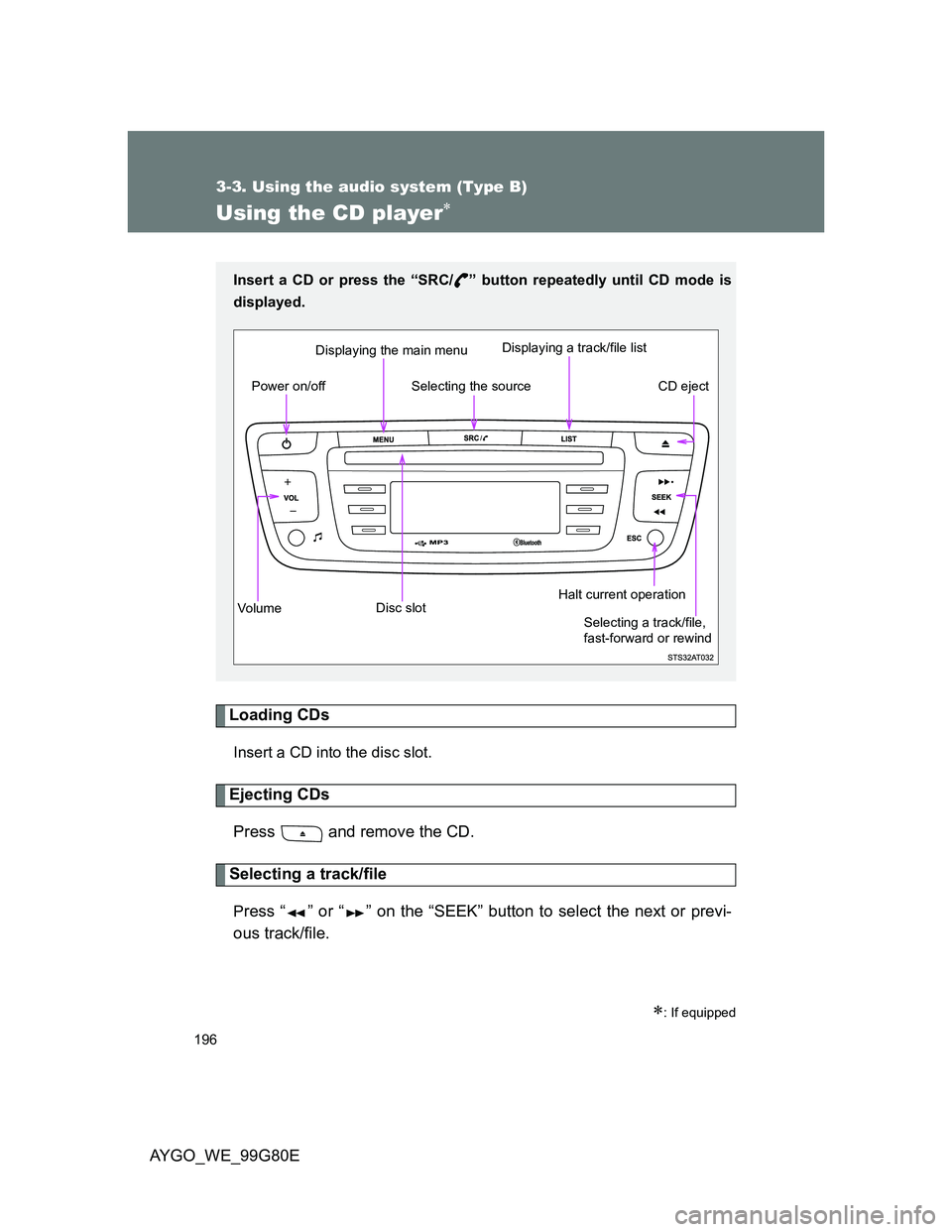
Using the CD player
Loading CDs
Insert a CD into the disc slot.
Ejecting CDs
Press and remove the CD.
Selecting a track/file
Press “ ” or “ ” on the “SEEK” button to select the next or previ-
ous track/file.
: If equipped
Insert a CD or press the “SRC/ ” button repeatedly until CD mode is
displayed.
Vo lu m eDisc slotCD eject Displaying the main menu
Power on/offDisplaying a track/file listHalt current operation
Selecting the source
Selecting a track/file,
fast-forward or rewind
Page 197 of 372
197 3-3. Using the audio system (Type B)
3
Interior features
AYGO_WE_99G80E
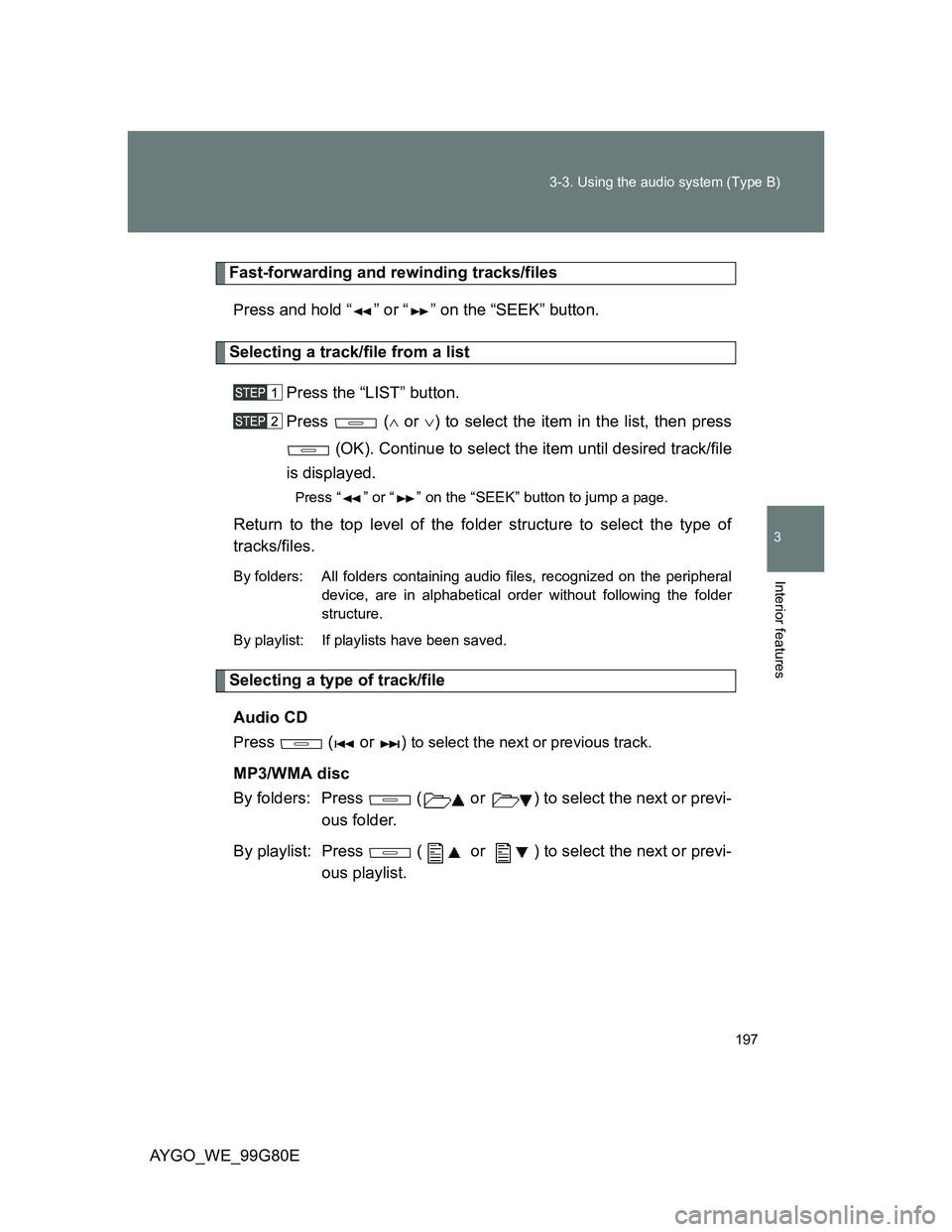
Fast-forwarding and rewinding tracks/files
Press and hold “ ” or “ ” on the “SEEK” button.
Selecting a track/file from a list
Press the “LIST” button.
Press ( or ) to select the item in the list, then press
(OK). Continue to select the item until desired track/file
is displayed.
Press “ ” or “ ” on the “SEEK” button to jump a page.
Return to the top level of the folder structure to select the type of
tracks/files.
By folders: All folders containing audio files, recognized on the peripheral
device, are in alphabetical order without following the folder
structure.
By playlist: If playlists have been saved.
Selecting a type of track/file
Audio CD
Press ( or ) to select the next or previous track.
MP3/WMA disc
By folders: Press ( or ) to select the next or previ-
ous folder.
By playlist: Press ( or ) to select the next or previ-
ous playlist.
Page 202 of 372
202
3-3. Using the audio system (Type B)
AYGO_WE_99G80E
Operating a USB memor y/iPod
: If equipped
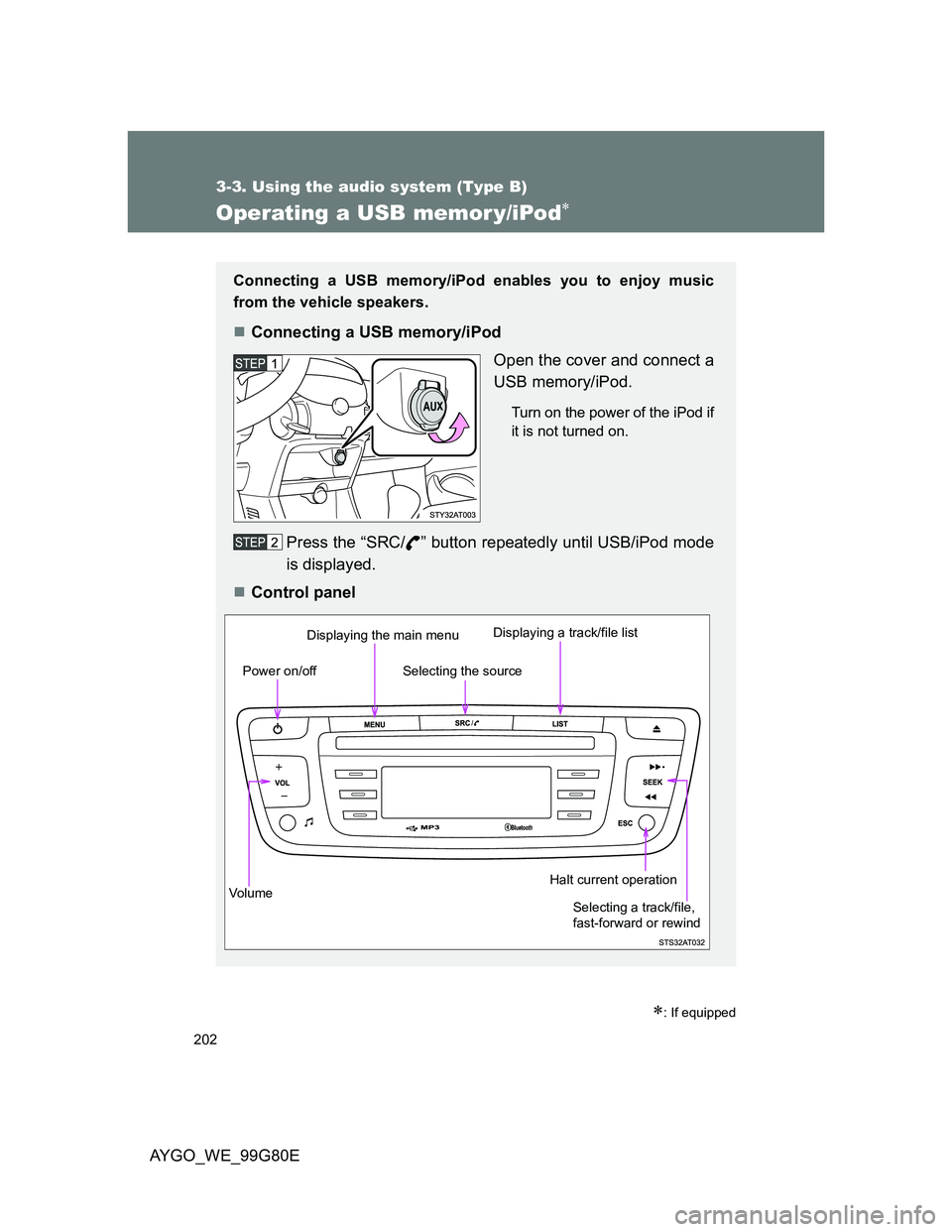
Connecting a USB memory/iPod enables you to enjoy music
from the vehicle speakers.
Connecting a USB memory/iPod
Open the cover and connect a
USB memory/iPod.
Turn on the power of the iPod if
it is not turned on.
Press the “SRC/ ” button repeatedly until USB/iPod mode
is displayed.
Control panel
Vo lu m eDisplaying the main menu
Power on/offDisplaying a track/file listHalt current operation
Selecting the source
Selecting a track/file,
fast-forward or rewind
Page 203 of 372
203 3-3. Using the audio system (Type B)
3
Interior features
AYGO_WE_99G80E
Selecting a track/file
Press “ ” or “ ” on the “SEEK” button to select the next or previ-
ous track/file.
Fast-forwarding and rewinding tracks/files
Press and hold “ ” or “ ” on the “SEEK” button.
Selecting a track/file from a list
Press the “LIST” button.
Press ( or ) to select the item in the list, then press
(OK). Continue to select the item until desired track/file
is displayed.
Press “ ” or “ ” on the “SEEK” button to jump a page.
Return to the top level of the folder structure to select the type of
tracks/files.
By folders: All folders containing audio files, recognized on the peripheral
device, are in alphabetical order without following the folder
structure.
By playlist: If playlists have been saved.
By artist: All of the artist names, defined in the ID3 Tags, are in alphabet-
ical order.
By genre: All of the genres defined in the ID3 Tags.
Page 208 of 372
208
3-3. Using the audio system (Type B)
AYGO_WE_99G80E
Using the AUX por t
: If equipped
Operating portable audio devices connected to the audio system
The volume can be adjusted using the vehicle’s audio controls. All other
adjustments must be made on the portable audio device itself.
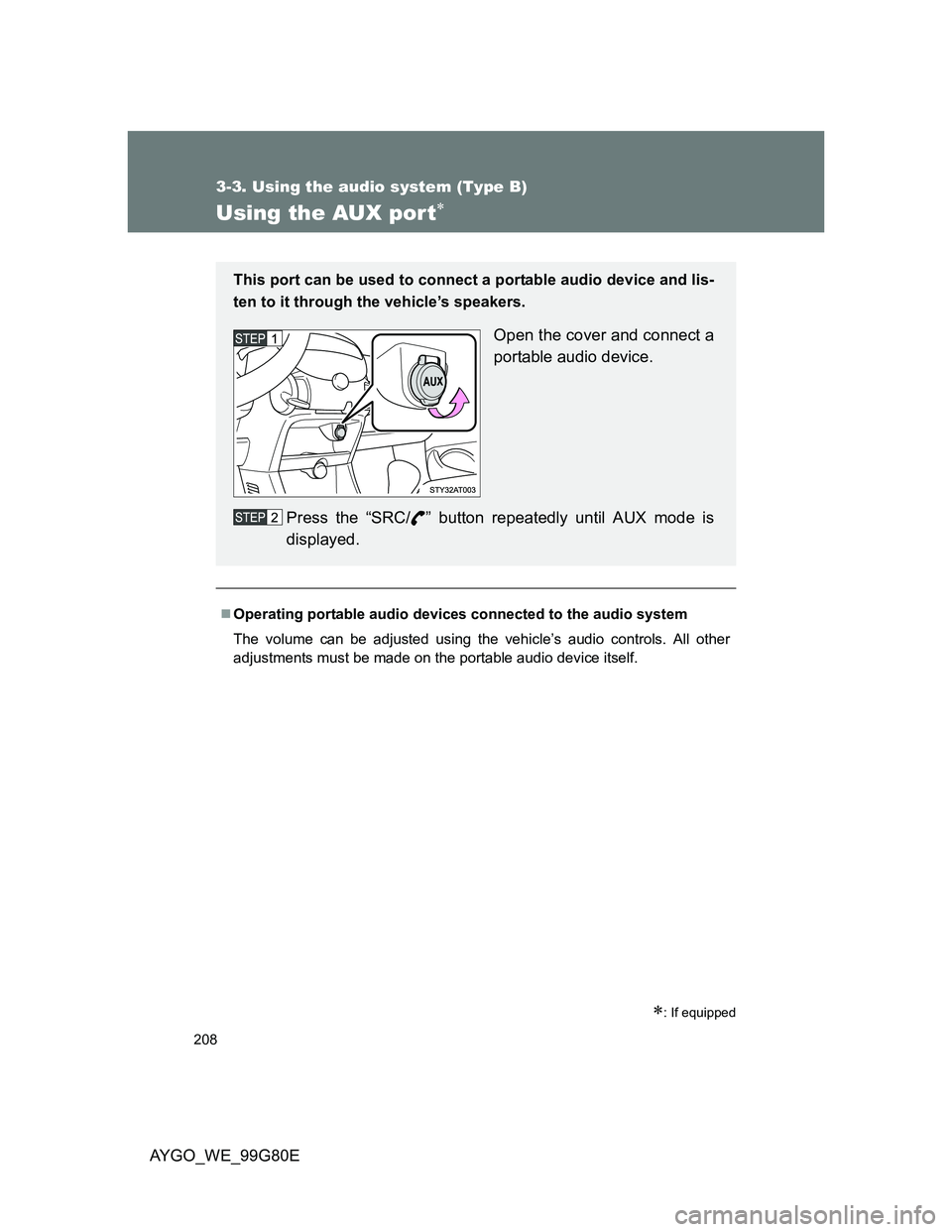
This port can be used to connect a portable audio device and lis-
ten to it through the vehicle’s speakers.
Open the cover and connect a
portable audio device.
Press the “SRC/ ” button repeatedly until AUX mode is
displayed.