lane assist TOYOTA CAMRY 2020 Owners Manual (in English)
[x] Cancel search | Manufacturer: TOYOTA, Model Year: 2020, Model line: CAMRY, Model: TOYOTA CAMRY 2020Pages: 620, PDF Size: 12.95 MB
Page 4 of 620

TABLE OF CONTENTS4
CAMRY_U4-5. Using the driving
support systems
Toyota Safety Sense P ..... 243
PCS (Pre-Collision System) .... 249
LDA (Lane Departure Alert
with steering control) ....... 259
Dynamic radar cruise control with full-speed
range ............................... 269
Dynamic radar cruise control ............................. 283
Cruise control .................... 297
Driving assist systems....... 302
BSM (Blind Spot Monitor) ........ 310
• BSM function ................ 314
• RCTA function .............. 316
Rear Camera Detection Function .......................... 320
Intuitive parking assist ....... 324
Intelligent Clearance Sonar (ICS) ..................... 332
Driving mode select switches .......................... 353
4-6. Driving tips Winter driving tips.............. 355 5-1. Using the air conditioning
system and defogger
Manual air conditioning system ............................. 360
Automatic air conditioning system (without “SYNC”
button) ............................. 365
Automatic air conditioning system (with “SYNC”
button) ............................. 371
Heated steering wheel/ seat heaters/
seat ventilators ................ 379
5-2. Using the interior lights Interior lights list................. 382
• Interior lights.................. 383
• Personal lights............... 384
5-3. Using the storage features
List of storage features ...... 386
• Glove box ...................... 387
• Console box .................. 387
• Coin holder .................... 387
• Bottle holders ................ 388
• Cup holders ................... 389
• Auxiliary boxes .............. 390
• Open tray ...................... 391
Trunk features ................... 392
5Interior features
Page 97 of 620
972. Instrument cluster
2
Instrument cluster
CAMRY_U
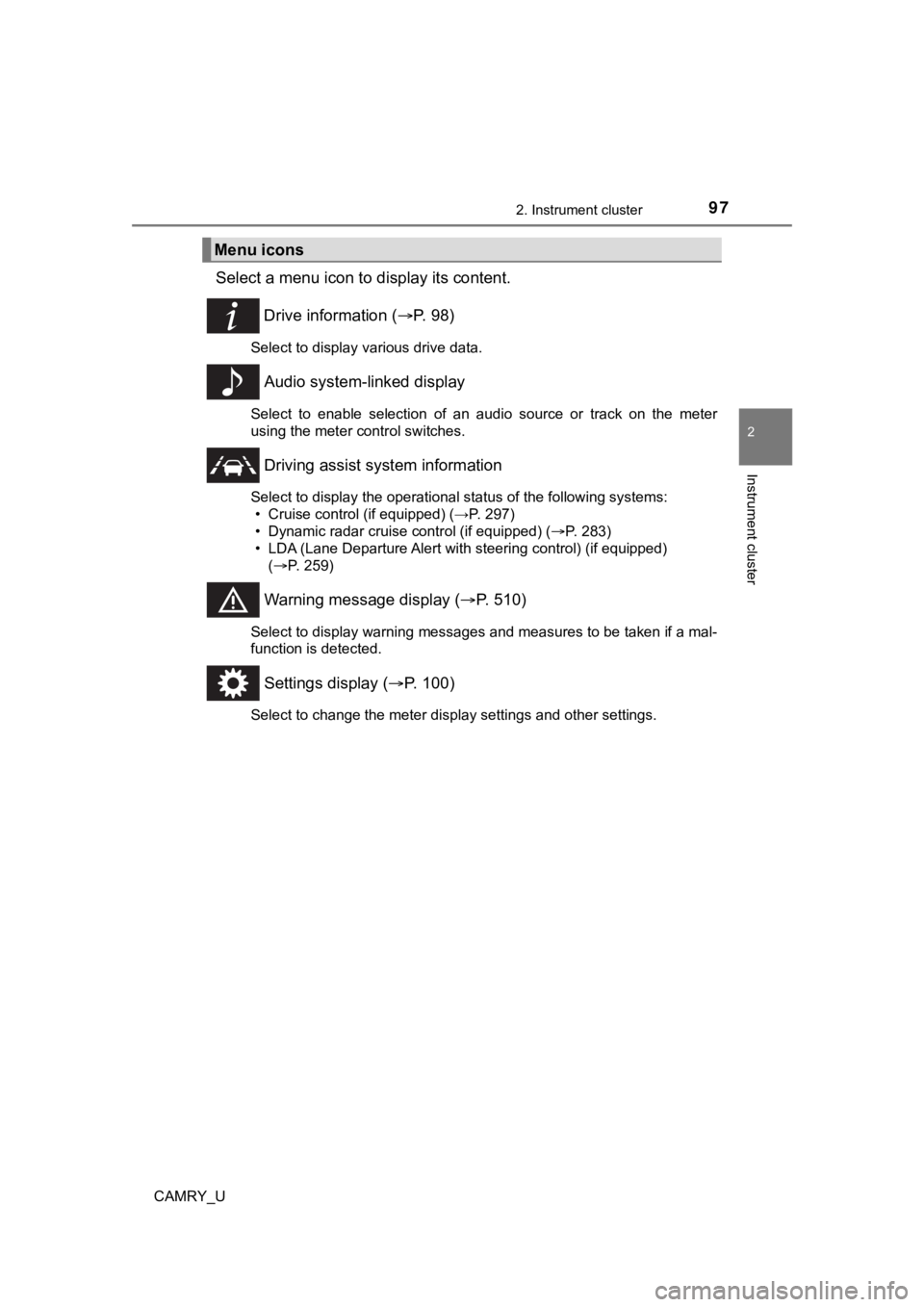
Select a menu icon to display its content.
Drive information ( P. 9 8 )
Select to display various drive data.
Audio system-linked display
Select to enable selection of an audio source or track on the m eter
using the meter control switches.
Driving assist sys tem information
Select to display the operational status of the following syste ms:
• Cruise control (if equipped) (→P. 297)
• Dynamic radar cruise control (if equipped) ( P. 283)
• LDA (Lane Departure Alert with steering control) (if equipped)
( P. 259)
Warning message display ( P. 510)
Select to display warning messages and measures to be taken if a mal-
function is detected.
Settings display ( P. 100)
Select to change the meter display settings and other settings.
Menu icons
Page 100 of 620
1002. Instrument cluster
CAMRY_U
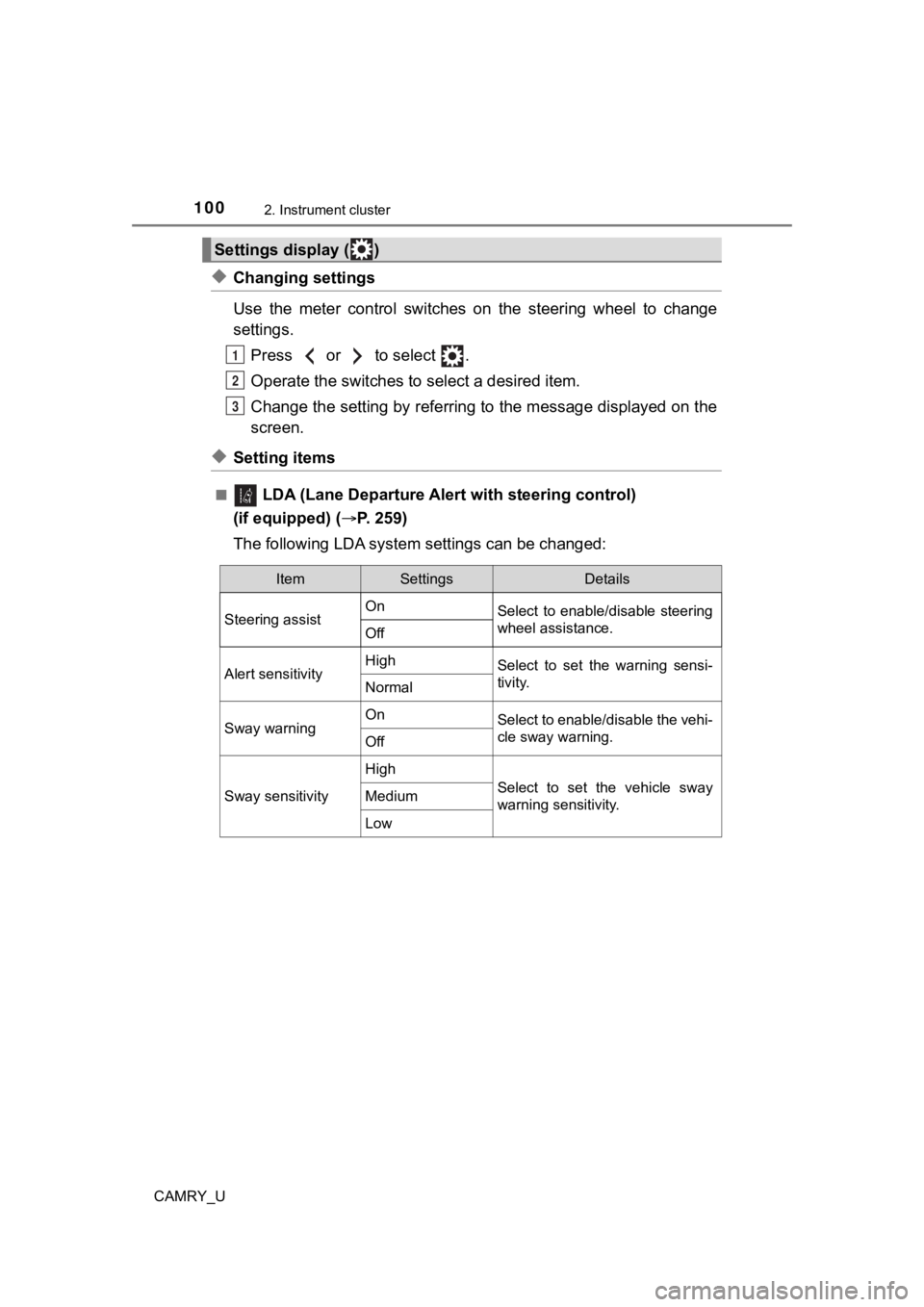
◆Changing settings
Use the meter control switches on the steering wheel to change
settings.Press or to select .
Operate the switches to select a desired item.
Change the setting by referring to the message displayed on the
screen.
◆Setting items
■ LDA (Lane Departure Alert with steering control)
(if equipped) ( P. 2 5 9 )
The following LDA system settings c an be changed:
Settings display ( )
1
2
3
ItemSettingsDetails
Steering assist On
Select to enable/disable steering
wheel assistance.
Off
Alert sensitivityHighSelect to set the warning sensi-
tivity.
Normal
Sway warningOnSelect to enable/disable the vehi-
cle sway warning.
Off
Sway sensitivity
High
Select to set the vehicle sway
warning sensitivity.Medium
Low
Page 107 of 620
1072. Instrument cluster
2
Instrument cluster
CAMRY_U
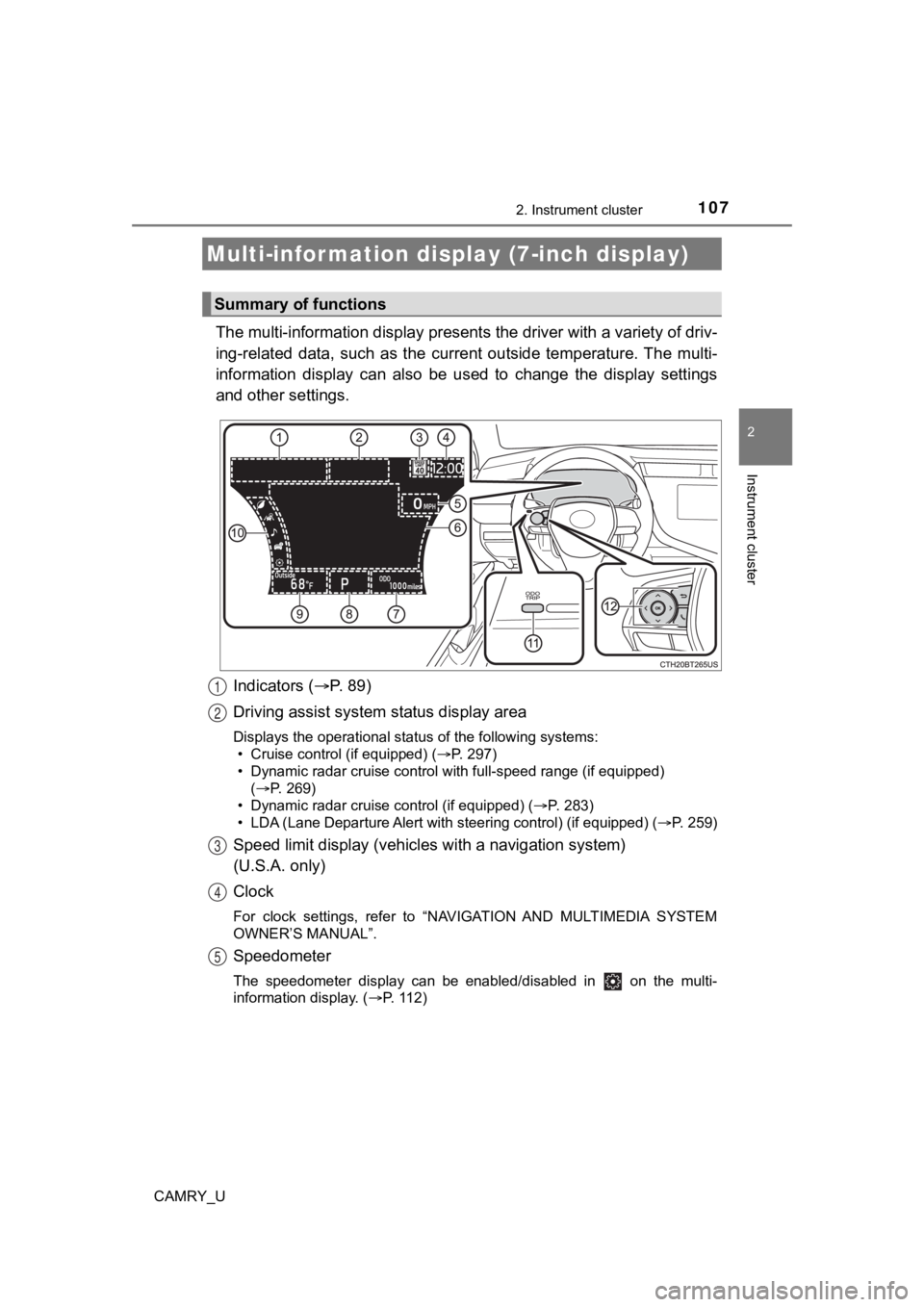
The multi-information display presents the driver with a variety of driv-
ing-related data, such as the cur rent outside temperature. The multi-
information display can also be used to change the display sett ings
and other settings.
Indicators ( P. 89)
Driving assist system status display area
Displays the operational status of the following systems:
• Cruise control (if equipped) ( P. 297)
• Dynamic radar cruise control with full-speed range (if equippe d)
( P. 269)
• Dynamic radar cruise control (if equipped) ( P. 283)
• LDA (Lane Departure Alert with steering control) (if equipped) (P. 259)
Speed limit display (vehicle s with a navigation system)
(U.S.A. only)
Clock
For clock settings, refer to “NAVIGATION AND MULTIMEDIA SYSTEM
OWNER’S MANUAL”.
Speedometer
The speedometer display can be enabled/disabled in on the mult i-
information display. ( P. 112)
Multi-infor mation disp lay (7-inch display)
Summary of functions
1
2
3
4
5
Page 109 of 620
1092. Instrument cluster
2
Instrument cluster
CAMRY_U
◆Using the odometer/trip meter
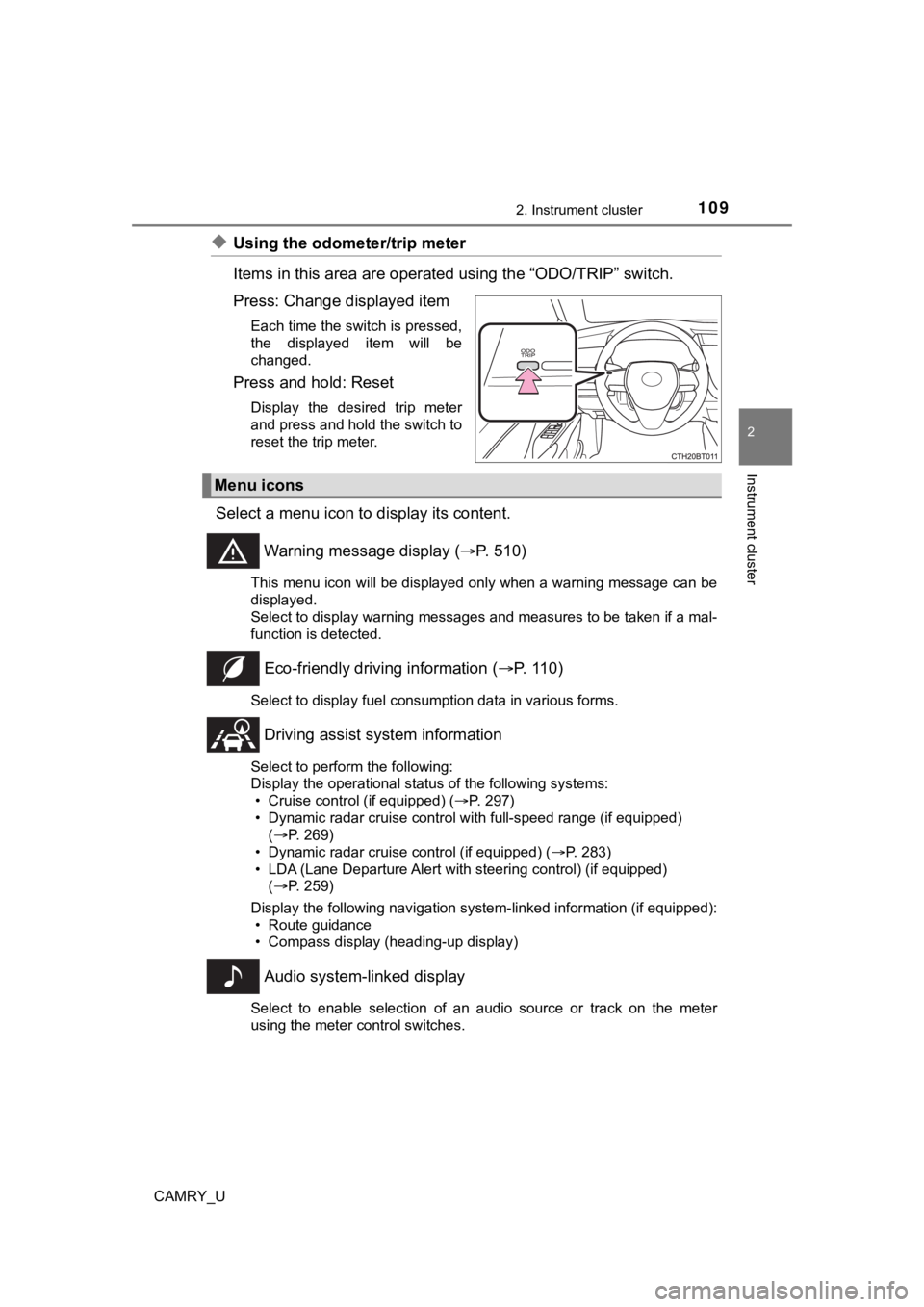
Items in this area are operated using the “ODO/TRIP” switch.
Press: Change displayed item
Each time the switch is pressed,
the displayed item will be
changed.
Press and hold: Reset
Display the desired trip meter
and press and hold the switch to
reset the trip meter.
Select a menu icon to display its content.
Warning message display ( P. 510)
This menu icon will be displayed only when a warning message ca n be
displayed.
Select to display warning messages and measures to be taken if a mal-
function is detected.
Eco-friendly drivin g information (P. 110)
Select to display fuel consumption data in various forms.
Driving assist sys tem information
Select to perform the following:
Display the operational status of the following systems:
• Cruise control (if equipped) ( P. 297)
• Dynamic radar cruise control with full-speed range (if equippe d)
( P. 269)
• Dynamic radar cruise control (if equipped) ( P. 283)
• LDA (Lane Departure Alert with steering control) (if equipped)
( P. 259)
Display the following navigation system-linked information (if equipped):
• Route guidance
• Compass display (heading-up display)
Audio system-linked display
Select to enable selection of an audio source or track on the m eter
using the meter control switches.
Menu icons
Page 112 of 620
1122. Instrument cluster
CAMRY_U■
Eco indicator
• Eco Driving Indicator P. 1 1 9
• Driving range Displays the driving rang e with remaining fuel.
When only a small amount of fuel is added to the tank, the display may
not be updated.
When refueling, turn the engine switch off. If the vehicle is r efueled with-
out turning the engine switch off, the display may not be updat ed.
This distance is computed based on your average fuel consumption. As
a result, the actual distance that can be driven may differ fro m that dis-
played.
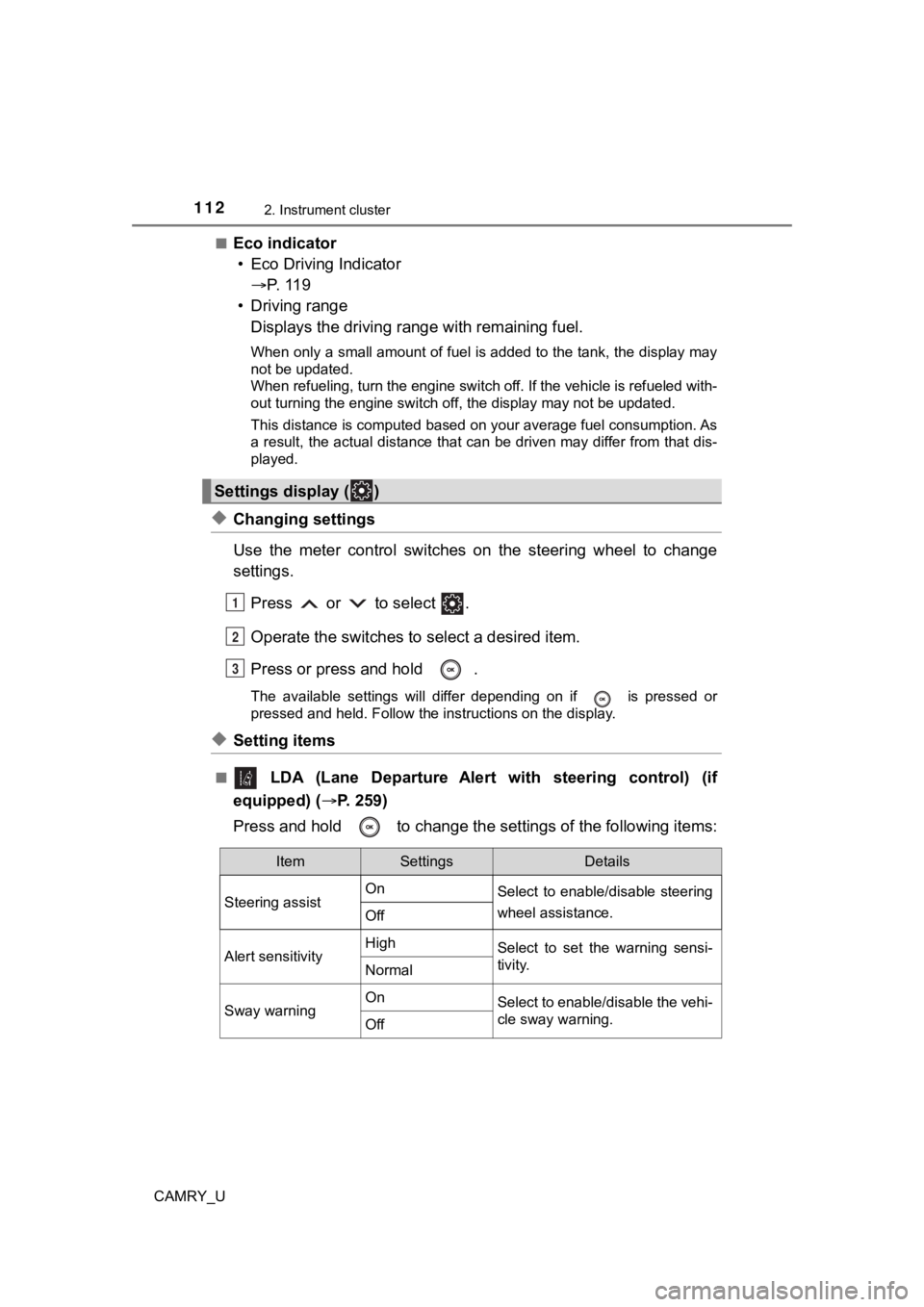
◆Changing settings
Use the meter control switches on the steering wheel to change
settings.
Press or to select .
Operate the switches to select a desired item.
Press or press and hold .
The available settings will differ depending on if is pressed or
pressed and held. Follow the instructions on the display.
◆Setting items
■ LDA (Lane Departure Alert with steering control) (if
equipped) ( P. 259)
Press and hold to change the se ttings of the following items:
Settings display ( )
1
2
3
ItemSettingsDetails
Steering assist On
Select to enable/disable steering
wheel assistance.
Off
Alert sensitivityHighSelect to set the warning sensi-
tivity.
Normal
Sway warningOnSelect to enable/disable the vehi-
cle sway warning.
Off
Page 123 of 620
1232. Instrument cluster
2
Instrument cluster
CAMRY_U
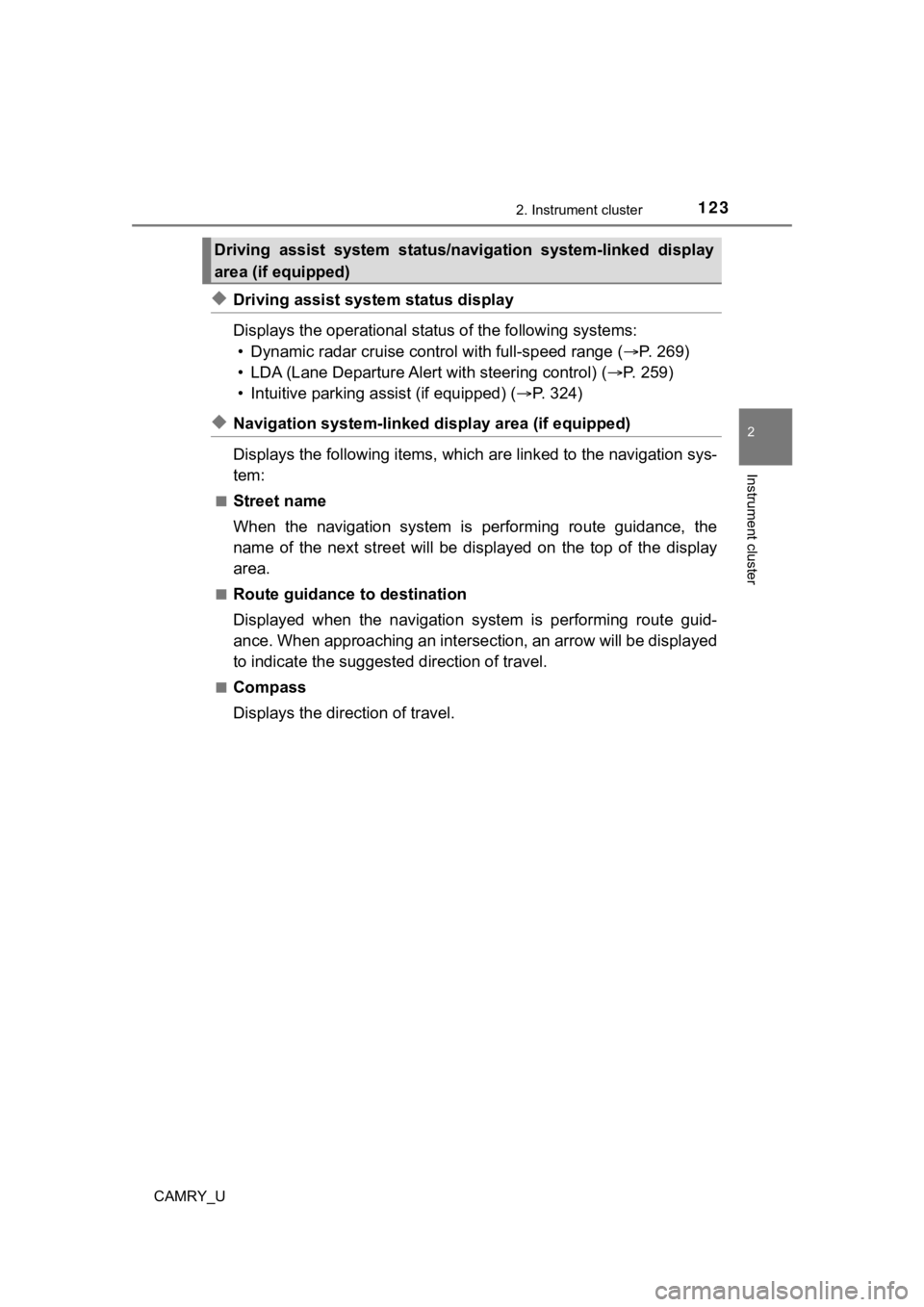
◆Driving assist system status display
Displays the operational status of the following systems:
• Dynamic radar cruise control with full-speed range ( P. 269)
• LDA (Lane Departure Alert with steering control) ( P. 2 5 9 )
• Intuitive parking assist (if equipped) ( P. 324)
◆Navigation system-linked dis play area (if equipped)
Displays the following items, which are linked to the navigatio n sys-
tem:
■Street name
When the navigation system is performing route guidance, the
name of the next street will be displayed on the top of the dis play
area.
■Route guidance to destination
Displayed when the navigation s ystem is performing route guid-
ance. When approaching an intersection, an arrow will be displa yed
to indicate the suggeste d direction of travel.
■Compass
Displays the direction of travel.
Driving assist system status/navigation system-linked display
area (if equipped)
Page 189 of 620
189
4Driving
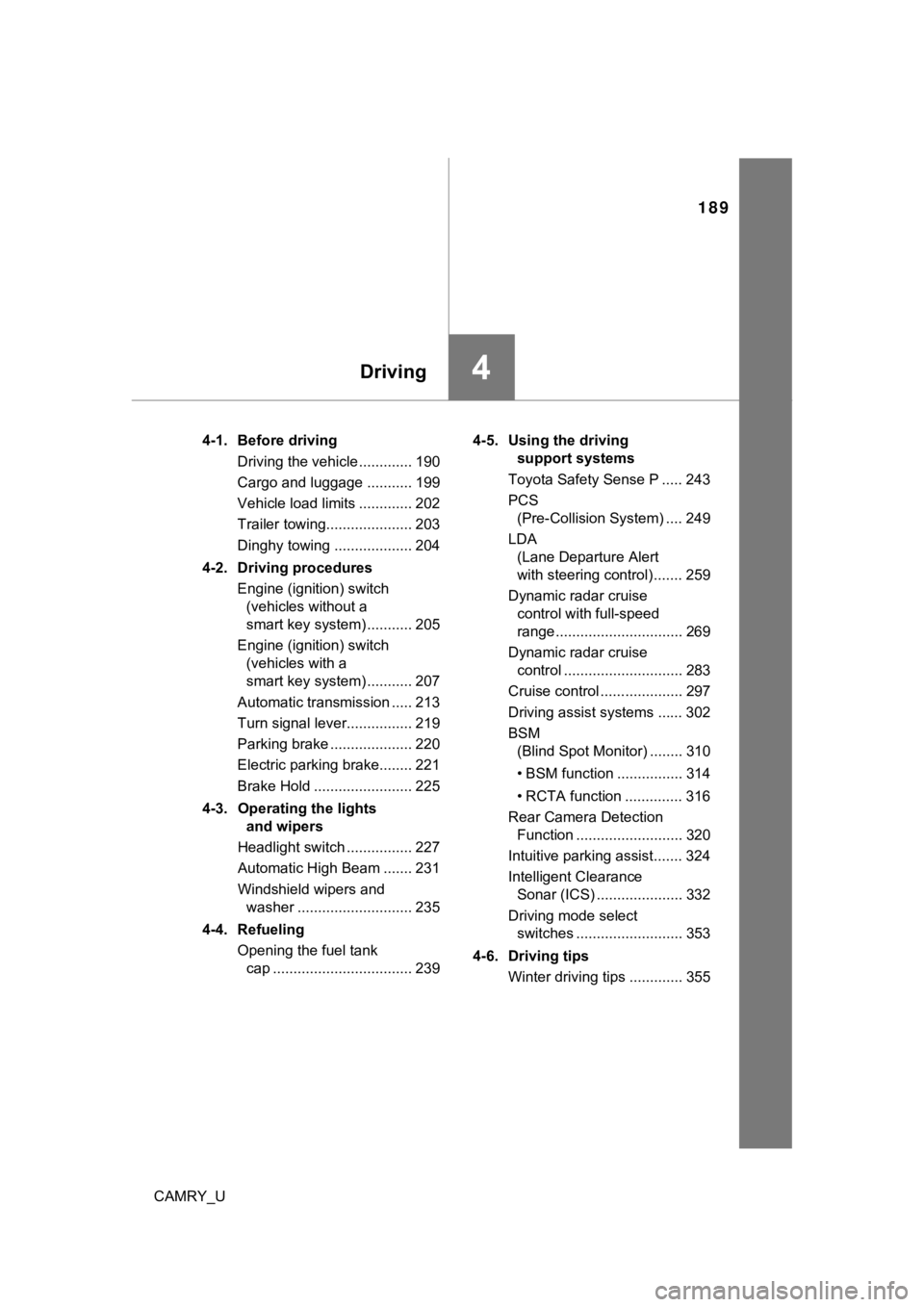
CAMRY_U4-1. Before driving
Driving the vehicle ............. 190
Cargo and luggage ........... 199
Vehicle load limits ............. 202
Trailer towing..................... 203
Dinghy towing ................... 204
4-2. Driving procedures Engine (ignition) switch (vehicles without a
smart key system) ........... 205
Engine (ignition) switch (vehicles with a
smart key system) ........... 207
Automatic transmission ..... 213
Turn signal lever................ 219
Parking brake .................... 220
Electric parking brake........ 221
Brake Hold ........................ 225
4-3. Operating the lights and wipers
Headlight switch ................ 227
Automatic High Beam ....... 231
Windshield wipers and washer ............................ 235
4-4. Refueling Opening the fuel tank cap .................................. 239 4-5. Using the driving
support systems
Toyota Safety Sense P ..... 243
PCS (Pre-Collision System) .... 249
LDA (Lane Departure Alert
with steering control) ....... 259
Dynamic radar cruise control with full-speed
range............................... 269
Dynamic radar cruise control ............................. 283
Cruise control .................... 297
Driving assist systems ...... 302
BSM (Blind Spot Monitor) ........ 310
• BSM function ................ 314
• RCTA function .............. 316
Rear Camera Detection Function .......................... 320
Intuitive parking assist....... 324
Intelligent Clearance Sonar (ICS) ..................... 332
Driving mode select switches .......................... 353
4-6. Driving tips Winter driving tips ............. 355
Page 243 of 620
243
4
Driving
CAMRY_U
4-5. Using the driving support systems
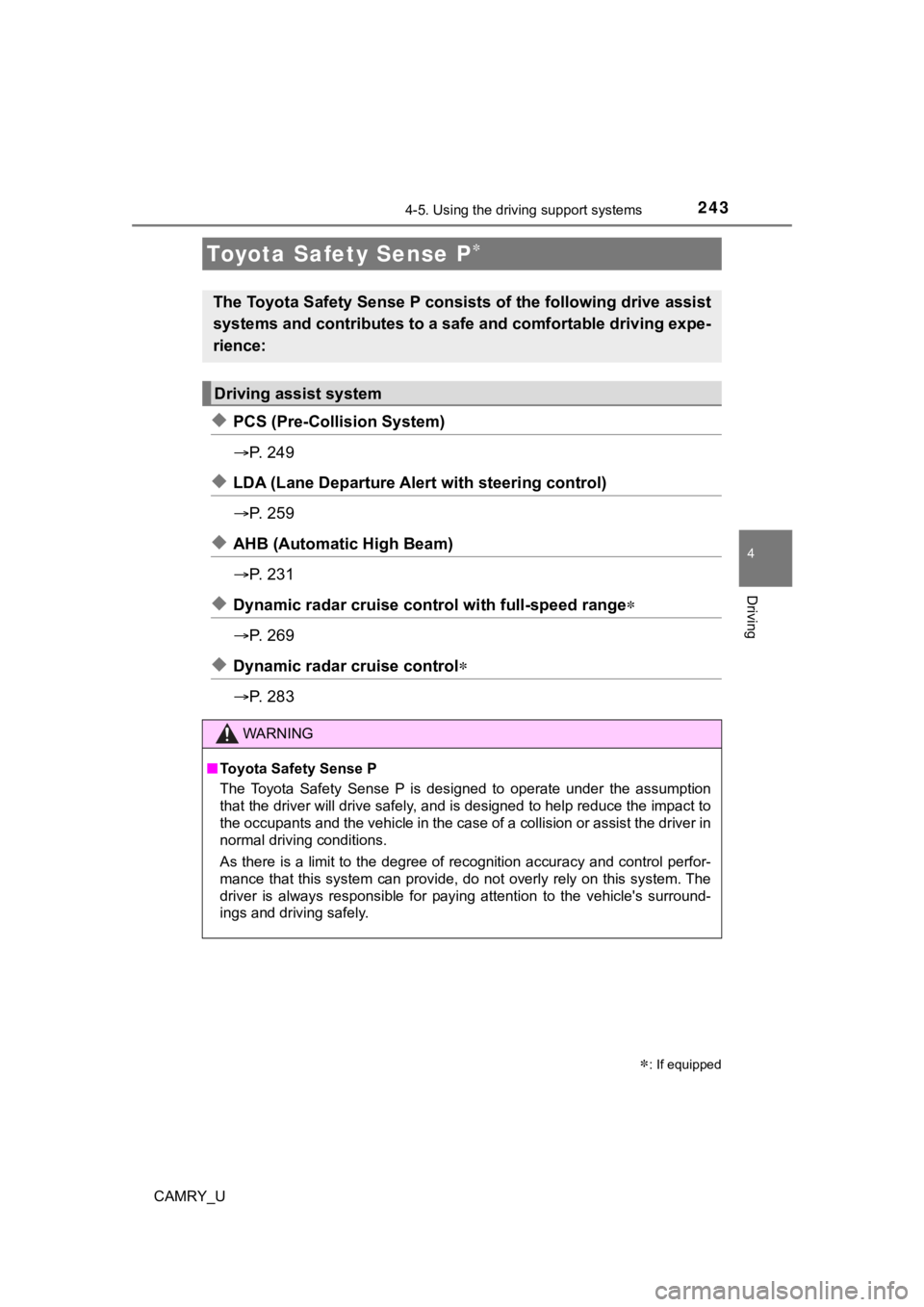
◆PCS (Pre-Collision System)
P. 2 4 9
◆LDA (Lane Departure Aler t with steering control)
P. 2 5 9
◆AHB (Automatic High Beam)
P. 2 3 1
◆Dynamic radar cruise cont rol with full-speed range
P. 2 6 9
◆Dynamic radar cruise control
P. 2 8 3
Toyota Safety Sense P
: If equipped
The Toyota Safety Sense P consists of the following drive assis t
systems and contributes to a safe and comfortable driving expe-
rience:
Driving assist system
WARNING
■ Toyota Safety Sense P
The Toyota Safety Sense P is designed to operate under the assu mption
that the driver will drive safely, and is designed to help redu ce the impact to
the occupants and the vehicle in the case of a collision or ass ist the driver in
normal driving conditions.
As there is a limit to the degree of recognition accuracy and control perfor-
mance that this system can provide, do not overly rely on this system. The
driver is always responsible for paying attention to the vehicl e's surround-
ings and driving safely.
Page 259 of 620
2594-5. Using the driving support systems
4
Driving
CAMRY_U
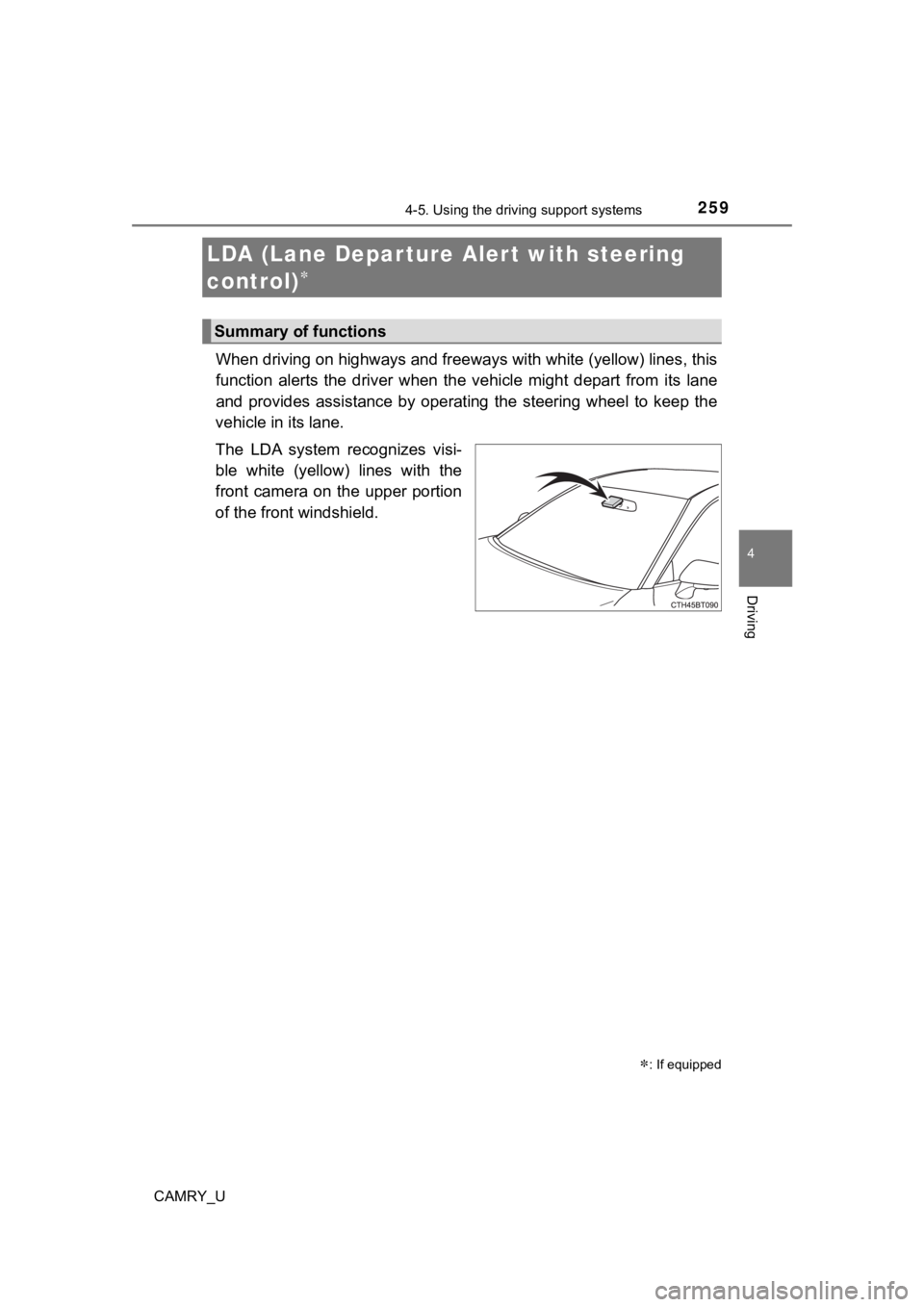
When driving on highways and freeways with white (yellow) lines, this
function alerts the driver when the vehicle might depart from i ts lane
and provides assistance by opera ting the steering wheel to keep the
vehicle in its lane.
The LDA system recognizes visi-
ble white (yellow) lines with the
front camera on the upper portion
of the front windshield.
LDA (Lane Depar ture Al ert with steering
control)
: If equipped
Summary of functions