change time TOYOTA CAMRY HYBRID 2010 XV40 / 8.G User Guide
[x] Cancel search | Manufacturer: TOYOTA, Model Year: 2010, Model line: CAMRY HYBRID, Model: TOYOTA CAMRY HYBRID 2010 XV40 / 8.GPages: 497, PDF Size: 9.63 MB
Page 206 of 497
205
3-2. Using the audio system
3
Interior features
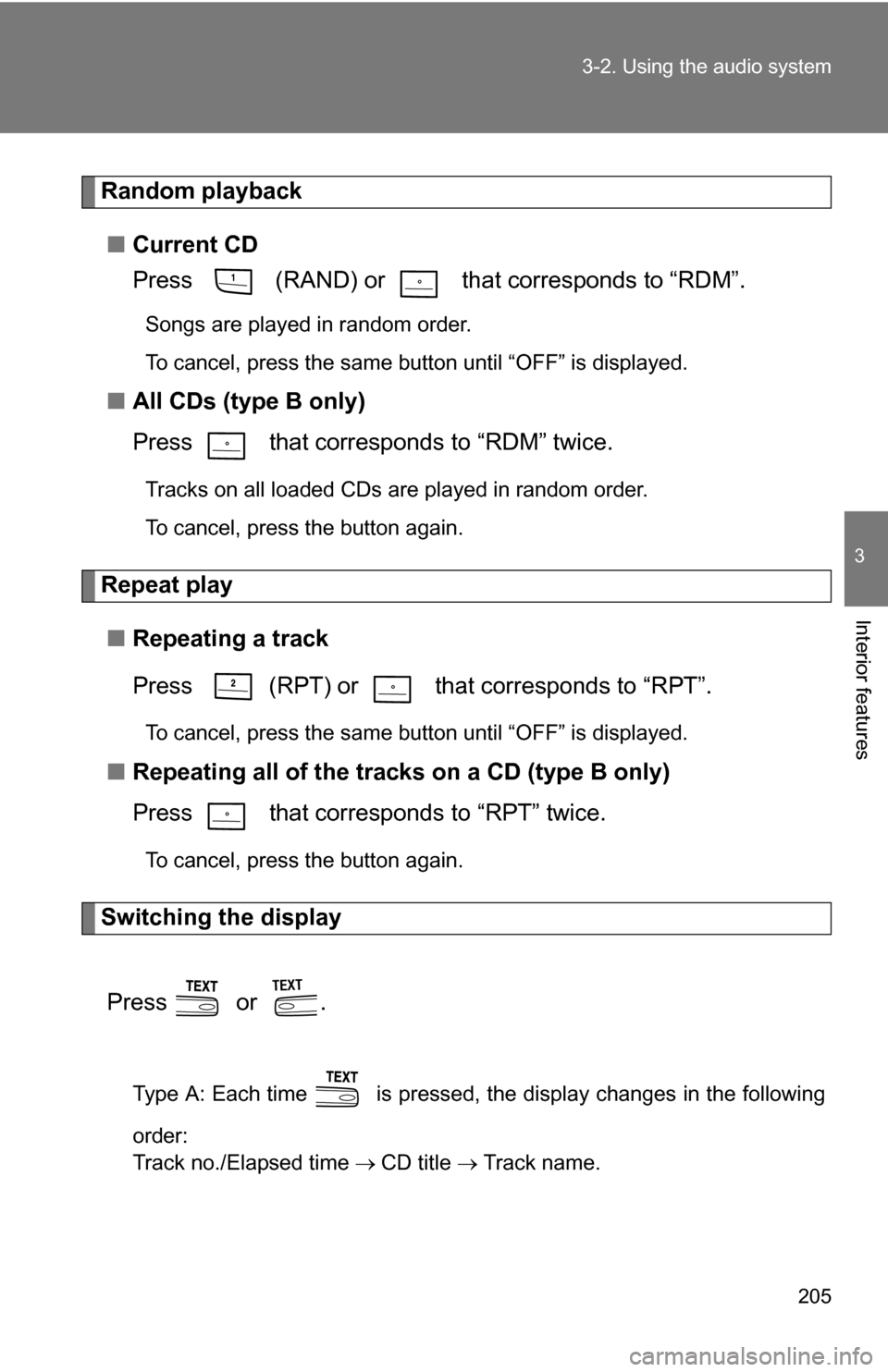
Random playback
■ Current CD
Press (RAND) or that corresponds to “RDM”.
Songs are played in random order.
To cancel, press the same button until “OFF” is displayed.
■All CDs (type B only)
Press that corresponds to “RDM” twice.
Tracks on all loaded CDs are played in random order.
To cancel, press the button again.
Repeat play
■ Repeating a track
Press (RPT) or that corresponds to “RPT”.
To cancel, press the same button until “OFF” is displayed.
■Repeating all of the tracks on a CD (type B only)
Press that corresponds to “RPT” twice.
To cancel, press the button again.
Switching the display
Press or .
Type A: Each time is pressed, the display changes in the following
order:
Track no./Elapsed time CD title Track name.
Page 207 of 497
206 3-2. Using the audio system
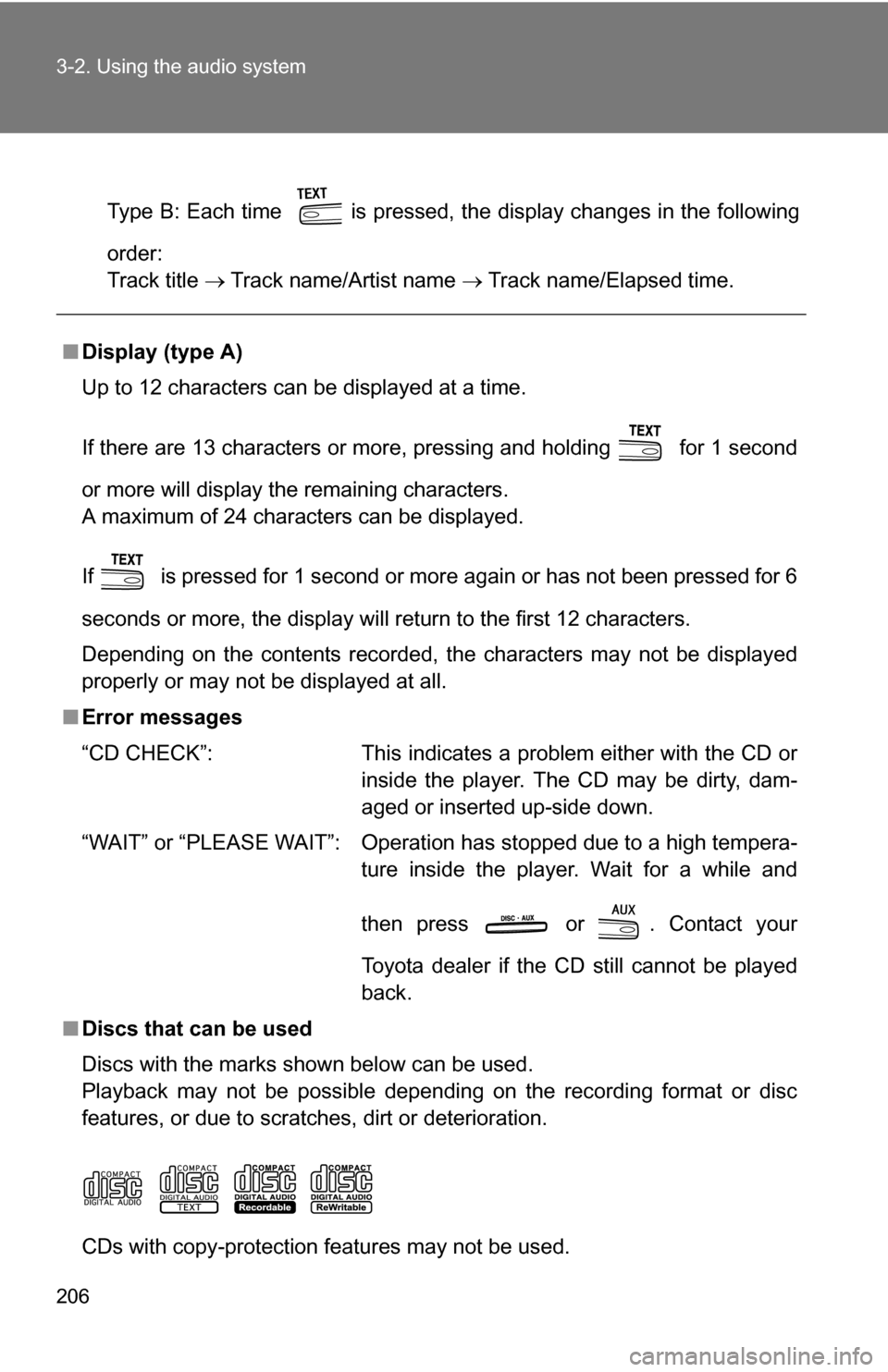
Type B: Each time is pressed, the display changes in the following
order:
Track title Track name/Artist name Track name/Elapsed time.
■Display (type A)
Up to 12 characters can be displayed at a time.
If there are 13 characters or more, pressing and holding for 1 second
or more will display the remaining characters.
A maximum of 24 characters can be displayed.
If is pressed for 1 second or more again or has not been pressed for 6
seconds or more, the display will return to the first 12 characters.
Depending on the contents recorded, the characters may not be displayed
properly or may not be displayed at all.
■ Error messages
“CD CHECK”: This indicates a problem either with the CD or
inside the player. The CD may be dirty, dam-
aged or inserted up-side down.
“WAIT” or “PLEASE WAIT”: Operation has stopped due to a high tempera- ture inside the player. Wait for a while and
then press or . Contact your
Toyota dealer if the CD still cannot be played
back.
■ Discs that can be used
Discs with the marks shown below can be used.
Playback may not be possible depending on the recording format or disc
features, or due to scratches, dirt or deterioration.
CDs with copy-protection features may not be used.
Page 213 of 497
212 3-2. Using the audio system
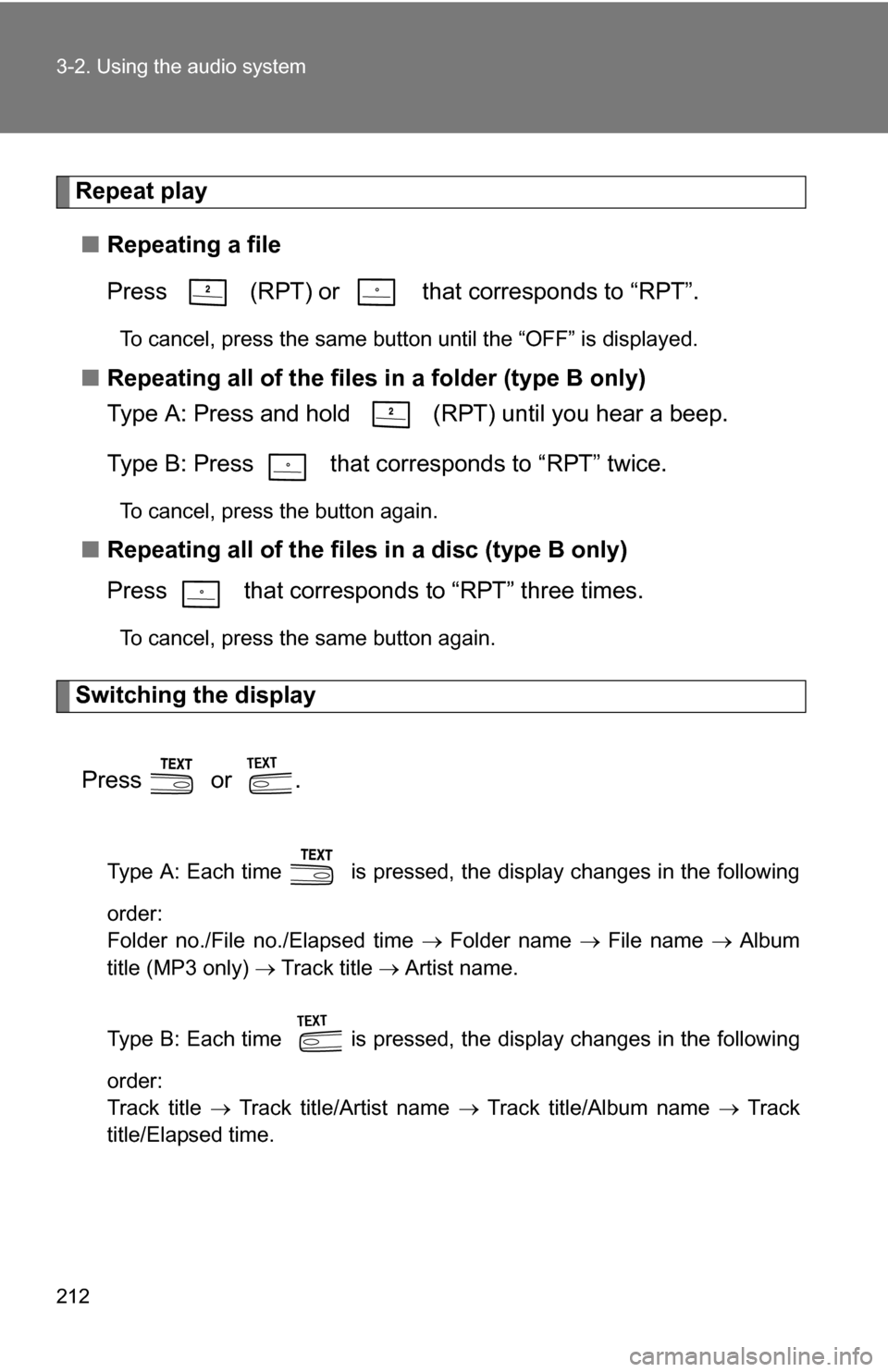
Repeat play■ Repeating a file
Press (RPT) or that corresponds to “RPT”.
To cancel, press the same button until the “OFF” is displayed.
■Repeating all of the files in a folder (type B only)
Type A: Press and hold (RPT) until you hear a beep.
Type B: Press that corresponds to “RPT” twice.
To cancel, press the button again.
■Repeating all of the files in a disc (type B only)
Press that corresponds to “RPT” three times.
To cancel, press the same button again.
Switching the display
Press or .
Type A: Each time is pressed, the display changes in the following
order:
Folder no./File no./Elapsed time Folder name File name Album
title (MP3 only) Track title Artist name.
Type B: Each time is pressed, the display changes in the following
order:
Track title Track title/Artist name Track title/Album name Track
title/Elapsed time.
Page 222 of 497
221
3-2. Using the audio system
3
Interior features
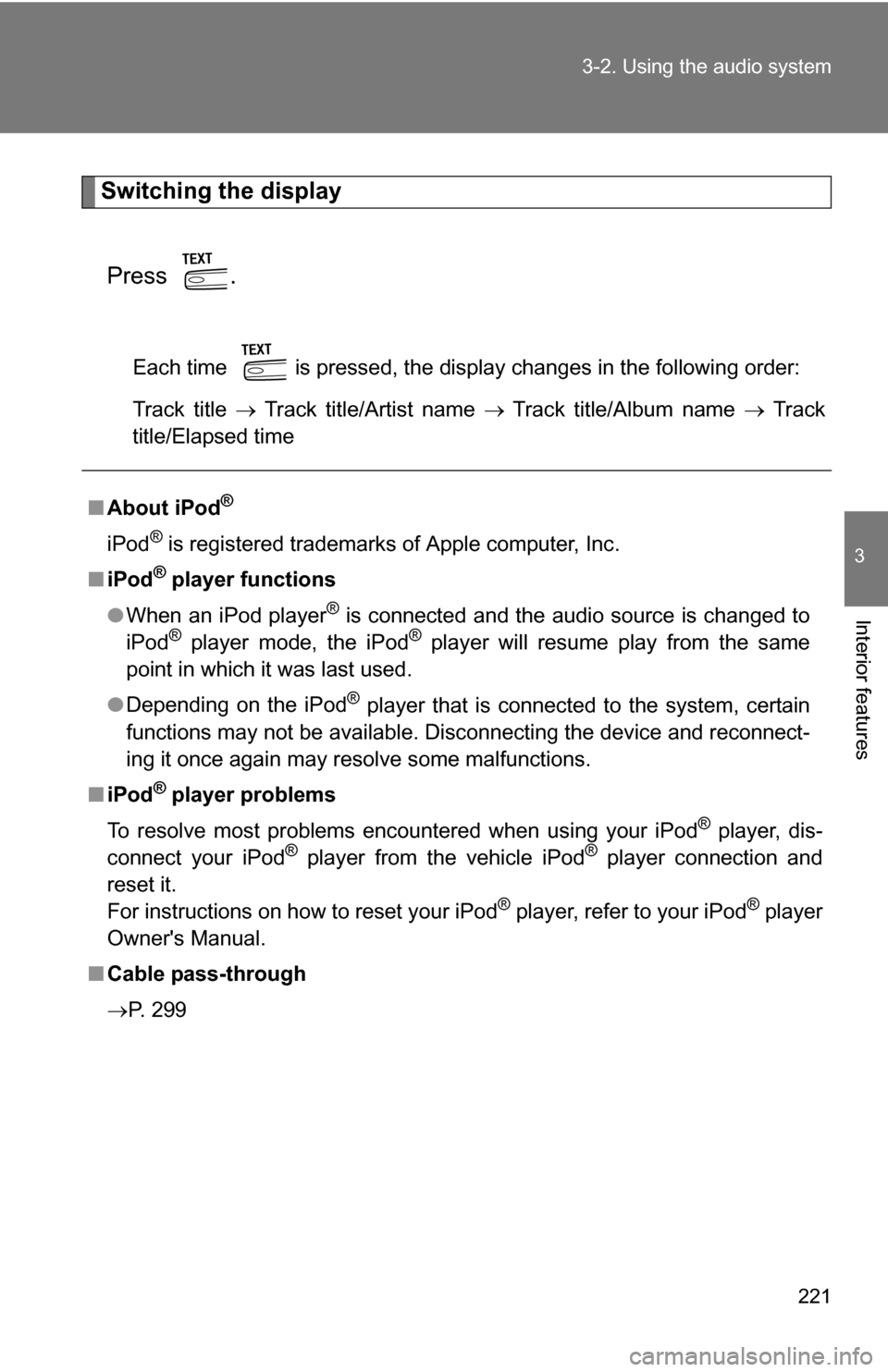
Switching the display
Press .
Each time is pressed, the display changes in the following order:
Track title Track title/Artist name Track title/Album name Track
title/Elapsed time
■ About iPod®
iPod® is registered trademarks of Apple computer, Inc.
■ iPod
® player functions
● When an iPod player
® is connected and the audio source is changed to
iPod® player mode, the iPod® player will resume play from the same
point in which it was last used.
● Depending on the iPod
® player that is connected to the system, certain
functions may not be available. Disconnecting the device and reconnect-
ing it once again may resolve some malfunctions.
■ iPod
® player problems
To resolve most problems encountered when using your iPod
® player, dis-
connect your iPod® player from the vehicle iPod® player connection and
reset it.
For instructions on how to reset your iPod
® player, refer to your iPod® player
Owner's Manual.
■ Cable pass-through
P. 299
Page 228 of 497
227
3-2. Using the audio system
3
Interior features
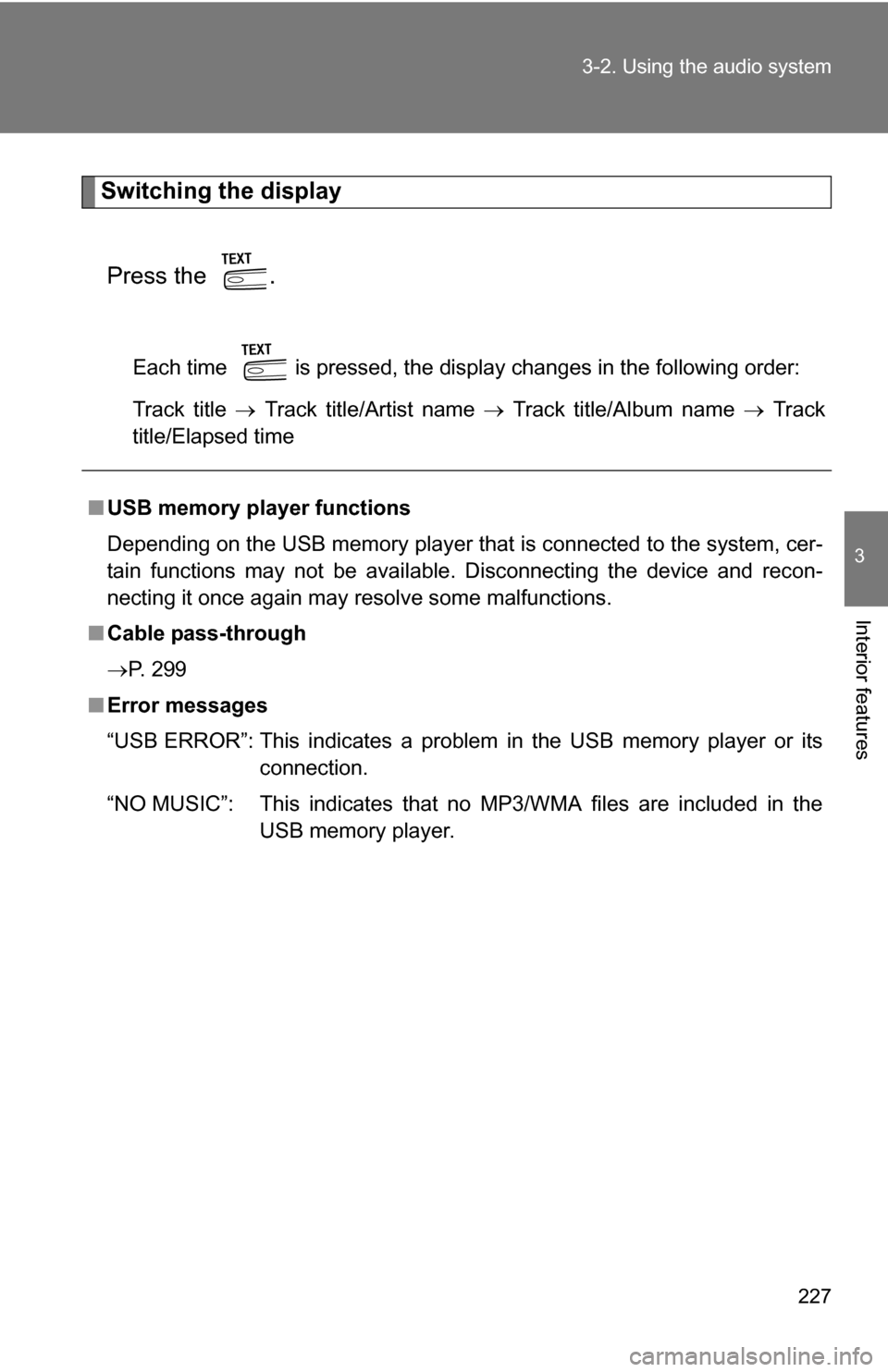
Switching the display
Press the .
Each time is pressed, the display changes in the following order:
Track title Track title/Artist name Track title/Album name Track
title/Elapsed time
■ USB memory player functions
Depending on the USB memory player that is connected to the system, cer-
tain functions may not be available. Disconnecting the device and recon-
necting it once again may resolve some malfunctions.
■ Cable pass-through
P. 299
■ Error messages
“USB ERROR”: This indicates a problem in the USB memory player or its
connection.
“NO MUSIC”: This indicates that no MP3/WMA files are included in the USB memory player.
Page 240 of 497
239
3-2. Using the audio system
3
Interior features
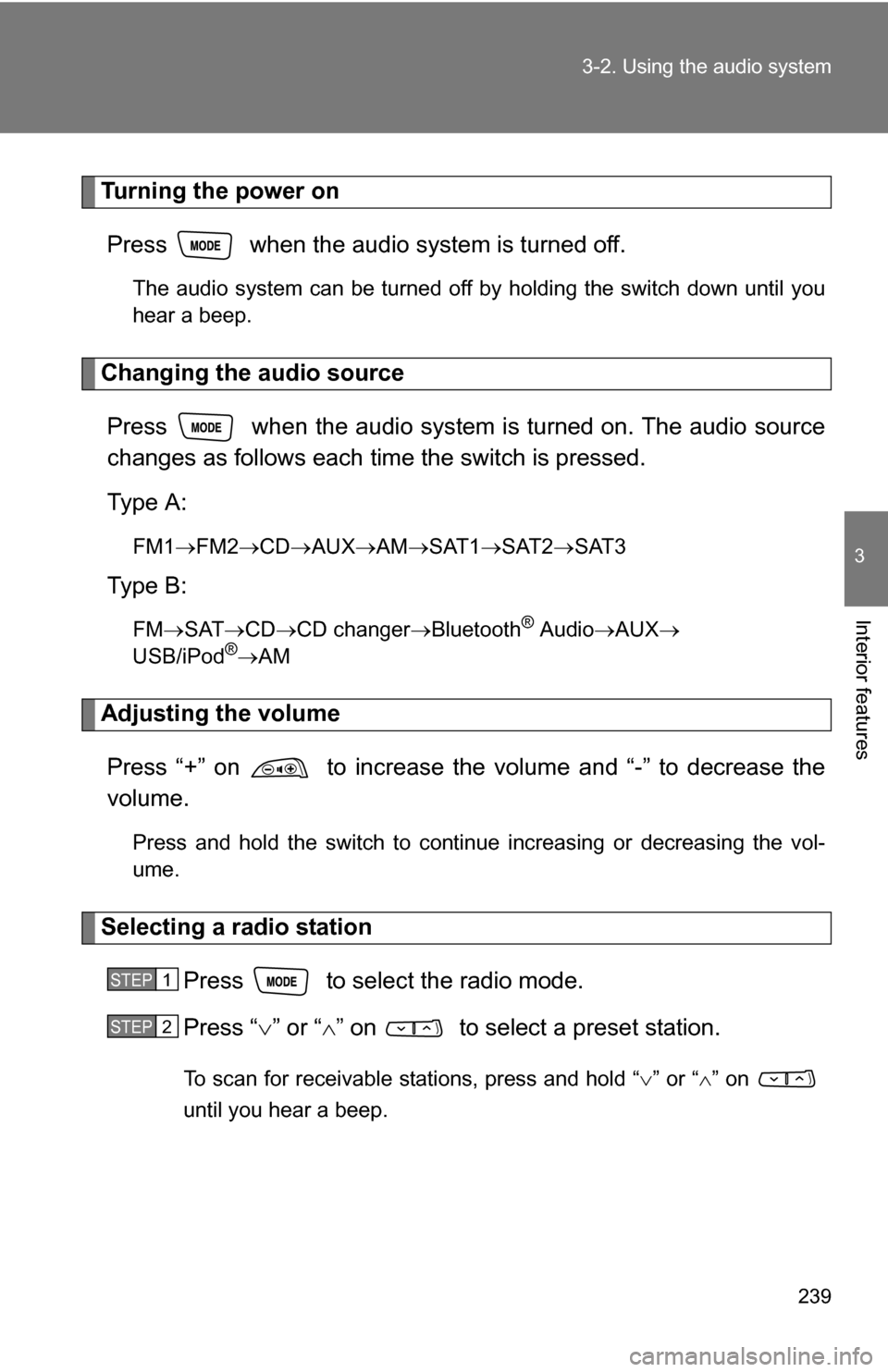
Turning the power on
Press when the audio system is turned off.
The audio system can be turned off by holding the switch down until you
hear a beep.
Changing the audio sourcePress when the audio system is turned on. The audio source
changes as follows each time the switch is pressed.
Type A:
FM1 FM2 CD AUXAM SAT1 SAT2SAT3
Type B:
FMSAT CDCD changer Bluetooth® AudioAUX
USB/iPod®AM
Adjusting the volume
Press “+” on to increase the vo lume and “-” to decrease the
volume.
Press and hold the switch to continue increasing or decreasing the vol-
ume.
Selecting a radio station
Press to select the radio mode.
Press “” or “ ” on to select a preset station.
To scan for receivable stations, press and hold “ ” or “ ” on
until you hear a beep.
STEP1
STEP2
Page 244 of 497
243
3-3. Using the hand
s-free phone system (for cellular phone)
3
Interior features
CAUTION
■FCC WARNING
Changes or modifications in construction not expressly approved by the
party responsible for compliance could void the user's authority to operate
the equipment.
Radio frequency exposure. This device is approved for Mobile Application
only and, to comply with applicable FCC radio frequency exposure regula-
tions, must be used with a distance of at least 7.9in. (20cm) between the
antenna and the body of any person at all time during use.
■ Caution while driving
Do not connect portable players or operate the controls.
NOTICE
■To prevent damage to portable players
Do not leave portable players in the vehicle. The temperature inside the
vehicle may become high, resulting in damage to the player.
Page 248 of 497
247
3-3. Using the hand
s-free phone system (for cellular phone)
3
Interior features
If the portable player has a Bluetooth® phone, the phone can be reg-
istered at the same time. ( P. 263)
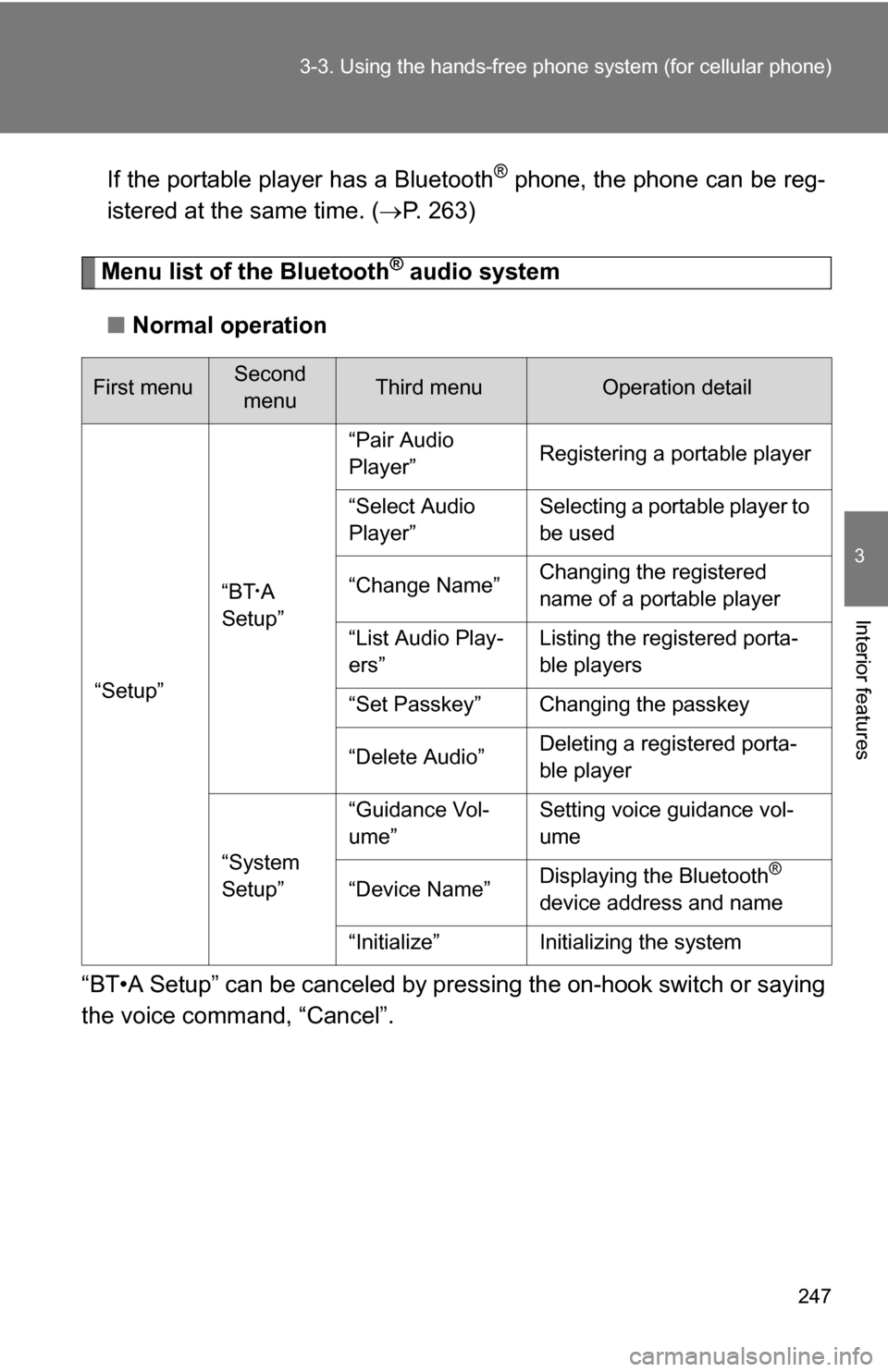
Menu list of the Bluetooth® audio system
■ Normal operation
“BT•A Setup” can be canceled by pres sing the on-hook switch or saying
the voice comm and, “Cancel”.
First menuSecond
menuThird menuOperation detail
“Setup” “BT
•A
Setup” “Pair Audio
Player”
Registering a portable player
“Select Audio
Player” Selecting a portable player to
be used
“Change Name” Changing the registered
name of a portable player
“List Audio Play-
ers” Listing the registered porta-
ble players
“Set Passkey” Changing the passkey
“Delete Audio” Deleting a registered porta-
ble player
“System
Setup” “Guidance Vol-
ume”
Setting voice guidance vol-
ume
“Device Name” Displaying the Bluetooth
®
device address and name
“Initialize” Initializing the system
Page 251 of 497
250 3-3. Using the hands-free phone system (for cellular phone)
Fast-forwarding and reversing tracks
Press and hold “
” or “ ” on .
Switching the display
Press the .
Each time is pressed, the display changes in the following order:
Track title Track title/Artist name Track title/Album name Track
title/Elapsed time
Using the steering wheel audio switches
P. 2 3 8
■Bluetooth® audio system functions
Depending on the portable player that is connected to the system, certain
functions may not be available.
■ Error messages
“BT AUDIO ERROR”: This indicates a problem in the system.
Page 261 of 497
260 3-4. Using the hands-free phone system (for cellular phone)
CAUTION
■FCC WARNING
Changes or modifications in construction not expressly approved by the
party responsible for compliance could void the user's authority to operate
the equipment.
Radio frequency exposure. This device is approved for Mobile Application
only and, to comply with applicable FCC radio frequency exposure regula-
tions, must be used with a distance of at least 7.9in. (20cm) between the
antenna and the body of any person at all time during use.
■ Caution while driving
Do not use a cellular phone, or connect the Bluetooth
® phone.
NOTICE
■To prevent damage to a cellular phone
Do not leave a cellular phone in the vehicle. The temperature inside may
become high resulting in damage to the phone.