phone TOYOTA COROLLA 2011 10.G Service Manual
[x] Cancel search | Manufacturer: TOYOTA, Model Year: 2011, Model line: COROLLA, Model: TOYOTA COROLLA 2011 10.GPages: 529, PDF Size: 9.69 MB
Page 301 of 529
301
3-4. Using the hand
s-free phone system (for cellular phone)
3
Interior features
■Initialization
●The following data in the system can be initialized:
• Phone book
• Outgoing and incoming call history
• Speed dials
• Registered cellular phone data
• Security code
● Once the initialization has been completed, the data cannot be restored
to its original state.
■ When the phone book is locked
The following functions cannot be used:
●Dialing by inputting a name
● Speed dialing
● Dialing a number stored in the call history
● Using the phone book
Page 302 of 529
302
3-4. Using the hands-free phone system (for cellular phone)
Using the phone book
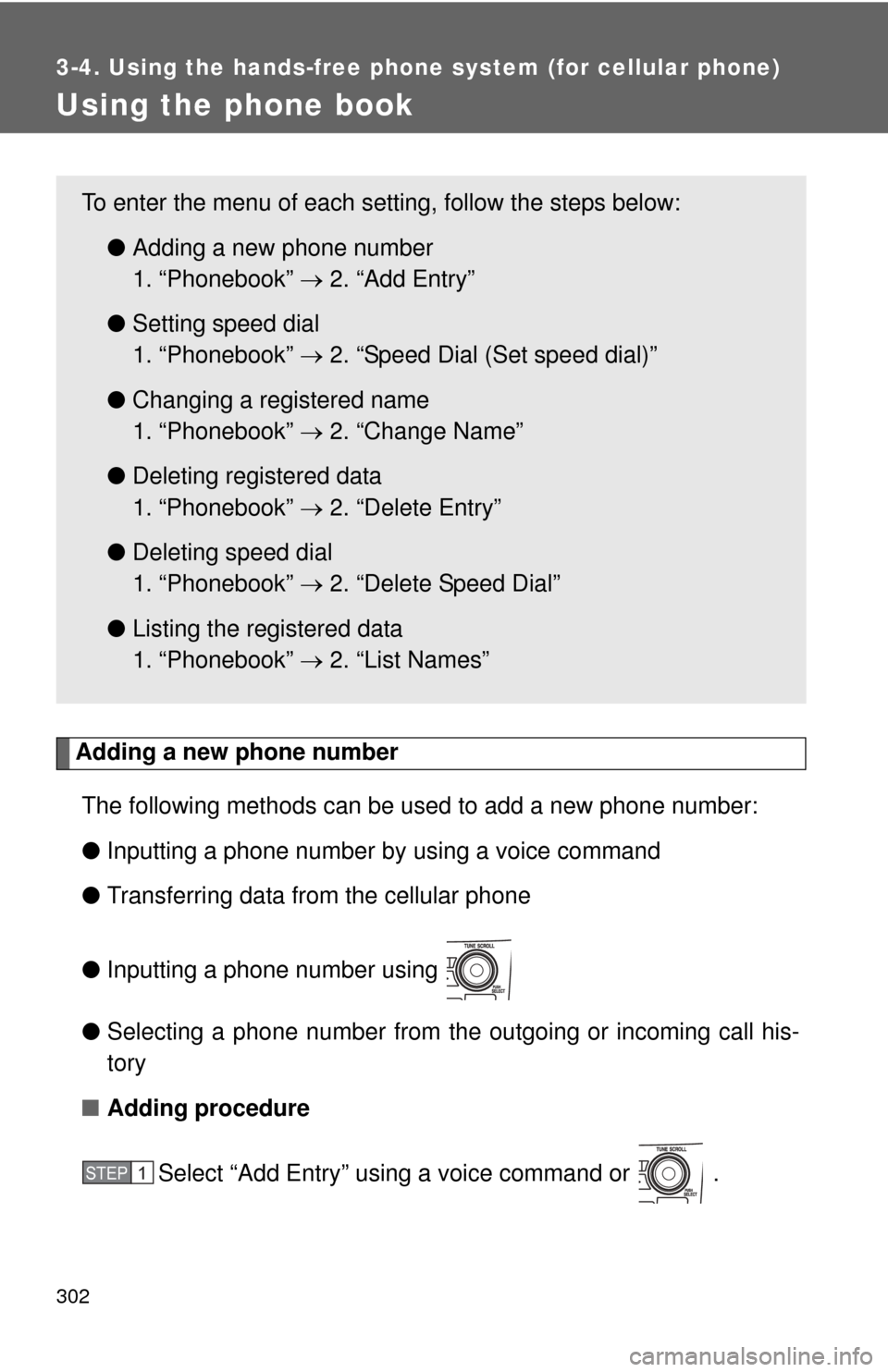
Adding a new phone numberThe following methods can be used to add a new phone number:
● Inputting a phone number by using a voice command
● Transferring data from the cellular phone
● Inputting a phone number using
● Selecting a phone number from the outgoing or incoming call his-
tory
■ Adding procedure
Select “Add Entry” using a voice command or .
To enter the menu of each setting, follow the steps below:●Adding a new phone number
1. “Phonebook” 2. “Add Entry”
● Setting speed dial
1. “Phonebook” 2. “Speed Dial (Set speed dial)”
● Changing a registered name
1. “Phonebook” 2. “Change Name”
● Deleting registered data
1. “Phonebook” 2. “Delete Entry”
● Deleting speed dial
1. “Phonebook” 2. “Delete Speed Dial”
● Listing the registered data
1. “Phonebook” 2. “List Names”
STEP 1
Page 303 of 529
303
3-4. Using the hand
s-free phone system (for cellular phone)
3
Interior features
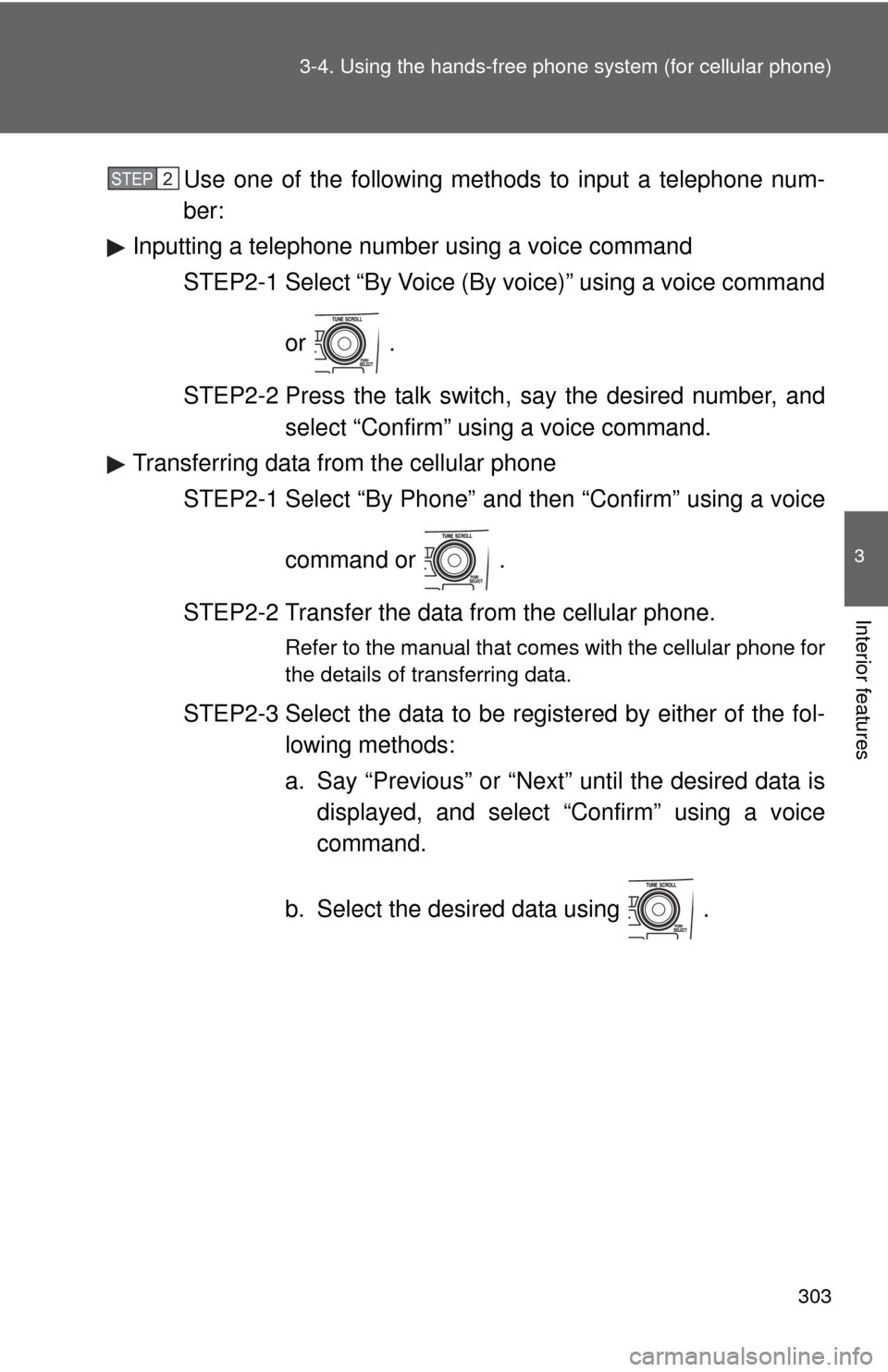
Use one of the following methods to input a telephone num-
ber:
Inputting a telephone number using a voice command STEP2-1 Select “By Voice (By voice)” using a voice command
or .
STEP2-2 Press the talk switch, say the desired number, and select “Confirm” us ing a voice command.
Transferring data from the cellular phone
STEP2-1 Select “By Phone” and then “Confirm” using a voice
command or .
STEP2-2 Transfer the data from the cellular phone.
Refer to the manual that comes with the cellular phone for
the details of transferring data.
STEP2-3 Select the data to be registered by either of the fol- lowing methods:
a. Say “Previous” or “Next” until the desired data isdisplayed, and select “Confirm” using a voice
command.
b. Select the desired data using .
STEP 2
Page 304 of 529
304 3-4. Using the hands-free phone system (for cellular phone)
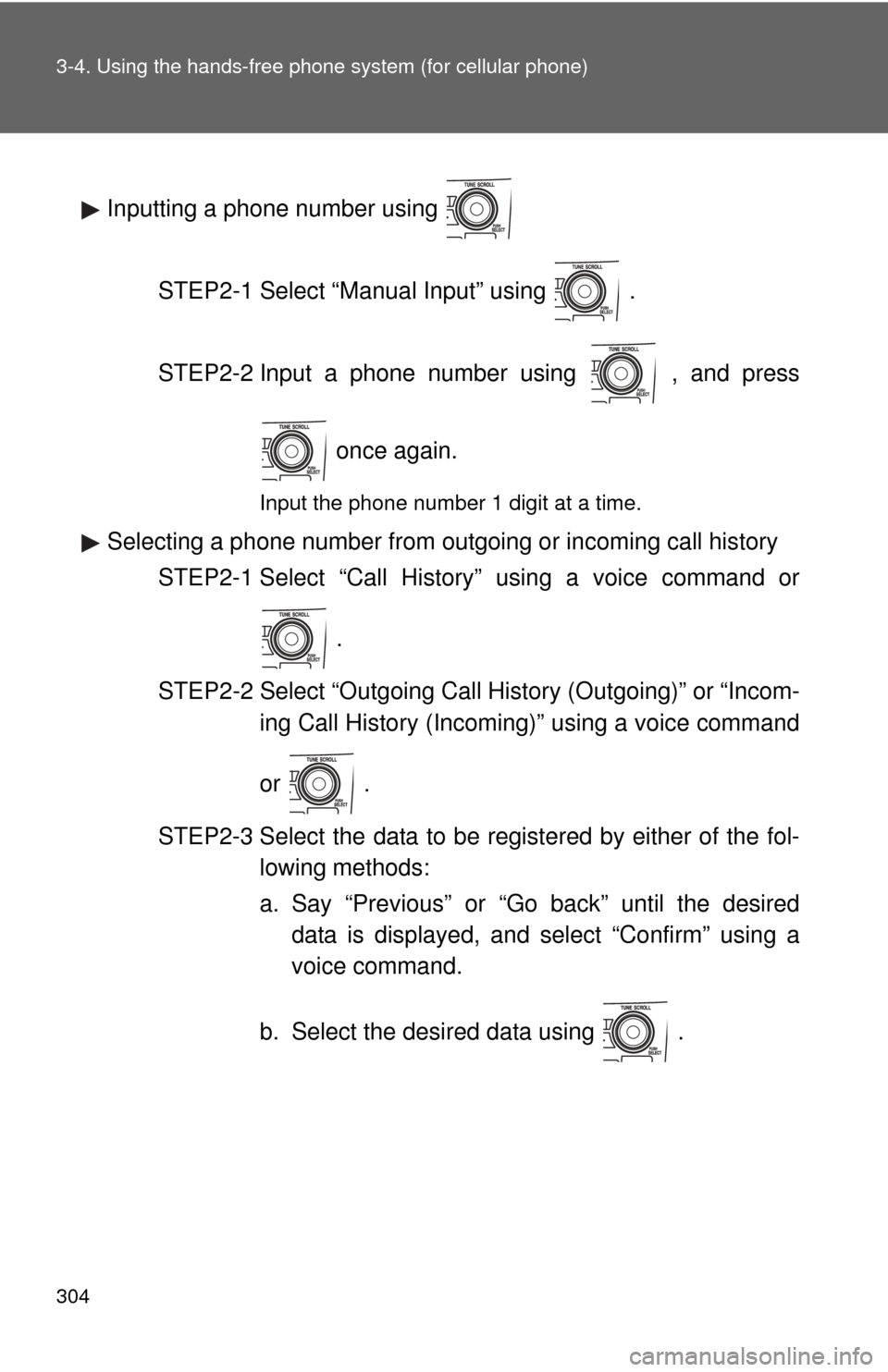
Inputting a phone number using
STEP2-1 Select “Manual Input” using .
STEP2-2 Input a phone number using , and press once again.
Input the phone number 1 digit at a time.
Selecting a phone number from outgoing or incoming call historySTEP2-1 Select “Call History” using a voice command or
.
STEP2-2 Select “Outgoing Call History (Outgoing)” or “Incom- ing Call History (Incoming)” using a voice command
or .
STEP2-3 Select the data to be registered by either of the fol- lowing methods:
a. Say “Previous” or “Go back” until the desireddata is displayed, and select “Confirm” using a
voice command.
b. Select the desired data using .
Page 305 of 529
305
3-4. Using the hand
s-free phone system (for cellular phone)
3
Interior features
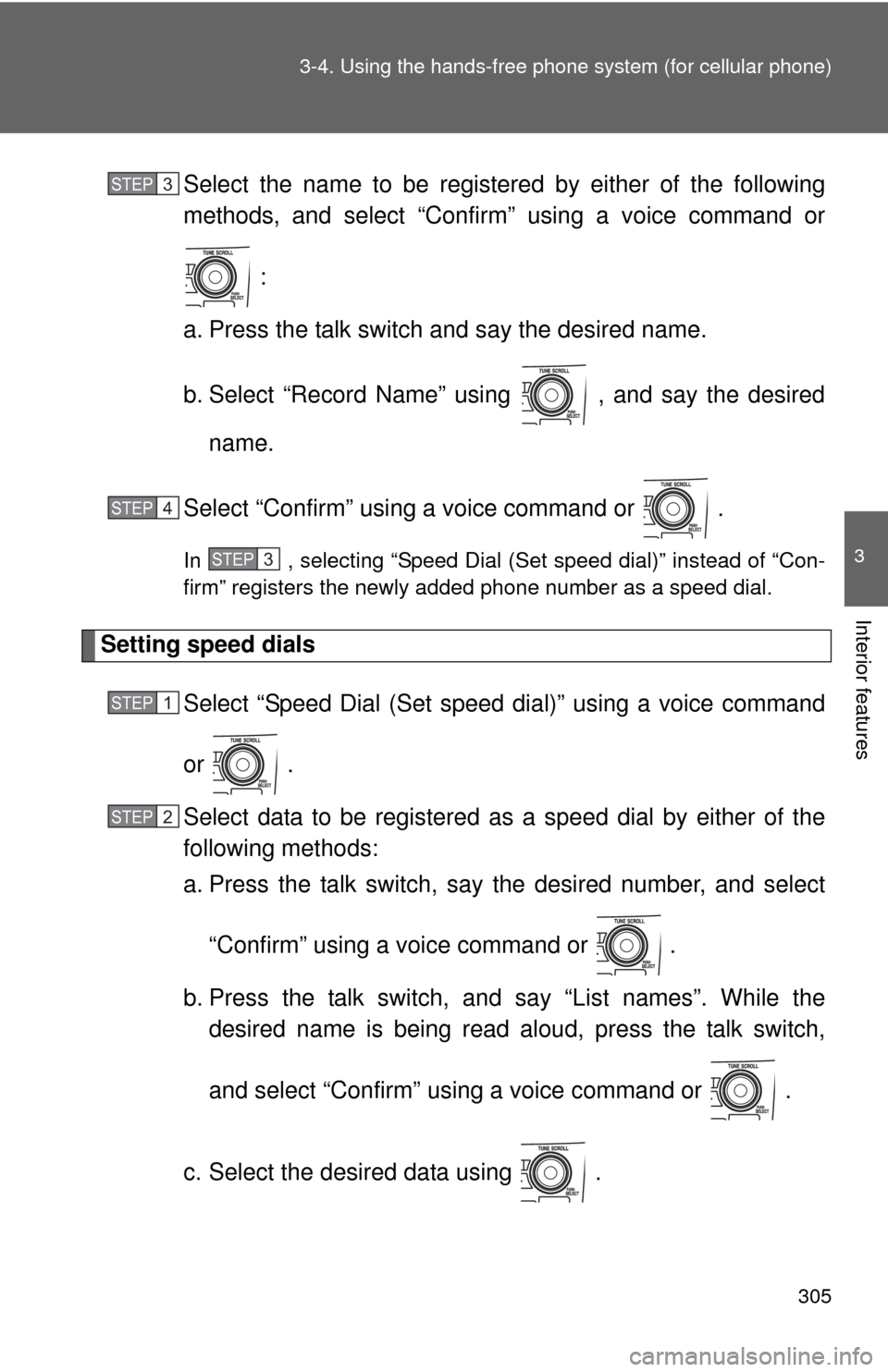
Select the name to be registered by either of the following
methods, and select “Confirm” using a voice command or
:
a. Press the talk switch and say the desired name.
b. Select “Record Name” using , and say the desired name.
Select “Confirm” using a voice command or .
In , selecting “Speed Dial (Set speed dial)” instead of “Con-
firm” registers the newly added phone number as a speed dial.
Setting speed dials
Select “Speed Dial (Set speed dial)” using a voice command
or .
Select data to be registered as a speed dial by either of the
following methods:
a. Press the talk switch, say the desired number, and select
“Confirm” using a voice command or
.
b. Press the talk switch, and say “List names”. While the desired name is being read aloud, press the talk switch,
and select “Confirm” using a voice command or .
c. Select the desired data using .
STEP 3
STEP 4
STEP 3
STEP 1
STEP 2
Page 306 of 529
306 3-4. Using the hands-free phone system (for cellular phone)
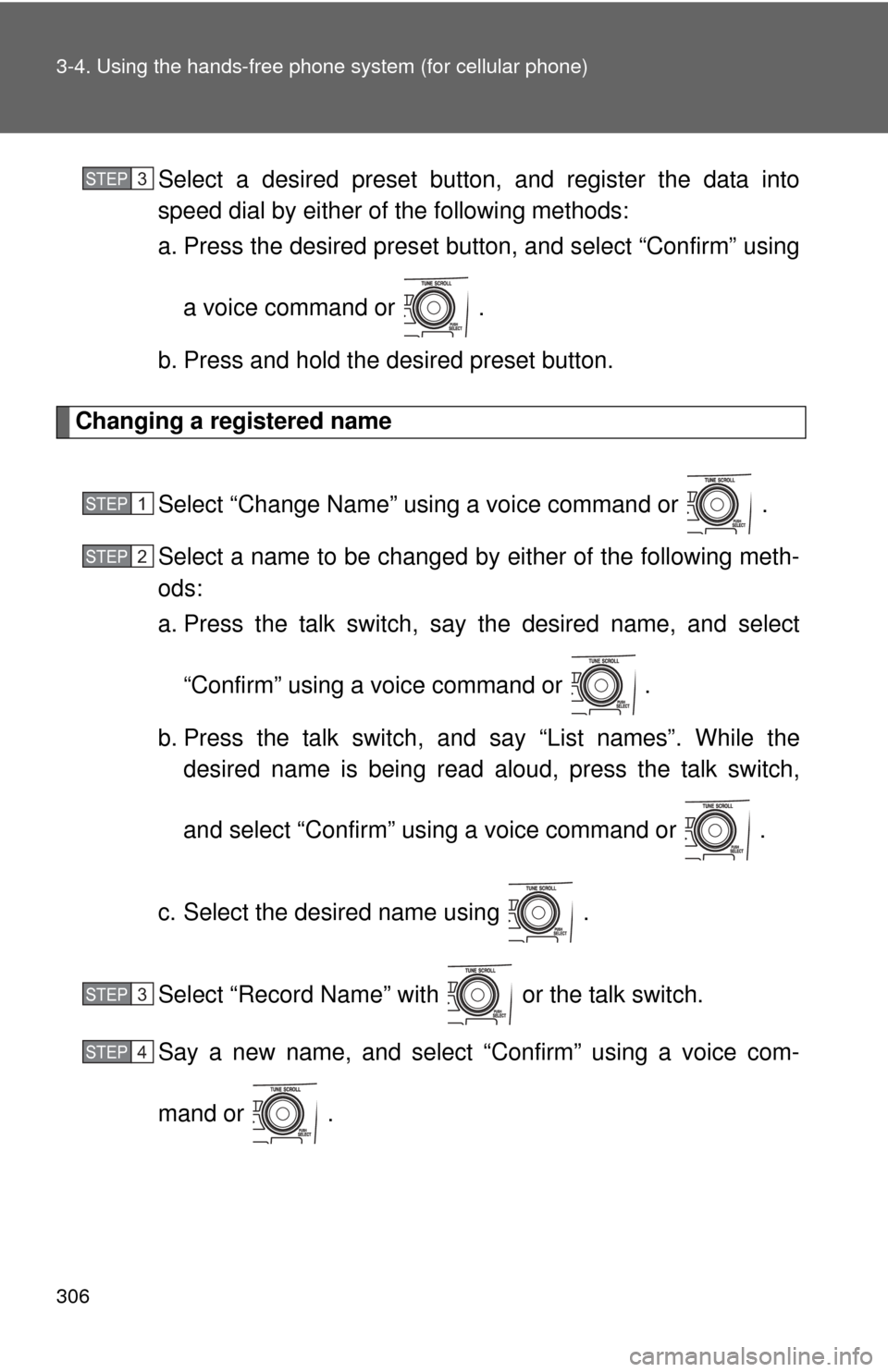
Select a desired preset button, and register the data into
speed dial by either of the following methods:
a. Press the desired preset button, and select “Confirm” using
a voice command or .
b. Press and hold the desired preset button.
Changing a registered name
Select “Change Name” using a voice command or .
Select a name to be changed by either of the following meth-
ods:
a. Press the talk switch, say the desired name, and select“Confirm” using a voice command or
.
b. Press the talk switch, and say “List names”. While the desired name is being read aloud, press the talk switch,
and select “Confirm” using a voice command or .
c. Select the desired name using .
Select “Record Name” with or the talk switch.
Say a new name, and select “Confirm” using a voice com-
mand or .
STEP 3
STEP 1
STEP 2
STEP 3
STEP 4
Page 307 of 529
307
3-4. Using the hand
s-free phone system (for cellular phone)
3
Interior features
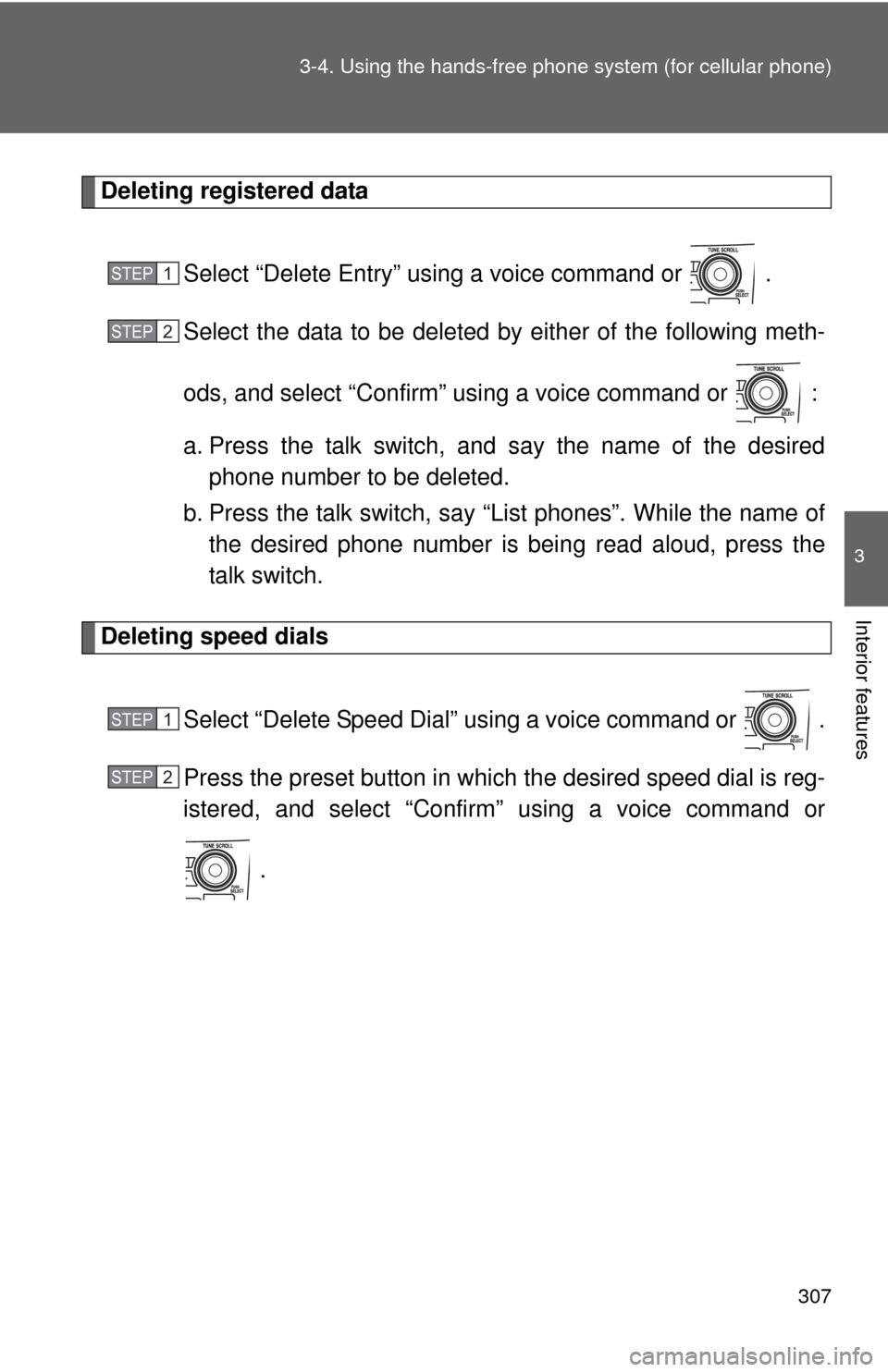
Deleting registered data
Select “Delete Entry” using a voice command or .
Select the data to be deleted by either of the following meth-
ods, and select “Confirm” us ing a voice command or :
a. Press the talk switch, and say the name of the desired phone number to be deleted.
b. Press the talk switch, say “List phones”. While the name of the desired phone number is bein g read aloud, press the
talk switch.
Deleting speed dials
Select “Delete Speed Dial” using a voice command or .
Press the preset button in which the desired speed dial is reg-
istered, and select “Confirm” using a voice command or
.
STEP 1
STEP 2
STEP 1
STEP 2
Page 308 of 529

308 3-4. Using the hands-free phone system (for cellular phone)
Listing the registered data
Selecting “List names” using a voice command causes a list of the
registered data to be read aloud.
When listing is complete, the system returns to “Phonebook”.
Pressing the talk switch while th e desired data is being read aloud
selects the data, and the following function will become available.
• Dialing: “Dial”
• Changing a registered name: “Change Name”
• Deleting an entry: “Delete Entry”
• Setting a speed dial: “Speed Dial (Set speed dial)”
■ Limitation of number of digits
A phone number that exceeds 24 digits cannot be registered.
Page 518 of 529

517
Alphabetical index
Alphabetical index
A/C .................................... 192, 198
ABS........................................... 166
Air conditioning filter .............. 384
Air conditioning systemAir conditioning filter ............. 384
Automatic air conditioning system................................ 192
Manual air conditioning system................................ 198
Airbags
Airbag operating conditions .... 88
Airbag precautions for your child...................................... 92
Airbag warning light .............. 425
Curtain shield airbag operating conditions ............. 89
Curtain shield airbag precautions .......................... 92
Front passenger occupant
classification system ............ 97
General airbag precautions .... 92
Locations of airbags ............... 85
Modification and disposal of airbags ................................. 96
Proper driving posture ...... 83, 92
Side airbag operating
conditions ............................. 89
Side airbag precautions.......... 92
SRS airbags ........................... 85
Antenna .................................... 214
Anti-lock brake system ........... 166
Ashtray ..................................... 324
Audio input .............................. 253 Audio system
Antenna .................................214
Audio input ............................253
AUX port................................253
CD player/changer ................217
iPod .......................................233
MP3/WMA disc......................225
Optimal use ...........................248
Portable music player............253
Radio .....................................210
Steering wheel audio switch ..................................255
Type ......................................206
USB memory .........................240
Automatic air conditioning system ....................................192
Automatic transmission Automatic transmission .........137
If the shift lever cannot be shifted from P......................450
S mode ..................................140
AUX port ...................................253
Auxiliary boxes ........................318
Back-up lights
Replacing light bulbs .............400
Wattage .................................479
Battery Checking ...............................366
If the vehicle has a discharged battery ..............454
Preparing and checking before winter .......................174
Bluetooth
® audio .....................259
Bluetooth® phone ....................275
Bottle holder .............................320
Brake Fluid ......................................363
Parking brake ........................145
Brake assist ..............................166
Break-in tips .............................120
A
B
Page 521 of 529
520 Alphabetical index
FuelCapacity ................................ 472
Fuel gauge ............................ 147
Fuel pump shut off system .... 421
Gas station information ......... 528
Information ............................ 480
Refueling .................................75
Type ...................................... 472
Fuel door.....................................75
Fuel filler door ............................75
Fuel pump shut off system ..... 421
Fuses......................................... 390
Gas station information........... 528
Gauges ...................................... 147
Glove box.................................. 314
Hands-free phone system (for cellular phone) ................275
Hazard lights Switch.................................... 414
Head restraints Adjusting ................................54
Headlights
Replacing light bulbs ............. 400
Switch.................................... 157
Wattage ................................. 479
Heaters Seat heater............................ 327
Side mirror............................. 205
Hood .......................................... 351
Horn........................................... 146 I/M test ...................................... 346
Identification number
Engine ................................... 468
Vehicle .................................. 468
Ignition switch.................. 129, 133
Illuminated entry system......... 310
Indicator lights ......................... 150
Initialization
Items to initialize ................... 499
Inside rear view mirror .............. 65
Interior lights Interior lights ......................... 309
Switch ................................... 311
Wattage................................. 479
Jack Positioning a floor jack .......... 353
Vehicle-equipped jack ........... 436
Jack handle .............................. 436
Keyless entry ............................. 34
Keys
Electronic key.......................... 20
Engine switch ................ 129, 133
If you lose your keys ............. 451
If your electronic key battery is discharged .......... 452
Ignition switch ............... 129, 133
Key number............................. 20
Keyless entry .......................... 34
Keys ........................................ 20
Mechanical key ....................... 20
Wireless remote control key.... 34
G
H
I
J
K