service TOYOTA COROLLA 2011 10.G Owners Manual
[x] Cancel search | Manufacturer: TOYOTA, Model Year: 2011, Model line: COROLLA, Model: TOYOTA COROLLA 2011 10.GPages: 529, PDF Size: 9.69 MB
Page 4 of 529

TABLE OF CONTENTSIndex
4
3-4. Using the hands-free phone system
(for cellular phone)
Hands-free phone system (for cellular phone)
features ............................ 275
Using the hands-free phone system ................... 279
Making a phone call ........... 289
Setting a cellular phone...... 293
Security and system setup ................................ 298
Using the phone book ........ 302
3-5. Using the interior lights Interior lights list ................. 309
• Interior light ...................... 311
• Personal lights ................. 311
• Personal/interior lights...... 312
3-6. Using the storage features List of storage features....... 313
• Glove box ......................... 314
• Console box ..................... 314
• Cup holders ...................... 316
• Auxiliary boxes ................. 318
• Bottle holders ................... 320
3-7. Other interior features Sun visors .......................... 321
Vanity mirrors ..................... 322
Clock .................................. 323
Ashtray ............................... 324
Cigarette lighter .................. 325
Power outlet ....................... 326
Seat heaters ....................... 327
Floor mat ............................ 329
Compass ............................ 330 4-1. Maintenance and care
Cleaning and protecting the vehicle exterior ........... 336
Cleaning and protecting the vehicle interior ............ 338
4-2. Maintenance Maintenance requirements .................... 341
General maintenance ......... 343
Emission inspection and maintenance (I/M)
programs .......................... 346
4-3. Do-it-yourself maintenance Do-it-yourself service precautions ....................... 347
Hood ................................... 351
Positioning a floor jack........ 353
Engine compartment .......... 356
Tires.................................... 370
Tire inflation pressure ......... 378
Wheels................................ 382
Air conditioning filter ........... 384
Key battery ......................... 386
Checking and replacing fuses ................................. 390
Light bulbs .......................... 400
4Maintenance and care
Page 16 of 529

16
Installation of a mobile two-way radio system
As the installation of a mobile two-way radio system in your vehicle may
affect electronic systems such as the multi-port fuel injection system/sequen-
tial multi-port fuel injection system, cruise control system, anti-lock brake
system, SRS airbag system or seat belt pretensioner system, be sure to
check with your Toyota dealer for precautionary measures or special instruc-
tions regarding installation.
Scrapping of your Toyota
The SRS airbag and seat belt pretensioner devices in your Toyota contain
explosive chemicals. If the vehicle is scrapped with the airbags and seat belt
pretensioners left as they are, this may cause an accident such as fire. Be
sure to have the systems of the SRS airbag and seat belt pretensioner
removed and disposed of by a qualified service shop or by your Toyota
dealer before you scrap your vehicle.
Perchlorate Material
Special handling may apply, See www.dtsc.ca.gov/hazardouswaste/perchlorate.
Your vehicle has components that may contain perchlorate. These compo-
nents may include airbags, seat belt pretensioners, and wireless remote con-
trol batteries.
Page 174 of 529
174
2-5. Driving information
Winter driving tips
Carry out the necessary preparations and inspections before driving
the vehicle in winter. Always drive the vehicle in a manner appropri-
ate to the prevailing weather conditions.
■ Pre-winter preparations
●Use fluids that are appropriate to the prevailing outside tem-
peratures.
• Engine oil
• Engine coolant
• Washer fluid
● Have a service technician inspect the level and specific grav-
ity of battery electrolyte.
● Have the vehicle fitted with four snow tires or purchase a set
of tire chains for the front tires.
Ensure that all tires are the same size and brand, and that chains
match the size of the tires.
■Before driving the vehicle
Perform the following according to the driving conditions.
●Do not try to forcibly open a window or move a wiper that is
frozen. Pour warm water over the frozen area to melt the ice.
Wipe away the water immediately to prevent it from freezing.
● To ensure proper operation of th e climate control system fan,
remove any snow that has accumulated on the air inlet vents
in front of the windshield.
● Remove any ice that has accumu lated on the vehicle chassis.
● Periodically check for and remove any excess ice or snow
that may have accumulated in the wheel well or on the
brakes.
Page 188 of 529
188
2-5. Driving information
Dinghy towing (manual transmission)
Towing your vehicle with 4 wheels on the groundTo prevent damage to your vehicle, perform the following procedures
before towing. Shift the shift lever to N.
Switch to the “ACC” position. ( P. 133)
Ensure that the audio system and other powered devices have been
turned off.
Release the parking brake.
After towing, leave the engine in idle for at least 3 minutes before
driving the vehicle.
■Necessary equipment and accessories
Specialized equipment and accessories are required for dinghy towing. Con-
tact the service branch of the motor home manufacturer regarding recom-
mended equipment.
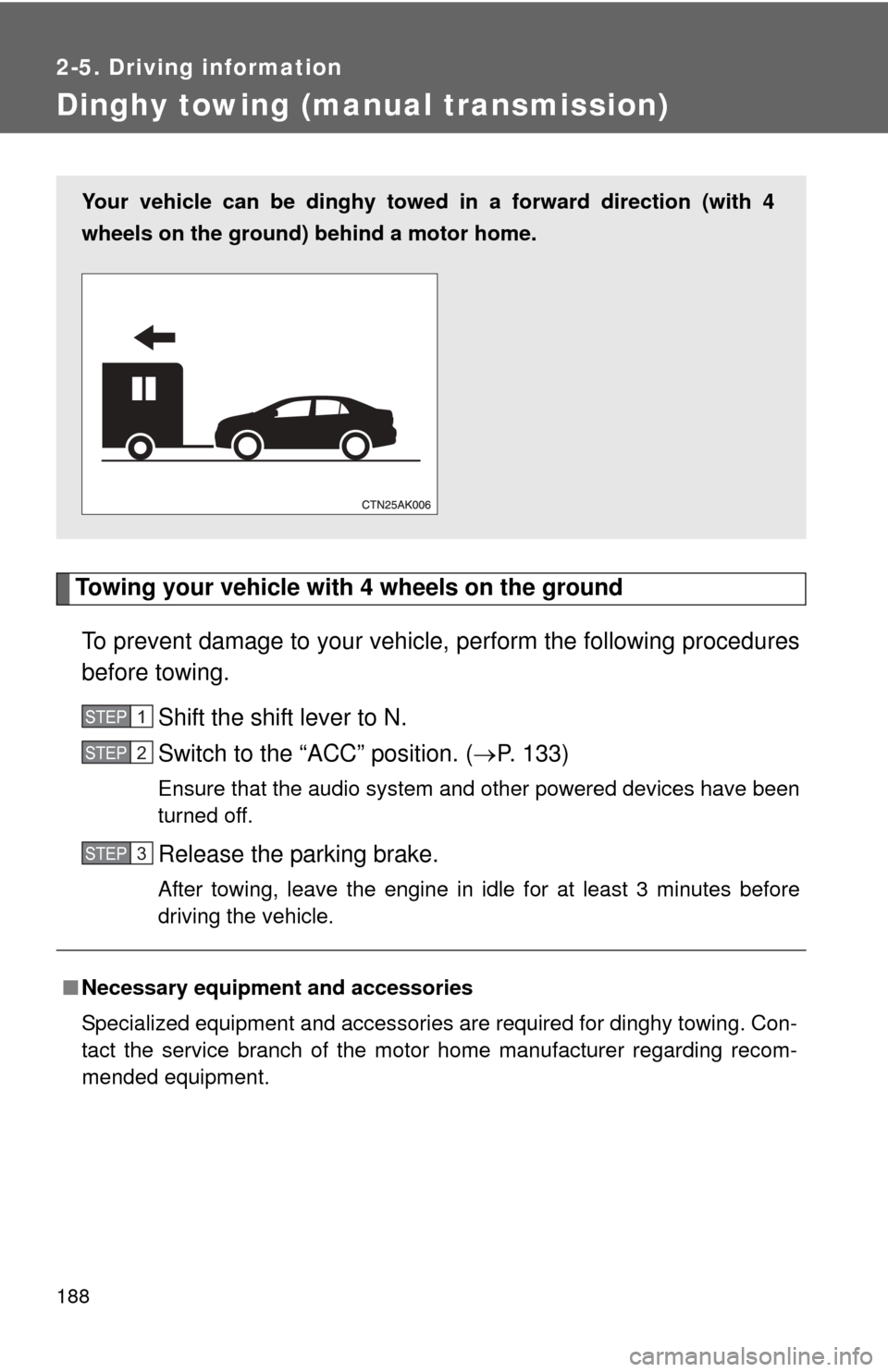
Your vehicle can be dinghy towed in a forward direction (with 4
wheels on the ground) behind a motor home.
STEP 1
STEP 2
STEP 3
Page 214 of 529
214 3-2. Using the audio system
■When the battery is disconnected
All preset stations are erased. (type A only)
■ Reception sensitivity
●Type B and C Cargo loaded on the roof luggage carrier, especially
metal objects, may adversely affect the reception of XM
® Satellite Radio.
● Maintaining perfect radio reception at all times is difficult due to the con-
tinually changing position of the antenna, differences in signal strength
and surrounding objects, such as trains and transmitters.
● The radio antenna is mounted inside the rear window. To maintain clear
radio reception, do not attach metallic window tinting or other metallic
objects to the antenna wire mounted inside the rear window.
■ XM
® Satellite Radio (type B and C)
An XM
® Satellite Radio is a tuner designed exclusively to receive broadcasts
provided under a separate subscription. Availability is limited to the 48 con-
tiguous states and 10 Canadian provinces.
● XM
® subscriptions
For detailed information about XM® Satellite Radio or to subscribe:
U.S.A.
Visit on the web at www.xmradio.com
or call 1-800-967-2346.
Canada
Visit on the web at www.xmradio.ca
or call 1-877-438-9677.
● Radio ID
You will need the radio ID when activating XM
® service or reporting a
problem. Select “CH000” using , and the receiver's 8-character ID
number will appear.
● Satellite tuner
The tuner supports only Audio Services (Music and Talk) and the accom-
panying Text Information of XM
® Satellite Radio.
Page 277 of 529
277
3-4. Using the hand
s-free phone system (for cellular phone)
3
Interior features
■Conditions under which th e system will not operate
● If using a cellular phone that does not support Bluetooth
®
●If the cellular phone is switched off
● If you are outside service range
● If the cellular phone is not connected
● If the cellular phone's battery is low
● If the cellular phone is behind the seat or in the glove box or console box
● If metal is covering or touching the cellular phone
■ When transferring ownership of the vehicle
Be sure to initialize the system to prevent personal data from being improp-
erly accessed.
■ Required profiles for the cellular phone
●HFP (Hands Free Profile) Ver. 1.0
● OPP (Object Push Profile) Ver. 1.1
■ About Bluetooth
®
■Certification for the hands-free phone system
FCC ID: ACJ932C5ZZZ035
IC ID: 216J-C5ZZZ035
This device complies with Part 15 of the FCC Rules and RSS-Gen of IC
Rules. Operation is subject to the following two conditions: (1) this device
may not cause harmful interference, and (2) this device must accept an\
y
interference received, including interference that may cause undesired oper-
ation.
Bluetooth is a registered trademark of
Bluetooth SIG. Inc.
Page 335 of 529
Maintenance and care4
335
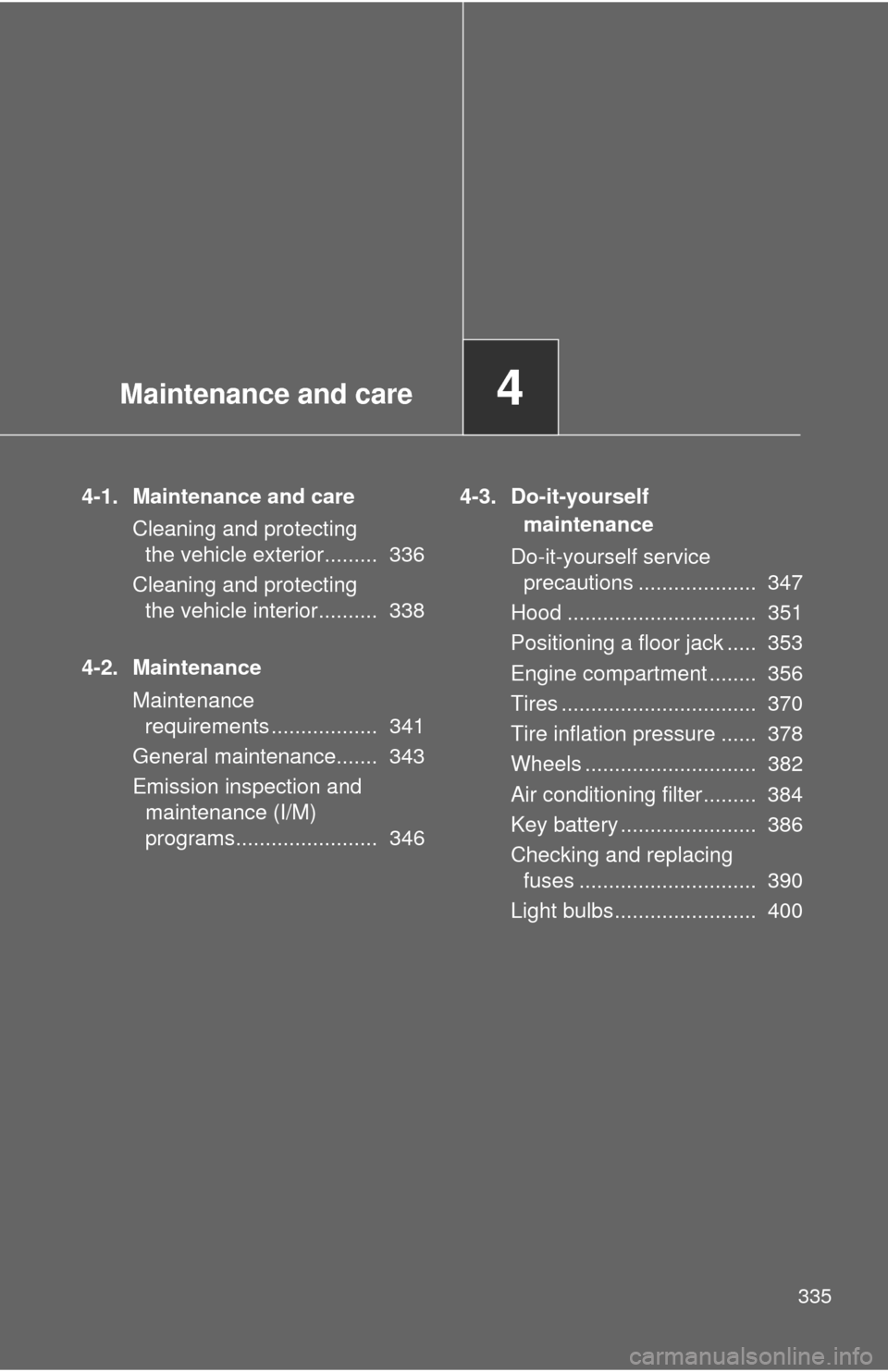
4-1. Maintenance and careCleaning and protecting the vehicle exterior......... 336
Cleaning and protecting the vehicle interior.......... 338
4-2. Maintenance Maintenance requirements .................. 341
General maintenance....... 343
Emission inspection and maintenance (I/M)
programs........................ 346 4-3. Do-it-yourself
maintenance
Do-it-yourself service precautions .................... 347
Hood ................................ 351
Positioning a floor jack ..... 353
Engine compartment ........ 356
Tires ................................. 370
Tire inflation pressure ...... 378
Wheels ............................. 382
Air conditioning filter......... 384
Key battery ....................... 386
Checking and replacing fuses .............................. 390
Light bulbs........................ 400
Page 342 of 529
342 4-2. Maintenance
■Repair and replacement
It is recommended that genuine Toyota parts be used for repair to ensure
performance of each system. If non-Toyota parts are used in replacement or
if a repair shop other than a Toyota dealer performs repairs, confirm the war-
ranty coverage.
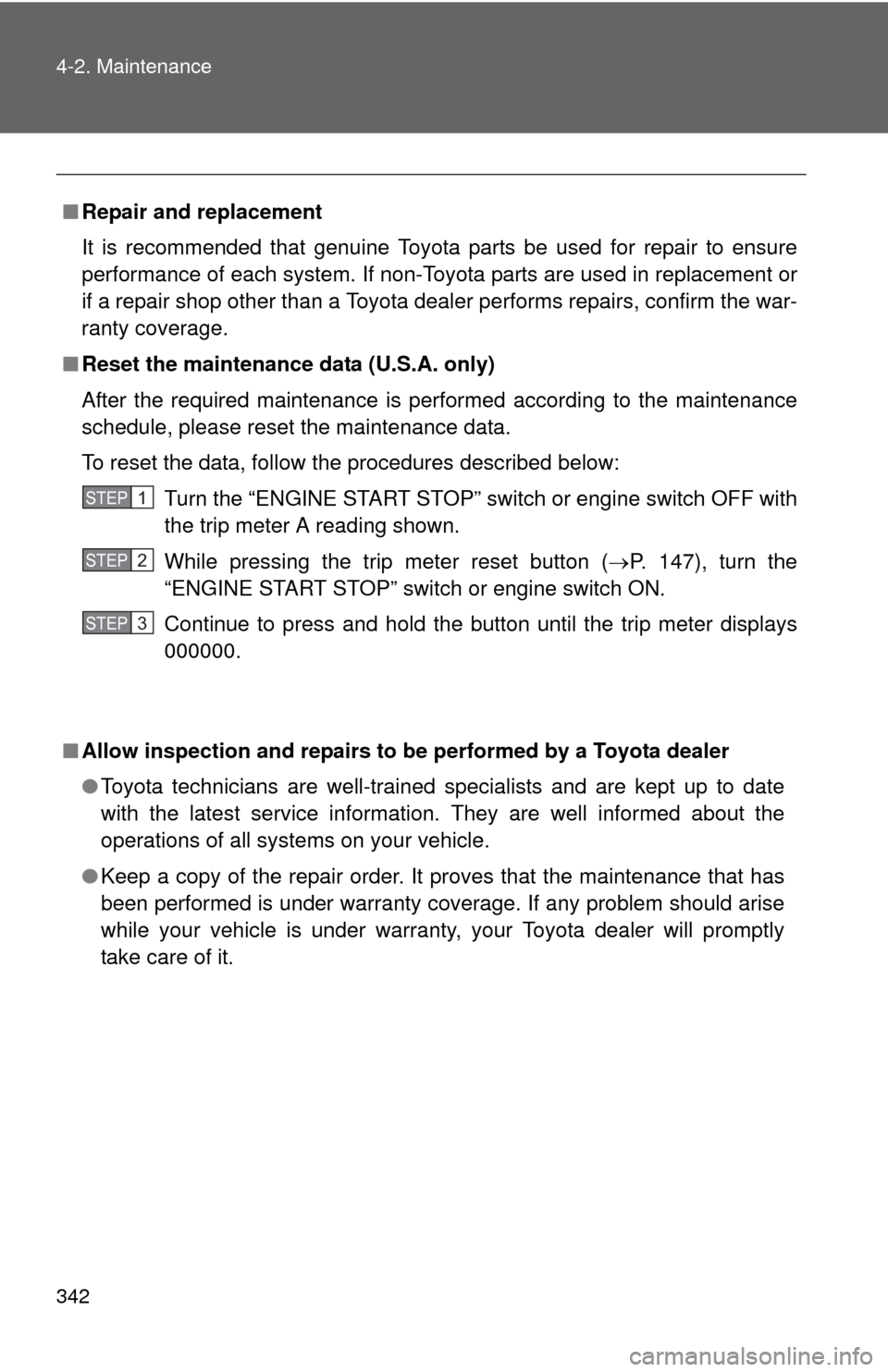
■ Reset the maintenance data (U.S.A. only)
After the required maintenance is performed according to the maintenance
schedule, please reset the maintenance data.
To reset the data, follow the procedures described below:
Turn the “ENGINE START STOP” switch or engine switch OFF with
the trip meter A reading shown.
While pressing the trip meter reset button ( P. 147), turn the
“ENGINE START STOP” switch or engine switch ON.
Continue to press and hold the button until the trip meter displays
000000.
■ Allow inspection and repairs to be performed by a Toyota dealer
●Toyota technicians are well-trained specialists and are kept up to date
with the latest service information. They are well informed about the
operations of all systems on your vehicle.
● Keep a copy of the repair order. It proves that the maintenance that has
been performed is under warranty coverage. If any problem should arise
while your vehicle is under warranty, your Toyota dealer will promptly
take care of it.
STEP 1
STEP 2
STEP 3
Page 344 of 529
344 4-2. Maintenance
ce
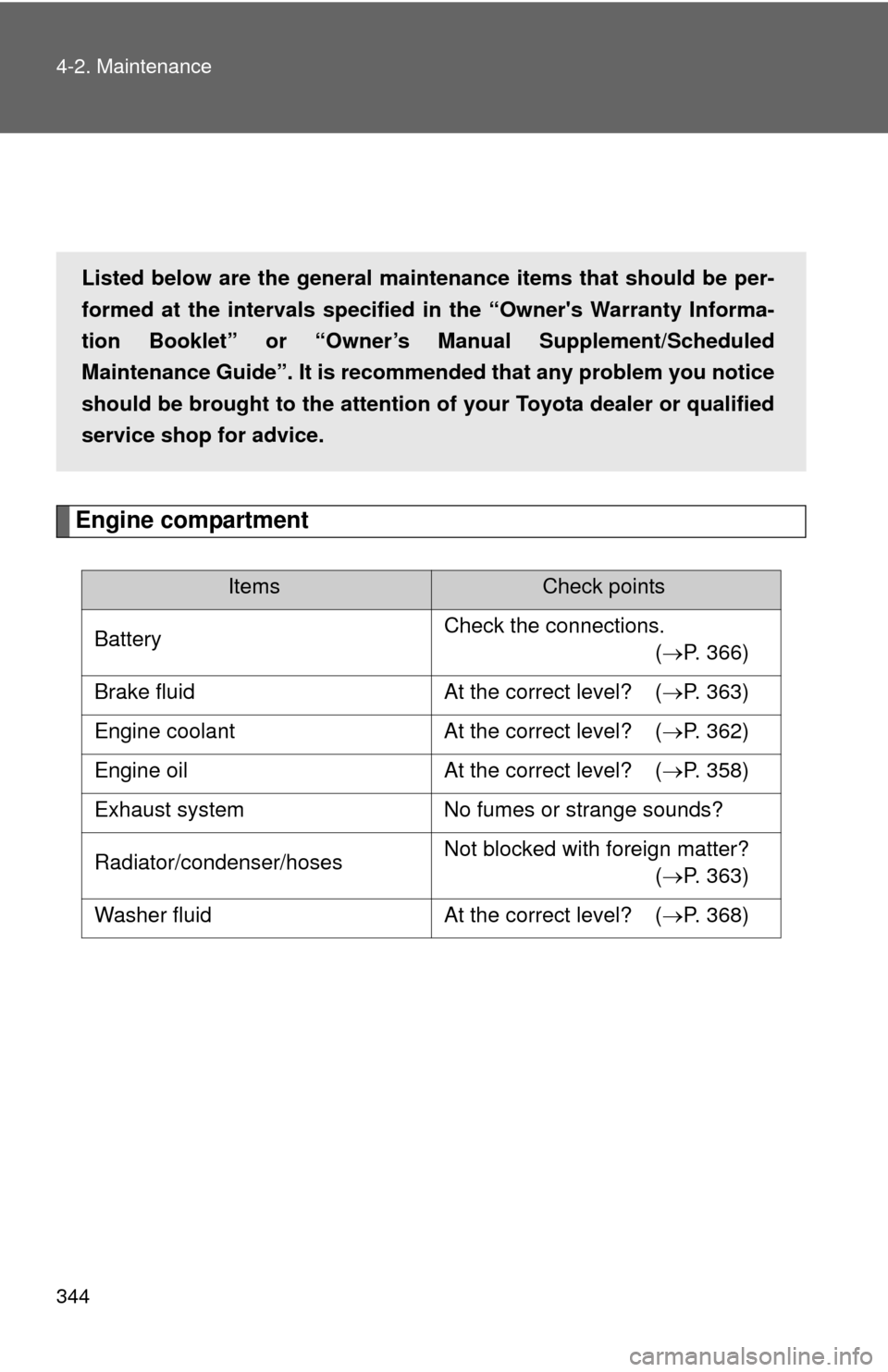
Engine compartment
ItemsCheck points
Battery Check the connections.
(P. 366)
Brake fluid At the correct level? (P. 363)
Engine coolant At the correct level? (P. 362)
Engine oil At the correct level? (P. 358)
Exhaust system No fumes or strange sounds?
Radiator/condenser/hoses Not blocked with foreign matter?
(P. 363)
Washer fluid At the correct level? (P. 368)
Listed below are the general maintenance items that should be per-
formed at the intervals specified in the “Owner's Warranty Informa-
tion Booklet” or “Owner’s Manual Supplement/Scheduled
Maintenance Guide”. It is recommended that any problem you notice
should be brought to the attention of your Toyota dealer or qualified
service shop for advice.
Page 347 of 529
347
4-2. Maintenance
4
Maintenance and care
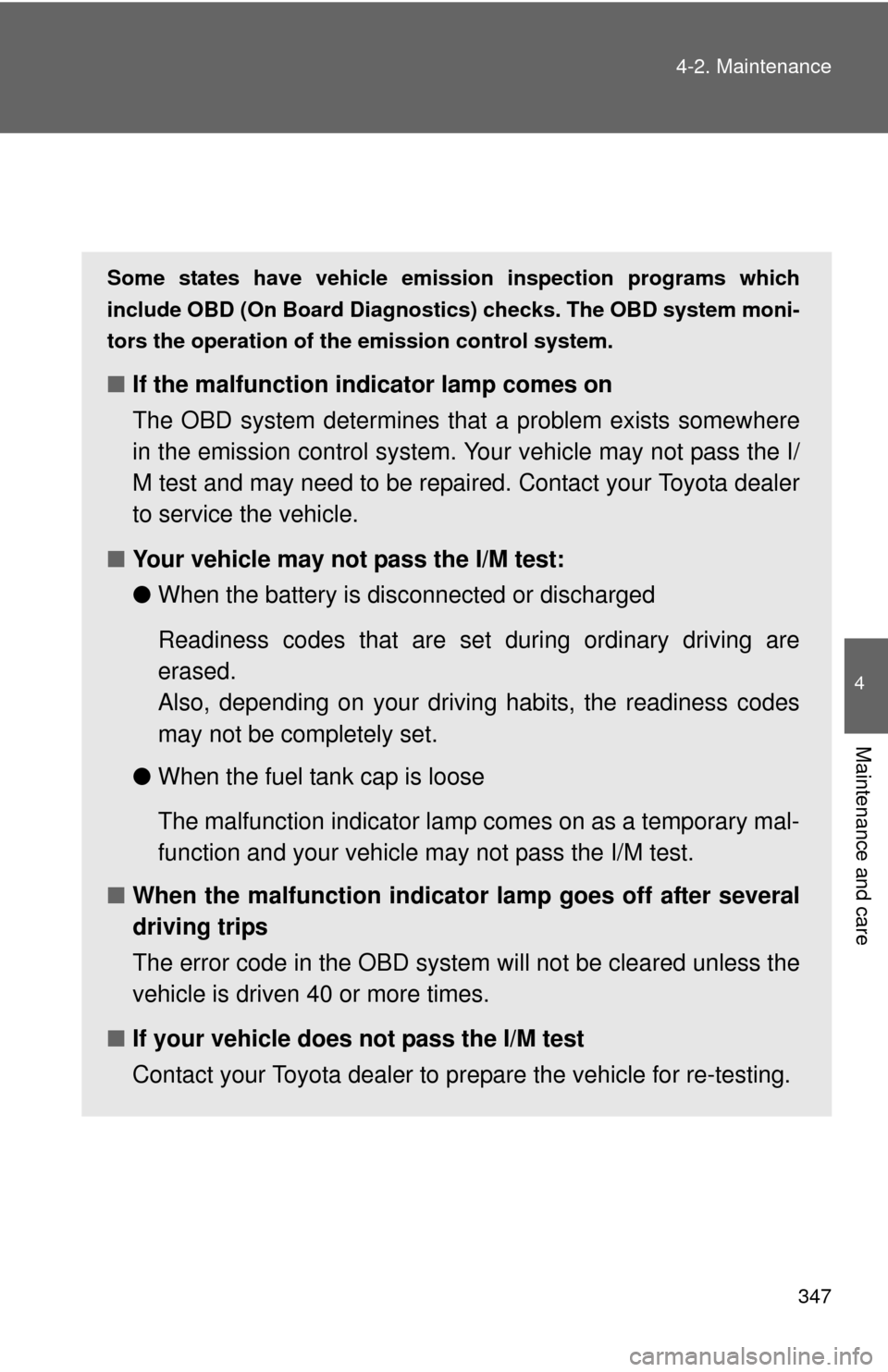
Emission inspection and maintenance (I/M) programs
Some states have vehicle emission inspection programs which
include OBD (On Board Diagnosti
cs) checks. The OBD system moni-
tors the operation of th e emission control system.
■If the malfunction indicator lamp comes on
The OBD system determines that a problem exists somewhere
in the emission control system. Your vehicle may not pass the I/
M test and may need to be repaired. Contact your Toyota dealer
to service the vehicle.
■ Your vehicle may not pass the I/M test:
●When the battery is disconnected or discharged
Readiness codes that are se t during ordinary driving are
erased.
Also, depending on your driving habits, the readiness codes
may not be completely set.
● When the fuel tank cap is loose
The malfunction indicator lamp comes on as a temporary mal-
function and your vehicle may not pass the I/M test.
■ When the malfunction indicator lamp goes off after several
driving trips
The error code in the OBD system will not be cleared unless the
vehicle is driven 40 or more times.
■ If your vehicle does not pass the I/M test
Contact your Toyota dealer to prepare the vehicle for re-testing.