Fuel TOYOTA COROLLA 2012 10.G User Guide
[x] Cancel search | Manufacturer: TOYOTA, Model Year: 2012, Model line: COROLLA, Model: TOYOTA COROLLA 2012 10.GPages: 529, PDF Size: 8.07 MB
Page 80 of 529

80 1-5. Refueling
NOTICE
■Refueling
Do not spill fuel during refueling.
Doing so may damage the vehicle, such as causing the exhaust systems to
operate abnormally or damaging fuel system components or the vehicle's
painted surface.
Page 123 of 529

123
2-1. Driving procedures
2
When driving
■
Breaking in your new Toyota
To extend the life of the vehicle, the following precautions are recommended
to observe:
●For the first 200 miles (300 km):
Avoid sudden stops.
● For the first 500 miles (800 km):
Do not tow a trailer.
● For the first 1000 miles (1600 km):
• Do not drive at extremely high speeds.
• Avoid sudden acceleration.
• Do not drive slowly with the manual transmission in a high gear.
• Do not drive at a constant speed for extended periods.
■ Drum-in-disc type parking brake system (2.4 L 4-cylinder [2AZ-FE]
engine)
Your vehicle has a drum-in-disc type parking brake system. This type of
brake system needs bedding-down of the brake shoes periodically or when-
ever the parking brake shoes and/or drum are replaced. Have your Toyota
dealer perform the bedding down.
■ Operating your vehicle in a foreign country
Comply with the relevant vehicle registration laws and confirm the availability
of the correct fuel. ( P. 468)
Page 150 of 529
150 2-2. Instrument cluster
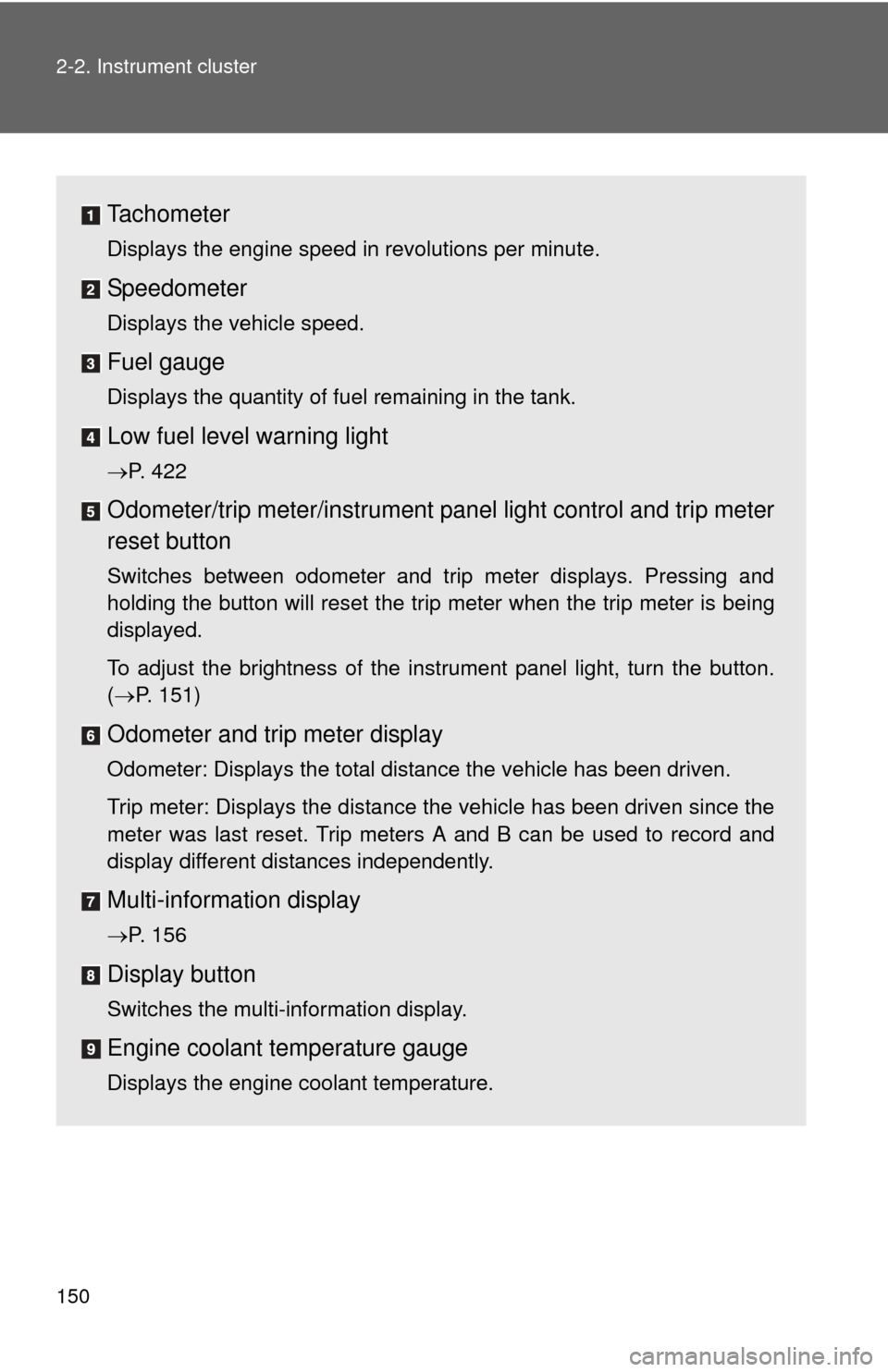
Tachometer
Displays the engine speed in revolutions per minute.
Speedometer
Displays the vehicle speed.
Fuel gauge
Displays the quantity of fuel remaining in the tank.
Low fuel level warning light
P. 422
Odometer/trip meter/instrument panel light control and trip meter
reset button
Switches between odometer and trip meter displays. Pressing and
holding the button will reset the trip meter when the trip meter is being
displayed.
To adjust the brightness of the instrument panel light, turn the button.
( P. 151)
Odometer and trip meter display
Odometer: Displays the total distance the vehicle has been driven.
Trip meter: Displays the distance the vehicle has been driven since the
meter was last reset. Trip meters A and B can be used to record and
display different distances independently.
Multi-informat ion display
P. 156
Display button
Switches the multi-information display.
Engine coolant temperature gauge
Displays the engine coolant temperature.
Page 156 of 529
156
2-2. Instrument cluster
Multi-information display
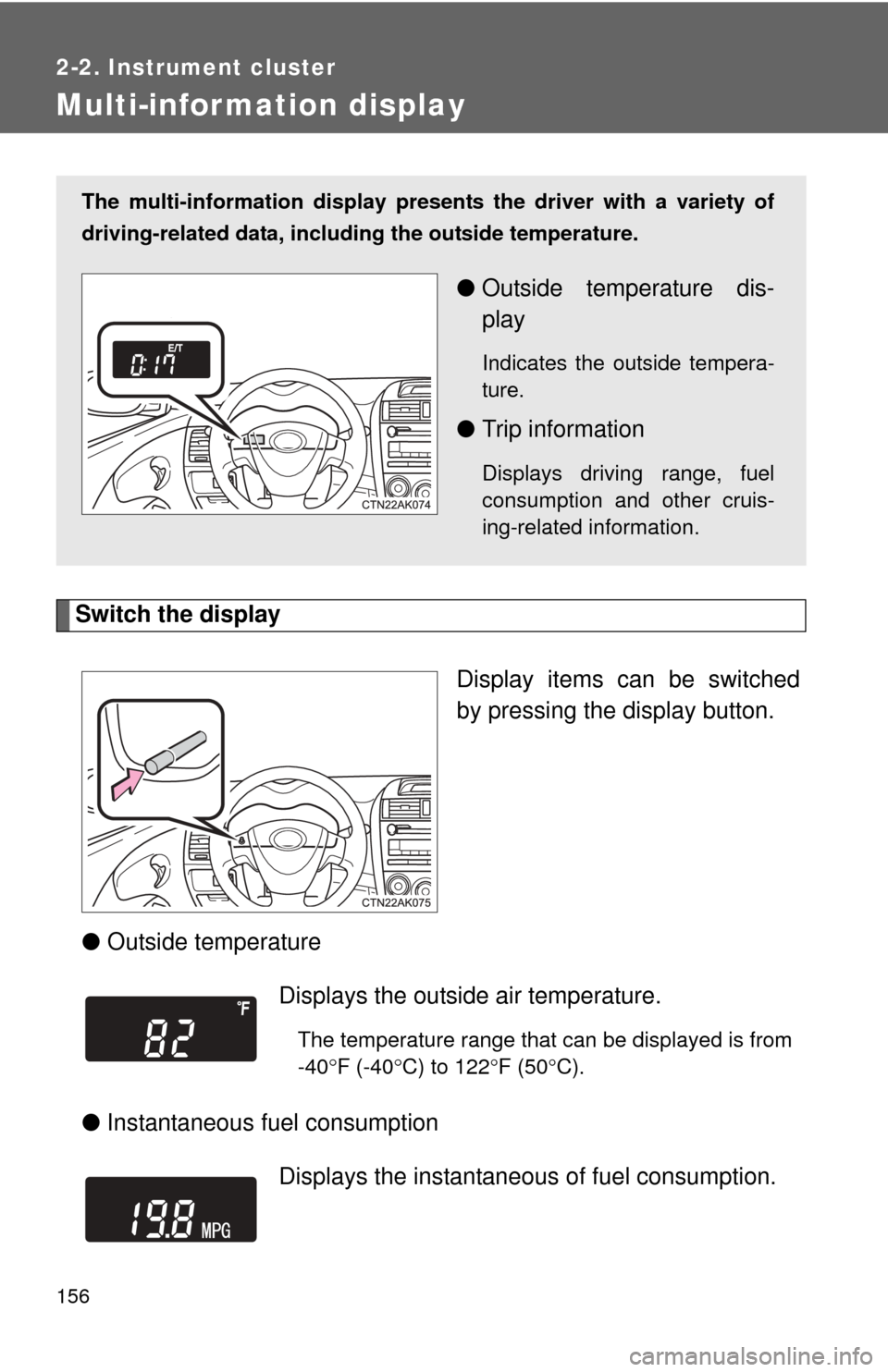
Switch the displayDisplay items can be switched
by pressing the display button.
● Outside temperature
● Instantaneous fuel consumption
The multi-information display presen ts the driver with a variety of
driving-related data, includ ing the outside temperature.
●Outside temperature dis-
play
Indicates the outside tempera-
ture.
●Trip information
Displays driving range, fuel
consumption and other cruis-
ing-related information.
Displays the outside air temperature.
The temperature range that can be displayed is from
-40 F (-40 C) to 122 F (50 C).
Displays the instantaneous of fuel consumption.
Page 157 of 529
157
2-2. Instrument cluster
2
When driving
●
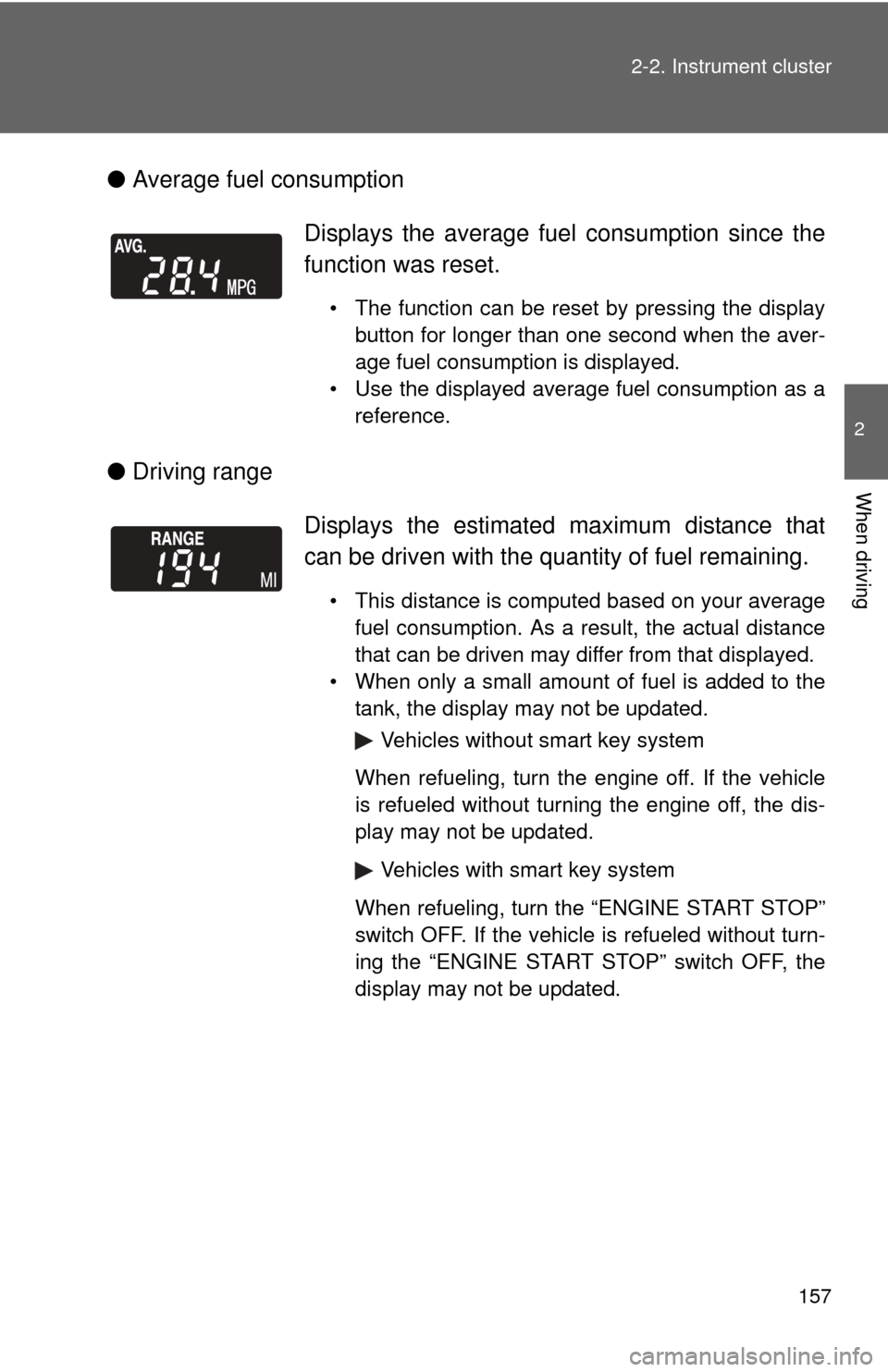
Average fuel consumption
● Driving range Displays the average fuel
consumption since the
function was reset.
• The function can be reset by pressing the display button for longer than one second when the aver-
age fuel consumption is displayed.
• Use the displayed average fuel consumption as a reference.
Displays the estimated maximum distance that
can be driven with the quantity of fuel remaining.
• This distance is computed based on your averagefuel consumption. As a result, the actual distance
that can be driven may differ from that displayed.
• When only a small amount of fuel is added to the tank, the display may not be updated.
Vehicles without smart key system
When refueling, turn the engine off. If the vehicle
is refueled without turning the engine off, the dis-
play may not be updated.
Vehicles with smart key system
When refueling, turn the “ENGINE START STOP”
switch OFF. If the vehicle is refueled without turn-
ing the “ENGINE START STOP” switch OFF, the
display may not be updated.
Page 158 of 529
158 2-2. Instrument cluster
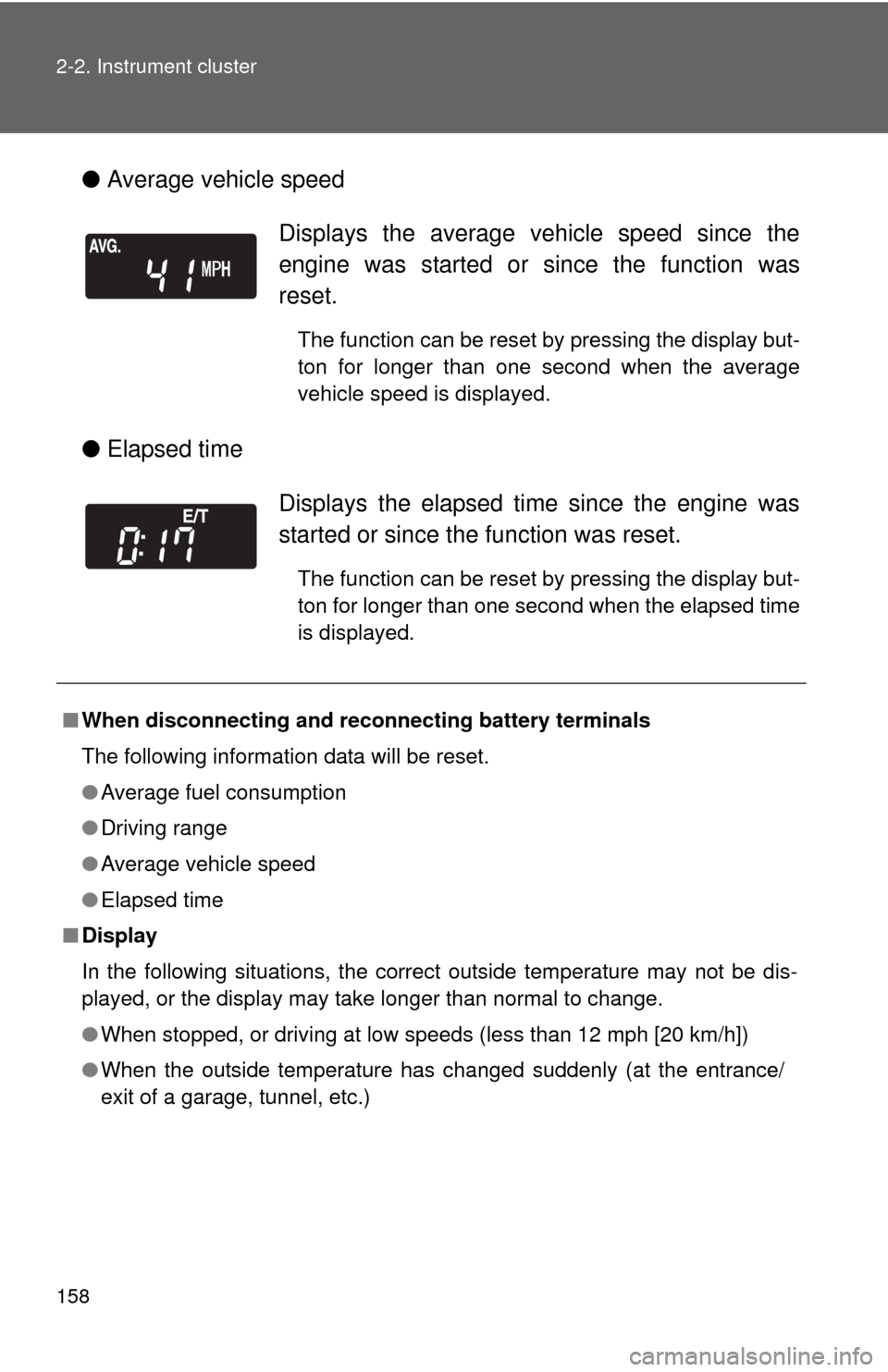
●Average vehicle speed
● Elapsed time
Displays the average vehicle speed since the
engine was started or since the function was
reset.
The function can be reset by pressing the display but-
ton for longer than one second when the average
vehicle speed is displayed.
Displays the elapsed ti me since the engine was
started or since the function was reset.
The function can be reset by pressing the display but-
ton for longer than one second when the elapsed time
is displayed.
■ When disconnecting and reco nnecting battery terminals
The following information data will be reset.
● Average fuel consumption
● Driving range
● Average vehicle speed
● Elapsed time
■ Display
In the following situations, the correct outside temperature may not be dis-
played, or the display may take longer than normal to change.
●When stopped, or driving at low speeds (less than 12 mph [20 km/h])
● When the outside temperature has changed suddenly (at the entrance/
exit of a garage, tunnel, etc.)
Page 162 of 529
162 2-3. Operating the lights and wipers
■Daytime running light system
●To make your vehicle more visible to other drivers, the headlights turn on
automatically whenever the engine is started and the parking brake is
released.
● Compared to turning on the headlights, the daytime running light system
offers greater durability and consumes less electricity, so it can help
improve fuel economy.
● Vehicles with daytime running light control sensor: The brightness of
headlights will automatically change depending on the darkness of the
surroundings. The other exterior lights and instrument panel lights auto-
matically turn on or off.
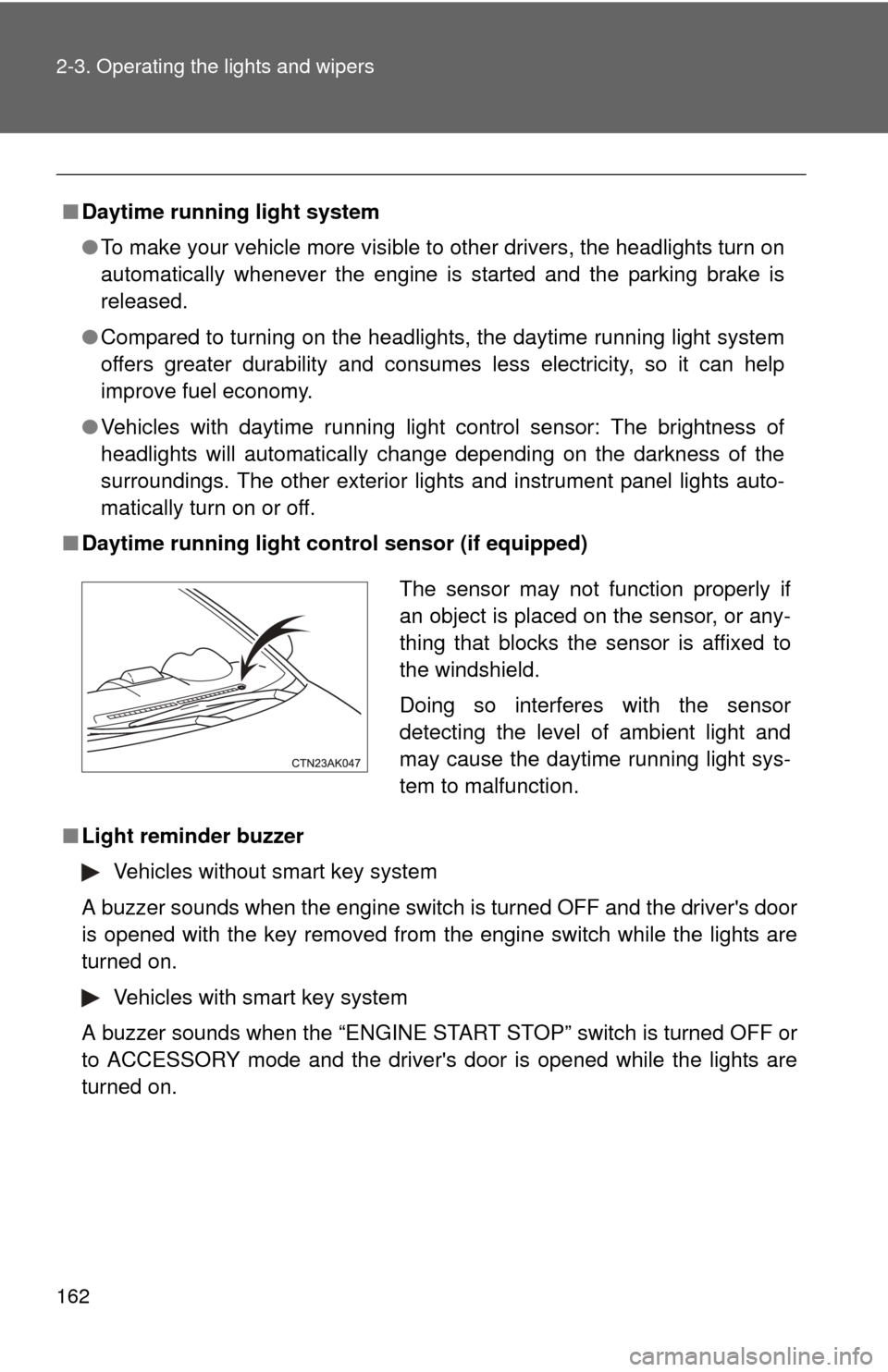
■ Daytime running light co ntrol sensor (if equipped)
■ Light reminder buzzer
Vehicles without smart key system
A buzzer sounds when the engine switch is turned OFF and the driver's door
is opened with the key removed from the engine switch while the lights are
turned on.
Vehicles with smart key system
A buzzer sounds when the “ENGINE START STOP” switch is turned OFF or
to ACCESSORY mode and the driver's door is opened while the lights are
turned on.
The sensor may not function properly if
an object is placed on the sensor, or any-
thing that blocks the sensor is affixed to
the windshield.
Doing so interferes with the sensor
detecting the level of ambient light and
may cause the daytime running light sys-
tem to malfunction.
Page 177 of 529
177
2
When driving
2-5. Driving information
Cargo and luggage
Capacity and distributionCargo capacity depends on the total weight of the occupants.
(Cargo capacity) = (Total load capacity) - (Total weight of occupants)
Steps for Determining Correct Load Limit
(1)Locate the statement “The co mbined weight of occupants and
cargo should never exceed XXX kg or XXX lbs.” on your vehicle's
placard.
(2)Determine the combined weight of the driver and passengers that
will be riding in your vehicle.
(3)Subtract the combined weight of the driver and passengers from XXX kg or XXX lbs.
(4)The resulting figure equals the av ailable amount of cargo and lug-
gage load capacity.
For example, if the “XXX” amount equals 1400 lbs. and there will
be five 150 lb passengers in your vehicle, the amount of available
cargo and luggage load capacity is 650 lbs. (1400 - 750 (5 150) =
650 lbs.)
(5)Determine the combined weight of luggage and cargo being loaded on the vehicle. That weight may not safely exceed the avail-
able cargo and luggage load capacity calculated in Step 4.
Take notice of the following information about storage precau-
tions, cargo capacity and load.
● Stow cargo and luggage in the trunk whenever possible. Be sure
all items are secured in place.
● Be careful to keep the vehicle level. Placing the weight as far for-
ward as possible helps maintain vehicle balance.
● For better fuel economy, do no t carry unnecessary weight.
Page 185 of 529
![TOYOTA COROLLA 2012 10.G User Guide 185
2-5. Driving information
2
When driving
Trailer towing (2.4 L 4-cylinder [2AZ-FE] engine)
Towing related terms■ GCWR (Gross Combination Weight Rating)
The maximum allowable gross
combination wei](/img/14/6329/w960_6329-184.png "TOYOTA COROLLA 2012 10.G User Guide 185
2-5. Driving information
2
When driving
Trailer towing (2.4 L 4-cylinder [2AZ-FE] engine)
Towing related terms■ GCWR (Gross Combination Weight Rating)
The maximum allowable gross
combination wei")
185
2-5. Driving information
2
When driving
Trailer towing (2.4 L 4-cylinder [2AZ-FE] engine)
Towing related terms■ GCWR (Gross Combination Weight Rating)
The maximum allowable gross
combination weight. The gross
combination weight is the sum of
the total vehicle weight (including
the occupants, cargo and any
optional equipment installed on
the vehicle) and the weight of the
trailer being towed (including the
cargo in the trailer).
Your vehicle is designed primarily as a passenger-and-load-carrying
vehicle. Towing a trailer can have an adverse impact on handling,
performance, braking, durability, and fuel consumption. For your
safety and the safety of others, yo u must not overload your vehicle
or trailer. You must also ensure that you are using appropriate tow-
ing equipment, that the towing eq uipment has been installed cor-
rectly and used properly, and that you employ the requisite driving
habits.
Vehicle-trailer stability and braki ng performance are affected by
trailer stability, brake performance and setting, trailer brakes, the
hitch and hitch systems (if equipped).
To tow a trailer safely, use extreme care and drive the vehicle in
accordance with your trailer’s characteristics and operating condi-
tions.
Toyota warranties do not apply to damage or malfunction caused by
towing a trailer for commercial purposes.
Contact your Toyota dealer for fu rther information about additional
requirements such as towing kits, etc.
Page 334 of 529
334
4-1. Maintenance and care
Cleaning and protecting the vehicle exterior
■Automatic car washes
●Fold the mirrors back before washing the vehicle.
● Brushes used in automatic car washes may scratch the vehicle surface
and harm your vehicle’s paint.
■ High pressure car washes
●Do not allow the nozzles of the car wash to come within close proximity
of the windows.
● Before car wash, check that the fuel filler door on your vehicle is closed
properly.
■ Aluminum wheels
●Remove any dirt immediately by using a neutral detergent. Do not use
hard brushes or abrasive cleaners. Do not use strong or harsh chemical
cleaners. Use the same mild detergent and wax as used on the paint.
● Do not use detergent on the wheels when they are hot, for example after
driving for long distance in the hot weather.
● Wash detergent from the wheels immediately after use.
Perform the following to protect the vehicle and maintain it in prime
condition.
● Working from top to bottom, liber ally apply water to the vehicle
body, wheel wells and underside of the vehicle to remove any
dirt and dust.
Wash the vehicle body using a sponge or soft cloth, such as a
chamois.
● For hard-to-remove marks, use car wash soap and rinse thor-
oughly with water.
● Wipe away any water.
● Wax the vehicle when the waterproof coating deteriorates.
If water does not bead on a clean surface, apply wax when the vehicle
body is cool.