Battery TOYOTA COROLLA 2013 11.G User Guide
[x] Cancel search | Manufacturer: TOYOTA, Model Year: 2013, Model line: COROLLA, Model: TOYOTA COROLLA 2013 11.GPages: 532, PDF Size: 8.55 MB
Page 138 of 532

138 2-1. Driving procedures
NOTICE
■To prevent battery discharge
Do not leave the key in the “ACC” or “ON” position for long periods if the
engine is not running.
■ When starting the engine
●2.4 L 4-cylinder (2AZ-FE) engine: Do not crank for more than 30 seconds
at a time. This may overheat the starter and wiring systems.
● Do not race a cold engine.
● If the engine becomes difficult to start or stalls frequently, have the engine
checked immediately.
Page 158 of 532

158 2-2. Instrument cluster
●Elapsed time
Displays the elapsed ti me since the engine was
started or since the function was reset.
The function can be reset by pressing the display but-
ton for longer than one second when the elapsed time
is displayed.
■ When disconnecting and reco nnecting battery terminals
The following information data will be reset.
● Average fuel consumption
● Driving range
● Average vehicle speed
● Elapsed time
■ Display
In the following situations, the correct outside temperature may not be dis-
played, or the display may take longer than normal to change.
●When stopped, or driving at low speeds (less than 12 mph [20 km/h])
● When the outside temperature has changed suddenly (at the entrance/
exit of a garage, tunnel, etc.)
NOTICE
■The multi-information disp lay at low temperatures
Allow the interior of the vehicle to warm up before using the liquid crystal
information display. At extremely low temperatures, the information display
monitor may respond slowly, and display changes may be delayed.
Page 162 of 532

162 2-3. Operating the lights and wipers
NOTICE
■To prevent battery discharge
Do not leave the lights on longer than necessary when the engine is not run-
ning.
Page 181 of 532
181
2-5. Driving information
2
When driving
Winter driving tips
Carry out the necessary preparations and inspections before driving
the vehicle in winter. Always drive the vehicle in a manner appropri-
ate to the prevailing weather conditions.
■ Pre-winter preparations
●Use fluids that are appropriate to the prevailing outside tem-
peratures.
• Engine oil
• Engine coolant
• Washer fluid
● Have a service technician inspect the level and specific grav-
ity of battery electrolyte.
● Have the vehicle fitted with four snow tires or purchase a set
of tire chains for the front tires.
Ensure that all tires are the same size and brand, and that chains
match the size of the tires.
■Before driving the vehicle
Perform the following according to the driving conditions.
●Do not try to forcibly open a window or move a wiper that is
frozen. Pour warm water over the frozen area to melt the ice.
Wipe away the water immediately to prevent it from freezing.
● To ensure proper operation of th e climate control system fan,
remove any snow that has accumulated on the air inlet vents
in front of the windshield.
● Remove any ice that has accumu lated on the vehicle chassis.
● Periodically check for and remove any excess ice or snow
that may have accumulated in the wheel well or on the
brakes.
Page 211 of 532
211
3-1. Using the air conditioning system
and defogger
3
Interior features
■Air conditioning odors
●During use, various odors from inside and outside the vehicle may enter
into and accumulate in the air conditioning system. This may then cause
odor to be emitted from the vents.
● To reduce potential odors from occurring:
• It is recommended that the air conditioning system be set to outside air
mode prior to turning the vehicle off.
• The start timing of the blower may be delayed for a short period of time immediately after the air conditioning system is started in automatic
mode.
CAUTION
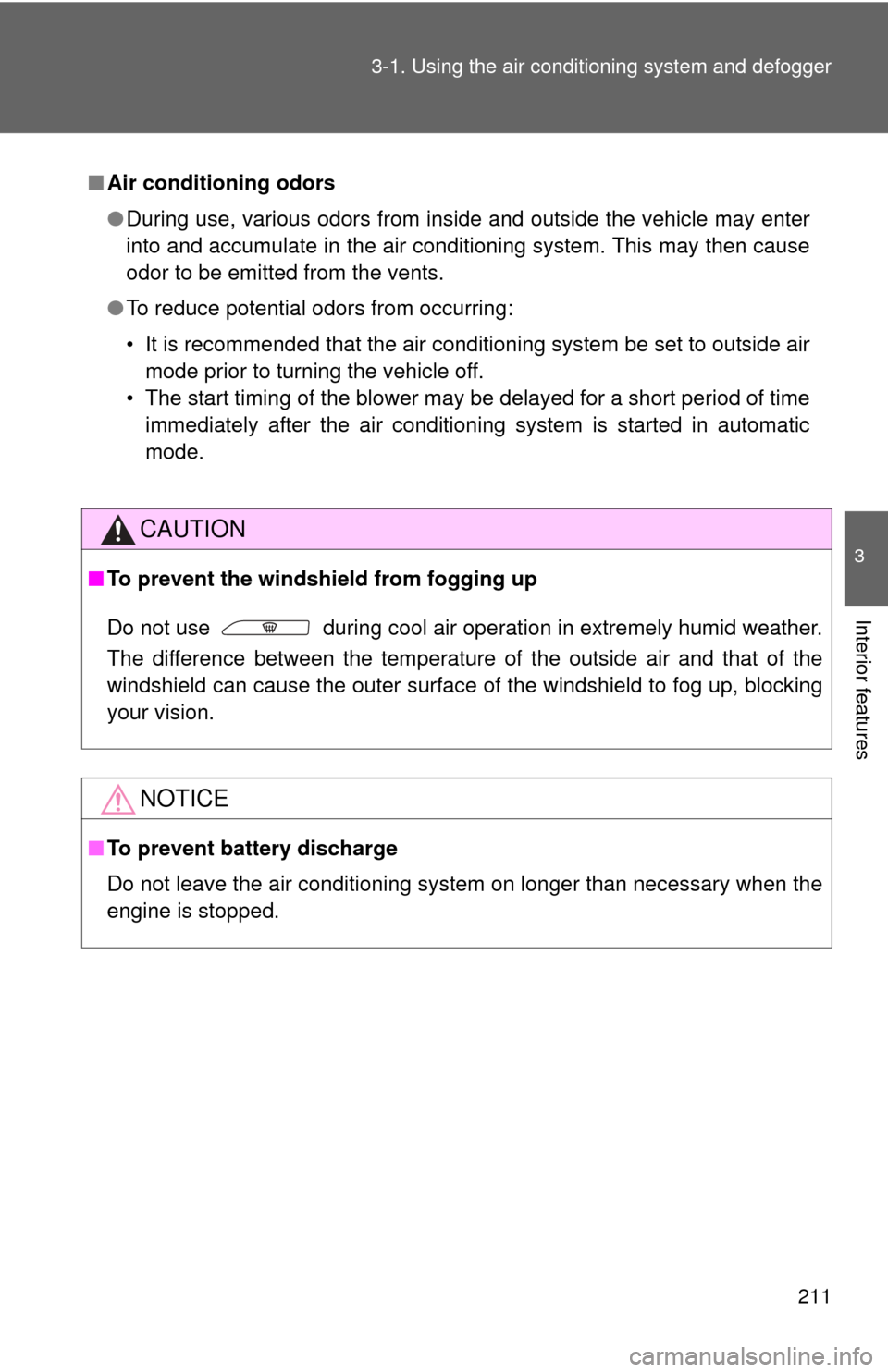
■ To prevent the windshield from fogging up
Do not use during cool air operation in extremely humid weather.
The difference between the temperature of the outside air and that of the
windshield can cause the outer surface of the windshield to fog up, blocking
your vision.
NOTICE
■To prevent battery discharge
Do not leave the air conditioning system on longer than necessary when the
engine is stopped.
Page 218 of 532

218 3-1. Using the air conditioning system and defogger
CAUTION
■To prevent the windshield from fogging up
Do not set the air outlet selection dial to during cool air operation in
extremely humid weather. The difference between the temperature of the
outside air and that of the windshield can cause the outer surface of the
windshield to fog up, blocking your vision.
NOTICE
■To prevent battery discharge
Do not leave the air conditioning system on longer than necessary when the
engine is stopped.
Page 232 of 532

232 3-2. Using the audio system
NOTICE
■To prevent battery discharge
Do not leave the audio system on longer than necessary when the engine is
off.
■ To avoid damaging the audio system
Take care not to spill drinks or other fluids over the audio system.
Page 235 of 532

235
3-2. Using the audio system
3
Interior features
Switching the display
Type A
Press .
Each time is pressed, the display changes in the following
order:
Title (song/program title) Name (artist name/feature) Title (song/pro-
gram title).
Type B
Press .
If the text continues past the end of the display, “ ” is displayed. Press .
■When the battery is disconnected (type A)
All preset stations are erased.
■ Reception sensitivity
●Maintaining perfect radio reception at all times is difficult due to the con-
tinually changing position of the antenna, differences in signal strength
and surrounding objects, such as trains and transmitters.
● The radio antenna is mounted inside the rear window. To maintain clear
radio reception, do not attach metallic window tinting or other metallic
objects to the antenna wire mounted inside the rear window.
Page 280 of 532
280
3-3. Using the Bluetooth® audio system
Bluetooth® audio/phone
■Conditions affecting operation
The Bluetooth
® audio/phone may not operate normally in the following situa-
tions:
● The portable player does not support Bluetooth
®
●The cellular phone is located outside the service area
● The Bluetooth
® device is switched off
● The Bluetooth
® device has a low battery
● The Bluetooth
® device is not connected to the system
● The Bluetooth
® device is behind the seat or in the glove box or console
box, or metal material covers or touches the device
■ Bluetooth® audio
The Bluetooth
® audio system enables yo u to enjoy music played
on a portable digital audio player (portable player) from the vehi-
cle speakers via wireless communication.
This audio system supports Bluetooth
®, a wireless data system
capable of playing portable audi o music without cables. If your
portable player does not support Bluetooth
®, the Bluetooth®
audio system will not function.
■ Bluetooth
® phone (hands-free phone system)
This system supports Bluetooth
®, which allows you to make or
receive calls without using cables to connect a cellular phone
and the system, and without operating the cellular phone.
: If equipped
Page 309 of 532

309
3-5. Using the interior lights
3
Interior features
■
Illuminated entry system
Vehicles without moon roof
The interior light (with the switch in the “DOOR” position) and “ENGINE
START STOP” switch light (vehicles with smart key system) automatically
turn on/off according to “ENGINE START STOP” switch mode (vehicles with
smart key system) or engine switch pos ition (vehicles without smart key sys-
tem), the presence of the electronic key (vehicles with smart key system),
whether the doors are locked/unlocked (vehicles with power door lock sys-
tem) and whether the doors are open/closed.
Vehicles with moon roof
The interior light, personal/interior lights (with the switch in the “DOOR” posi-
tion) and “ENGINE START STOP” switch light (vehicles with smart key sys-
tem) automatically turn on/off according to “ENGINE START STOP” switch
mode (vehicles with smart key system) or engine switch position (vehicles
without smart key system), the presence of the electronic key (vehicle\
s with
smart key system), whether the doors are locked/unlocked (vehicles with
power door lock system) and whether the doors are open/closed.
■ To prevent the battery from being discharged
If the interior light, personal/interior lights (vehicles with moon roof) and
“ENGINE START STOP” switch light (vehicles with smart key system)
remain on when the door is not fully closed and the switch is in the “DOOR”
position, the lights will go off automatically after 20 minutes.
■ Customization that can be co nfigured at Toyota dealer
Settings (e.g. The time elapsed before lights turn off) can be changed.
(Customizable features P. 497)