CD player TOYOTA COROLLA 2013 11.G Owner's Manual
[x] Cancel search | Manufacturer: TOYOTA, Model Year: 2013, Model line: COROLLA, Model: TOYOTA COROLLA 2013 11.GPages: 532, PDF Size: 8.55 MB
Page 285 of 532
285
3-3. Using the Bluetooth
® audio system
3
Interior features
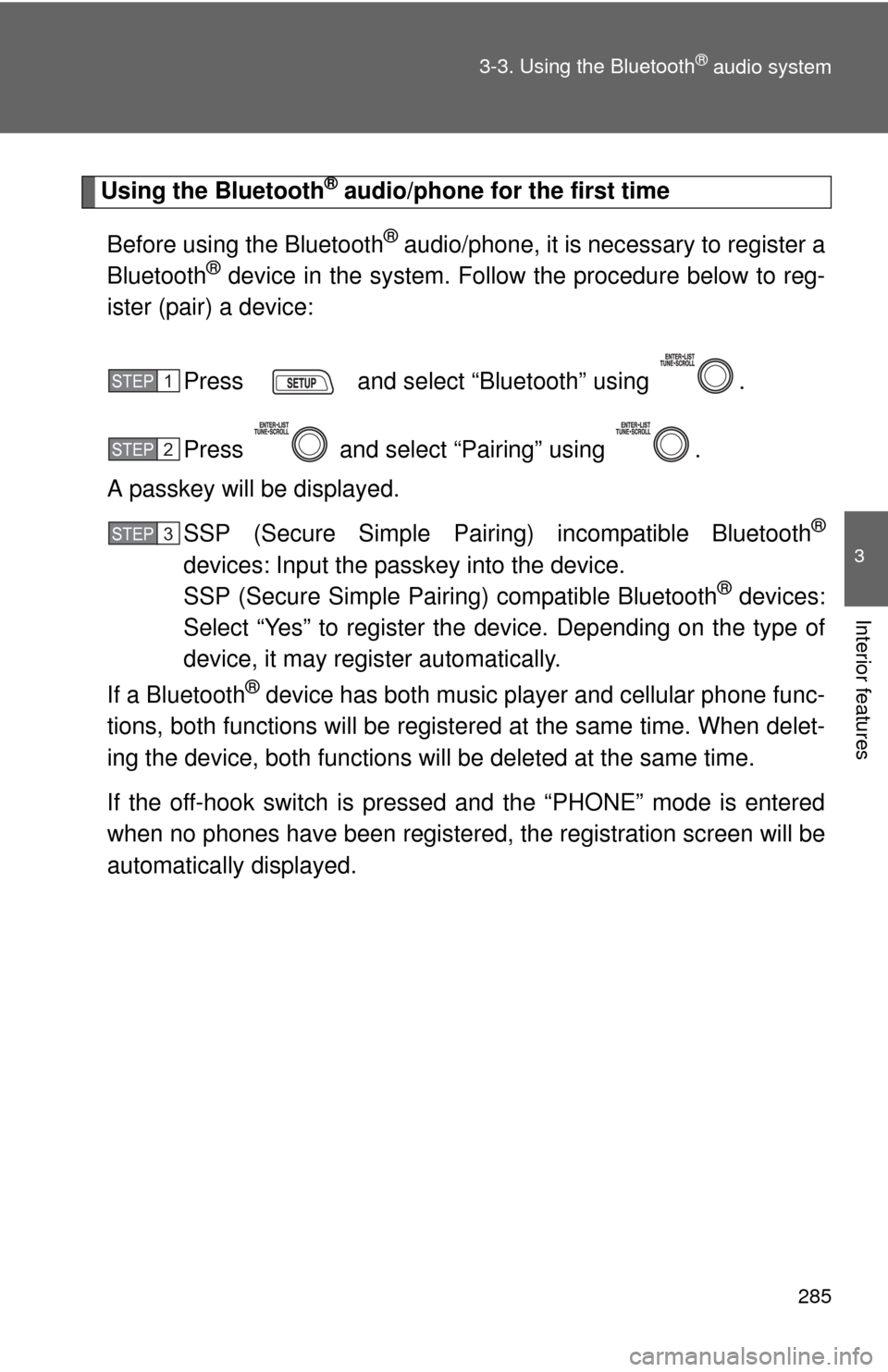
Using the Bluetooth® audio/phone for the first time
Before using the Bluetooth
® audio/phone, it is necessary to register a
Bluetooth® device in the system. Follow the procedure below to reg-
ister (pair) a device:
Press and select “Bluetooth” using .
Press and select “Pairing” using .
A passkey will be displayed.
SSP (Secure Simple Pairin g) incompatible Bluetooth
®
devices: Input the passkey into the device.
SSP (Secure Simple Pairing) compatible Bluetooth® devices:
Select “Yes” to register the device. Depending on the type of
device, it may register automatically.
If a Bluetooth
® device has both music player and cellular phone func-
tions, both functions will be regist ered at the same time. When delet-
ing the device, both f unctions will be deleted at the same time.
If the off-hook switch is pressed and the “PHONE” mode is entered
when no phones have been registered, the re gistration screen will be
automatically displayed.
STEP 1
STEP 2
STEP 3
Page 286 of 532
286 3-3. Using the Bluetooth
® audio system
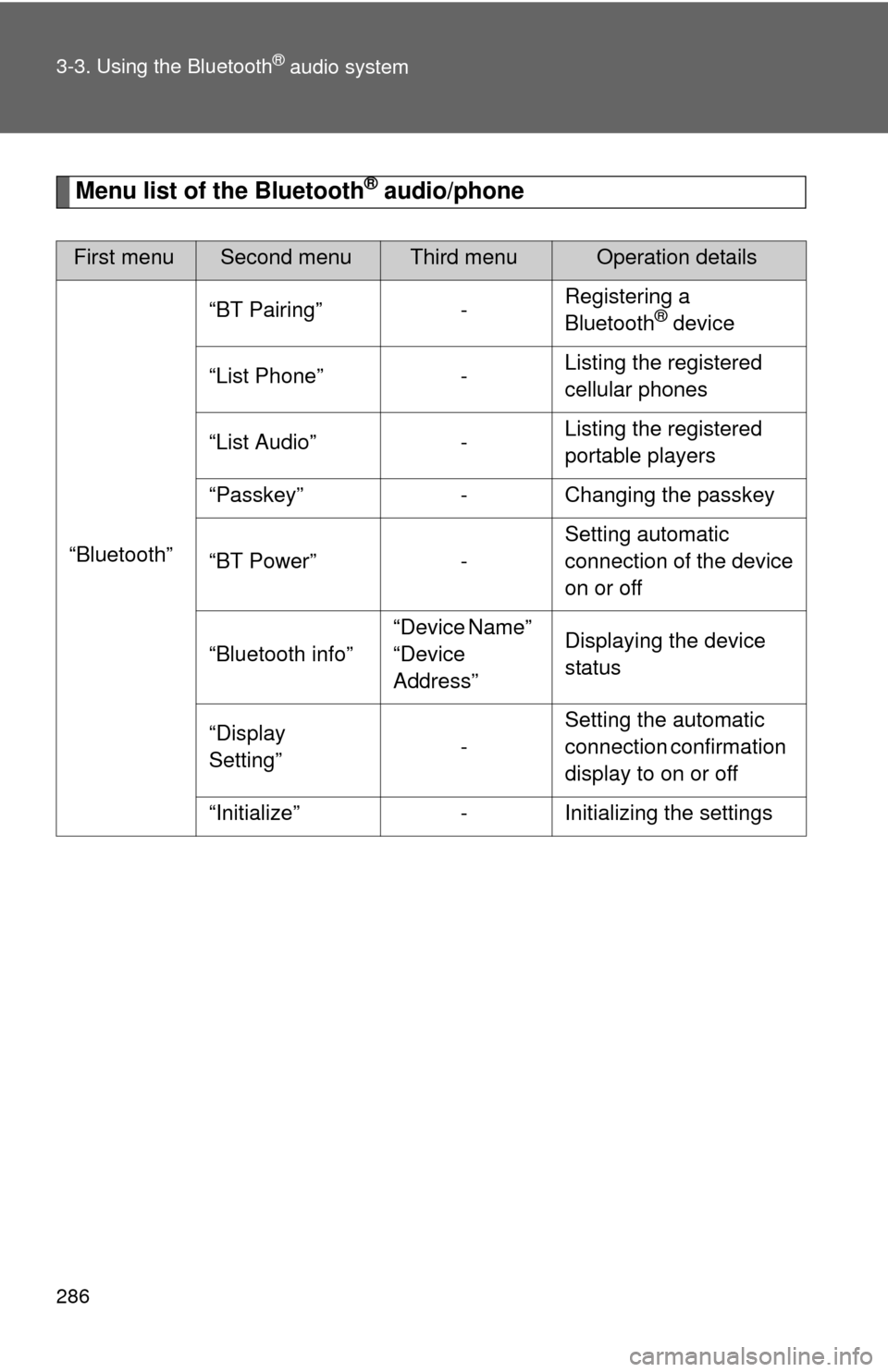
Menu list of the Bluetooth® audio/phone
First menuSecond menuThird menuOperation details
“Bluetooth” “BT Pairing” -
Registering a
Bluetooth
® device
“List Phone” - Listing the registered
cellular phones
“List Audio” - Listing the registered
portable players
“Passkey” - Changing the passkey
“BT Power” - Setting automatic
connection of the device
on or off
“Bluetooth info” “Device Name”
“Device
Address”Displaying the device
status
“Display
Setting” -Setting the automatic
connection confirmation
display to on or off
“Initialize” - Initializing the settings
Page 288 of 532
288
3-3. Using the Bluetooth® audio system
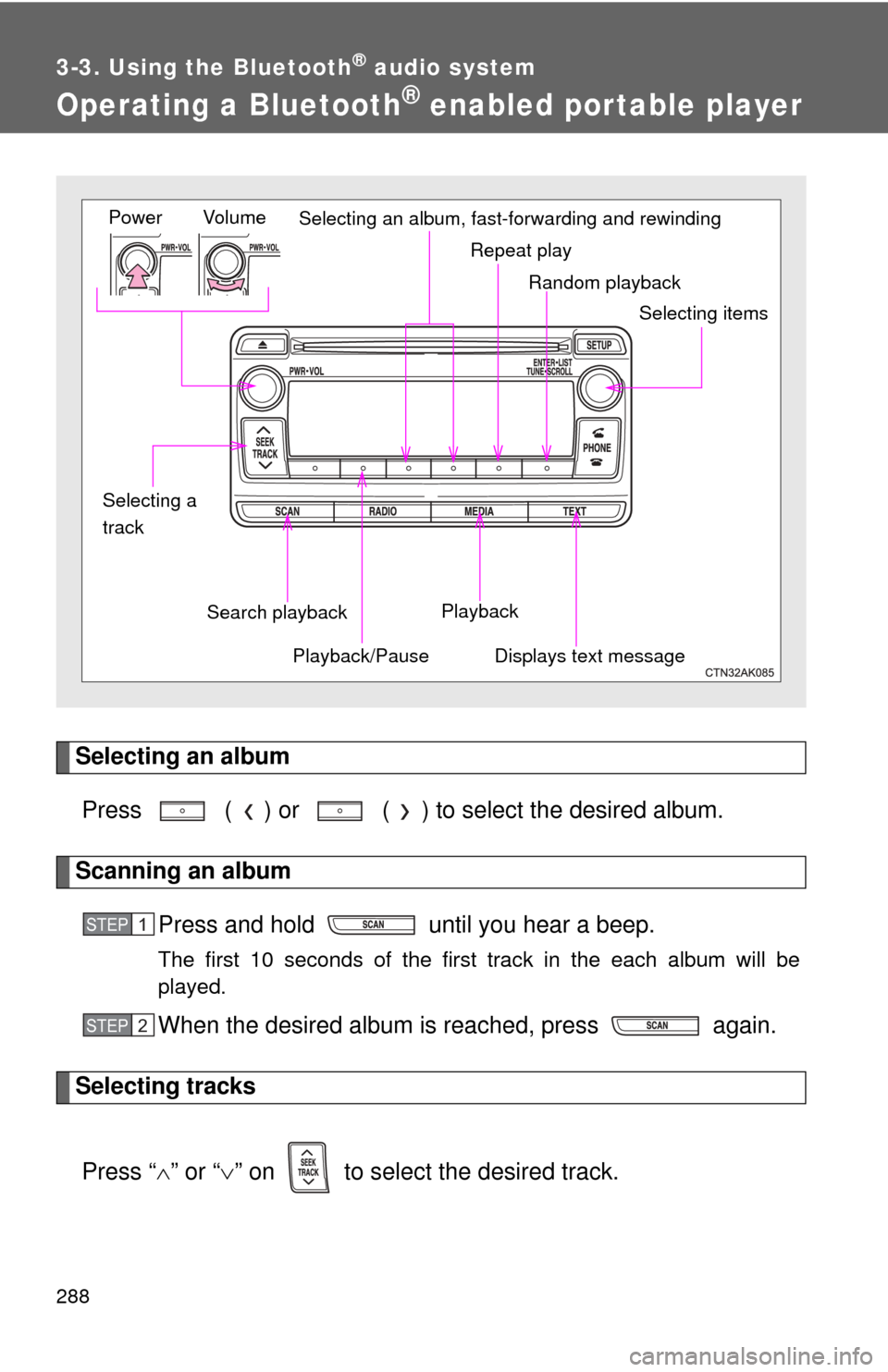
Operating a Bluetooth® enabled portable player
Selecting an albumPress ( ) or ( ) to select the desired album.
Scanning an album Press and hold until you hear a beep.
The first 10 seconds of the first track in the each album will be
played.
When the desired album is reached, press again.
Selecting tracks
Press “ ” or “ ” on to select the desired track.
Random playback
Repeat play
Playback
Playback/PauseDisplays text message
Vol u m e
Power
Selecting itemsSelecting an album, fast-forwarding and rewinding
Search playback
Selecting a
track
STEP 1
STEP 2
Page 290 of 532

290 3-3. Using the Bluetooth
® audio system
■Bluetooth® audio system functions
Depending on the portable player that is connected to the system, certain
functions may not be available.
Page 296 of 532
296
3-4. Using the hands-free phone system (for cellular phone)
Using the “SET UP” menu (“Bluetooth” menu)
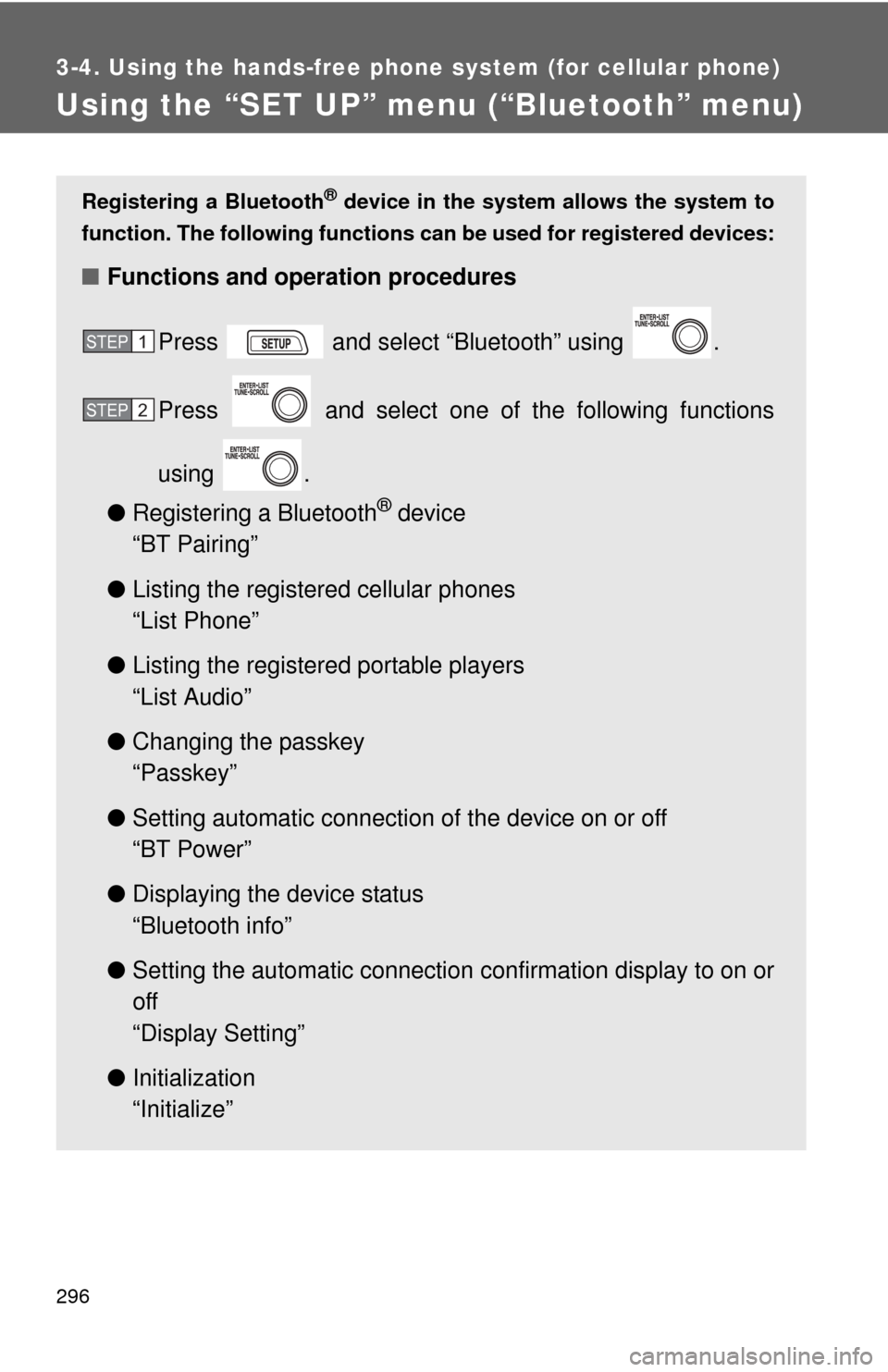
Registering a Bluetooth® device in the system allows the system to
function. The following functions can be used for registered devices:
■Functions and operation procedures
Press and select “Bluetooth” using .
Press and select one of the following functions
using .
● Registering a Bluetooth
® device
“BT Pairing”
● Listing the registered cellular phones
“List Phone”
● Listing the registered portable players
“List Audio”
● Changing the passkey
“Passkey”
● Setting automatic connection of the device on or off
“BT Power”
● Displaying the device status
“Bluetooth info”
● Setting the automatic connection confirmation display to on or
off
“Display Setting”
● Initialization
“Initialize”
STEP 1
STEP 2
Page 297 of 532
297
3-4. Using the hand
s-free phone system (for cellular phone)
3
Interior features
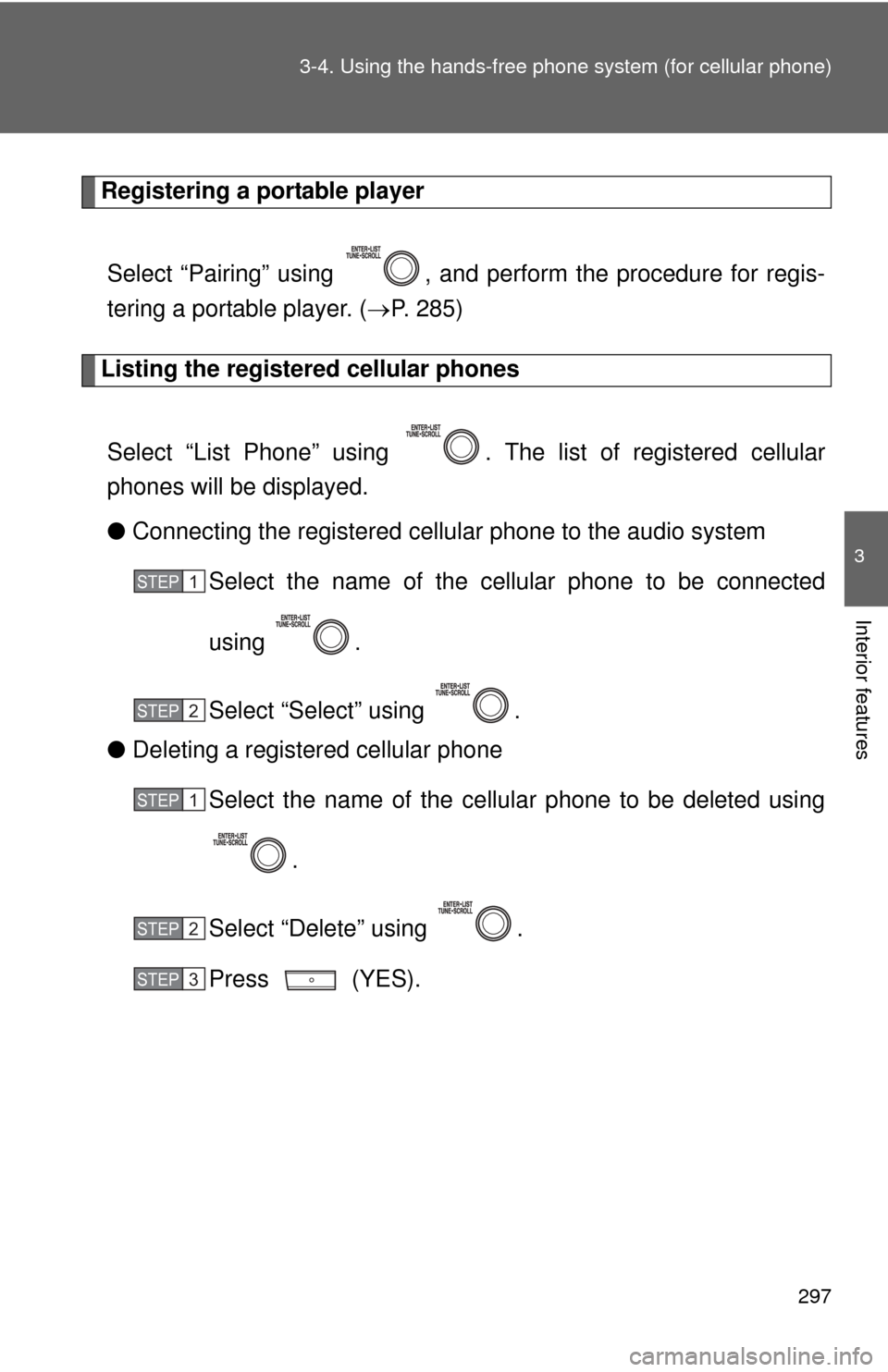
Registering a portable player
Select “Pairing” using , and perform the procedure for regis-
tering a portable player. ( P. 285)
Listing the registered cellular phones
Select “List Phone” using . T he list of registered cellular
phones will be displayed.
● Connecting the registered cellular phone to the audio system
Select the name of the cellular phone to be connected
using .
Select “Select” using .
● Deleting a registered cellular phone
Select the name of the cellular phone to be deleted using
.
Select “Delete” using .
Press (YES).
STEP 1
STEP 2
STEP 1
STEP 2
STEP 3
Page 298 of 532
298 3-4. Using the hands-free phone system (for cellular phone)
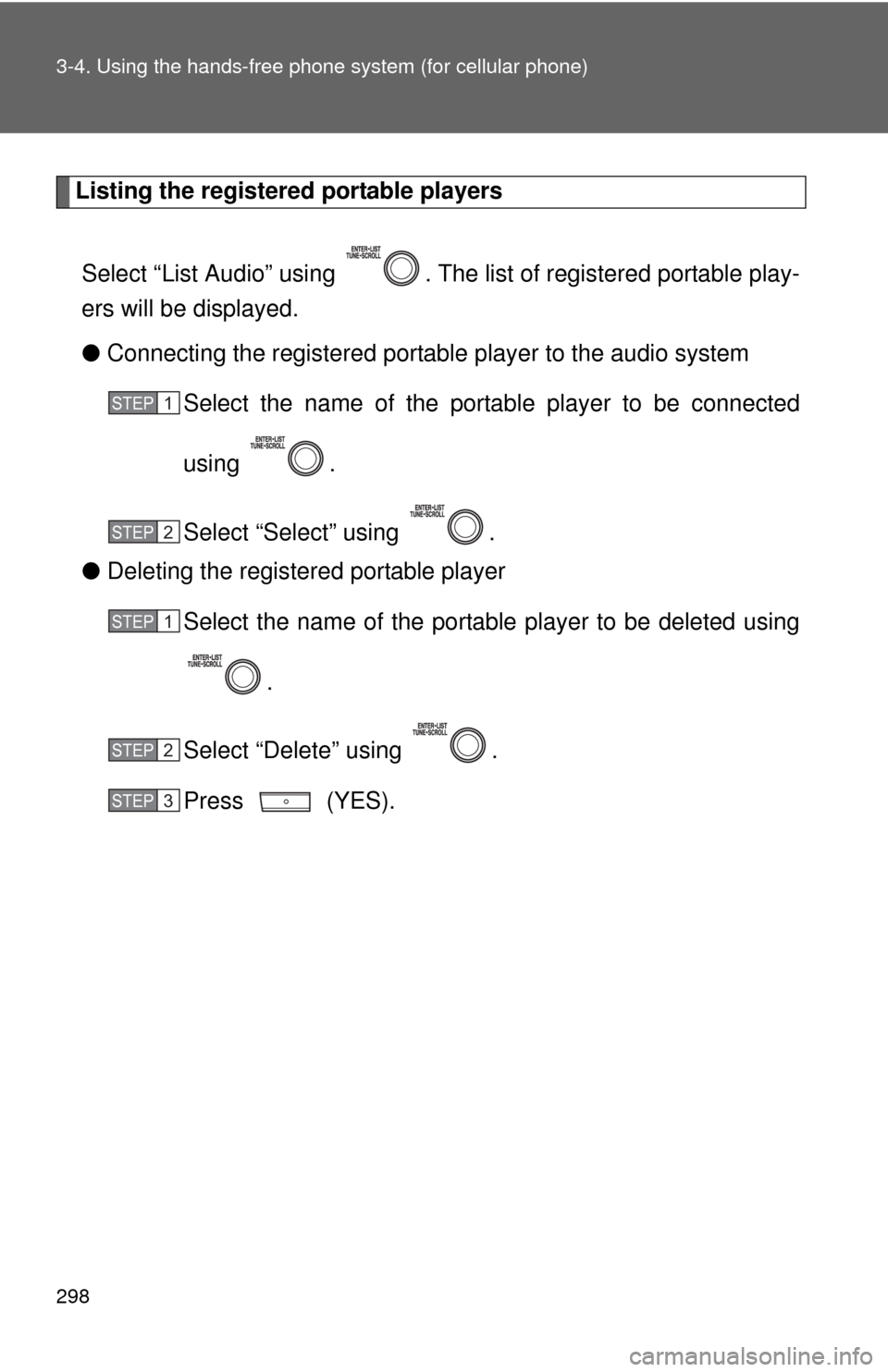
Listing the registered portable players
Select “List Audio” using . The list of registered portable play-
ers will be displayed.
● Connecting the registered portable player to the audio system
Select the name of the portab le player to be connected
using .
Select “Select” using .
● Deleting the registered portable player
Select the name of the portable player to be deleted using
.
Select “Delete” using .
Press (YES).
STEP 1
STEP 2
STEP 1
STEP 2
STEP 3
Page 300 of 532
300 3-4. Using the hands-free phone system (for cellular phone)
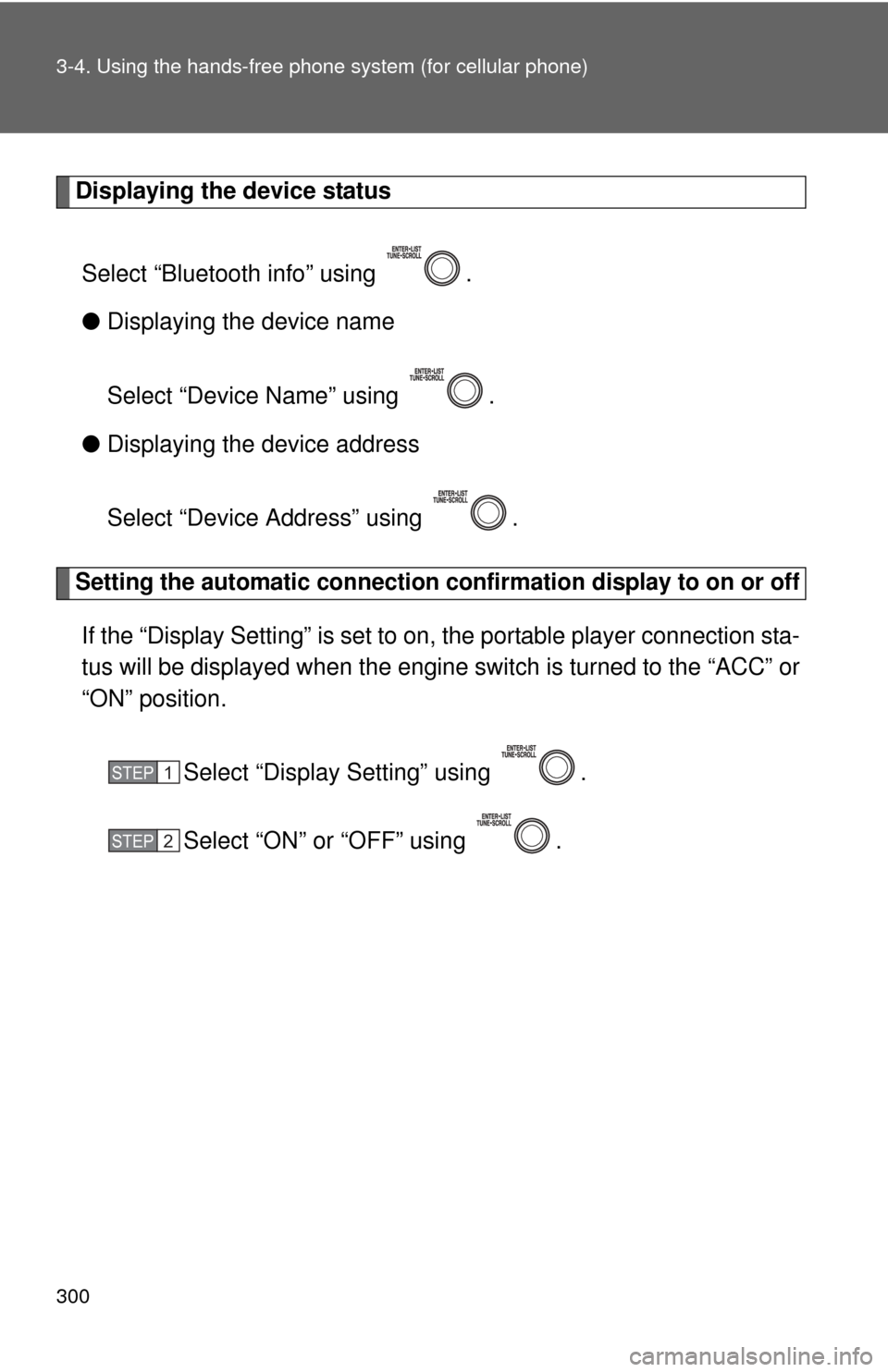
Displaying the device status
Select “Bluetooth info” using .
● Displaying the device name
Select “Device Name” using .
● Displaying the device address
Select “Device Address” using .
Setting the automatic connection conf irmation display to on or off
If the “Display Setting” is set to on, the portable player connection sta-
tus will be displayed when the engine switch is turned to the “ACC” or
“ON” position.
Select “Display Setting” using .
Select “ON” or “OFF” using .
STEP 1
STEP 2
Page 520 of 532

520
Alphabetical index
Alphabetical index
A/C ..................................... 206, 212
ABS ........................................... 172
Air conditioning filter............... 386
Air conditioning systemAir conditioning filter .............. 386
Automatic air conditioning system ................................ 206
Manual air conditioning system ................................ 212
Airbags
Airbag operating conditions.....89
Airbag precautions for your child ......................................93
Airbag warning light............... 425
Curtain shield airbag operating conditions..............89
Curtain shield airbag precautions ...........................93
Front passenger occupant
classification system .............98
General airbag precautions .....93
Locations of airbags ................86
Modification and disposal of airbags ..................................97
Proper driving posture .......84, 93
Side airbag operating
conditions..............................89
Side airbag precautions ..........93
SRS airbags ............................86
Antenna..................................... 235
Anti-lock brake system............ 172
Ashtray...................................... 324
Assist grips .............................. 329
Audio input ............................... 274 Audio system
Antenna................................. 235
Audio input ............................ 274
AUX port ............................... 274
CD player/changer ................ 237
iPod ....................................... 253
MP3/WMA disc ..................... 244
Optimal use ........................... 270
Portable music player ........... 274
Radio..................................... 233
Steering wheel audio switch.................................. 276
Type ...................................... 220
USB memory......................... 262
Automatic air conditioning system .................................... 206
Automatic transmission Automatic transmission ......... 139
If the shift lever cannot be shifted from P ..................... 450
S mode.................................. 142
AUX port ................................... 274
Auxiliary boxes ........................ 318
Back-up lights
Replacing light bulbs ............. 402
Wattage................................. 481
Battery Checking ............................... 367
If the vehicle has a discharged battery .............. 455
Preparing and checking before winter ....................... 181
Bluetooth
® audio ..................... 280
Bluetooth® phone .................... 280
Bottle holder............................. 320
Brake Fluid ...................................... 364
Parking brake ........................ 147
Brake assist.............................. 172
Break-in tips ............................. 123
A
B
Page 521 of 532

521
Alphabetical index
Care
Exterior ................................. 336
Interior .................................. 338
Seat belts ............................. 339
Cargo capacity ........................ 176
CD changer .............................. 237
CD player ................................. 237
Chains ...................................... 181
Child restraint system
Booster seats, definition ....... 103
Booster seats, installation .... 107
Convertible seats, definition............................. 103
Convertible seats,
installation .......................... 107
Front passenger occupant classification system ............ 98
Infant seats, definition .......... 103
Infant seats, installation ........ 107
Installing CRS with LATCH anchors .............................. 108
Installing CRS with seat belts............................ 110
Installing CRS with top tether straps ....................... 114 Child safety
Airbag precautions ..................93
Battery precautions .......368, 459
Child restraint system............103
Child-protectors .......................42
How your child should wear
the seat belt ..........................62
Installing child restraints ........107
Moon roof precautions ............76
Power window lock switch.......71
Power window precautions .....72
Removed key battery
precautions .........................391
Seat belt comfort guide ...........59
Seat belt extender
precautions ...........................65
Seat belt precautions ..............64
Seat heater precautions ........327
Trunk precautions ...................49
Child-protectors .........................42
Cleaning
Exterior ..................................336
Interior ...................................338
Seat belts ..............................339
Clock .........................................323
Compass ...................................331
Condenser ................................364
Console box .............................313
Cooling system Engine overheating ...............461
Cruise control...........................168
Cup holder ................................315
Curtain shield airbags ...............86
Customizable features.............497C