CD player TOYOTA COROLLA 2014 11.G Owner's Manual
[x] Cancel search | Manufacturer: TOYOTA, Model Year: 2014, Model line: COROLLA, Model: TOYOTA COROLLA 2014 11.GPages: 612, PDF Size: 12.58 MB
Page 263 of 612
2635-7. “SET UP” menu
5
Interior features
COROLLA_TMMMS_TMMC_U (OM12F00U)
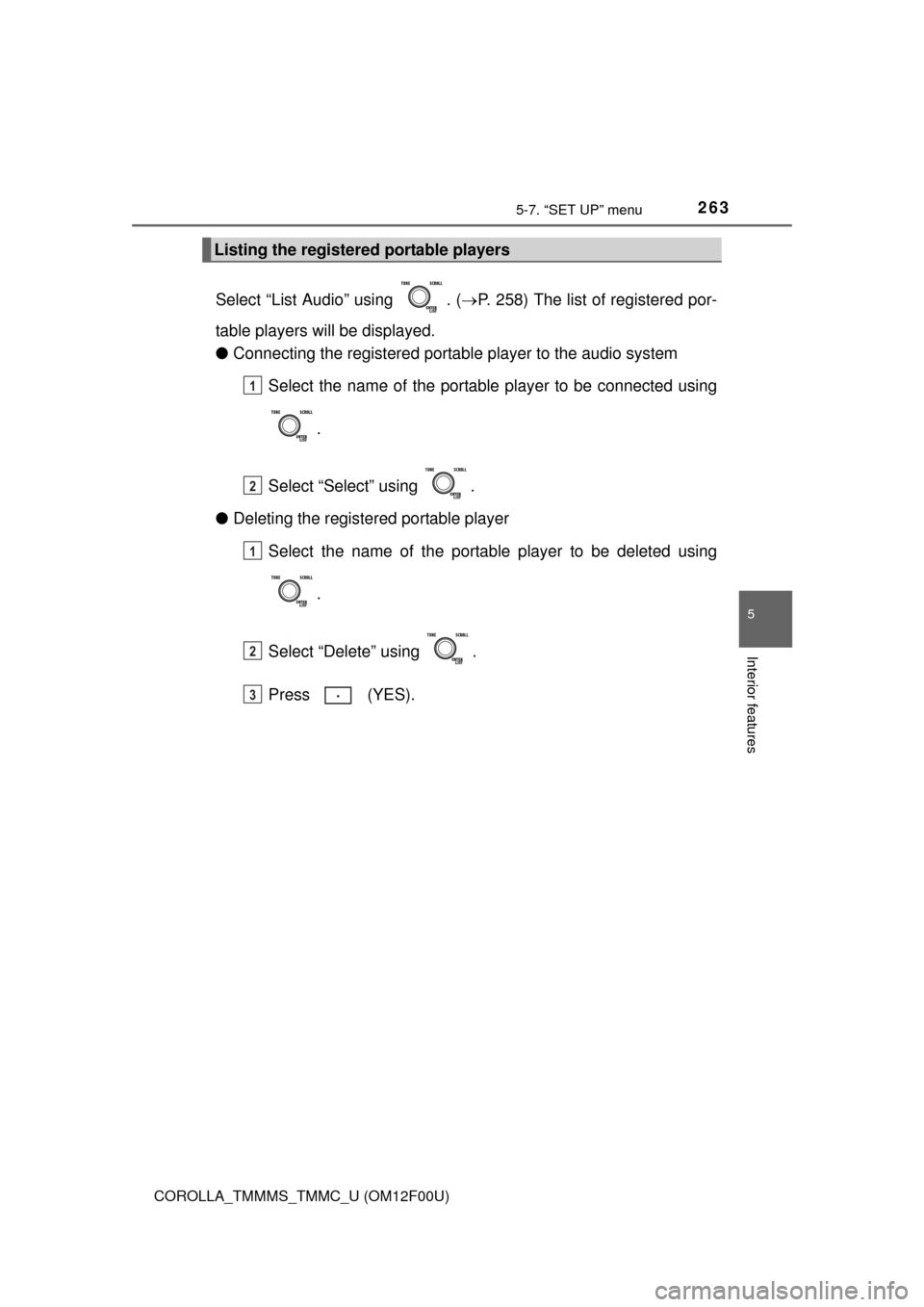
Select “List Audio” using . (P. 258) The list of registered por-
table players will be displayed.
●Connecting the registered portable player to the audio system
Select the name of the portable player to be connected using
.
Select “Select” using .
●Deleting the registered portable player
Select the name of the portable player to be deleted using
.
Select “Delete” using .
Press (YES).
Listing the registered portable players
1
2
1
2
3
Page 265 of 612
2655-7. “SET UP” menu
5
Interior features
COROLLA_TMMMS_TMMC_U (OM12F00U)
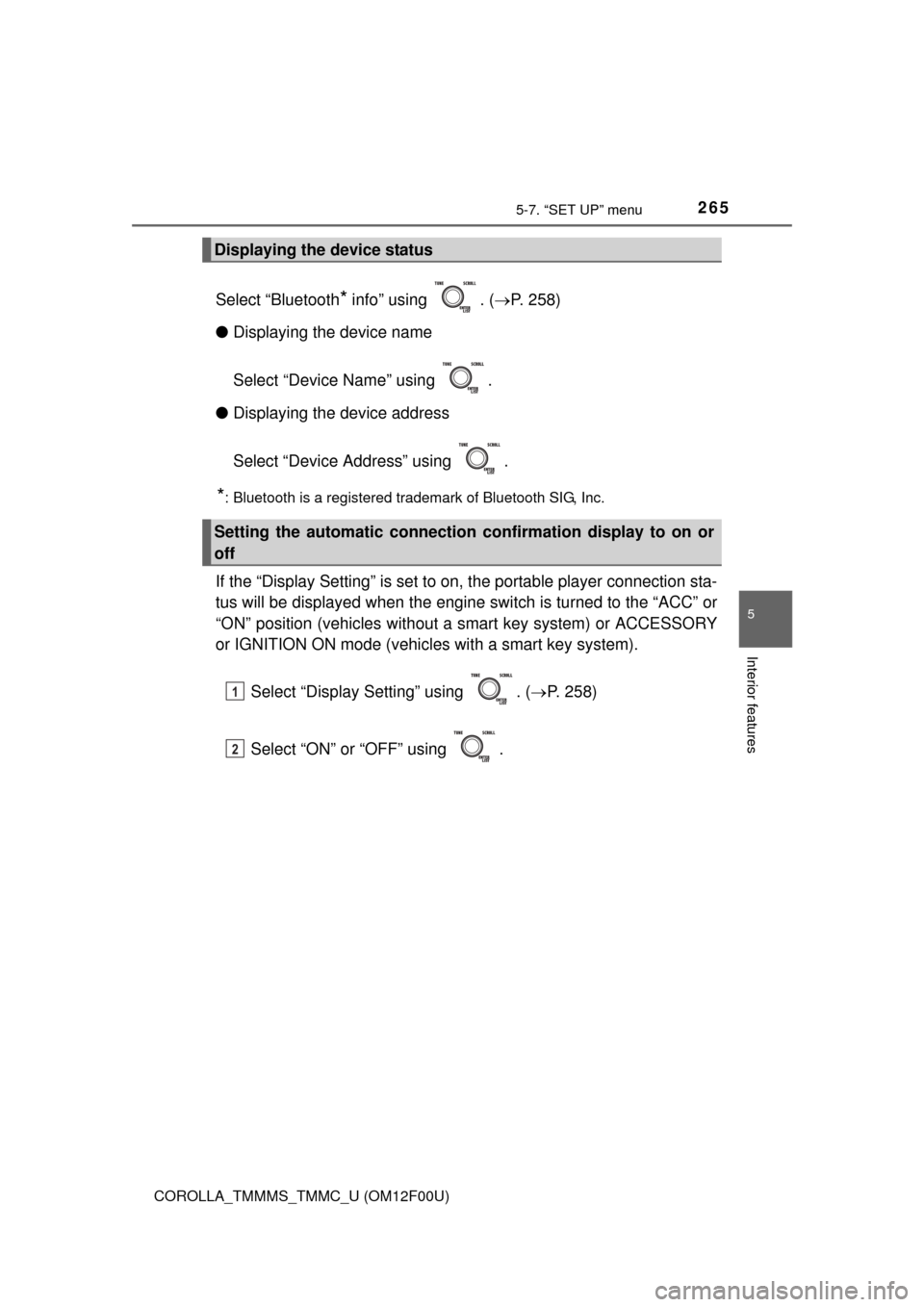
Select “Bluetooth* info” using . (P. 258)
●Displaying the device name
Select “Device Name” using .
●Displaying the device address
Select “Device Address” using .
*: Bluetooth is a registered trademark of Bluetooth SIG, Inc.
If the “Display Setting” is set to on, the portable player connection sta-
tus will be displayed when the engine switch is turned to the “ACC” or
“ON” position (vehicles without a smart key system) or ACCESSORY
or IGNITION ON mode (vehicles with a smart key system).
Select “Display Setting” using . (P. 258)
Select “ON” or “OFF” using .
Displaying the device status
Setting the automatic connection confirmation display to on or
off
1
2
Page 272 of 612
272
COROLLA_TMMMS_TMMC_U (OM12F00U)
5-8. Bluetooth® Audio
Operating a Bluetooth® enabled portable
player
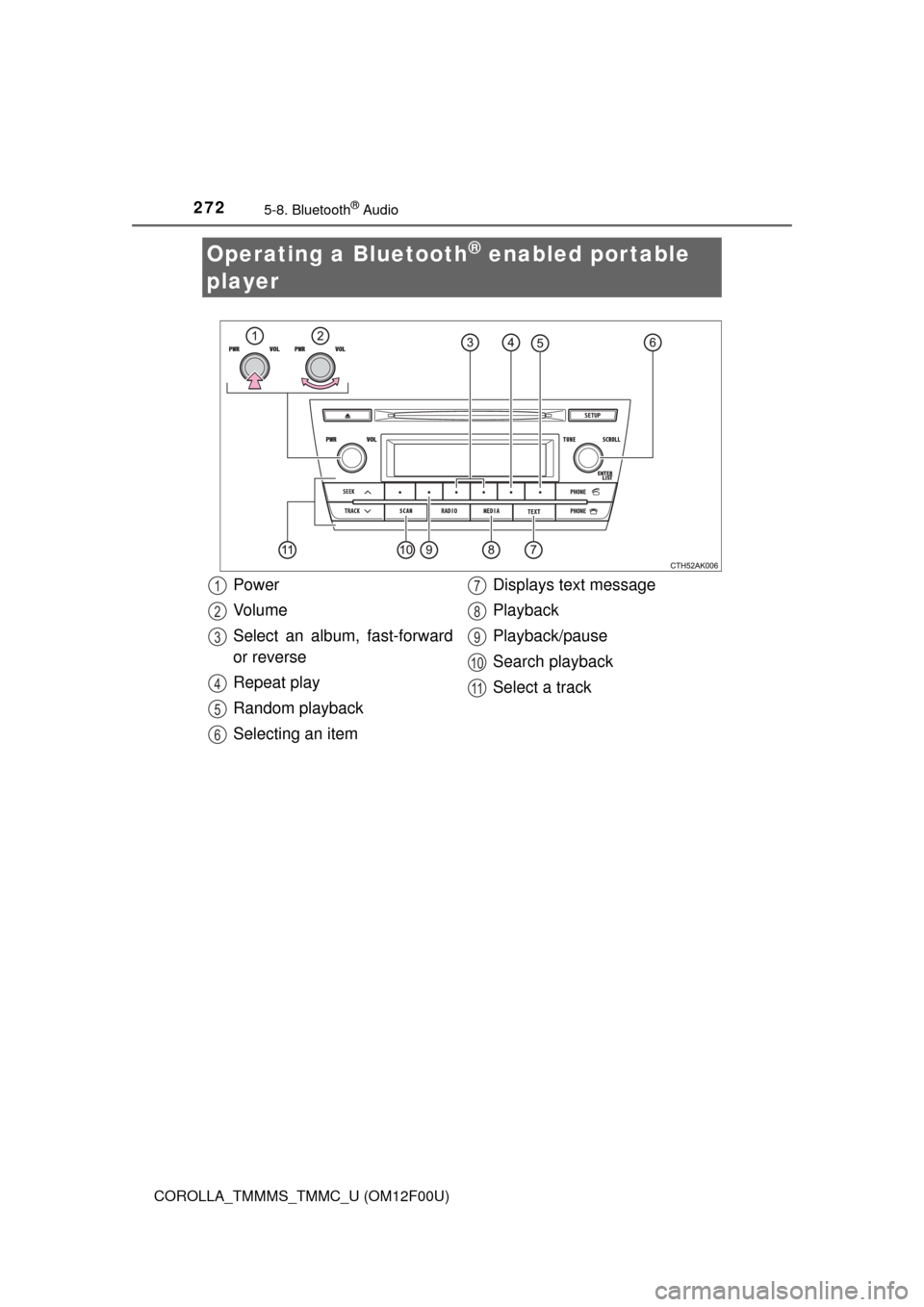
Power
Vo l u m e
Select an album, fast-forward
or reverse
Repeat play
Random playback
Selecting an itemDisplays text message
Playback
Playback/pause
Search playback
Select a track1
2
3
4
5
6
7
8
9
10
11
Page 274 of 612
2745-8. Bluetooth® Audio
COROLLA_TMMMS_TMMC_U (OM12F00U)
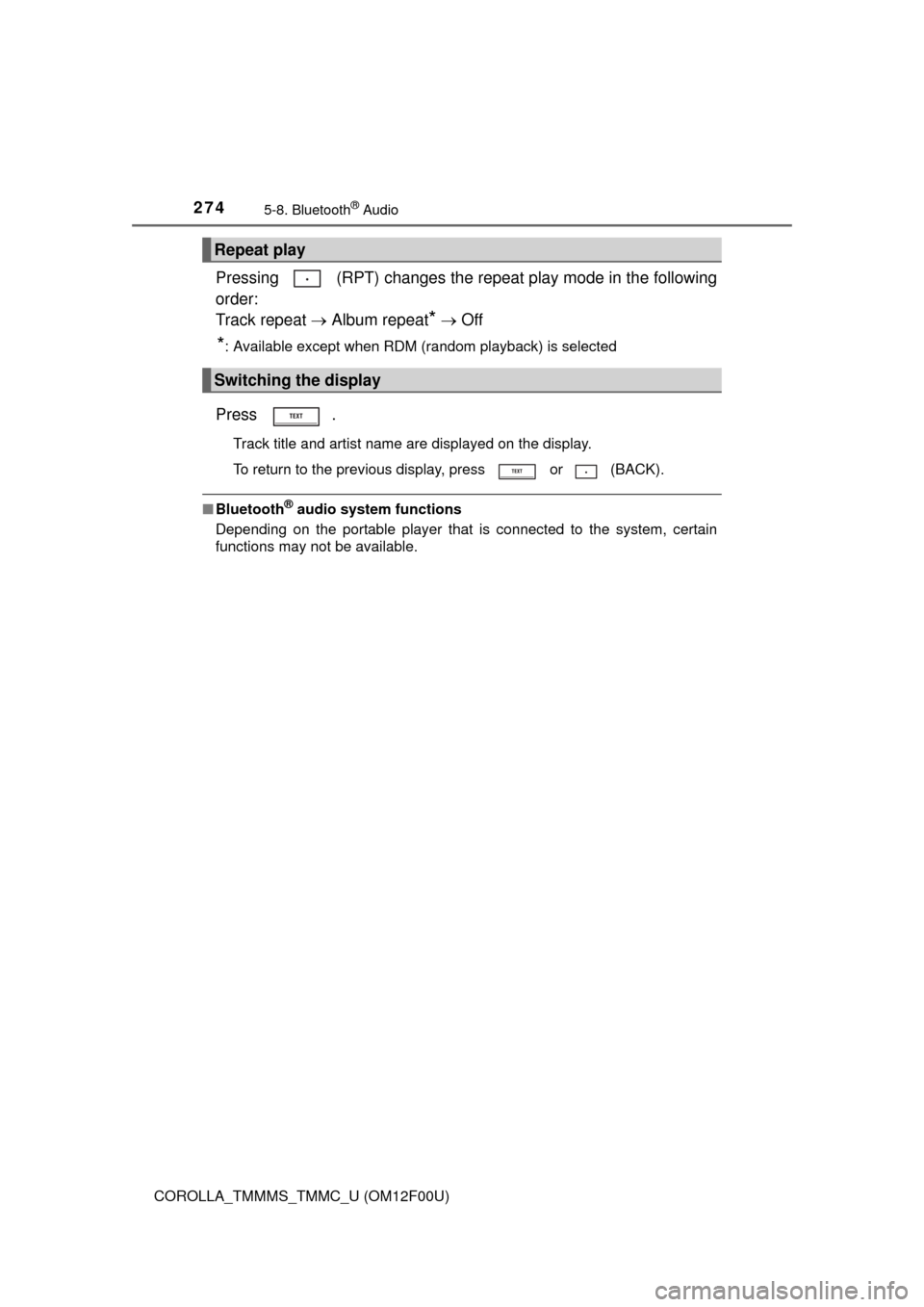
Pressing (RPT) changes the repeat play mode in the following
order:
Track repeat Album repeat
* Off
*: Available except when RDM (random playback) is selected
Press .
Track title and artist name are displayed on the display.
To return to the previous display, press or (BACK).
■Bluetooth® audio system functions
Depending on the portable player that is connected to the system, certain
functions may not be available.
Repeat play
Switching the display
Page 281 of 612
281
5
Interior features
COROLLA_TMMMS_TMMC_U (OM12F00U)
5-10. Bluetooth®
■When using the Bluetooth® audio system
●In the following situations, the system may not function.
• The portable player does not support Bluetooth
®
• The cellular phone is located outside the service area
• The Bluetooth® device is switched off
• The Bluetooth® device has a low battery
• The Bluetooth® device is not connected to the system
• The Bluetooth® device is behind the seat or in the glove box or console
box, or is touching or covered by metal objects
●There may be a delay if a cellular phone connection is made during
Bluetooth
® audio playback.
●Depending on the type of portable audio player that is connected to the sys-
tem, operation may differ slightly and certain functions may not be available.
■When transferring ownership of the vehicle
Be sure to initialize the system to prevent personal data from being improp-
erly accessed. (P. 266)
■About Bluetooth
®
■Compatible models
●Bluetooth® specifications:
Ver. 1.1, or higher (recommended: Ver. 2.1 + EDR or higher)
●Following Profiles:
• A2DP (Advanced Audio Distribution Profile) Ver. 1.0, or higher (recom-
mended: Ver. 1.2 or higher)
• AVRCP (Audio/Video Remote Control Profile) Ver. 1.0 or higher (recom-
mended: Ver. 1.3 or higher)
Portable players must correspond to the above specifications in order to be
connected to the Bluetooth
® audio system. However, please note that some
functions may be limited depending on the type of portable player.
●Cellular phone
• HFP (Hands Free Profile) Ver. 1.0 or higher (recommended: Ver. 1.5)
• OPP (Object Push Profile) Ver. 1.1
• PBAP (Phone Book Access Profile) Ver. 1.0
Bluetooth®
Bluetooth is a registered trademark of
Bluetooth SIG. Inc.
Page 282 of 612
2825-10. Bluetooth®
COROLLA_TMMMS_TMMC_U (OM12F00U)
CAUTION
■While driving
Do not operate the portable audio player, cellular phone or connect a device
to the Bluetooth
® system.
■Caution regarding interference with electronic devices
●Your audio unit is fitted with Bluetooth
® antennas. People with implanted
pacemakers or cardiac defibrillators should maintain a reasonable dis-
tance between themselves and the Bluetooth
® antennas. The radio waves
may affect the operation of such devices.
●Before using Bluetooth
® devices, users of any electrical medical device
other than implanted pacemakers and implanted cardiac defibrillators
should consult the manufacturer of the device for information about its
operation under the influence of radio waves. Radio waves could have
unexpected effects on the operation of such medical devices.
NOTICE
■When leaving the vehicle
Do not leave your portable audio player or cellular phone in the vehicle. The
inside of the vehicle may become hot, causing damage to the portable
audio player or cellular phone.
Page 286 of 612
2865-11. Basic Operations (Multimedia system)
COROLLA_TMMMS_TMMC_U (OM12F00U)■
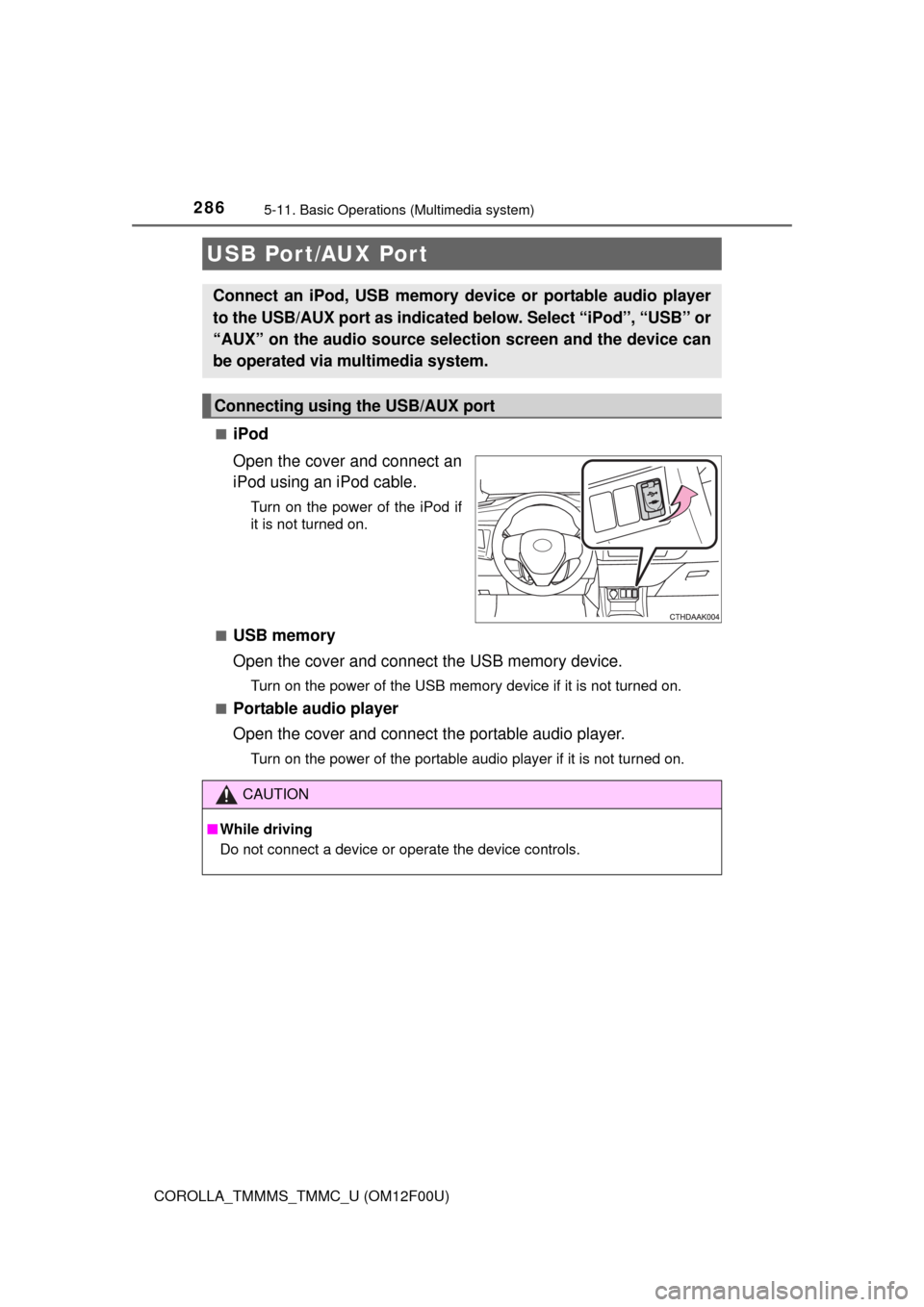
iPod
Open the cover and connect an
iPod using an iPod cable.
Turn on the power of the iPod if
it is not turned on.
■
USB memory
Open the cover and connect the USB memory device.
Turn on the power of the USB memory device if it is not turned on.
■
Portable audio player
Open the cover and connect the portable audio player.
Turn on the power of the portable audio player if it is not turned on.
USB Por t/AUX Port
Connect an iPod, USB memory device or portable audio player
to the USB/AUX port as indicated below. Select “iPod”, “USB” or
“AUX” on the audio source selection screen and the device can
be operated via multimedia system.
Connecting using the USB/AUX port
CAUTION
■While driving
Do not connect a device or operate the device controls.
Page 288 of 612
2885-11. Basic Operations (Multimedia system)
COROLLA_TMMMS_TMMC_U (OM12F00U)
Select to change on/off.
Select to change on/off.
■Using cellular phones
Interference may be heard through the multimedia system's speakers if a cel-
lular phone is being used inside or close to the vehicle while the multimedia
system is operating.
Random playback
Repeat play
CAUTION
■Laser product
This product is a class 1 laser product.
Do not open the cover of the player or attempt to repair the unit yourself.
Refer servicing to qualified personnel.
●Laser products
• Do not take this unit apart or attempt to make any changes yourself.
This is an intricate unit that uses a laser pickup to retrieve information
from the surface of compact discs. The laser is carefully shielded so
that its rays remain inside the cabinet. Therefore, never try to disassem-
ble the player or alter any of its parts since you may be exposed to laser
rays and dangerous voltages.
• This product utilizes a laser.
Use of controls or adjustments or performance of procedures other than
those specified herein may result in hazardous radiation exposure.
THE USE OF OPTICAL INSTRUMENTS WITH THIS PRODUCT WILL
INCREASE EYE HAZARD.
NOTICE
■To prevent battery discharge
Do not leave the multimedia system on longer than necessary when the
engine is off.
■To avoid damaging the multimedia system
Take care not to spill drinks or other fluids on the multimedia system.
Page 302 of 612
302
COROLLA_TMMMS_TMMC_U (OM12F00U)
5-15.
Playing an audio CD and MP3/WMA/AAC discs (Multimedia system)
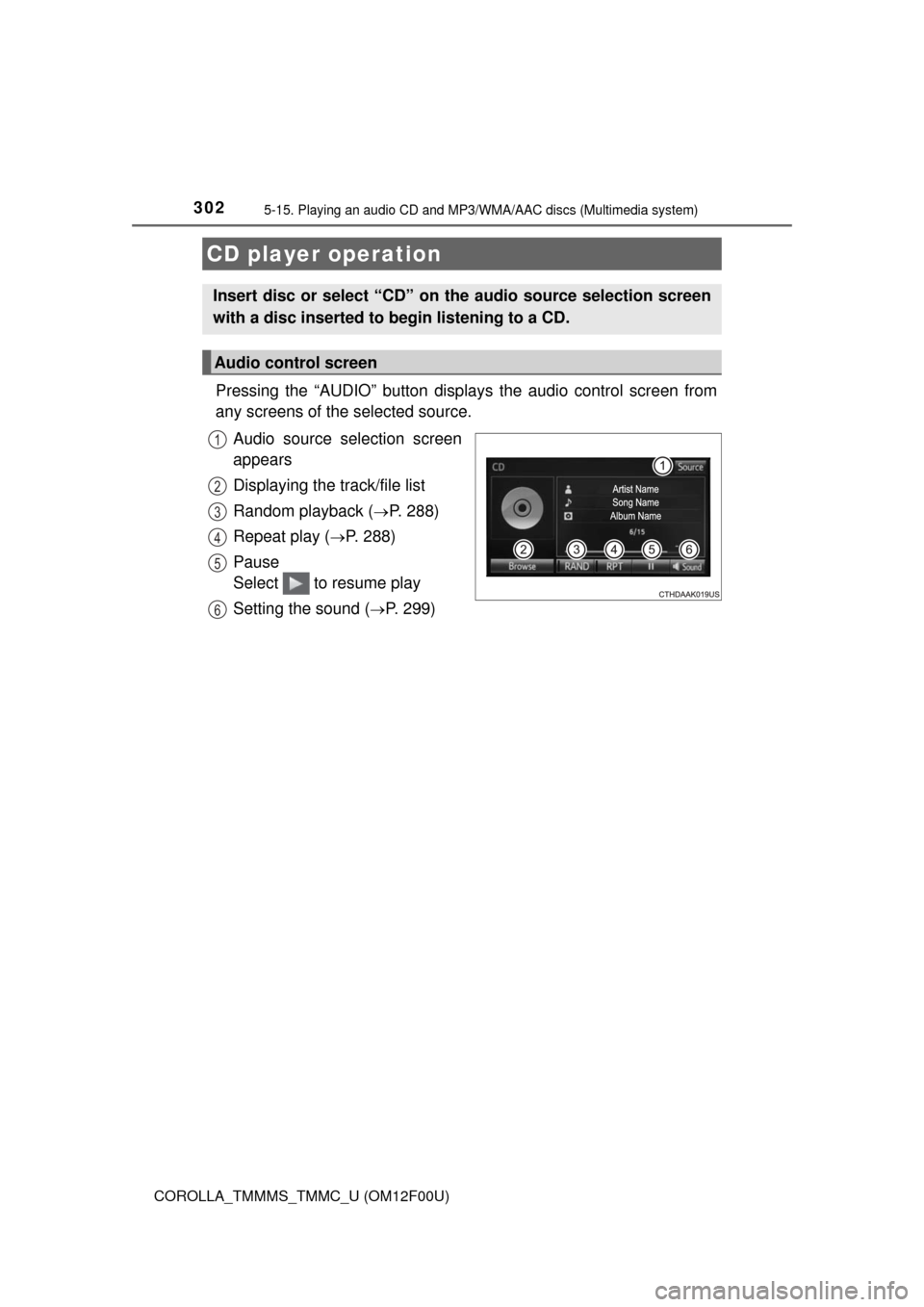
Pressing the “AUDIO” button displays the audio control screen from
any screens of the selected source.
Audio source selection screen
appears
Displaying the track/file list
Random playback (
P. 288)
Repeat play (
P. 288)
Pause
Select to resume play
Setting the sound (
P. 299)
CD player operation
Insert disc or select “CD” on the audio source selection screen
with a disc inserted to begin listening to a CD.
Audio control screen
1
2
3
4
5
6
Page 303 of 612
3035-15. Playing an audio CD and MP3/WMA/AAC discs (Multimedia system)
5
Interior features
COROLLA_TMMMS_TMMC_U (OM12F00U)
■Displaying the title and artist name
If a CD-TEXT disc is inserted, the title of the disc and track will be displayed.
■Error messages
If an error message is displayed, refer to the following table and take the
appropriate measures. If the problem is not rectified, take the vehicle to your
Toyota dealer.
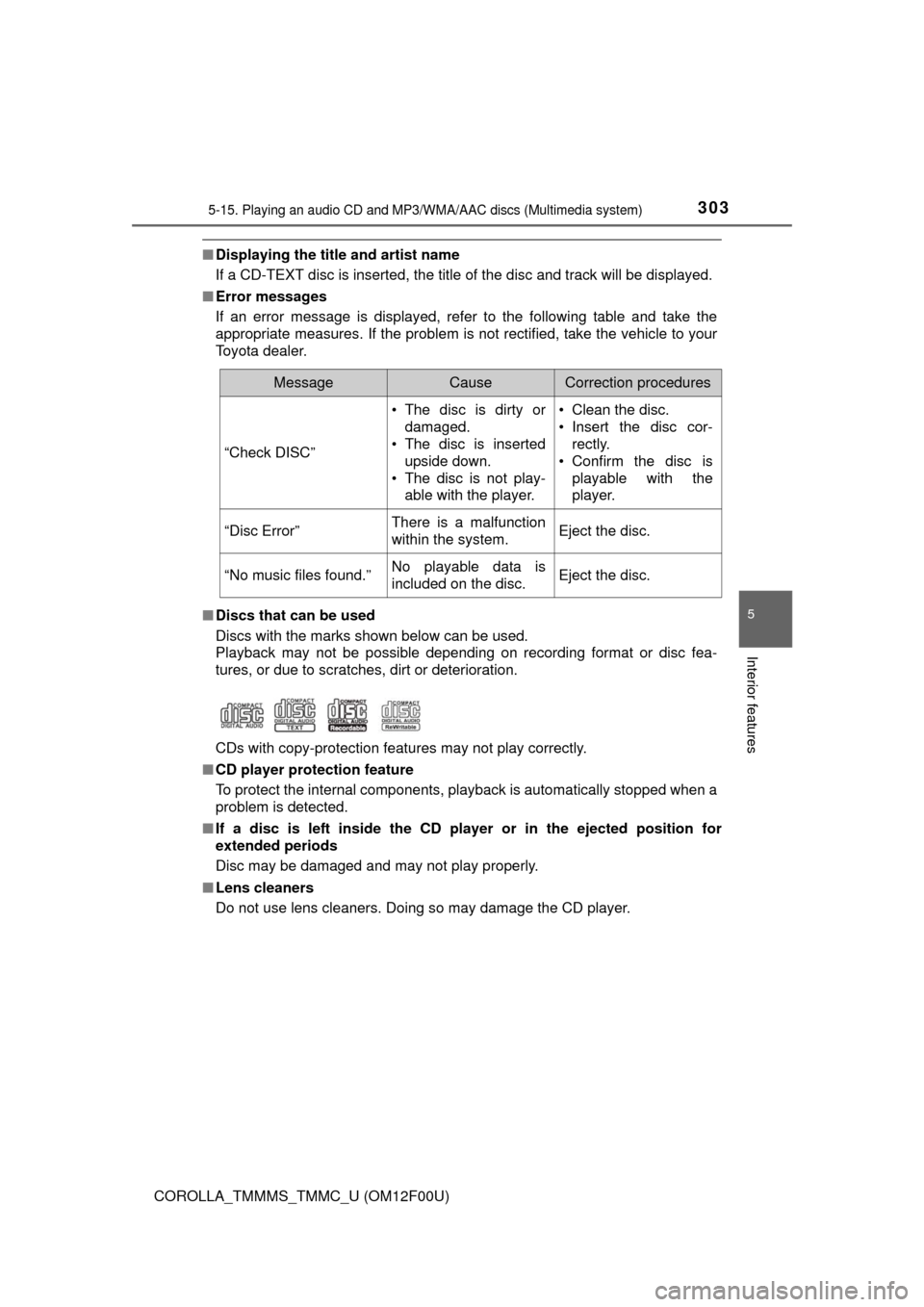
■Discs that can be used
Discs with the marks shown below can be used.
Playback may not be possible depending on recording format or disc fea-
tures, or due to scratches, dirt or deterioration.
CDs with copy-protection features may not play correctly.
■CD player protection feature
To protect the internal components, playback is automatically stopped when a
problem is detected.
■If a disc is left inside the CD player or in the ejected position for
extended periods
Disc may be damaged and may not play properly.
■Lens cleaners
Do not use lens cleaners. Doing so may damage the CD player.
MessageCauseCorrection procedures
“Check DISC”• The disc is dirty or
damaged.
• The disc is inserted
upside down.
• The disc is not play-
able with the player.• Clean the disc.
• Insert the disc cor-
rectly.
• Confirm the disc is
playable with the
player.
“Disc Error”There is a malfunction
within the system.Eject the disc.
“No music files found.”No playable data is
included on the disc.Eject the disc.