charging TOYOTA COROLLA 2020 (in English) Owner's Manual
[x] Cancel search | Manufacturer: TOYOTA, Model Year: 2020, Model line: COROLLA, Model: TOYOTA COROLLA 2020Pages: 588, PDF Size: 13.49 MB
Page 492 of 588
4928-2. Steps to take in an emergency
COROLLA_Urequired to correspond to the driven
distance on the maintenance sched-
ule
*.
Comes on approximately 5000
miles (8000 km) after the message
has been reset. (The indicator will
not work properly unless the mes-
sage has been reset.) Perform the
necessary maintenance. Please
reset the message after the mainte-
nance is performed. ( P.428)
*: Refer to the separate “Scheduled
Maintenance” or “Owner’s Man-
ual Supplement” for the mainte-
nance interval applicable to your
vehicle.
■If a message that indicates the
need for visiting your Toyota
dealer is displayed
The system or part shown on the
multi-information di splay is malfunc-
tioning. Have the vehicle inspected
by your Toyota dealer immediately.
■If a message that indicates the
need for referring to Owner’s
Manual is displayed
●If “Engine Coolant Temp High” is
displayed, follow the instructions
accordingly. ( P.519)
●If any of the following messages
are displayed on the multi-infor-
mation display, it may indicate a
malfunction. Have the vehicle
inspected by your Toyota dealer
immediately.
• “Smart Key System Malfunction”
●If any of the following messages
are displayed on the multi-infor-
mation display, it may indicate a
malfunction. Immediately stop the
vehicle and contact your Toyota
dealer.
• “Braking Power Low”
• “Charging System Malfunction”
• “Oil Pressure Low”
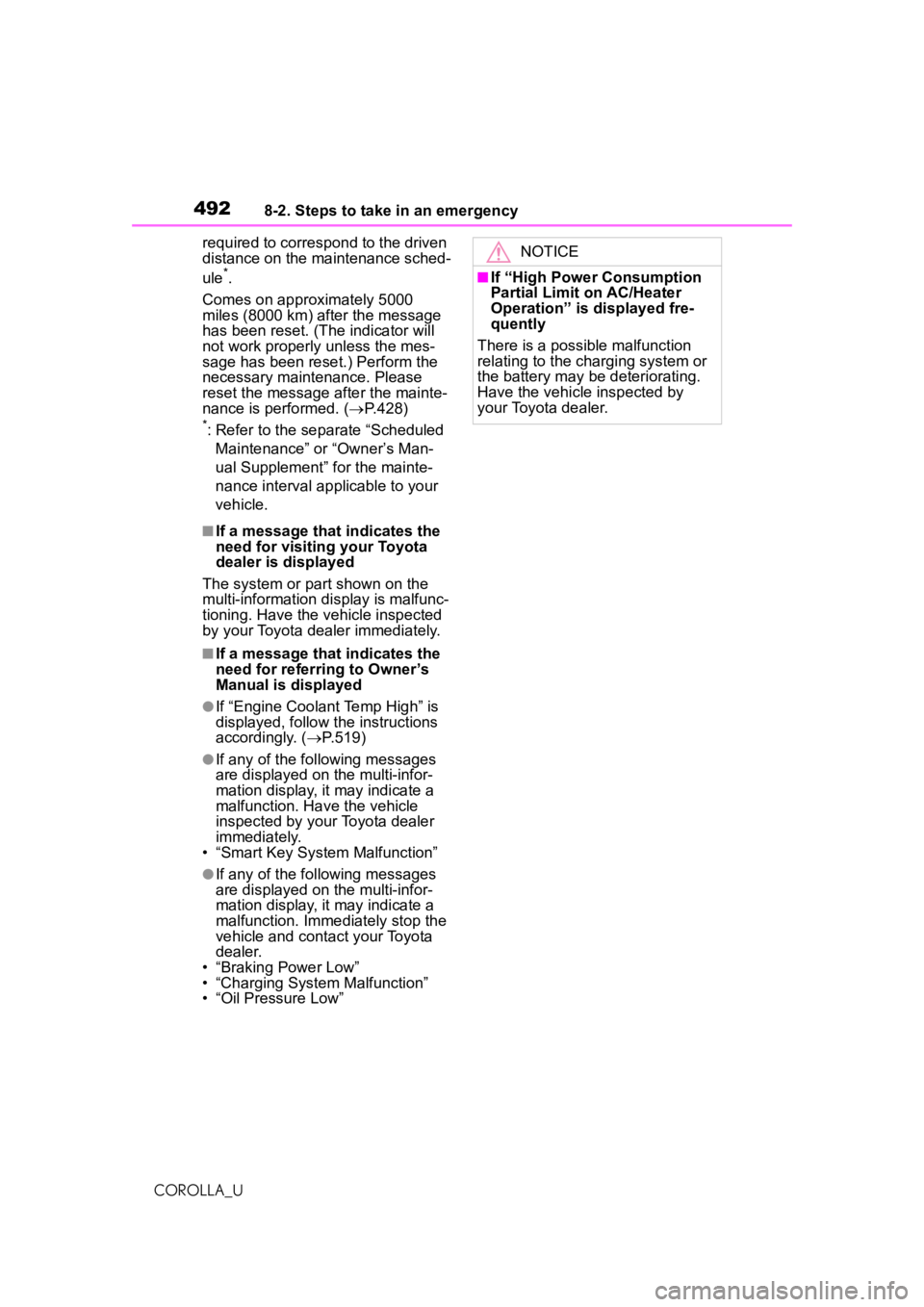
NOTICE
■If “High Power Consumption
Partial Limit on AC/Heater
Operation” is displayed fre-
quently
There is a possible malfunction
relating to the charging system or
the battery may be deteriorating.
Have the vehicle inspected by
your Toyota dealer.
Page 518 of 588
5188-2. Steps to take in an emergency
COROLLA_Ucleared. When the battery is
depleted, have the vehicle
inspected at your Toyota dealer.
●Some systems may
require initial-
ization. ( P.556)
■When removing the battery ter-
minals
When the battery terminals are
removed, the information stored in
the ECU is cleared. Before remov-
ing the battery terminals, contact
your Toyota dealer.
■Charging the battery
The electricity stored in the battery
will discharge gradually even when
the vehicle is not in use, due to nat-
ural discharge and the draining
effects of certain electrical appli-
ances. If the vehicle is left for a long
time, the battery may discharge,
and the engine may be unable to
start. (The battery recharges auto-
matically during driving.)
■When recharging or replacing
the battery (vehicles with a
smart key system)
●In some cases, it may not be pos-
sible to unlock the doors using the
smart key system when the bat-
tery is discharged. Use the wire-
less remote control or the
mechanical key to lock or unlock
the doors.
●The engine may not start on the
first attempt after the battery has
recharged but will start normally
after the second a ttempt. This is
not a malfunction.
●The engine switch mode is memo-
rized by the vehicle. When the
battery is reconnected, the system
will return to the mode it was in
before the battery was dis-
charged. Before disconnecting the
battery, turn the engine switch off.
If you are unsure what mode the
engine switch was in before the
battery discharged, be especially
careful when reconnecting the
battery.
■When replacing the battery
●Use a battery that conforms to
European regulations.
●Use a battery with the same case
size as the previous battery and
an equivalent 20 hour rate capac-
ity (20HR) or greater.
• If the sizes differ, the battery can- not be properly secured.
• If the 20 hour rate capacity is low,
even if the time period where the
vehicle is not used is a short time,
the battery may discharge and the
engine may not be able to start.
●For details, consult your Toyota
dealer.
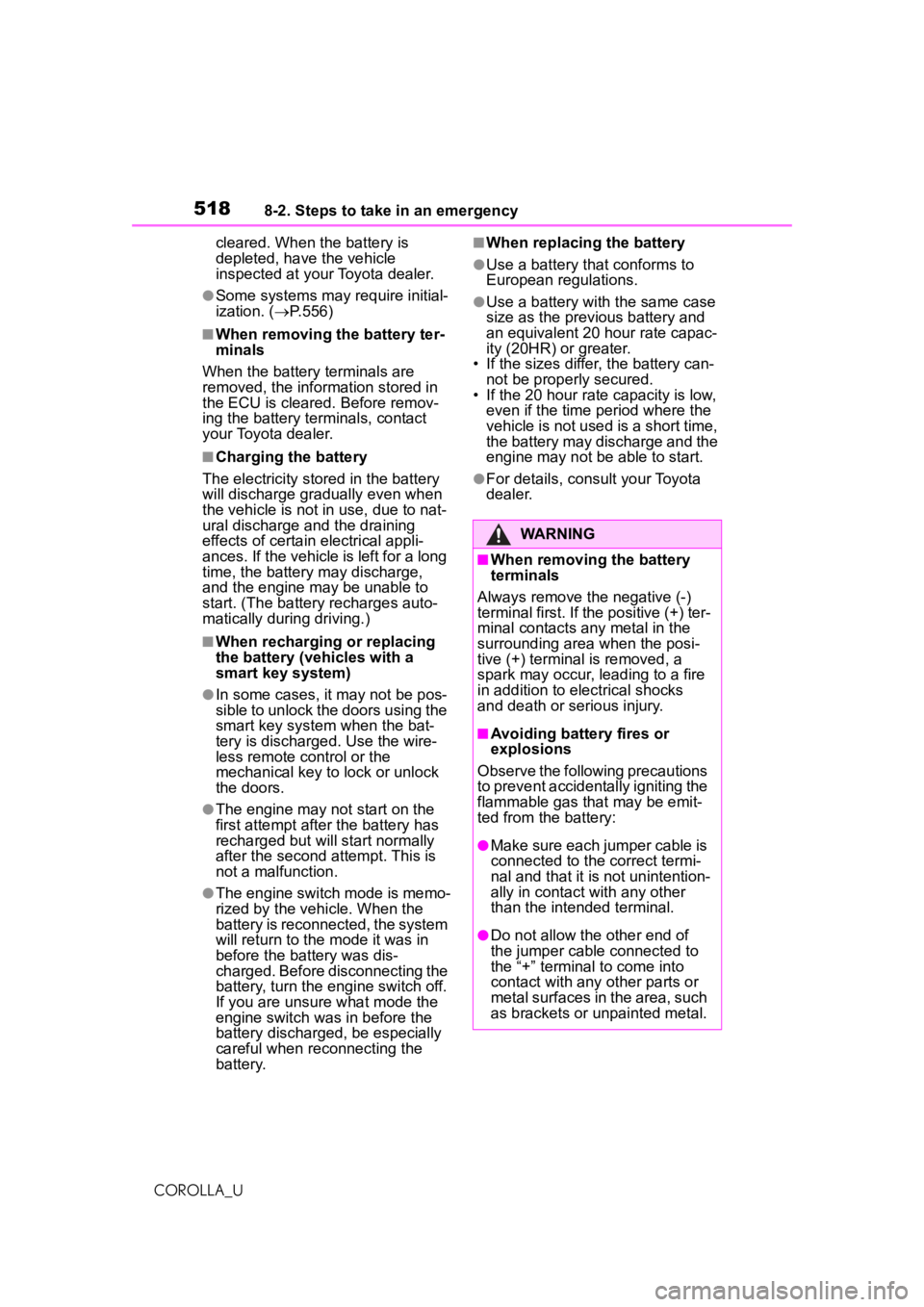
WARNING
■When removing the battery
terminals
Always remove the negative (-)
terminal first. If the positive (+) ter-
minal contacts any metal in the
surrounding area when the posi-
tive (+) terminal is removed, a
spark may occur, leading to a fire
in addition to electrical shocks
and death or serious injury.
■Avoiding battery fires or
explosions
Observe the following precautions
to prevent accidentally igniting the
flammable gas that may be emit-
ted from the battery:
●Make sure each jumper cable is
connected to the correct termi-
nal and that it is not unintention-
ally in contact with any other
than the intended terminal.
●Do not allow the other end of
the jumper cable connected to
the “+” terminal to come into
contact with any other parts or
metal surfaces in the area, such
as brackets or unpainted metal.
Page 529 of 588
5299-1. Specifications
COROLLA_U
9
Vehicle specifications
*: The fluid capacity is a reference quantity.
If replacement is necessary, contact your Toyota dealer.
NOTICE
■Iridium-tipped spark plugs
Use only iridium-tipped spark plugs. Do not adjust the spark plug gap.
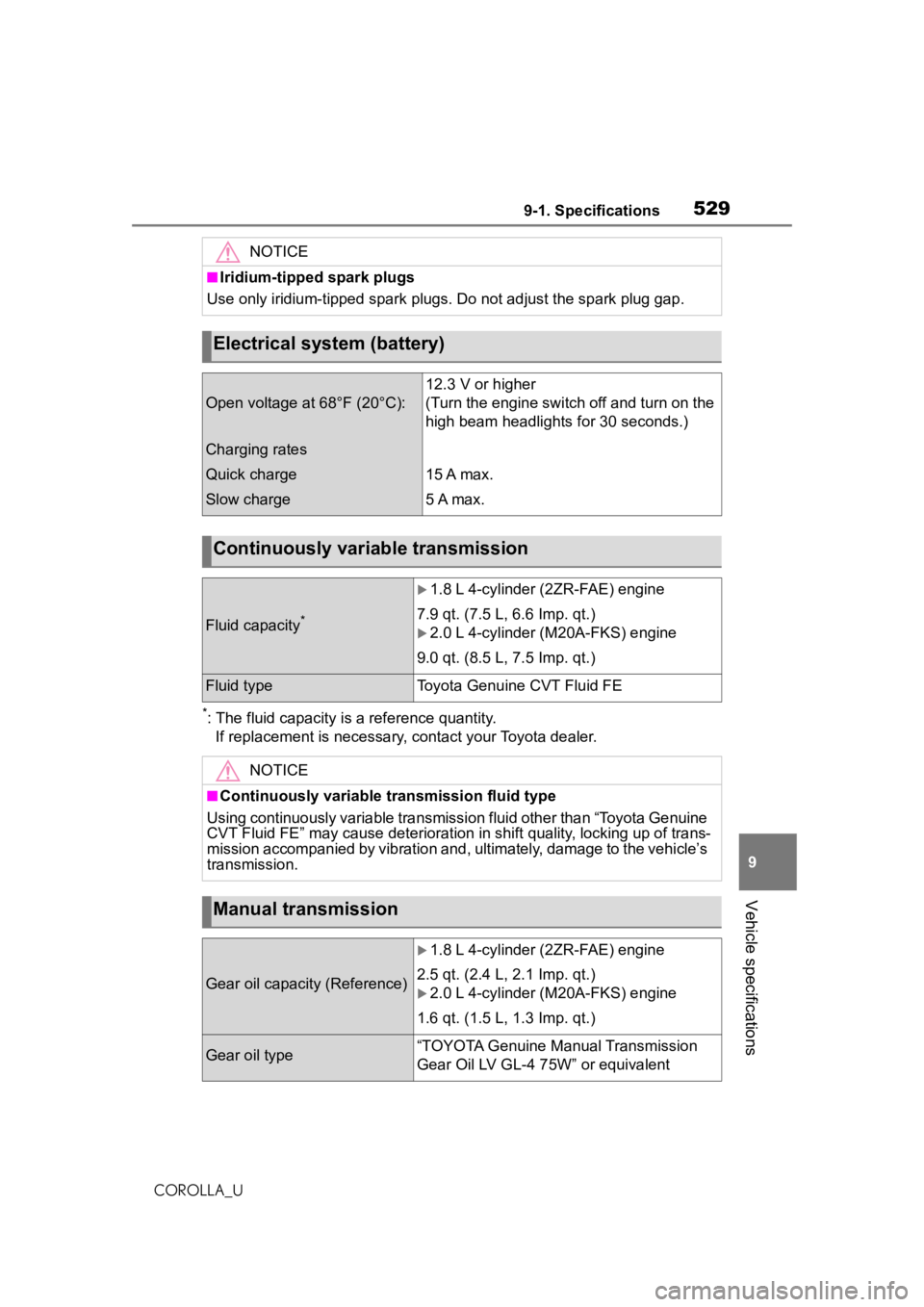
Electrical system (battery)
Open voltage at 68°F (20°C):
12.3 V or higher
(Turn the engine switch off and turn on the
high beam headlights for 30 seconds.)
Charging rates
Quick charge
Slow charge
15 A max.
5 A max.
Continuously variable transmission
Fluid capacity*
1.8 L 4-cylinder (2ZR-FAE) engine
7.9 qt. (7.5 L, 6.6 Imp. qt.)
2.0 L 4-cylinder (M20A-FKS) engine
9.0 qt. (8.5 L, 7.5 Imp. qt.)
Fluid typeToyota Genuine CVT Fluid FE
NOTICE
■Continuously variable transmission fluid type
Using continuously variable transmissi on fluid other than “Toyota Genuine
CVT Fluid FE” may cause deterioration in shift quality, locking up of trans-
mission accompanied by vibration and, ultimately, damage to the vehicle’s
transmission.
Manual transmission
Gear oil capacity (Reference)
1.8 L 4-cylinder (2ZR-FAE) engine
2.5 qt. (2.4 L, 2.1 Imp. qt.)
2.0 L 4-cylinder (M20A-FKS) engine
1.6 qt. (1.5 L, 1.3 Imp. qt.)
Gear oil type“TOYOTA Genuine Manual Transmission
Gear Oil LV GL-4 75W” or equivalent
Page 583 of 588
5831-1. What to do if... (Troubleshooting)
COROLLA_U583Alphabetical Index
Transmission Continuously variable transmis-sion............................. 153, 155
Driving mode select switch... 249
If the shift lever cannot be shifted from P......................... 154, 157
iMT ....................................... 161
M mode ................................ 158
Manual transmission ............ 160
Paddle shift switches.... 157, 158
Trip meters .......................... 78, 83
Trunk ....................................... 108 Internal trunk release lever... 111
Smart key system................. 109
Trunk light............................. 110
Trunk opener ........................ 109
Wireless remote control ....... 110
Trunk features ........................ 403
Trunk light ............................... 110 Wattage ................................ 533
Turn signal lights Replacing light bulbs ............ 465
Turn signal lever ................... 162
Wattage ................................ 533
U
USB charging port.................. 404
USB memory ........................... 311
USB/AUX port ......................... 304
V
Vanity lights ............................ 412Wattage ................................ 533
Vanity mirrors ......................... 412
Vehicle button (Setup screen) ....................................... 266, 300
Vehicle data recording ............... 7
Vehicle identification number524
Vehicle information display ..... 90 Vehicle settings ......................300
Displaying the vehicle settings screen.................................300
Valet mode setting ................301
Vehicle settings screen.........300
Vehicle Stability Control (VSC) ...............................................250
Voice button (Setup screen) 266, 299
Voice command sy stem .........336
Using the voice command sys- tem .....................................336
Voice command system opera- tion......................................337
Voice settings .........................299 Displaying the voice settings screen.................................299
Voice settings screen ...........299
VSC (Vehicle Stability Control) ...............................................250
W
Warning buzzers ABS ......................................483
Airbags .................................482
Approach warning ........219, 229
Brake hold ............................487
Brake Override System ........483
Brake system ........................481
Charging system ..................482
Downshifting .........................159
Drive-Start Control................483
Electric power steering .........484
Engine ..................................482
High coolant temperature .....481
Key reminder ........................148
LDA (Lane Departure Alert with steering control)..........205, 485
Low engine oil pressure .......482
LTA (Lane Tracing Assist) ...195, 485
Open door ....................105, 107
Page 584 of 588
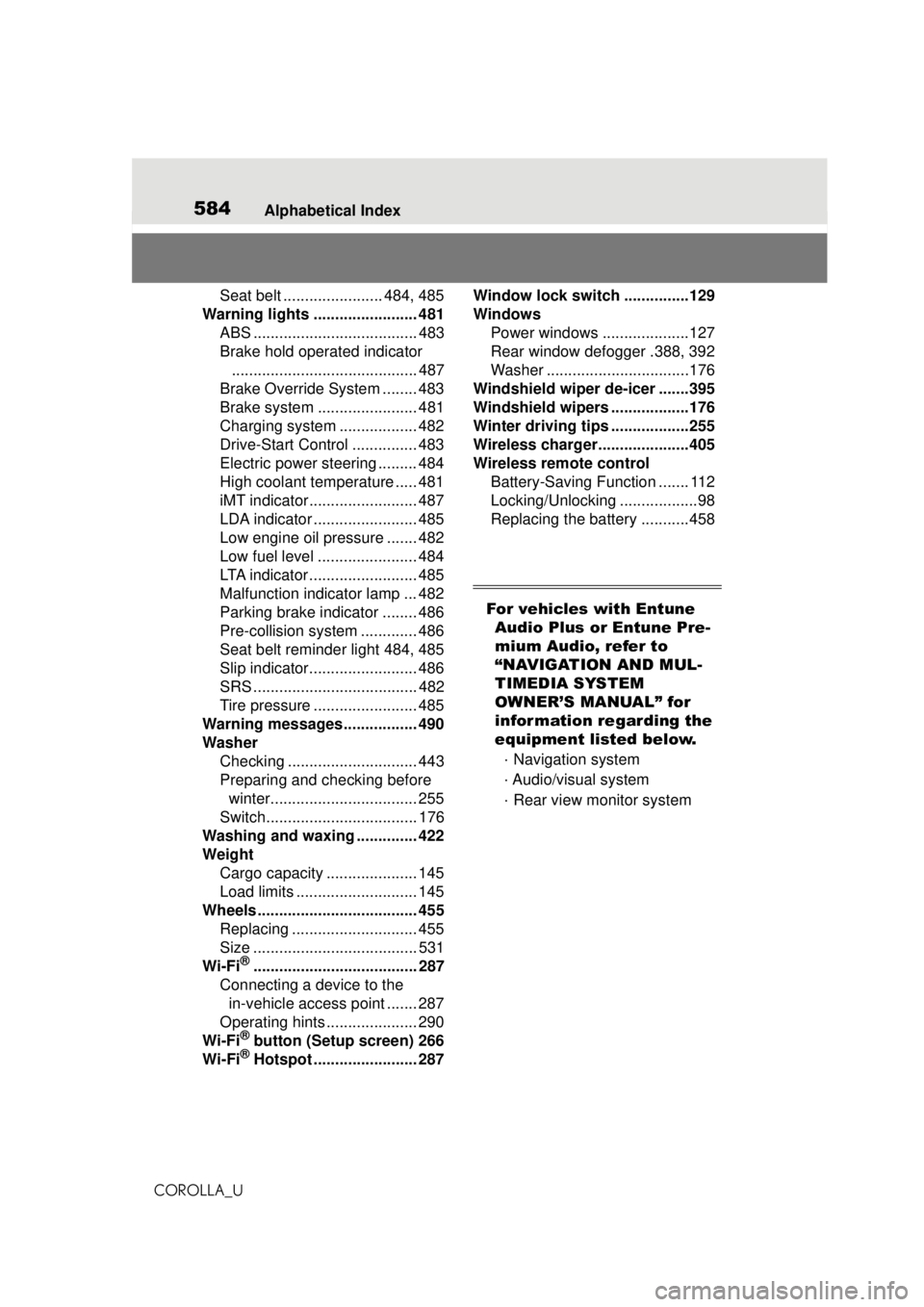
584Alphabetical Index
COROLLA_U
Seat belt ....................... 484, 485
Warning lights ........................ 481 ABS ...................................... 483
Brake hold operated indicator........................................... 487
Brake Override System ........ 483
Brake system ....................... 481
Charging system .................. 482
Drive-Start Control ............... 483
Electric power steering ......... 484
High coolant temperature ..... 481
iMT indicator ......................... 487
LDA indicator ........................ 485
Low engine oil pressure ....... 482
Low fuel level ....................... 484
LTA indicator ......................... 485
Malfunction indicator lamp ... 482
Parking brake indicator ........ 486
Pre-collision system ............. 486
Seat belt reminder light 484, 485
Slip indicator......................... 486
SRS ...................................... 482
Tire pressure ........................ 485
Warning messages................. 490
Washer Checking .............................. 443
Preparing and checking before winter.................................. 255
Switch................................... 176
Washing and waxing .............. 422
Weight Cargo capacity ..................... 145
Load limits ............................ 145
Wheels ..................................... 455 Replacing ............................. 455
Size ...................................... 531
Wi-Fi
®...................................... 287
Connecting a device to the in-vehicle access point ....... 287
Operating hints ..................... 290
Wi-Fi
® button (Setup screen) 266
Wi-Fi® Hotspot ........................ 287 Window lock switch ...............129
Windows
Power windows ....................127
Rear window defogger .388, 392
Washer .................................176
Windshield wiper de-icer .......395
Windshield wipers ..................176
Winter driving tips ..................255
Wireless charger.....................405
Wireless remote control Battery-Saving Function ....... 112
Locking/Unlocking ..................98
Replacing the battery ...........458
For vehicles with Entune Audio Plus or Entune Pre-
mium Audio, refer to
“NAVIGATION AND MUL-
TIMEDIA SYSTEM
OWNER’S MANUAL” for
information regarding the
equipment listed below.
· Navigation system
· Audio/visual system
· Rear view monitor system