ESP TOYOTA COROLLA iM 2017 11.G User Guide
[x] Cancel search | Manufacturer: TOYOTA, Model Year: 2017, Model line: COROLLA iM, Model: TOYOTA COROLLA iM 2017 11.GPages: 384, PDF Size: 8.88 MB
Page 86 of 384

863-1. Key information
COROLLA iM_U (OM12K64U)■Key battery depletion
If the wireless remote control function does not operate, the battery may be
depleted. Replace the battery when necessary. (→P. 267)
■When the key battery is fully depleted
→P. 267
■If a wrong key is used
The key cylinder rotates freely, isolated from the internal mechanism.
■Customization
Settings (e.g. wireless remote control system) can be changed.
(Customizable features: →P. 349)
■Certification for the wireless remote control
For vehicles sold in the U.S.A.
FCC ID: HYQ23AAH
NOTE:
This device complies with part 15 of the FCC Rules. Operation is subject to
the following two conditions: (1) This device may not cause harmful interfer-
ence, and (2) this device must accept any interference received, including
interference that may cause undesired operation.
FCC WARNING:
Changes or modifications not expressly approved by the party responsible for
compliance could void the user’s authority to operate the equipment.
FCC ID: HYQ12BFA
NOTE:
This device complies with part 15 of the FCC Rules. Operation is subject to
the following two conditions: (1) This device may not cause harmful interfer-
ence, and (2) this device must accept any interference received, including
interference that may cause undesired operation.
FCC WARNING:
Changes or modifications not expressly approved by the party responsible for
compliance could void the user’s authority to operate the equipment.
The FCC ID/IC Certification number is affixed inside the equipment. You can
find the ID/number when replacing the battery.
For vehicles sold in Canada
FCC ID: HYQ12BFA
NOTE:
This device complies with Industry Canada's licence-exempt RSSs.
Operation is subject to the following two conditions:
(1) This device may not cause interference; and
(2) This device must accept any interference, including interference that may
cause undesired operation of the device.
The FCC ID/IC Certification number is affixed inside the equipment. You can
find the ID/number when replacing the battery.
Page 90 of 384
903-2. Opening, closing and locking the doors
COROLLA iM_U (OM12K64U)
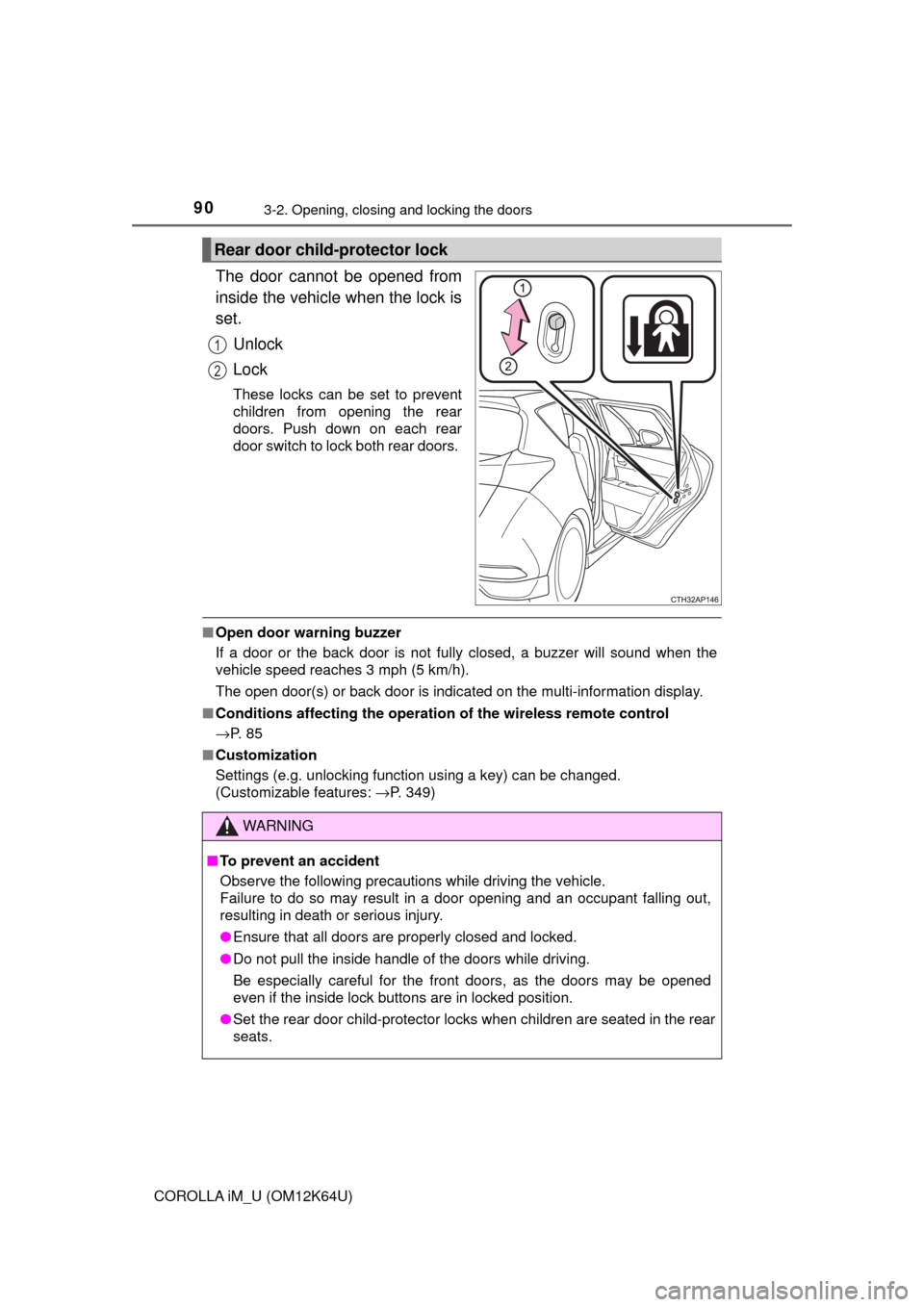
The door cannot be opened from
inside the vehicle when the lock is
set.
Unlock
Lock
These locks can be set to prevent
children from opening the rear
doors. Push down on each rear
door switch to lock both rear doors.
■Open door warning buzzer
If a door or the back door is not fully closed, a buzzer will sound when the
vehicle speed reaches 3 mph (5 km/h).
The open door(s) or back door is indicated on the multi-information display.
■Conditions affecting the operation of the wireless remote control
→P. 8 5
■Customization
Settings (e.g. unlocking function using a key) can be changed.
(Customizable features: →P. 349)
Rear door child-protector lock
1
2
WARNING
■To prevent an accident
Observe the following precautions while driving the vehicle.
Failure to do so may result in a door opening and an occupant falling out,
resulting in death or serious injury.
●Ensure that all doors are properly closed and locked.
●Do not pull the inside handle of the doors while driving.
Be especially careful for the front doors, as the doors may be opened
even if the inside lock buttons are in locked position.
●Set the rear door child-protector locks when children are seated in the rear
seats.
Page 100 of 384
1003-3. Adjusting the seats
COROLLA iM_U (OM12K64U)
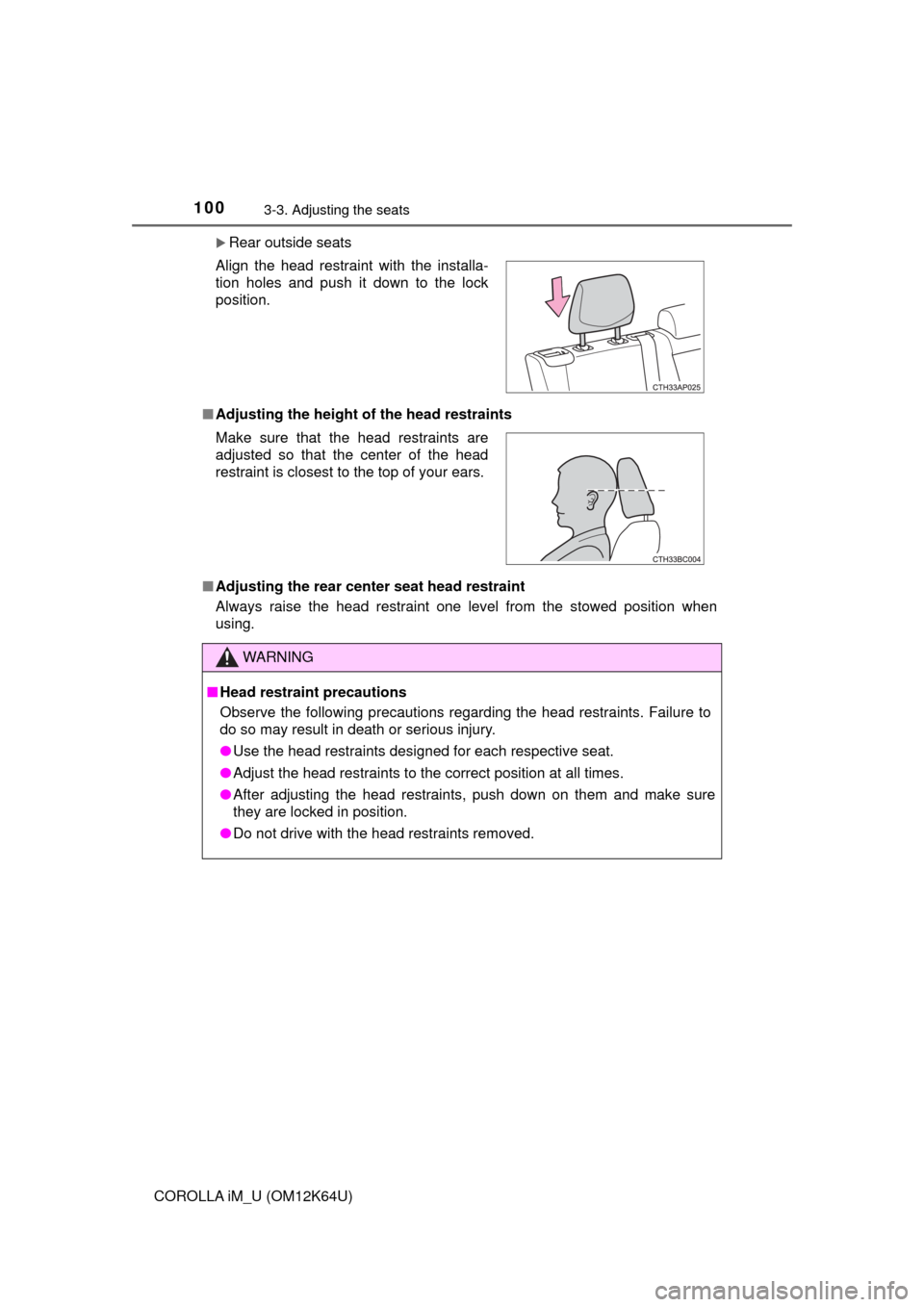
Rear outside seats
■Adjusting the height of the head restraints
■Adjusting the rear center seat head restraint
Always raise the head restraint one level from the stowed position when
using. Align the head restraint with the installa-
tion holes and push it down to the lock
position.
Make sure that the head restraints are
adjusted so that the center of the head
restraint is closest to the top of your ears.
WARNING
■Head restraint precautions
Observe the following precautions regarding the head restraints. Failure to
do so may result in death or serious injury.
●Use the head restraints designed for each respective seat.
●Adjust the head restraints to the correct position at all times.
●After adjusting the head restraints, push down on them and make sure
they are locked in position.
●Do not drive with the head restraints removed.
Page 108 of 384
1083-5. Opening and closing the windows
COROLLA iM_U (OM12K64U)
WARNING
Observe the following precautions.
Failure to do so may result in death or serious injury.
■Closing the windows
●The driver is responsible for all the power window operations, including the
operation for the passengers. In order to prevent accidental operation,
especially by a child, do not let a child operate the power windows. It is
possible for children and other passengers to have body parts caught in
the power window. Also, when riding with a child, it is recommended to use
the window lock switch.(→P. 106)
●Check to make sure that all passengers do not have any part of their body
in a position where it could be caught when a window is being operated.
●When exiting the vehicle, turn the engine switch off, carry the key and exit
the vehicle along with the child. There may be accidental operation, due to
mischief, etc., that may possibly lead to an accident.
■Jam protection function (driver’s window only)
●Never use any part of your body to intentionally activate the jam protection
function.
●The jam protection function may not work if something gets jammed just
before the window is fully closed. Be careful not to get any part of your
body jammed in the window.
■Catch protection function (driver’s window only)
●Never use any part of your body or clothing to intentionally activate the
catch protection function.
●The catch protection function may not work if something gets caught just
before the window is fully opened. Be careful not to get any part of your
body or clothing caught in the window.
Page 112 of 384
1124-1. Before driving
COROLLA iM_U (OM12K64U)
■When starting off on an uphill
The hill-start assist control will activate. (→P. 186)
■Driving in the rain
●Drive carefully when it is raining, because visibility will be reduced, the win-
dows may become fogged-up, and the road will be slippery.
●Drive carefully when it starts to rain, because the road surface will be espe-
cially slippery.
●Refrain from high speeds when driving on an expressway in the rain,
because there may be a layer of water between the tires and the road sur-
face, preventing the steering and brakes from operating properly.
■Engine speed while driving (vehicles with a continuously variable trans-
mission)
In the following conditions, the engine speed may become high while driving.
This is due to automatic up-shifting control or down-shifting implementation to
meet driving conditions. It does not indicate sudden acceleration.
●The vehicle is judged to be driving uphill or downhill
●When the accelerator pedal is released
●When the brake pedal is depressed while sport mode is selected
●When the brake pedal is depressed suddenly and vehicle speed is reduced
sharply
■Breaking in your new Toyota
To extend the life of the vehicle, observing the following precautions is recom-
mended:
●For the first 186 miles (300 km):
Avoid sudden stops.
●For the first 621 miles (1000 km):
• Do not drive at extremely high speeds.
• Avoid sudden acceleration.
• Do not drive continuously in low gears.
• Do not drive at a constant speed for extended periods.
■Operating your vehicle in a foreign country
Comply with the relevant vehicle registration laws and confirm the availability
of the correct fuel. (→P. 326)
WARNING
Observe the following precautions.
Failure to do so may result in death or serious injury.
■When starting the vehicle (vehicles with a continuously variable trans-
mission)
Always keep your foot on the brake pedal while stopped with the engine
running. This prevents the vehicle from creeping.
Page 113 of 384
1134-1. Before driving
4
Driving
COROLLA iM_U (OM12K64U)
WARNING
Observe the following precautions.
Failure to do so may result in death or serious injury.
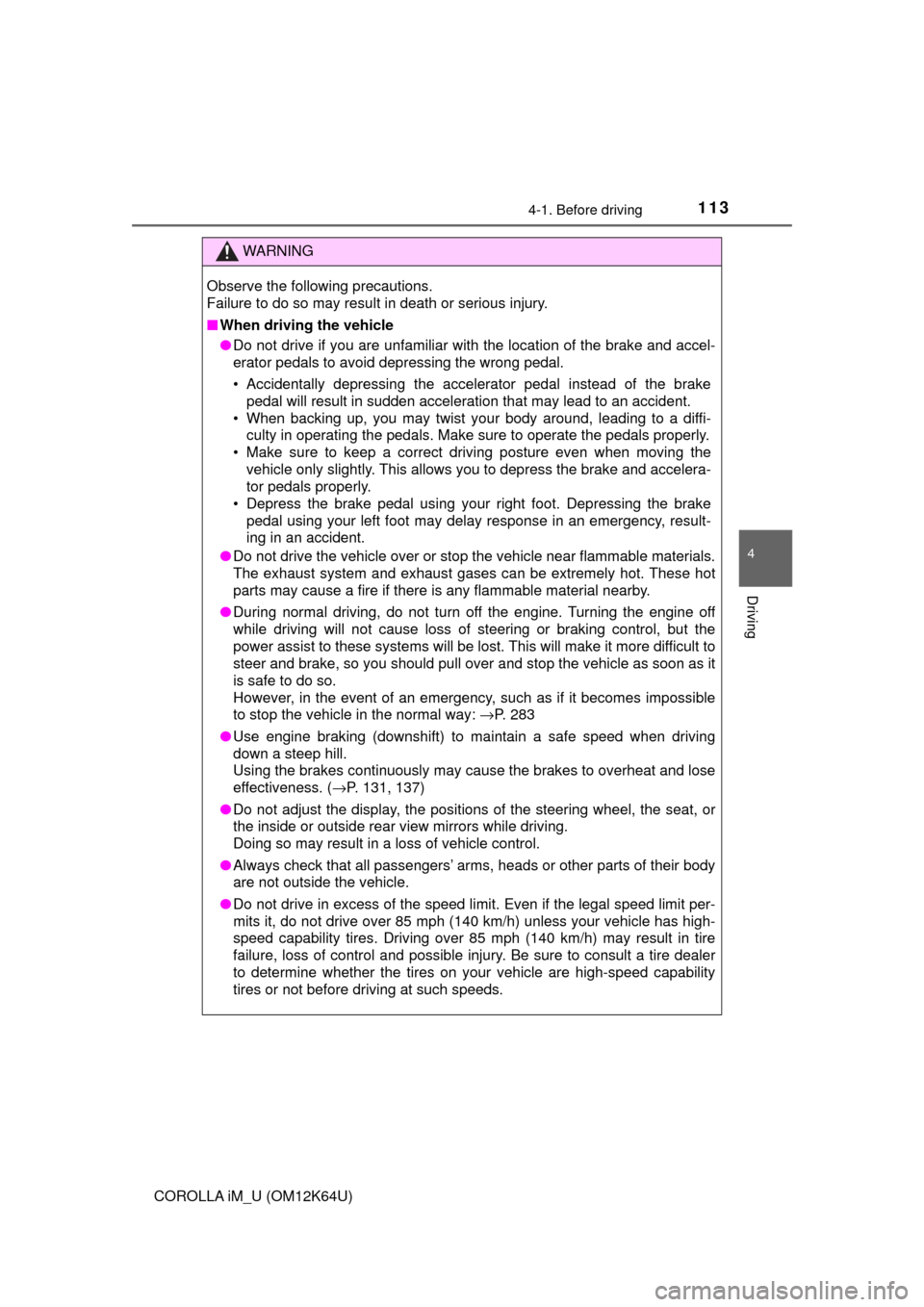
■When driving the vehicle
●Do not drive if you are unfamiliar with the location of the brake and accel-
erator pedals to avoid depressing the wrong pedal.
• Accidentally depressing the accelerator pedal instead of the brake
pedal will result in sudden acceleration that may lead to an accident.
• When backing up, you may twist your body around, leading to a diffi-
culty in operating the pedals. Make sure to operate the pedals properly.
• Make sure to keep a correct driving posture even when moving the
vehicle only slightly. This allows you to depress the brake and accelera-
tor pedals properly.
• Depress the brake pedal using your right foot. Depressing the brake
pedal using your left foot may delay response in an emergency, result-
ing in an accident.
●Do not drive the vehicle over or stop the vehicle near flammable materials.
The exhaust system and exhaust gases can be extremely hot. These hot
parts may cause a fire if there is any flammable material nearby.
●During normal driving, do not turn off the engine. Turning the engine off
while driving will not cause loss of steering or braking control, but the
power assist to these systems will be lost. This will make it more difficult to
steer and brake, so you should pull over and stop the vehicle as soon as it
is safe to do so.
However, in the event of an emergency, such as if it becomes impossible
to stop the vehicle in the normal way: →P. 283
●Use engine braking (downshift) to maintain a safe speed when driving
down a steep hill.
Using the brakes continuously may cause the brakes to overheat and lose
effectiveness. (→P. 131, 137)
●Do not adjust the display, the positions of the steering wheel, the seat, or
the inside or outside rear view mirrors while driving.
Doing so may result in a loss of vehicle control.
●Always check that all passengers’ arms, heads or other parts of their body
are not outside the vehicle.
●Do not drive in excess of the speed limit. Even if the legal speed limit per-
mits it, do not drive over 85 mph (140 km/h) unless your vehicle has high-
speed capability tires. Driving over 85 mph (140 km/h) may result in tire
failure, loss of control and possible injury. Be sure to consult a tire dealer
to determine whether the tires on your vehicle are high-speed capability
tires or not before driving at such speeds.
Page 157 of 384
157
4
Driving
COROLLA iM_U (OM12K64U)
4-5. Using the driving support systems
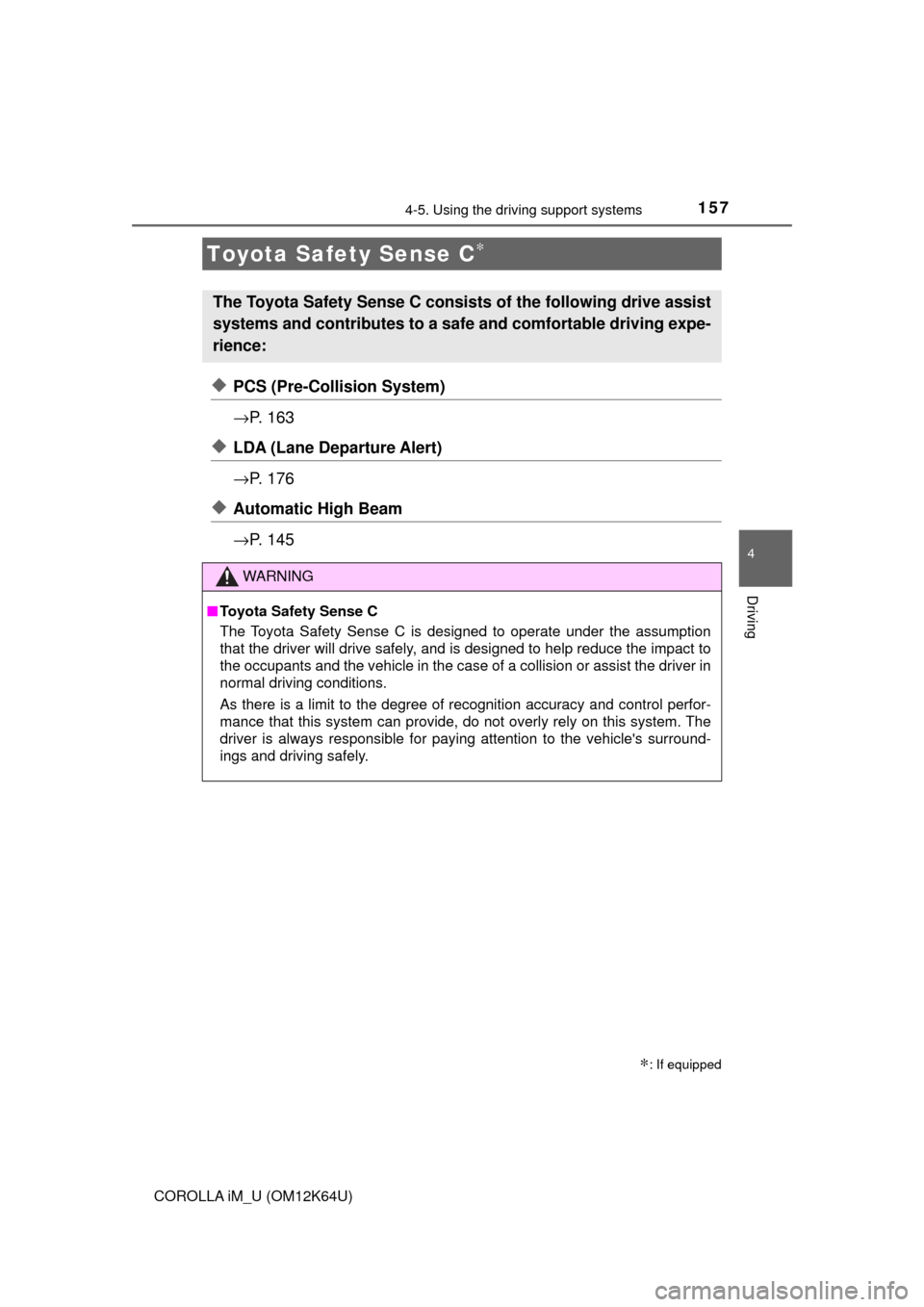
◆PCS (Pre-Collision System)
→P. 1 6 3
◆LDA (Lane Departure Alert)
→P. 1 7 6
◆Automatic High Beam
→P. 1 4 5
Toyota Safety Sense C∗
∗: If equipped
The Toyota Safety Sense C consists of the following drive assist
systems and contributes to a safe and comfortable driving expe-
rience:
WARNING
■Toyota Safety Sense C
The Toyota Safety Sense C is designed to operate under the assumption
that the driver will drive safely, and is designed to help reduce the impact to
the occupants and the vehicle in the case of a collision or assist the driver in
normal driving conditions.
As there is a limit to the degree of recognition accuracy and control perfor-
mance that this system can provide, do not overly rely on this system. The
driver is always responsible for paying attention to the vehicle's surround-
ings and driving safely.
Page 158 of 384

1584-5. Using the driving support systems
COROLLA iM_U (OM12K64U)
The pre-collision system is equipped with a sophisticated computer
that will record certain data, such as:
• How far (if at all) the driver was depressing the accelerator and/or
brake pedal
• How fast the vehicle was traveling
• Operation status of the pre-collision system functions
• Information (such as the distance and relative speed between your
vehicle and the vehicle ahead or other objects)
• Images from the front sensor (available only when the pre-collision
braking function is operating)
The pre-collision system does not record conversations, sounds or
images of the inside of the vehicle.
●Data usage
Toyota may use the data recorded in this computer to diagnose
malfunctions, conduct research and development, and improve
quality.
Toyota will not disclose the recorded data to a third party except:
• With the consent of the vehicle owner or with the consent of the
lessee if the vehicle is leased
• In response to an official request by the police, a court of law or a
government agency
• For use by Toyota in a lawsuit
• For research purposes where the data is not tied to a specific
vehicle or vehicle owner
●Recorded image information can be erased using a specialized
device.
The image information recording function can be disabled. How-
ever, if the function is disabled, data from when the pre-collision
system operates will not be available.
Vehicle data recordings
Page 164 of 384
1644-5. Using the driving support systems
COROLLA iM_U (OM12K64U)
WARNING
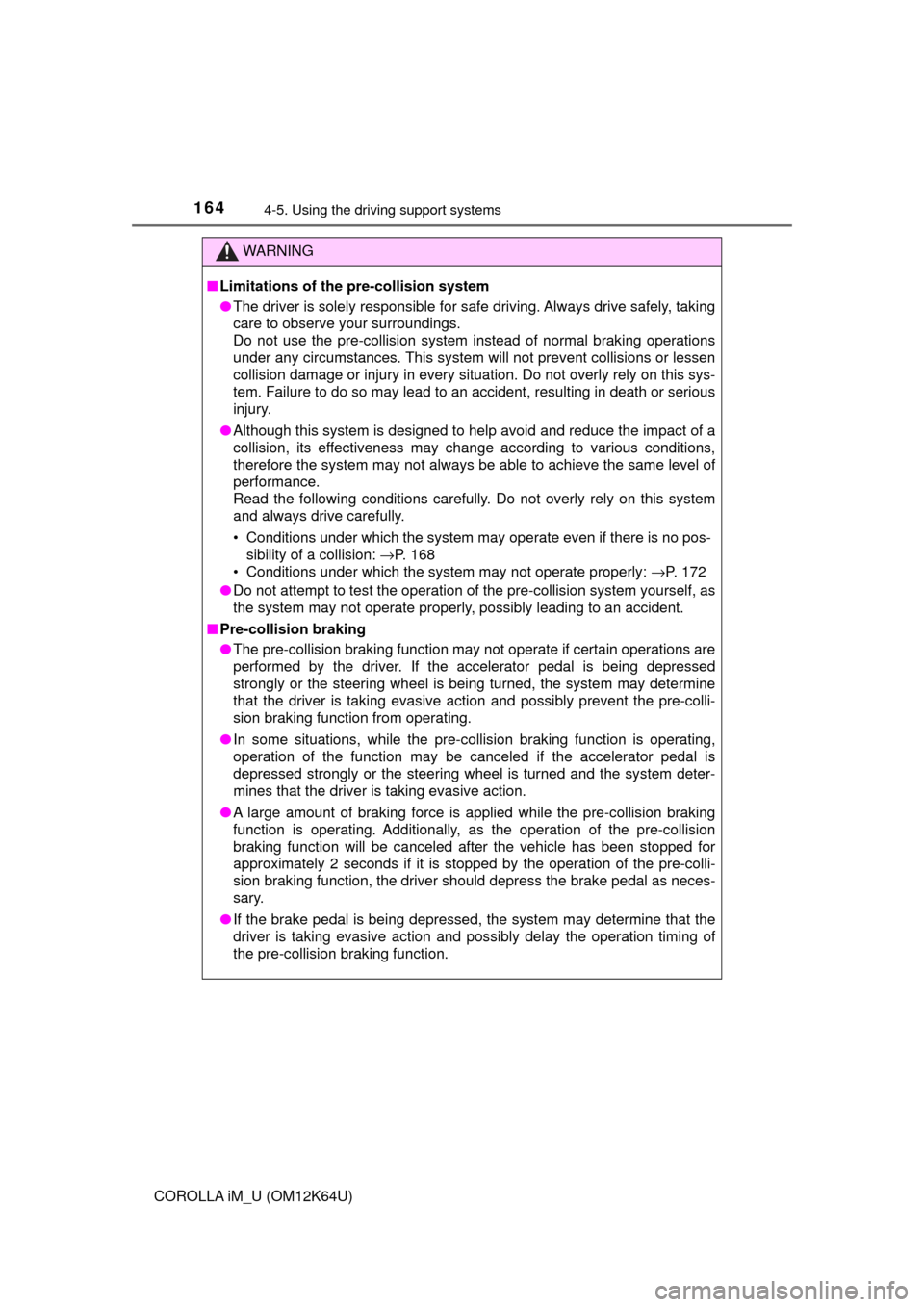
■Limitations of the pre-collision system
●The driver is solely responsible for safe driving. Always drive safely, taking
care to observe your surroundings.
Do not use the pre-collision system instead of normal braking operations
under any circumstances. This system will not prevent collisions or lessen
collision damage or injury in every situation. Do not overly rely on this sys-
tem. Failure to do so may lead to an accident, resulting in death or serious
injury.
●Although this system is designed to help avoid and reduce the impact of a
collision, its effectiveness may change according to various conditions,
therefore the system may not always be able to achieve the same level of
performance.
Read the following conditions carefully. Do not overly rely on this system
and always drive carefully.
• Conditions under which the system may operate even if there is no pos-
sibility of a collision: →P. 168
• Conditions under which the system may not operate properly: →P. 172
●Do not attempt to test the operation of the pre-collision system yourself, as
the system may not operate properly, possibly leading to an accident.
■Pre-collision braking
●The pre-collision braking function may not operate if certain operations are
performed by the driver. If the accelerator pedal is being depressed
strongly or the steering wheel is being turned, the system may determine
that the driver is taking evasive action and possibly prevent the pre-colli-
sion braking function from operating.
●In some situations, while the pre-collision braking function is operating,
operation of the function may be canceled if the accelerator pedal is
depressed strongly or the steering wheel is turned and the system deter-
mines that the driver is taking evasive action.
●A large amount of braking force is applied while the pre-collision braking
function is operating. Additionally, as the operation of the pre-collision
braking function will be canceled after the vehicle has been stopped for
approximately 2 seconds if it is stopped by the operation of the pre-colli-
sion braking function, the driver should depress the brake pedal as neces-
sary.
●If the brake pedal is being depressed, the system may determine that the
driver is taking evasive action and possibly delay the operation timing of
the pre-collision braking function.
Page 177 of 384
1774-5. Using the driving support systems
4
Driving
COROLLA iM_U (OM12K64U)
WARNING
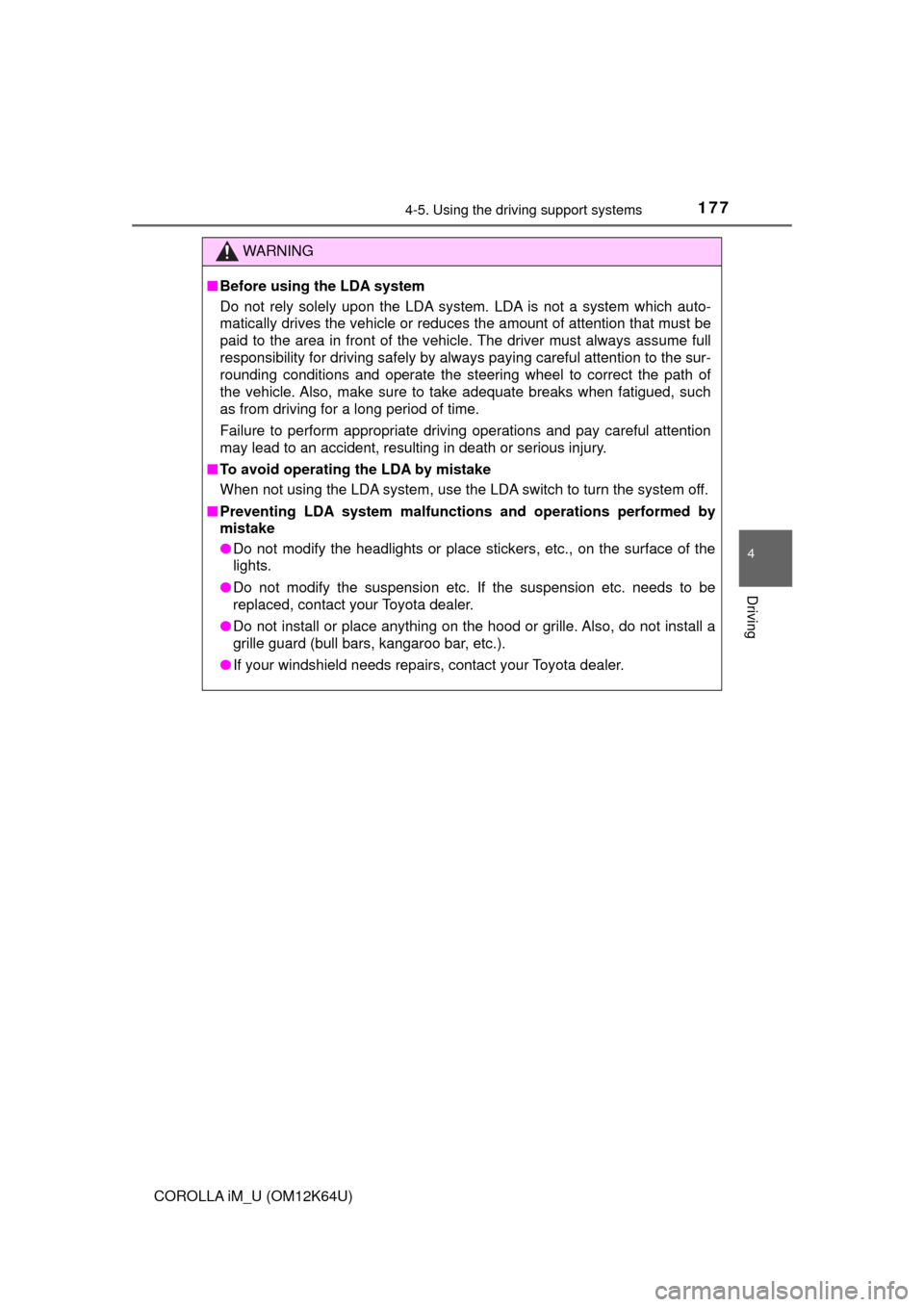
■Before using the LDA system
Do not rely solely upon the LDA system. LDA is not a system which auto-
matically drives the vehicle or reduces the amount of attention that must be
paid to the area in front of the vehicle. The driver must always assume full
responsibility for driving safely by always paying careful attention to the sur-
rounding conditions and operate the steering wheel to correct the path of
the vehicle. Also, make sure to take adequate breaks when fatigued, such
as from driving for a long period of time.
Failure to perform appropriate driving operations and pay careful attention
may lead to an accident, resulting in death or serious injury.
■To avoid operating the LDA by mistake
When not using the LDA system, use the LDA switch to turn the system off.
■Preventing LDA system malfunctions and operations performed by
mistake
●Do not modify the headlights or place stickers, etc., on the surface of the
lights.
●Do not modify the suspension etc. If the suspension etc. needs to be
replaced, contact your Toyota dealer.
●Do not install or place anything on the hood or grille. Also, do not install a
grille guard (bull bars, kangaroo bar, etc.).
●If your windshield needs repairs, contact your Toyota dealer.