display TOYOTA GR SUPRA 2022 Owners Manual
[x] Cancel search | Manufacturer: TOYOTA, Model Year: 2022, Model line: GR SUPRA, Model: TOYOTA GR SUPRA 2022Pages: 356, PDF Size: 39.14 MB
Page 200 of 356
2003-1. CONTROLS
The indicator will come on.
Cruise control is active. The cur-
rent speed is maintained and
stored as desired speed.
VSC Vehicle Stability Control
System is switched on, if neces-
sary.The displays go out. The stored
desired speed is deleted.
The system is automatically
interrupted in the following situa-
tions, for example:
When the driver applies the
brakes.
When selector lever position
D is disengaged.
Traction mode is activated or
VSC Vehicle Stability Control
System is deactivated.
If VSC Vehicle Stability Con-
trol System intervenes.
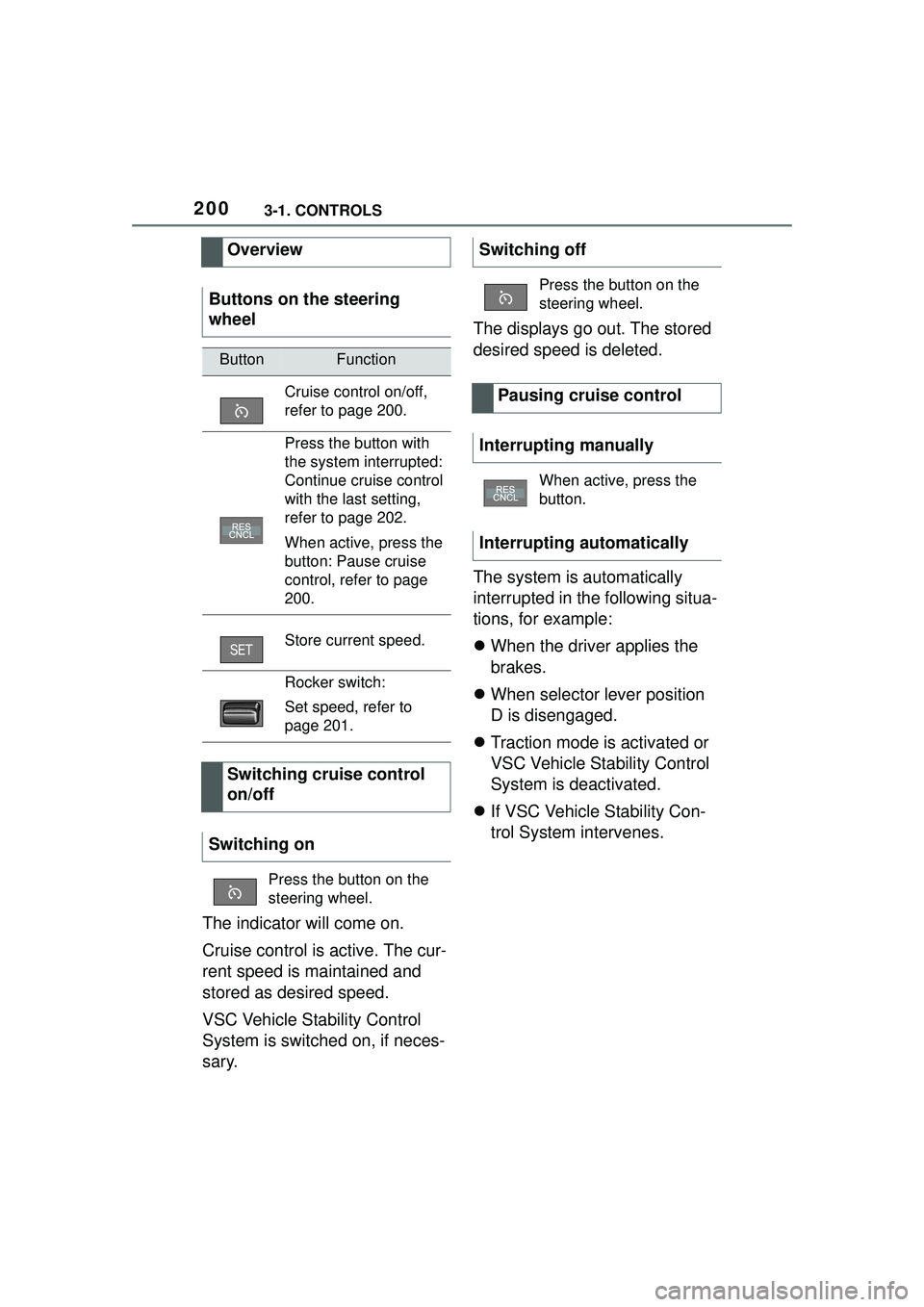
Overview
Buttons on the steering
wheel
ButtonFunction
Cruise control on/off,
refer to page 200.
Press the button with
the system interrupted:
Continue cruise control
with the last setting,
refer to page 202.
When active, press the
button: Pause cruise
control, refer to page
200.
Store current speed.
Rocker switch:
Set speed, refer to
page 201.
Switching cruise control
on/off
Switching on
Press the button on the
steering wheel.
Switching off
Press the button on the
steering wheel.
Pausing cruise control
Interrupting manually
When active, press the
button.
Interrupting automatically
Page 201 of 356
2013-1. CONTROLS
3
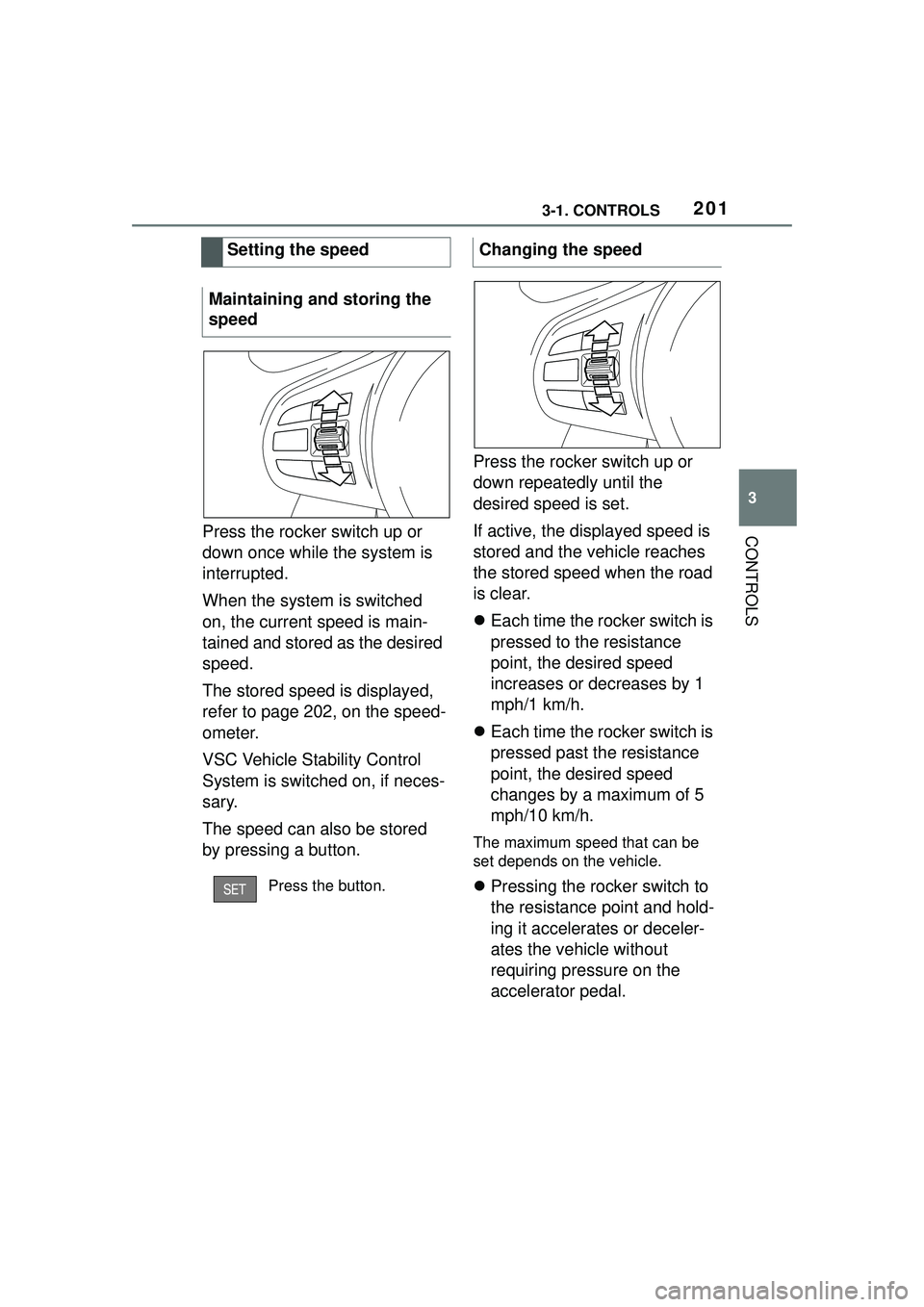
CONTROLSPress the rocker switch up or
down once while the system is
interrupted.
When the system is switched
on, the current speed is main-
tained and stored as the desired
speed.
The stored speed is displayed,
refer to page 202, on the speed-
ometer.
VSC Vehicle Stability Control
System is switched on, if neces-
sary.
The speed can also be stored
by pressing a button.Press the rocker switch up or
down repeatedly until the
desired speed is set.
If active, the displayed speed is
stored and the vehicle reaches
the stored speed when the road
is clear.
Each time the rocker switch is
pressed to the resistance
point, the desired speed
increases or decreases by 1
mph/1 km/h.
Each time the rocker switch is
pressed past the resistance
point, the desired speed
changes by a maximum of 5
mph/10 km/h.
The maximum speed that can be
set depends on the vehicle.
Pressing the rocker switch to
the resistance point and hold-
ing it accelerates or deceler-
ates the vehicle without
requiring pressure on the
accelerator pedal.
Setting the speed
Maintaining and storing the
speedPress the button.
Changing the speed
Page 202 of 356
2023-1. CONTROLS
After the rocker switch is released,
the vehicle maintains its final
speed. Pressing the switch beyond
the resistance point causes the
vehicle to accelerate more rapidly.
An interrupted cruise control can
be continued by calling up the
stored speed.
Make sure that the difference
between current speed and
stored speed is not too large
before calling up the stored
speed. Otherwise, unintentional
braking or accelerating may
occur.
Cruise control is continued with
the stored values.
In the following cases, the
stored speed value is deleted
and cannot be called up again:
When the system is switched
off.
When drive-ready state is
switched off. With the proper equipment, the
value of the selected speed is
briefly displayed digitally.
Some system information can
also be displayed in the
Head-up Display.
The desired speed is also main-
tained downhill.
The speed may not be main-
tained on uphill grades if the
engine power is insufficient.
Continuing cruise control
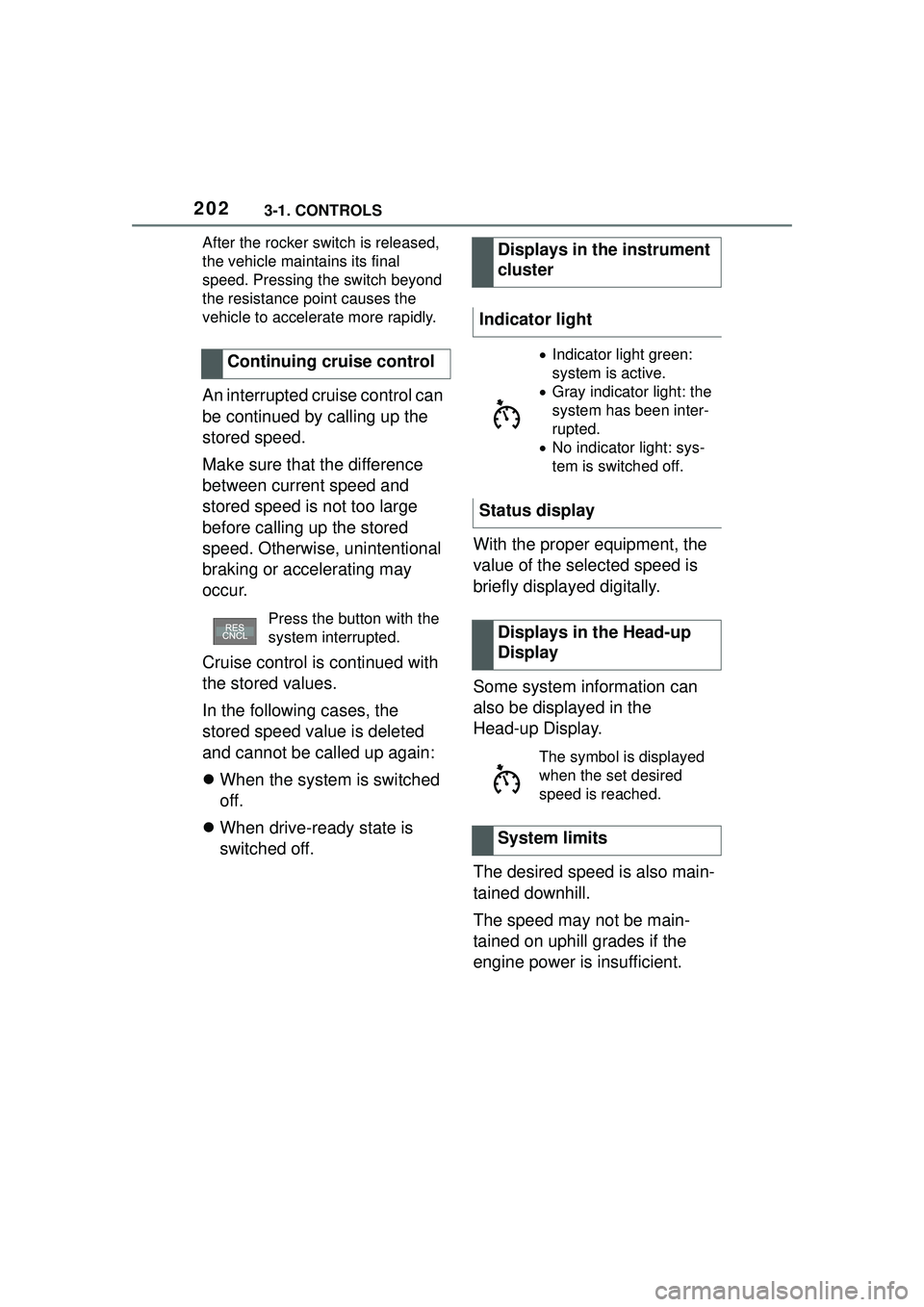
Press the button with the
system interrupted.
Displays in the instrument
cluster
Indicator light
Indicator light green:
system is active.
Gray indicator light: the
system has been inter-
rupted.
No indicator light: sys-
tem is switched off.
Status display
Displays in the Head-up
Display
The symbol is displayed
when the set desired
speed is reached.
System limits
Page 205 of 356
2053-1. CONTROLS
3
CONTROLS
The indicator will come on.
Cruise control is active. The cur-
rent speed is maintained and
stored as desired speed.
VSC Vehicle Stability Control
System is switched on, if neces-
sary.
To switch off the system while
standing, step on brake pedal at
the same time.
Press the following button on
the steering wheel again:
The displays go out. The stored
desired speed is deleted.
When active, press the following
button on the steering wheel:
If interrupting the system while
stationary, press on the brake
pedal at the same time.The system is automatically
interrupted in the following situa-
tions:
When the driver applies the
brakes.
When selector lever position
D is disengaged.
Traction mode is activated or
VSC Vehicle Stability Control
System is deactivated.
If VSC Vehicle Stability Con-
trol System intervenes.
If the safety belt is unbuckled
and the driver's door is
opened while the vehicle is
standing still.
If the system has not detected
objects for an extended
period, for instance on a road
with very little traffic without
curb or shoulder markings.
If the detection range of the
radar is impaired, for instance
by dirt or heavy fog.
After a longer stationary
period when the vehicle has
been braked to a stop by the
system.
Switching on/off and inter-
rupting cruise control
Switching on
Press the button on the
steering wheel.
Switching off
Button on the steering
wheel.
Interrupting manually
Button on the steering
wheel.
Interrupting automatically
Page 206 of 356
2063-1. CONTROLS
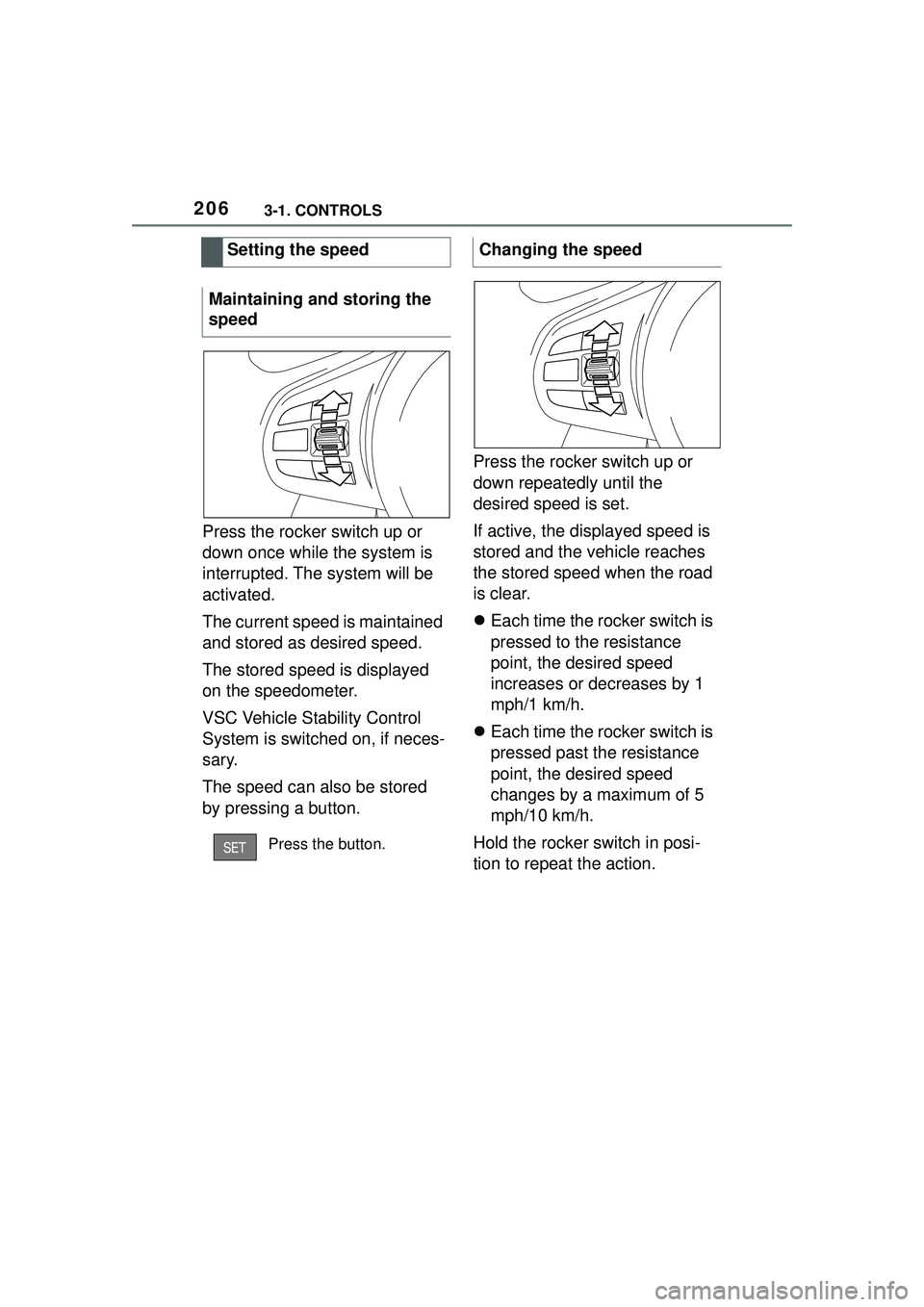
Press the rocker switch up or
down once while the system is
interrupted. The system will be
activated.
The current speed is maintained
and stored as desired speed.
The stored speed is displayed
on the speedometer.
VSC Vehicle Stability Control
System is switched on, if neces-
sary.
The speed can also be stored
by pressing a button.Press the rocker switch up or
down repeatedly until the
desired speed is set.
If active, the displayed speed is
stored and the vehicle reaches
the stored speed when the road
is clear.
Each time the rocker switch is
pressed to the resistance
point, the desired speed
increases or decreases by 1
mph/1 km/h.
Each time the rocker switch is
pressed past the resistance
point, the desired speed
changes by a maximum of 5
mph/10 km/h.
Hold the rocker switch in posi-
tion to repeat the action.
Setting the speed
Maintaining and storing the
speed
Press the button.
Changing the speed
Page 207 of 356
2073-1. CONTROLS
3
CONTROLS
Instrument cluster will display
selected distance, refer to page
207.
Instrument cluster will display
selected distance, refer to page
207.
An interrupted cruise control can
be continued by calling up the
stored speed.
Make sure that the difference
between current speed and stored speed is not too large
before calling up the stored
speed. Otherwise, unintentional
braking or accelerating may
occur.
Cruise control is continued with
the stored values.
In the following cases, the
stored speed value is deleted
and cannot be called up again:
When the system is switched
off.
When drive-ready state is
switched off.
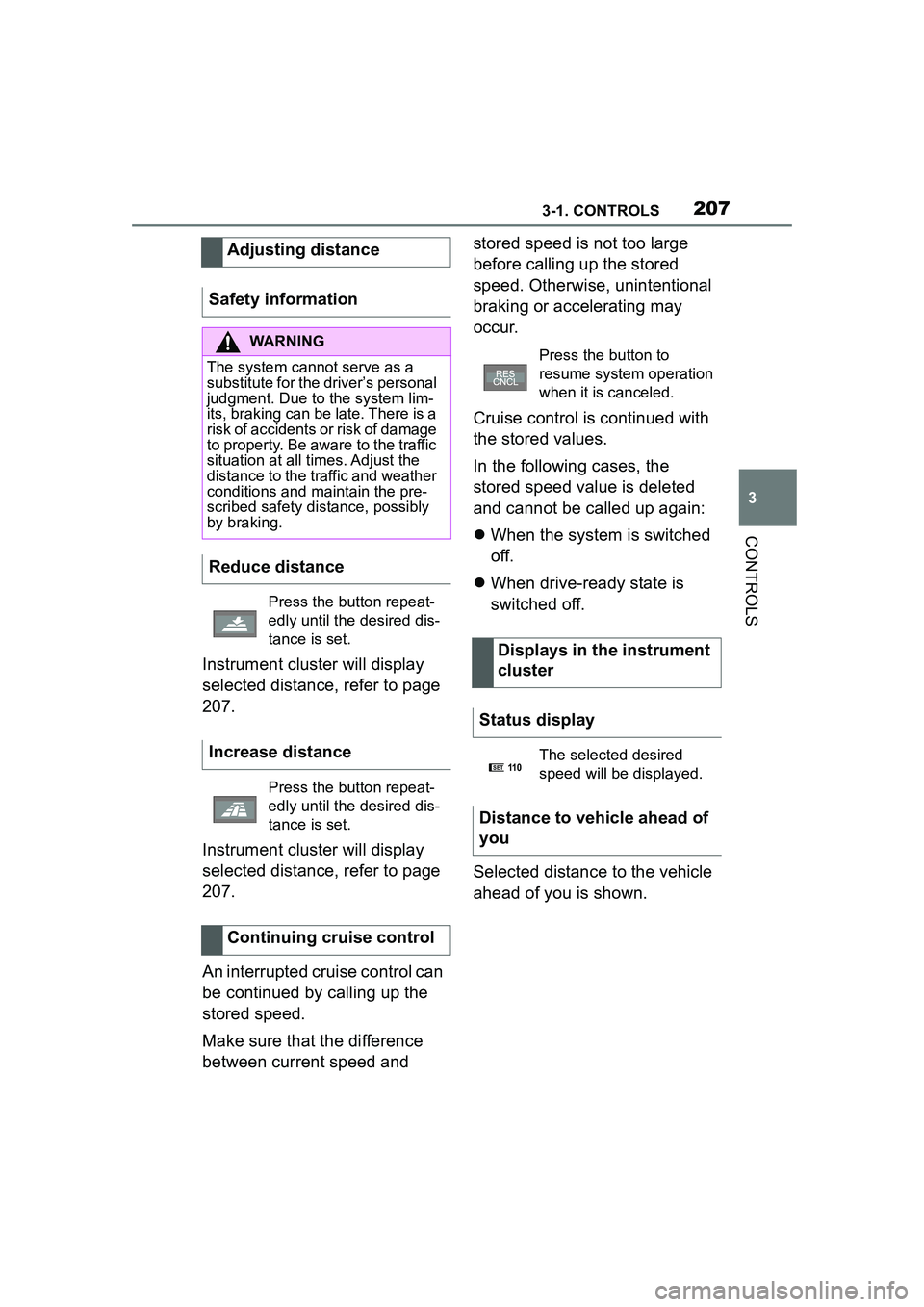
Selected distance to the vehicle
ahead of you is shown.
Adjusting distance
Safety information
WARNING
The system cannot serve as a
substitute for the driver’s personal
judgment. Due to the system lim-
its, braking can be late. There is a
risk of accidents or risk of damage
to property. Be aware to the traffic
situation at all times. Adjust the
distance to the traffic and weather
conditions and maintain the pre-
scribed safety distance, possibly
by braking.
Reduce distance
Press the button repeat-
edly until the desired dis-
tance is set.
Increase distance
Press the button repeat-
edly until the desired dis-
tance is set.
Continuing cruise control
Press the button to
resume system operation
when it is canceled.
Displays in the instrument
cluster
Status display
The selected desired
speed will be displayed.
Distance to vehicle ahead of
you
SET11 0
Page 208 of 356
2083-1. CONTROLS
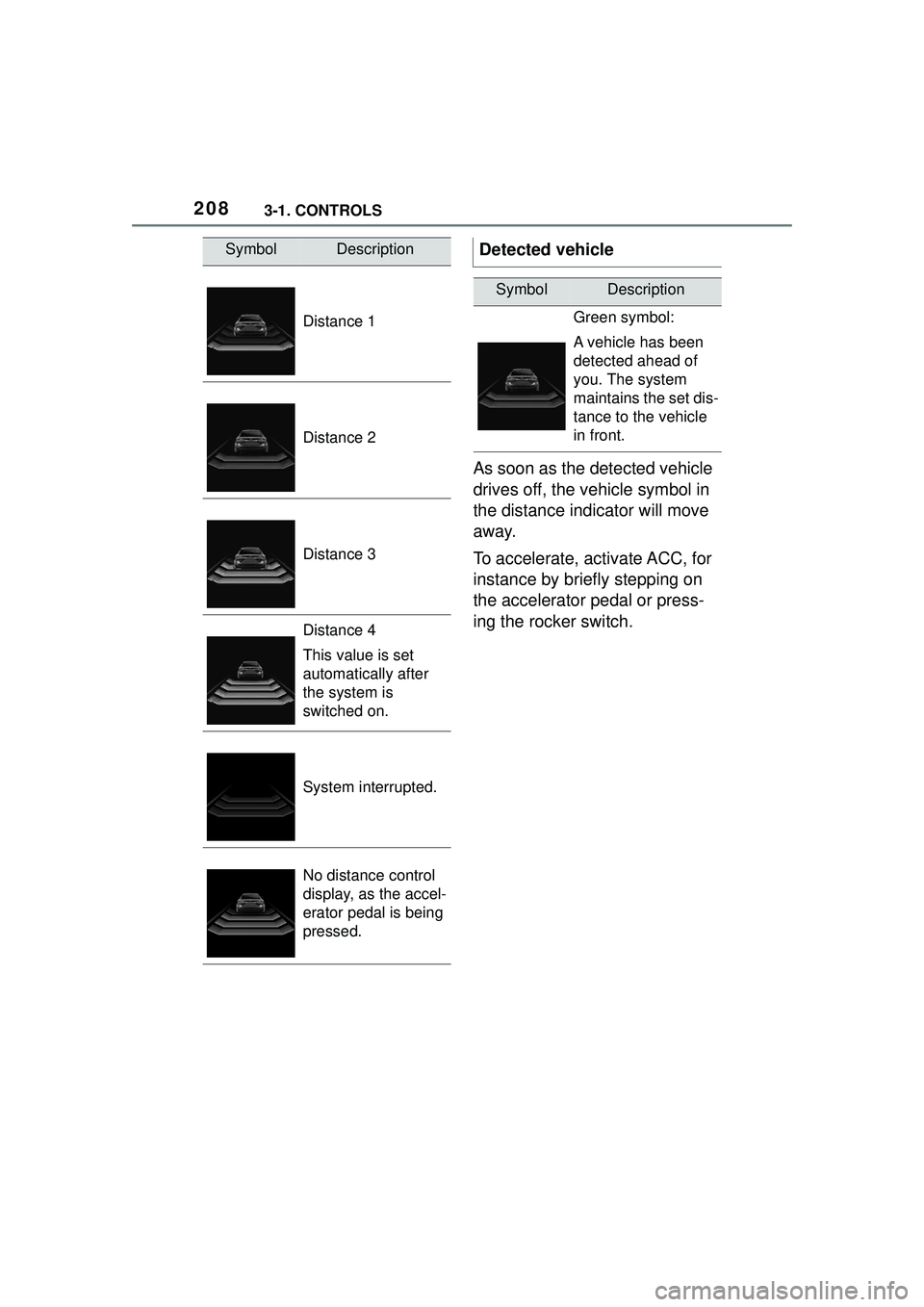
As soon as the detected vehicle
drives off, the vehicle symbol in
the distance indicator will move
away.
To accelerate, activate ACC, for
instance by briefly stepping on
the accelerator pedal or press-
ing the rocker switch.
SymbolDescription
Distance 1
Distance 2
Distance 3
Distance 4
This value is set
automatically after
the system is
switched on.
System interrupted.
No distance control
display, as the accel-
erator pedal is being
pressed.
Detected vehicle
SymbolDescription
Green symbol:
A vehicle has been
detected ahead of
you. The system
maintains the set dis-
tance to the vehicle
in front.
Page 209 of 356
2093-1. CONTROLS
3
CONTROLS
Some system information can
also be displayed in the
Head-up Display.The distance information is
active in the following situations:
Dynamic radar cruise control
switched off.
Display in the Head-up Dis-
play selected, refer to page
150.
Distance too short.
Speed greater than approx.
40 mph/70 km/h.
Additional information:
• Cameras, refer to page 40.
• Radar sensors, refer to page 41.
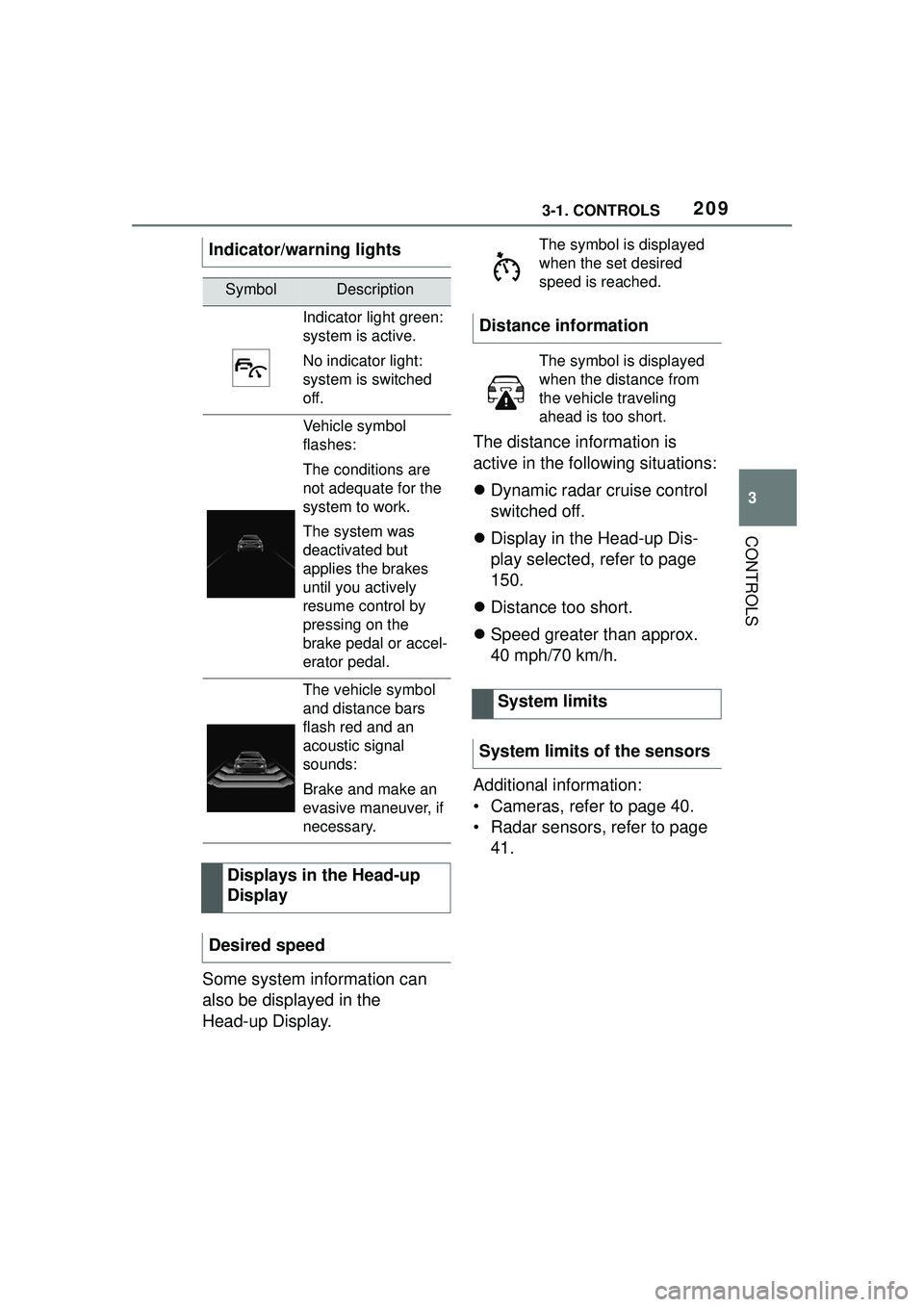
Indicator/warning lights
SymbolDescription
Indicator light green:
system is active.
No indicator light:
system is switched
off.
Vehicle symbol
flashes:
The conditions are
not adequate for the
system to work.
The system was
deactivated but
applies the brakes
until you actively
resume control by
pressing on the
brake pedal or accel-
erator pedal.
The vehicle symbol
and distance bars
flash red and an
acoustic signal
sounds:
Brake and make an
evasive maneuver, if
necessary.
Displays in the Head-up
Display
Desired speed
The symbol is displayed
when the set desired
speed is reached.
Distance information
The symbol is displayed
when the distance from
the vehicle traveling
ahead is too short.
System limits
System limits of the sensors
Page 212 of 356
2123-1. CONTROLS
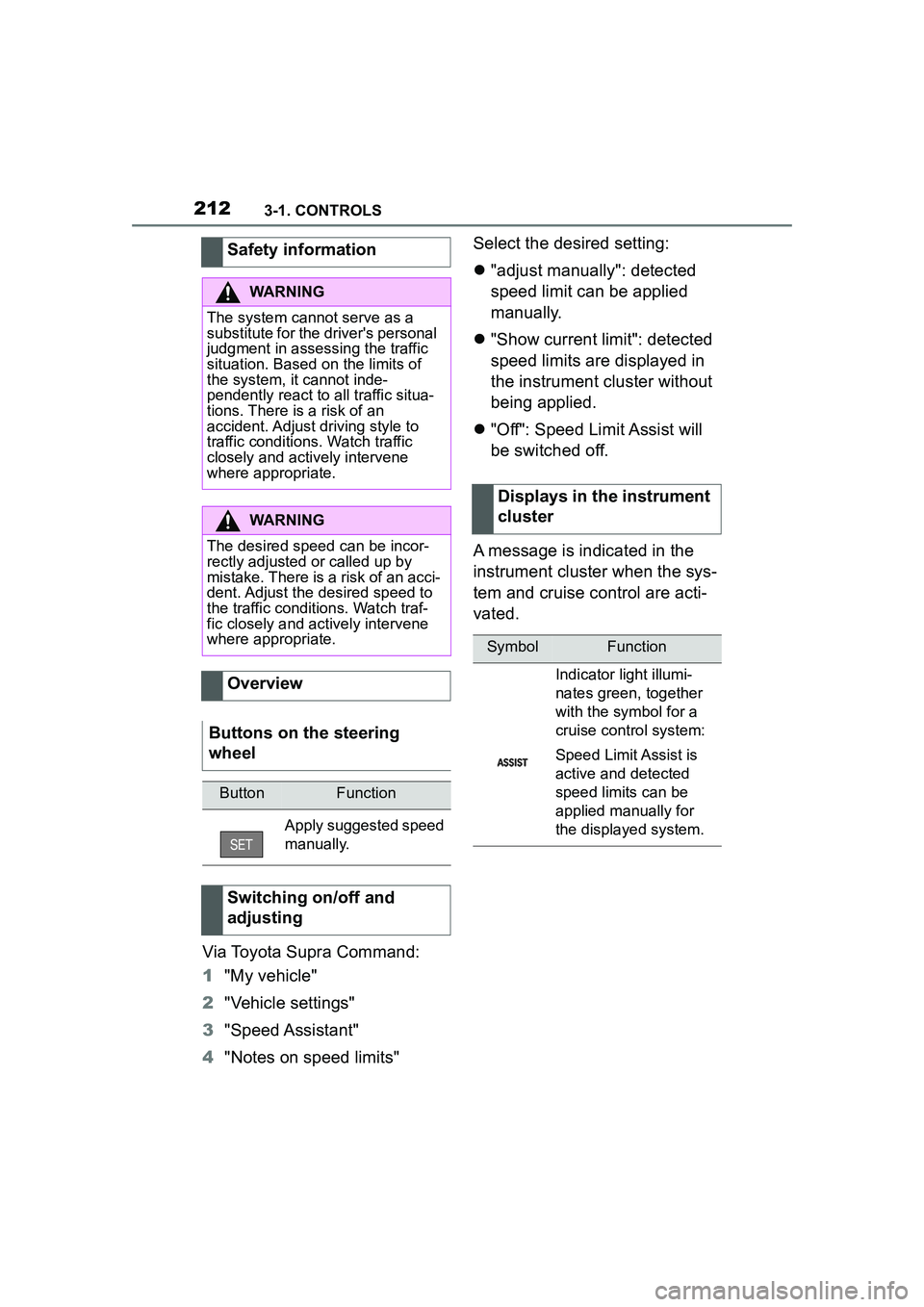
Via Toyota Supra Command:
1"My vehicle"
2 "Vehicle settings"
3 "Speed Assistant"
4 "Notes on speed limits" Select the desired setting:
"adjust manually": detected
speed limit can be applied
manually.
"Show current limit": detected
speed limits are displayed in
the instrument cluster without
being applied.
"Off": Speed Limit Assist will
be switched off.
A message is indicated in the
instrument cluster when the sys-
tem and cruise control are acti-
vated.
Safety information
WARNING
The system cannot serve as a
substitute for the driver's personal
judgment in assessing the traffic
situation. Based on the limits of
the system, it cannot inde-
pendently react to all traffic situa-
tions. There is a risk of an
accident. Adjust driving style to
traffic conditions. Watch traffic
closely and actively intervene
where appropriate.
WARNING
The desired speed can be incor-
rectly adjusted or called up by
mistake. There is a risk of an acci-
dent. Adjust the desired speed to
the traffic conditions. Watch traf-
fic closely and actively intervene
where appropriate.
Overview
Buttons on the steering
wheel
ButtonFunction
Apply suggested speed
manually.
Switching on/off and
adjusting
Displays in the instrument
cluster
SymbolFunction
Indicator light illumi-
nates green, together
with the symbol for a
cruise control system:
Speed Limit Assist is
active and detected
speed limits can be
applied manually for
the displayed system.
Page 213 of 356
2133-1. CONTROLS
3
CONTROLS
Speed Limit Assist is based on
the Speed Limit Info system.
Thus, also observe the system
limits of the Speed Limit Info
system, refer to page 143.
Parking Sensor is a support
when parking. Objects that you
are approaching slowly in front
of or behind the vehicle are indi-
cated by signal tones and a dis-
play on the Control Display.
Depending on the equipment version: Obstacles at the side of
the vehicle that are detected by
the side ultrasonic sensors may
also be reported by the side pro-
tection, refer to page 217, func-
tion.
The ultrasound sensors for dis-
tance measurements are
located in the bumpers and pos-
sibly on the sides of the vehicle.
The range, depending on the
obstacle and environmental
conditions, is approx. 6 ft/2 m.
An acoustic warning sounds in
case of an impending collision at
a distance to the object of
approx. 27 in/70 cm.
For objects behind the vehicle,
the acoustic warning is already
issued at a distance to the
object of approx. 5 ft/1.50 m.
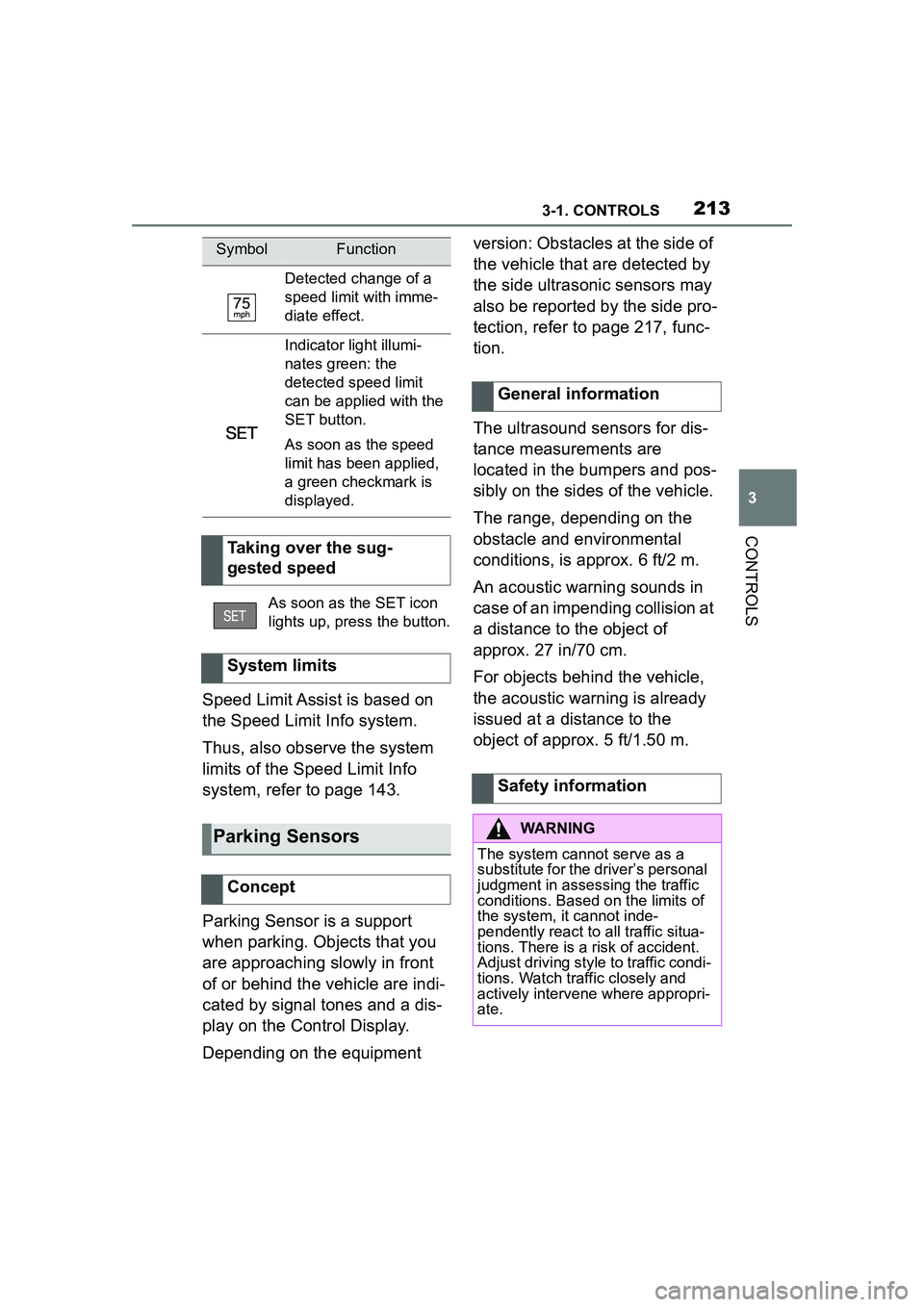
Detected change of a
speed limit with imme-
diate effect.
Indicator light illumi-
nates green: the
detected speed limit
can be applied with the
SET button.
As soon as the speed
limit has been applied,
a green checkmark is
displayed.
Taking over the sug-
gested speed
As soon as the SET icon
lights up, press the button.
System limits
Parking Sensors
Concept
SymbolFunction
General information
Safety information
WARNING
The system cannot serve as a
substitute for the driver’s personal
judgment in assessing the traffic
conditions. Based on the limits of
the system, it cannot inde-
pendently react to all traffic situa-
tions. There is a risk of accident.
Adjust driving style to traffic condi-
tions. Watch traffic closely and
actively intervene where appropri-
ate.