display TOYOTA GR SUPRA 2022 Owner's Guide
[x] Cancel search | Manufacturer: TOYOTA, Model Year: 2022, Model line: GR SUPRA, Model: TOYOTA GR SUPRA 2022Pages: 356, PDF Size: 39.14 MB
Page 61 of 356
613-1. CONTROLS
3
CONTROLS
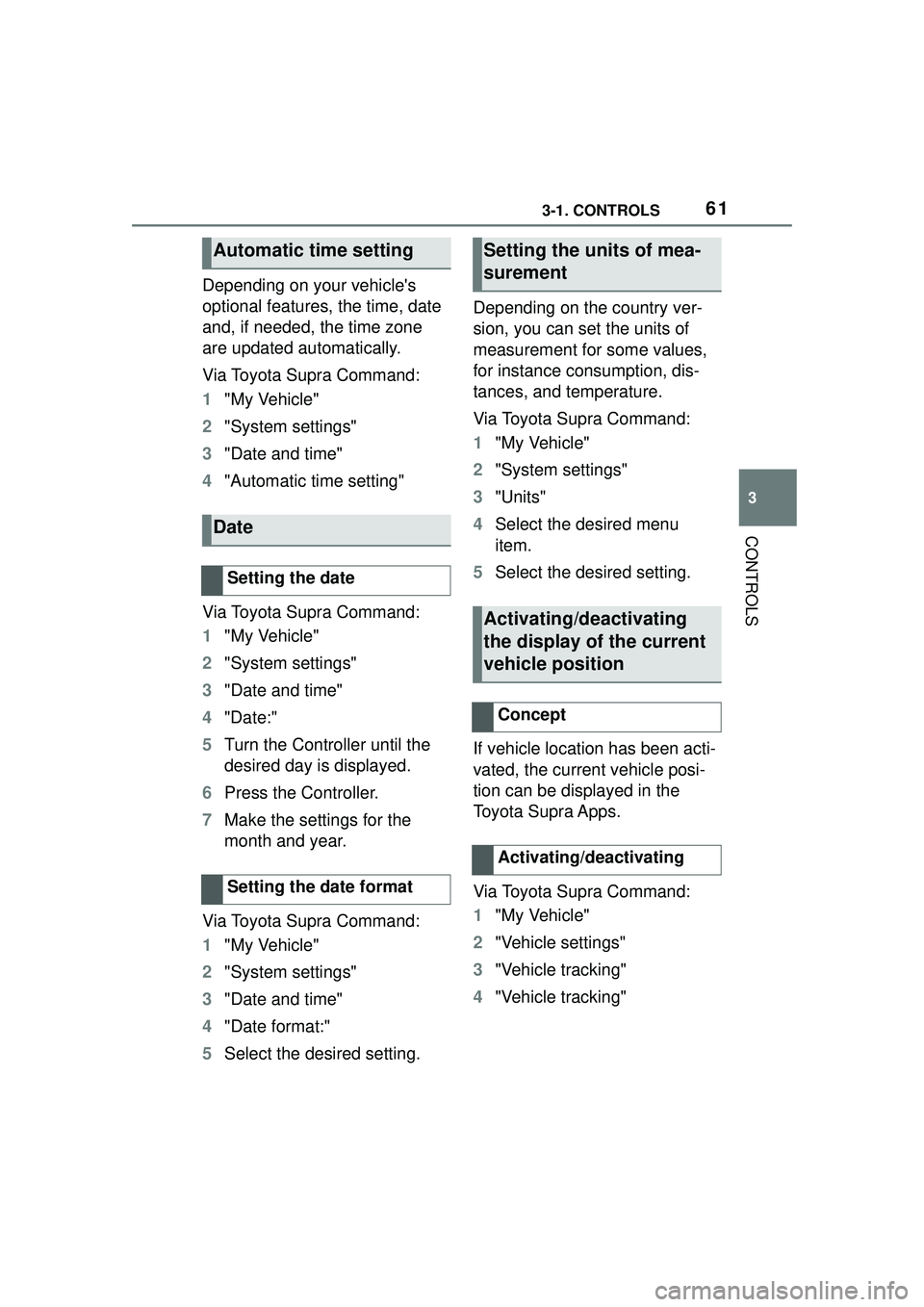
Depending on your vehicle's
optional features, the time, date
and, if needed, the time zone
are updated automatically.
Via Toyota Supra Command:
1"My Vehicle"
2 "System settings"
3 "Date and time"
4 "Automatic time setting"
Via Toyota Supra Command:
1 "My Vehicle"
2 "System settings"
3 "Date and time"
4 "Date:"
5 Turn the Controller until the
desired day is displayed.
6 Press the Controller.
7 Make the settings for the
month and year.
Via Toyota Supra Command:
1 "My Vehicle"
2 "System settings"
3 "Date and time"
4 "Date format:"
5 Select the desired setting. Depending on the country ver-
sion, you can set the units of
measurement for some values,
for instance consumption, dis-
tances, and temperature.
Via Toyota Supra Command:
1
"My Vehicle"
2 "System settings"
3 "Units"
4 Select the desired menu
item.
5 Select the desired setting.
If vehicle location has been acti-
vated, the current vehicle posi-
tion can be displayed in the
Toyota Supra Apps.
Via Toyota Supra Command:
1 "My Vehicle"
2 "Vehicle settings"
3 "Vehicle tracking"
4 "Vehicle tracking"
Automatic time setting
Date
Setting the date
Setting the date format
Setting the units of mea-
surement
Activating/deactivating
the display of the current
vehicle position
Concept
Activating/deactivating
Page 62 of 356
623-1. CONTROLS
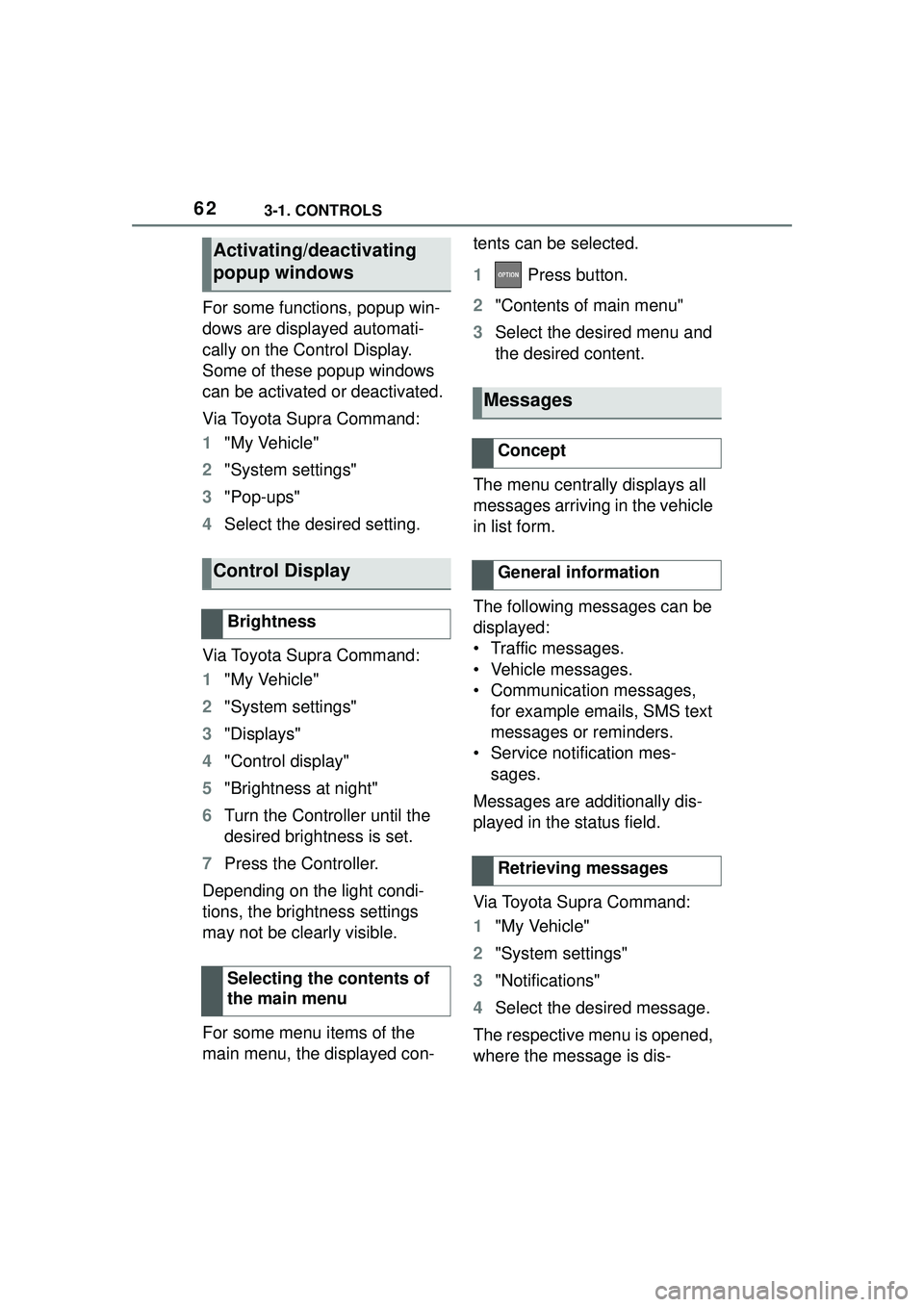
For some functions, popup win-
dows are displayed automati-
cally on the Control Display.
Some of these popup windows
can be activated or deactivated.
Via Toyota Supra Command:
1"My Vehicle"
2 "System settings"
3 "Pop-ups"
4 Select the desired setting.
Via Toyota Supra Command:
1 "My Vehicle"
2 "System settings"
3 "Displays"
4 "Control display"
5 "Brightness at night"
6 Turn the Controller until the
desired brightness is set.
7 Press the Controller.
Depending on the light condi-
tions, the brightness settings
may not be clearly visible.
For some menu items of the
main menu, the displayed con- tents can be selected.
1
Press button.
2 "Contents of main menu"
3 Select the desired menu and
the desired content.
The menu centrally displays all
messages arriving in the vehicle
in list form.
The following messages can be
displayed:
• Traffic messages.
• Vehicle messages.
• Communication messages, for example emails, SMS text
messages or reminders.
• Service notification mes- sages.
Messages are additionally dis-
played in the status field.
Via Toyota Supra Command:
1 "My Vehicle"
2 "System settings"
3 "Notifications"
4 Select the desired message.
The respective menu is opened,
where the message is dis-
Activating/deactivating
popup windows
Control Display
Brightness
Selecting the contents of
the main menu
Messages
Concept
General information
Retrieving messages
Page 63 of 356
633-1. CONTROLS
3
CONTROLS
played.
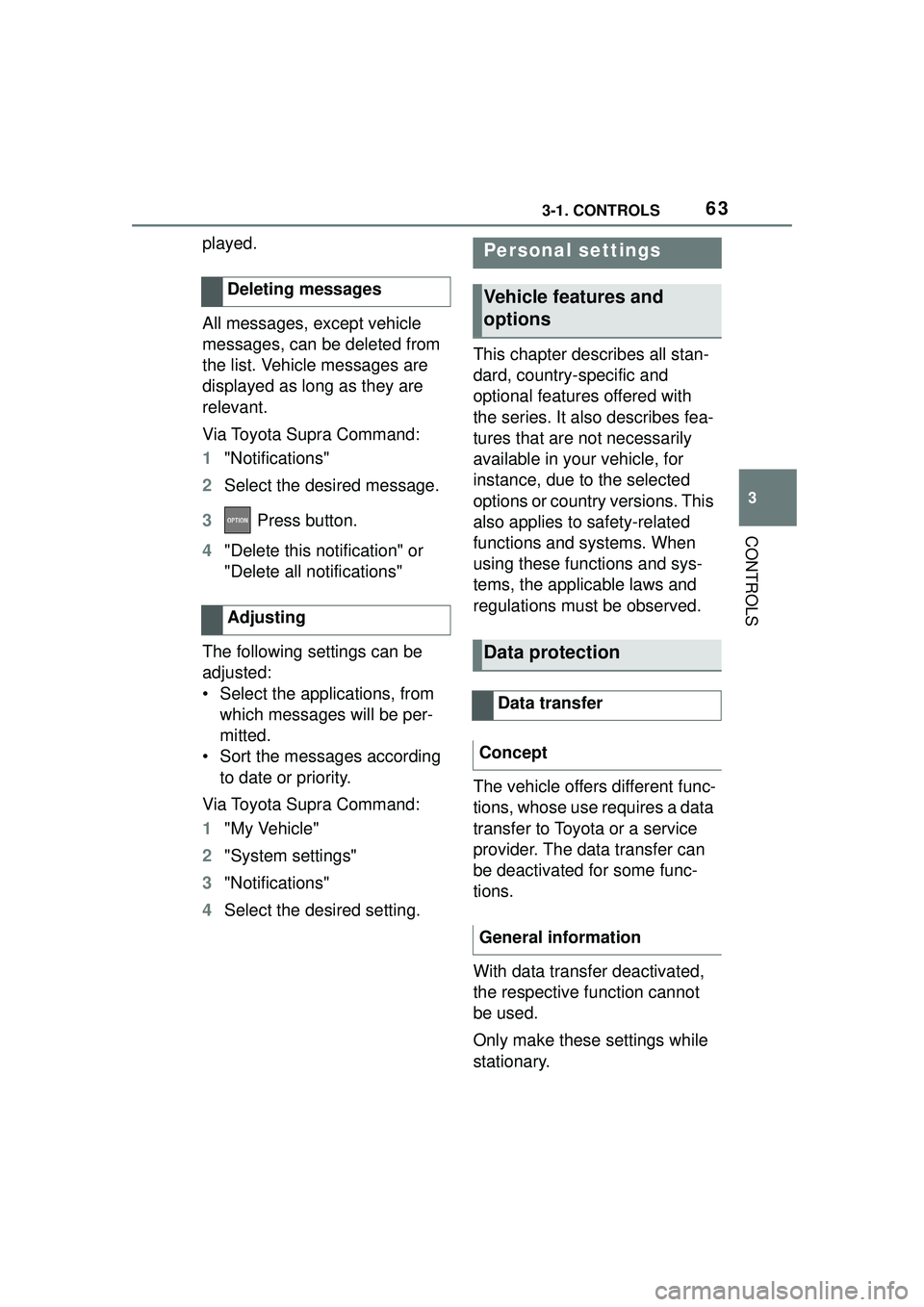
All messages, except vehicle
messages, can be deleted from
the list. Vehicle messages are
displayed as long as they are
relevant.
Via Toyota Supra Command:
1 "Notifications"
2 Select the desired message.
3 Press button.
4 "Delete this notification" or
"Delete all notifications"
The following settings can be
adjusted:
• Select the applications, from which messages will be per-
mitted.
• Sort the messages according to date or priority.
Via Toyota Supra Command:
1 "My Vehicle"
2 "System settings"
3 "Notifications"
4 Select the desired setting. This chapter describes all stan-
dard, country-specific and
optional features offered with
the series. It also describes fea-
tures that are not necessarily
available in your vehicle, for
instance, due to the selected
options or country versions. This
also applies to safety-related
functions and systems. When
using these functions and sys-
tems, the applicable laws and
regulations must be observed.
The vehicle offers different func-
tions, whose use requires a data
transfer to Toyota or a service
provider. The data transfer can
be deactivated for some func-
tions.
With data transfer deactivated,
the respective function cannot
be used.
Only make these settings while
stationary.
Deleting messages
AdjustingPersonal settings
Vehicle features and
options
Data protection
Data transfer
Concept
General information
Page 64 of 356
643-1. CONTROLS
Follow the instructions on the
Control Display.
Via Toyota Supra Command:
1"My Vehicle"
2 "System settings"
3 "Data privacy"
4 Select the desired setting.
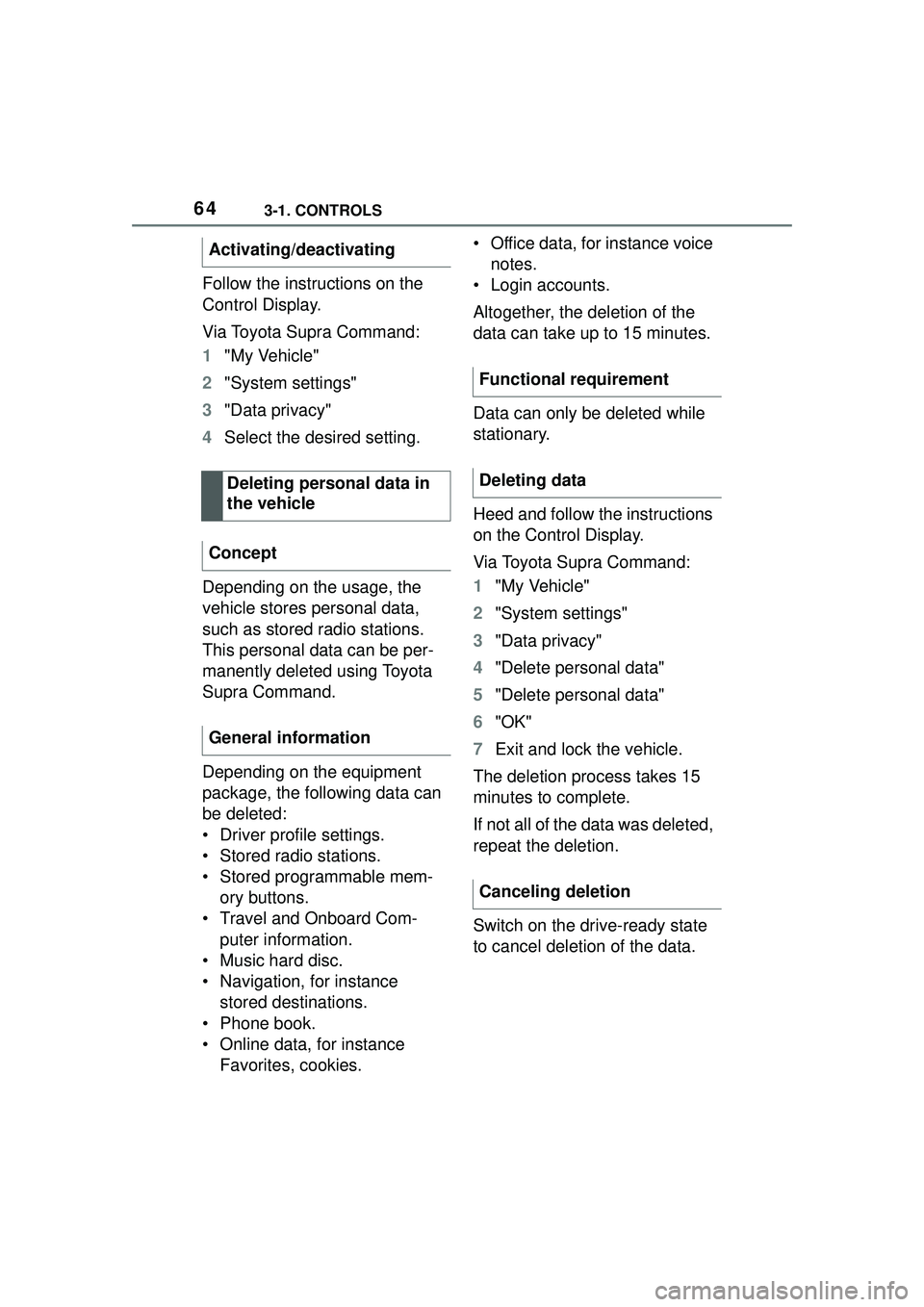
Depending on the usage, the
vehicle stores personal data,
such as stored radio stations.
This personal data can be per-
manently deleted using Toyota
Supra Command.
Depending on the equipment
package, the following data can
be deleted:
• Driver profile settings.
• Stored radio stations.
• Stored programmable mem- ory buttons.
• Travel and Onboard Com- puter information.
• Music hard disc.
• Navigation, for instance stored destinations.
• Phone book.
• Online data, for instance Favorites, cookies. • Office data, for instance voice
notes.
• Login accounts.
Altogether, the deletion of the
data can take up to 15 minutes.
Data can only be deleted while
stationary.
Heed and follow the instructions
on the Control Display.
Via Toyota Supra Command:
1 "My Vehicle"
2 "System settings"
3 "Data privacy"
4 "Delete personal data"
5 "Delete personal data"
6 "OK"
7 Exit and lock the vehicle.
The deletion process takes 15
minutes to complete.
If not all of the data was deleted,
repeat the deletion.
Switch on the drive-ready state
to cancel deletion of the data.
Activating/deactivating
Deleting personal data in
the vehicle
Concept
General information
Functional requirement
Deleting data
Canceling deletion
Page 65 of 356
653-1. CONTROLS
3
CONTROLS
In the driver profiles, individual
settings for several drivers can
be stored and called up again
when required.
There are three driver profiles
with which personal vehicle set-
tings can be stored. Every
remote control has one of these
driver profiles assigned.
If the vehicle is unlocked using a
remote control, the assigned
personal driver profile will be
activated. All settings stored in
the driver profile are automati-
cally applied.
If several drivers use their own
remote control, the vehicle will
adjust the personal settings
during unlocking. These settings
are also restored, if the vehicle
has been used in the meantime
by a person with a different
remote control.
Changes to the settings are
automatically stored in the driver
profile currently activated.
If another driver profile is
selected via Toyota Supra Com-
mand, the settings stored in it
will be applied automatically.
The new driver profile is
assigned to the vehicle key that is currently in use.
There is an additional guest pro-
file available that is not assigned
to any vehicle key. It can be
used to apply settings in the
vehicle without changing the
personal driver profiles.
For the system to be able to
identify the driver profile associ-
ated to a particular driver, the
detected remote control must be
clearly allocated to the driver.
This is the case when:
• The driver is only carrying his
or her own remote control.
• The driver unlocks the vehi- cle.
• The driver gets into the vehi- cle through the driver's door.
After switching on the Control
Display, the name of the active
driver profile is displayed.
Select driver profile, refer to
page 66.
As soon as the engine is started
or any key is pressed, the last
selected display is shown on the
Control Display.
To exit the welcome screen via
Toyota Supra Command: "OK"
Driver profile
Concept
General information
Functional requirements
Active driver profile
Page 66 of 356
663-1. CONTROLS
The settings for the following
systems and functions are
stored in the active driver profile.
The scope of storable settings
depends on country and equip-
ment.
• Unlocking and locking.
• Lights.
• Climate control.
•Radio.
• Instrument cluster.
• Programmable memory but-tons.
• Volumes, tone.
• Control Display.
•TV.
• Parking Sensors.
• Rearview camera.
• Head-up Display.
• Sport mode switch.
• Seat position, exterior mirror position.
Both the positions saved via the
seat memory and the last position
set are saved.
• Toyota Supra Safety.
Regardless of the remote con-
trol in use, a different driver pro-
file may be activated. This
allows you to call up personal
vehicle settings, even if you did
not unlock the vehicle with your
own remote control. Via Toyota Supra Command:
1
"My Vehicle"
2 "Driver profiles"
3 Select driver profile.
4 "OK"
• All settings stored in the called-up driver profile are
automatically applied.
• The called-up driver profile is assigned to the remote con-
trol being used at the time.
• If the driver profile is already assigned to a different remote
control, this driver profile will
apply to both remote controls.
The guest profile is for individual
settings that are stored in none
of the three personal driver pro-
files.
Via Toyota Supra Command:
1 "My Vehicle"
2 "Driver profiles"
3 "Drive off (guest)"
4 "OK"
The guest profile cannot be
renamed. It is not assigned to
the current remote control.
A personal name can be
assigned to the active driver
profile to avoid confusion
between the driver profiles.
Adjusting
Profile management
Selecting a driver profile
Guest profile
Renaming a driver profile
Page 69 of 356
693-1. CONTROLS
3
CONTROLS
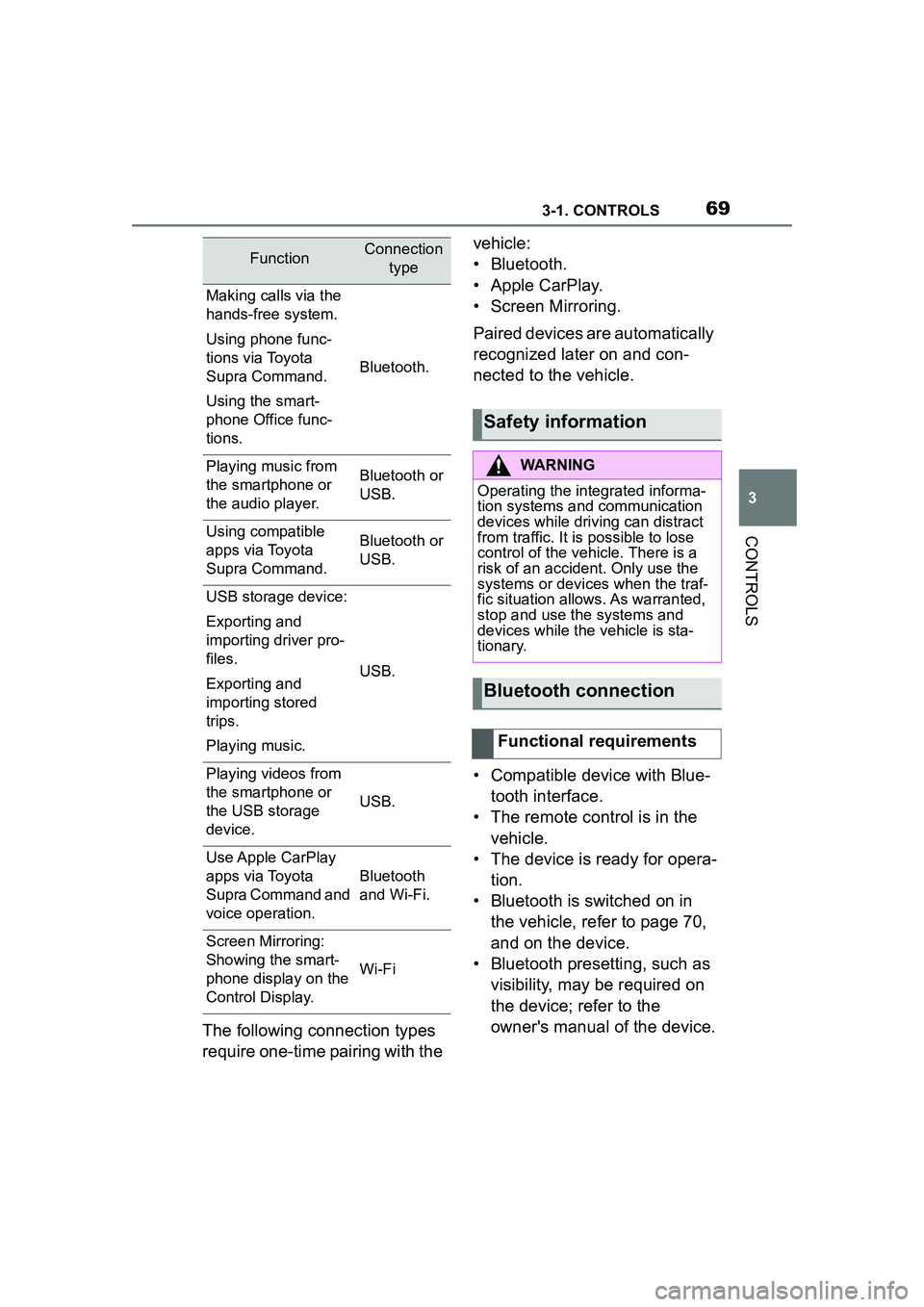
The following connection types
require one-time pairing with the vehicle:
• Bluetooth.
• Apple CarPlay.
• Screen Mirroring.
Paired devices are automatically
recognized later on and con-
nected to the vehicle.
• Compatible device with Blue-
tooth interface.
• The remote control is in the vehicle.
• The device is ready for opera- tion.
• Bluetooth is switched on in the vehicle, refer to page 70,
and on the device.
• Bluetooth presetting, such as visibility, may be required on
the device; refer to the
owner's manual of the device.
FunctionConnection type
Making calls via the
hands-free system.
Using phone func-
tions via Toyota
Supra Command.
Using the smart-
phone Office func-
tions.
Bluetooth.
Playing music from
the smartphone or
the audio player.Bluetooth or
USB.
Using compatible
apps via Toyota
Supra Command.Bluetooth or
USB.
USB storage device:
Exporting and
importing driver pro-
files.
Exporting and
importing stored
trips.
Playing music.
USB.
Playing videos from
the smartphone or
the USB storage
device.
USB.
Use Apple CarPlay
apps via Toyota
Supra Command and
voice operation.
Bluetooth
and Wi-Fi.
Screen Mirroring:
Showing the smart-
phone display on the
Control Display.
Wi-Fi
Safety information
WARNING
Operating the integrated informa-
tion systems and communication
devices while driving can distract
from traffic. It is possible to lose
control of the vehicle. There is a
risk of an accident. Only use the
systems or devices when the traf-
fic situation allows. As warranted,
stop and use the systems and
devices while the vehicle is sta-
tionary.
Bluetooth connection
Functional requirements
Page 70 of 356
703-1. CONTROLS
Via Toyota Supra Command:
1"My Vehicle"
2 "System settings"
3 "Mobile devices"
4 "Settings"
5 "Bluetooth®"
To use all supported functions of
a mobile phone, the following
functions must be activated prior
to pairing the mobile phone with
the vehicle.
Via Toyota Supra Command:
1 "My Vehicle"
2 "System settings"
3 "Mobile devices"
4 "Settings"
5 Select desired setting:
•"Office"
Activate function to transmit short
messages, e-mails, calendars,
tasks, notes, and reminders to the
vehicle. Costs can be incurred by
transmitting all data to the vehicle.
• "Contact images"
Activate function to show the con-
tact pictures.
6 Move the Controller to the
left. Via Toyota Supra Command:
1
"My Vehicle"
2 "System settings"
3 "Mobile devices"
4 "Connect new device"
5 Select functions:
• "Telephone"
• "Bluetooth® audio"
• "Apps"
• "Apple CarPlay"
• "Screen Mirroring"
The Bluetooth name of the vehicle
is displayed on the Control Display.
6 On the mobile device, search
for Bluetooth devices in the
vicinity.
The Bluetooth name of the vehicle
appears on the mobile device dis-
play.
Select the Bluetooth name of the
vehicle.
7Depending on the mobile
device, a control number is
displayed or the control num-
ber must be entered.
• Compare the control number displayed on the Control Dis-
play with the control number
on the display of the device.
Confirm the control number on the
device and on the Control Display.
• Enter and confirm the same control number on the device
and via Toyota Supra Com-
mand.
Switching on Bluetooth
Activating/deactivating
telephone functions
Pairing the mobile device
with the vehicle
Page 71 of 356
713-1. CONTROLS
3
CONTROLS
The device is connected and dis-
played in the device list, refer to
page 75.
All requirements are met and all
required steps were completed
in the specified order. Despite
that, the mobile device does not
function as expected.
In this case, the following expla-
nations can help:
Why could the mobile phone not
be paired or connected?
• There are too many Bluetooth devices connected to the
mobile phone or vehicle.
In the vehicle, delete Bluetooth
connections with other devices.
Delete all known Bluetooth connec-
tions from the device list on the
mobile phone and start a new
device search.
• The mobile phone is in power-save mode or has only
a limited remaining battery
life.
Charge mobile phone.
Why does the mobile phone no
longer react?
• The applications on the mobile phone do not function
anymore.
Switch the mobile phone off and on
again.
• Too high or too low ambient temperature for mobile phone
operation.
Do not subject the mobile phone to
extreme ambient temperatures.
Why can phone functions not be
used via Toyota Supra Com-
mand?
• The mobile phone may not be properly configured, for
instance as Bluetooth audio
device.
Connect the mobile phone with the
telephone or additional phone func-
tion.
Why are no or not all phone
book entries displayed or why
are they incomplete?
• Transmission of the phone book entries is not yet com-
plete.
• It is possible that only the phone book entries of the
mobile phone or the SIM card
are transmitted.
• It may not be possible to dis- play phone book entries with
special characters.
• It may not be possible to transmit contacts from social
networks.
• The number of phone book entries to be stored is too
high.
• Data volume of the contact too large, for instance due to
stored information such as
notes.
Reduce the data volume of the con-
tact.
• A mobile phone can only be connected as audio source or
as telephone.
Frequently asked ques-
tions
Page 73 of 356
733-1. CONTROLS
3
CONTROLS
settings may be required on
the USB storage device, refer
to the owner's manual of the
device.
Not compatible USB media:
• USB hard drives.
• USB hubs.
• USB memory card readers with multiple inserts.
• HFS-formatted USB media.
• Devices such as fans or lamps.
Compatible device with USB
port.
The USB storage device is dis-
played in the device list, refer to
page 75.
*: if equipped
CarPlay allows certain func-
tions of a compatible Apple
iPhone to be used via Siri voice
operation and Toyota Supra
Command.
• Compatible iPhone.
iPhone 5 or later with iOS 7.1 or
later.
• Corresponding mobile wire- less contract.
• Bluetooth, Wi-Fi, and Siri voice operation are activated
on the iPhone.
• Booking the Toyota Supra Connect service: Apple Car-
Play preparation.
Via Toyota Supra Command:
1 "My Vehicle"
2 "System settings"
3 "Mobile devices"
4 "Settings"
5 Select the following settings:
• "Bluetooth®"
• "Apple CarPlay"
Pair the iPhone with the vehicle
via Bluetooth, refer to page 69.
Select CarPlay as the function:
"Apple CarPlay"
The iPhone is connected to the
vehicle and displayed in the
device list, refer to page 75.
For more information, refer to
the NAVIGATION SYSTEM
OWNER'S MANUAL.
Functional requirement
Connecting the device
Apple CarPlay prepara-
tion*
Concept
Functional requirements
Switching on Bluetooth
and CarPlay
Pairing iPhone with Car-
Play
Operation