climate control TOYOTA GR SUPRA 2022 Owners Manual
[x] Cancel search | Manufacturer: TOYOTA, Model Year: 2022, Model line: GR SUPRA, Model: TOYOTA GR SUPRA 2022Pages: 356, PDF Size: 39.14 MB
Page 2 of 356
2TABLE OF CONTENTS
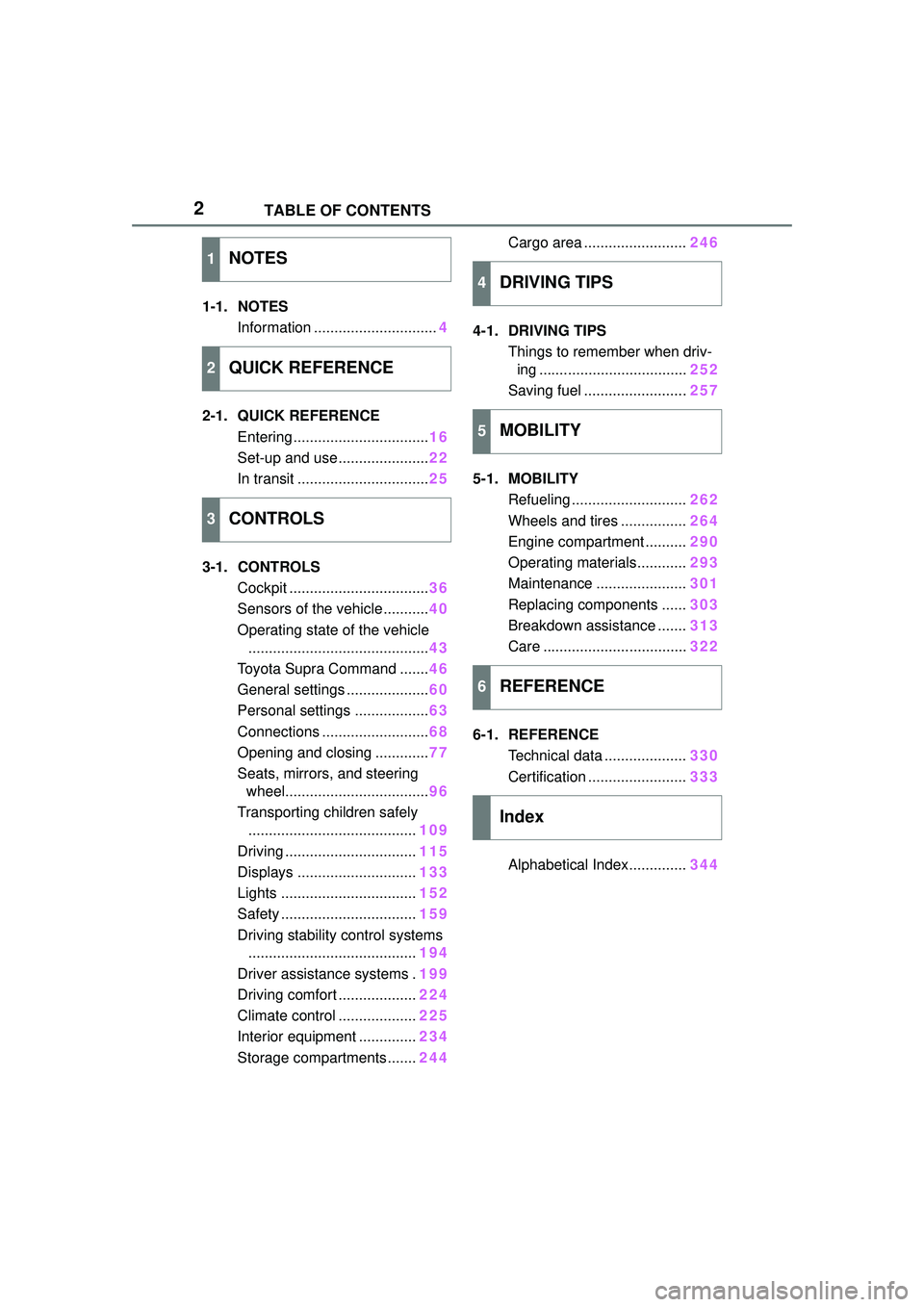
1-1. NOTESInformation .............................. 4
2-1. QUICK REFERENCE Entering ................................. 16
Set-up and use ...................... 22
In transit ................................ 25
3-1. CONTROLS Cockpit .................................. 36
Sensors of the vehicle ........... 40
Operating state of the vehicle ............................................ 43
Toyota Supra Command ....... 46
General settings .................... 60
Personal settings .................. 63
Connections .......................... 68
Opening and closing ............. 77
Seats, mirrors, and steering wheel................................... 96
Transporting children safely ......................................... 109
Driving ................................ 115
Displays ............................. 133
Lights ................................. 152
Safety ................................. 159
Driving stability control systems ......................................... 194
Driver assistance systems . 199
Driving comfort ................... 224
Climate control ................... 225
Interior equipment .............. 234
Storage compartments ....... 244Cargo area .........................
246
4-1. DRIVING TIPS Things to remember when driv-ing .................................... 252
Saving fuel ......................... 257
5-1. MOBILITY Refueling ............................ 262
Wheels and tires ................ 264
Engine compartment .......... 290
Operating materials............ 293
Maintenance ...................... 301
Replacing components ...... 303
Breakdown assistance ....... 313
Care ................................... 322
6-1. REFERENCE Technical data .................... 330
Certification ........................ 333
Alphabetical Index.............. 344
1NOTES
2QUICK REFERENCE
3CONTROLS
4DRIVING TIPS
5MOBILITY
6REFERENCE
Index
Page 29 of 356
292-1. QUICK REFERENCE
2
QUICK REFERENCE
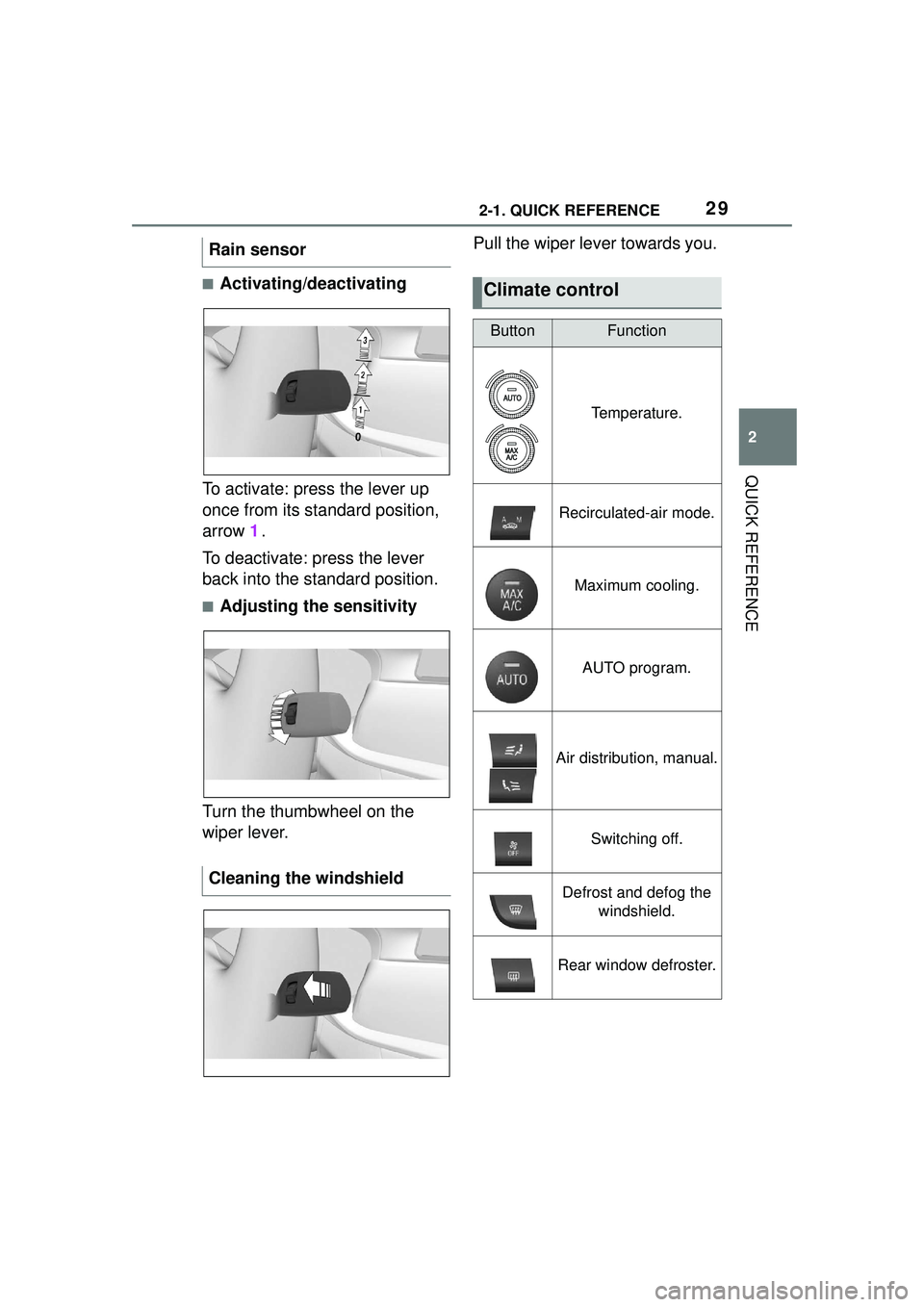
■Activating/deactivating
To activate: press the lever up
once from its standard position,
arrow 1.
To deactivate: press the lever
back into the standard position.
■Adjusting the sensitivity
Turn the thumbwheel on the
wiper lever. Pull the wiper lever towards you.
Rain sensor
Cleaning the windshield
Climate control
ButtonFunction
Temperature.
Recirculated-air mode.
Maximum cooling.
AUTO program.
Air distribution, manual.
Switching off.
Defrost and defog the
windshield.
Rear window defroster.
Page 30 of 356
302-1. QUICK REFERENCE
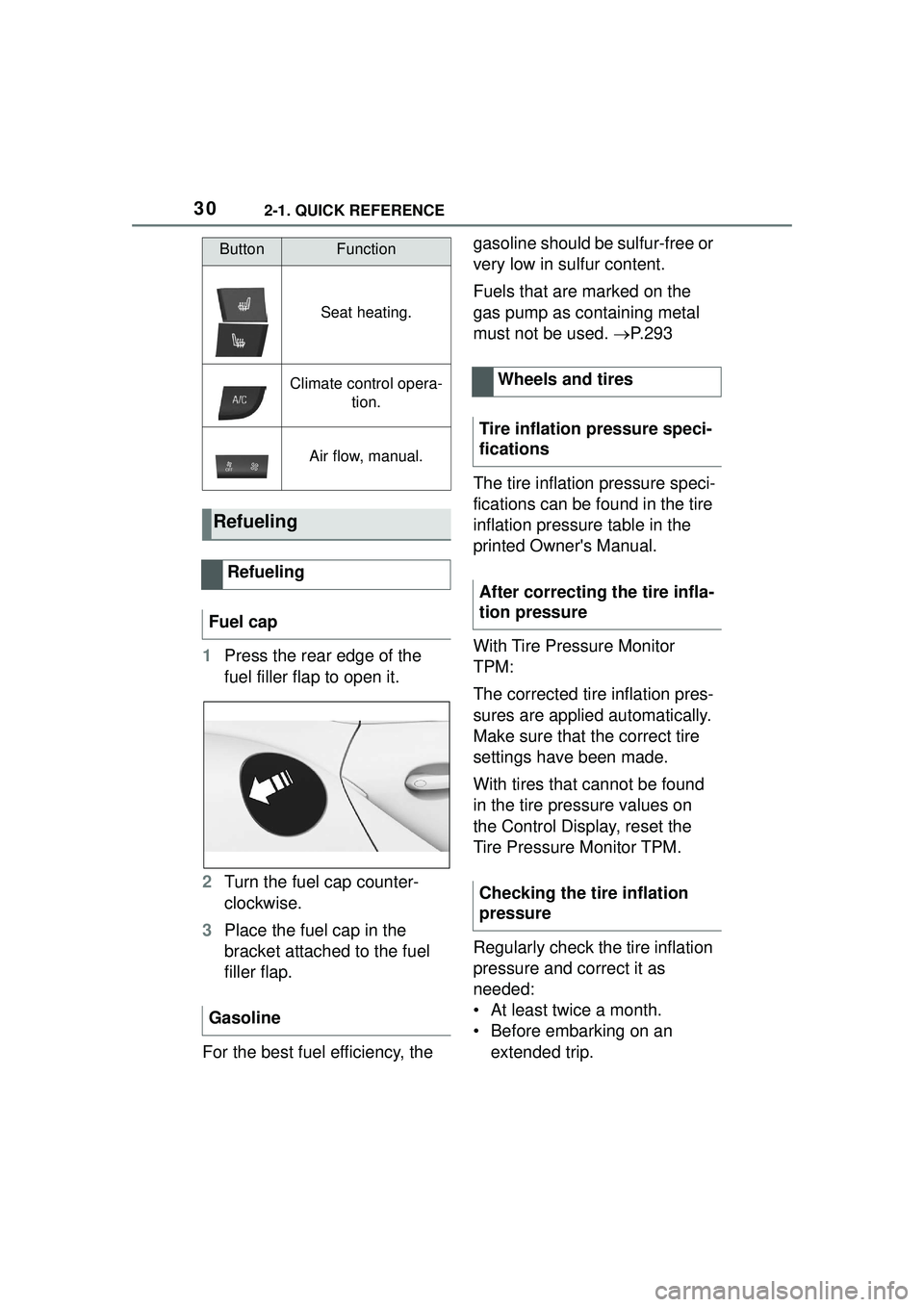
1Press the rear edge of the
fuel filler flap to open it.
2 Turn the fuel cap counter-
clockwise.
3 Place the fuel cap in the
bracket attached to the fuel
filler flap.
For the best fuel efficiency, the gasoline should be sulfur-free or
very low in sulfur content.
Fuels that are marked on the
gas pump as containing metal
must not be used.
P. 2 9 3
The tire inflation pressure speci-
fications can be found in the tire
inflation pressure table in the
printed Owner's Manual.
With Tire Pressure Monitor
TPM:
The corrected tire inflation pres-
sures are applied automatically.
Make sure that the correct tire
settings have been made.
With tires that cannot be found
in the tire pressure values on
the Control Display, reset the
Tire Pressure Monitor TPM.
Regularly check the tire inflation
pressure and correct it as
needed:
• At least twice a month.
• Before embarking on an extended trip.
Seat heating.
Climate control opera- tion.
Air flow, manual.
Refueling
Refueling
Fuel cap
Gasoline
ButtonFunction
Wheels and tires
Tire inflation pressure speci-
fications
After correcting the tire infla-
tion pressure
Checking the tire inflation
pressure
Page 35 of 356
35
3
3
CONTROLS
CONTROLS
.3-1. CONTROLSCockpit ........................... 36
Sensors of the vehicle.... 40
Operating state of the vehi- cle................................. 43
Toyota Supra Command ..................................... 46
General settings ............. 60
Personal settings ........... 63
Connections ................... 68
Opening and closing ...... 77
Seats, mirrors, and steering wheel ............................ 96
Transporting children safely .................................. 109
Driving ......................... 115
Displays ...................... 133
Lights .......................... 152
Safety .......................... 159
Driving stability control sys- tems .......................... 194
Driver assistance systems .................................. 199
Driving comfort ............ 224
Climate control ............ 225
Interior equipment ....... 234
Storage compartments .................................. 244
Cargo area .................. 246
Page 66 of 356
663-1. CONTROLS
The settings for the following
systems and functions are
stored in the active driver profile.
The scope of storable settings
depends on country and equip-
ment.
• Unlocking and locking.
• Lights.
• Climate control.
•Radio.
• Instrument cluster.
• Programmable memory but-tons.
• Volumes, tone.
• Control Display.
•TV.
• Parking Sensors.
• Rearview camera.
• Head-up Display.
• Sport mode switch.
• Seat position, exterior mirror position.
Both the positions saved via the
seat memory and the last position
set are saved.
• Toyota Supra Safety.
Regardless of the remote con-
trol in use, a different driver pro-
file may be activated. This
allows you to call up personal
vehicle settings, even if you did
not unlock the vehicle with your
own remote control. Via Toyota Supra Command:
1
"My Vehicle"
2 "Driver profiles"
3 Select driver profile.
4 "OK"
• All settings stored in the called-up driver profile are
automatically applied.
• The called-up driver profile is assigned to the remote con-
trol being used at the time.
• If the driver profile is already assigned to a different remote
control, this driver profile will
apply to both remote controls.
The guest profile is for individual
settings that are stored in none
of the three personal driver pro-
files.
Via Toyota Supra Command:
1 "My Vehicle"
2 "Driver profiles"
3 "Drive off (guest)"
4 "OK"
The guest profile cannot be
renamed. It is not assigned to
the current remote control.
A personal name can be
assigned to the active driver
profile to avoid confusion
between the driver profiles.
Adjusting
Profile management
Selecting a driver profile
Guest profile
Renaming a driver profile
Page 225 of 356
2253-1. CONTROLS
3
CONTROLS
The intelligent control of the
chassis increases the driving
dynamics and driving comfort
depending on the road condition
and driving style.
The system offers different
shock absorber settings rang-
ing from comfortable travel to
sporty driving.
The shock absorbers are
adjusted depending on the
selected driving mode as well as
the road condition and driving
style.
Additional information:
Sport mode switch, refer to page
131.This chapter describes all stan-
dard, country-specific and
optional features offered with
the series. It also describes fea-
tures and functions that are not
necessarily available in your
vehicle, e.g., due to the selected
options or country versions. This
also applies to safety-related
functions and systems. When
using these functions and sys-
tems, the applicable laws and
regulations must be observed.
The air quality in the vehicle is
improved by the following com-
ponents:
Emission tested car's interior.
Microfilter.
Air conditioning system to
control the temperature, air
flow and recirculated-air
mode.
Automatic recirculated-air
control AUC.
Parked-car ventilation.
General information
Tuning
Climate control
Vehicle features and
options
Interior air quality
Page 227 of 356
2273-1. CONTROLS
3
CONTROLSPress any button except for the
following:
Switching off.
Rear window defroster.
Seat heating.
Complete system:
The automatic air conditioning
achieves the set temperature as
quickly as possible, if needed,
by using the maximum cooling
or heating capacity, and then
keeps it constant.
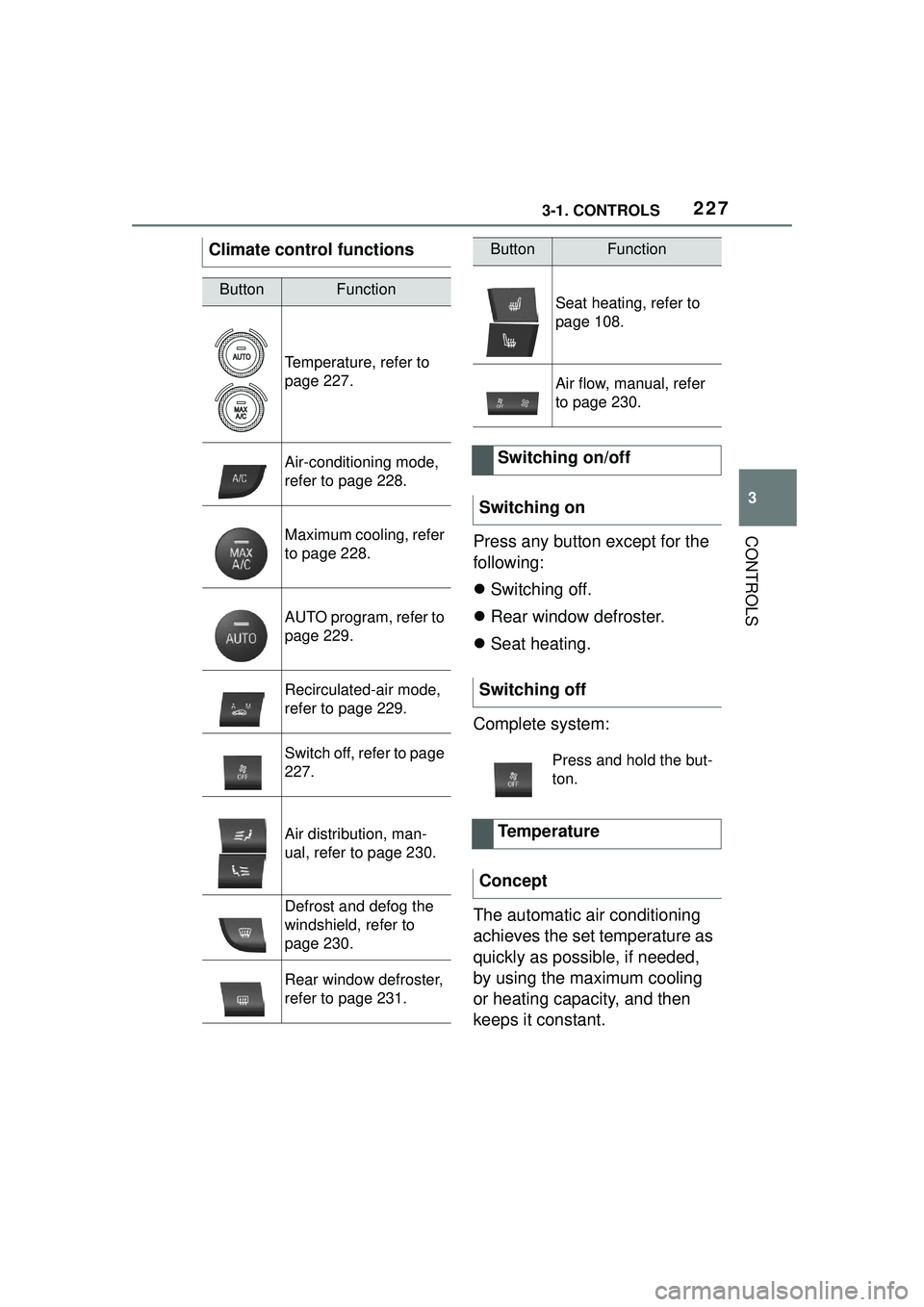
Climate control functions
ButtonFunction
Temperature, refer to
page 227.
Air-conditioning mode,
refer to page 228.
Maximum cooling, refer
to page 228.
AUTO program, refer to
page 229.
Recirculated-air mode,
refer to page 229.
Switch off, refer to page
227.
Air distribution, man-
ual, refer to page 230.
Defrost and defog the
windshield, refer to
page 230.
Rear window defroster,
refer to page 231.
Seat heating, refer to
page 108.
Air flow, manual, refer
to page 230.
Switching on/off
Switching on
Switching off
Press and hold the but-
ton.
Temperature
Concept
ButtonFunction
Page 228 of 356
2283-1. CONTROLS
Via Toyota Supra Command:
1"My Vehicle"
2 "Vehicle settings"
3 "Climate functions"
4 "Temperature adjustment,
upper body"
5 Set the desired temperature.
Do not rapidly switch between
different temperature settings.
Otherwise, the automatic air
conditioning will not have suffi-
cient time to adjust the set tem-
perature.
The air in the car's interior will
be cooled and dehumidified
and, depending on the tempera-
ture setting, warmed again.
The car's interior can only be
cooled with the drive-ready state
switched on. Air conditioning is switched on
with the engine running.
Depending on the weather, the
windshield and side windows
may fog up briefly when
drive-ready state is switched on.
The air conditioning is switched
on automatically with the AUTO
program.
When using the automatic air
conditioning, condensation
water develops and collects
underneath the vehicle.
The system is set to the lowest
temperature, optimum air flow
and recirculated-air mode with
the drive-ready state switched
on.
The function is available with
external temperatures above
approx. 32 °F/0 °C and with the
drive-ready state switched on.
Adjusting
Turn the dial clockwise
to increase the tempera-
ture and counterclock-
wise to decrease the
temperature.
Air conditioning
Concept
Switching on/off
Press the button.
Maximum cooling
Concept
General information
Page 230 of 356
2303-1. CONTROLS
recirculated.
To prevent window fogging,
recirculated-air mode switches
off automatically after a certain
amount of time, depending on
the environmental conditions.
With constant recirculated-air
mode, the air quality in the car's
interior deteriorates and the fog-
ging of the windows increases.
If there is window condensation,
switch off recirculated-air mode
or defog the windows, refer to
page 230.
The air flow for climate control
can be adjusted manually.
To manually adjust air flow
switch off AUTO program first.
The selected air flow is shown
on the climate control display.
The air flow may be reduced
automatically to save battery
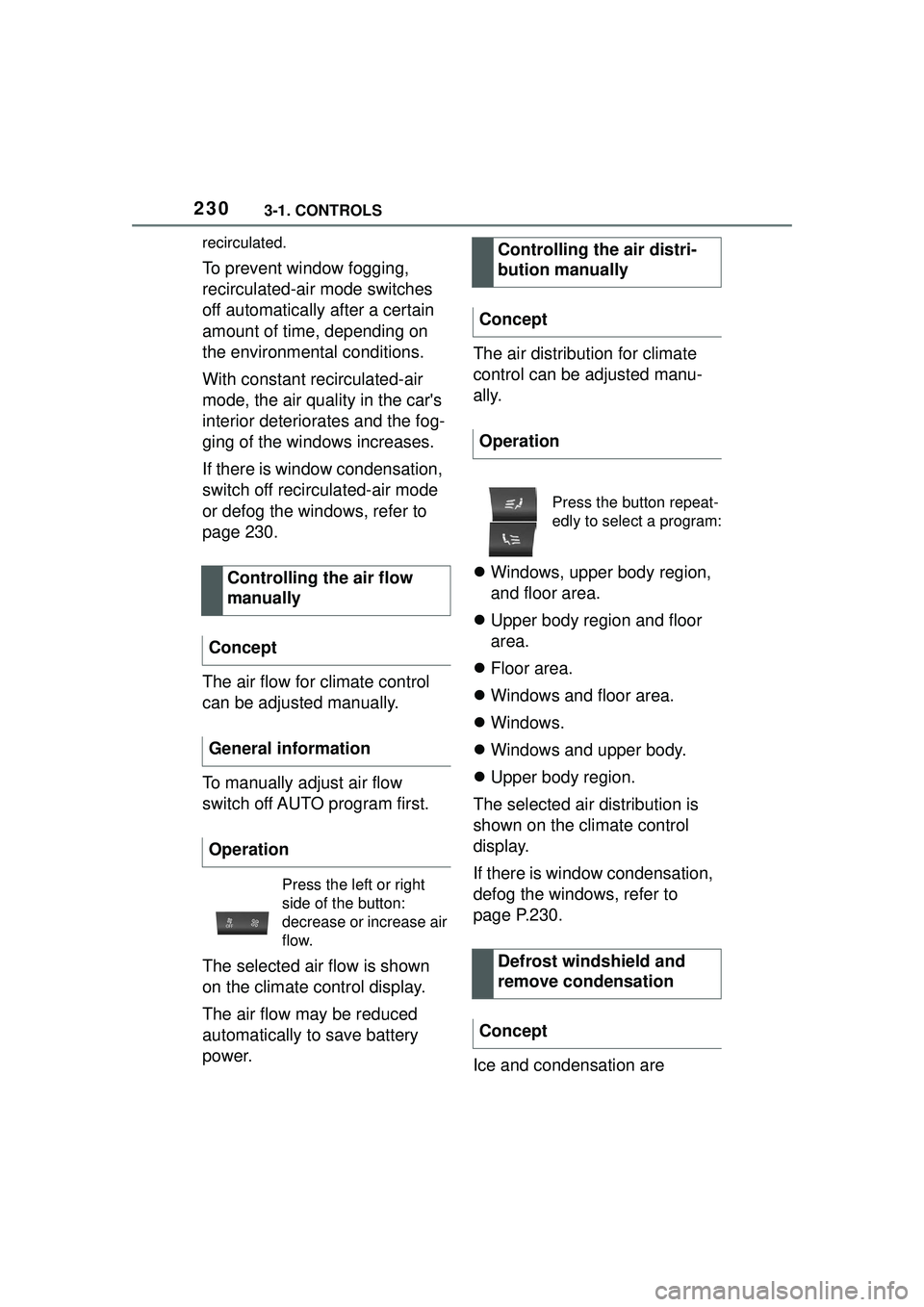
power.The air distribution for climate
control can be adjusted manu-
ally.
Windows, upper body region,
and floor area.
Upper body region and floor
area.
Floor area.
Windows and floor area.
Windows.
Windows and upper body.
Upper body region.
The selected air distribution is
shown on the climate control
display.
If there is window condensation,
defog the windows, refer to
page P.230.
Ice and condensation are
Controlling the air flow
manually
Concept
General information
Operation
Press the left or right
side of the button:
decrease or increase air
flow.
Controlling the air distri-
bution manually
Concept
Operation
Press the button repeat-
edly to select a program:
Defrost windshield and
remove condensation
Concept
Page 231 of 356
2313-1. CONTROLS
3
CONTROLS
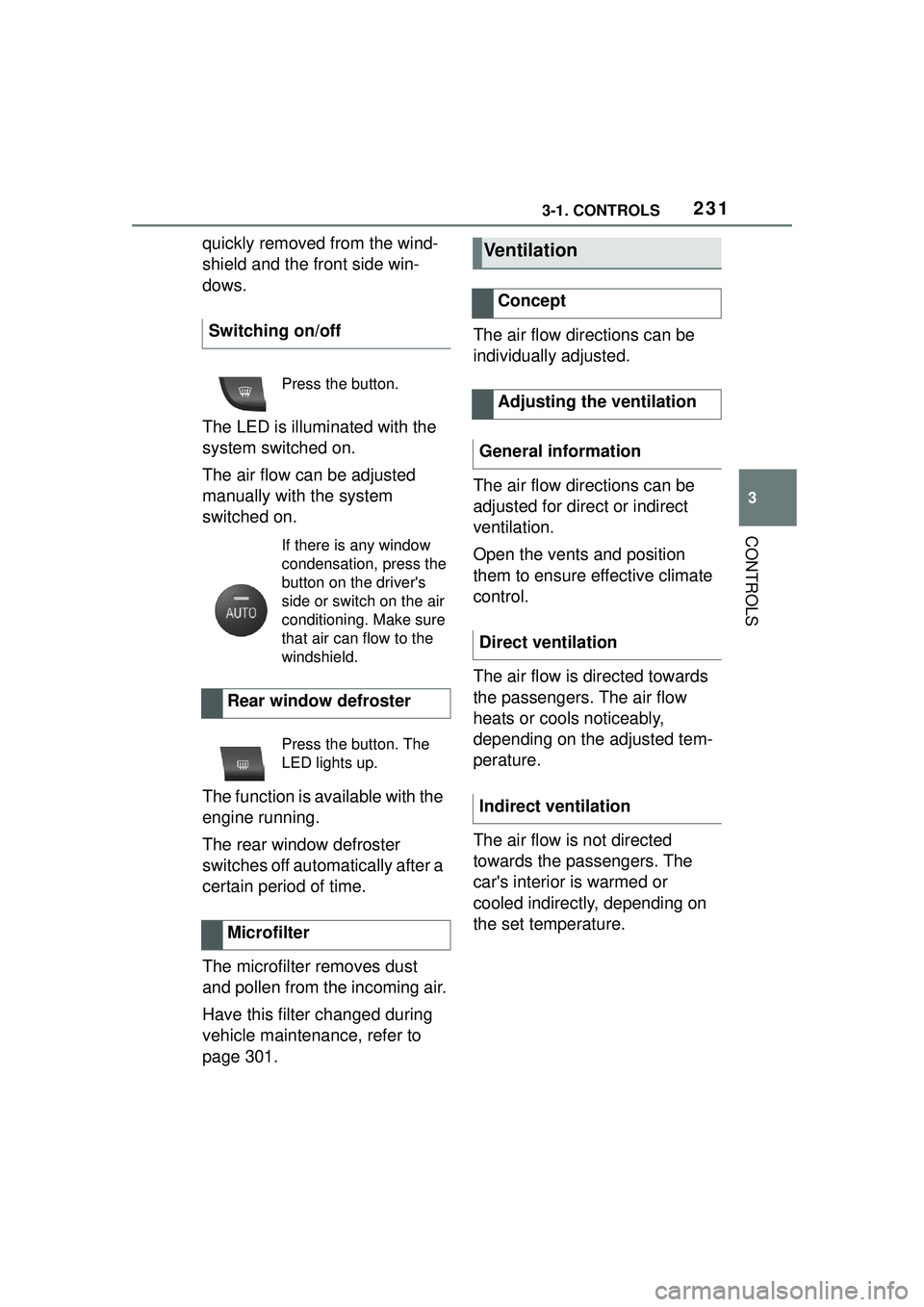
quickly removed from the wind-
shield and the front side win-
dows.
The LED is illuminated with the
system switched on.
The air flow can be adjusted
manually with the system
switched on.
The function is available with the
engine running.
The rear window defroster
switches off automatically after a
certain period of time.
The microfilter removes dust
and pollen from the incoming air.
Have this filter changed during
vehicle maintenance, refer to
page 301.The air flow directions can be
individually adjusted.
The air flow directions can be
adjusted for direct or indirect
ventilation.
Open the vents and position
them to ensure effective climate
control.
The air flow is directed towards
the passengers. The air flow
heats or cools noticeably,
depending on the adjusted tem-
perature.
The air flow is not directed
towards the passengers. The
car's interior is warmed or
cooled indirectly, depending on
the set temperature.
Switching on/off
Press the button.
If there is any window
condensation, press the
button on the driver's
side or switch on the air
conditioning. Make sure
that air can flow to the
windshield.
Rear window defroster
Press the button. The
LED lights up.
Microfilter
Ventilation
Concept
Adjusting the ventilation
General information
Direct ventilation
Indirect ventilation