AUDIO/VIDEO SYSTEM
146
Operations such as selecting a preset station and adjusting the sound balance are c\
ar-
ried out on the touch screen. To display the audio screen, push the “TUNE/FILE”/“AU-
DIO” knob.
1Function menu display screen
To control the radio, CD changer,
DVD player*, Bluetooth � audio play-
er, AUX or USB memory/iPod, touch
the touch−screen buttons. For de-
tails, see page 150.
2Function menu tab
To control the radio, CD changer,
DVD player*, Bluetooth � audio play-
er, AUX or USB memory/iPod, touch
the touch−screen tabs. For details,
see page 149.
*: Vehicles with rear seat entertainment system
3“SEEK/TRACK” button
Push either side of this button to seek
up or down for a station, or to access
a desired track, file or chapter. For
details, see pages 157, 170, 174,
185, 190, 193 and 214.
4“TUNE/FILE”/“AUDIO” knob
Push this knob to display the audio
control screen, and turn this knob to
move the station band and files up or
down. For details, see pages 149,
156, 161, 174 and 214.
Quick reference
AUDIO/VIDEO SYSTEM
150
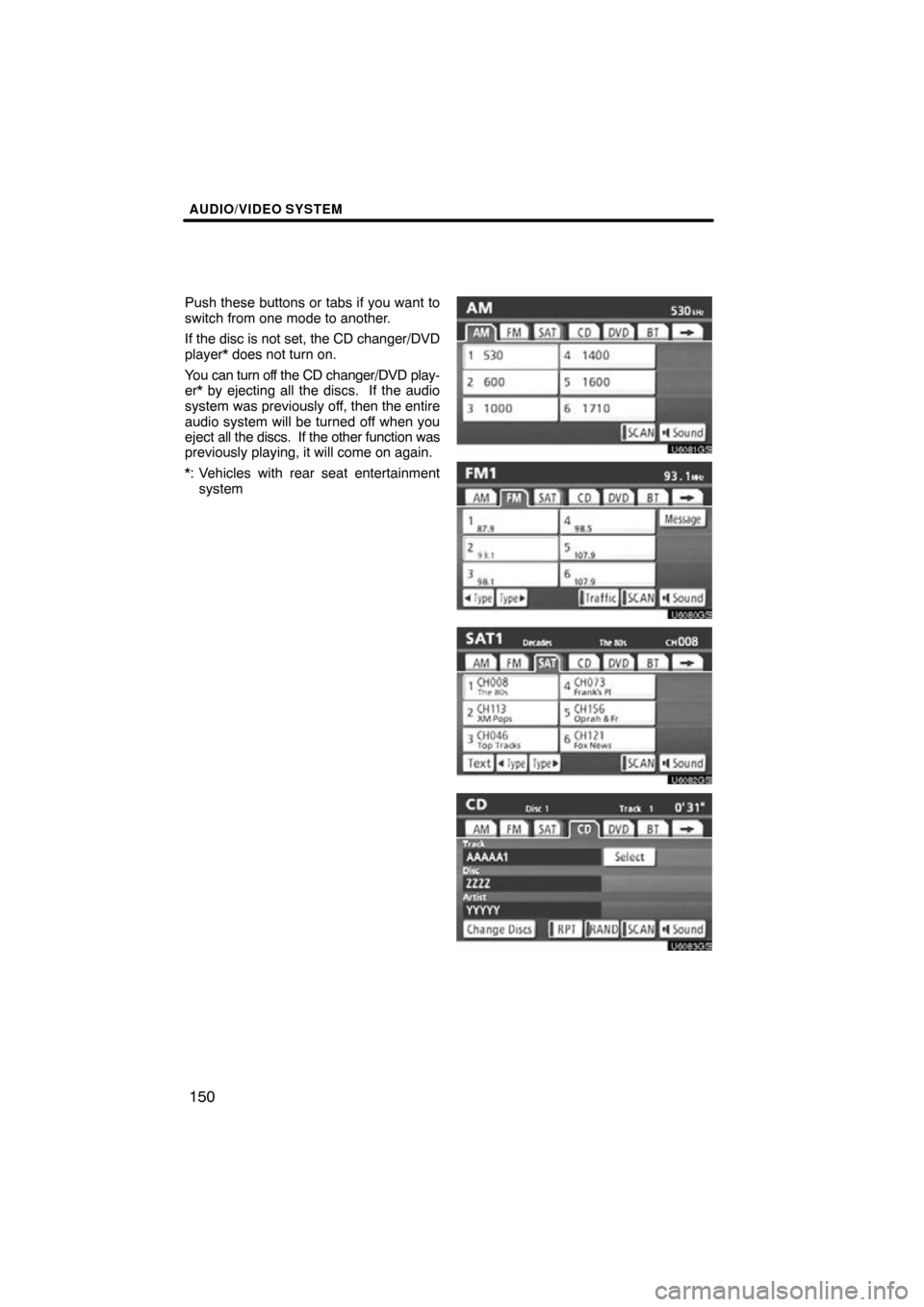
Push these buttons or tabs if you want to
switch from one mode to another.
If the disc is not set, the CD changer/DVD
player* does not turn on.
You can turn off the CD changer/DVD play-
er* by ejecting all the discs. If the audio
system was previously off, then the entire
audio system will be turned off when you
eject all the discs. If the other function was
previously playing, it will come on again.
*: Vehicles with rear seat entertainment
system
U6081GS
U6080GS
U6082GS
U6083GS