CD player TOYOTA LAND CRUISER 2010 J200 Owners Manual
[x] Cancel search | Manufacturer: TOYOTA, Model Year: 2010, Model line: LAND CRUISER, Model: TOYOTA LAND CRUISER 2010 J200Pages: 592, PDF Size: 7.98 MB
Page 3 of 592
1
2
3
4
5
6
7
3
L/C200_U
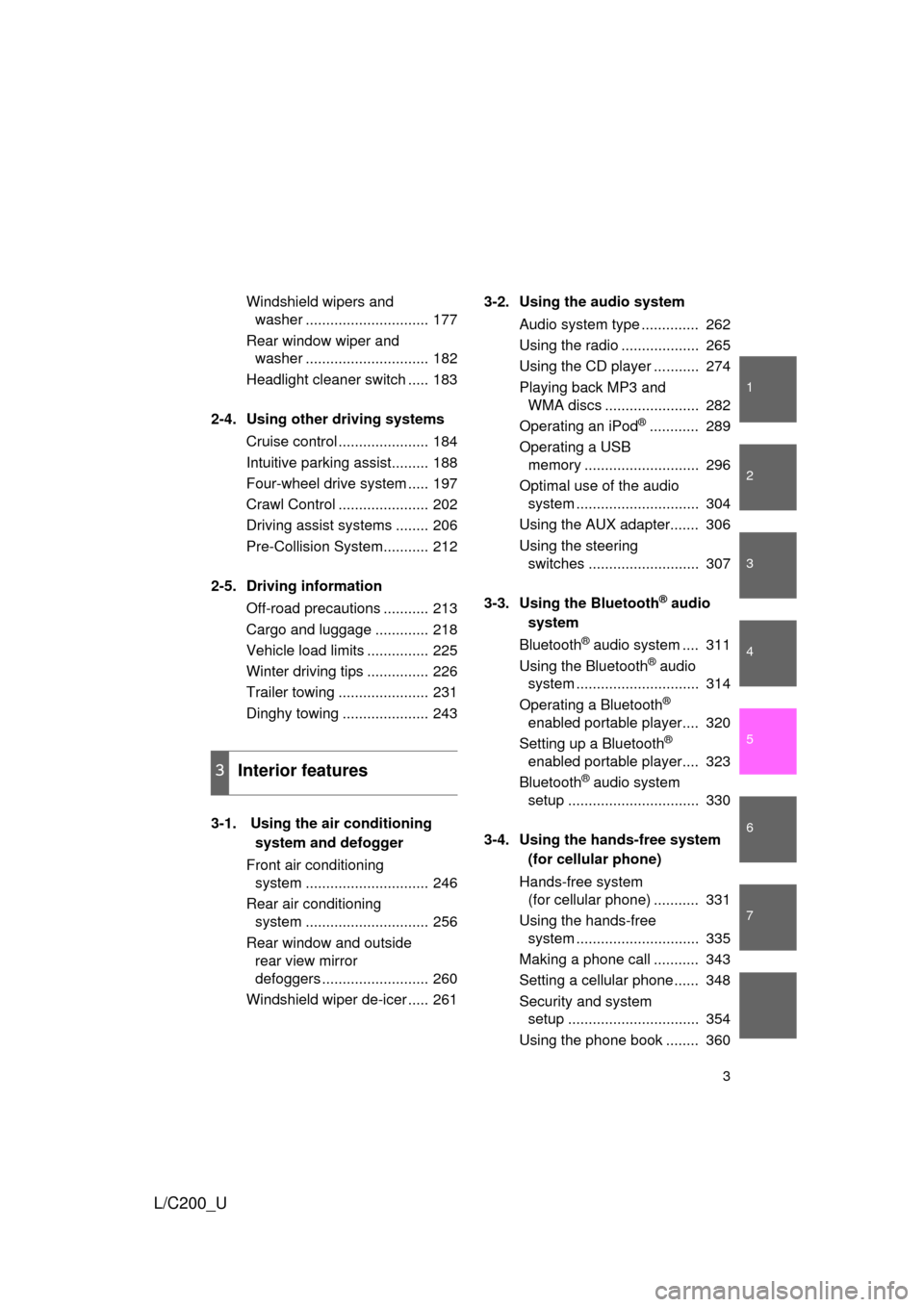
Windshield wipers and washer .............................. 177
Rear window wiper and washer .............................. 182
Headlight cleaner switch ..... 183
2-4. Using other driving systems Cruise control ...................... 184
Intuitive parking assist......... 188
Four-wheel drive system ..... 197
Crawl Control ...................... 202
Driving assist systems ........ 206
Pre-Collision System........... 212
2-5. Driving information Off-road precautions ........... 213
Cargo and luggage ............. 218
Vehicle load limits ............... 225
Winter driving tips ............... 226
Trailer towing ...................... 231
Dinghy towing ..................... 243
3-1. Using the air conditioning system and defogger
Front air conditioning system .............................. 246
Rear air conditioning system .............................. 256
Rear window and outside rear view mirror
defoggers .......................... 260
Windshield wiper de-icer ..... 261 3-2. Using the audio system
Audio system type .............. 262
Using the radio ................... 265
Using the CD player ........... 274
Playing back MP3 and WMA discs ....................... 282
Operating an iPod
®............ 289
Operating a USB memory ............................ 296
Optimal use of the audio system .............................. 304
Using the AUX adapter....... 306
Using the steering switches ........................... 307
3-3. Using the Bluetooth
® audio
system
Bluetooth
® audio system .... 311
Using the Bluetooth
® audio
system .............................. 314
Operating a Bluetooth
®
enabled portable player.... 320
Setting up a Bluetooth
®
enabled portable player.... 323
Bluetooth
® audio system
setup ................................ 330
3-4. Using the hands-free system (for cellular phone)
Hands-free system (for cellular phone) ........... 331
Using the hands-free system .............................. 335
Making a phone call ........... 343
Setting a cellular phone ...... 348
Security and system setup ................................ 354
Using the phone book ........ 3603Interior features
Page 116 of 592
116 1-7. Safety information
L/C200_U
CAUTION
■Modification and disposal of SRS airbag system components
Do not dispose of your vehicle or perform any of the following modifications
without consulting your Toyota dealer. The SRS airbag may malfunction or
deploy (inflate) accidentally, causing death or serious injury.
● Installation, removal, disassembly and repair of the SRS airbags
● Repairs, modifications, removal or replacement of the steering wheel,
instrument panel, dashboard, seats or seat upholstery, front, center and
rear pillars or roof side rail
● Repairs or modifications of the front fender, front bumper, or side of the
occupant compartment
● Installation of snow plows, winches, etc. to the front grille (bull bars, kan-
garoo bar etc.)
● Modifications to the vehicle’s suspension system
● Installation of electronic devices such as mobile two-way radios or CD
players
● Modifications to your vehicle for a person with a physical disability
Page 244 of 592
244
L/C200_U
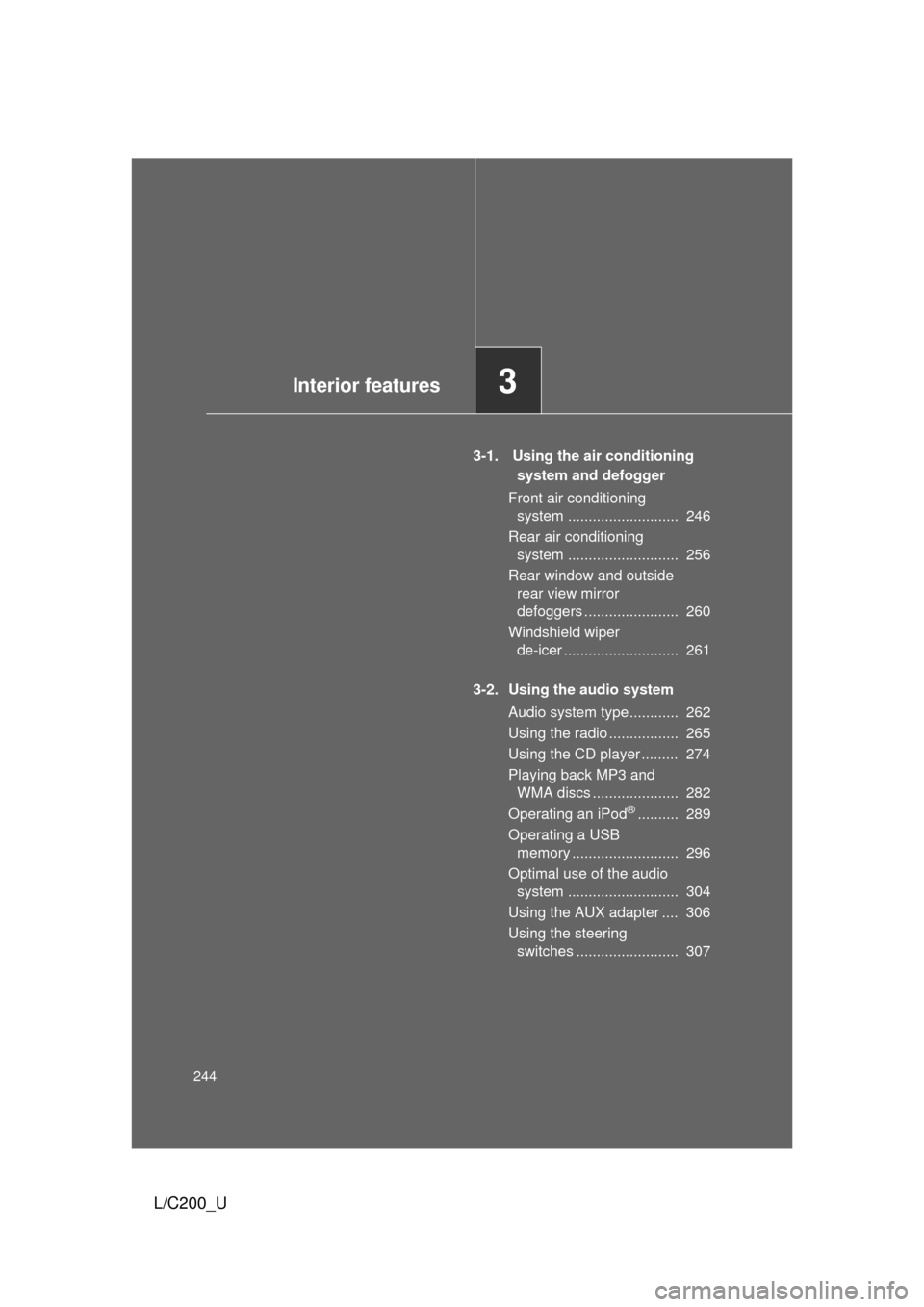
3-1. Using the air conditioning system and defogger
Front air conditioning system ........................... 246
Rear air conditioning system ........................... 256
Rear window and outside rear view mirror
defoggers ....................... 260
Windshield wiper de-icer ............................ 261
3-2. Using the audio system Audio system type............ 262
Using the radio ................. 265
Using the CD player ......... 274
Playing back MP3 and WMA discs ..................... 282
Operating an iPod
®.......... 289
Operating a USB memory .......................... 296
Optimal use of the audio system ........................... 304
Using the AUX adapter .... 306
Using the steering switches ......................... 307
Interior features3
Page 245 of 592
Interior features3
245
L/C200_U
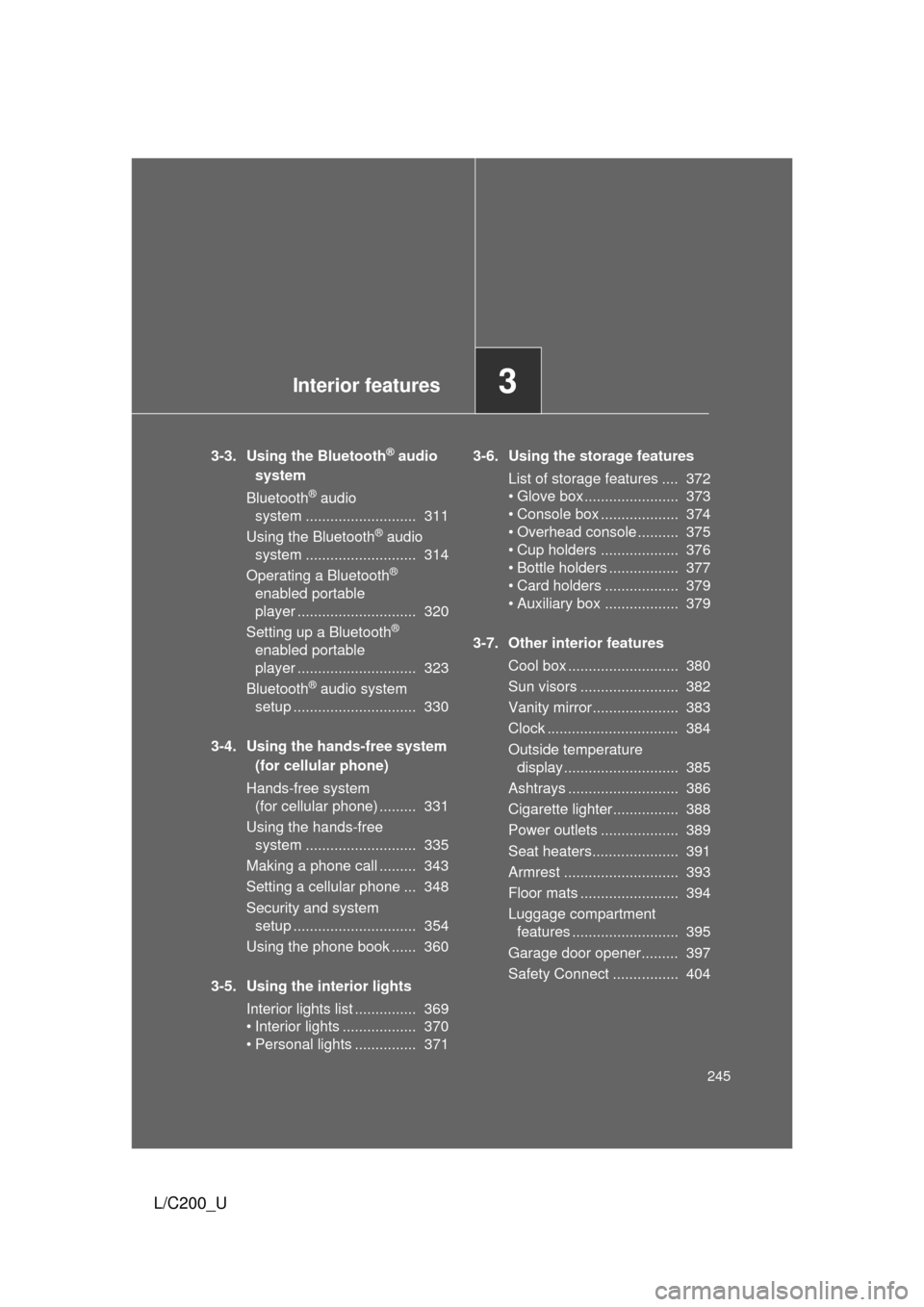
3-3. Using the Bluetooth® audio
system
Bluetooth
® audio
system ........................... 311
Using the Bluetooth
® audio
system ........................... 314
Operating a Bluetooth
®
enabled portable
player ............................. 320
Setting up a Bluetooth
®
enabled portable
player ............................. 323
Bluetooth
® audio system
setup .............................. 330
3-4. Using the hands-free system (for cellular phone)
Hands-free system (for cellular phone) ......... 331
Using the hands-free system ........................... 335
Making a phone call ......... 343
Setting a cellular phone ... 348
Security and system setup .............................. 354
Using the phone book ...... 360
3-5. Using the interior lights Interior lights list ............... 369
• Interior lights .................. 370
• Personal lights ............... 371 3-6. Using the storage features
List of storage features .... 372
• Glove box....................... 373
• Console box ................... 374
• Overhead console .......... 375
• Cup holders ................... 376
• Bottle holders ................. 377
• Card holders .................. 379
• Auxiliary box .................. 379
3-7. Other interior features Cool box ........................... 380
Sun visors ........................ 382
Vanity mirror..................... 383
Clock ................................ 384
Outside temperature display............................ 385
Ashtrays ........................... 386
Cigarette lighter................ 388
Power outlets ................... 389
Seat heaters..................... 391
Armrest ............................ 393
Floor mats ........................ 394
Luggage compartment features .......................... 395
Garage door opener......... 397
Safety Connect ................ 404
Page 262 of 592
262
L/C200_U
3-2. Using the audio system
Audio system type
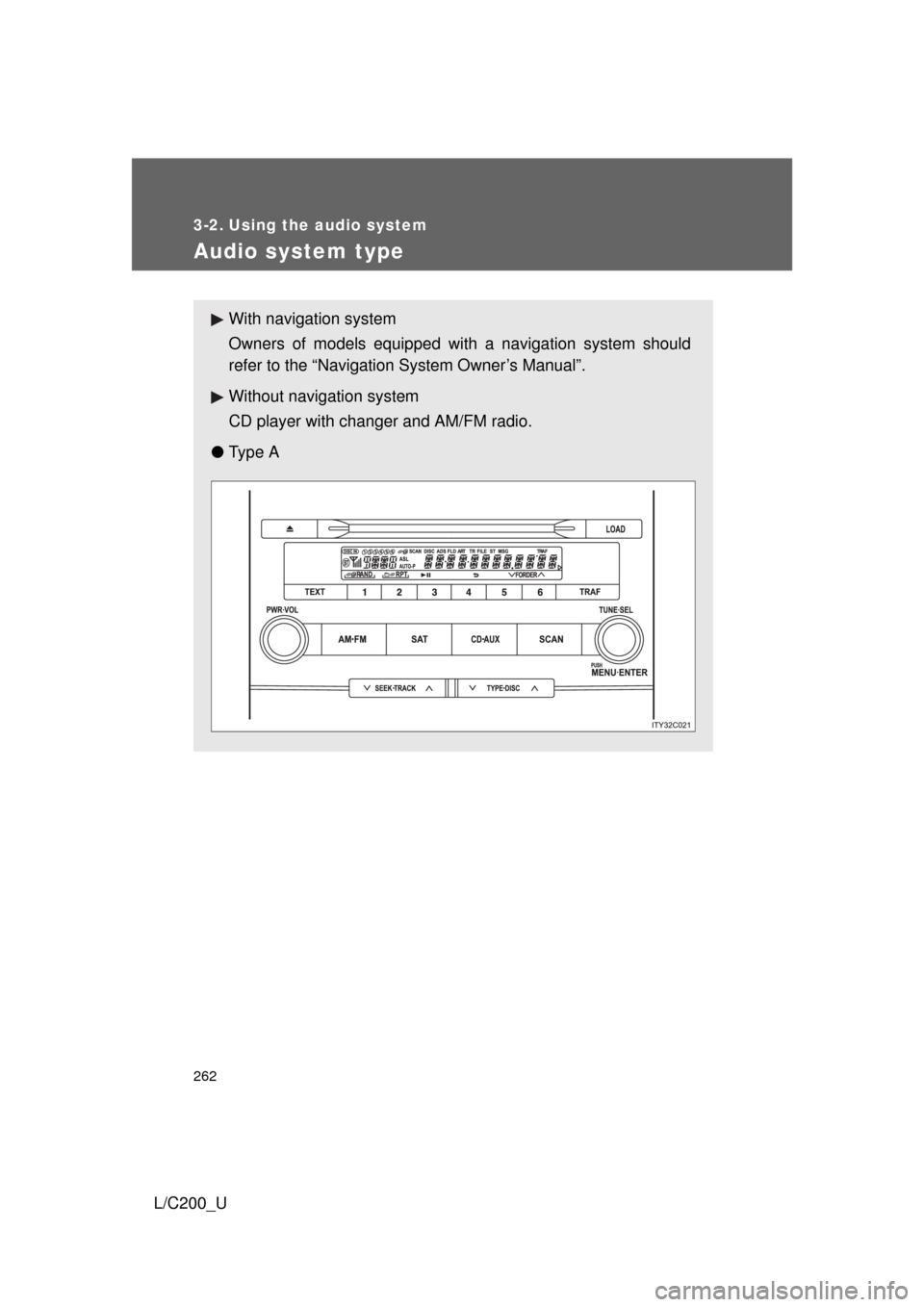
With navigation system
Owners of models equipped with a navigation system should
refer to the “Navigation System Owner’s Manual”.
Without navig ation system
CD player with changer and AM/FM radio.
● Ty p e A
Page 263 of 592
263
3-2. Using the audio system
3
Interior features
L/C200_U
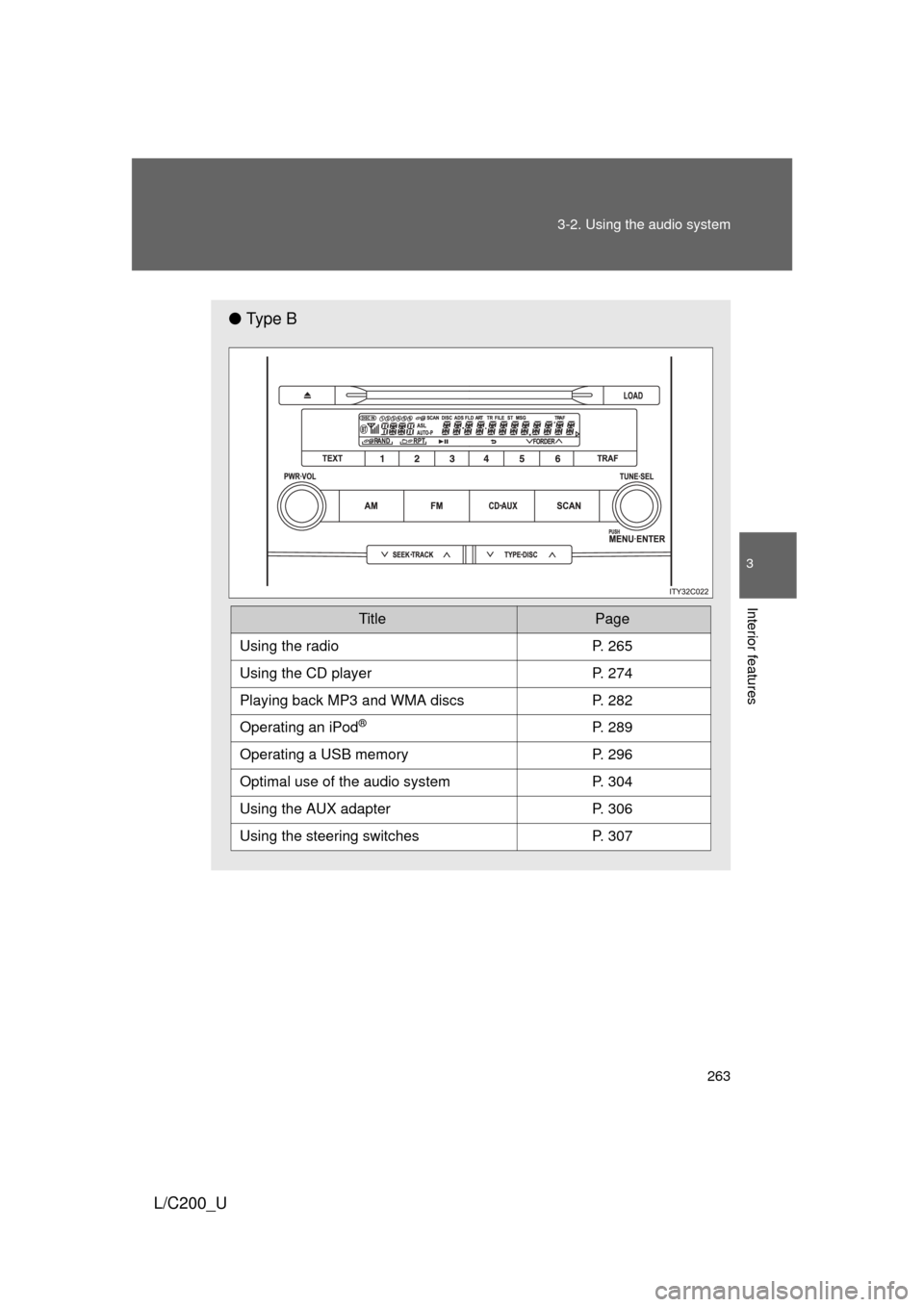
●
Ty p e B
TitlePage
Using the radioP. 265
Using the CD playerP. 274
Playing back MP3 and WMA discs P. 282
Operating an iPod®P. 289
Operating a USB memoryP. 296
Optimal use of the audio systemP. 304
Using the AUX adapter P. 306
Using the steering switchesP. 307
Page 264 of 592
264 3-2. Using the audio system
L/C200_U
■Using cellular phones
Interference may be heard through the audio system’s speakers if a cellular
phone is being used inside or close to the vehicle while the audio syste\
m is
operating.
CAUTION
■For vehicles sold in the U.S.A.
● Part 15 of the FCC Rules
FCC Warning:
Any unauthorized changes or modifications to this equipment will void the
user’s authority to operate this device.
● Laser products
• Do not take this unit apart or attempt to make any changes yourself.
This is an intricate unit that uses a laser pickup to retrieve information
from the surface of compact discs. The laser is carefully shielded so
that its rays remain inside the cabinet. Therefore, never try to disas-
semble the player or alter any of its parts since you may be exposed to
laser rays and dangerous voltages.
• This product utilizes a laser. Use of controls or adjustments or performance of procedures other
than those specified herein may result in hazardous radiation expo-
sure.
NOTICE
■To prevent battery discharge
Do not leave the audio system on longer than necessary with the engine o\
ff.
■ To avoid damaging the audio system
Take care not to spill drinks or other fluids over the audio system.
Page 274 of 592
274
3-2. Using the audio system
L/C200_U
Using the CD player
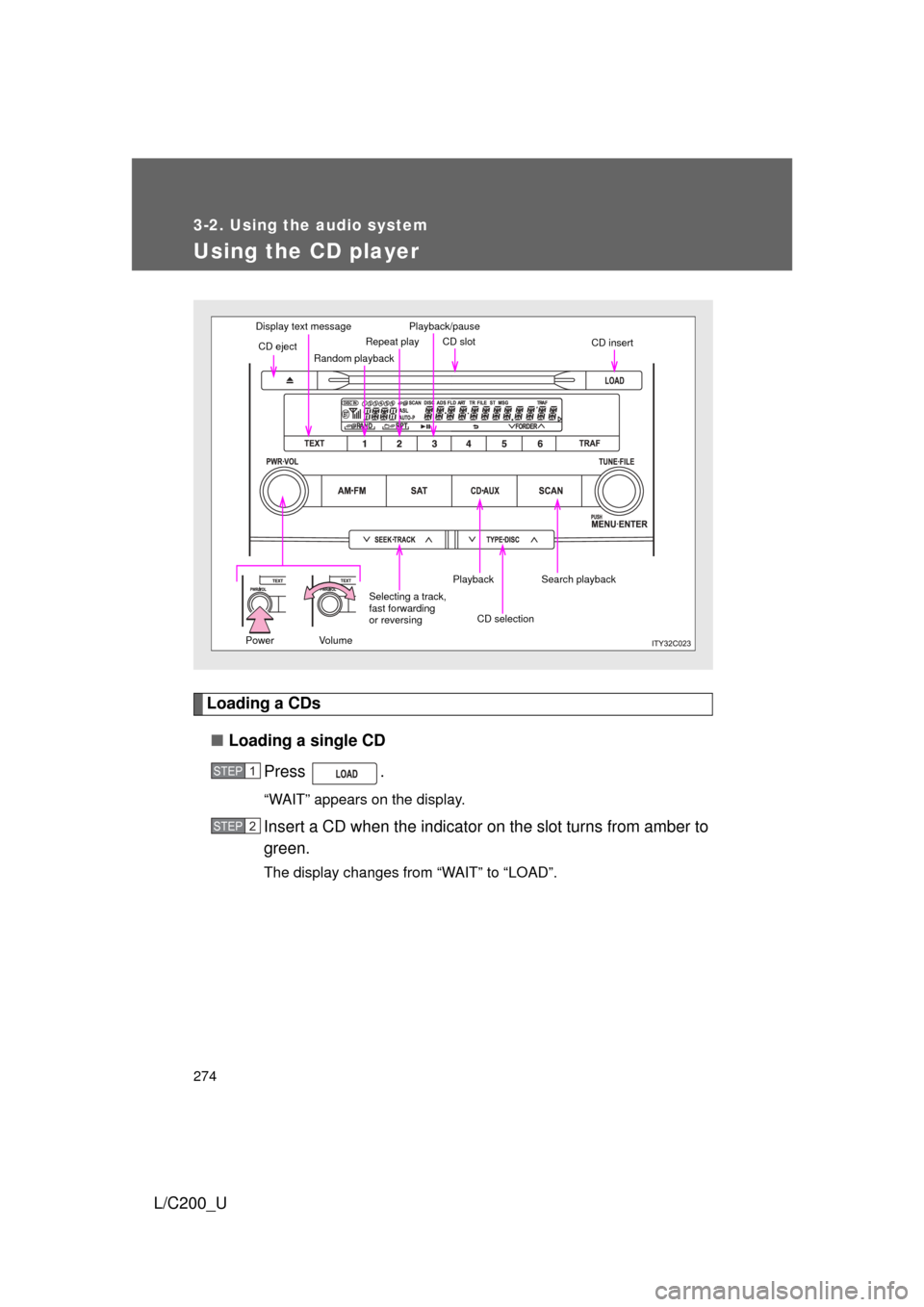
Loading a CDs■ Loading a single CD
Press .
“WAIT” appears on the display.
Insert a CD when the indicator on the slot turns from amber to
green.
The display changes from “WAIT” to “LOAD”.
Display text message
CD eject Random playbackRepeat play CD slot
CD insert
Search playback
CD selection
Playback
Selecting a track,
fast forwarding
or reversing
Power VolumePlayback/pause
STEP1
STEP2
Page 278 of 592
278 3-2. Using the audio system
L/C200_U
■Display
Up to 12 characters can be displayed at a time.
If there are 13 characters or more, pressing and holding for 1 sec-
ond or more will display the remaining characters.
A maximum of 24 characters can be displayed.
If is pressed for 1 second or more again or has not been pressed
for 6 seconds or more, the display will return to the first 12 characters.
Depending on the contents recorded, the characters may not be displayed
properly or may not be displayed at all.
■ Canceling random, repeat and scan playback
Press
(RAND), (RPT) or again.
■ Error messages
“ERROR”: This indicates a trouble either in the CD or inside the player.
The CD may be dirty, damaged or inserted up-side down.
Page 279 of 592
279
3-2. Using the audio system
3
Interior features
L/C200_U
■
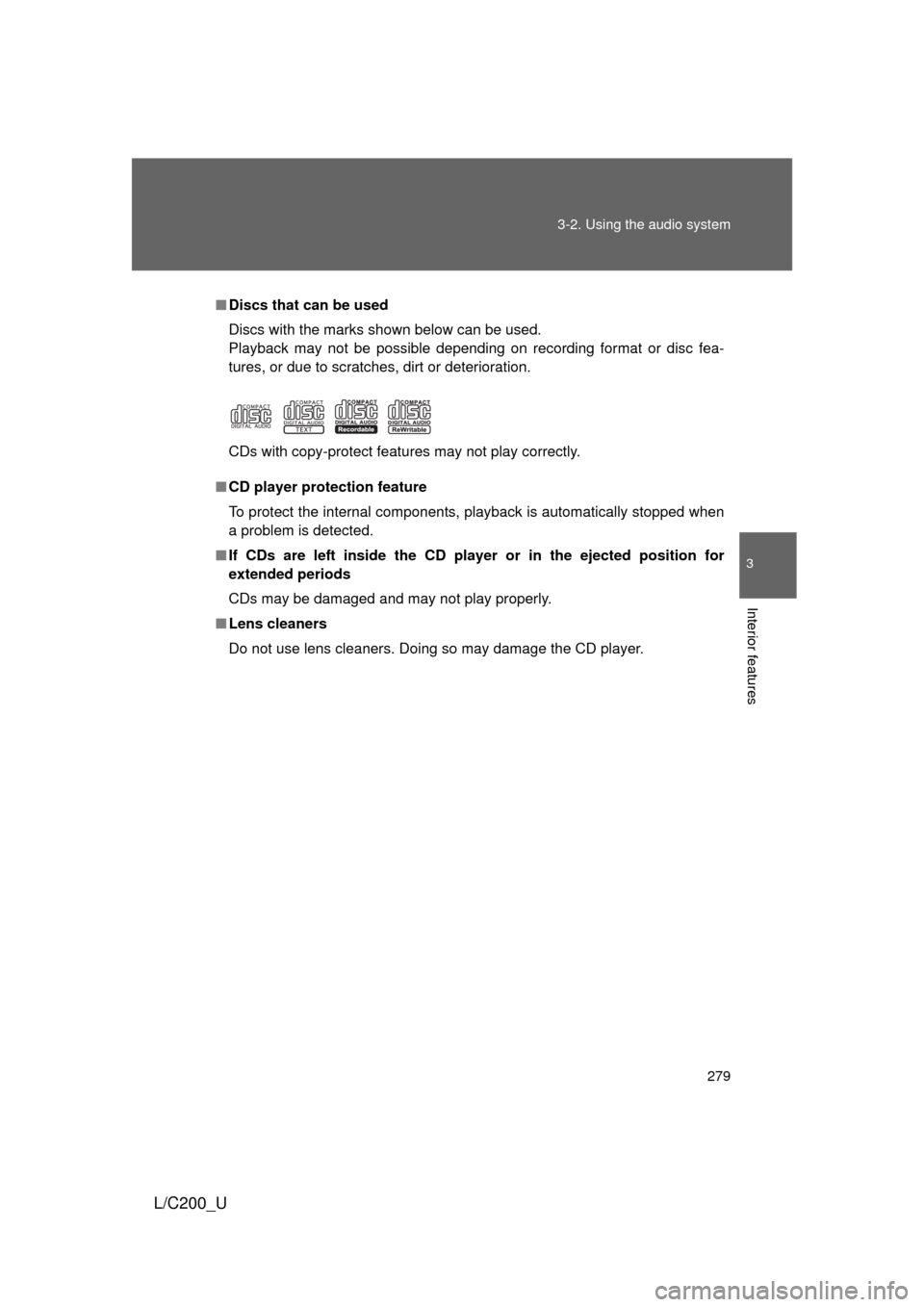
Discs that can be used
Discs with the marks shown below can be used.
Playback may not be possible depending on recording format or disc fea-
tures, or due to scratches, dirt or deterioration.
CDs with copy-protect features may not play correctly.
■ CD player protection feature
To protect the internal components, playback is automatically stopped when
a problem is detected.
■ If CDs are left inside the CD pla yer or in the ejected position for
extended periods
CDs may be damaged and may not play properly.
■ Lens cleaners
Do not use lens cleaners. Doing so may damage the CD player.