maintenance reset TOYOTA LAND CRUISER 2021 Owners Manual (in English)
[x] Cancel search | Manufacturer: TOYOTA, Model Year: 2021, Model line: LAND CRUISER, Model: TOYOTA LAND CRUISER 2021Pages: 632, PDF Size: 13.87 MB
Page 107 of 632
LC200_OM_OM60T03U_(U)
1072. Instrument cluster
2
Instrument cluster
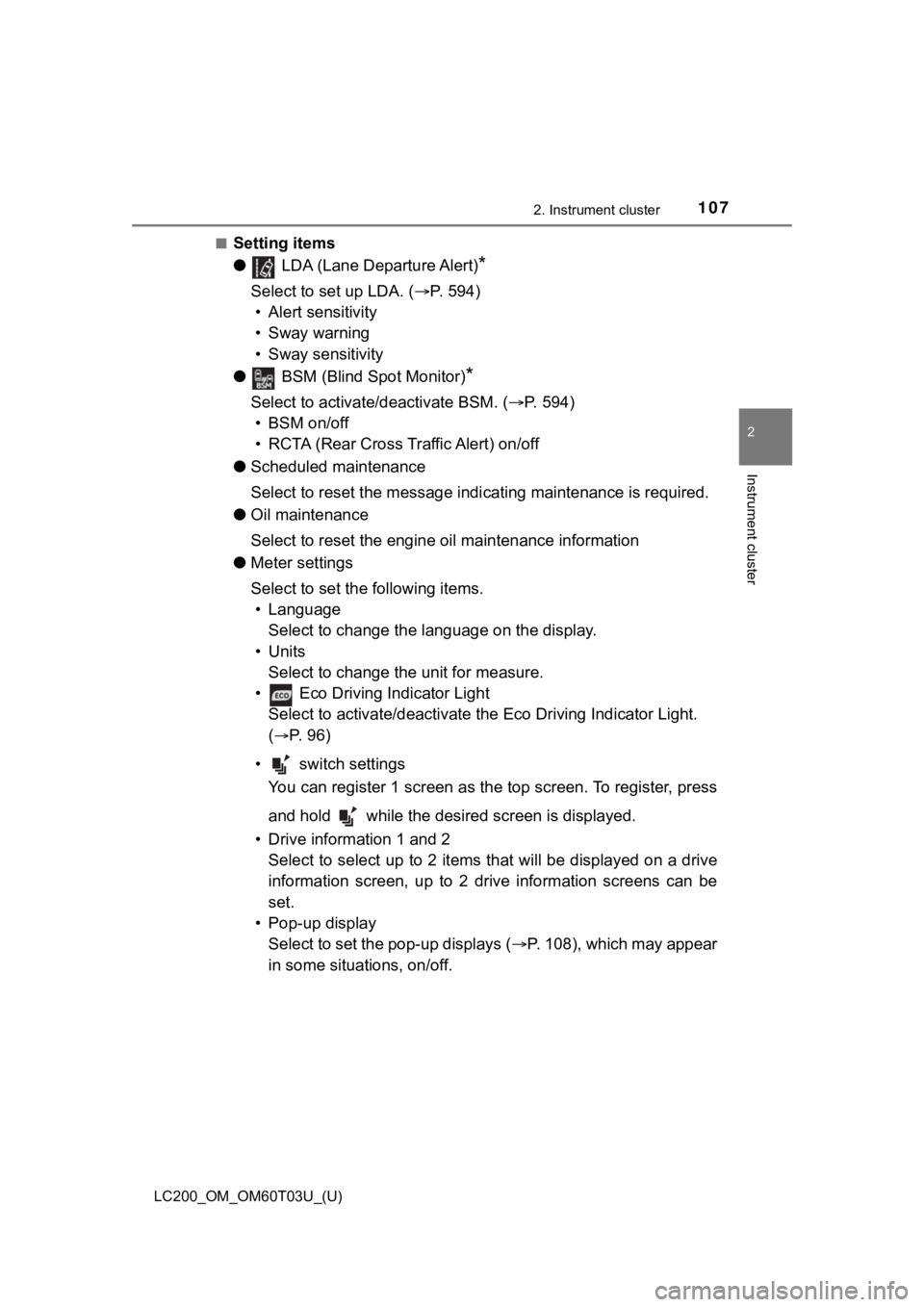
■Setting items
● LDA (Lane Departure Alert)
*
Select to set up LDA. ( P. 594)
• Alert sensitivity
• Sway warning
• Sway sensitivity
● BSM (Blind Spot Monitor)
*
Select to activate/deactivate BSM. ( P. 594)
• BSM on/off
• RCTA (Rear Cross Traffic Alert) on/off
● Scheduled maintenance
Select to reset the message indi cating maintenance is required.
● Oil maintenance
Select to reset the engine o il maintenance information
● Meter settings
Select to set the following items.
• Language Select to change the language on the display.
•Units Select to change the unit for measure.
• Eco Driving Indicator Light Select to activate/deactivate the Eco Driving Indicator Light.
(
P. 9 6 )
• switch settings You can register 1 screen as the top screen. To register, press
and hold while the desired screen is displayed.
• Drive information 1 and 2 Select to select up to 2 items t hat will be displayed on a drive
information screen, up to 2 drive information screens can be
set.
• Pop-up display Select to set the pop-up displays ( P. 108), which may appear
in some situations, on/off.
Page 460 of 632
460
LC200_OM_OM60T03U_(U)
6-2. Maintenance
■Repair and replacement
It is recommended that genuine Toyota parts be used for repairs to ensure
performance of each system. If non-Toyota parts are used in rep lacement or if
a repair shop other than a Toyota dealer performs repairs, conf irm the war-
ranty coverage.
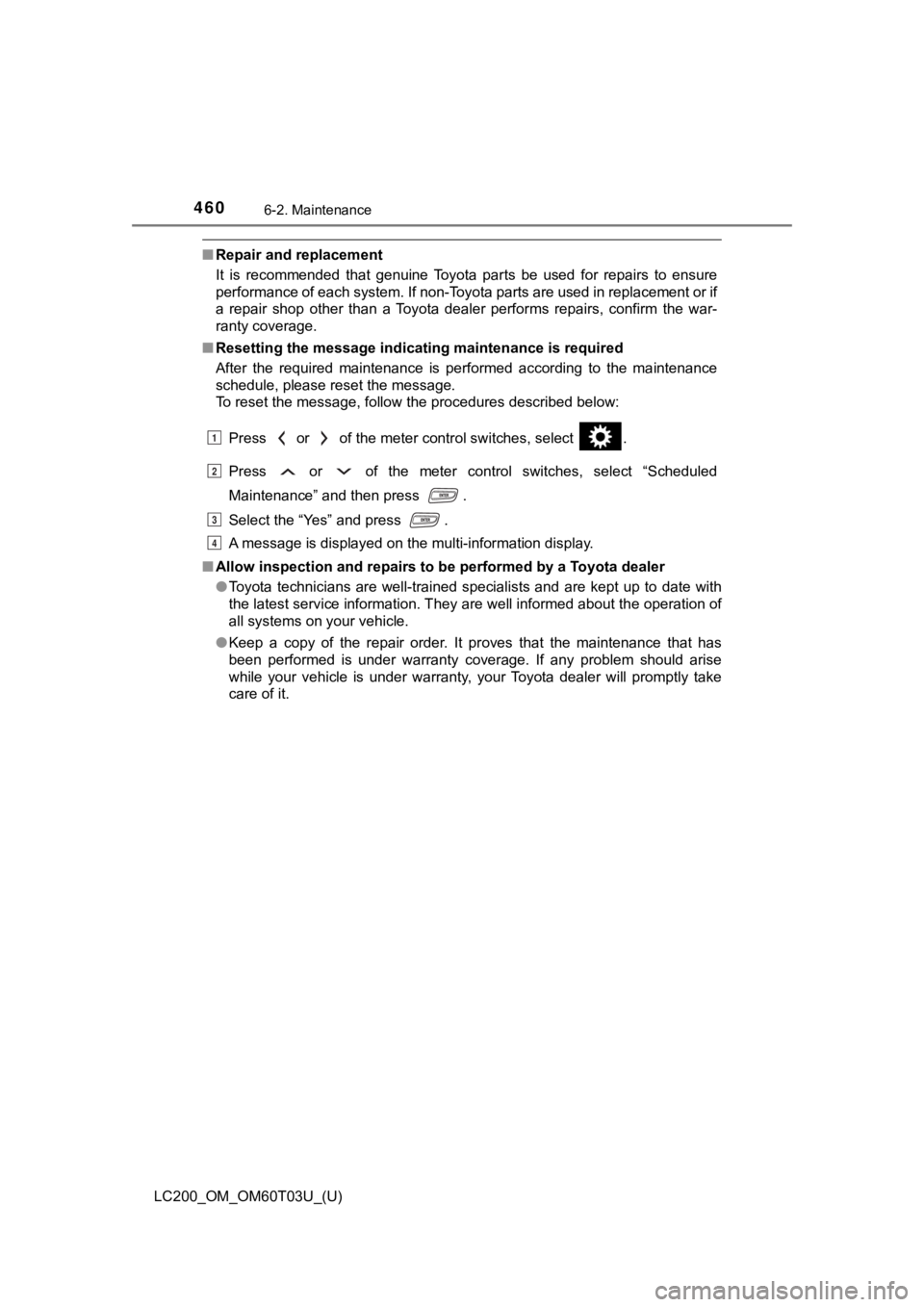
■ Resetting the message indicating maintenance is required
After the required maintenance is performed according to the ma intenance
schedule, please reset the message.
To reset the message, follow the procedures described below:
Press or of the meter control switches, select .
Press or of the meter control switches, select “Scheduled
Maintenance” and then press .
Select the “Yes” and press .
A message is displayed on the multi-information display.
■ Allow inspection and repairs to be performed by a Toyota dealer
●Toyota technicians are well-trained specialists and are kept up to date with
the latest service information. They are well informed about th e operation of
all systems on your vehicle.
● Keep a copy of the repair order. It proves that the maintenance that has
been performed is under warranty coverage. If any problem should arise
while your vehicle is under warranty, your Toyota dealer will p romptly take
care of it.
1
2
3
4
Page 473 of 632
LC200_OM_OM60T03U_(U)
4736-3. Do-it-yourself maintenance
6
Maintenance and care
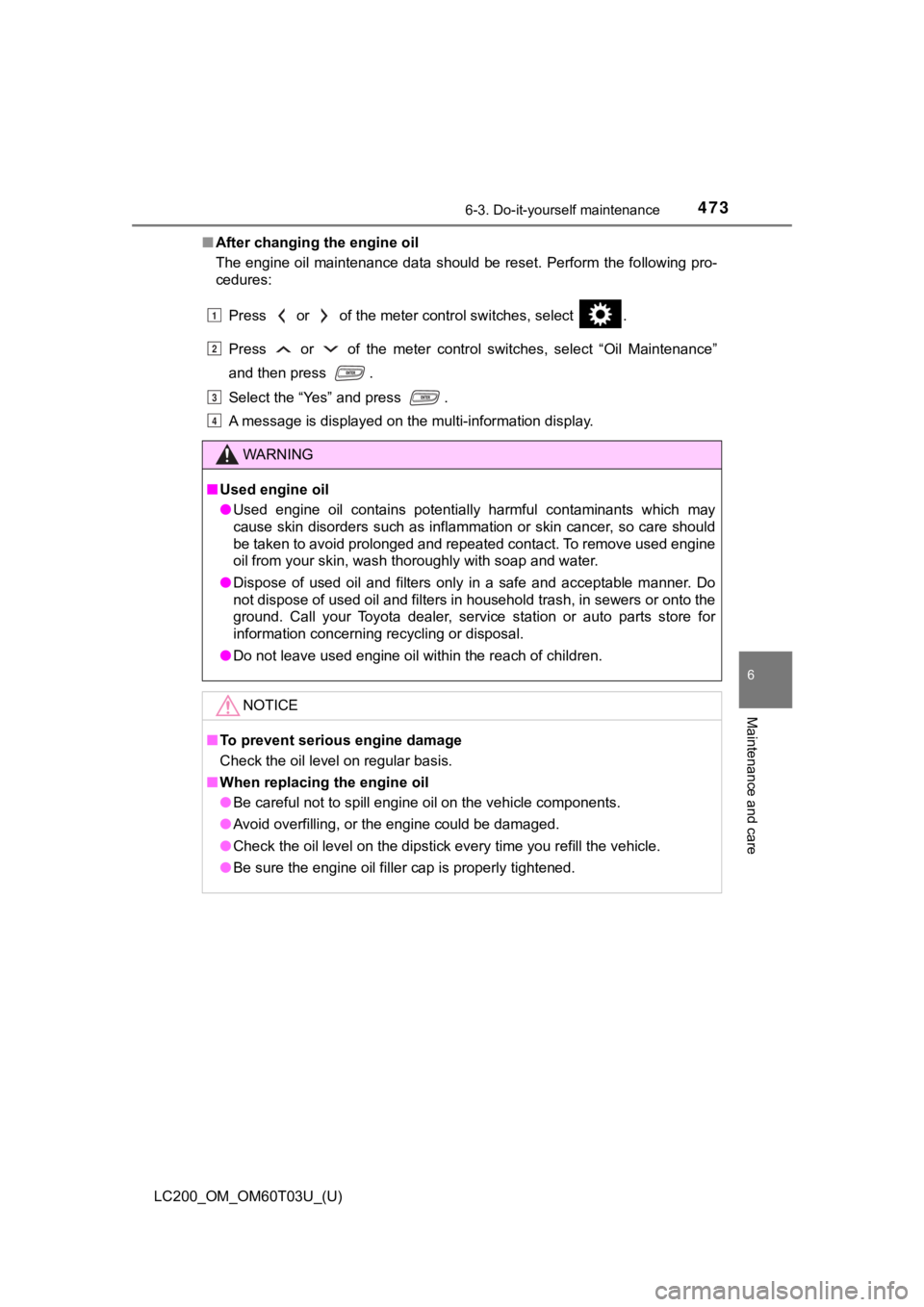
■After changing the engine oil
The engine oil maintenance data should be reset. Perform the fo llowing pro-
cedures:
Press or of the meter control switches, select .
Press or of the meter control switches, select “Oil Maintenan ce”
and then press .
Select the “Yes” and press .
A message is displayed on the multi-information display.
WARNING
■ Used engine oil
● Used engine oil contains potentially harmful contaminants which may
cause skin disorders such as inflammation or skin cancer, so ca re should
be taken to avoid prolonged and repeated contact. To remove used engine
oil from your skin, wash thoroughly with soap and water.
● Dispose of used oil and filters only in a safe and acceptable manner. Do
not dispose of used oil and filters in household trash, in sewe rs or onto the
ground. Call your Toyota dealer, service station or auto parts store for
information concerning recycling or disposal.
● Do not leave used engine oil within the reach of children.
NOTICE
■To prevent serious engine damage
Check the oil level on regular basis.
■ When replacing the engine oil
● Be careful not to spill engine oil on the vehicle components.
● Avoid overfilling, or the engine could be damaged.
● Check the oil level on the dipstick every time you refill the v ehicle.
● Be sure the engine oil filler cap is properly tightened.
1
2
3
4
Page 484 of 632
484
LC200_OM_OM60T03U_(U)
6-3. Do-it-yourself maintenance
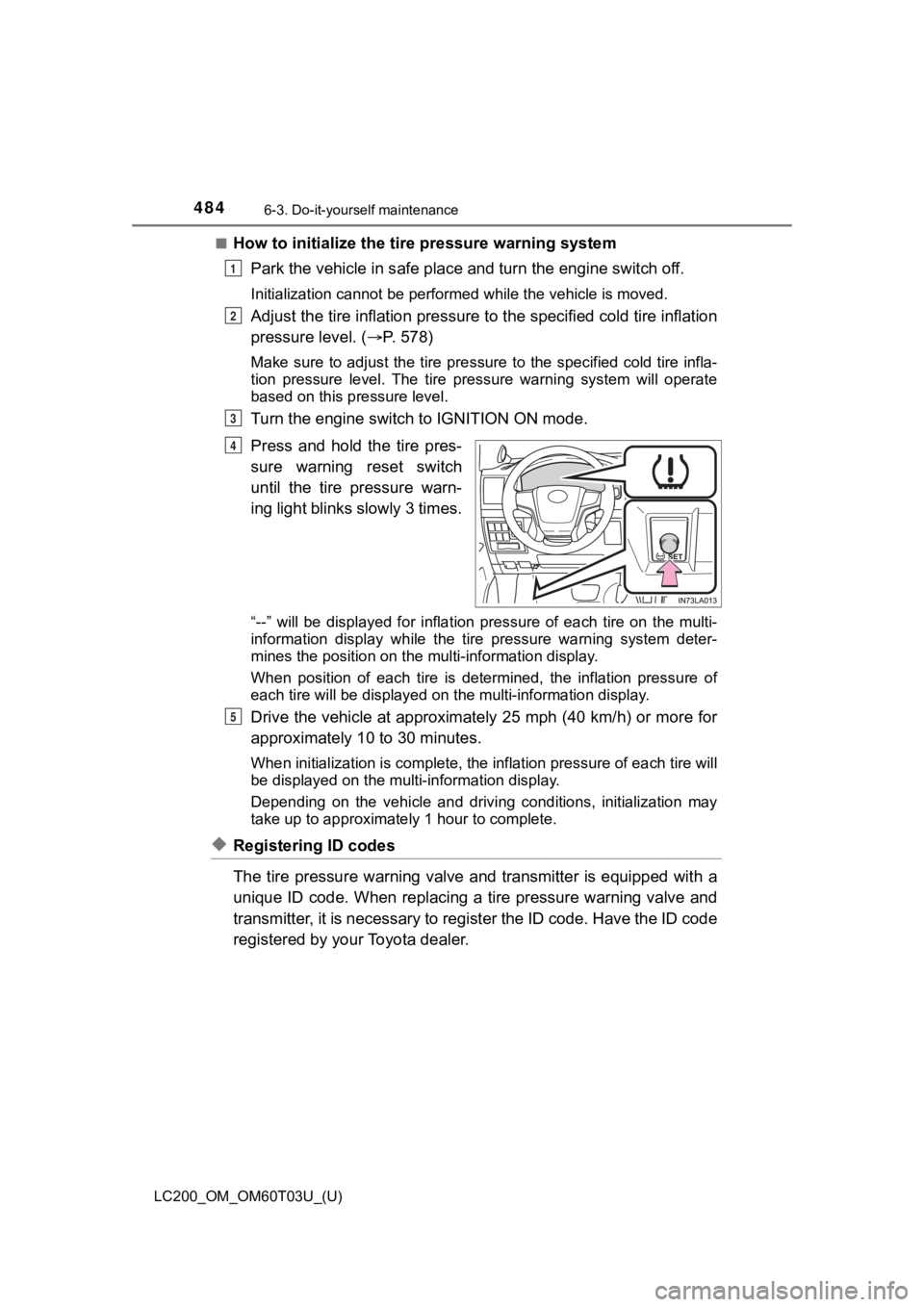
■How to initialize the tire pressure warning systemPark the vehicle in s afe place and turn the engine switch off.
Initialization cannot be performed while the vehicle is moved.
Adjust the tire inflation pressure to the specified cold tire i nflation
pressure level. ( P. 578)
Make sure to adjust the tire pre ssure to the specified cold tire infla-
tion pressure level. The tire pressure warning system will oper ate
based on this pr essure level.
Turn the engine switch to IGNITION ON mode.
Press and hold the tire pres-
sure warning reset switch
until the tire pressure warn-
ing light blinks slowly 3 times.
“--” will be displayed for inflat ion pressure of each tire on t he multi-
information display while the ti re pressure warning system deter-
mines the position on the m ulti-information display.
When position of each tire is determined, the inflation pressur e of
each tire will be displayed on the multi-information display.
Drive the vehicle at approximately 25 mph (40 km/h) or more for
approximately 10 to 30 minutes.
When initialization is complete, the inflation pressure of each tire will
be displayed on the multi-information display.
Depending on the vehicle and drivi ng conditions, initialization may
take up to appro ximately 1 hour to complete.
◆Registering ID codes
The tire pressure warning valve and transmitter is equipped wit h a
unique ID code. When replacing a tire pressure warning valve an d
transmitter, it is necessary to register the ID code. Have the ID code
registered by your Toyota dealer.
1
2
3
4
5
Page 488 of 632

488
LC200_OM_OM60T03U_(U)
6-3. Do-it-yourself maintenance
■The initialization operation
●Make sure to carry out initialization after adjusting the tire inflation pres-
sure. Also, make sure the tires are cold before carrying out initialization
or tire inflation pressure adjustment.
●If you have accidentally turned the engine switch off during in itialization,
it is not necessary to press the reset swit ch again as initialization will
restart automatically when the engine switch has been turned to IGNI-
TION ON mode for the next time.
●If you accidentally press the reset switch when initialization is not neces-
sary, adjust the tire inflation pressure to the specified level when the
tires are cold, and cond uct initialization again.
●While the position of each tire is being determined and the inf lation pres-
sures are not being displayed on the multi-information display, if the
inflation pressure of a tire drops, the tire pressure warning l ight will come
on.
■Warning performance of the tire pressure warning system
The warning of the tire pressu re warning system will change in accor-
dance with the conditions under which it was initialized. For t his reason,
the system may give a warning even if the tire pressure does no t reach a
low enough level, or if the pressure is higher than the pressur e that was
adjusted to when the sys tem was initialized.
■When initialization of the tire pressure warning system has fai led
Initialization may take longer to complete if the vehicle is driven on an
unpaved road. When performing ini tialization, drive on a paved road if
possible. Depending on the driving environment and condition of the tires,
initialization will be completed in approximately 10 minutes. If initialization
is not complete after driving app roximately 10 minutes, continue driving
for a while.
If the inflation of each tire is not displayed after driving fo r approximately 1
hour, perform the following procedure.
●Park the vehicle in a safe place for approximately 20 minutes. Then
drive straight (with occasional left and right turns) at approx imately
25 mph (40 km/h) or more for app roximately 10 to 20 minutes.
However, in the following situatio ns, the tire inflation pressure will not be
recorder and the system will not operate properly. Perform initialization.
●When operating the tire pressure warning reset switch, the tire pressure
warning light does not blink 3 times.
●After performing initi alization, the tire pressure warning ligh t blinks for 1
minute then stays on after driving for about 20 minutes.
If the inflation pressure of eac h tire is still not displayed, have the vehicle
inspected by you r Toyota dealer.
Page 490 of 632

490
LC200_OM_OM60T03U_(U)
6-3. Do-it-yourself maintenance
WARNING
■Tire pressure warning system operation
The tire pressure warning system may not provide warning immediately
if a tire bursts or if su dden air leakage occurs.
■When inspecting or replacing tires
Observe the following precaut ions to prevent accidents.
Failure to do so may cause damage to parts of the drive train as well as
dangerous handling characteristics, which may lead to an accide nt
resulting in death o r serious injury.
●Do not mix tires of different ma kes, models or tread patterns.
Also, do not mix tires of re markably different treadwear.
●Do not use tire sizes other th an those recommended by Toyota.
●Do not mix differently constructed tires (radial, bias-belted o r bias-ply
tires).
●Do not mix summer, all season and snow tires.
●Do not use tires that have b een used on another vehicle.
Do not use tires if you do not kn ow how they were used previous ly.
■When initializing the tire pressure warning system
Do not operate the tire pressure warning reset switch without first
adjusting the tire inflation pressure to the specified level. O therwise, the
tire pressure warning light may not come on even if the tire in flation
pressure is low, or it may come on when the tire inflation pres sure is
actually normal.
Page 542 of 632

5427-2. Steps to take in an emergency
LC200_OM_OM60T03U_(U)■
If a message that indicates the ma lfunction of front camera is displayed.
(if equipped)
The following systems may be suspended until the problem shown in the
message is resolved. ( P. 266, 530)
● PCS (Pre-Collision System)
● LDA (Lane Departure Alert)
● Dynamic radar cruise control
● Automatic High Beam
■ If “Engine Oil Level Low” is shown
Indicates that engine oil level is low.
Check the level of engine oil, and add if necessary.
This message may appear if the vehicle is stopped on a slope.
Move the vehicle to a level surface and check to see if the mes sage disap-
pears.
■ If a following message is shown, take appropriate action and co nfirm
that the message has disappeared. ( P. 304)
●
“Crawl Not Available Select L4 a nd Shift to [D] or [R] Position”
●“Crawl Not Available Check System Operation Conditions”
●“Turn Assist Function Not Available Check System Operation Conditions”
●“Turn Assist Function Not Available Activate Crawl Control”
■If “Maintenance Required Soon” is shown (U.S.A. only)
Indicates that all maintenance according to the driven distance on the mainte-
nance schedule
* should be performed soon.
Comes on approximately 4500 miles (7200 km) after the message has been
reset.
If necessary, perform maintenance.
*: Refer to the separate “Scheduled Maintenance Guide” or “Owner’ s Manual
Supplement” for the maintenance interval applicable to your veh icle.
■ If “Maintenance Required Visit Yo ur Dealer” is shown (U.S.A. only)
Indicates that all maintenance is required to correspond to the driven distance
on the maintenance schedule
*.
Comes on approximately 5000 miles (8000 km) after the message has been
reset. (The indicator will not work properly unless the message has been
reset.)
Perform the necessary maintenance. Please reset the message aft er the
maintenance is performed ( P. 459)
*: Refer to the separate “Scheduled Maintenance Guide” or “Owner’ s Manual
Supplement” for the maintenance interval applicable to your veh icle.
Page 543 of 632

5437-2. Steps to take in an emergency
LC200_OM_OM60T03U_(U)
7
When trouble arises
■If “Oil Maintenance Required Soon” is shown
Indicates that the engine oil is scheduled to be changed. (The indicator will
not work properly unless the message has been reset.)
Check the engine oil, and change if necessary. After changing t he engine oil,
the message should be reset. ( P. 471)
■ If “Oil Maintenance Required Visit Your Dealer” is shown
Indicates that the engine oil should be changed. (The indicator will not work
properly unless the message has been reset.)
Check and change the engine oil, and oil filter by your Toyota dealer. After
changing the engine oil, the message should be reset. ( P. 471)
■ If “Visit Your Dealer” is shown
The system or part shown on the multi-information display is ma lfunctioning.
Have the vehicle inspected by your Toyota dealer immediately.
■ Warning buzzer
In some cases, the buzzer may not be heard due to being in a no isy location
or audio sound.
Page 625 of 632
625Alphabetical index
LC200_OM_OM60T03U_(U)
ReplacingElectronic key battery ........... 499
Fuses .................................... 501
Light bulbs ............................ 507
Tires ...................................... 544
Reporting safety defects for U.S. owners ...................... 608
Resetting the message
indicating maintenance is
required .................................. 460
Roof luggage carrier ............... 187
Safety Connect .......................... 79
Scheduled maintenance ......... 459
Seat belts.................................... 32 Adjusting the seat belt ............ 35
Automatic Locking
Retractor............................... 36
Child restra int system
installation ............................ 62
Cleaning and maintaining the seat belt ........................ 457
Emergency Locking Retractor............................... 36
How to wear your seat belt ..... 32
How your child should wear the seat belt ................. 36
Pregnant women, proper seat belt use ......................... 37
Reminder light and buzzer................................. 532
Seat belt extender................... 36
Seat belt pretensioners ........... 35
SRS warning light ................. 530
Seat heaters ............................. 411
Seat position memory ............. 154
Seat ventilators ........................ 411
Seating capacity ...................... 193 Seats ................................. 145, 147
Adjustment.................... 145, 147
Adjustment
precautions................. 146, 153
Armrest ................................. 442
Child seats/child restraint
system installation . ............... 62
Cleaning ............................... 456
Driving position memory ....... 154
Folding up the third seats................................... 150
Front seats............................ 145
Head restraint ....................... 158
Heaters ................................. 410
Properly sitting in the seat ...... 30
Seat heaters ......................... 410
Seat position memory ........... 154
Seat ventilators ..................... 410
Second seats ........................ 147
Third seats ............................ 147
Tumbling the second seats................................... 148
Ventilators............................. 410
Sensor Automatic headlight system .......... ...................... 228
Automatic High Beam
system .......... ...................... 230
Inside rear view mirror .......... 164
Intuitive parking assist .......... 292
LDA (Lane Departure Alert)................................... 267
Radar sensor ........................ 248
Rain-sensing windshield
wipers ................................. 238
Service reminder indicators ..... 92
S
*: Refer to the “NAVIGATION SYSTEM OWNER’S MANUAL”.
Page 627 of 632
627Alphabetical index
LC200_OM_OM60T03U_(U)
LDA (Lane Departure Alert) ................................... 270
Light switches ....................... 226
Meter control switches .......... 103
Moon roof switches ............... 173
Outside rear view mirror switches.............................. 165
Personal light switch ............. 416
Power back door switch ........ 127
Power door lock switch ......... 120
Power window switch............ 169
Rear window wiper and
washer switch ..................... 240
Rear window and outside
rear view mirror
defoggers switch ................ 400
Seat heater switches ............ 411
Seat ventilator switches ........ 411
“SOS” button ........................... 79
Talk switch
*
Telephone switches*
Tilt and telescopic steering control switch...................... 161
Tire pressure warning reset switch ........................ 484
Vehicle-to-vehicle distance switch ................................. 283
VSC OFF switch ................... 379
Window lock switch............... 169
Windshield wipers and washer switch ..................... 236
Wireless charger power supply switch ...................... 434 Tachometer ................................ 97
Tail lights.................................. 226
Light switch ........................... 226
Replacing light bulbs ............ 516
Talk switch
*
Telephone switches*
Theft deterrent system Alarm ...................................... 87
Immobilizer system .. ............... 85
Tire inflation pressure............. 492 Maintenance data ................. 578
Warning light......................... 532
Tire information ....................... 583 Glossary ............................... 589
Size....................................... 585
Tire identification number ..... 584
Uniform Tire Quality
Grading .............................. 587
Tire pressure warning system.................................... 483
Function ................................ 483
Initializing .............................. 483
Installing tire pressure warning valves and
transmitters ........................ 483
Registering ID codes ............ 484
Tire pressure warning reset switch ........................ 484
Warning light......................... 532
T
*: Refer to the “NAVIGATION SYSTEM OWNER’S MANUAL”.