change time TOYOTA MATRIX 2009 E140 / 2.G Owners Manual
[x] Cancel search | Manufacturer: TOYOTA, Model Year: 2009, Model line: MATRIX, Model: TOYOTA MATRIX 2009 E140 / 2.GPages: 440, PDF Size: 9.39 MB
Page 18 of 440

18
For your information
Main Owner’s Manual
Please note that this manual covers all models and all equipment, including
options. Therefore, you may find some explanations for equipment not
installed on your vehicle.
All specifications provided in this manual are current at the time of printing.
However, because of the Toyota policy of continual product improvement, we
reserve the right to make changes at any time without notice.
Depending on specifications, the vehicle shown in the illustrations may differ
from your vehicle in terms of equipment.
Accessories, spare parts and modification of your Toyota
A wide variety of non-genuine spare parts and accessories for Toyota
vehicles are currently available on the market. You should know that these
parts are not covered by Toyota warranty and that Toyota is not responsible
for their performance, repair, or replacement, or for any damage they may
cause to, or adverse effect they may have on, your Toyota vehicle.
This vehicle should not be modified with non-genuine Toyota products.
Modification with non-genuine Toyota products could affect its performance,
safety or durability, and may even violate governmental regulations. In
addition, damage or performance problems resulting from the modification
may not be covered under warranty.
Installation of a mobile two-way radio system
As the installation of a mobile two-way radio system in your vehicle may
affect electronic systems such as the multi-port fuel injection system/sequen-
tial multi-port fuel injection system, cruise control system, anti-lock brake
system, SRS airbag system or seat belt pretensioner system, be sure to
check with your Toyota dealer for precautionary measures or special instruc-
tions regarding installation.
Page 101 of 440
101 2-1. Driving procedures
2
When driving
CAUTION
●Do not drive the vehicle off-road.
This is not a AWD vehicle designed for real off-road driving. Proceed with
all due caution if it becomes unavoidable to drive off-road.
●Do not drive across river crossings or through other bodies of water.
This may cause electric/electronic components to short circuit, damage
the engine or cause other serious damage to the vehicle.
●Do not drive in excess of the speed limit. Even if the legal speed limit per-
mits it, do not drive over 85 mph (140 km/h) unless your vehicle has high-
speed capability tires. Driving over 85 mph (140 km/h) may result in tire
failure, loss of control and possible injury. Be sure to consult a tire dealer
to determine whether the tires on your vehicle are high-speed capability
tires or not before driving at such speeds.
■When driving on slippery road surfaces
●Sudden braking, acceleration and steering may cause tire slippage and
reduce your ability to control the vehicle, resulting in an accident.
●Sudden changes in engine speed, such as engine braking caused by up-
shifting or down-shifting, may cause the vehicle to skid, resulting in an
accident.
●After driving through a puddle, lightly depress the brake pedal to make
sure that the brakes are functioning properly. Wet brake pads may prevent
the brakes from functioning properly. If the brakes on only one side are wet
and not functioning properly, steering control may be affected, resulting in
an accident.
■When shifting the shift lever (vehicles with an automatic transmission)
Be careful not to shift the shift lever with the accelerator pedal depressed.
This may lead to unexpected rapid acceleration of the vehicle that may
cause an accident and result in death or serious injury.
■When the vehicle is stopped
●Do not race the engine. If the vehicle is in any gear other than P (vehicles
with an automatic transmission) or N, the vehicle may accelerate suddenly
and unexpectedly, and may cause an accident.
●Do not leave the vehicle with the engine running for a long time.
If such a situation cannot be avoided, park the vehicle in an open space
and check that exhaust fumes do not enter the vehicle interior.
Page 126 of 440
126 2-3. Operating the lights and wipers
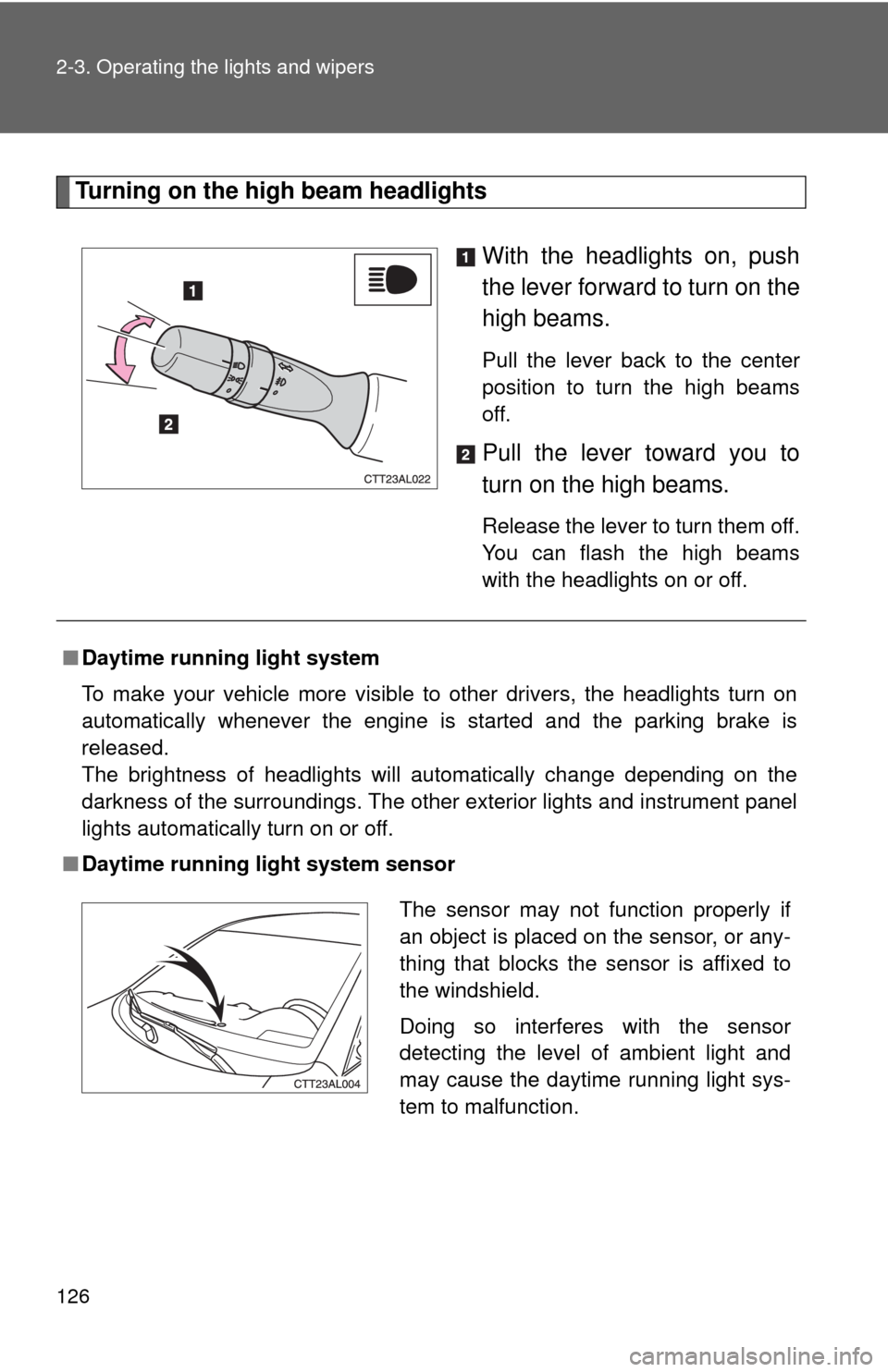
Turning on the high beam headlights
With the headlights on, push
the lever forward to turn on the
high beams.
Pull the lever back to the center
position to turn the high beams
off.
Pull the lever toward you to
turn on the high beams.
Release the lever to turn them off.
You can flash the high beams
with the headlights on or off.
■Daytime running light system
To make your vehicle more visible to other drivers, the headlights turn on
automatically whenever the engine is started and the parking brake is
released.
The brightness of headlights will automatically change depending on the
darkness of the surroundings. The other exterior lights and instrument panel
lights automatically turn on or off.
■Daytime running light system sensor
The sensor may not function properly if
an object is placed on the sensor, or any-
thing that blocks the sensor is affixed to
the windshield.
Doing so interferes with the sensor
detecting the level of ambient light and
may cause the daytime running light sys-
tem to malfunction.
Page 173 of 440
173 3-2. Using the audio system
3
Interior features
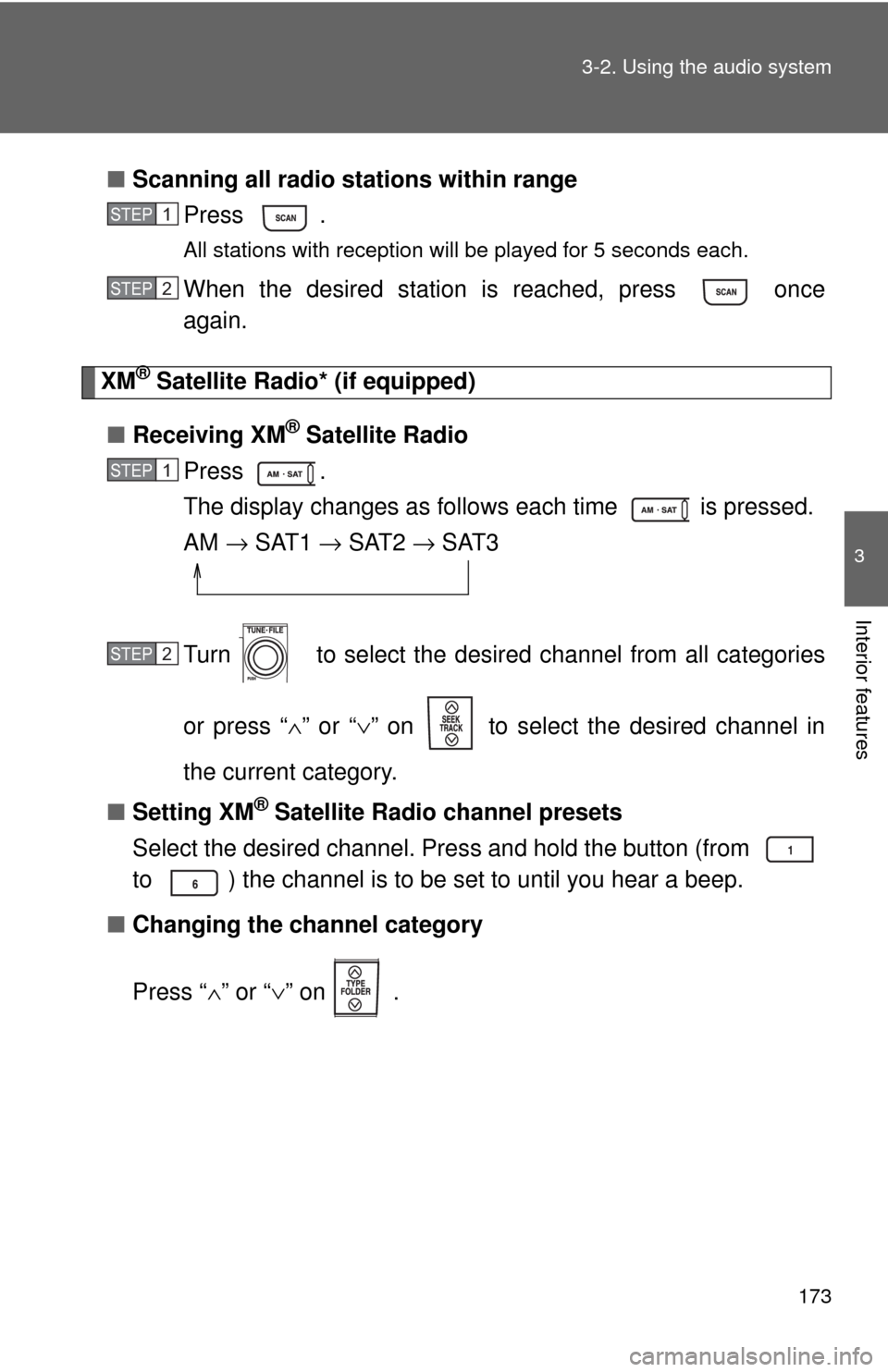
■Scanning all radio stations within range
Press .
All stations with reception will be played for 5 seconds each.
When the desired station is reached, press once
again.
XM® Satellite Radio* (if equipped)
■Receiving XM
® Satellite Radio
Press .
The display changes as follows each time is pressed.
AM → SAT1 → SAT2 → SAT3
Turn to select the desired channel from all categories
or press “∧” or “∨” on to select the desired channel in
the current category.
■Setting XM
® Satellite Radio channel presets
Select the desired channel. Press and hold the button (from
to ) the channel is to be set to until you hear a beep.
■Changing the channel category
Press “∧” or “∨” on .
STEP1
STEP2
STEP1
STEP2
Page 174 of 440
174 3-2. Using the audio system
■Scanning XM® Satellite Radio channels
●Scanning channels in the current category
Press .
When the desired channel is reached, press
again.
●Scanning preset channels
Press and hold until you hear a beep.
When the desired channel is reached, press
again.
■Displaying text information
Press .
The display will show up to 10 characters.
The display changes as follows each time the button is pressed.
●CH NAME
●TITLE (SONG/PROGRAM TITLE)
●NAME (ARTIST NAME/FEATURE)
●CH NUMBER
*: Except JBL brand audio system⎯
Use of XM® Satellite Radio requires XM® tuner and service.
Contact your Toyota dealer.
STEP1
STEP2
STEP1
STEP2
Page 176 of 440
176 3-2. Using the audio system
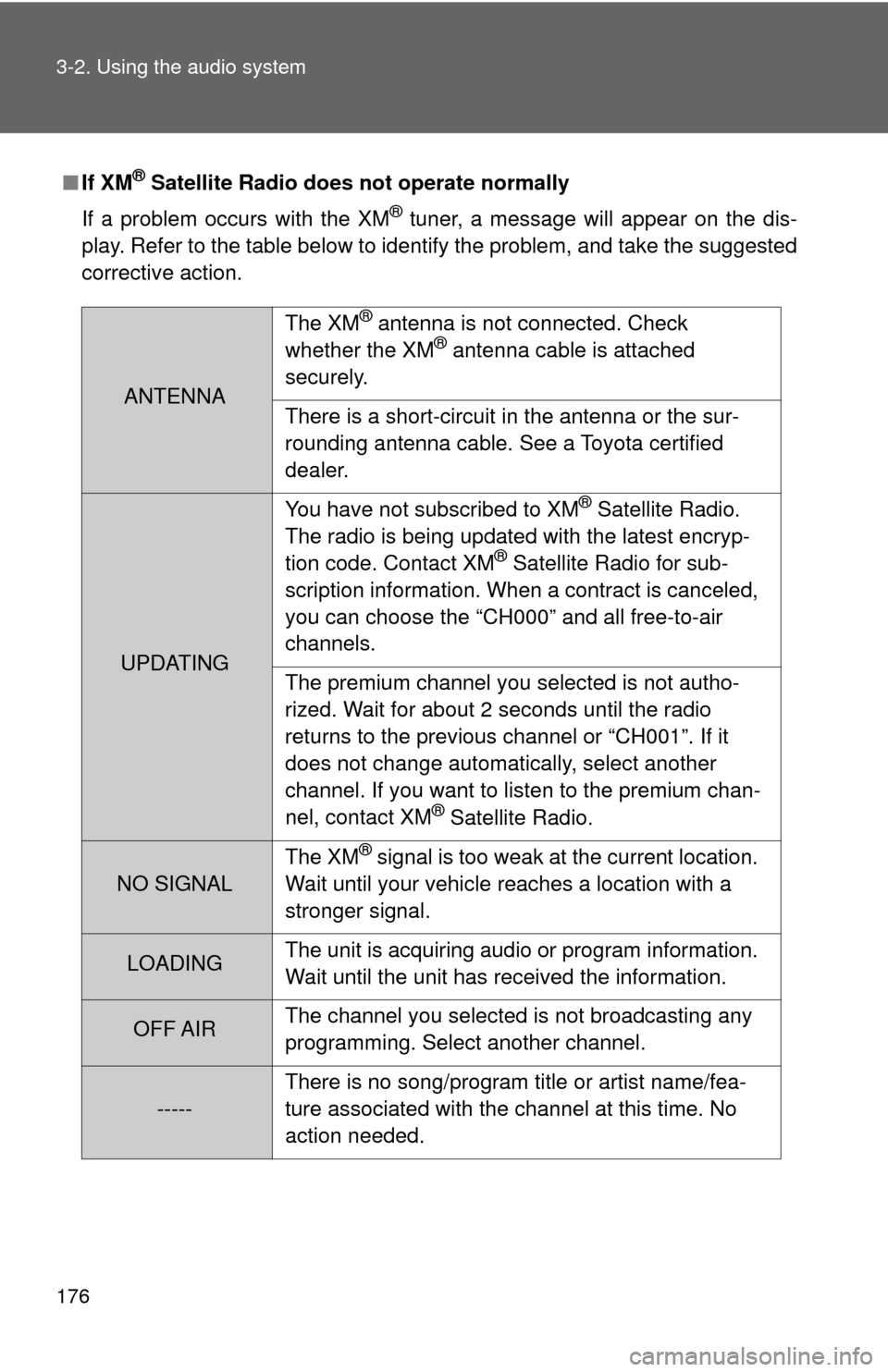
■If XM® Satellite Radio does not operate normally
If a problem occurs with the XM
® tuner, a message will appear on the dis-
play. Refer to the table below to identify the problem, and take the suggested
corrective action.
ANTENNAThe XM
® antenna is not connected. Check
whether the XM® antenna cable is attached
securely.
There is a short-circuit in the antenna or the sur-
rounding antenna cable. See a Toyota certified
dealer.
UPDATINGYou have not subscribed to XM
® Satellite Radio.
The radio is being updated with the latest encryp-
tion code. Contact XM
® Satellite Radio for sub-
scription information. When a contract is canceled,
you can choose the “CH000” and all free-to-air
channels.
The premium channel you selected is not autho-
rized. Wait for about 2 seconds until the radio
returns to the previous channel or “CH001”. If it
does not change automatically, select another
channel. If you want to listen to the premium chan-
nel, contact XM
® Satellite Radio.
NO SIGNALThe XM
® signal is too weak at the current location.
Wait until your vehicle reaches a location with a
stronger signal.
LOADINGThe unit is acquiring audio or program information.
Wait until the unit has received the information.
OFF AIRThe channel you selected is not broadcasting any
programming. Select another channel.
-----There is no song/program title or artist name/fea-
ture associated with the channel at this time. No
action needed.
Page 181 of 440
181 3-2. Using the audio system
3
Interior features
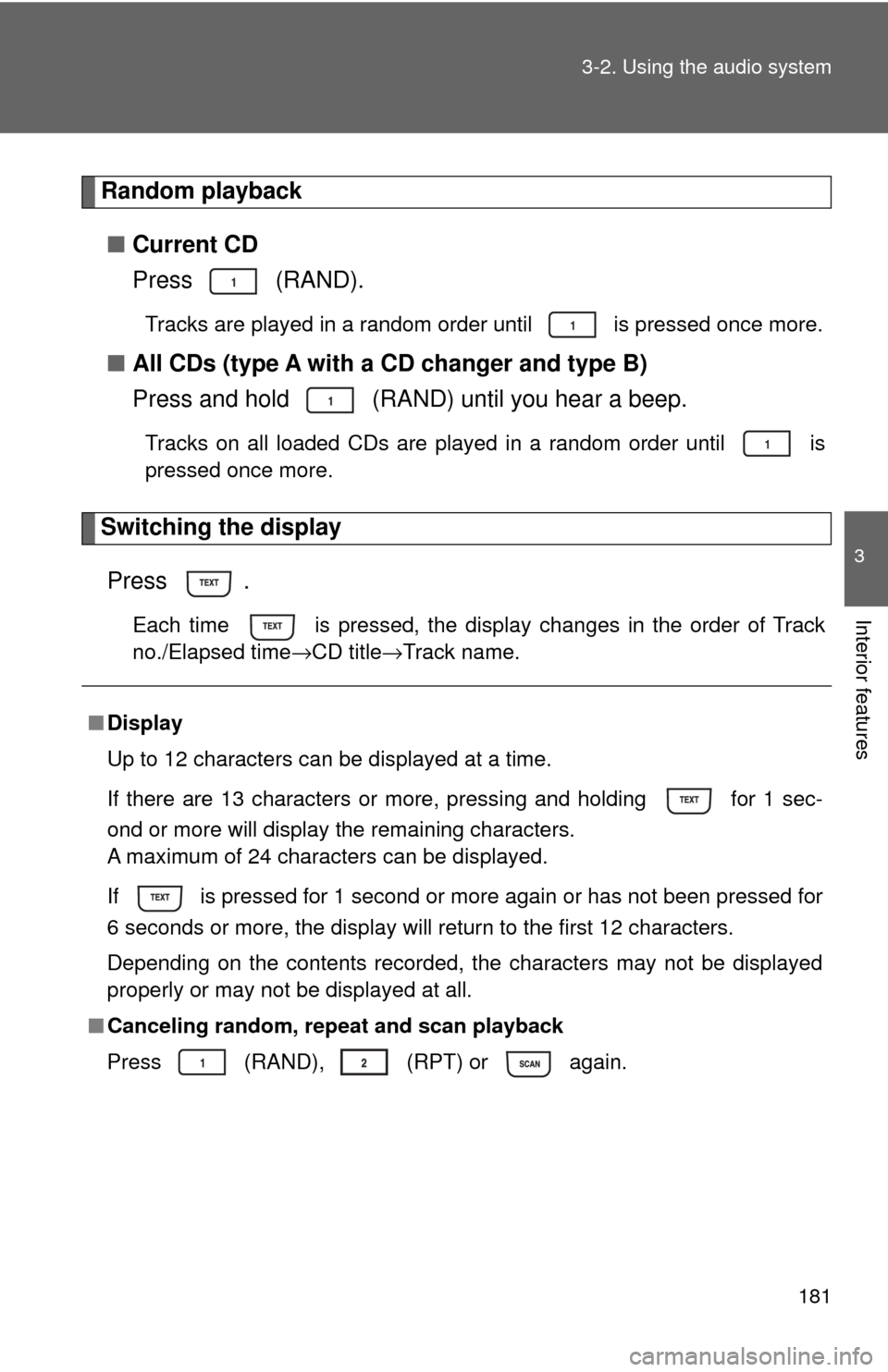
Random playback
■Current CD
Press (RAND).
Tracks are played in a random order until is pressed once more.
■All CDs (type A with a CD changer and type B)
Press and hold (RAND) until you hear a beep.
Tracks on all loaded CDs are played in a random order until is
pressed once more.
Switching the display
Press .
Each time is pressed, the display changes in the order of Track
no./Elapsed time→CD title→Track name.
■Display
Up to 12 characters can be displayed at a time.
If there are 13 characters or more, pressing and holding for 1 sec-
ond or more will display the remaining characters.
A maximum of 24 characters can be displayed.
If is pressed for 1 second or more again or has not been pressed for
6 seconds or more, the display will return to the first 12 characters.
Depending on the contents recorded, the characters may not be displayed
properly or may not be displayed at all.
■Canceling random, repeat and scan playback
Press
(RAND), (RPT) or again.
Page 187 of 440
187 3-2. Using the audio system
3
Interior features
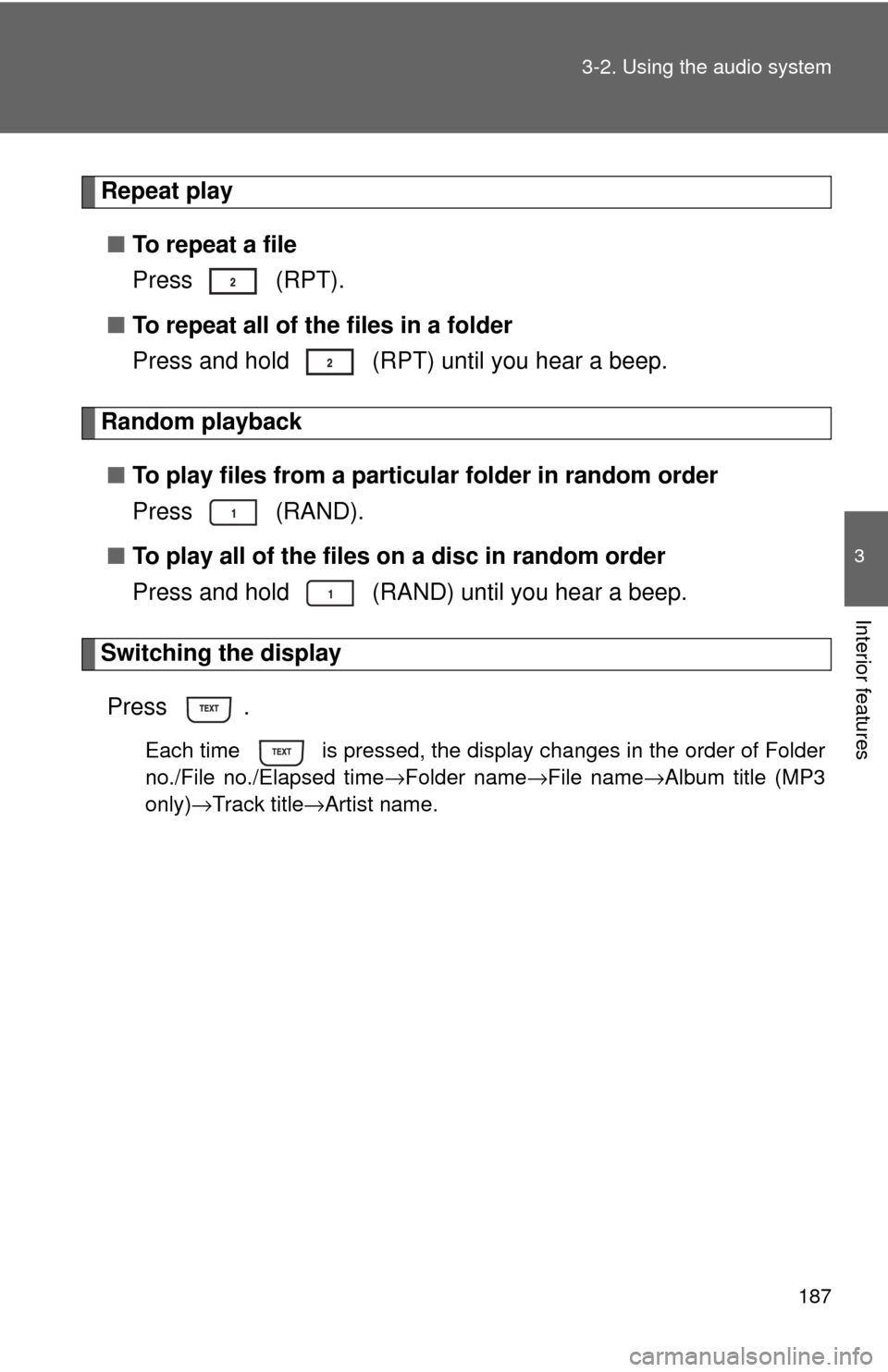
Repeat play
■To repeat a file
Press (RPT).
■To repeat all of the files in a folder
Press and hold (RPT) until you hear a beep.
Random playback
■To play files from a particular folder in random order
Press (RAND).
■To play all of the files on a disc in random order
Press and hold (RAND) until you hear a beep.
Switching the display
Press .
Each time is pressed, the display changes in the order of Folder
no./File no./Elapsed time→Folder name→File name→Album title (MP3
only)→Track title→Artist name.
Page 198 of 440
198 3-2. Using the audio system
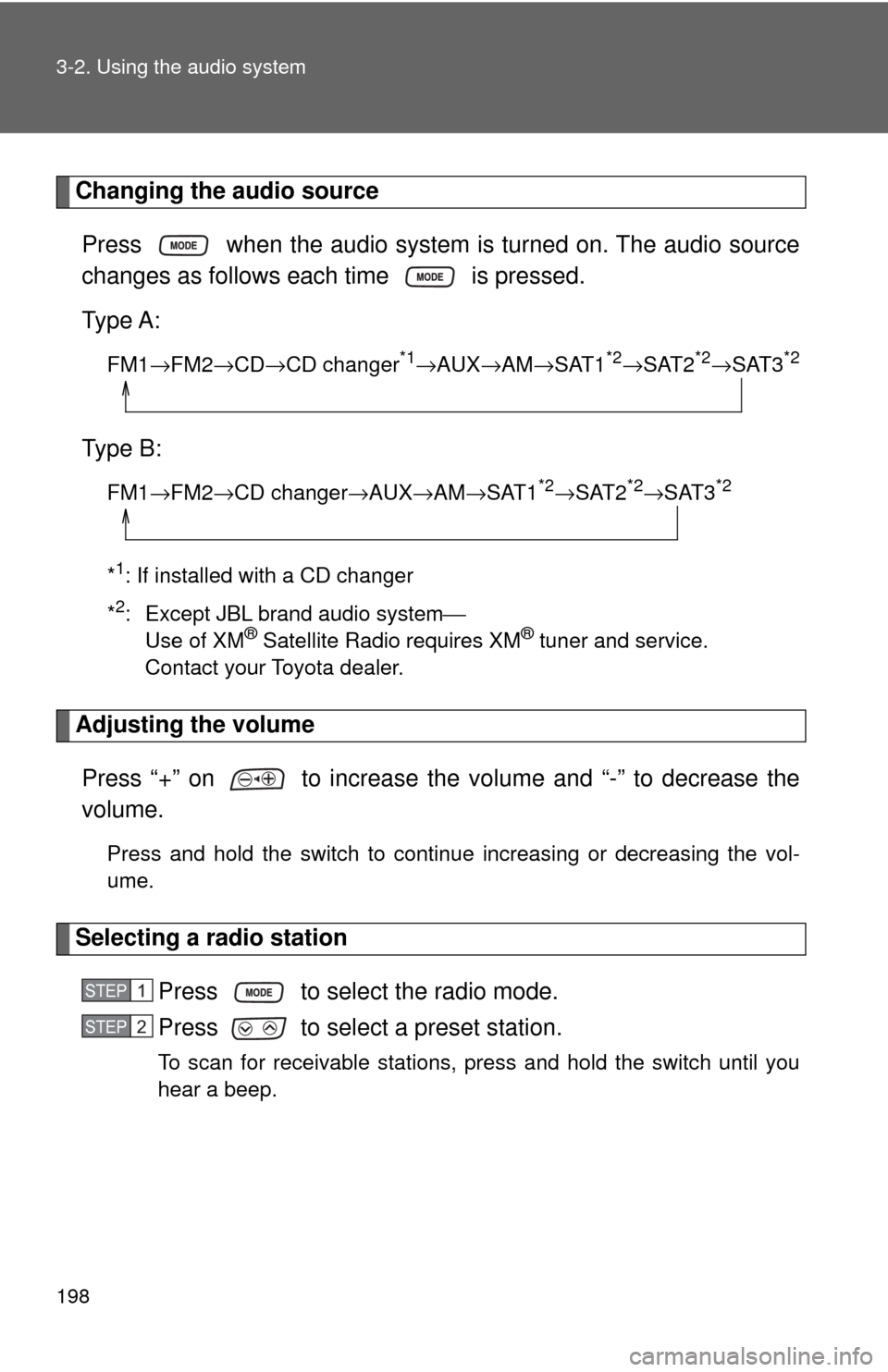
Changing the audio source
Press when the audio system is turned on. The audio source
changes as follows each time is pressed.
Type A:
FM1→FM2→CD→CD changer*1→AUX→AM→SAT1*2→SAT2*2→SAT3*2
Type B:
FM1→FM2→CD changer→AUX→AM→SAT1*2→SAT2*2→SAT3*2
*1: If installed with a CD changer
*
2: Except JBL brand audio system⎯
Use of XM® Satellite Radio requires XM® tuner and service.
Contact your Toyota dealer.
Adjusting the volume
Press “+” on to increase the volume and “-” to decrease the
volume.
Press and hold the switch to continue increasing or decreasing the vol-
ume.
Selecting a radio station
Press to select the radio mode.
Press to select a preset station.
To scan for receivable stations, press and hold the switch until you
hear a beep.
STEP1
STEP2
Page 233 of 440
233 3-4. Using the interior lights
3
Interior features
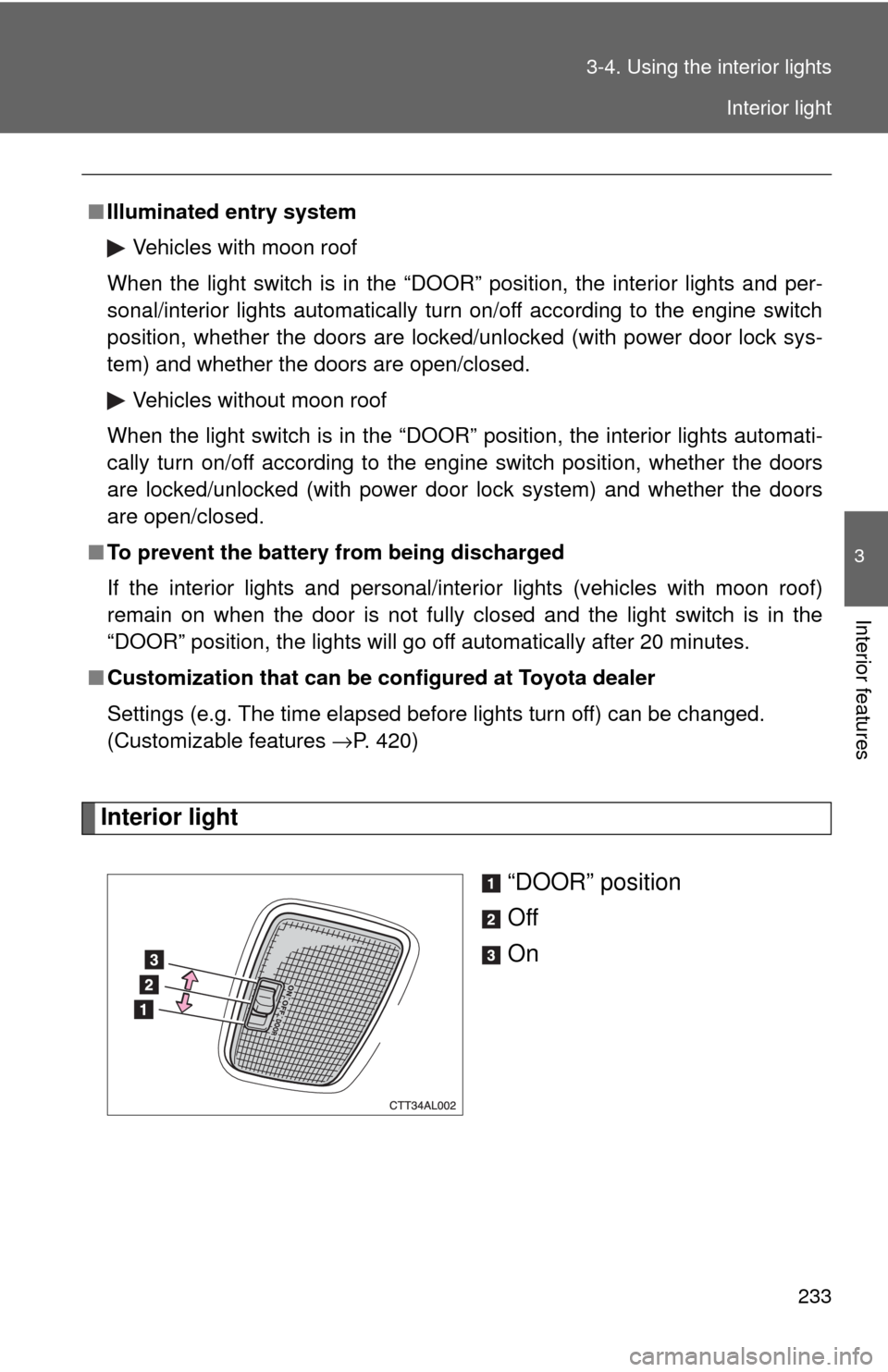
Interior light
“DOOR” position
Off
On
■Illuminated entry system
Vehicles with moon roof
When the light switch is in the “DOOR” position, the interior lights and per-
sonal/interior lights automatically turn on/off according to the engine switch
position, whether the doors are locked/unlocked (with power door lock sys-
tem) and whether the doors are open/closed.
Vehicles without moon roof
When the light switch is in the “DOOR” position, the interior lights automati-
cally turn on/off according to the engine switch position, whether the doors
are locked/unlocked (with power door lock system) and whether the doors
are open/closed.
■To prevent the battery from being discharged
If the interior lights and personal/interior lights (vehicles with moon roof)
remain on when the door is not fully closed and the light switch is in the
“DOOR” position, the lights will go off automatically after 20 minutes.
■Customization that can be configured at Toyota dealer
Settings (e.g. The time elapsed before lights turn off) can be changed.
(Customizable features →P. 420)
Interior light