CD changer TOYOTA MATRIX 2014 E140 / 2.G Owners Manual
[x] Cancel search | Manufacturer: TOYOTA, Model Year: 2014, Model line: MATRIX, Model: TOYOTA MATRIX 2014 E140 / 2.GPages: 500, PDF Size: 7.02 MB
Page 194 of 500
194
3-2. Using the audio system
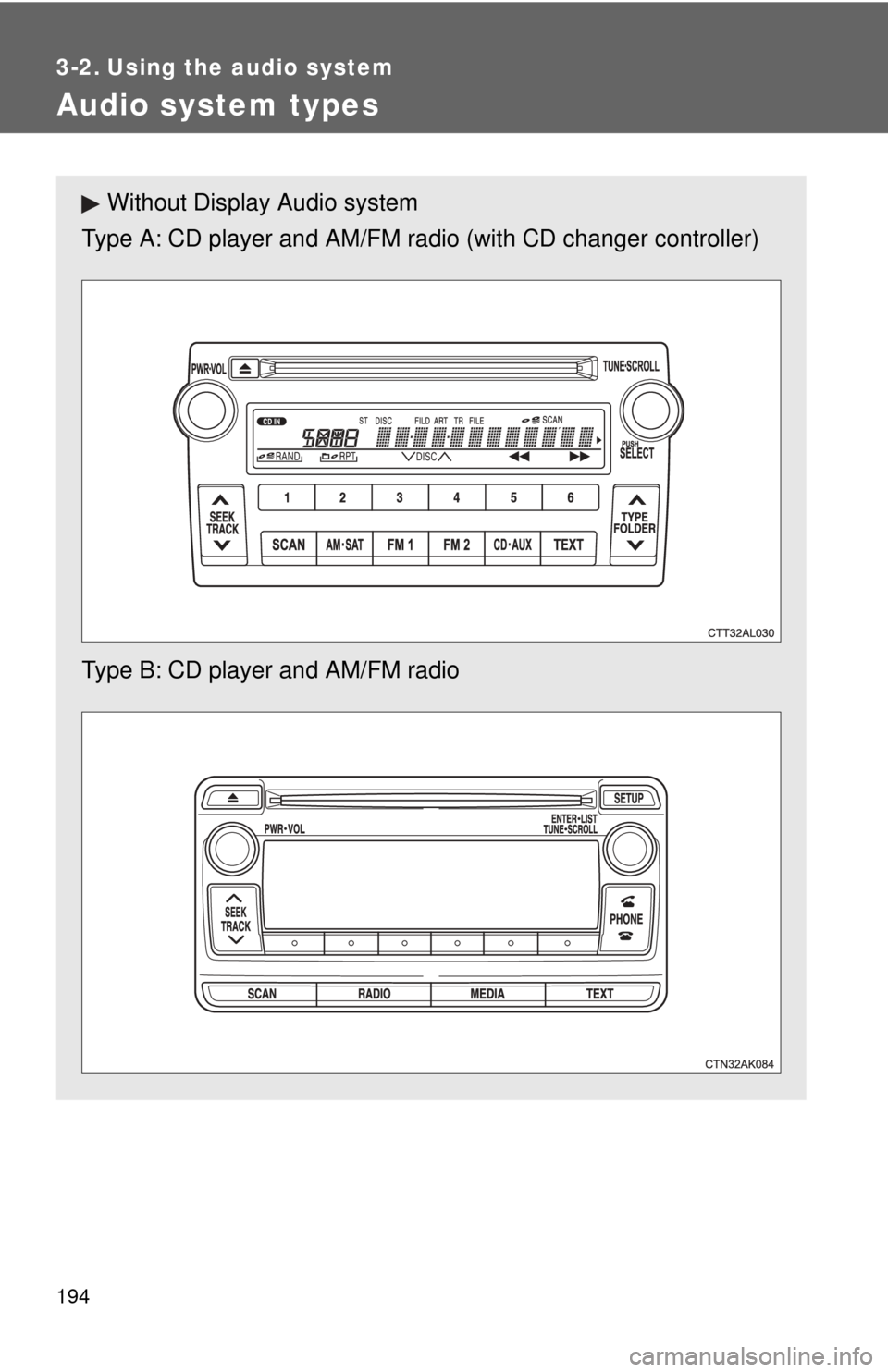
Audio system types
Without Display Audio system
Type A: CD player and AM/FM radio (with CD changer controller)
Type B: CD player and AM/FM radio
Page 209 of 500
209
3-2. Using the audio system
3
Interior features
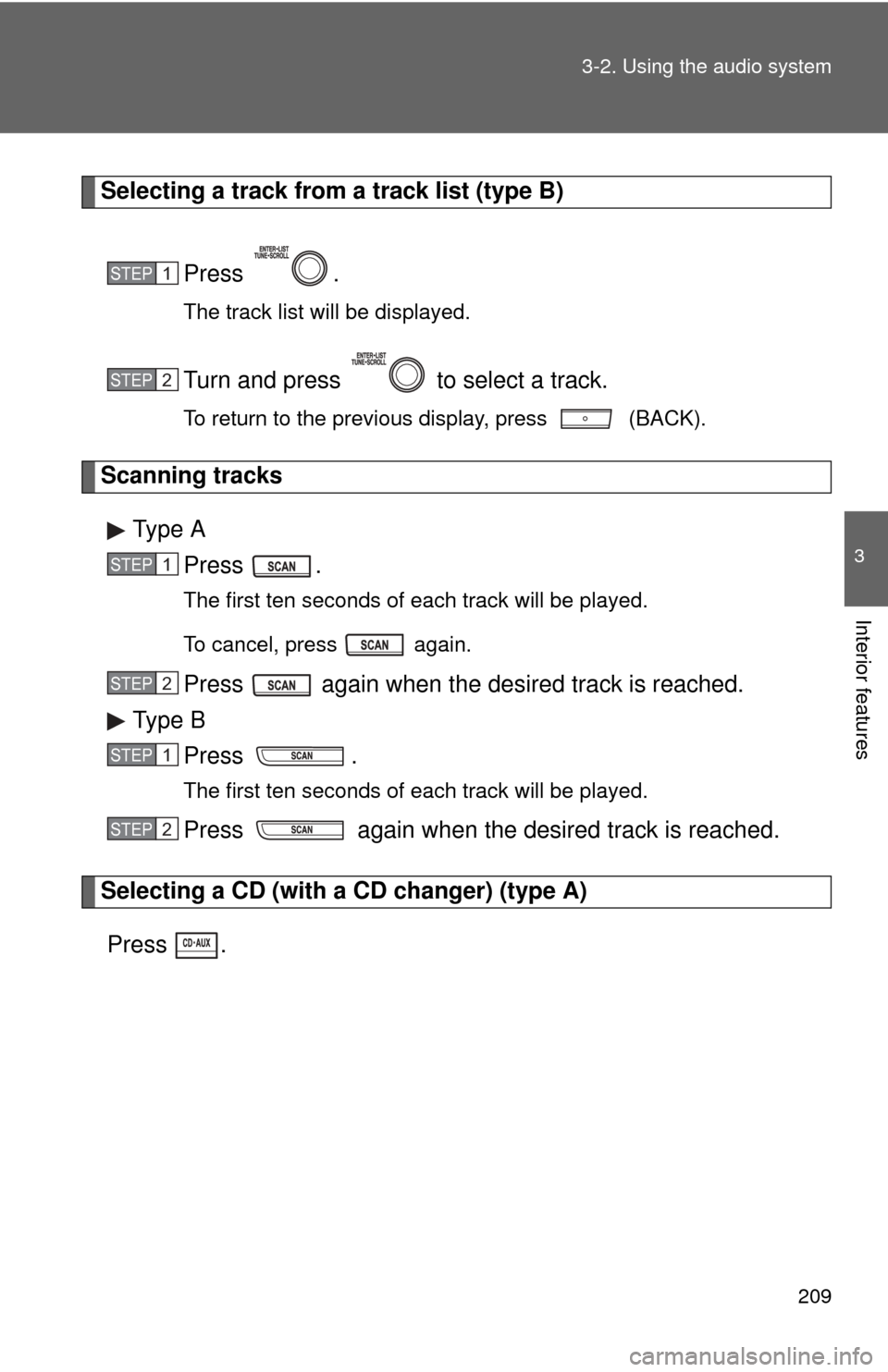
Selecting a track from a track list (type B)
Press .
The track list will be displayed.
Turn and press to select a track.
To return to the previous display, press (BACK).
Scanning tracksType A Press .
The first ten seconds of each track will be played.
To cancel, press again.
Press again when the desired track is reached.
Type B Press .
The first ten seconds of each track will be played.
Press again when the desired track is reached.
Selecting a CD (with a CD changer) (type A)
Press
.
STEP1
STEP2
STEP1
STEP2
STEP1
STEP2
Page 210 of 500
210 3-2. Using the audio system
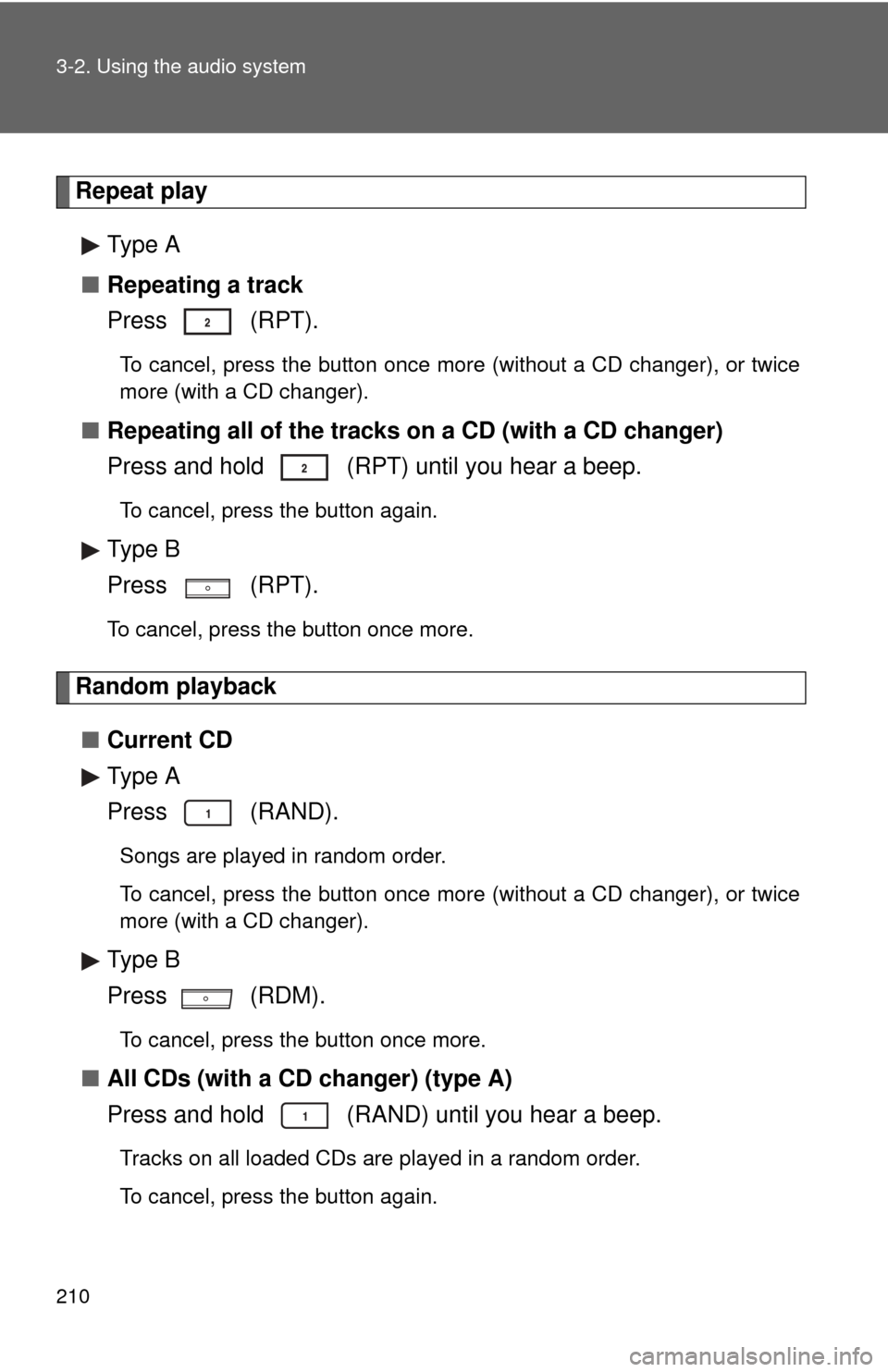
Repeat playType A
■ Repeating a track
Press (RPT).
To cancel, press the button once more (without a CD changer), or twice
more (with a CD changer).
■Repeating all of the tracks on a CD (with a CD changer)
Press and hold (RPT) until you hear a beep.
To cancel, press the button again.
Type B
Press (RPT).
To cancel, press the button once more.
Random playback
■ Current CD
Type A
Press (RAND).
Songs are played in random order.
To cancel, press the button once more (without a CD changer), or twice
more (with a CD changer).
Type B
Press (RDM).
To cancel, press the button once more.
■All CDs (with a CD changer) (type A)
Press and hold (RAND) until you hear a beep.
Tracks on all loaded CDs are played in a random order.
To cancel, press the button again.
Page 216 of 500
216 3-2. Using the audio system
Loading and ejecting MP3 and WMA discs P. 2 0 8
Selecting MP3 and WMA discs (w ith a CD changer) (type A)
P. 2 0 9
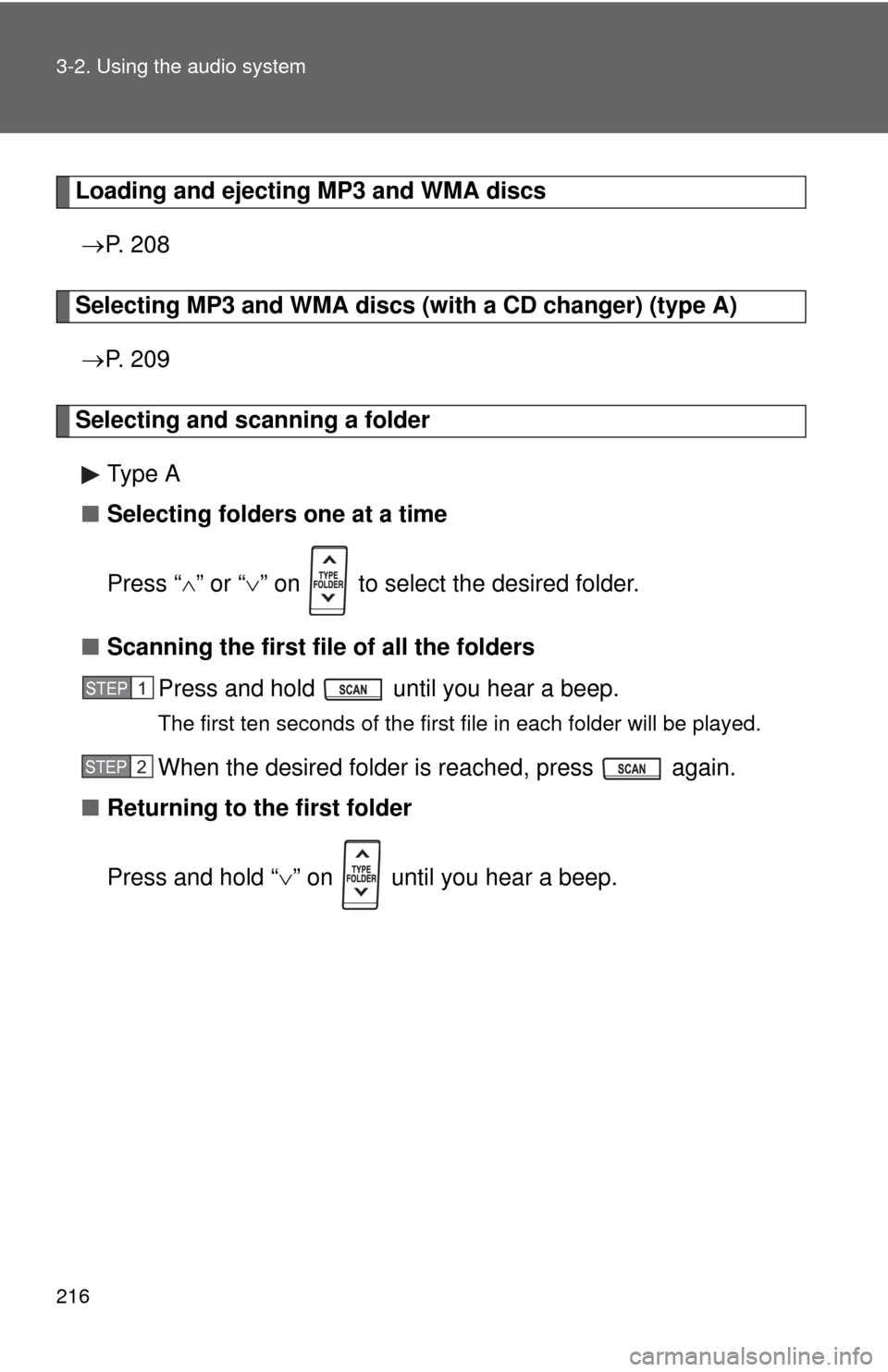
Selecting and scanning a folder
Type A
■ Selecting folders one at a time
Press “ ” or “ ” on to select the desired folder.
■ Scanning the first file of all the folders
Press and hold until you hear a beep.
The first ten seconds of the first file in each folder will be played.
When the desired folder is reached, press again.
■ Returning to the first folder
Press and hold “ ” on until you hear a beep.
STEP1
STEP2
Page 218 of 500
218 3-2. Using the audio system
Fast-forwarding and reversing files P. 2 0 8
Repeat play
■ Repeating a file (type A)
Press (RPT).
To cancel, press the button once more (without a CD changer), or twice
more (with a CD changer).
■Repeating all of the files in a folder
Type A
Press and hold (RPT) until you hear a beep.
To cancel, press the button again.
Type B
Pressing (RPT) changes modes in the following order:
File repeat Folder repeat* Off
*: Available except when RDM (random playback) is selected
Page 219 of 500
219
3-2. Using the audio system
3
Interior features
Random playback
Type A
■ Playing files from a particular folder in random order
Press (RAND).
To cancel, press the button once more (without a CD changer), or twice
more (with a CD changer).
■Playing all of the files on a disc in random order
Press and hold (RAND) until you hear a beep.
To cancel, press the button again.
Type B
Pressing (RDM) changes modes in the following order:
Folder random Disc random Off
Switching the display
Type A
Press .
Each time is pressed, the display changes in the following order:
Folder no./File no./Elapsed time Folder name File name Album
title (MP3 only) Track title Artist name.
Type B
Press .
Track title, Artist name and Album title (MP3 only) are shown on the dis-
play.
To return to the previous display, press or (BACK).
Page 250 of 500
250 3-2. Using the audio system
Selecting a track/file or songPress to select CD, iPod, USB memory or Bluetooth
®
audio mode.
Press “” or “ ” on to select the desired track/file or song.
Selecting a folder or album
Press to select CD, U SB memory or Bluetooth
® audio
mode.
Press and hold “ ” or “ ” on until you hear a beep.
Selecting a disc in the CD player (CD player with changer only)
Press to select CD mode.
Press and hold “ ” or “ ” on until you hear a beep.
CAUTION
■ To reduce the risk of an accident
Exercise care when operating the audio switches on the steering wheel.
STEP1
STEP2
STEP1
STEP2
STEP1
STEP2
Page 480 of 500
480
AT T E N T I O N
■Précautions concernant le coussin gonflable SRS
Respectez les précautions suivantes concernant les coussins gonflables.
À défaut, des blessures graves, voire mortelles, pourraient s’ensuivre.
●Le conducteur et tous les passagers du véhicule doivent porter
correctement leurs ceintures de sécurité.
Les coussins gonflables SRS sont des dispositifs complémentaires aux
ceintures de sécurité.
● Le coussin gonflable SRS conducteur se déploie avec une force
considérable, ce qui peut provoquer des blessures graves, voire mortelles,
si le conducteur se trouve très proche du coussin gonflable.
L’agence fédérale chargée de la sécurité routière aux États-Unis
(“NHTSA”) conseille:
Sachant que la zone de danger pour le coussin gonflable conducteur se
trouve dans les premiers 2 à 3 in. (50 - 75 mm) du déploiement, vous
placer à 10 in. (250 mm) de votre coussin gonflable conducteur vous
garantit une marge de sécurité suffisante. Cette distance est mesurée à
partir de l’axe du volant jusqu’à votre sternum. Si vous êtes assis à moins
de 10 in. (250 mm), vous pouvez changer votre position de conduite de
plusieurs façons:
• Reculez votre siège le plus loin possible, de manière à pouvoir encore
atteindre confortablement les pédales.
• Inclinez légèrement le dossier du siège. Bien que les conceptions des véhicules varient, la plupart des
conducteurs peuvent s’asseoir à une distance de 10 in. (250 mm),
même avec le siège conducteur complètement avancé, simplement en
inclinant un peu le dossier de siège. Si vous avez des difficultés à voir
la route après avoir incliné votre siège, utilisez un coussin ferme et
antidérapant pour vous rehausser ou, si votre véhicule est équipé du
réglage en hauteur du siège, remontez-le.
• Si votre volant est réglable, inclinez-le vers le bas. Cela a pour effet d’orienter le coussin gonflable en direction de votre poitrine plutôt que
de votre tête et de votre cou.
Réglez votre siège selon les recommandations de la NHTSA ci-dessus,
tout en conservant le contrôle des pédales, du volant et la visibilité des
commandes du tableau de bord.
Page 488 of 500

488
Alphabetical index
Alphabetical index
A/C ............................................. 186
ABS ........................................... 152
Active Torque Control 4WD system .................................... 152
Air conditioning filter............... 365
Air conditioning system Air conditioning filter .............. 365
Air conditioning
system ................................ 186
Airbags
Airbag operating conditions.....76
Airbag precautions for your child ......................................80
Airbag warning light............... 398
Curtain shield airbag operating conditions..............76
Curtain shield airbag precautions ...........................80
Front passenger occupant
classification system .............85
General airbag precautions .....80
Locations of airbags ................73
Modification and disposal of airbags ..................................84
Proper driving posture .......71, 80
Side airbag operating
conditions..............................76
Side airbag precautions ..........80
SRS airbags ............................73
Antenna..................................... 205
Anti-lock brake system............ 152
Ashtray...................................... 293
Assist grips .............................. 300
Audio input ............................... 246 Audio system
Antenna................................. 205
Audio input ............................ 246
AUX port ............................... 246
CD player/changer ................ 207
iPod ....................................... 225
MP3/WMA disc ..................... 215
Optimal use ........................... 242
Portable music player ........... 246
Radio..................................... 203
Steering wheel audio switch.................................. 248
Type ...................................... 194
USB memory......................... 234
Automatic transmission Automatic transmission ......... 122
If the shift lever cannot be
shifted from P ..................... 423
S mode.................................. 124
AUX port ................................... 246
Auxiliary boxes ................ 288, 303A
Page 489 of 500

489
Alphabetical index
Back door
Back door ............................... 36
Wireless remote control.......... 28
Back-up lights Wattage ................................ 453
Battery Checking .............................. 345
If the vehicle has a discharged battery ............. 425
Preparing and checking before winter ...................... 162
Bluetooth
® audio..................... 251
Bluetooth® phone ................... 251
Bottle holder ............................ 287
Brake
Fluid...................................... 343
Parking brake ....................... 130
Brake assist ............................. 152
Break-in tips ............................ 109 Care
Exterior ..................................314
Interior ...................................317
Seat belts ..............................318
Cargo capacity .........................157
Cargo hooks .............................302
CD changer ...............................207
CD player ..................................207
Chains .......................................162
Child restraint system Booster seats, definition ..........90
Booster seats, installation .......94
Convertible seats, definition ...............................90
Convertible seats, installation .............................94
Front passenger occupant
classification system .............85
Infant seats, definition .............90
Infant seats, installation...........94
Installing CRS with LATCH anchors .................................95
Installing CRS with
seat belts ..............................97
Installing CRS with top tether straps ..................................101
BC