steering TOYOTA PRIUS 2008 2.G Service Manual
[x] Cancel search | Manufacturer: TOYOTA, Model Year: 2008, Model line: PRIUS, Model: TOYOTA PRIUS 2008 2.GPages: 512, PDF Size: 7.23 MB
Page 175 of 512
175
2-5. Driving information
2
When driving
PRIUS_U_(L/O_0802)
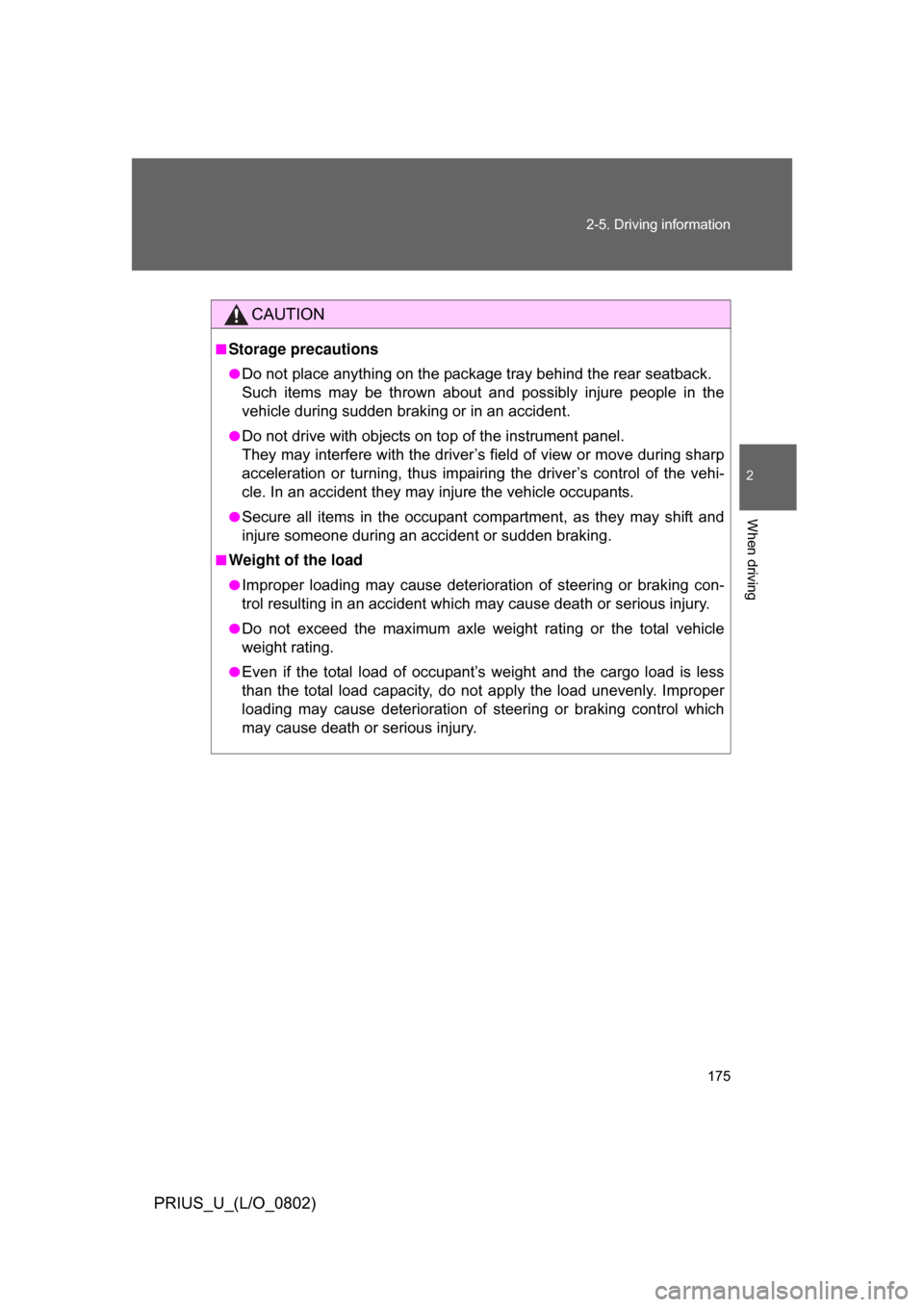
CAUTION
■Storage precautions
●Do not place anything on the package tray behind the rear seatback.
Such items may be thrown about and possibly injure people in the
vehicle during sudden braking or in an accident.
●Do not drive with objects on top of the instrument panel.
They may interfere with the driver’s field of view or move during sharp
acceleration or turning, thus impairing the driver’s control of the vehi-
cle. In an accident they may injure the vehicle occupants.
●Secure all items in the occupant compartment, as they may shift and
injure someone during an accident or sudden braking.
■Weight of the load
●Improper loading may cause deterioration of steering or braking con-
trol resulting in an accident which may cause death or serious injury.
●Do not exceed the maximum axle weight rating or the total vehicle
weight rating.
●Even if the total load of occupant’s weight and the cargo load is less
than the total load capacity, do no
t apply the load unevenly. Improper
loading may cause deterioration of st eering or braking control which
may cause death or serious injury.
Page 176 of 512
176
2-5. Driving information
PRIUS_U_(L/O_0802)
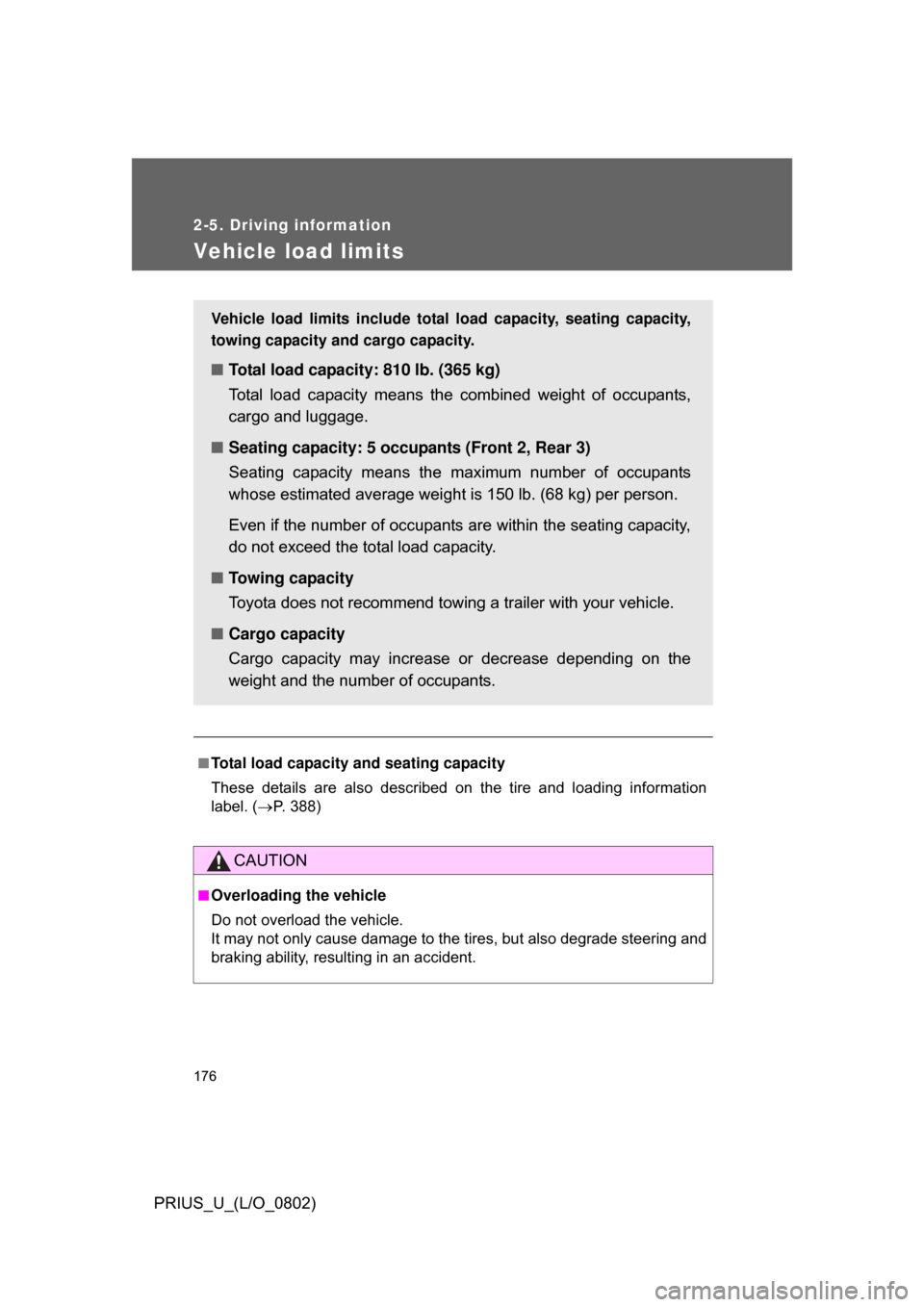
Vehicle load limits
■Total load capacity and seating capacity
These details are also described on the tire and loading information
label. (P. 388)
CAUTION
■Overloading the vehicle
Do not overload the vehicle.
It may not only cause damage to the ti res, but also degrade steering and
braking ability, resulting in an accident.
Vehicle load limits include total load capacity, seating capacity,
towing capacity and cargo capacity.
■ Total load capacity: 810 lb. (365 kg)
Total load capacity means the combined weight of occupants,
cargo and luggage.
■ Seating capacity: 5 occupants (Front 2, Rear 3)
Seating capacity means the ma ximum number of occupants
whose estimated average weight is 150 lb. (68 kg) per person.
Even if the number of occupants are within the seating capacity,
do not exceed the total load capacity.
■ Towing capacity
Toyota does not recommend towing a trailer with your vehicle.
■ Cargo capacity
Cargo capacity may increase or decrease depending on the
weight and the number of occupants.
Page 184 of 512
184
PRIUS_U_(L/O_0802)
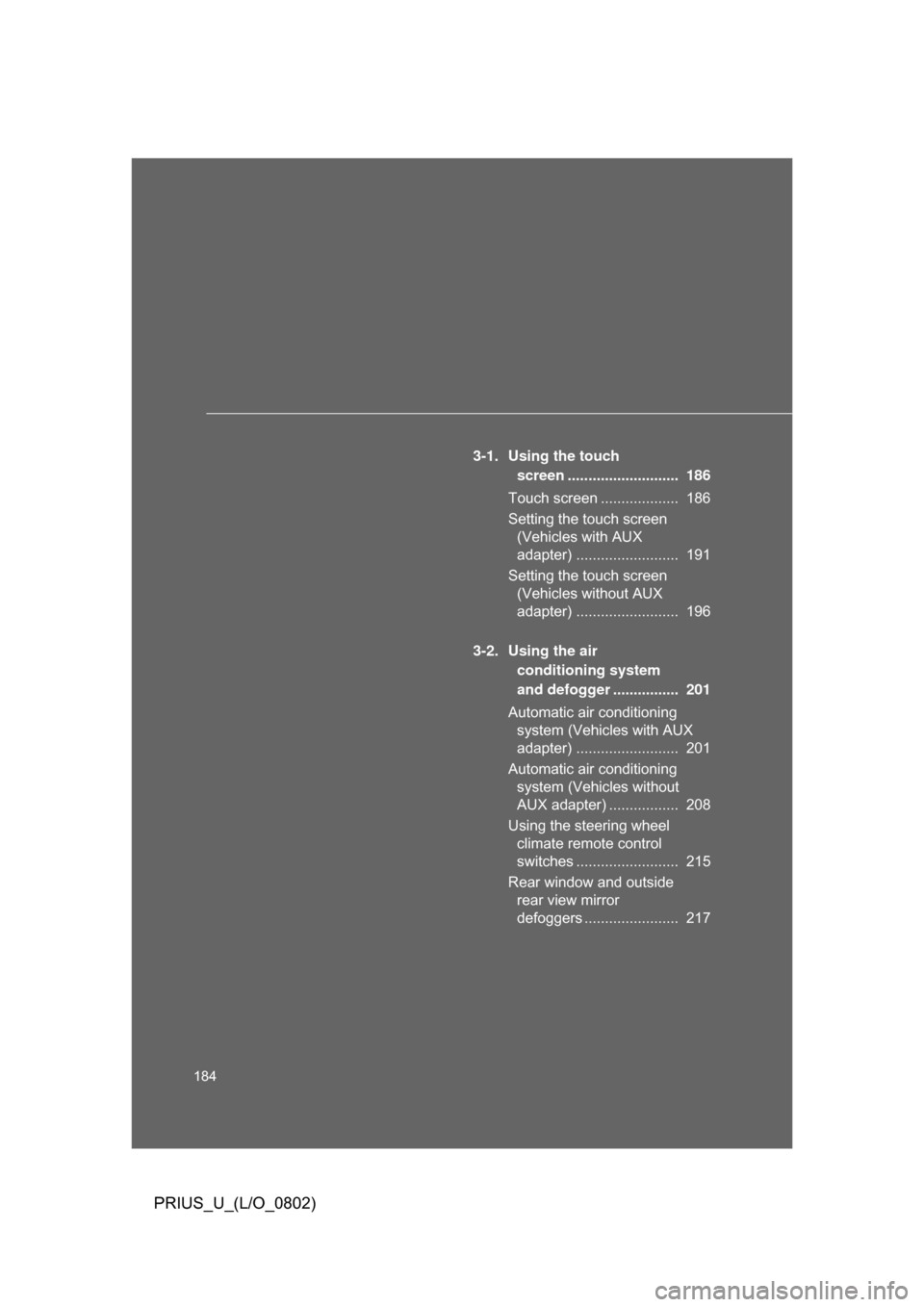
3-1. Using the touch screen ........................... 186
Touch screen ................... 186
Setting the touch screen (Vehicles with AUX
adapter) ......................... 191
Setting the touch screen (Vehicles without AUX
adapter) ......................... 196
3-2. Using the air conditioning system
and defogger ................ 201
Automatic air conditioning system (Vehicles with AUX
adapter) ......................... 201
Automatic air conditioning system (Vehicles without
AUX adapter) ................. 208
Using the steering wheel climate remote control
switches ......................... 215
Rear window and outside rear view mirror
defoggers ....................... 217
Page 185 of 512
Interior features3
185
PRIUS_U_(L/O_0802)
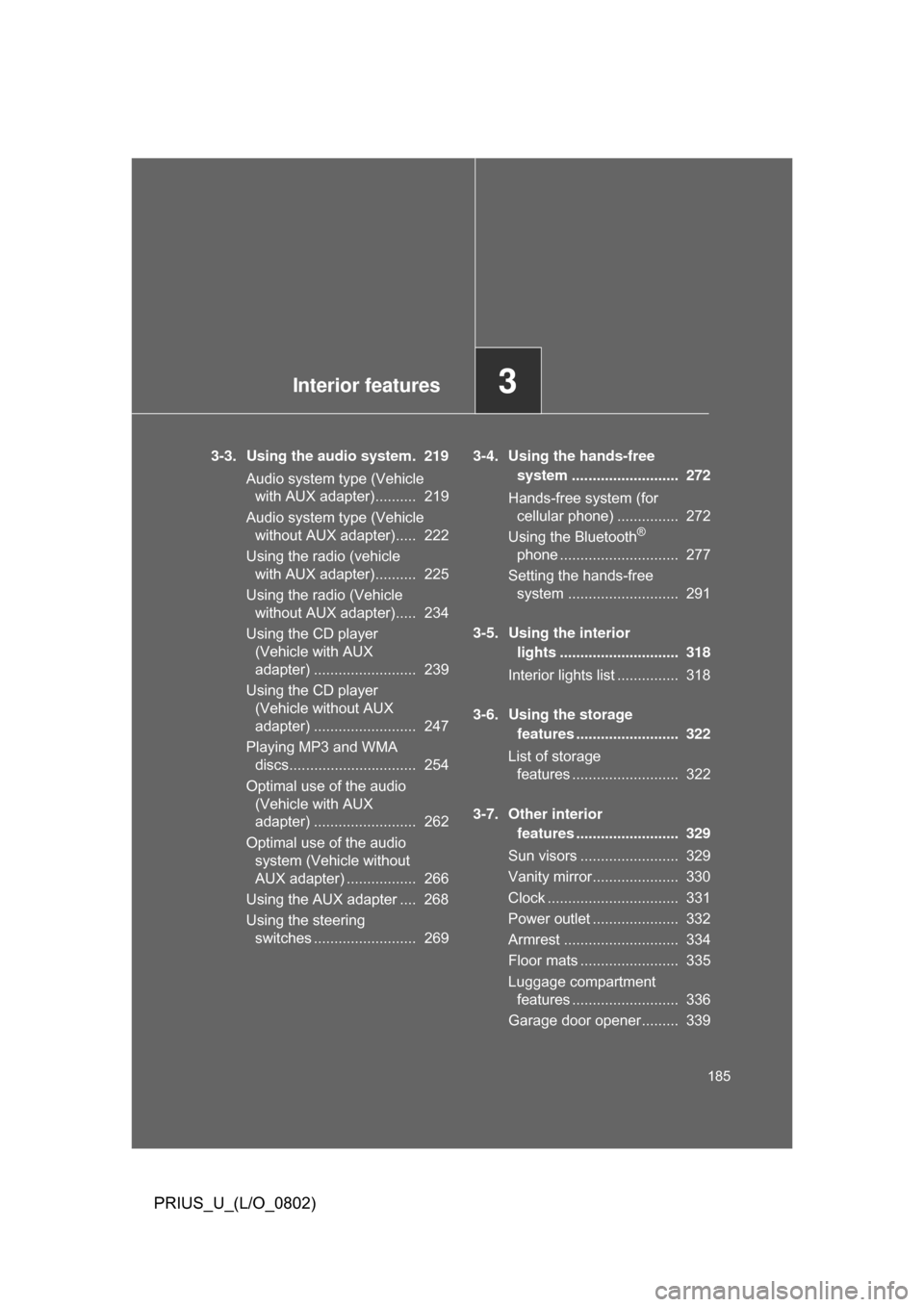
3-3. Using the audio system. 219Audio system type (Vehicle with AUX adapter).......... 219
Audio system type (Vehicle without AUX adapter)..... 222
Using the radio (vehicle with AUX adapter).......... 225
Using the radio (Vehicle without AUX adapter)..... 234
Using the CD player (Vehicle with AUX
adapter) ......................... 239
Using the CD player (Vehicle without AUX
adapter) ......................... 247
Playing MP3 and WMA discs............................... 254
Optimal use of the audio (Vehicle with AUX
adapter) ......................... 262
Optimal use of the audio system (Vehicle without
AUX adapter) ................. 266
Using the AUX adapter .... 268
Using the steering switches ......................... 269 3-4. Using the hands-free
system .......................... 272
Hands-free system (for cellular phone) ............... 272
Using the Bluetooth
®
phone ............................. 277
Setting the hands-free system ........................... 291
3-5. Using the interior lights ............................. 318
Interior lights list ............... 318
3-6. Using the storage features ......................... 322
List of storage features .......................... 322
3-7. Other interior features ......................... 329
Sun visors ........................ 329
Vanity mirror..................... 330
Clock ................................ 331
Power outlet ..................... 332
Armrest ............................ 334
Floor mats ........................ 335
Luggage compartment features .......................... 336
Garage door opener......... 339
Page 215 of 512
215
3-2. Using the air conditioning system and defogger
3
Interior features
PRIUS_U_(L/O_0802)
Using the steering wheel climate remote control switches
Using the automatic mode
Press .
The air conditioning system will operate, and air outlets and
fan speed will be set automatically.
“AUTO” will be displayed on the multi-information display. (if
equipped)
Press “” on to increase the temperature and “” to
decrease the temperature
.
Adjusting the temperature setting
Press
“” on to increase the temperature and “” to decrease
the temperature.
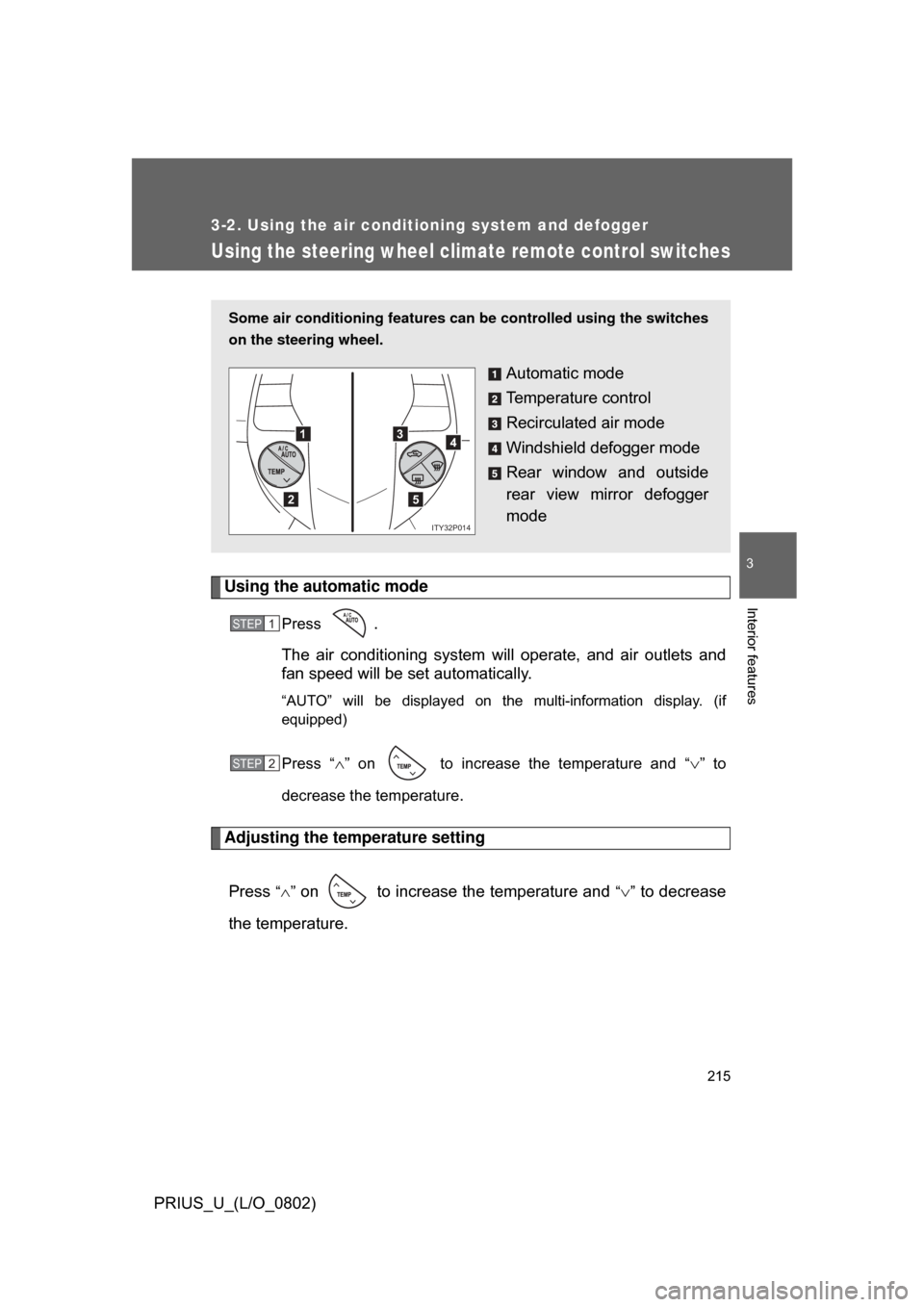
Some air conditioning features can be controlled using the switches
on the steering wheel.
Automatic mode
Temperature control
Recirculated air mode
Windshield defogger mode
Rear window and outside
rear view mirror defogger
mode
1
2
3
5
4
ITY32P014
STEP1
STEP2
Page 220 of 512
220 3-3. Using the audio system
PRIUS_U_(L/O_0802)
■Using cellular phones
Interference may be heard through the audio system’s speakers if a cellular
phone is being used inside or close to the vehicle while the audio system is
operating.
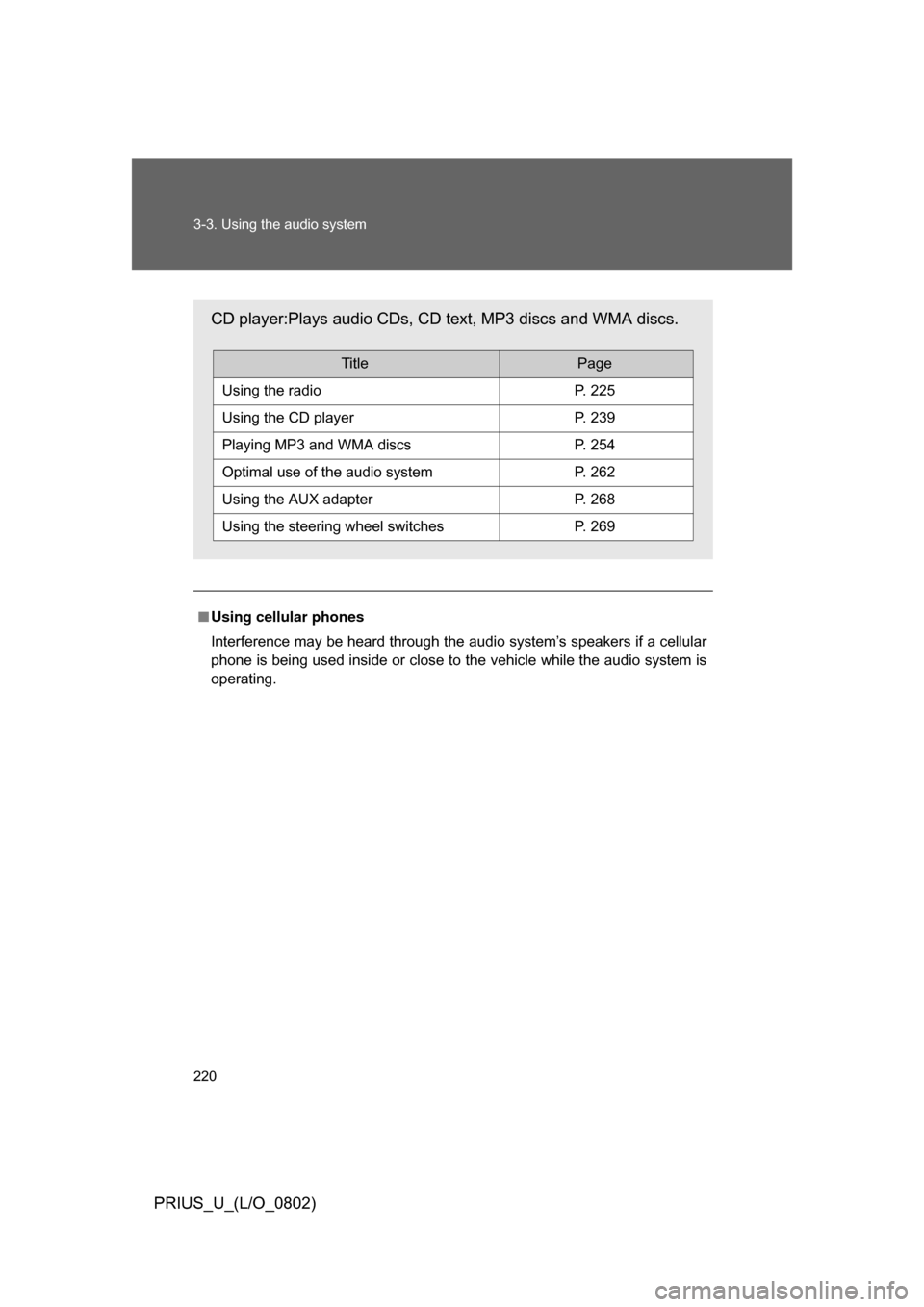
CD player:Plays audio CDs, CD text, MP3 discs and WMA discs.
TitlePage
Using the radioP. 225
Using the CD playerP. 239
Playing MP3 and WMA discsP. 254
Optimal use of the audio systemP. 262
Using the AUX adapterP. 268
Using the steering wheel switchesP. 269
Page 223 of 512

223
3-3. Using the audio system
3
Interior features
PRIUS_U_(L/O_0802)
■
Using cellular phones
Interference may be heard through the audio system’s speakers if a cellular
phone is being used inside or close to the vehicle while the audio system is
operating.
CAUTION
■For vehicles sold in the U.S.A. and Canada
● Part 15 of the FCC Rules
FCC Warning:
Any unauthorized changes or modifications to this equipment will void the
user’s authority to operate this device.
● Laser products
• Do not take this unit apart or attempt to make any changes yourself.
This is an intricate unit that uses a laser pickup to retrieve information
from the surface of compact discs. The laser is carefully shielded so
that its rays remain inside the cabinet. Therefore, never try to disas-
semble the player or alter any of its parts since you may be exposed to
laser rays and dangerous voltages.
• This product utilizes a laser. Use of controls or adjustments or performance of procedures other
than those specified herein may result in hazardous radiation expo-
sure.
CD player:Plays audio CDs and CD text.
TitlePage
Using the radioP. 234
Using the CD playerP. 247
Optimal use of the audio systemP. 266
Using the steering wheel switchesP. 269
Page 269 of 512
269
3-3. Using the audio system
3
Interior features
PRIUS_U_(L/O_0802)
Using the steering switches
Turning on the powerPress when the audio system is turned OFF.
The audio system can be turned OFF by holding the switch down for 1
second or more.
Changing the audio sourcePress when the audio system is turned ON. The audio source
changes as follows each time the bu tton is pressed. If a CD is not
inserted, that mode will be skipped.
FM (1, 2) CD player AM SAT (1, 2, 3)
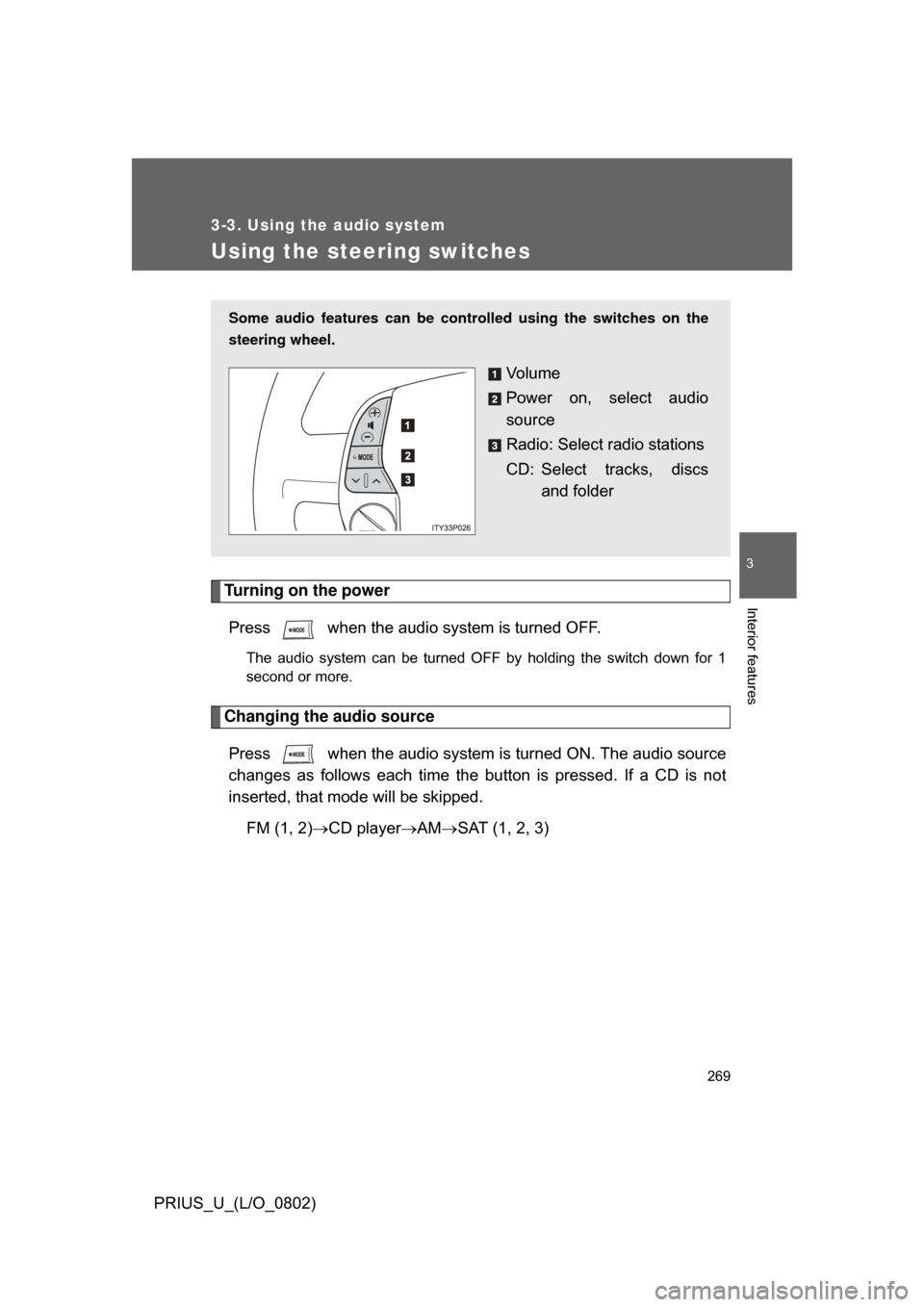
Some audio features can be cont rolled using the switches on the
steering wheel.
Vo l u m e
Power on, select audio
source
Radio: Select radio stations
CD: Select tracks, discs and folder
Page 271 of 512
271
3-3. Using the audio system
3
Interior features
PRIUS_U_(L/O_0802)
■
Canceling automatic selection of a radio station
Push the same switch.
CAUTION
■To reduce the risk of an accident
Exercise care when operating the audio switches on the steering wheel.
Page 280 of 512
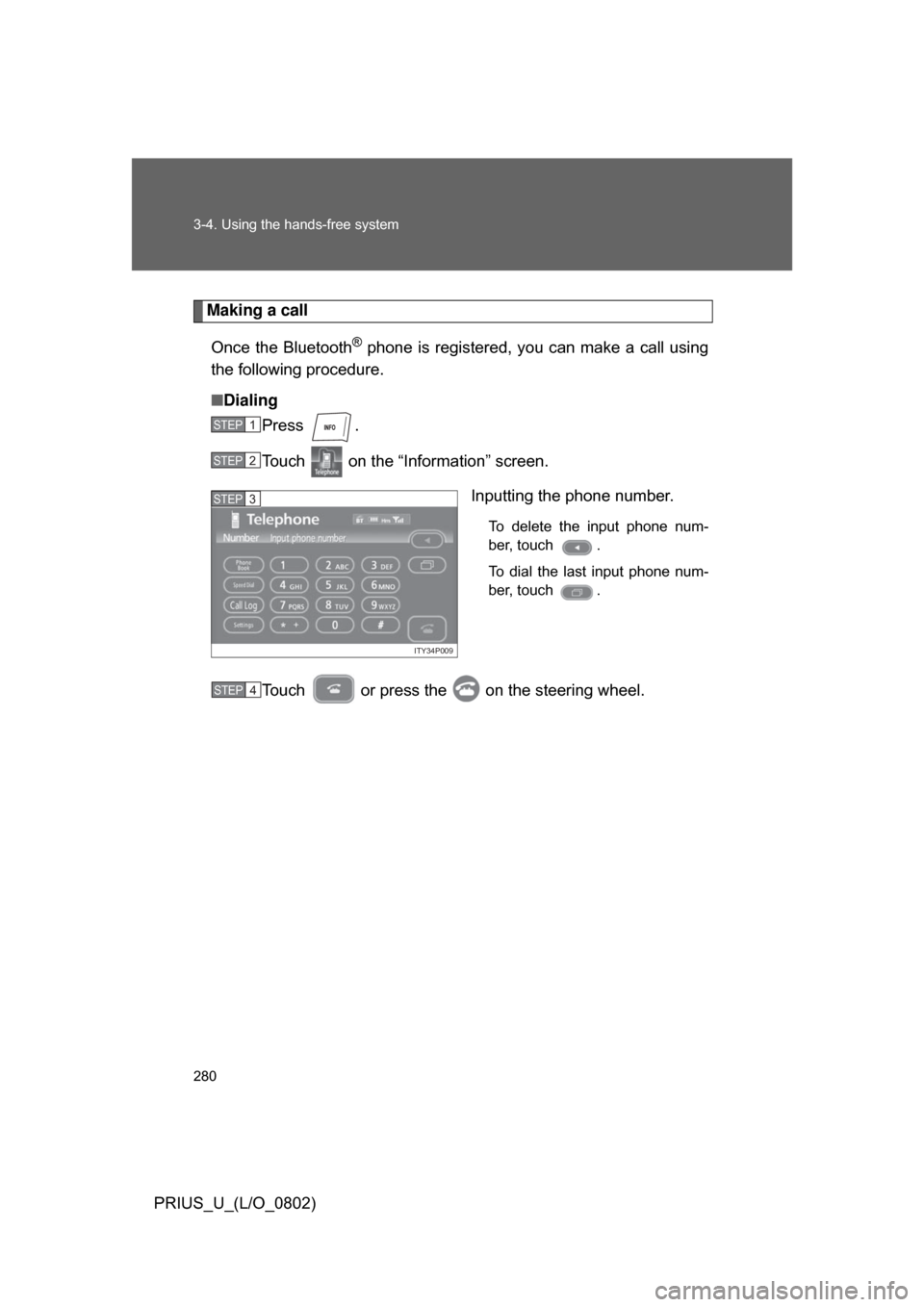
280 3-4. Using the hands-free system
PRIUS_U_(L/O_0802)
Making a callOnce the Bluetooth
® phone is registered, you can make a call using
the following procedure.
■ Dialing
Press .
Touch on the “Inf ormation” screen.
Inputting the phone number.
To delete the input phone num-
ber, touch .
To dial the last input phone num-
ber, touch .
Touch or press the on the steering wheel.
STEP1
STEP2
ITY34P009
STEP3
STEP4