phone TOYOTA PRIUS 2010 3.G Owner's Manual
[x] Cancel search | Manufacturer: TOYOTA, Model Year: 2010, Model line: PRIUS, Model: TOYOTA PRIUS 2010 3.GPages: 616, PDF Size: 10.45 MB
Page 339 of 616
339
3-3. Using the hands-free
system (for cellular phone)
3
Interior features
PRIUS_U (OM47668U) U.S.A.
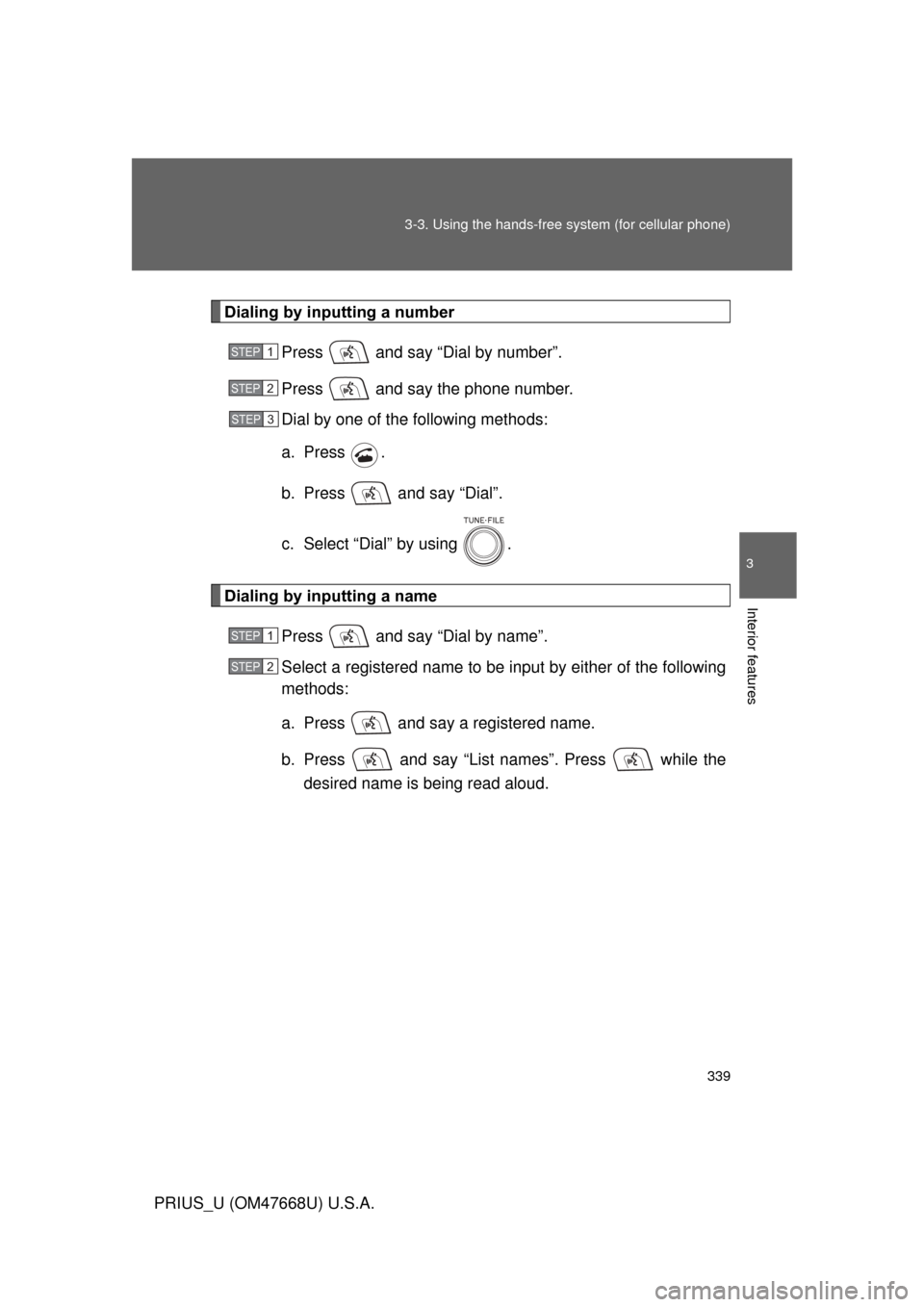
Dialing by inputting a number
Press and say “Dial by number”.
Press and say the phone number.
Dial by one of the following methods:
a. Press .
b. Press and say “Dial”.
c. Select “Dial” by using .
Dialing by inputting a namePress and say “Dial by name”.
Select a registered name to be input by either of the following
methods:
a. Press and say a registered name.
b. Press and say “List names”. Press while the desired name is being read aloud.
STEP1
STEP2
STEP3
STEP1
STEP2
Page 340 of 616
340 3-3. Using the hands-free system (for cellular phone)
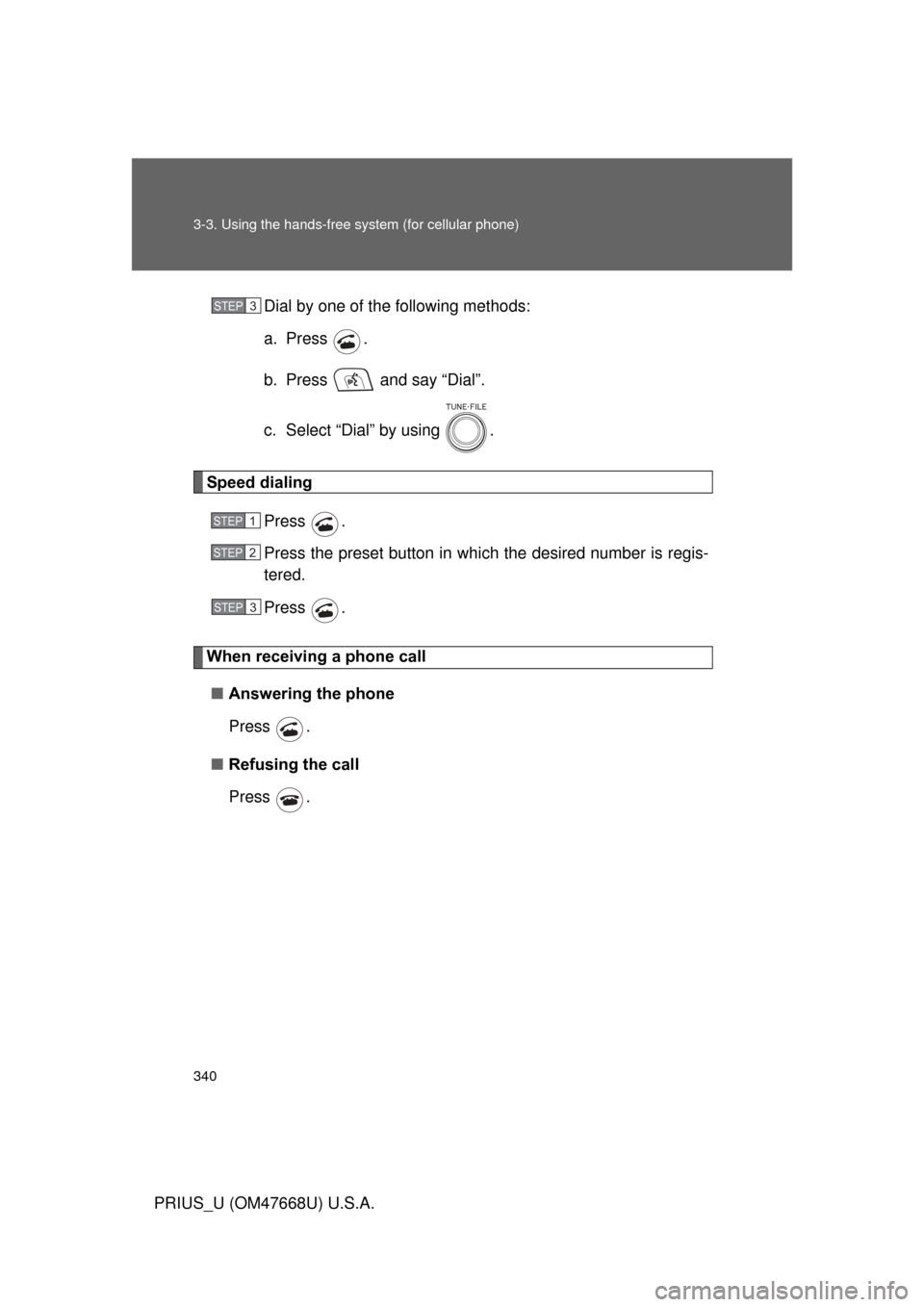
PRIUS_U (OM47668U) U.S.A.Dial by one of the following methods:
a. Press .
b. Press and say “Dial”.
c. Select “Dial” by using .
Speed dialing
Press .
Press the preset button in wh ich the desired number is regis-
tered.
Press .
When receiving a phone call
■ Answering the phone
Press .
■ Refusing the call
Press .
STEP3
STEP1
STEP2
STEP3
Page 341 of 616
341
3-3. Using the hands-free
system (for cellular phone)
3
Interior features
PRIUS_U (OM47668U) U.S.A.
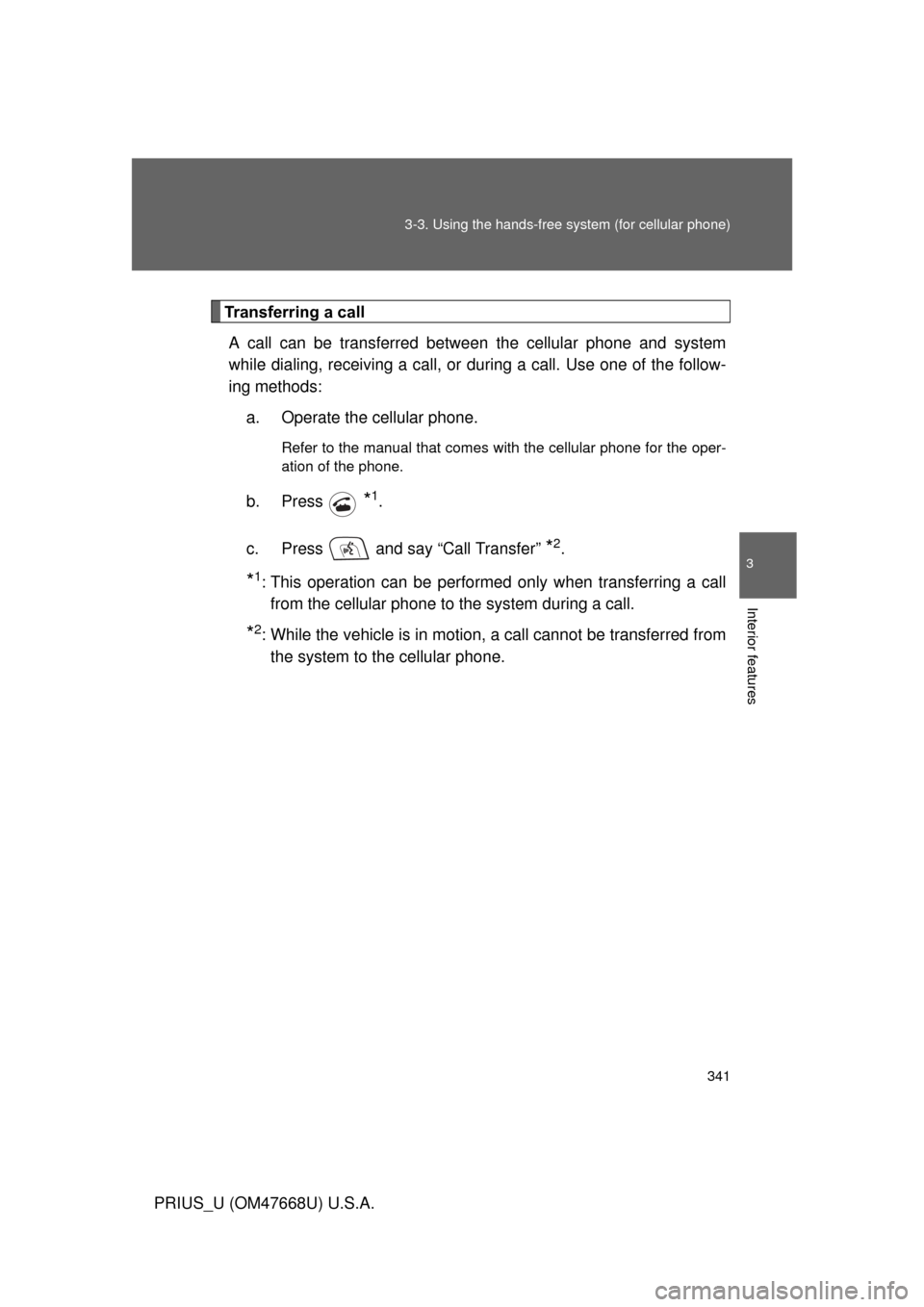
Transferring a call
A call can be transferred between the cellular phone and system
while dialing, receiving a call, or during a call. Use one of the follow-
ing methods: a. Operate the cellular phone.
Refer to the manual that comes with the cellular phone for the oper-
ation of the phone.
b. Press *1.
c. Press and say “Call Transfer”
*2.
*1: This operation can be performed only when transferring a call from the cellular phone to the system during a call.
*2: While the vehicle is in motion, a call cannot be transferred from the system to the cellular phone.
Page 342 of 616
342 3-3. Using the hands-free system (for cellular phone)
PRIUS_U (OM47668U) U.S.A.
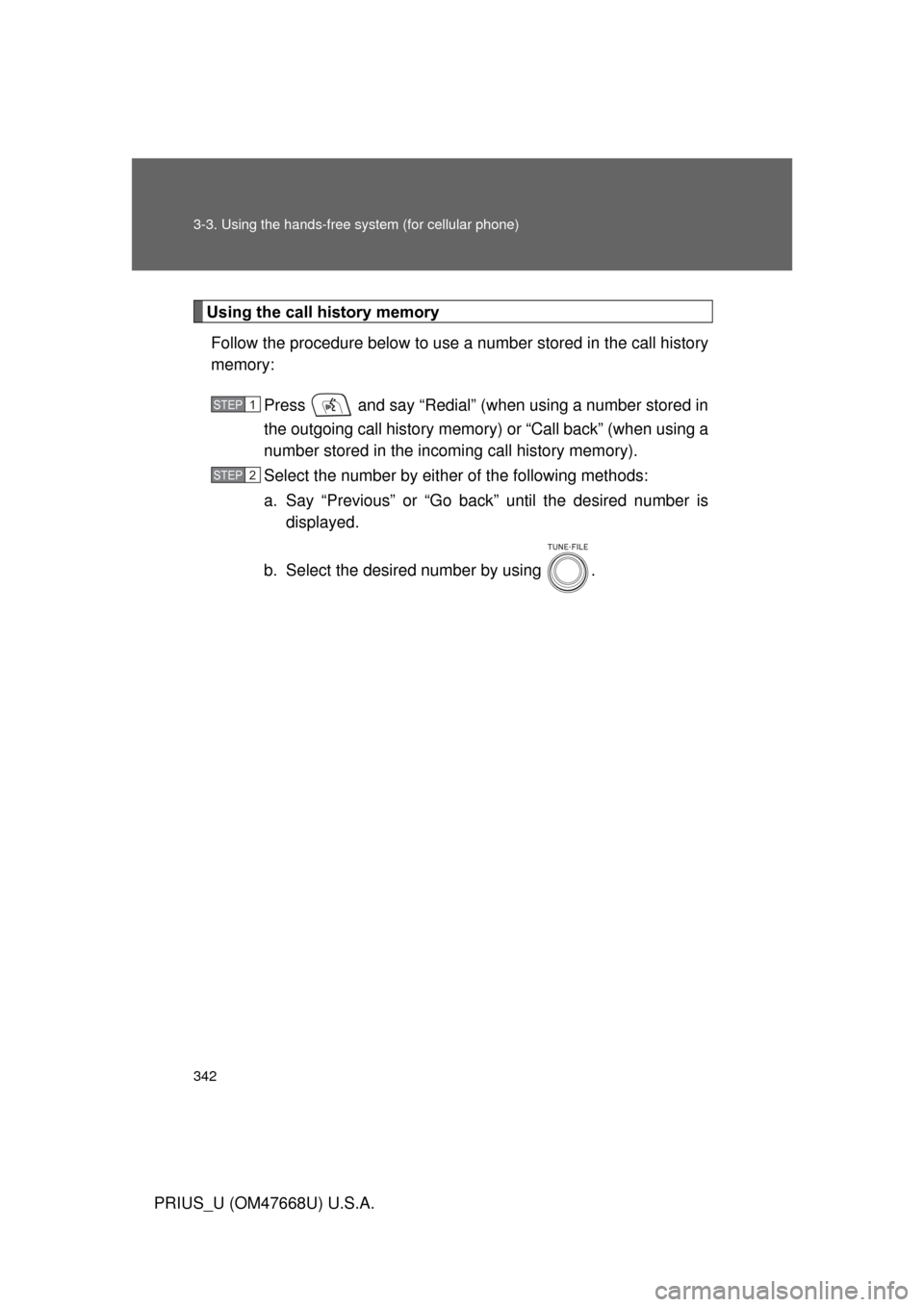
Using the call history memoryFollow the procedure below to use a number stored in the call history
memory:
Press and say “Redial” (when using a number stored in
the outgoing call history memory) or “Call back” (when using a
number stored in the incoming call history memory).
Select the number by either of the following methods:
a. Say “Previous” or “Go back” until the desired number is displayed.
b. Select the desired number by using .
STEP1
STEP2
Page 343 of 616
343
3-3. Using the hands-free
system (for cellular phone)
3
Interior features
PRIUS_U (OM47668U) U.S.A.The following operations can be performed:
Dialing: Press or select “Dial” by using a voice command or
.
Storing the number in the phone book: Select “Store” by using a
voice command or .
Deleting: Select “Delete” by using a voice command or .
■Call history
Up to 5 numbers can be stored in each of the outgoing and incoming history
memories.
■ When talking on the phone
● Do not talk simultaneously with the other party.
● Keep the volume of the receiving voice down. Otherwise, voice echo will
increase.
Page 344 of 616
344
3-3. Using the hands-free system (for cellular phone)
PRIUS_U (OM47668U) U.S.A.
Setting a cellular phone
Registering a cellular phone in the hands-free system allows the
system to function. The following functions can be used for regis-
tered cellular phones:
■ Functions and operation procedures
To enter the menu for each function, follow the steps below by
using a voice command or .
●Registering a cellular phone
1. “Setup” 2. “Phone Setup” 3. “Pair Phone”
● Selecting a cellular phone to be used
1. “Setup” 2. “Phone Setup” 3. “Select Phone”
● Changing a registered name
1. “Setup” 2. “Phone Setup” 3. “Change Name”
● Listing the registered cellular phones
1. “Setup” 2. “Phone Setup” 3. “List Phones”
● Deleting a cellular phone
1. “Setup” 2. “Phone Setup” 3. “Delete”
● Changing the passkey
1. “Setup” 2. “Phone Setup” 3. “Set Passkey”
Page 345 of 616
345
3-3. Using the hands-free
system (for cellular phone)
3
Interior features
PRIUS_U (OM47668U) U.S.A.
Registering a cellular phone
Select “Pair Phone” by using a voice command or , and do the
procedure for registering a cellular phone. ( P. 332)
Selecting a cellular phone to be used
Select “Select Phone” by using a voice command or .
Pattern A Select a cellular phone to be us ed by either of the following
methods, and select “Confirm” by using a voice command or
:
a. Press and say the desired phone name.
b. Press and say “List phones”. While the name of the desired cellular phone is being read aloud, press .
Pattern B
Select a cellular phone to be used by using .
STEP1
STEP2
STEP2
Page 346 of 616
346 3-3. Using the hands-free system (for cellular phone)
PRIUS_U (OM47668U) U.S.A.
Changing a registered nameSelect “Change Name” by using a voice command or .
Select a name of cellular phone to be changed by either of the
following methods:
a. Press and say the desired phone name, and select “Confirm” by using a voice command or .
b. Press and say “List phones”. While the desired phone name is being read aloud, press .
c. Select the desired phone name by using .
Press or select “Record Name” by using , and
say a new name.
Select “Confirm” by using a voice command or .
STEP1
STEP2
STEP3
STEP4
Page 347 of 616
347
3-3. Using the hands-free
system (for cellular phone)
3
Interior features
PRIUS_U (OM47668U) U.S.A.
Listing the registered cellular phones
Selecting “List Phones” by using a voice command or causes
the list of registered cellular phones to be read aloud.
When listing is complete, the system returns to “Phone Setup”.
Pressing while a name of cellular phone is being read selects
the cellular phone, a nd the following functions will be available:
● Selecting a cellular phone: “Select Phone”
● Changing a registered name: “Change Name”
● Deleting a cellular phone: “Delete”
Page 348 of 616
348 3-3. Using the hands-free system (for cellular phone)
PRIUS_U (OM47668U) U.S.A.
Deleting a cellular phoneSelect “Delete” by using a voice command or .
Pattern A Select the cellular phone to be deleted by either of the follow-
ing methods and select “Confirm” by using a voice command
or :
a. Press and say the name of the desired cellular phone.
b. Press and say “List phones”. While the name of the desired cellular phone is being read aloud, press .
Pattern B
Select a desired cellular phone to be deleted by using .
STEP1
STEP2
STEP2