radio TOYOTA PRIUS 2018 Accessories, Audio & Navigation (in English)
[x] Cancel search | Manufacturer: TOYOTA, Model Year: 2018, Model line: PRIUS, Model: TOYOTA PRIUS 2018Pages: 294, PDF Size: 4.43 MB
Page 9 of 294
9
PRIUS_Navi_OM47C01U_(U)
17.08.28 17:43
1
2
3
4
5
6
7
8
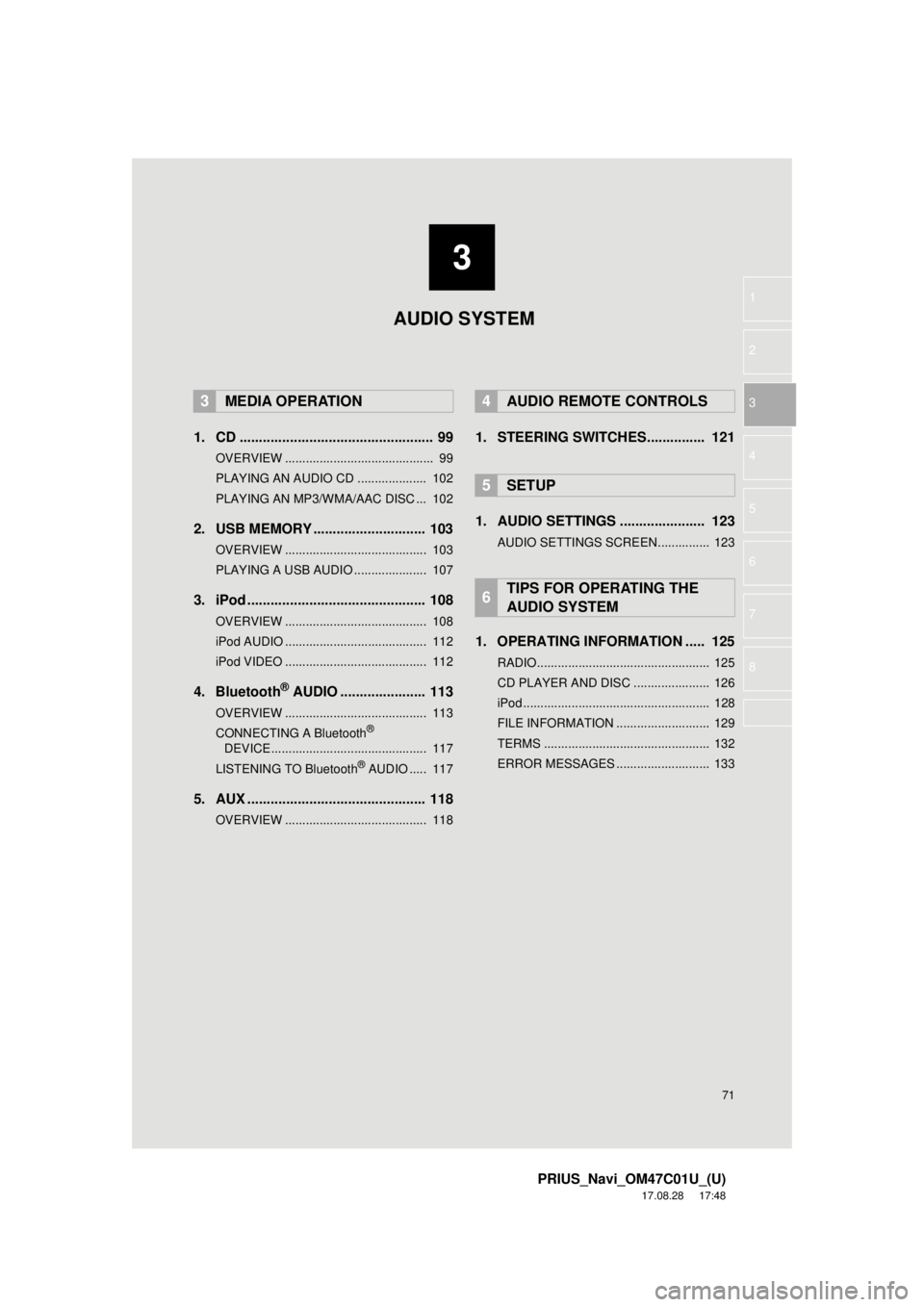
1. BASIC OPERATION ........................ 72
QUICK REFERENCE ............................ 72
SOME BASICS ...................................... 73
2. RADIO OPERATION ....................... 79
AM/FM RADIO....................................... 79
XM Satellite Radio ................................. 90
INTERNET RADIO ................................ 98
3. MEDIA OPERATION ....................... 99
CD ......................................................... 99
USB MEMORY .................................... 103
iPod ..................................................... 108
Bluetooth
® AUDIO ............................... 113
AUX ..................................................... 118
4. AUDIO REMOTE CONTROLS ...... 121
STEERING SWITCHES ...................... 121
5. SETUP ........................................... 123
AUDIO SETTINGS .............................. 123
6. TIPS FOR OPERATING THE AUDIO SYSTEM ........ .................. 125
OPERATING INFORMATION ............. 125
1. VOICE COMMAND SYSTEM
OPERATION ................................ 136
VOICE COMMAND SYSTEM .............. 136
CASUAL SPEECH
RECOGNIZATION ............................ 143
COMMAND LIST ................................. 144
2. MOBILE ASSISTANT OPERATION ................................ 146
MOBILE ASSISTANT .......................... 146
1. USEFUL INFORMATION .............. 150
RECEIVING WEATHER
INFORMATION ................................. 150
DATA SERVICES SETTINGS ............. 152
1. PHONE OPERATION (HANDS-FREE SYSTEM
FOR CELLULAR PHONES)........ 154
QUICK REFERENCE .......................... 154
SOME BASICS .................................... 155
CALLING ON THE Bluetooth
®
PHONE .............................................. 159
RECEIVING ON THE Bluetooth
®
PHONE .............................................. 165
TALKING ON THE Bluetooth
®
PHONE .............................................. 166
Bluetooth
® PHONE MESSAGE
FUNCTION ........................................ 169
2. SETUP........................................... 174
PHONE/MESSAGE SETTINGS .......... 174
3. WHAT TO DO IF... ....................... 187
TROUBLESHOOTING ......................... 187
3AUDIO SYSTEM
4VOICE COMMAND SYSTEM
5INFORMATION
6PHONE
Page 13 of 294
13
1. BASIC FUNCTION
PRIUS_Navi_OM47C01U_(U)
17.08.28 17:21
QUICK GUIDE
1No.FunctionPage
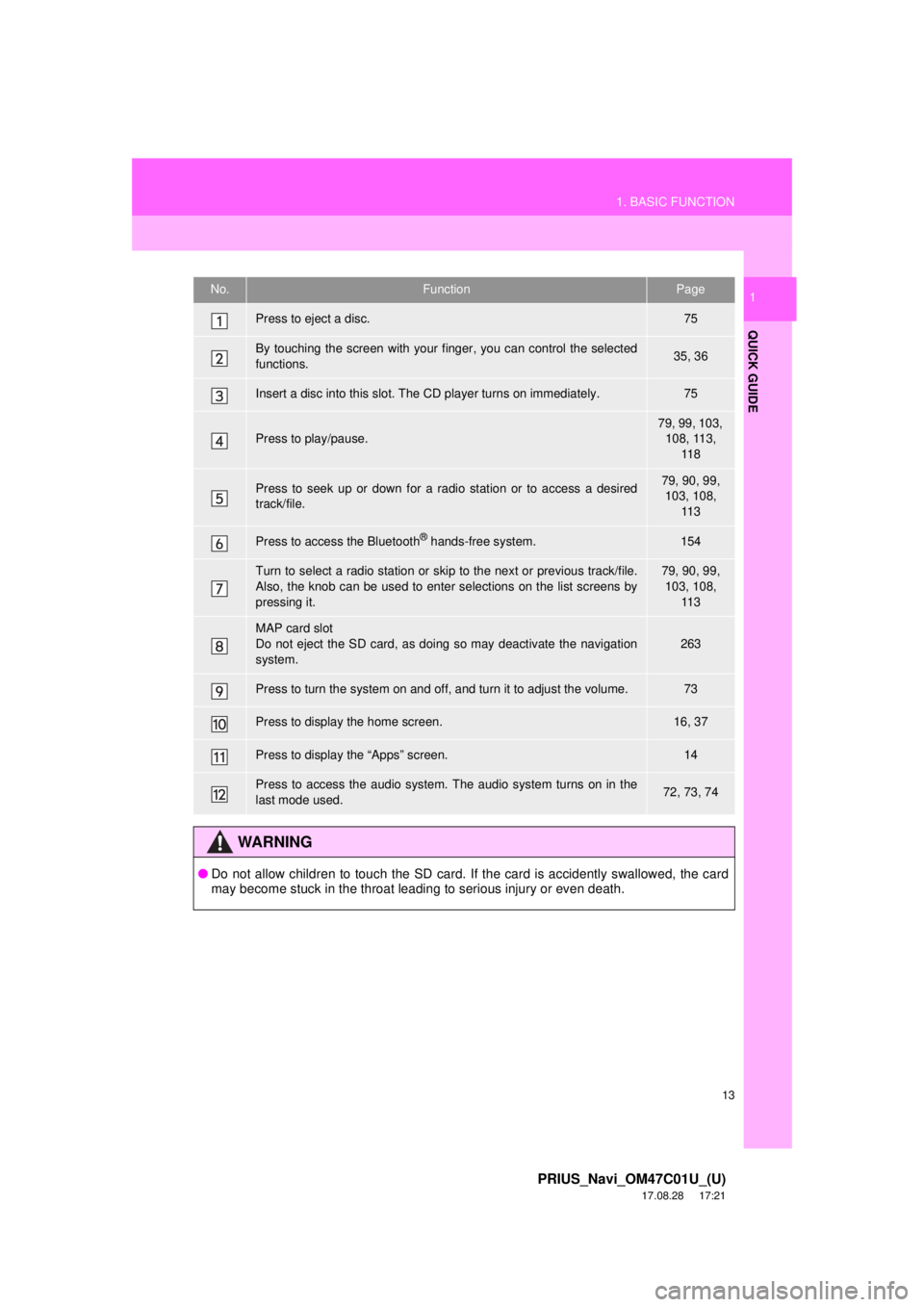
Press to eject a disc.75
By touching the screen with your finger, you can control the selected
functions.35, 36
Insert a disc into this slot. The CD player turns on immediately.75
Press to play/pause.
79, 99, 103, 108, 113, 11 8
Press to seek up or down for a radio station or to access a desired
track/file.79, 90, 99, 103, 108,
11 3
Press to access the Bluetooth® hands-free system.154
Turn to select a radio station or skip to the next or previous track/file.
Also, the knob can be used to enter selections on the list screens by
pressing it.79, 90, 99, 103, 108, 11 3
MAP card slot
Do not eject the SD card, as doing so may deactivate the navigation
system.
263
Press to turn the system on and off, and turn it to adjust the volume.73
Press to display the home screen.16, 37
Press to display the “Apps” screen.14
Press to access the audio system. The audio system turns on in the
last mode used.72, 73, 74
WA R N I N G
● Do not allow children to touch the SD card. If the card is accidently swallowed, the card
may become stuck in the throat leading to serious injury or even death.
Page 19 of 294
19
1. BASIC FUNCTION
PRIUS_Navi_OM47C01U_(U)
17.08.28 17:21
QUICK GUIDE
1No.IndicatorsConditions
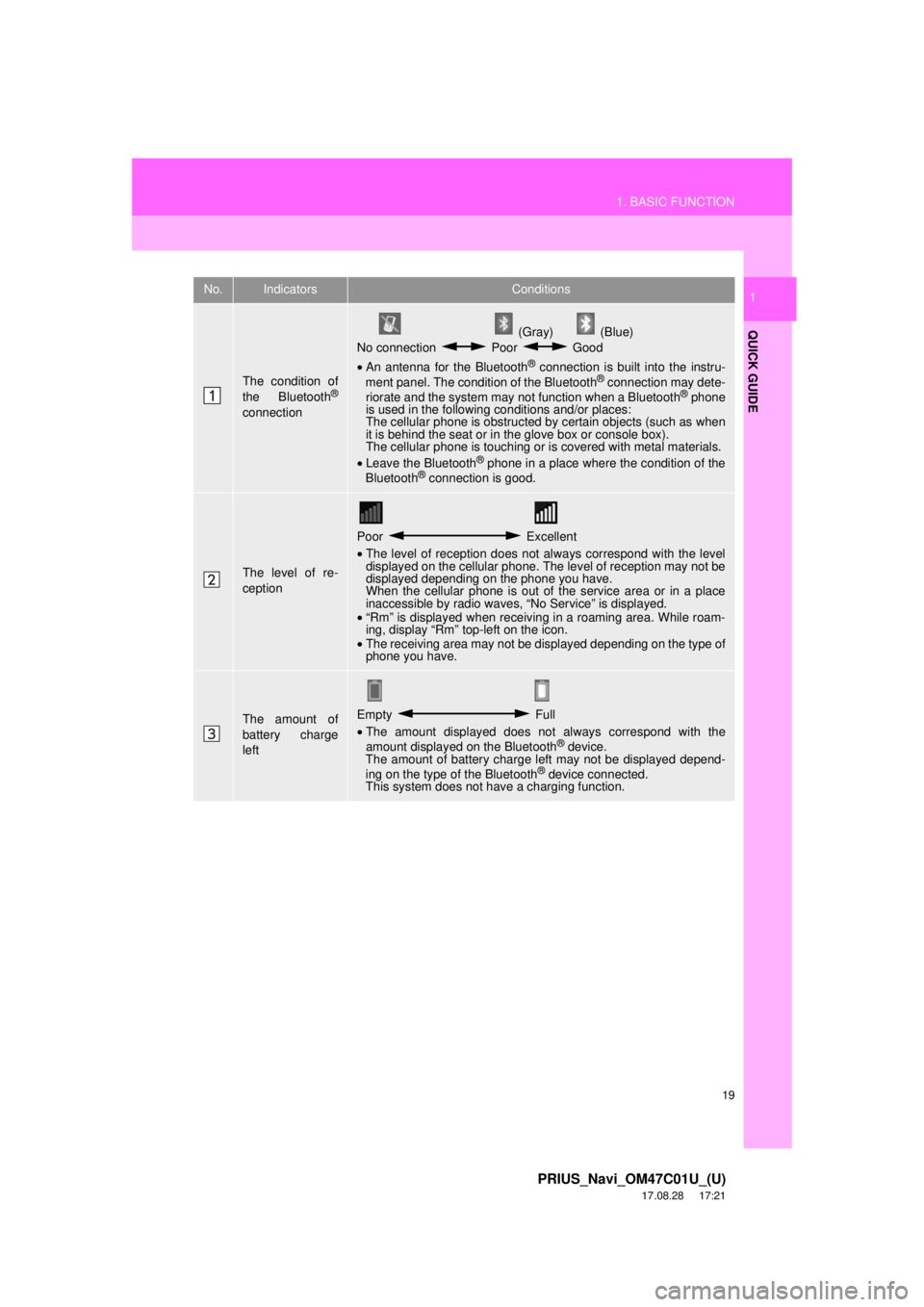
The condition of
the Bluetooth®
connection
(Gray) (Blue)
No connection Poor Good
• An antenna for the Bluetooth
® connection is built into the instru-
ment panel. The condition of the Bluetooth® connection may dete-
riorate and the system may not function when a Bluetooth® phone
is used in the following conditions and/or places:
The cellular phone is obstructed by certain objects (such as when
it is behind the seat or in the glove box or console box).
The cellular phone is touching or is covered with metal materials.
• Leave the Bluetooth
® phone in a place where the condition of the
Bluetooth® connection is good.
The level of re-
ception
Poor Excellent
• The level of reception does not always correspond with the level
displayed on the cellular phone. The level of reception may not be
displayed depending on the phone you have.
When the cellular phone is out of the service area or in a place
inaccessible by radio waves, “No Service” is displayed.
• “Rm” is displayed when receiving in a roaming area. While roam-
ing, display “Rm” top-left on the icon.
• The receiving area may not be displayed depending on the type of
phone you have.
The amount of
battery charge
leftEmpty Full
• The amount displayed does not always correspond with the
amount displayed on the Bluetooth
® device.
The amount of battery charge left may not be displayed depend-
ing on the type of the Bluetooth
® device connected.
This system does not have a charging function.
Page 48 of 294

48
2. Bluetooth® SETTINGS
PRIUS_Navi_OM47C01U_(U)
17.09.11 13:53
Except for Mexico and Canada
Mexico
CERTIFICATION
FCC ID: ACJ932AT1501
NOTE:
<§15.19(a)(3)> This device complies
with part 15 of the FCC Rules.
Operation is subject to the following two
conditions: (1) This device may not
cause harmful interference, and (2) this
device must accept any interference
received, including interference that
may cause undesired operation.
FCC WARNING:
<§15.21> Changes or modifications not
expressly approved by the party
responsible for compliance could void
the user’s authority to operate the
equipment.
CAUTION:
<§2.1091> Radio frequency radiation
exposure information:
This equipment complies with FCC
radiation exposure limits set forth for an
uncontrolled environment.
This equipment should be installed and
operated with minimum distance of
20cm between the radiator and your
body.
This transmitter must not be co-located
or operated in conjunction with any
other antenna or transmitter.
La operación de este equipo está sujeta
a las siguientes dos condiciones: (1) es
posible que este equipo o dispositivo no
cause interferencia perjudicial y (2) este
equipo o dispositivo debe aceptar
cualquier interferencia, incluyendo la
que pueda causar su operación no
deseada.
Page 49 of 294

49
2. Bluetooth® SETTINGS
PRIUS_Navi_OM47C01U_(U)
17.09.11 13:53
BASIC FUNCTION
2
Canada
NOTE:
This device complies with Industry
Canada licence-exempt RSS
standard(s). Operation is subject to the
following two conditions: (1) this device
may not cause interference, and (2) this
device must accept any interference,
including interference that may cause
undesired operation of the device.
Le présent appareil est conforme aux
CNR d’Industrie Canada applicables
aux appareils radio exempts de licence.
L’exploitation est autorisée aux deux
conditions suivantes: (1) l’appareil ne
doit pas produire de brouillage, et (2)
l’utilisateur de l’appareil doit accepter
tout brouillage radioélectrique subi,
même si le brouillage est susceptible
d’en compromettre le fonctionnement.
This radio transmitter (identify the
device by certification number, or model
number if Category II) has been
approved by Industry Canada to
operate with the antenna types listed
below with the maximum permissible
gain and required antenna impedance
for each antenna type indicated.
Antenna types not included in this list,
having a gain greater than the maximum
gain indicated for that type, are strictly
prohibited for use with this device.
Le présent émetteur radio (identifier le
dispositif par son numéro de
certification ou son numéro de modèle
s’il fait partie du matériel de catégorie II)
a été approuvé par Industrie Canada
pour fonctionner avec les types
d’antenne énumérés ci-dessous et
ayant un gain admissible maximal et
l’impédance requise pour chaque type
d’antenne. Les types d’antenne non
inclus dans cette liste, ou dont le gain
est supérieur au gain maximal indiqué,
sont strictement interdits pour
l’exploitation de l’émetteur.
CAUTION:
This equipment complies with IC radiation
exposure limits set forth for an
uncontrolled environment and meets RSS-
102 of the IC radio frequency (RF)
Exposure rules. This equipment has very
low levels of RF energy that is deemed to
comply without maximum permissive
exposure evaluation (MPE).
Cet équipement est conforme aux limites
d’exposition aux rayonnements énoncées
pour un environnement non contrôlé et
respecte les règles d’exposition aux
fréquences radioélectriques (RF) CNR-
102 de l’IC. Cet équipement émet une
énergie RF très faible qui est considérée
comme conforme sans évaluation de
l’exposition maximale autorisée (MPE).
Page 70 of 294
70
PRIUS_Navi_OM47C01U_(U)
17.08.28 17:48
1. QUICK REFERENCE ..................... 72
2. SOME BASICS............................... 73
TURNING THE SYSTEM ON AND OFF ..................................................... 73
SELECTING AN AUDIO SOURCE ........ 74
DISC SLOT ............................................ 75
USB/AUX PORT .................................... 76
SOUND SETTINGS ............................... 76
VOICE COMMAND SYSTEM ................ 78
1. AM/FM RADIO ............................... 79
OVERVIEW ............................................ 79
PRESETTING A STATION .................... 83
SELECTING A STATION FROM THE LIST ..................................................... 83
CACHING A RADIO PROGRAM ........... 84
RADIO BROADCAST DATA SYSTEM .............................................. 85
TRAFFIC ANNOUNCEMENT (FM RADIO) ......................................... 86
USING HD Radio™ TECHNOLOGY...... 87
AVAILABLE HD Radio™ TECHNOLOGY.................................... 87
TROUBLESHOOTING GUIDE ............... 89
2. XM Satellite Radio ........................ 90
OVERVIEW ............................................ 90
HOW TO SUBSCRIBE TO AN XM Satellite Radio ............................... 93
DISPLAYING THE RADIO ID................. 95
PRESETTING A CHANNEL ................... 95
SELECTING A CHANNEL FROM THE LIST ..................................................... 96
IF THE SATELLITE RADIO TUNER MALFUNCTIONS ................................ 97
3. INTERNET RADIO......................... 98
LISTENING TO INTERNET RADIO ....... 98
1BASIC OPERATION2RADIO OPERATION
3
AUDIO SYSTEM
Page 71 of 294
3
71
PRIUS_Navi_OM47C01U_(U)
17.08.28 17:48
1
2
3
4
5
6
7
8
1. CD .................................................. 99
OVERVIEW ........................................... 99
PLAYING AN AUDIO CD .................... 102
PLAYING AN MP3/WMA/AAC DISC ... 102
2. USB MEMORY ............................. 103
OVERVIEW ......................................... 103
PLAYING A USB AUDIO ..................... 107
3. iPod .............................................. 108
OVERVIEW ......................................... 108
iPod AUDIO ......................................... 112
iPod VIDEO ......................................... 112
4. Bluetooth® AUDIO ...................... 113
OVERVIEW ......................................... 113
CONNECTING A Bluetooth®
DEVICE ............................................. 117
LISTENING TO Bluetooth
® AUDIO ..... 117
5. AUX .............................................. 118
OVERVIEW ......................................... 118
1. STEERING SWITCHES............... 121
1. AUDIO SETTINGS ...................... 123
AUDIO SETTINGS SCREEN............... 123
1. OPERATING INFORMATION ..... 125
RADIO.................................................. 125
CD PLAYER AND DISC ...................... 126
iPod ...................................................... 128
FILE INFORMATION ........................... 129
TERMS ................................................ 132
ERROR MESSAGES ........................... 133
3MEDIA OPERATION4AUDIO REMOTE CONTROLS
5SETUP
6TIPS FOR OPERATING THE
AUDIO SYSTEM
AUDIO SYSTEM
Page 72 of 294
72
PRIUS_Navi_OM47C01U_(U)
17.08.28 17:21
1. BASIC OPERATION
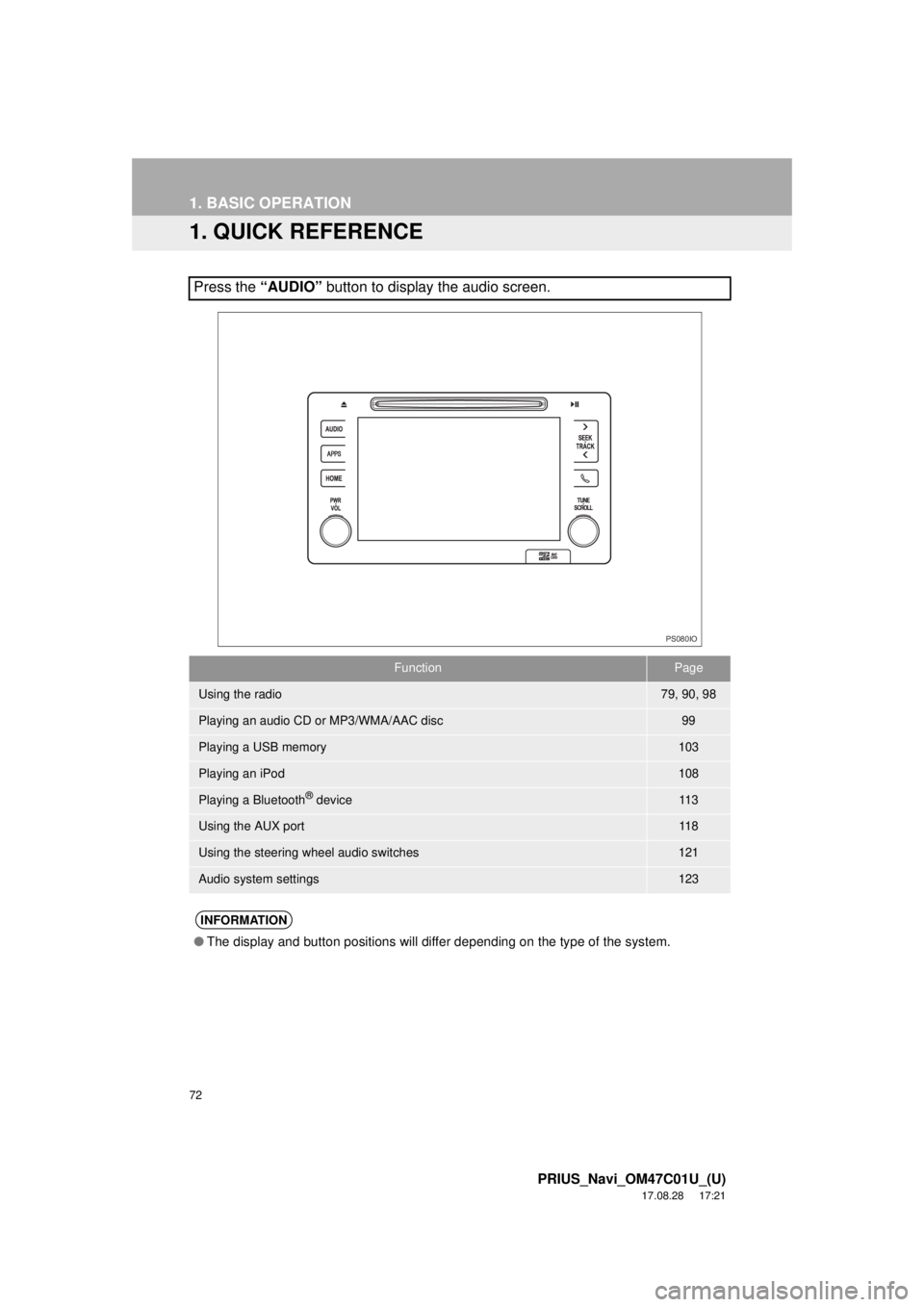
1. QUICK REFERENCE
Press the “AUDIO” button to display the audio screen.
FunctionPage
Using the radio79, 90, 98
Playing an audio CD or MP3/WMA/AAC disc99
Playing a USB memory103
Playing an iPod108
Playing a Bluetooth® device11 3
Using the AUX port11 8
Using the steering wheel audio switches121
Audio system settings123
INFORMATION
●The display and button positions will differ depending on the type of the system.
PS080IO
Page 79 of 294
79
PRIUS_Navi_OM47C01U_(U)
17.08.28 17:21
AUDIO SYSTEM
3
2. RADIO OPERATION
1. AM/FM RADIO
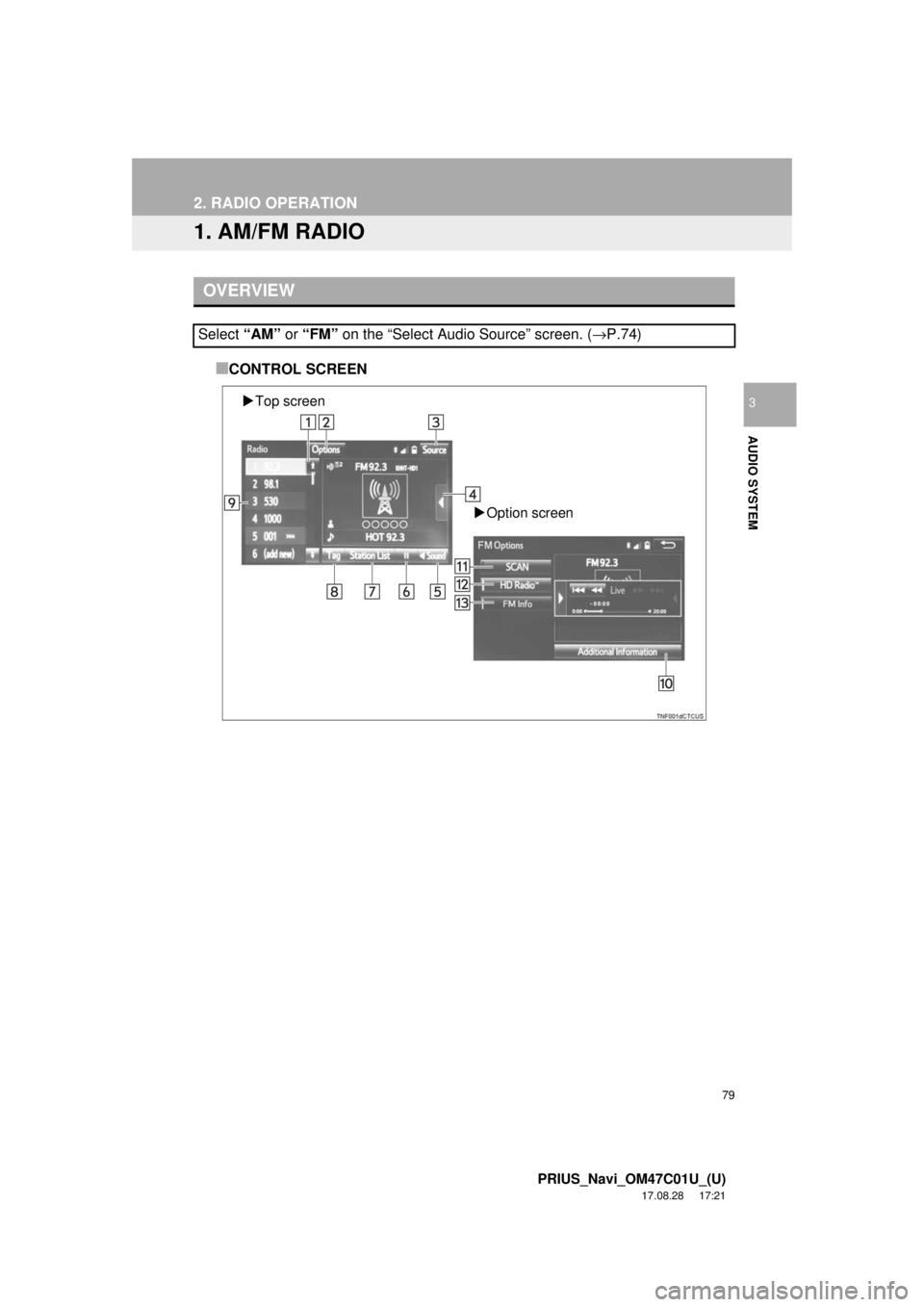
■CONTROL SCREEN
OVERVIEW
Select “AM” or “FM” on the “Select Audio Source” screen. ( →P.74)
Top screen
Option screen
Page 80 of 294
80
2. RADIO OPERATION
PRIUS_Navi_OM47C01U_(U)
17.08.28 17:21
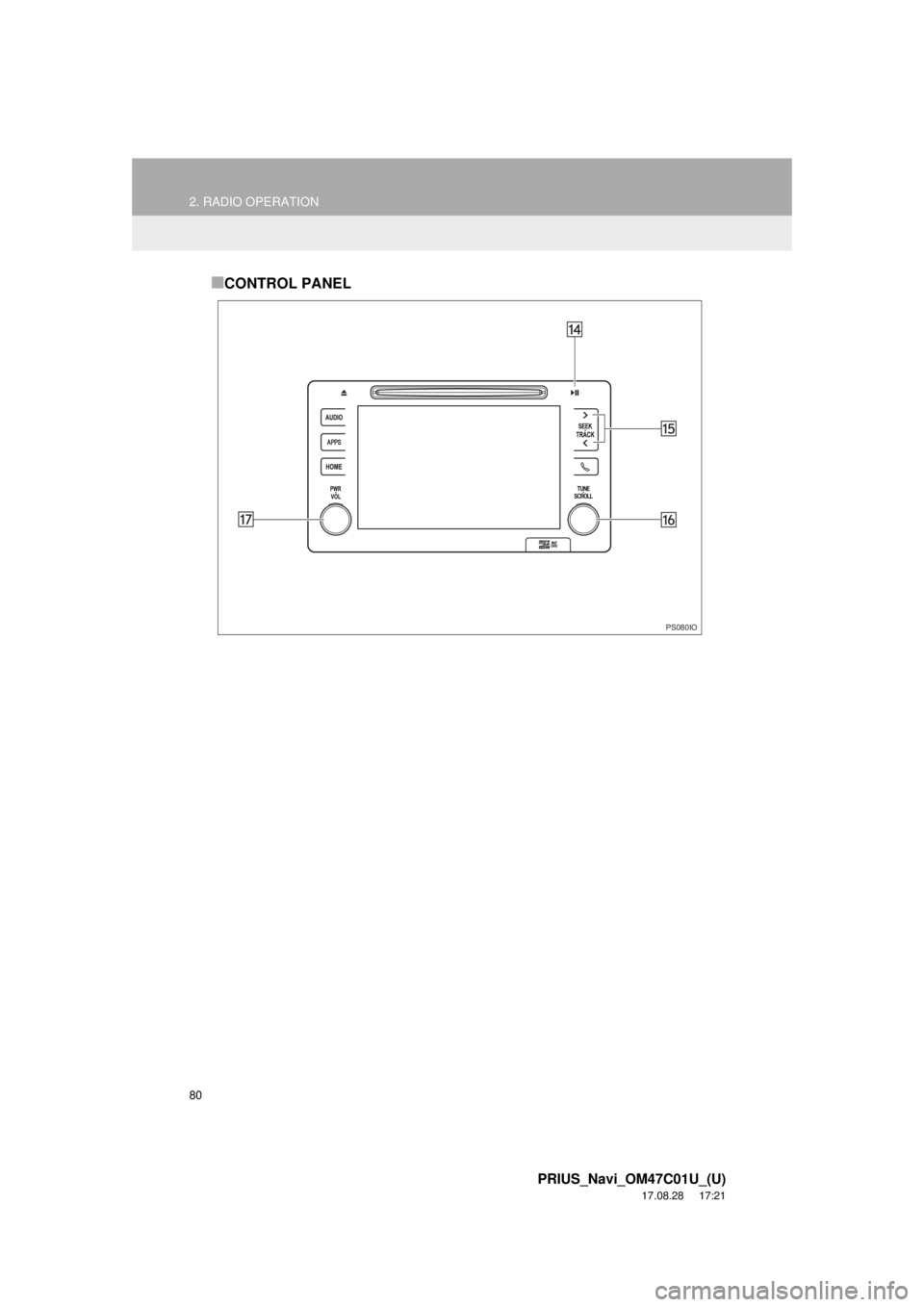
■CONTROL PANEL
PS080IO