bluetooth TOYOTA PRIUS C 2012 NHP10 / 1.G Owner's Manual
[x] Cancel search | Manufacturer: TOYOTA, Model Year: 2012, Model line: PRIUS C, Model: TOYOTA PRIUS C 2012 NHP10 / 1.GPages: 552, PDF Size: 8.27 MB
Page 303 of 552
303
3-3. Using the Bluetooth
® audio system
3
Interior features
Operations during a call
● Transferring a call
A call can be transferred between the cellular phone and system
while dialing, receiving a call, or during a call. Use one of the fol-
lowing methods:
a. Operate the cellular phone.
Refer to the manual that comes with the cellular phone for the oper-
ation of the phone.
b. Press the * (PHONE).
*: This operation can be performed only when transferring a call from
the cellular phone to the system during a call.
● Muting your voice
Press (MUTE).
● Inputting digits
Press (0 - 9) and use to input the desired digits.
• To send the input digits press (SEND).
• When finished, press (EXIT) to return to the previous screen.
●Setting call volume
Change the call volume using .
To decrease the volume: Turn counterclockwise.
To increase the volume: Turn clockwise.
Page 304 of 552
304 3-3. Using the Bluetooth
® audio system
Adjusting the ringtone volume when receiving a callChange the ringtone volume using .
To decrease the volume: Turn counterclockwise.
To increase the volume: Turn clockwise.
■When talking on the phone
●Do not talk simultaneously with the other party.
● Keep the volume of the received voice down. Otherwise, voice echo will
increase.
■ Automatic volume adjustment
When vehicle speed is 50 mph (80 km/h) or more, the volume automatically
increases. The volume returns to the previous volume setting when vehicle
speed drops to 43 mph (70 km/h) or less.
■ Phone call system functions
Depending on the cellular phone, certain functions may not be available.
■ Situations where the system m ay not recognize your voice
● When driving on a rough road
● When driving at high speeds
● When air is blowing out of the vents onto the microphone
● When the air conditioning fan emits a loud noise
Page 305 of 552
305
3-3. Using the Bluetooth® audio system
3
Interior features
Using the “SET UP” menu (“Bluetooth” menu)
Registering a Bluetooth® device in the system allows the system to
function. The following functions can be used for registered devices:
■Functions and operation procedures
Press and select “Bluetooth” using .
Press and select one of the following functions
using .
● Registering a Bluetooth
® device
“BT Pairing”
● Listing the registered cellular phones
“List Phone”
● Listing the registered portable players
“List Audio”
● Changing the passkey
“Passkey”
● Setting automatic connection of the device on or off
“BT Power”
● Displaying the device status
“Bluetooth info”
● Setting the automatic connection confirmation display to on or
off
“Display Setting”
● Initialization
“Initialize”
STEP1
STEP2
Page 306 of 552
306 3-3. Using the Bluetooth
® audio system
Registering a portable playerSelect “Pairing” using , and perform the procedure for register-
ing a portable player. ( P. 294)
Listing the registered cellular phones
Select “List Phone” using . The list of registered cellular
phones will be displayed.
● Connecting the registered cellular phone to the audio system
Select the name of the cellular phone to be connected
using .
Select “Select” using .
● Deleting a registered cellular phone
Select the name of the cellular phone to be deleted using
.
Select “Delete” using .
Press (YES).
STEP1
STEP2
STEP1
STEP2
STEP3
Page 307 of 552
307
3-3. Using the Bluetooth
® audio system
3
Interior features
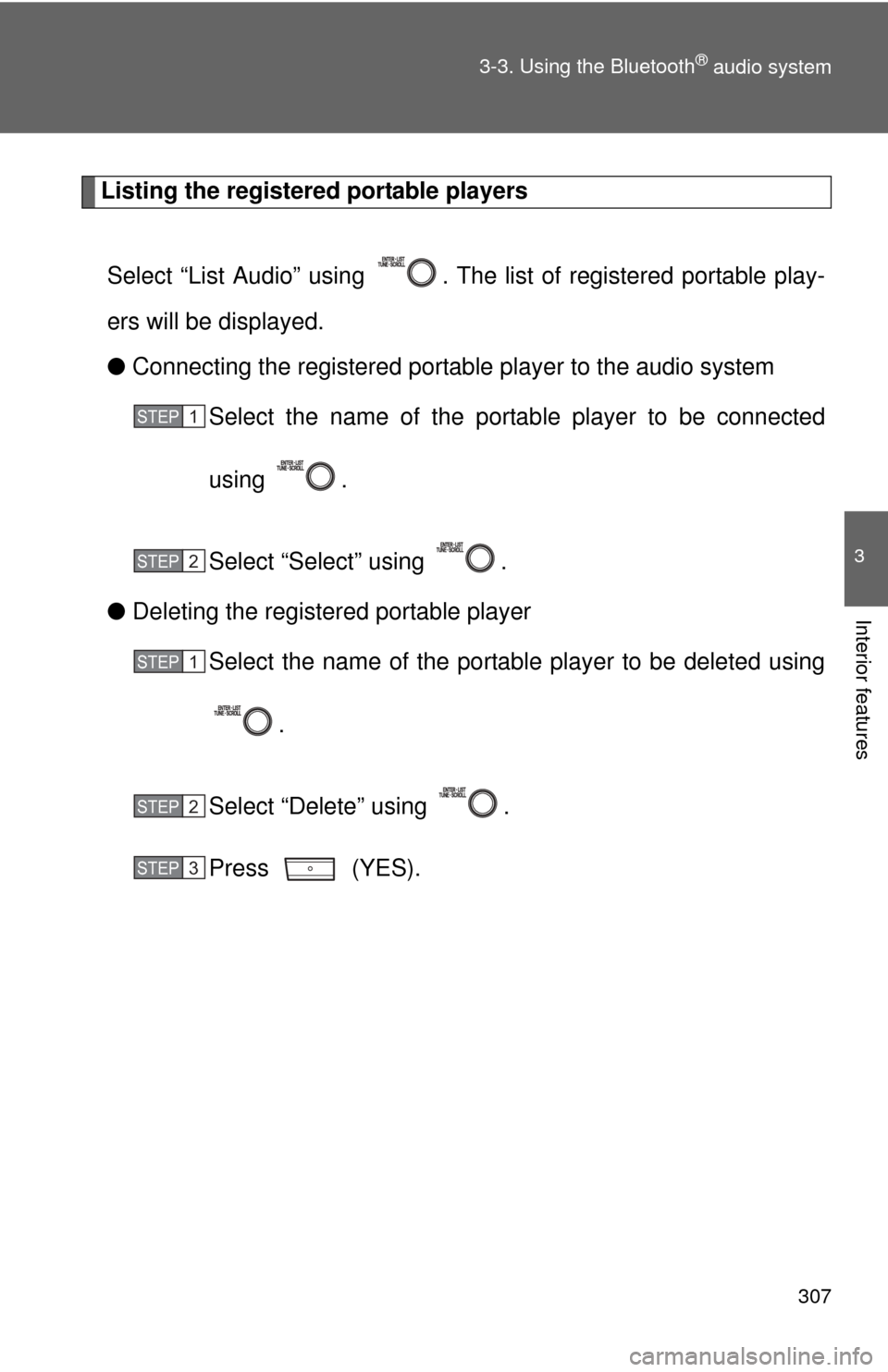
Listing the registered portable players
Select “List Audio” using . The list of registered portable play-
ers will be displayed.
● Connecting the registered portable player to the audio system
Select the name of the portab le player to be connected
using .
Select “Select” using .
● Deleting the registered portable player
Select the name of the portable player to be deleted using
.
Select “Delete” using .
Press (YES).
STEP1
STEP2
STEP1
STEP2
STEP3
Page 308 of 552
308 3-3. Using the Bluetooth
® audio system
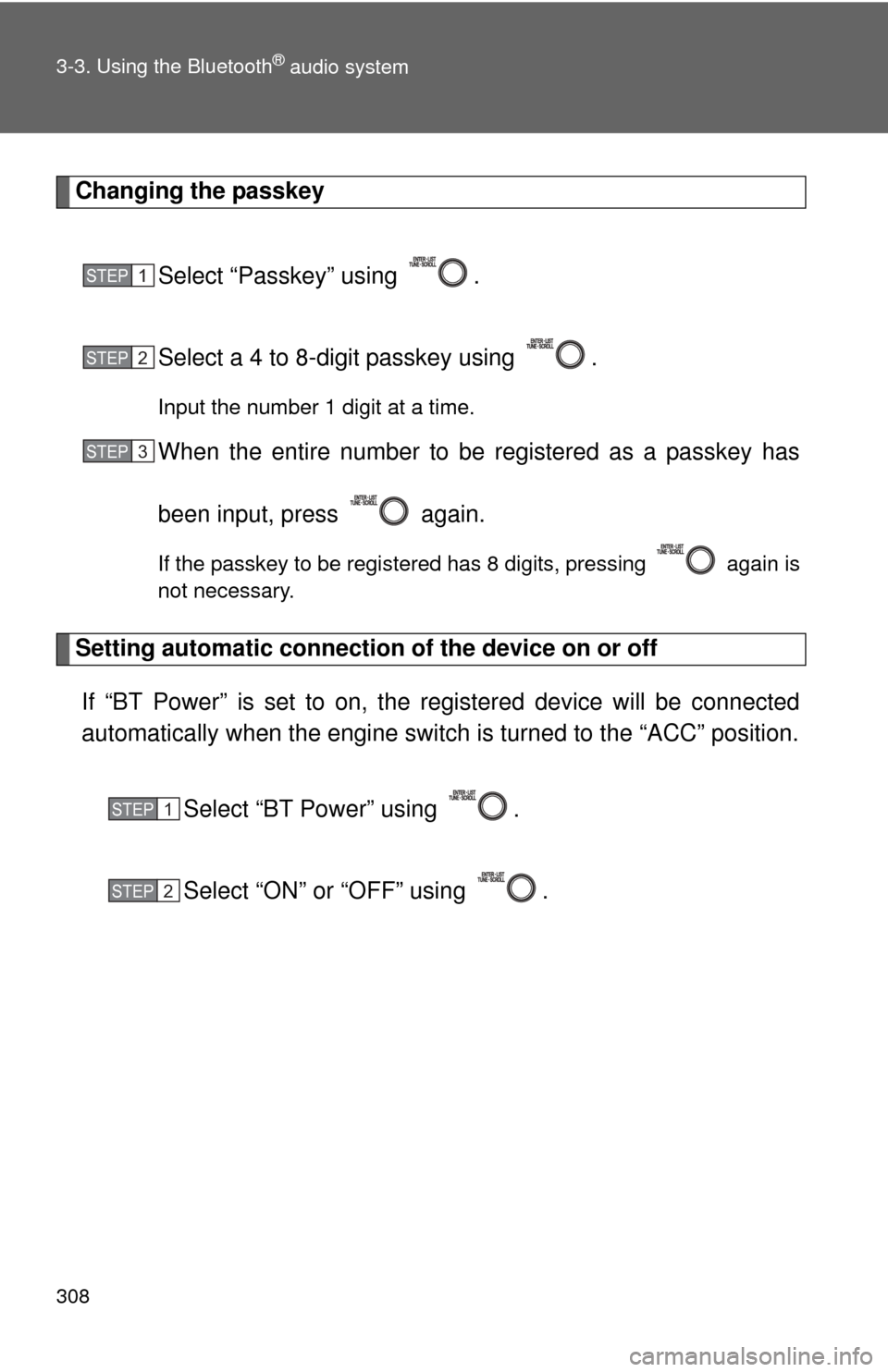
Changing the passkeySelect “Passkey” using .
Select a 4 to 8-digit passkey using .
Input the number 1 digit at a time.
When the entire number to be registered as a passkey has
been input, press again.
If the passkey to be registered has 8 digits, pressing again is
not necessary.
Setting automatic connection of the device on or offIf “BT Power” is set to on, the r egistered device will be connected
automatically when the engine switch is turned to the “ACC” position.
Select “BT Power” using .
Select “ON” or “OFF” using .
STEP1
STEP2
STEP3
STEP1
STEP2
Page 309 of 552
309
3-3. Using the Bluetooth
® audio system
3
Interior features
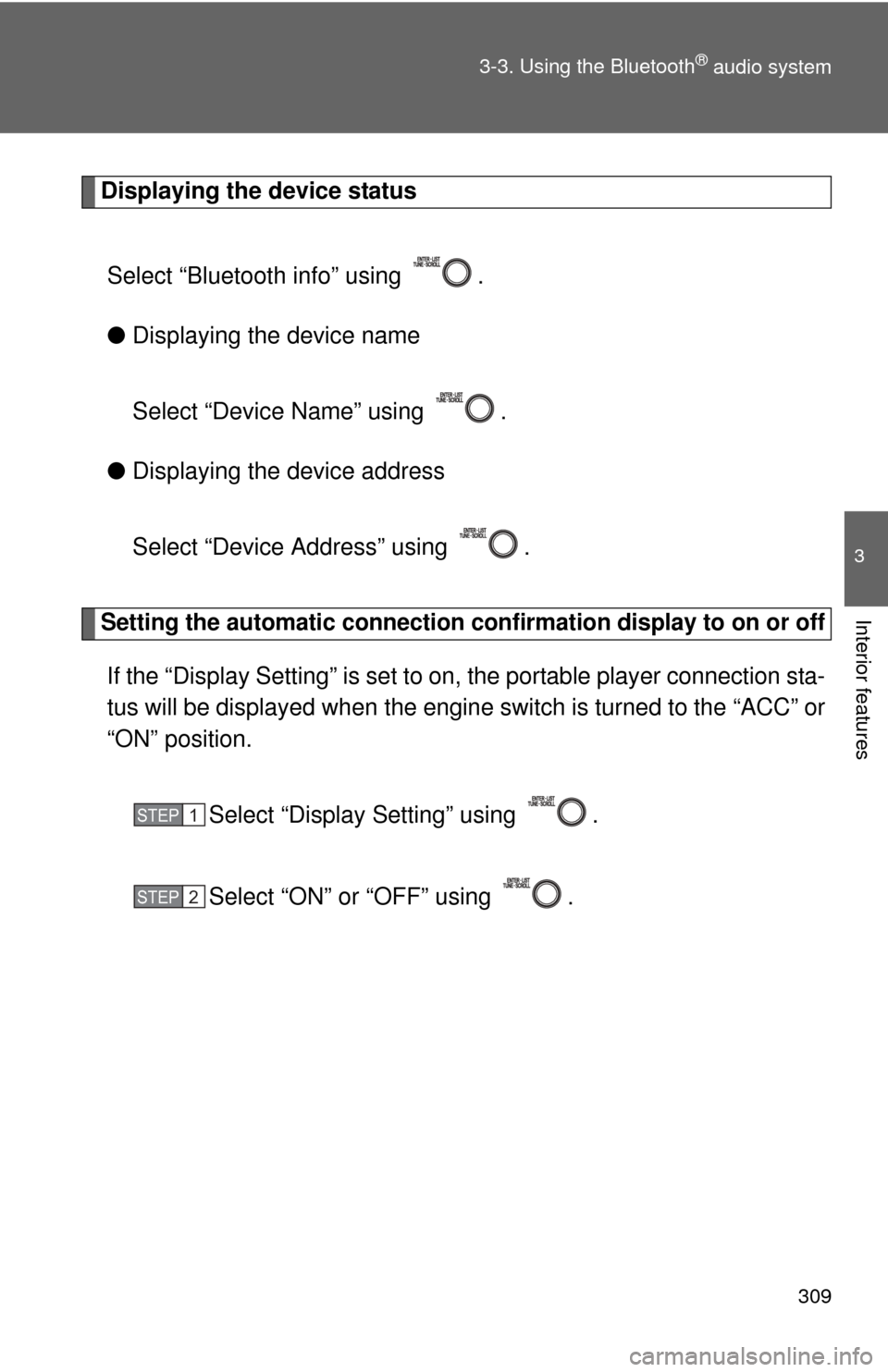
Displaying the device status
Select “Bluetooth info” using .
● Displaying the device name
Select “Device Name” using .
● Displaying the device address
Select “Device Address” using .
Setting the automatic connection conf irmation display to on or off
If the “Display Setting” is set to on, the portable player connection sta-
tus will be displayed when the engine switch is turned to the “ACC” or
“ON” position.
Select “Display Setting” using .
Select “ON” or “OFF” using .
STEP1
STEP2
Page 310 of 552
310 3-3. Using the Bluetooth
® audio system
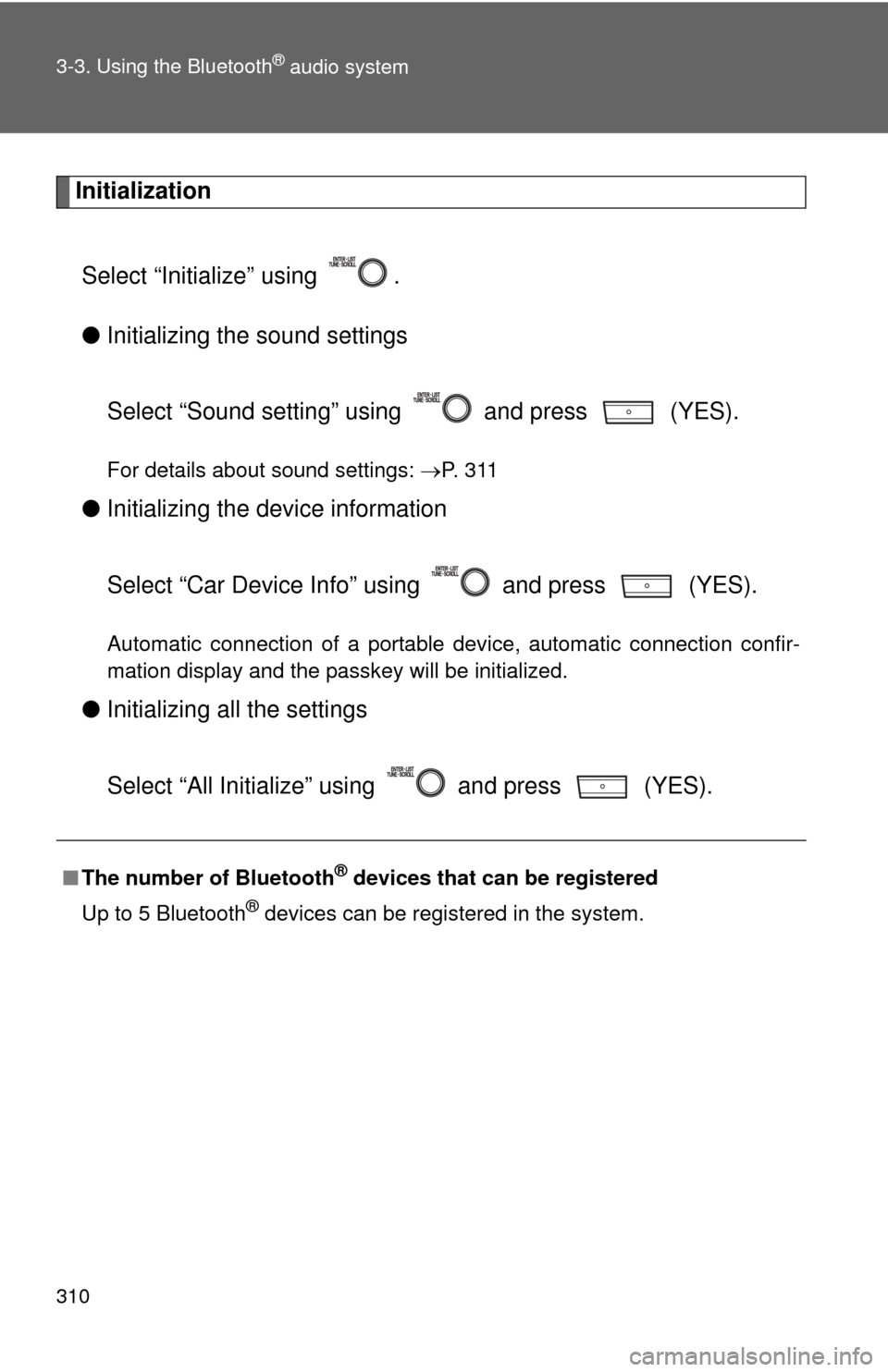
InitializationSelect “Initialize” using .
● Initializing the sound settings
Select “Sound setting” using and press (YES).
For details about sound settings: P. 3 1 1
●Initializing the device information
Select “Car Device Info” using and press (YES).
Automatic connection of a portable device, automatic connection confir-
mation display and the passkey will be initialized.
●Initializing a ll the settings
Select “All Initialize” using and press (YES).
■ The number of Bluetooth® devices that can be registered
Up to 5 Bluetooth
® devices can be registered in the system.
Page 311 of 552
311
3-3. Using the Bluetooth® audio system
3
Interior features
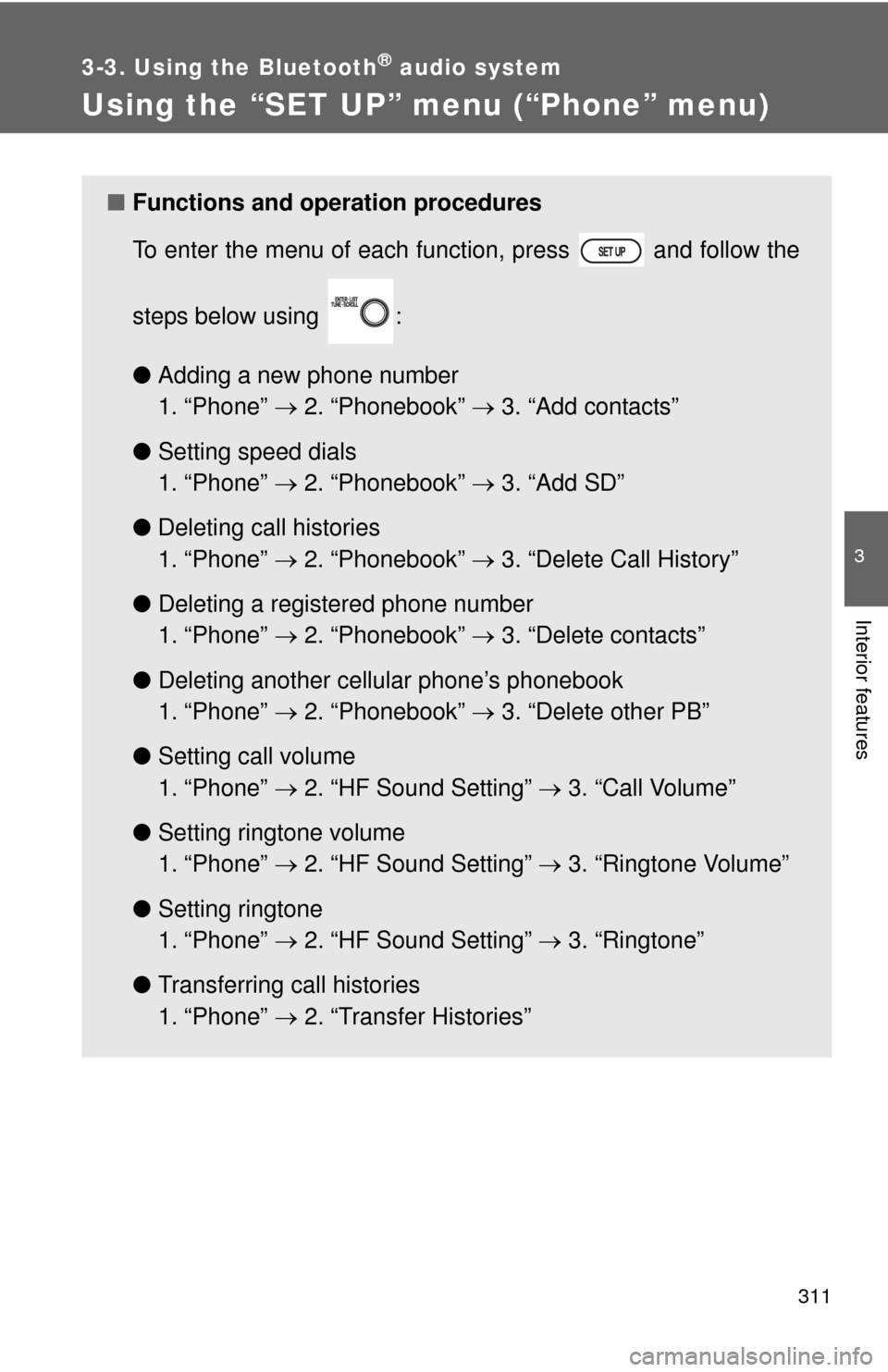
Using the “SET UP” menu (“Phone” menu)
■Functions and operation procedures
To enter the menu of each function, press and follow the
steps below using :
●Adding a new phone number
1. “Phone” 2. “Phonebook” 3. “Add contacts”
● Setting speed dials
1. “Phone” 2. “Phonebook” 3. “Add SD”
● Deleting call histories
1. “Phone” 2. “Phonebook” 3. “Delete Call History”
● Deleting a registered phone number
1. “Phone” 2. “Phonebook” 3. “Delete contacts”
● Deleting another cellular phone’s phonebook
1. “Phone” 2. “Phonebook” 3. “Delete other PB”
● Setting call volume
1. “Phone” 2. “HF Sound Setting” 3. “Call Volume”
● Setting ringtone volume
1. “Phone” 2. “HF Sound Setting” 3. “Ringtone Volume”
● Setting ringtone
1. “Phone” 2. “HF Sound Setting” 3. “Ringtone”
● Transferring call histories
1. “Phone” 2. “Transfer Histories”
Page 312 of 552
312 3-3. Using the Bluetooth
® audio system
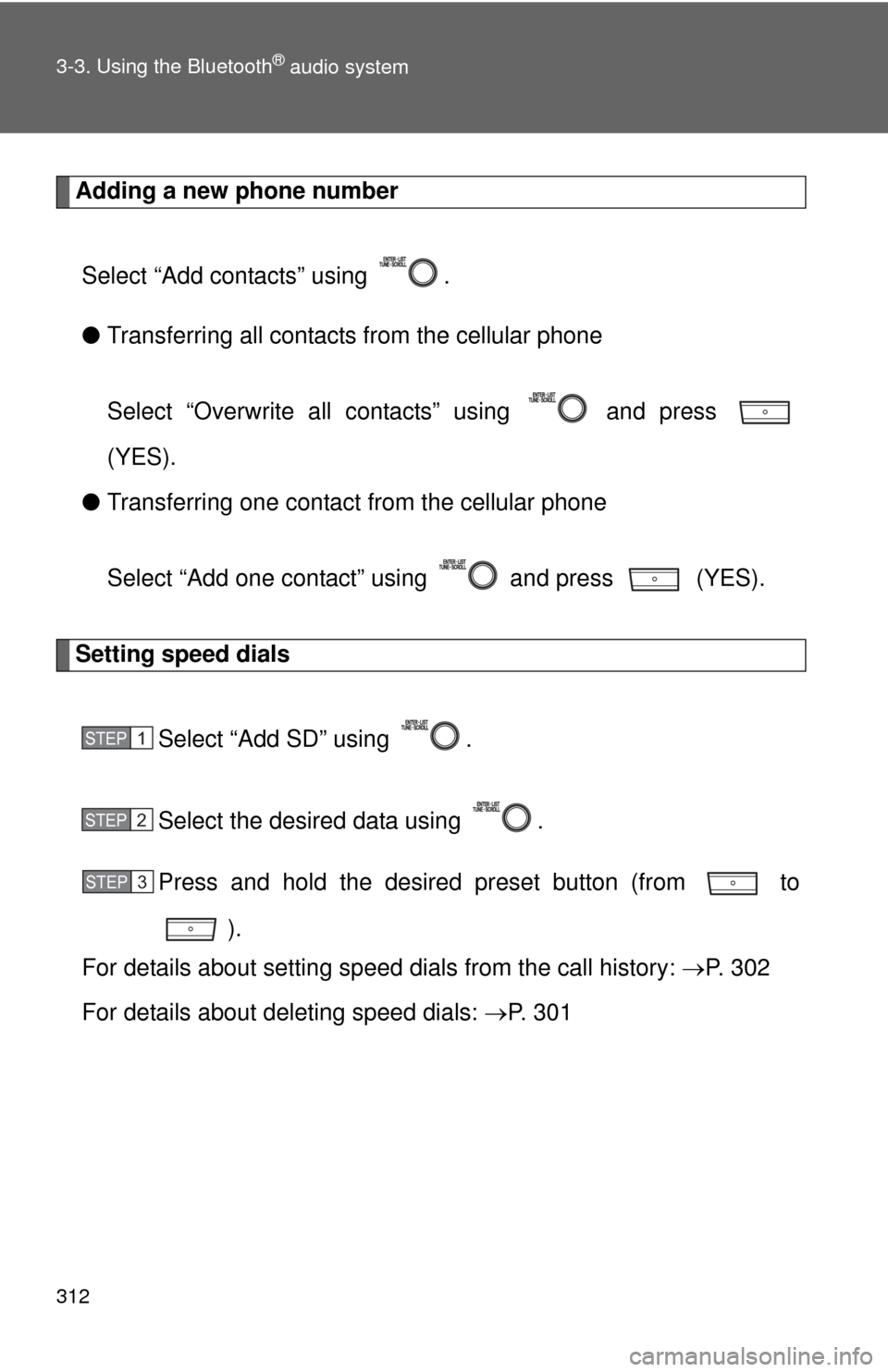
Adding a new phone numberSelect “Add contacts” using .
● Transferring all contacts from the cellular phone
Select “Overwrite all contacts” using and press
(YES).
● Transferring one contact from the cellular phone
Select “Add one contact” using and press (YES).
Setting speed dials
Select “Add SD” using .
Select the desired data using .
Press and hold the desired preset button (from to
).
For details about setting speed dials from the call history: P. 3 0 2
For details about deleting speed dials: P. 3 0 1
STEP1
STEP2
STEP3