maintenance TOYOTA PRIUS PLUG-IN HYBRID 2018 Owners Manual
[x] Cancel search | Manufacturer: TOYOTA, Model Year: 2018, Model line: PRIUS PLUG-IN HYBRID, Model: TOYOTA PRIUS PLUG-IN HYBRID 2018Pages: 772, PDF Size: 107.88 MB
Page 1 of 772
PRIUS PHV_OM_OM47C99E_(EE)
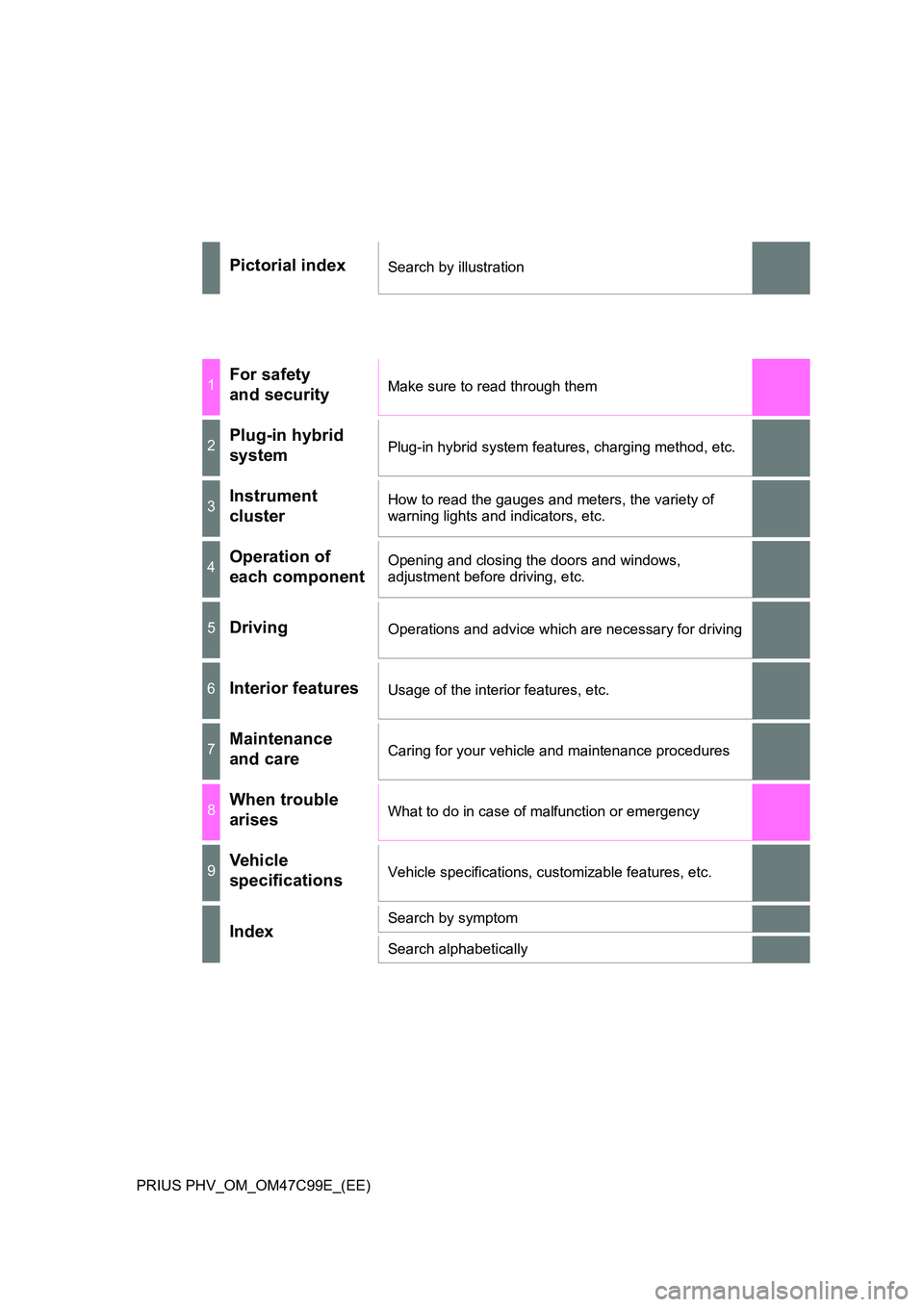
Pictorial indexSearch by illustration
1For safety
and securityMake sure to read through them
2Plug-in hybrid
systemPlug-in hybrid system features, charging method, etc.
3Instrument
cluster
How to read the gauges and meters, the variety of
warning lights and indicators, etc.
4Operation of
each component
Opening and closing the doors and windows,
adjustment before driving, etc.
5DrivingOperations and advice which are necessary for driving
6Interior featuresUsage of the interior features, etc.
7Maintenance
and careCaring for your vehicle and maintenance procedures
8When trouble
arisesWhat to do in case of malfunction or emergency
9Vehicle
specificationsVehicle specifications, customizable features, etc.
IndexSearch by symptom
Search alphabetically
Page 5 of 772
5
1
9
8
7
6
5
4
2
PRIUS PHV_OM_OM47C99E_(EE)
3
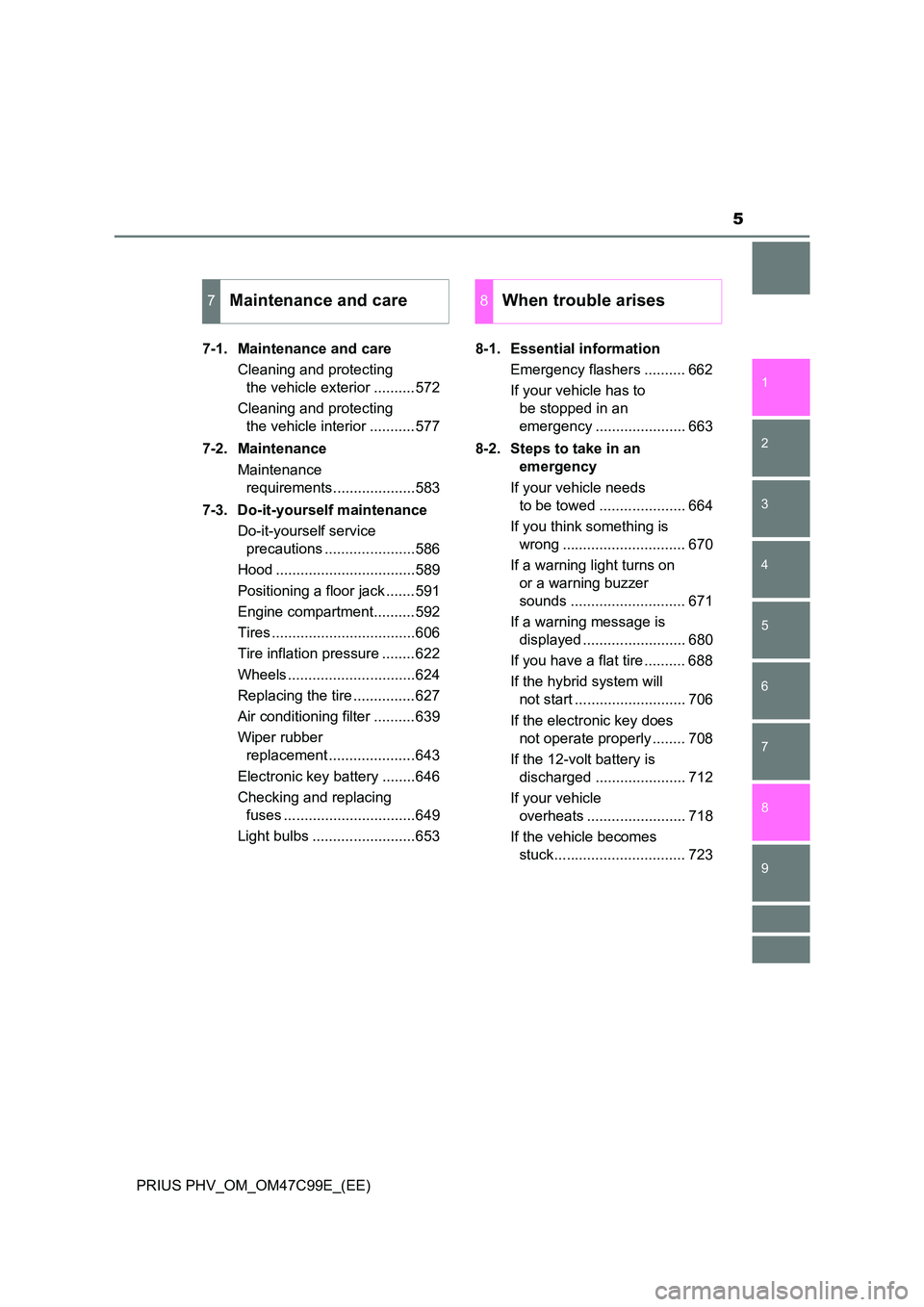
7-1. Maintenance and care
Cleaning and protecting
the vehicle exterior ..........572
Cleaning and protecting
the vehicle interior ...........577
7-2. Maintenance
Maintenance
requirements....................583
7-3. Do-it-yourself maintenance
Do-it-yourself service
precautions ......................586
Hood ..................................589
Positioning a floor jack .......591
Engine compartment..........592
Tires ...................................606
Tire inflation pressure ........622
Wheels ...............................624
Replacing the tire ...............627
Air conditioning filter ..........639
Wiper rubber
replacement .....................643
Electronic key battery ........646
Checking and replacing
fuses ................................649
Light bulbs .........................653
8-1. Essential information
Emergency flashers .......... 662
If your vehicle has to
be stopped in an
emergency ...................... 663
8-2. Steps to take in an
emergency
If your vehicle needs
to be towed ..................... 664
If you think something is
wrong .............................. 670
If a warning light turns on
or a warning buzzer
sounds ............................ 671
If a warning message is
displayed ......................... 680
If you have a flat tire .......... 688
If the hybrid system will
not start ........................... 706
If the electronic key does
not operate properly ........ 708
If the 12-volt battery is
discharged ...................... 712
If your vehicle
overheats ........................ 718
If the vehicle becomes
stuck................................ 723
7Maintenance and care8When trouble arises
Page 6 of 772
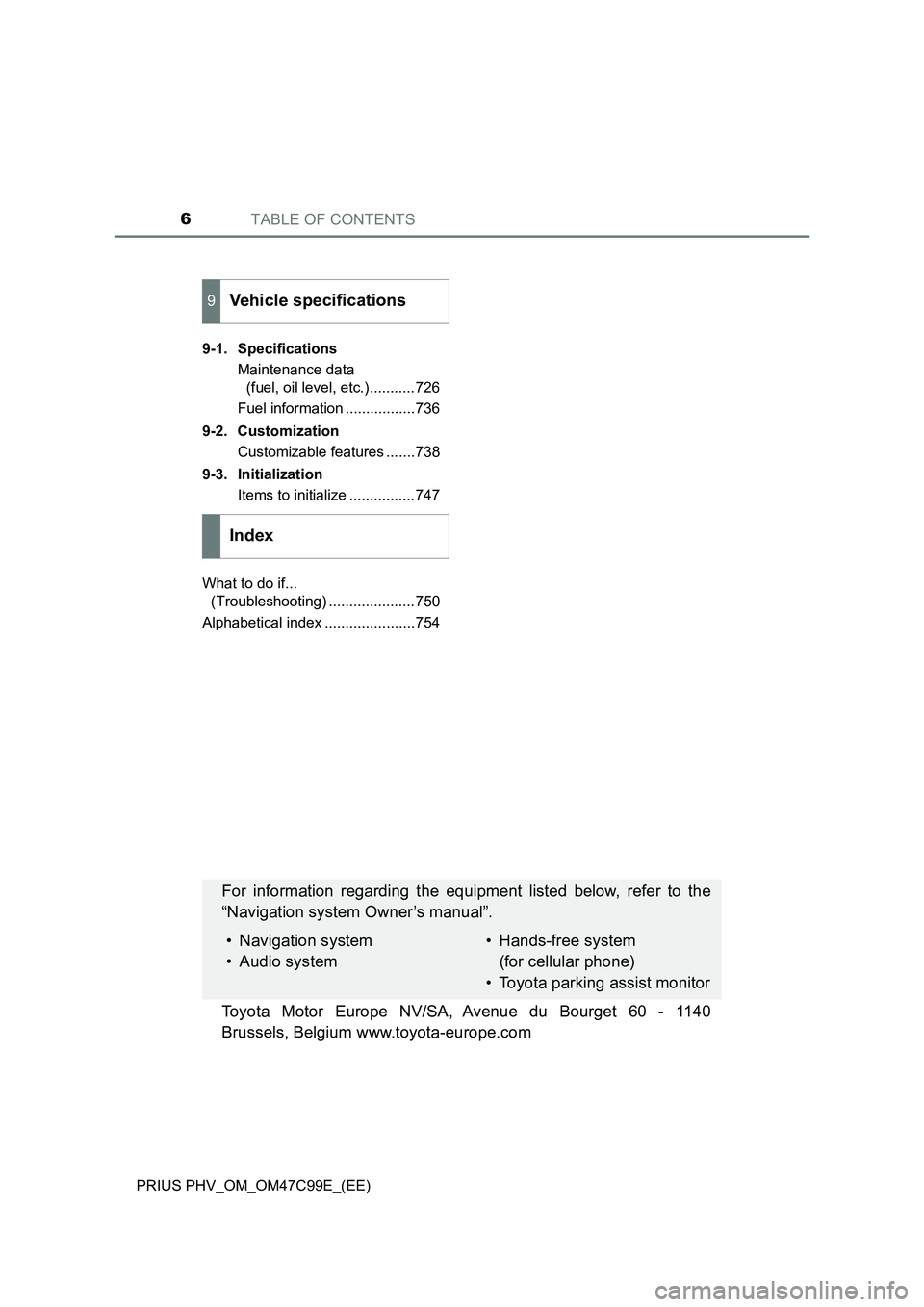
TABLE OF CONTENTS6
PRIUS PHV_OM_OM47C99E_(EE)9-1. Specifications
Maintenance data
(fuel, oil level, etc.)...........726
Fuel information .................736
9-2. Customization
Customizable features .......738
9-3. Initialization
Items to initialize ................747
What to do if...
(Troubleshooting) .....................750
Alphabetical index ......................754
9Vehicle specifications
Index
For information regarding the equipment listed below, refer to the
“Navigation system Owner’s manual”.
• Navigation system
• Audio system• Hands-free system
(for cellular phone)
• Toyota parking assist monitor
Toyota Motor Europe NV/SA, Avenue du Bourget 60 - 1140
Brussels, Belgium www.toyota-europe.com
Page 75 of 772
75
1
1-3. Theft deterrent system
PRIUS PHV_OM_OM47C99E_(EE)
For safety and security
Immobilizer system
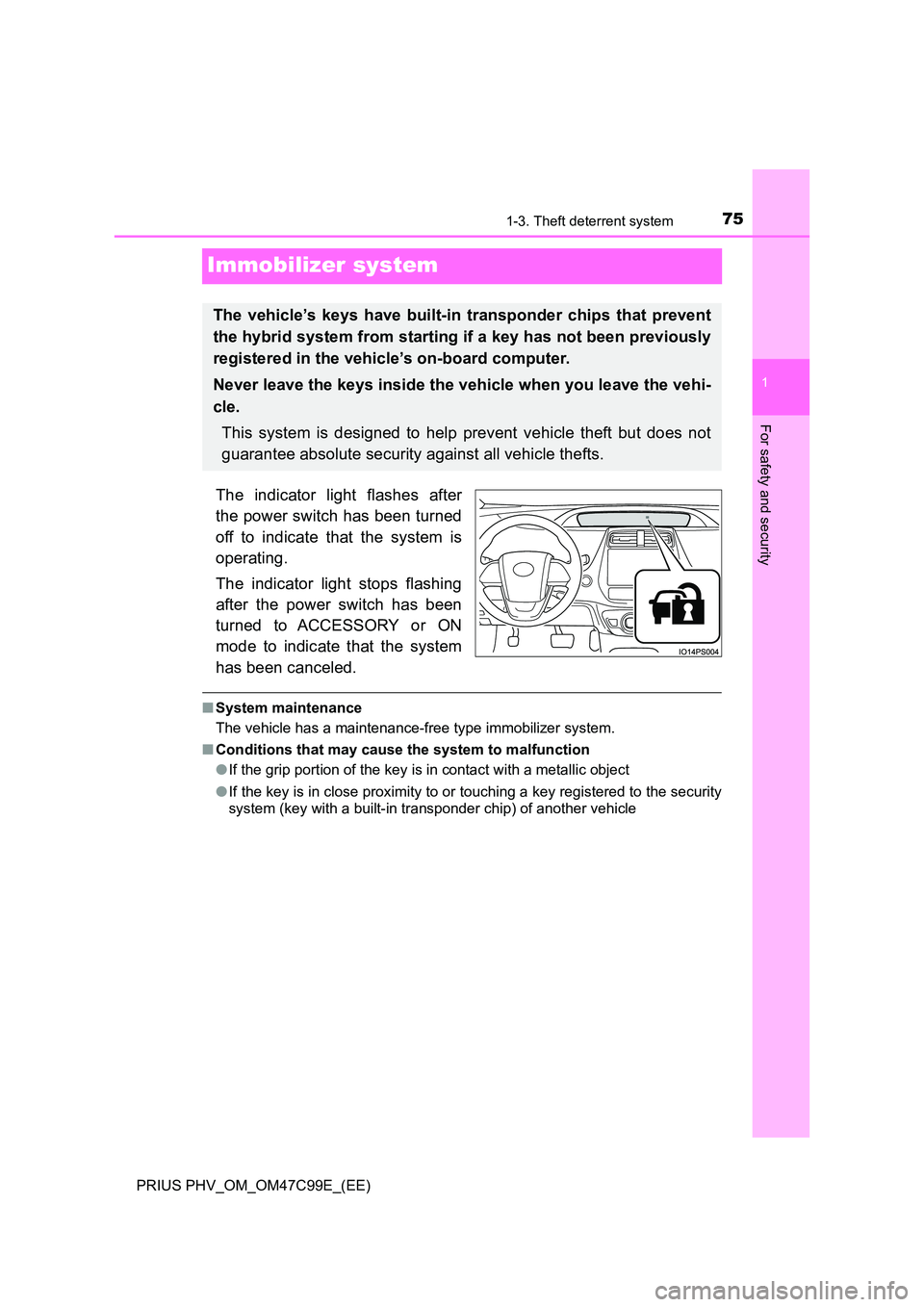
The indicator light flashes after
the power switch has been turned
off to indicate that the system is
operating.
The indicator light stops flashing
after the power switch has been
turned to ACCESSORY or ON
mode to indicate that the system
has been canceled.
■ System maintenance
The vehicle has a maintenance-free type immobilizer system.
■ Conditions that may cause the system to malfunction
● If the grip portion of the key is in contact with a metallic object
● If the key is in close proximity to or touching a key registered to the security
system (key with a built-in transponder chip) of another vehicle
The vehicle’s keys have built-in transponder chips that prevent
the hybrid system from starting if a key has not been previously
registered in the vehicle’s on-board computer.
Never leave the keys inside the vehicle when you leave the vehi-
cle.
This system is designed to help prevent vehicle theft but does not
guarantee absolute security against all vehicle thefts.
Page 89 of 772
891-3. Theft deterrent system
1
PRIUS PHV_OM_OM47C99E_(EE)
For safety and security
■System maintenance
The vehicle has a maintenance-free type alarm system.
■ Items to check before locking the vehicle
To prevent unexpected triggering of the alarm and vehicle theft, make sure of
the following.
● Nobody is in the vehicle.
● The side windows are closed before the alarm is set.
● No valuables or other personal items are left in the vehicle.
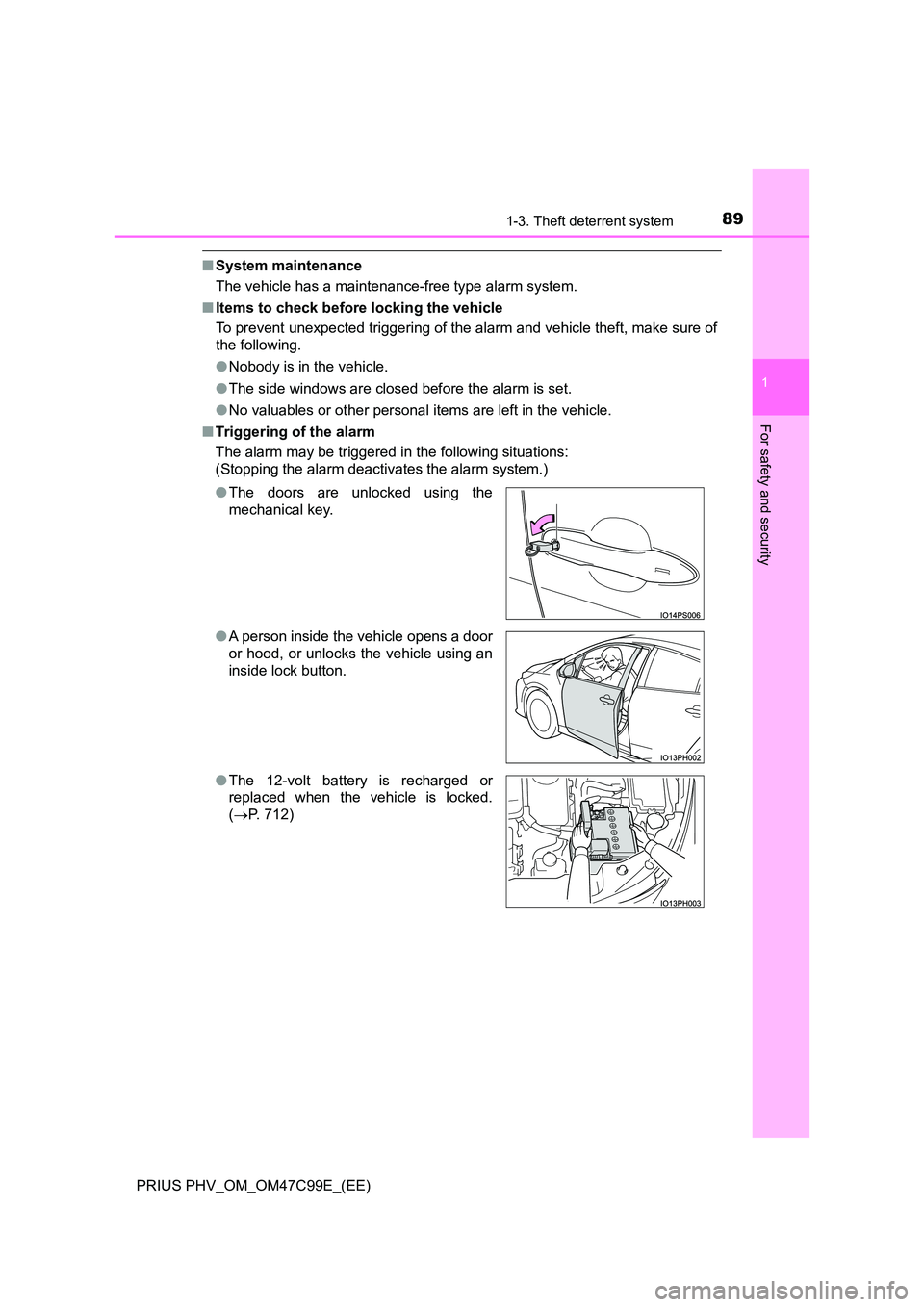
■ Triggering of the alarm
The alarm may be triggered in the following situations:
(Stopping the alarm deactivates the alarm system.)
● The doors are unlocked using the
mechanical key.
● A person inside the vehicle opens a door
or hood, or unlocks the vehicle using an
inside lock button.
● The 12-volt battery is recharged or
replaced when the vehicle is locked.
( P. 712)
Page 107 of 772
1072-1. Plug-in hybrid system
2
Plug-in hybrid system
PRIUS PHV_OM_OM47C99E_(EE)■If the vehicle is not used for a long time
●The 12-volt battery may discharge. In this event, charge the 12-volt battery.
(P. 599)
In order to prevent the hybrid battery (traction battery) from becoming
extremely low in charge, charge the hybrid battery (traction battery) from
external power source or start the hybrid system at least once every 2 or 3
months, and turn the power switch off after the gasoline engine has
stopped automatically. (If the gasoline engine does not start up even after
approximately 10 seconds have passed since the “READY” indicator came
on, the power switch can be turned to off without any further action.)
●When the vehicle is left with the charging cable connected, the electricity
consumption amount of the 12-volt battery increases due to controls, such
as the system checking, operating. When the charging cable is not needed,
immediately remove it from the vehicle.
●For vehicles with solar charging system, please refer to P. 186.
■Sounds and vibrations specific to a hybrid vehicle
There may be no engine sound or vibration even though the vehicle is able to
move with the “READY” indicator is illuminated. For safety, apply the parking
brake and make sure to shift the shift position to P when parked.
The following sounds or vibrations may occur when the hybrid system is
operating and are not a malfunction.
●Motor sounds may be heard from the engine compartment.
●Sounds may be heard from the hybrid battery (traction battery) when the
hybrid system starts or stops.
●Relay operating sounds such as a snap or soft clank will be emitted from the
hybrid battery (traction battery), behind the rear seats, when the hybrid sys-
tem is started or stopped.
●Sounds from the hybrid system may be heard when the back door is open.
●Sounds may be heard from the transmission when the gasoline engine
starts or stops, when driving at low speeds, or during idling.
●Engine sounds may be heard when accelerating sharply.
●Sounds may be heard due to regenerative braking when the brake pedal is
depressed or as the accelerator pedal is released.
●Vibration may be felt when the gasoline engine starts or stops.
●Cooling fan sounds may be heard from the air intake vent. (P. 110)
■Maintenance, repair, recycling, and disposal
Contact any authorized Toyota retailer or Toyota authorized repairer, or any
reliable repairer regarding maintenance, repair, recycling and disposal. Do
not dispose of the vehicle yourself.
Page 205 of 772
2053. Instrument cluster
3
Instrument cluster
PRIUS PHV_OM_OM47C99E_(EE)
■The meters and display illuminate when
The power switch is in ON mode.
■Adjusting the instrument cluster brightness (P. 200)
●The brightness levels that can be selected differ depending on whether the
tail lights are on and surrounding brightness levels, as shown in the table
below.
*: 22 levels of the brightness are displayed on the setting screen. However,
the brightness setting will be the brightest when other than 1st level (the
darkest) is selected. If other than 1st or 22nd level is selected, when the
tail lights are turned on in a dark place, the instrument cluster brightness
setting will be the selected level.
●If the taillights are illuminated in a dark environment, the instrument cluster
light dims. However, when the brightness of the instrument cluster is set to
minimum or maximum (1st or 22nd level of the instrument cluster bright-
ness), even if the taillights are illuminated, the instrument cluster light will
not dim.
■When disconnecting and reconnecting 12-volt battery terminals
The settings of the clock will be reset.
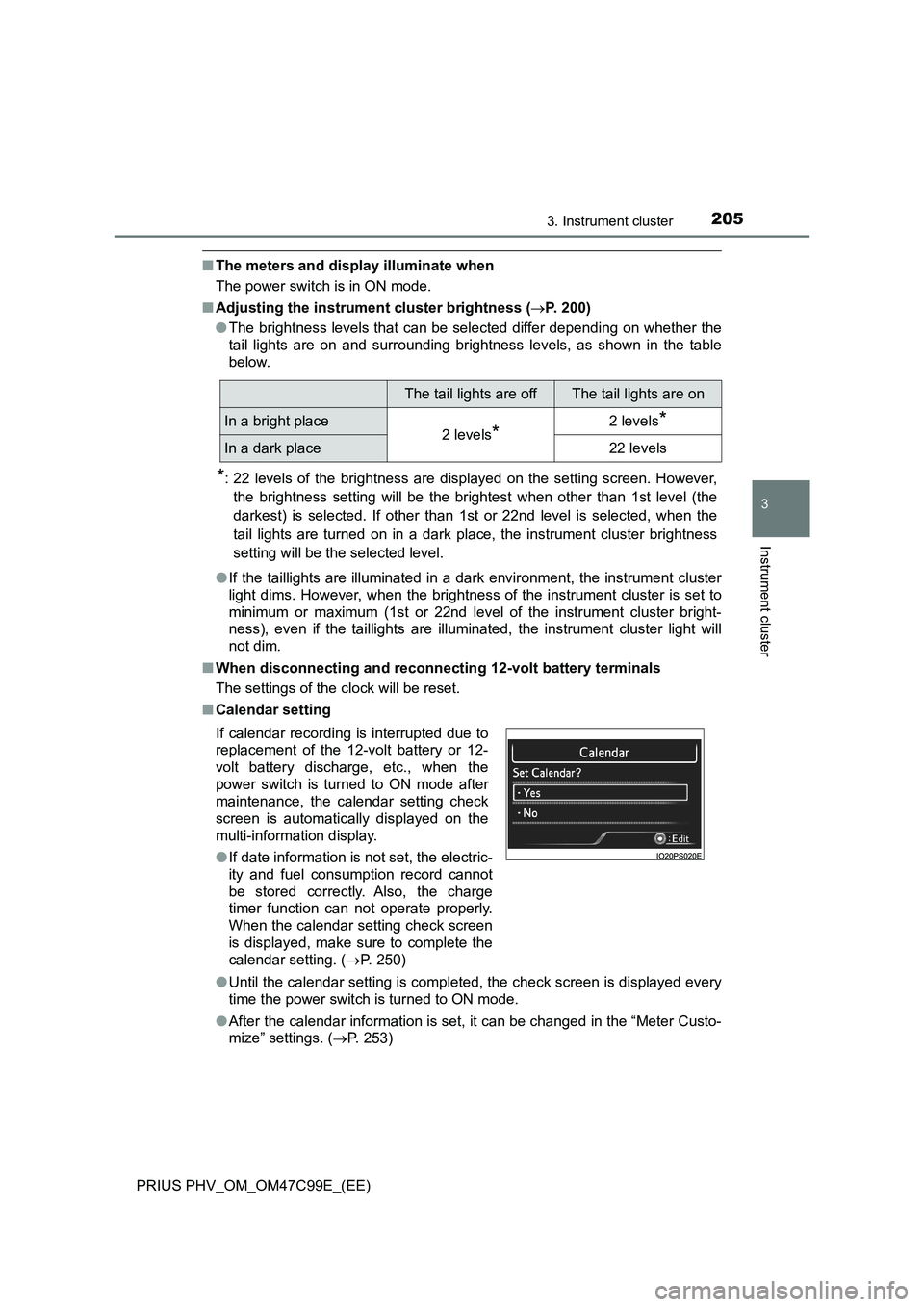
■Calendar setting
●Until the calendar setting is completed, the check screen is displayed every
time the power switch is turned to ON mode.
●After the calendar information is set, it can be changed in the “Meter Custo-
mize” settings. (P. 253)
The tail lights are offThe tail lights are on
In a bright place2 levels*2 levels*
In a dark place22 levels
If calendar recording is interrupted due to
replacement of the 12-volt battery or 12-
volt battery discharge, etc., when the
power switch is turned to ON mode after
maintenance, the calendar setting check
screen is automatically displayed on the
multi-information display.
●If date information is not set, the electric-
ity and fuel consumption record cannot
be stored correctly. Also, the charge
timer function can not operate properly.
When the calendar setting check screen
is displayed, make sure to complete the
calendar setting. (P. 250)
Page 571 of 772
571
7Maintenance and care
PRIUS PHV_OM_OM47C99E_(EE)7-1. Maintenance and care
Cleaning and protecting
the vehicle exterior .......... 572
Cleaning and protecting
the vehicle interior ........... 577
7-2. Maintenance
Maintenance
requirements.................... 583
7-3. Do-it-yourself maintenance
Do-it-yourself service
precautions ...................... 586
Hood .................................. 589
Positioning a floor jack ....... 591
Engine compartment.......... 592
Tires ................................... 606
Tire inflation pressure ........ 622
Wheels ............................... 624
Replacing the tire ............... 627
Air conditioning filter .......... 639
Wiper rubber
replacement ..................... 643
Electronic key battery ........ 646
Checking and replacing
fuses ................................ 649
Light bulbs ......................... 653
Page 572 of 772
5727-1. Maintenance and care
PRIUS PHV_OM_OM47C99E_(EE)
Cleaning and protecting the vehicle exterior
●Working from top to bottom, liberally apply water to the vehicle
body, wheel wells and underside of the vehicle to remove any dirt
and dust.
●Wash the vehicle body using a sponge or soft cloth, such as a
chamois.
●For hard-to-remove marks, use car wash soap and rinse thoroughly
with water.
●Wipe away any water.
●Wax the vehicle when the waterproof coating deteriorates.
If water does not bead on a clean surface, apply wax when the vehicle
body is cool.
■Before car washes
Check that the fuel filler door and charging port lid on your vehicle are closed
properly.
■Automatic car washes
●Fold the mirrors before washing the vehicle. Start washing from the front of
the vehicle. Make sure to extend the mirrors before driving.
●Brushes used in automatic car washes may scratch the vehicle surface and
harm your vehicle’s paint.
●Rear spoiler may not be washable in some automatic car washes. There
may also be an increased risk of damage to vehicle.
■High pressure car washes
●Do not allow the nozzles of the car wash to come within close proximity of
the windows.
●Before using the car wash, check that the fuel filler door and charging port
lid on your vehicle are closed properly.
Perform the following to protect the vehicle and maintain it in
prime condition:
Page 573 of 772
5737-1. Maintenance and care
PRIUS PHV_OM_OM47C99E_(EE)
7
Maintenance and care
■Note for a smart entry & start system
If the door handle becomes wet while the electronic key is within the effective
range, the door may lock and unlock repeatedly. In that case, follow the fol-
lowing correction procedures to wash the vehicle:
●Place the key in a position 2 m (6 ft.) or more separate from the vehicle
while the vehicle is being washed. (Take care to ensure that the key is not
stolen.)
●Set the electronic key to battery-saving mode to disable the smart entry &
start system. (P. 289)
■Aluminum wheels
●Remove any dirt immediately by using a neutral detergent.
●Wash detergent off with water immediately after use.
●To protect the paint from damage, make sure to observe the following pre-
cautions.
• Do not use acidic, alkaline or abrasive detergent
• Do not use hard brushes
• Do not use detergent on the wheels when they are hot, such as after driv-
ing or parking in hot weather
■Bumpers
Do not scrub with abrasive cleaners.
■Front side windows water-repellent coating
The following precautions can extend the effectiveness of the water-repellent
coating.
●Remove any dirt, etc. from the front side windows regularly.
●Do not allow dirt and dust to accumulate on the windows for a long period.
Clean the windows with a soft, damp cloth as soon as possible.
●Do not use wax or glass cleaners that contain abrasives when cleaning the
windows.
●Do not use any metallic objects to remove condensation build up.