Digital Key TOYOTA PRIUS PRIME 2023 Owners Manual
[x] Cancel search | Manufacturer: TOYOTA, Model Year: 2023, Model line: PRIUS PRIME, Model: TOYOTA PRIUS PRIME 2023Pages: 680, PDF Size: 14.97 MB
Page 2 of 680
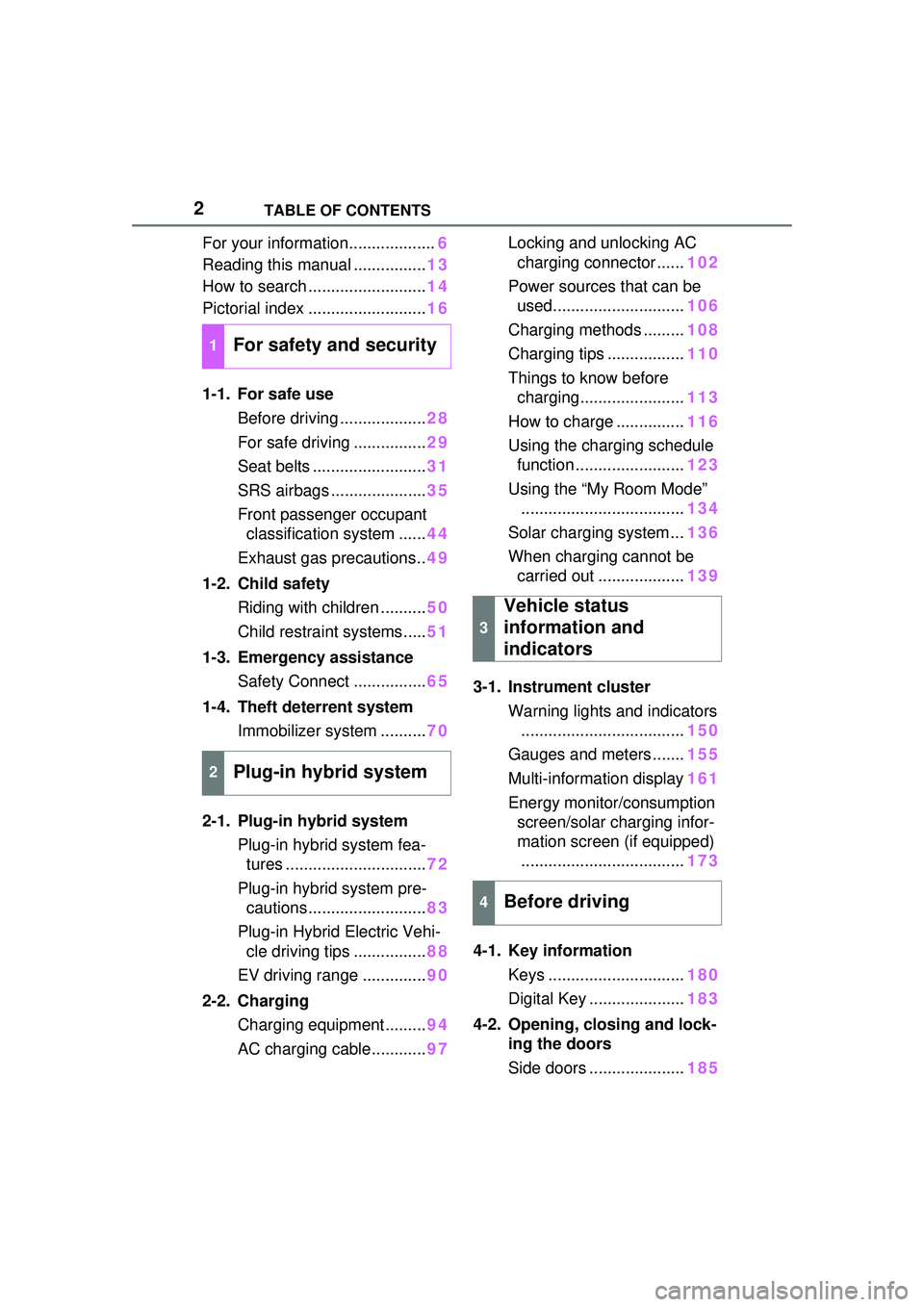
2TABLE OF CONTENTS
For your information...................6
Reading this manual ................ 13
How to search .......................... 14
Pictorial index .......................... 16
1-1. For safe use Before driving ................... 28
For safe driving ................ 29
Seat belts ......................... 31
SRS airbags ..................... 35
Front passenger occupant classification system ...... 44
Exhaust gas precautions.. 49
1-2. Child safety Riding with children .......... 50
Child restraint systems..... 51
1-3. Emergency assistance Safety Connect ................ 65
1-4. Theft deterrent system Immobilizer sy stem ..........70
2-1. Plug-in hybrid system Plug-in hybrid system fea-tures ............................... 72
Plug-in hybrid system pre- cautions .......................... 83
Plug-in Hybrid Electric Vehi- cle driving tips ................ 88
EV driving range .............. 90
2-2. Charging Charging equipment......... 94
AC charging cable............ 97Locking and unlocking AC
charging connector ...... 102
Power sources that can be used............................. 106
Charging methods ......... 108
Charging tips ................. 110
Things to know before charging....................... 113
How to charge ............... 116
Using the charging schedule function ........................ 123
Using the “My Room Mode” .................................... 134
Solar charging system ... 136
When charging cannot be carried out ................... 139
3-1. Instrument cluster Warning lights and indicators.................................... 150
Gauges and meters ....... 155
Multi-information display 161
Energy monitor/consumption screen/solar charging infor-
mation screen (if equipped).................................... 173
4-1. Key information Keys .............................. 180
Digital Key ..................... 183
4-2. Opening, closing and lock- ing the doors
Side doors ..................... 185
1For safety and security
2Plug-in hybrid system
3
Vehicle status
information and
indicators
4Before driving
Page 3 of 680
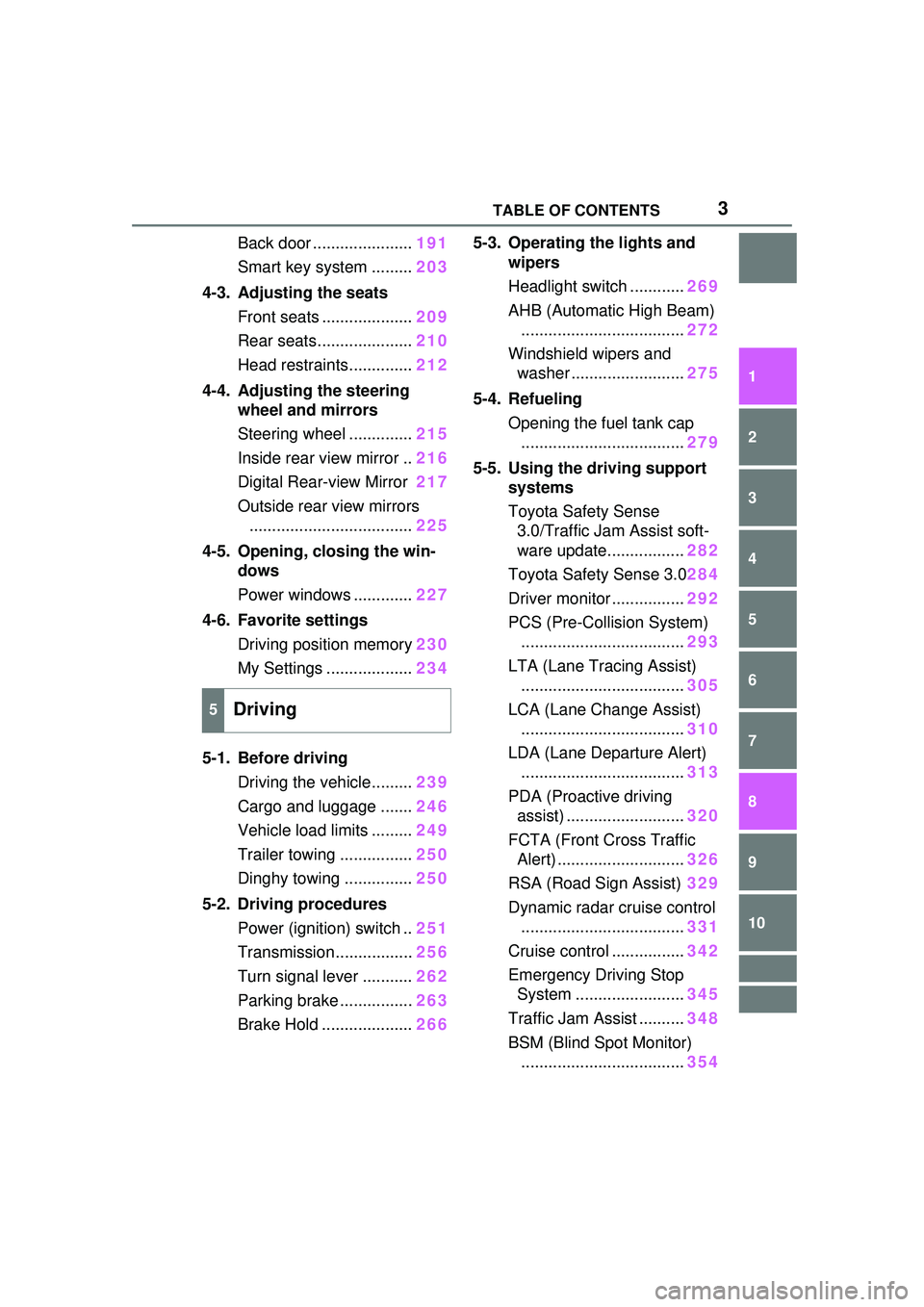
3TABLE OF CONTENTS
1
2
3
4
5
6
7
8
9
10
Back door ......................191
Smart key system ......... 203
4-3. Adjusting the seats Front seats .................... 209
Rear seats..................... 210
Head restraints.............. 212
4-4. Adjusting the steering wheel and mirrors
Steering wheel .............. 215
Inside rear view mirror .. 216
Digital Rear-view Mirror 217
Outside rear view mirrors .................................... 225
4-5. Opening, closing the win- dows
Power windows ............. 227
4-6. Favorite settings Driving position memory 230
My Settings ................... 234
5-1. Before driving Driving the vehicle......... 239
Cargo and luggage ....... 246
Vehicle load limits ......... 249
Trailer towing ................ 250
Dinghy towing ............... 250
5-2. Driving procedures Power (ignition) switch .. 251
Transmission................. 256
Turn signal lever ........... 262
Parking brake ................ 263
Brake Hold .................... 2665-3. Operating the lights and
wipers
Headlight switch ............ 269
AHB (Automatic High Beam) .................................... 272
Windshield wipers and washer ......................... 275
5-4. Refueling Opening the fuel tank cap.................................... 279
5-5. Using the driving support systems
Toyota Safety Sense 3.0/Traffic Jam Assist soft-
ware update................. 282
Toyota Safety Sense 3.0 284
Driver monitor ................ 292
PCS (Pre-Collision System) .................................... 293
LTA (Lane Tracing Assist) .................................... 305
LCA (Lane Change Assist) .................................... 310
LDA (Lane Departure Alert) .................................... 313
PDA (Proactive driving assist) .......................... 320
FCTA (Front Cross Traffic Alert) ............................ 326
RSA (Road Sign Assist) 329
Dynamic radar cruise control .................................... 331
Cruise control ................ 342
Emerge
ncy Driving Stop
System ........................ 345
Traffic Jam Assist .......... 348
BSM (Blind Spot Monitor) .................................... 354
5Driving
Page 170 of 680
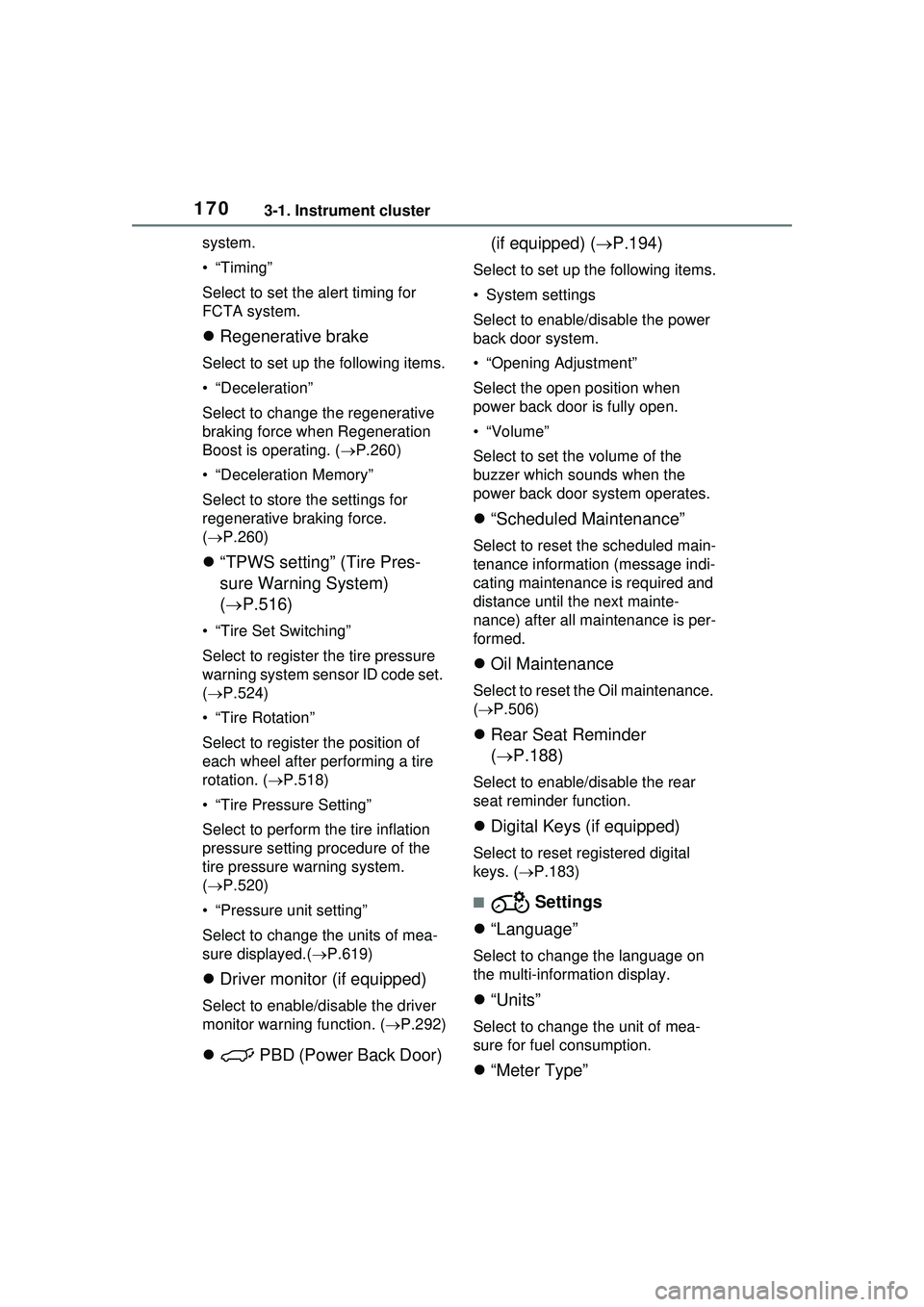
1703-1. Instrument cluster
system.
•“Timing”
Select to set the alert timing for
FCTA system.
Regenerative brake
Select to set up the following items.
• “Deceleration”
Select to change the regenerative
braking force when Regeneration
Boost is operating. ( P.260)
• “Deceleration Memory”
Select to store the settings for
regenerative braking force.
( P.260)
“TPWS setting” (Tire Pres-
sure Warning System)
( P.516)
• “Tire Set Switching”
Select to register the tire pressure
warning system sensor ID code set.
( P.524)
• “Tire Rotation”
Select to register the position of
each wheel after performing a tire
rotation. ( P.518)
• “Tire Pressure Setting”
Select to perform the tire inflation
pressure setting procedure of the
tire pressure warning system.
( P.520)
• “Pressure unit setting”
Select to change the units of mea-
sure displayed.( P.619)
Driver monitor (if equipped)
Select to enable/disable the driver
monitor warning function. ( P.292)
PBD (Power Back Door) (if equipped) (
P.194)
Select to set up the following items.
• System settings
Select to enable/d isable the power
back door system.
• “Opening Adjustment”
Select the open position when
power back door is fully open.
•“Volume”
Select to set the volume of the
buzzer which sounds when the
power back door system operates.
“Scheduled Maintenance”
Select to reset the scheduled main-
tenance information (message indi-
cating maintenance is required and
distance until the next mainte-
nance) after all maintenance is per-
formed.
Oil Maintenance
Select to reset th e Oil maintenance.
( P.506)
Rear Seat Reminder
( P.188)
Select to enable/disable the rear
seat reminder function.
Digital Keys (if equipped)
Select to reset registered digital
keys. ( P.183)
■ Settings
“Language”
Select to change the language on
the multi-information display.
“Units”
Select to change the unit of mea-
sure for fuel consumption.
“Meter Type”
Page 179 of 680
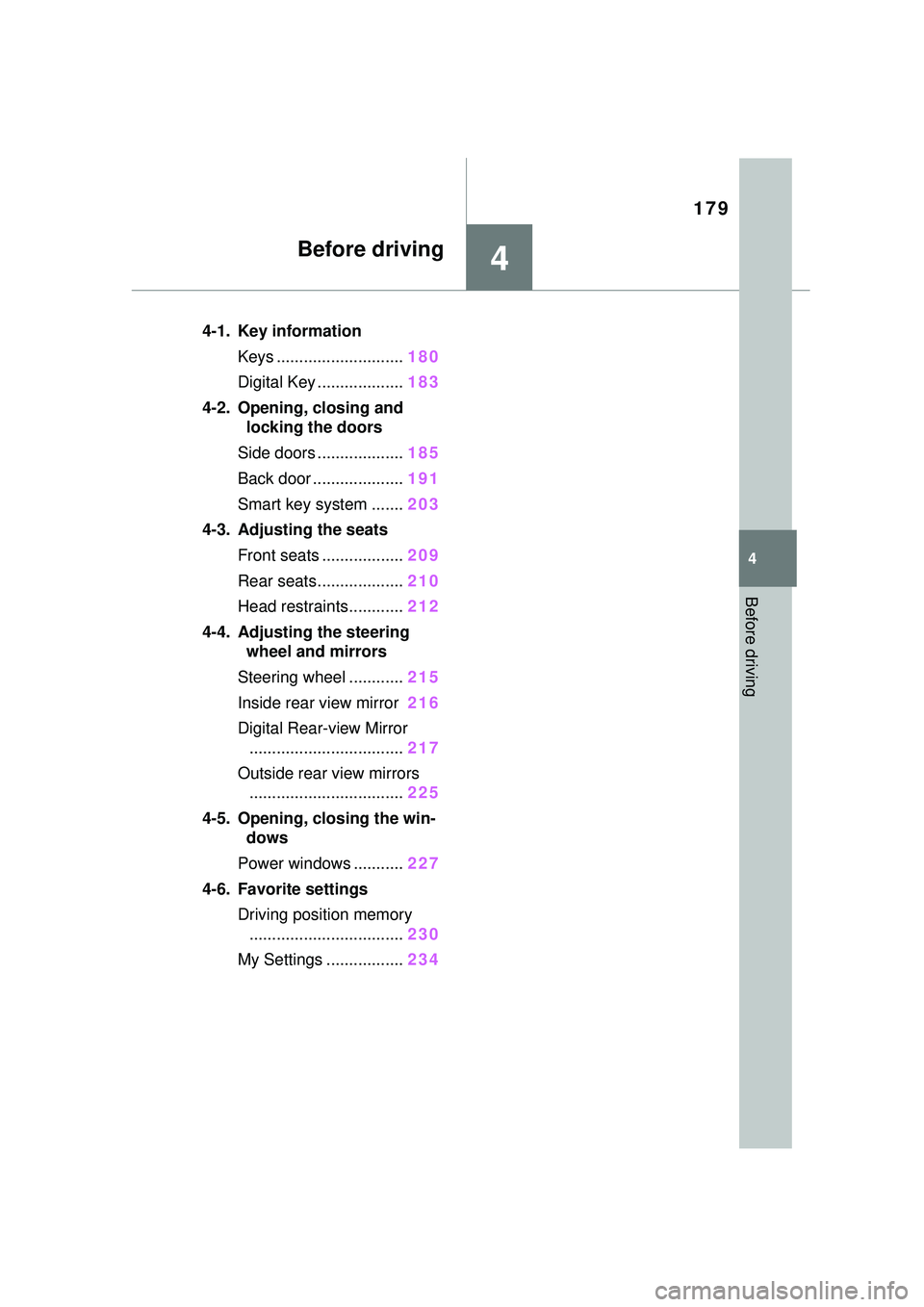
179
4
4
Before driving
Before driving
4-1. Key informationKeys ............................ 180
Digital Key ................... 183
4-2. Opening, closing and locking the doors
Side doors ................... 185
Back door .................... 191
Smart key system ....... 203
4-3. Adjusting the seats Front seats .................. 209
Rear seats................... 210
Head restraints............ 212
4-4. Adjusting the steering wheel and mirrors
Steering wheel ............ 215
Inside rear view mirror 216
Digital Rear-view Mirror .................................. 217
Outside rear view mirrors .................................. 225
4-5. Opening, closing the win- dows
Power windows ........... 227
4-6. Favorite settings Driving position memory.................................. 230
My Settings ................. 234
Page 183 of 680
1834-1. Key information
4
Before driving
■If a wrong key is used
The key cylinder ro tates freely to
isolate inside mechanism.
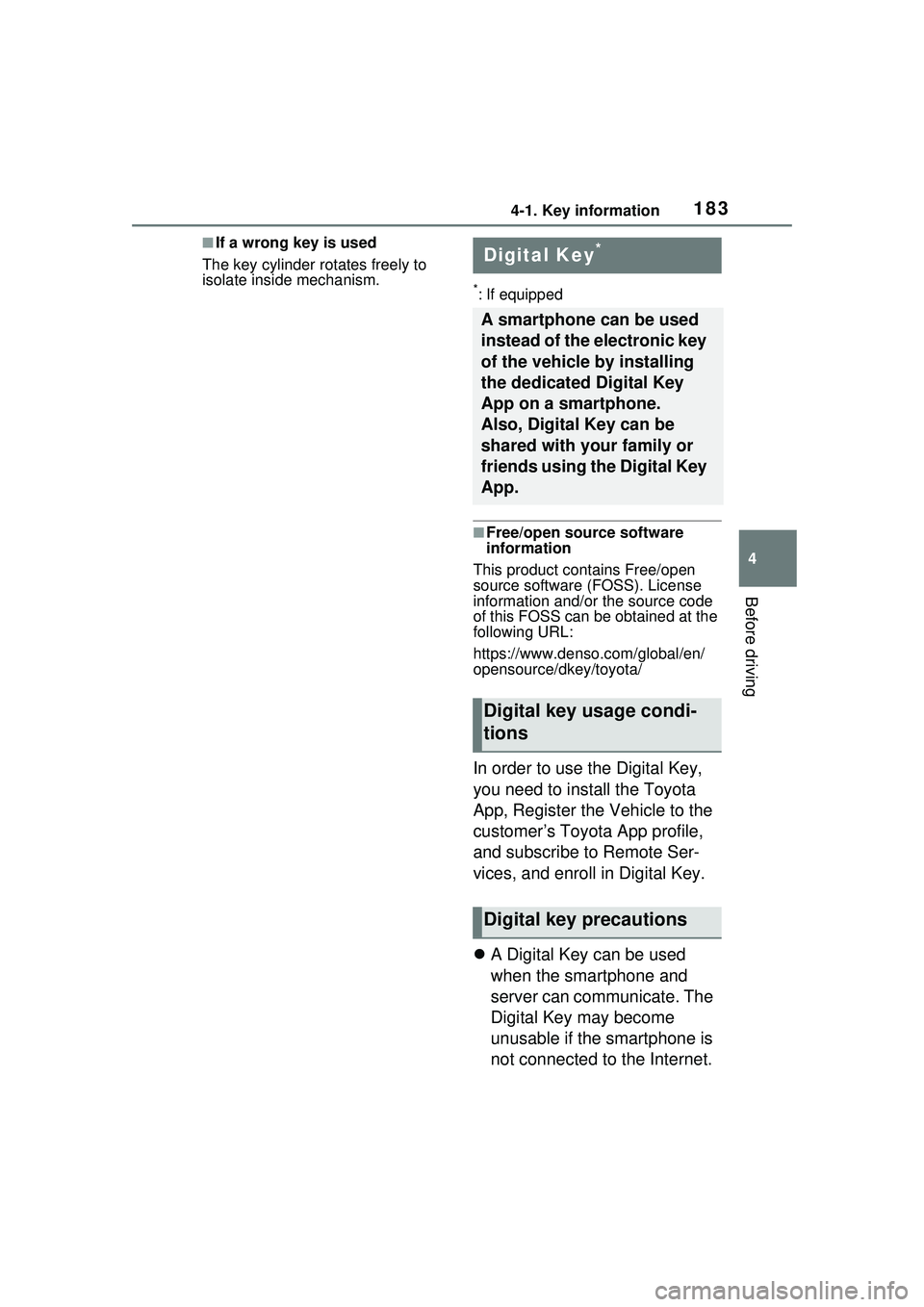
*: If equipped
■Free/open source software
information
This product contains Free/open
source software (FOSS). License
information and/or the source code
of this FOSS can be obtained at the
following URL:
https://www.denso .com/global/en/
opensource/dkey/toyota/
In order to use the Digital Key,
you need to install the Toyota
App, Register the Vehicle to the
customer’s Toyota App profile,
and subscribe to Remote Ser-
vices, and enroll in Digital Key.
A Digital Key can be used
when the smartphone and
server can communicate. The
Digital Key may become
unusable if the smartphone is
not connected to the Internet.
Digital Key*
A smartphone can be used
instead of the electronic key
of the vehicle by installing
the dedicated Digital Key
App on a smartphone.
Also, Digital Key can be
shared with your family or
friends using the Digital Key
App.
Digital key usage condi-
tions
Digital key precautions
Page 184 of 680
1844-1. Key information
Be sure to carry the electronic
key of the vehicle if traveling
to a location with unreliable
communications.
If the smartphone battery is
depleted, the smartphone
cannot be used as Digital
Key. If the battery level is low,
be sure to charge the smart-
phone prior to going out.
The Digital Key system is
related to the smart key sys-
tem. If the smart key system
has been deactivated in the
vehicle customization setting,
the Digital Key will also be
disabled.
Depending on the radio wave
environment, the Digital Key
may not be able to be used.
( P.205)
When transferring vehicle
ownership, make sure to
delete the Digital Keys.
If the vehicle is not operated
for 14 days or more, the Digi-
tal Key will not connect auto-
matically. Therefore, it may
take some time before the
system operates after a door
handle is touched.
A part of the services may be
stopped for a certain period of
time due to server mainte-
nance. However, registered
Digital Keys can be used
during the maintenance.
A smartphone with the Digital Key App enabled will be able
to lock and unlock the doors,
start the hybrid system and
perform any other operations
as same as the electronic key
of the vehicle. Be especially
careful not to lose the smart-
phone or allow it to be stolen.
If the smartphone is lost or
stolen, contact your Toyota
dealer immediately.
When taking your vehicle to a
Toyota dealer for an inspec-
tion or repairs, make sure to
bring an electronic key.
With the Digital Key alone, no
vehicle lights will illuminate
when approached to the vehi-
cle. Also, with the Digital Key
alone, some functions, such
as the power back door’s
close & lock (walk-away)
function, etc., cannot be used.
Page 205 of 680
2054-2. Opening, closing and locking the doors
4
Before driving
an area of approximately 11.5 ft.
(3.5 m) of the outside of the vehi-
cle for 40 seconds or longer.
• The smart key system has not been used for 5 days or longer.
●If the smart key system has not
been used for 14 days or longer,
the doors cannot be unlocked at
any doors except the driver’s
door. In this case, take hold of the
driver’s door handle, or use the
wireless remote control or the
mechanical key, to unlock the
doors.
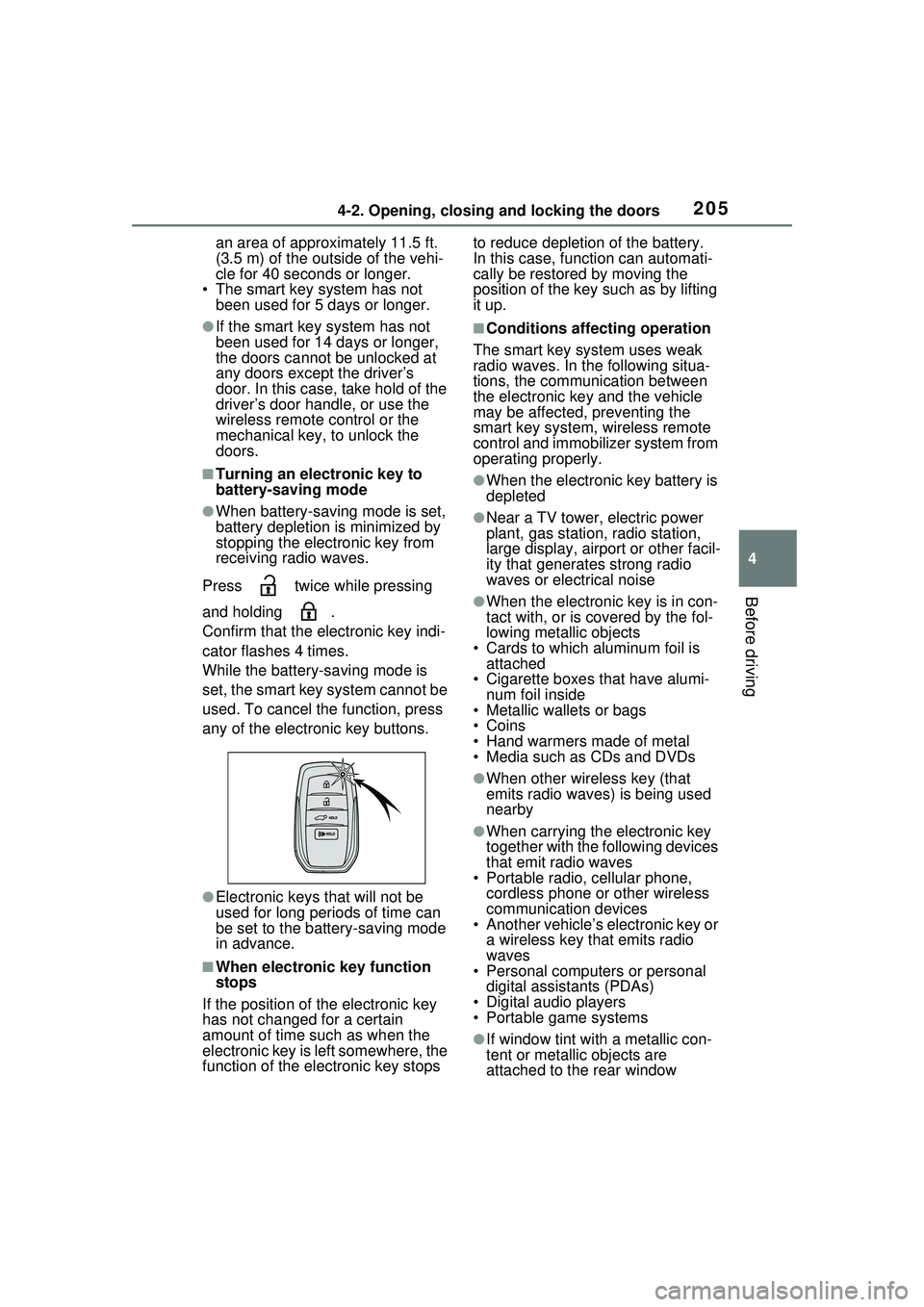
■Turning an electronic key to
battery-saving mode
●When battery-saving mode is set,
battery depletion is minimized by
stopping the electronic key from
receiving radio waves.
Press twice while pressing
and holding .
Confirm that the electronic key indi-
cator flashes 4 times.
While the battery-saving mode is
set, the smart key system cannot be
used. To cancel the function, press
any of the electronic key buttons.
●Electronic keys that will not be
used for long periods of time can
be set to the battery-saving mode
in advance.
■When electronic key function
stops
If the position of the electronic key
has not changed for a certain
amount of time such as when the
electronic key is left somewhere, the
function of the electronic key stops to reduce depletion of the battery.
In this case, function can automati-
cally be restored by moving the
position of the key such as by lifting
it up.
■Conditions affecting operation
The smart key system uses weak
radio waves. In the following situa-
tions, the communication between
the electronic key and the vehicle
may be affected, preventing the
smart key system, wireless remote
control and immobilizer system from
operating properly.
●When the electronic key battery is
depleted
●Near a TV tower, electric power
plant, gas station, radio station,
large display, airport or other facil-
ity that generates strong radio
waves or electrical noise
●When the electronic key is in con-
tact with, or is covered by the fol-
lowing metallic objects
• Cards to which aluminum foil is attached
• Cigarette boxes that have alumi-
num foil inside
• Metallic wallets or bags
•Coins
• Hand warmers made of metal
• Media such as CDs and DVDs
●When other wireless key (that
emits radio waves) is being used
nearby
●When carrying the electronic key
together with the following devices
that emit radio waves
• Portable radio, cellular phone, cordless phone or other wireless
communication devices
• Another vehicle’s electronic key or a wireless key that emits radio
waves
• Personal computers or personal digital assistants (PDAs)
• Digital audio players
• Portable game systems
●If window tint with a metallic con-
tent or metallic objects are
attached to the rear window
Page 235 of 680
2354-6. Favorite settings
4
Before driving
Digital Key (if equipped)
An individual is identified when the
smart key system detects their Digi-
tal Key. ( P.183)
Bluetooth® devices
An individual can be identified if the
same Bluetooth
® device that was
used as a hands-free phone the
last time the vehicle was entered is
connected to the audio system.
If an individual is identified by
detecting an electronic key, identifi-
cation by Bluetooth
® device will not
be performed.
Bluetooth
® is a registered trade-
mark of Bluetooth SIG, Inc.
When an individual is identified
from an authentication device,
settings for the following func-
tions are recalled.
Driving position (memory
recall function) (if equipped)
After an individual is identified, the
driving position that was set when
driving was last completed is
recalled when either of the follow-
ing operations is performed.
• Identification using electronic key:
The door is unlocked and opened
using the smart key system or
wireless remote control.
• Identification using Digital Key (if equipped): The door is unlocked
and opened using the smart key
system.
Refer to P.231 for information on
driving position registration and recall.
Multimedia settings*
When an individual is identified, the
multimedia system settings used
when the power switch was last
turned off are recalled.
Vehicle settings* (items that
can be set on the multi-infor-
mation display and Multime-
dia Display)
When an individual is identified, the
vehicle settings used when the
power switch was last turned off are
recalled.
*: Some settings are excluded
Recalled functions
Page 652 of 680
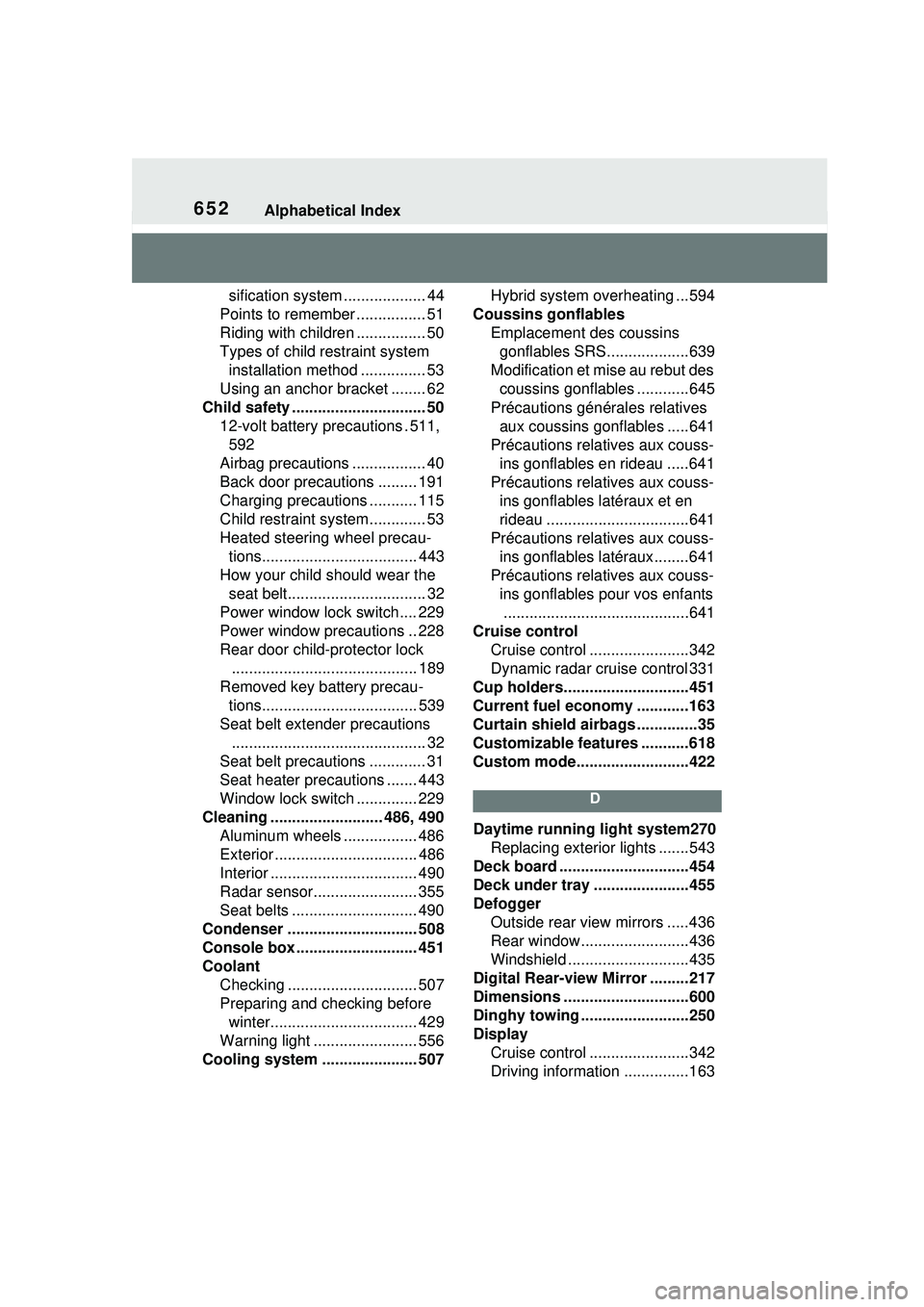
652Alphabetical Index
sification system ................... 44
Points to remember ................ 51
Riding with children ................ 50
Types of child restraint system installation method ............... 53
Using an anchor bracket ........ 62
Child safety ............................... 50 12-volt battery precautions . 511, 592
Airbag precautions ................. 40
Back door precautions ......... 191
Charging precautions ........... 115
Child restraint system............. 53
Heated steering wheel precau- tions.................................... 443
How your child should wear the seat belt................................ 32
Power window lock switch.... 229
Power window precautions .. 228
Rear door child-protector lock ........................................... 189
Removed key battery precau- tions.................................... 539
Seat belt extender precautions ............................................. 32
Seat belt precautions ............. 31
Seat heater precautions ....... 443
Window lock switch .............. 229
Cleaning .......................... 486, 490 Aluminum wheels ................. 486
Exterior ................................. 486
Interior .................................. 490
Radar sensor........................ 355
Seat belts ............................. 490
Condenser .............................. 508
Console box ............................ 451
Coolant Checking .............................. 507
Preparing and checking before winter.................................. 429
Warning light ........................ 556
Cooling system ...................... 507 Hybrid system overheating ...594
Coussins gonflables Emplacement des coussins gonflables SRS...................639
Modification et mise au rebut des coussins gonflables ............645
Précautions générales relatives aux coussins gonflables .....641
Précautions relatives aux couss- ins gonflables en rideau .....641
Précautions relatives aux couss- ins gonflables latéraux et en
rideau .................................641
Précautions relatives aux couss- ins gonflables latéraux........641
Précautions relatives aux couss- ins gonflables pour vos enfants...........................................641
Cruise control Cruise control .......................342
Dynamic radar cruise control 331
Cup holders.............................451
Current fuel economy ............163
Curtain shield airbags ..............35
Customizable features ...........618
Custom mode..........................422
D
Daytime running light system270 Replacing exterior lights .......543
Deck board ..............................454
Deck under tray ......................455
Defogger Outside rear view mirrors .....436
Rear window.........................436
Windshield ............................435
Digital Rear-view Mirror .........217
Dimensions .............................600
Dinghy towing .........................250
Display Cruise control .......................342
Driving information ...............163
Page 659 of 680
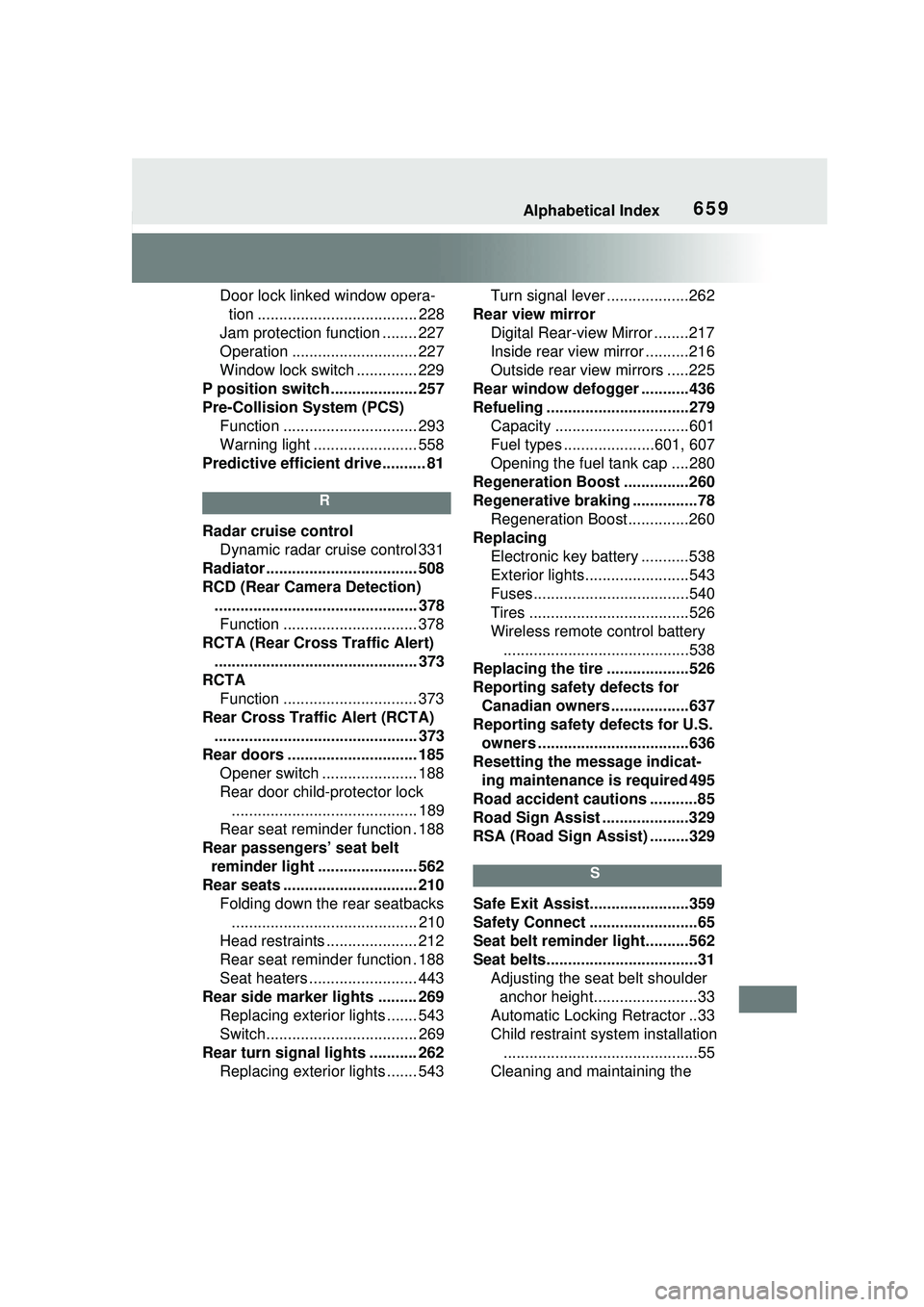
Alphabetical Index659
Door lock linked window opera-tion ..................................... 228
Jam protection function ........ 227
Operation ............................. 227
Window lock switch .............. 229
P position switch .................... 257
Pre-Collision System (PCS) Function ............................... 293
Warning light ........................ 558
Predictive efficient drive .......... 81
R
Radar cruise control Dynamic radar cruise control 331
Radiator ................................... 508
RCD (Rear Camera Detection) ............................................... 378Function ............................... 378
RCTA (Rear Cross Traffic Alert) ............................................... 373
RCTA Function ............................... 373
Rear Cross Traffic Alert (RCTA) ............................................... 373
Rear doors .............................. 185 Opener switch ...................... 188
Rear door child-protector lock........................................... 189
Rear seat reminder function . 188
Rear passengers’ seat belt reminder light ....................... 562
Rear seats ............................... 210 Folding down the rear seatbacks........................................... 210
Head restraints ..................... 212
Rear seat reminder function . 188
Seat heaters ......................... 443
Rear side marker lights ......... 269 Replacing exterior lights ....... 543
Switch................................... 269
Rear turn signal lights ........... 262 Replacing exterior lights ....... 543 Turn signal lever ...................262
Rear view mirror Digital Rear-view Mirror ........217
Inside rear view mirror ..........216
Outside rear view mirrors .....225
Rear window defogger ...........436
Refueling ............ .....................279
Capacity ...............................601
Fuel types .....................601, 607
Opening the fuel tank cap ....280
Regeneration Boost ...............260
Regenerative braking ...............78 Regeneration Boost..............260
Replacing Electronic key battery ...........538
Exterior lights........................543
Fuses....................................540
Tires .....................................526
Wireless remote control battery...........................................538
Replacing the tire ...................526
Reporting safety defects for Canadian owners ..................637
Reporting safety defects for U.S. owners ...................................636
Resetting the message indicat- ing maintenance is required 495
Road accident cautions ...........85
Road Sign Assist ....................329
RSA (Road Sign Assist) .........329
S
Safe Exit Assist.. .....................359
Safety Connect .........................65
Seat belt reminder light..........562
Seat belts...................................31 Adjusting the seat belt shoulder anchor height........................33
Automatic Locking Retractor ..33
Child restraint system installation .............................................55
Cleaning and maintaining the