clock TOYOTA PRIUS V 2012 Owners Manual (in English)
[x] Cancel search | Manufacturer: TOYOTA, Model Year: 2012, Model line: PRIUS V, Model: TOYOTA PRIUS V 2012Pages: 564, PDF Size: 10.45 MB
Page 4 of 564

TABLE OF CONTENTSIndex
4
PRIUS v_U (OM47674U)
3-1. Using the air conditioningsystem a nd defogger
Automatic air conditioning system .............................. 278
Using the steering wheel climate remote control
switches ........................... 291
Rear window and outside rear view mirror defogger
switch ............................... 293
3-2. Using the audio system Audio system types ............ 294
3-3. Using the interior lights Interior lights list ................. 299
• Interior lights .................... 300
• Personal lights ................. 301 3-4. Using the storage features
List of storage features ....... 303
• Glove boxes ..................... 305
• Console box ..................... 306
• Cup holders ...................... 307
• Bottle holders ................... 309
• Auxiliary boxes ................. 310
• Door pockets .................... 311
• Card holder ....................... 311
3-5. Other interior features Sun visors ........................... 312
Vanity mirrors ..................... 313
Clock................................... 314
Power outlets ...................... 315
Seat heaters ....................... 317
Armrest ............................... 319
Panoramic roof shades....... 320
Floor mats........................... 324
Luggage compartment features ............................ 326
Garage door opener ........... 330
Safety Connect ................... 338
3Interior features
Page 17 of 564
17
PRIUS v_U (OM47674U)
C
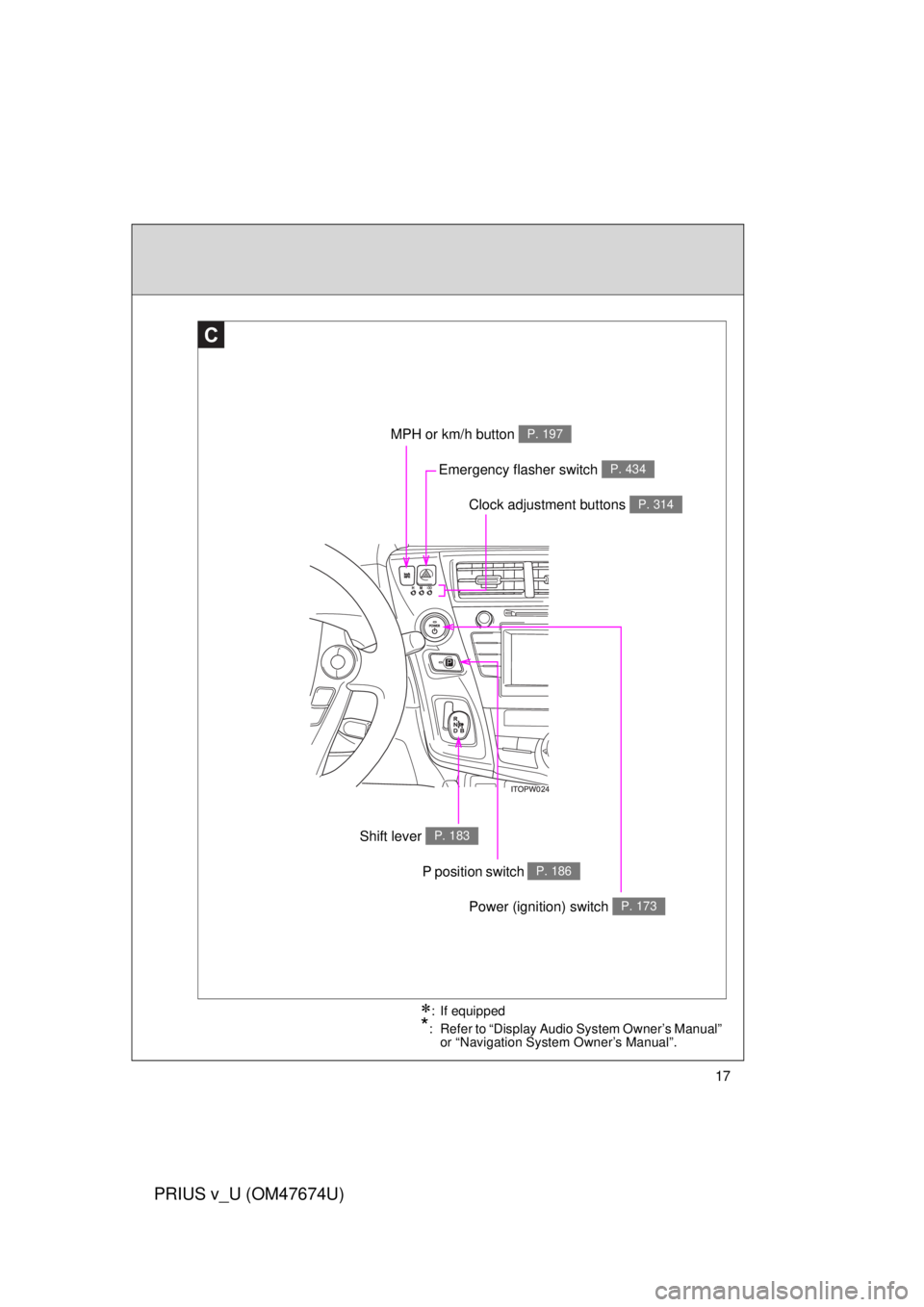
Clock adjustment buttons P. 314
MPH or km/h button P. 197
Shift lever P. 183
Emergency flasher switch P. 434
: If equipped
*: Refer to “Display Audio System Owner’s Manual” or “Navigation System Owner’s Manual”.
P position switch P. 186
Power (ignition) switch P. 173
Page 178 of 564

178 2-1. Driving procedures
PRIUS v_U (OM47674U)
■When the P position cont rol system malfunctions
The “POWER” switch will not be able to be turned off. In such a case, the
switch can be turned off after applying the parking brake.
Have the vehicle inspected by your Toyota dealer immediately.
■ Meter display
When the “POWER” switch is turned off, each display will extinguish as fol-
lows.
● The shift position indicator will extinguish after approximately 2 seconds.
● The odometer, clock, etc. will extinguish after approximately 30 seconds.
(Each display will also extinguish immediately if a door is locked before 30
seconds has elapsed)
CAUTION
■ When starting the hybrid system
Always start the hybrid system while sitting in the driver’s seat. Do not
depress the accelerator pedal while starting the hybrid system under any cir-
cumstances.
Doing so may cause an accident resulting in death or serious injury.
■ Stopping the hybrid system in an emergency
If you want to stop the hybrid system in an emergency while driving the vehi-
cle, press and hold the “POWER” switch for more than 3 seconds, or press it
briefly 3 times or more in succession.
However, do not touch the “POWER” switch while driving except in an emer-
gency. Turning the hybrid system off while driving will not cause loss of
steering or braking control, but the power assist to these systems will be lost.
This will make it more difficult to steer and brake, so you should pull over
and stop the vehicle as soon as it is safe to do so.
Page 196 of 564
196 2-2. Instrument cluster
PRIUS v_U (OM47674U)
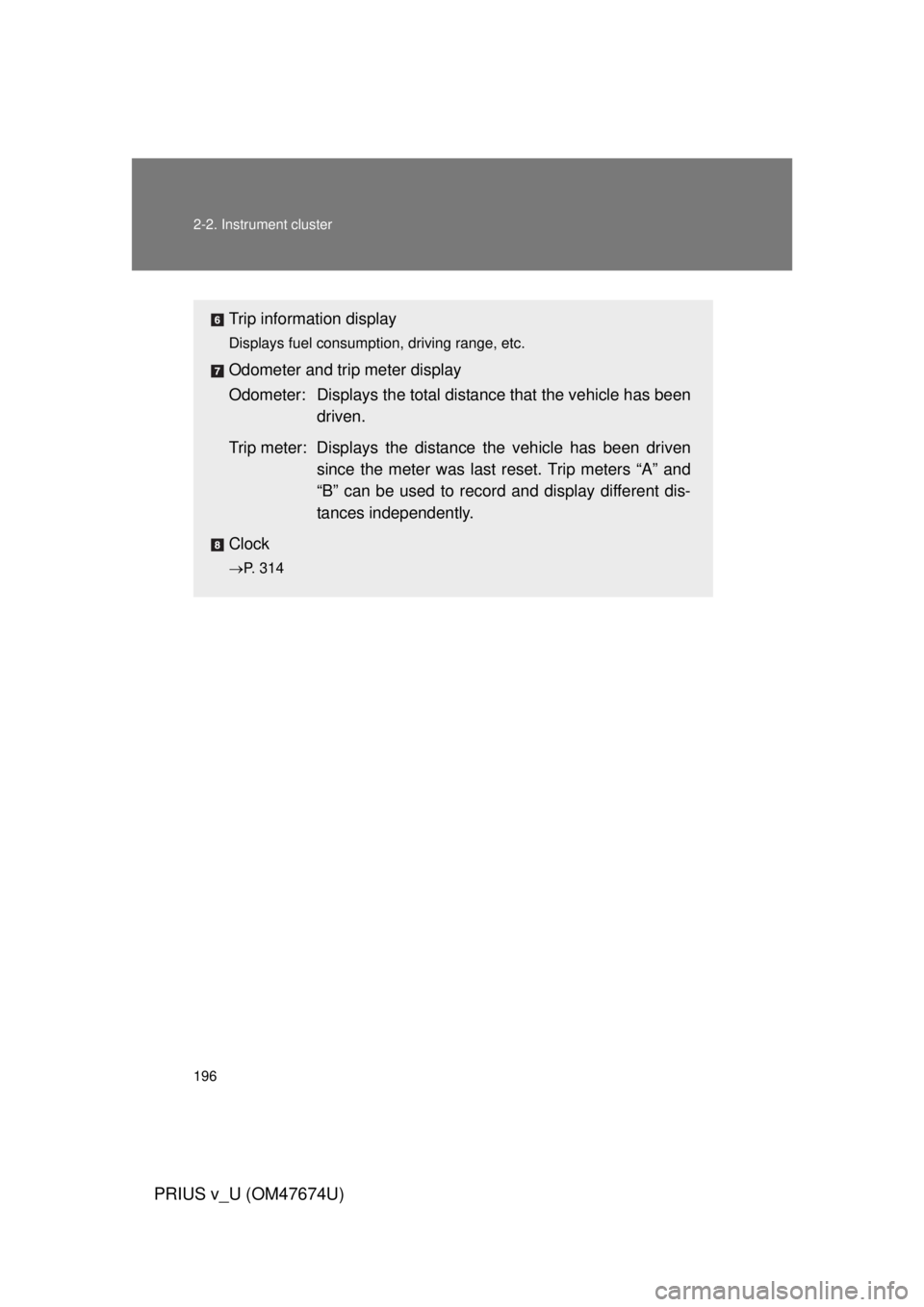
Trip information display
Displays fuel consumption, driving range, etc.
Odometer and trip meter display
Odometer: Displays the total distance that the vehicle has been
driven.
Trip meter: Displays the distan ce the vehicle has been driven
since the meter was last reset. Trip meters “A” and
“B” can be used to record and display different dis-
tances independently.
Clock
P. 314
Page 277 of 564
Interior features3
277
PRIUS v_U (OM47674U)
3-1. Using the air conditioning system and defogger
Automatic air conditioning system ........................... 278
Using the steering wheel climate remote control
switches ......................... 291
Rear window and outside rear view mirror defogger
switch ............................. 293
3-2. Using the audio system Audio system types .......... 294 3-3. Using the interior lights
Interior lights list ............... 299
• Interior lights .................. 300
• Personal lights ............... 301
3-4. Using the storage features List of storage features .... 303
• Glove boxes ................... 305
• Console box ................... 306
• Cup holders ................... 307
• Bottle holders ................. 309
• Auxiliary boxes ............... 310
• Door pockets .................. 311
• Card holder .................... 311
3-5. Other interior features Sun visors ........................ 312
Vanity mirrors ................... 313
Clock ................................ 314
Power outlets ................... 315
Seat heaters..................... 317
Armrest ............................ 319
Panoramic roof shades .... 320
Floor mats ........................ 324
Luggage compartment features .......................... 326
Garage door opener......... 330
Safety Connect ................ 338
Page 280 of 564
280 3-1. Using the air conditioning system and defogger
PRIUS v_U (OM47674U)
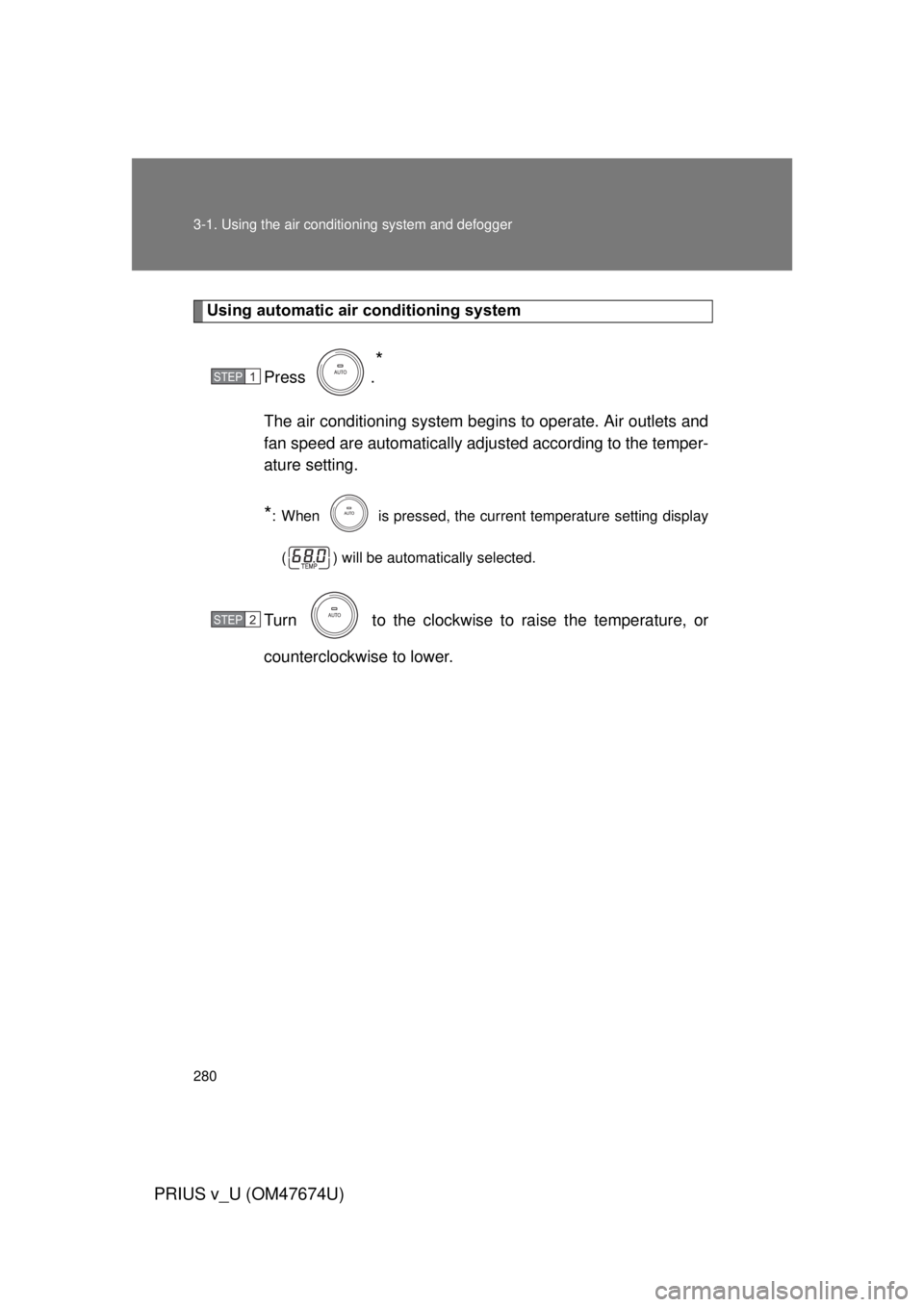
Using automatic air conditioning system
Press .
*
The air conditioning system beg ins to operate. Air outlets and
fan speed are automatically adjus ted according to the temper-
ature setting.
*: When is pressed, the current temperature setting display
( ) will be automatically selected.
Turn to the clockwise to raise the temperature, or
counterclockwise to lower.
STEP 1
STEP 2
Page 281 of 564
281
3-1. Using the air conditioning system
and defogger
PRIUS v_U (OM47674U)
3
Interior features
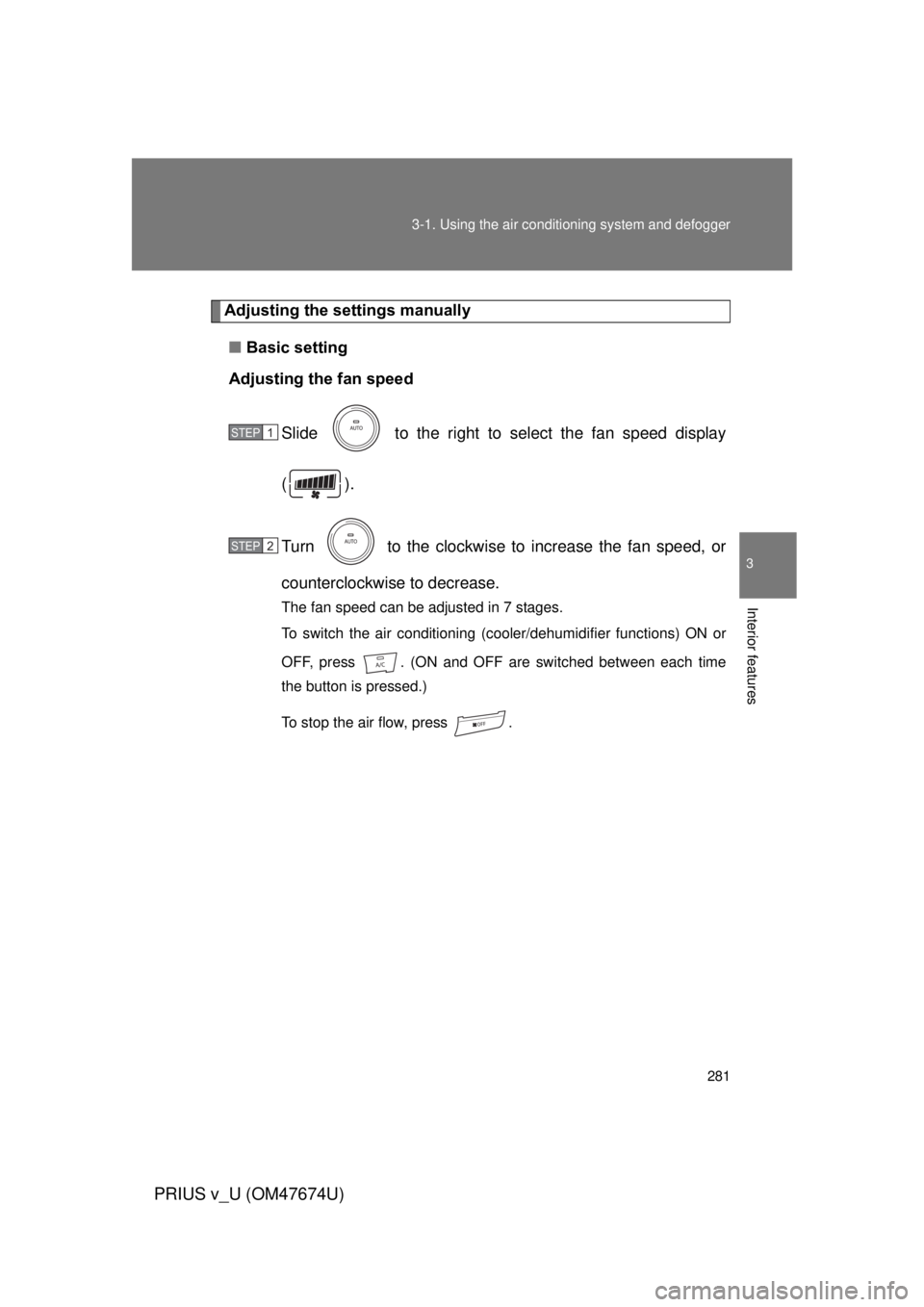
Adjusting the settings manually
■ Basic setting
Adjusting the fan speed
Slide to the right to select the fan speed display
().
Turn to the clockwise to increase the fan speed, or
counterclockwise to decrease.
The fan speed can be adjusted in 7 stages.
To switch the air conditioning (cooler/dehumidifier functions) ON or
OFF, press . (ON and OFF are switched between each time
the button is pressed.)
To stop the air flow, press .
STEP 1
STEP 2
Page 282 of 564
282 3-1. Using the air conditioning system and defogger
PRIUS v_U (OM47674U)
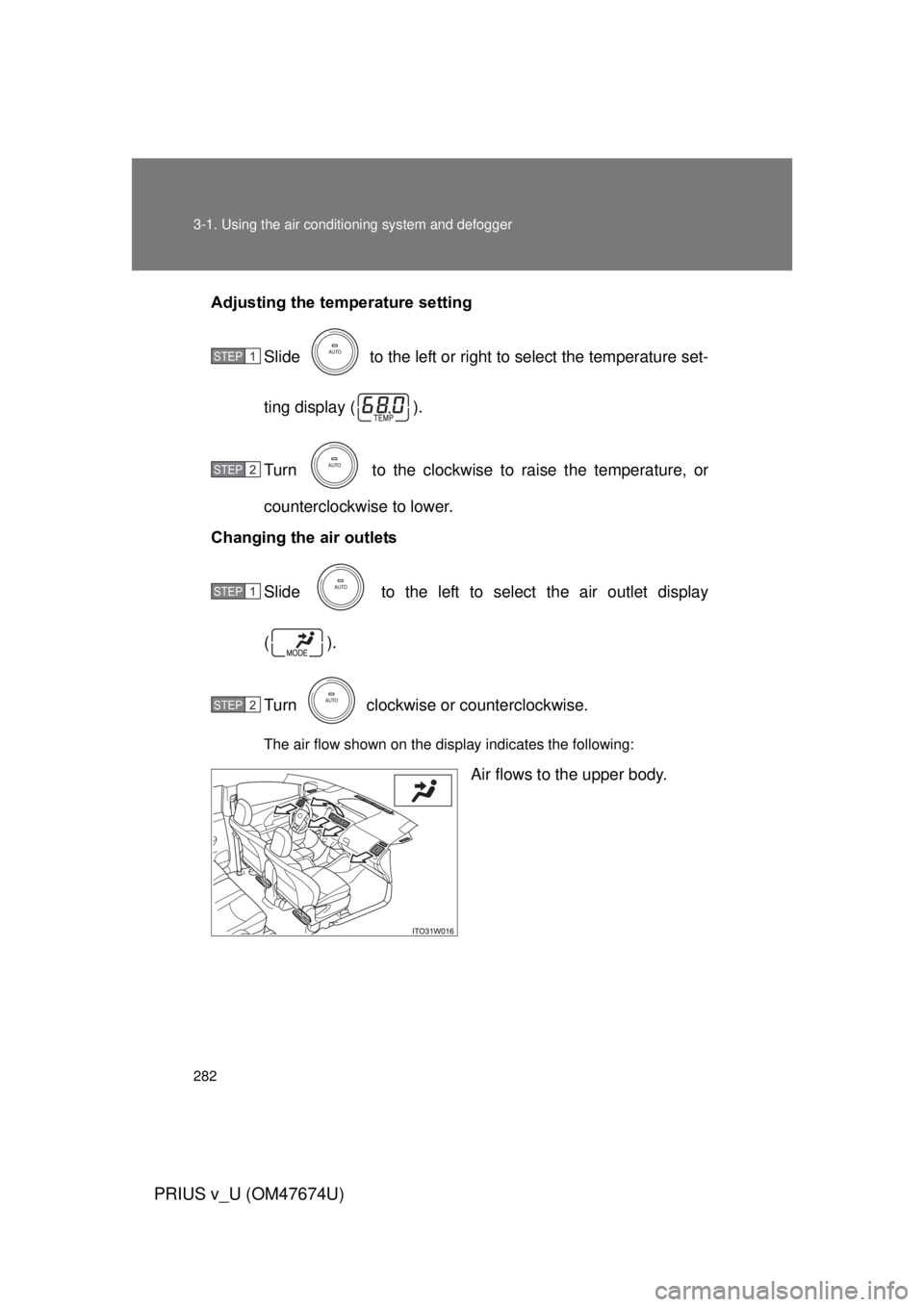
Adjusting the temperature setting
Slide to the left or right to select the temperature set-
ting display ( ).
Turn to the clockwise to raise the temperature, or
counterclockwise to lower.
Changing the air outlets
Slide to the left to select the air outlet display
().
Turn clockwise or counterclockwise.
The air flow shown on the display indicates the following:
Air flows to the upper body.
STEP 1
STEP 2
STEP 1
STEP 2
Page 314 of 564
314
3-5. Other interior features
PRIUS v_U (OM47674U)
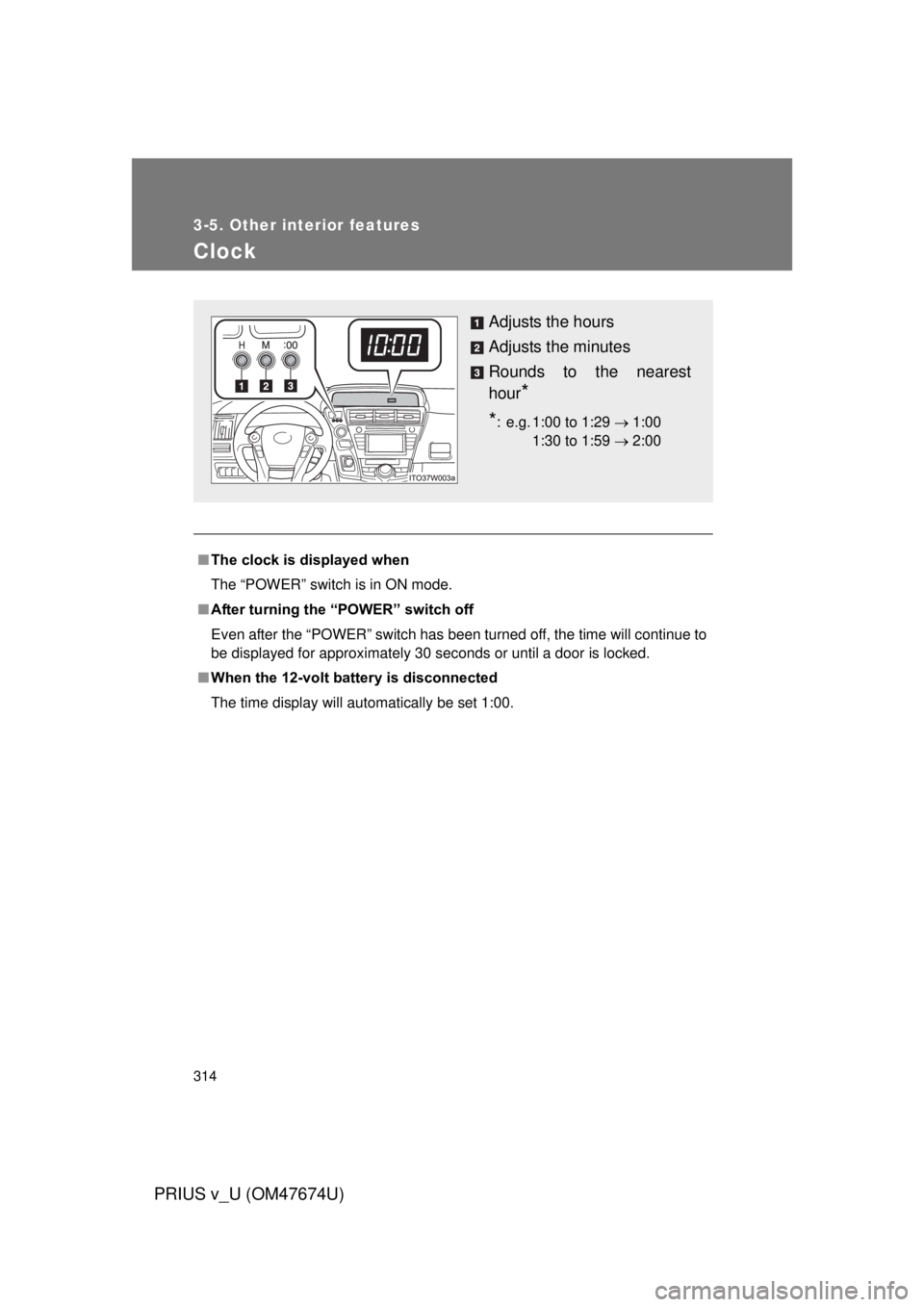
Clock
■The clock is displayed when
The “POWER” switch is in ON mode.
■ After turning the “P OWER” switch off
Even after the “POWER” switch has been turned off, the time will continue to
be displayed for approximately 30 seconds or until a door is locked.
■ When the 12-volt battery is disconnected
The time display will automatically be set 1:00.
Adjusts the hours
Adjusts the minutes
Rounds to the nearest
hour
*
*
: e.g. 1:00 to 1:29 1:00
1:30 to 1:59 2:00
Page 372 of 564
372 4-3. Do-it-yourself maintenance
PRIUS v_U (OM47674U)
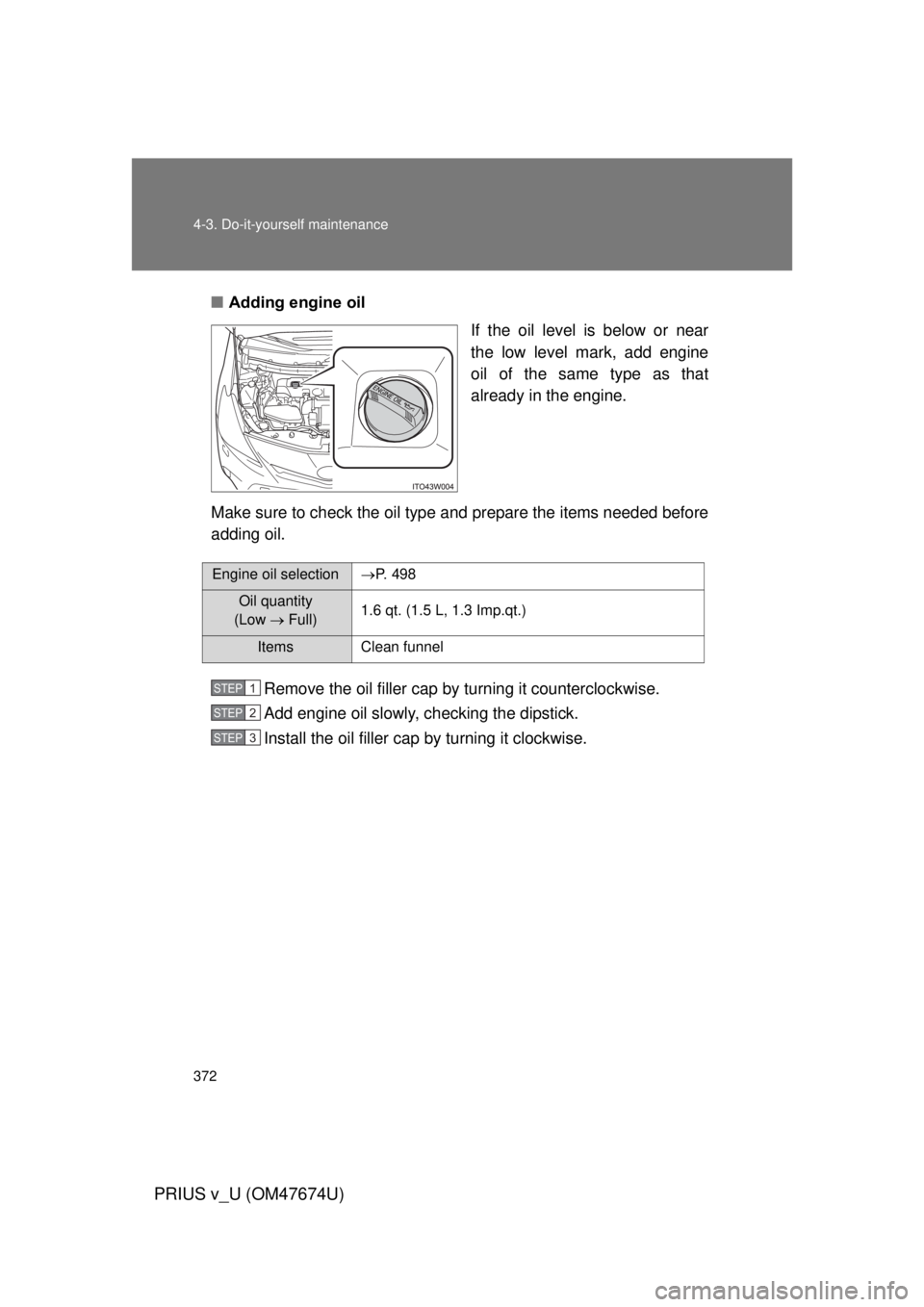
■Adding engine oil
If the oil level is below or near
the low level mark, add engine
oil of the same type as that
already in the engine.
Make sure to check the oil type and prepare the items needed before
adding oil.
Remove the oil filler cap by turning it counterclockwise.
Add engine oil slowly, checking the dipstick.
Install the oil filler cap by turning it clockwise.
Engine oil selectionP. 4 9 8
Oil quantity
(Low Full) 1.6 qt. (1.5 L, 1.3 Imp.qt.)
Items Clean funnel
STEP 1
STEP 2
STEP 3