ABS TOYOTA PROACE VERSO 2020 User Guide
[x] Cancel search | Manufacturer: TOYOTA, Model Year: 2020, Model line: PROACE VERSO, Model: TOYOTA PROACE VERSO 2020Pages: 418, PDF Size: 39.32 MB
Page 362 of 418
362
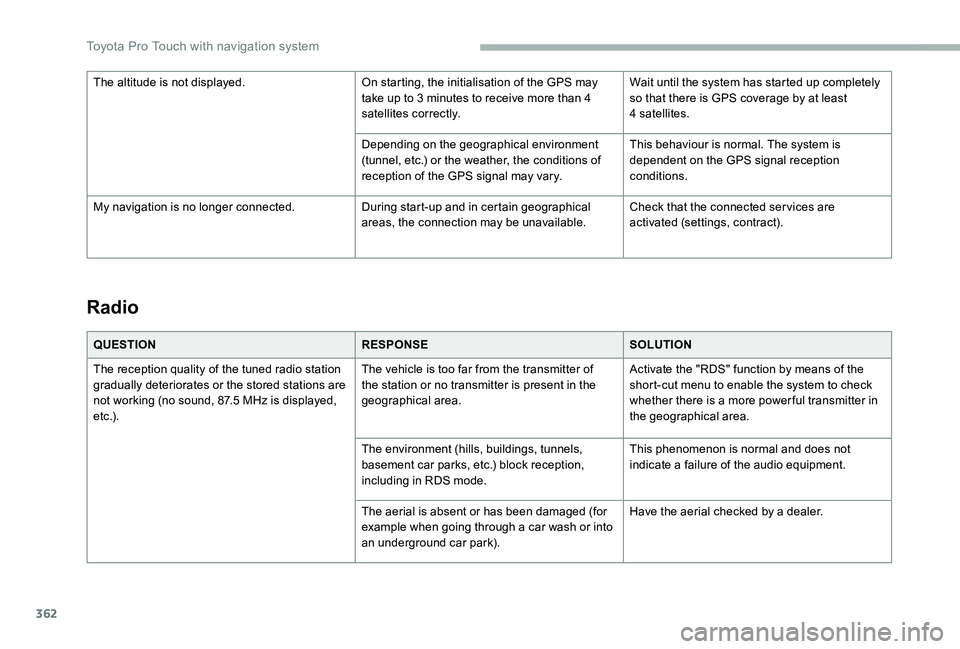
Radio
QUESTIONRESPONSESOLUTION
The reception quality of the tuned radio station gradually deteriorates or the stored stations are not working (no sound, 87.5 MHz is displayed, e t c .) .
The vehicle is too far from the transmitter of the station or no transmitter is present in the geographical area.
Activate the "RDS" function by means of the short-cut menu to enable the system to check whether there is a more power ful transmitter in the geographical area.
The environment (hills, buildings, tunnels, basement car parks, etc.) block reception, including in RDS mode.
This phenomenon is normal and does not indicate a failure of the audio equipment.
The aerial is absent or has been damaged (for example when going through a car wash or into an underground car park).
Have the aerial checked by a dealer.
The altitude is not displayed.On starting, the initialisation of the GPS may take up to 3 minutes to receive more than 4 satellites correctly.
Wait until the system has started up completely so that there is GPS coverage by at least 4 satellites.
Depending on the geographical environment (tunnel, etc.) or the weather, the conditions of reception of the GPS signal may vary.
This behaviour is normal. The system is dependent on the GPS signal reception conditions.
My navigation is no longer connected.During start-up and in certain geographical areas, the connection may be unavailable.Check that the connected ser vices are activated (settings, contract).
Toyota Pro Touch with navigation system
Page 367 of 418
367
To y o t a P r o To u c h
Multimedia audio system -
Applications - Bluetooth®
telephone
The various functions and settings described differ according to the version and configuration of the vehicle.
For safety reasons and because they require continued attention on the part of the driver, the following operations must be carried out with the vehicle stationary and the ignition on:- Using a smartphone.- Pairing a Bluetooth mobile phone to the hands-free Bluetooth system of the car radio.- Smartphone connection operations for CarPlay®, MirrorLinkTM or Android Auto (certain applications interrupt their display when the vehicle starts to move again).- The configuration of profiles.
The system is protected in such a way that it will only operate in the vehicle.The display of the message Energy Economy Mode signals that a change to standby is imminent.
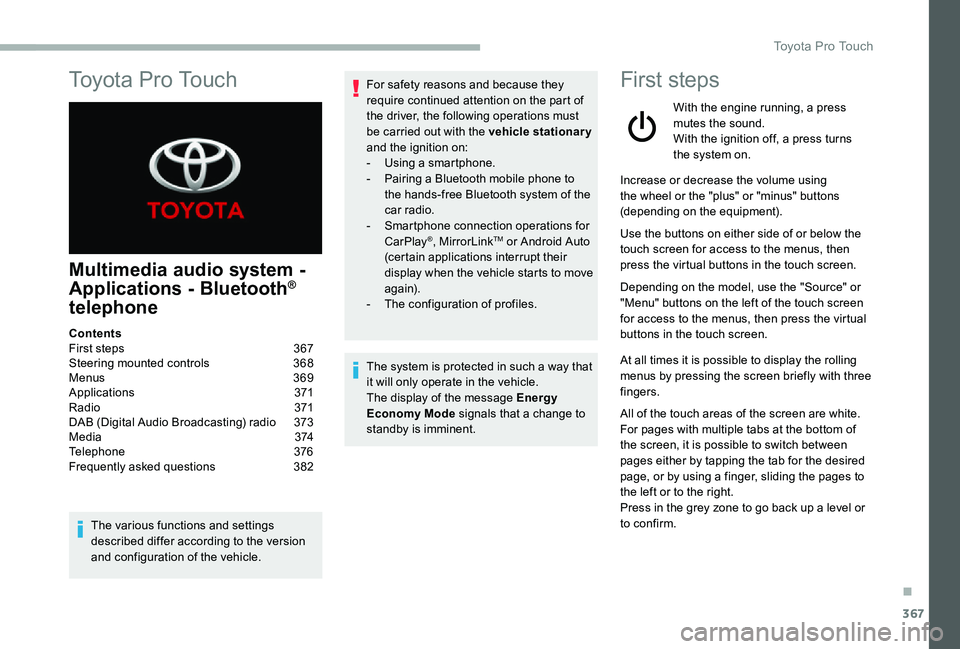
First steps
With the engine running, a press mutes the sound.With the ignition off, a press turns the system on.
Increase or decrease the volume using the wheel or the "plus" or "minus" buttons (depending on the equipment).
Use the buttons on either side of or below the touch screen for access to the menus, then press the virtual buttons in the touch screen.
Depending on the model, use the "Source" or "Menu" buttons on the left of the touch screen for access to the menus, then press the virtual buttons in the touch screen.
At all times it is possible to display the rolling menus by pressing the screen briefly with three fingers.
All of the touch areas of the screen are white.For pages with multiple tabs at the bottom of
the screen, it is possible to switch between pages either by tapping the tab for the desired page, or by using a finger, sliding the pages to the left or to the right.Press in the grey zone to go back up a level or to confirm.
ContentsFirst steps 367Steering mounted controls 368Menus 369Applications 371R adi o 371DAB (Digital Audio Broadcasting) radio 373M e d i a 3 74Telephone 376Frequently asked questions 382
.
Toyota Pro Touch
Page 383 of 418
383
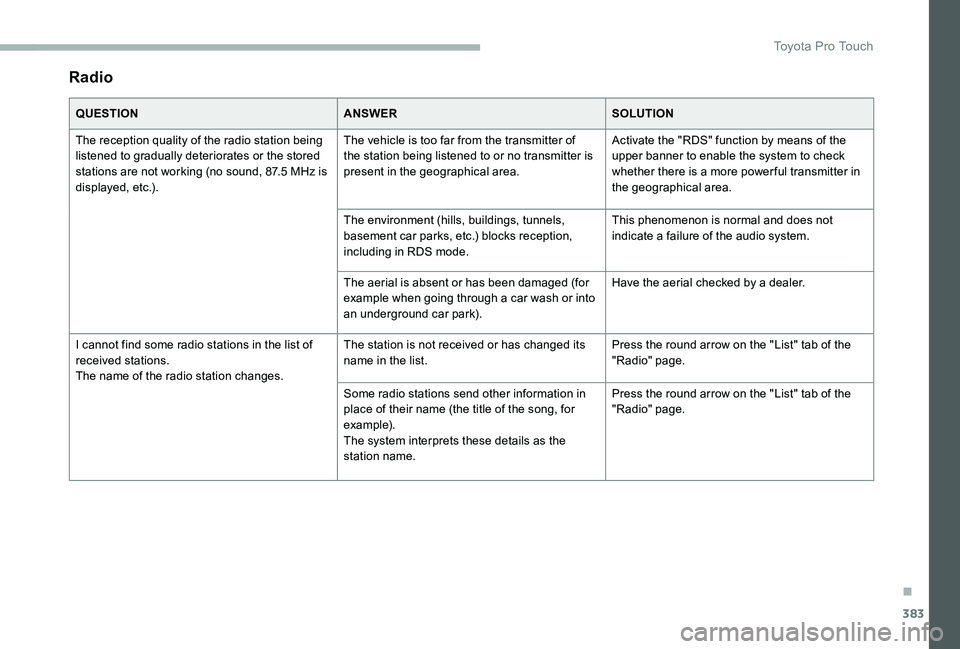
Radio
QUESTIONANSWERSOLUTION
The reception quality of the radio station being listened to gradually deteriorates or the stored stations are not working (no sound, 87.5 MHz is displayed, etc.).
The vehicle is too far from the transmitter of the station being listened to or no transmitter is present in the geographical area.
Activate the "RDS" function by means of the upper banner to enable the system to check whether there is a more power ful transmitter in the geographical area.
The environment (hills, buildings, tunnels, basement car parks, etc.) blocks reception, including in RDS mode.
This phenomenon is normal and does not indicate a failure of the audio system.
The aerial is absent or has been damaged (for example when going through a car wash or into an underground car park).
Have the aerial checked by a dealer.
I cannot find some radio stations in the list of received stations.The name of the radio station changes.
The station is not received or has changed its name in the list.Press the round arrow on the "List" tab of the "Radio" page.
Some radio stations send other information in place of their name (the title of the song, for example).The system interprets these details as the station name.
Press the round arrow on the "List" tab of the "Radio" page.
.
Toyota Pro Touch
Page 407 of 418
407
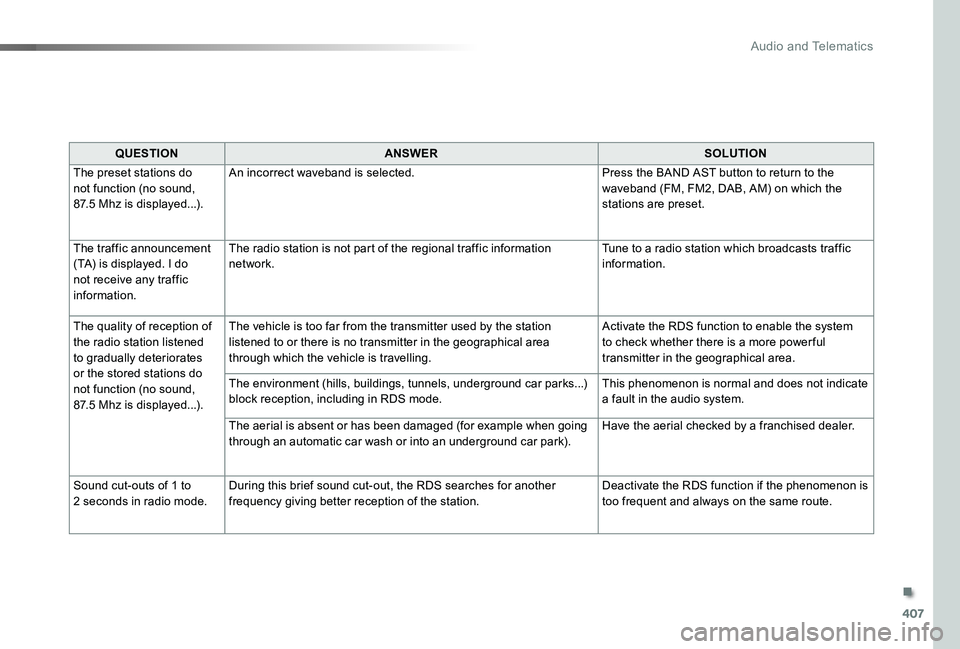
QUESTIONANSWERSOLUTION
The preset stations do not function (no sound, 87.5 Mhz is displayed...).
An incorrect waveband is selected.Press the BAND AST button to return to the waveband (FM, FM2, DAB, AM) on which the stations are preset.
The traffic announcement (TA) is displayed. I do not receive any traffic information.
The radio station is not part of the regional traffic information network.Tune to a radio station which broadcasts traffic information.
The quality of reception of the radio station listened to gradually deteriorates or the stored stations do not function (no sound, 87.5 Mhz is displayed...).
The vehicle is too far from the transmitter used by the station listened to or there is no transmitter in the geographical area through which the vehicle is travelling.
Activate the RDS function to enable the system to check whether there is a more power ful transmitter in the geographical area.
The environment (hills, buildings, tunnels, underground car parks...) block reception, including in RDS mode.This phenomenon is normal and does not indicate a fault in the audio system.
The aerial is absent or has been damaged (for example when going through an automatic car wash or into an underground car park).Have the aerial checked by a franchised dealer.
Sound cut-outs of 1 to 2 seconds in radio mode.During this brief sound cut-out, the RDS searches for another frequency giving better reception of the station.Deactivate the RDS function if the phenomenon is too frequent and always on the same route.
.
Audio and Telematics
Page 410 of 418
410
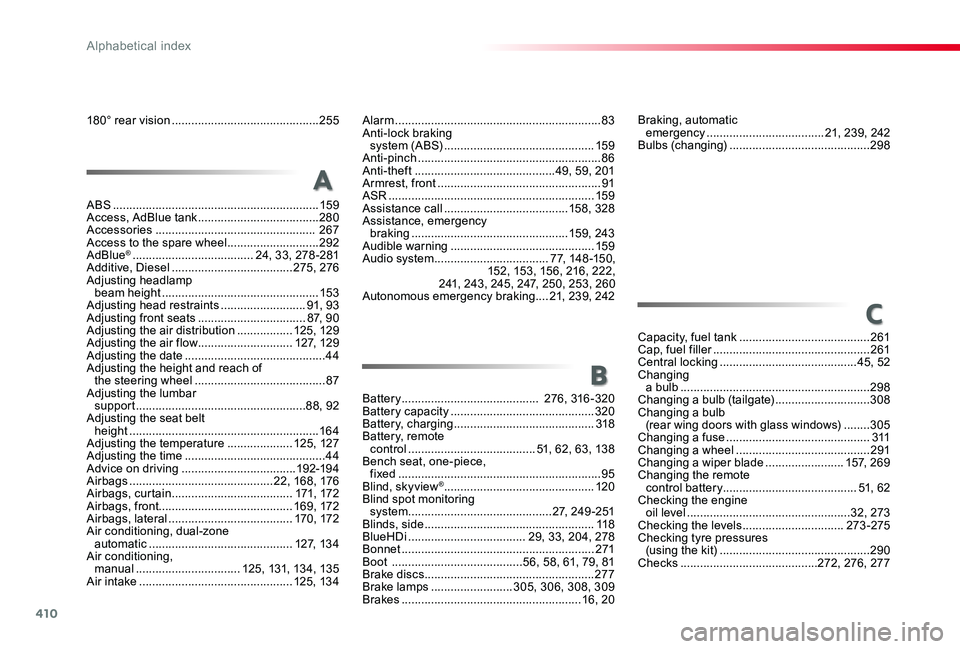
ABS ...............................................................159Access, AdBlue tank .....................................280Accessories ................................................. 267Access to the spare wheel ............................292AdBlue® .....................................24, 33, 278-281Additive, Diesel .....................................275, 276Adjusting headlamp beam height ................................................15 3Adjusting head restraints ..........................91, 93Adjusting front seats .................................87, 90Adjusting the air distribution .................125, 129Adjusting the air flow .............................127, 129Adjusting the date ...........................................44Adjusting the height and reach of the steering wheel ........................................87Adjusting the lumbar support ....................................................88, 92Adjusting the seat belt height ..........................................................16 4Adjusting the temperature ....................125, 127Adjusting the time ...........................................44Advice on driving ...................................192-19 4Airbags ............................................22, 168, 176Airbags, curtain .....................................171, 172Airbags, front.........................................169, 172Airbags, lateral ......................................170, 172Air conditioning, dual-zone automatic ............................................127, 134Air conditioning, manual ................................125, 131, 13 4, 13 5Air intake ...............................................125, 134
Alarm ...............................................................83Anti-lock braking system (ABS) ..............................................159Anti-pinch ........................................................86Anti-theft ...........................................49, 59, 201Armrest, front ..................................................91ASR ...............................................................159Assistance call ......................................15 8, 328Assistance, emergency braking ................................................159, 243Audible warning ............................................159Audio system ...................................77, 148-15 0, 152, 15 3, 15 6, 216, 222, 2 41, 243, 245, 247, 250, 253, 260Autonomous emergency braking ....21, 239, 242
A
C
B
Braking, automatic emergency ....................................21, 239, 242Bulbs (changing) ...........................................298
Capacity, fuel tank ........................................261Cap, fuel filler ................................................261Central locking ..........................................45, 52Changing a bulb ..........................................................298Changing a bulb (tailgate) .............................308Changing a bulb (rear wing doors with glass windows) ........305Changing a fuse ............................................311Changing a wheel .........................................291Changing a wiper blade ........................157, 269Changing the remote control battery.........................................51, 62Checking the engine oil level ..................................................32, 273Checking the levels ...............................273-275Checking tyre pressures (using the kit) ..............................................290Checks ..........................................272, 276, 277
Battery .......................................... 276, 316-320Battery capacity ............................................320Battery, charging ...........................................318Battery, remote control .......................................51, 62, 63, 13 8Bench seat, one-piece, fixed ..............................................................95Blind, skyview® ..............................................120Blind spot monitoring system ............................................2 7, 249-2 51Blinds, side ....................................................11 8BlueHDi ....................................29, 33, 204, 278Bonnet ...........................................................271Boot ........................................56, 58, 61, 79, 81Brake discs ....................................................277Brake lamps .........................305, 306, 308, 309Brakes .......................................................16, 20
180° rear vision .............................................255
Alphabetical index